Travelium - Trip Asia Landing Page
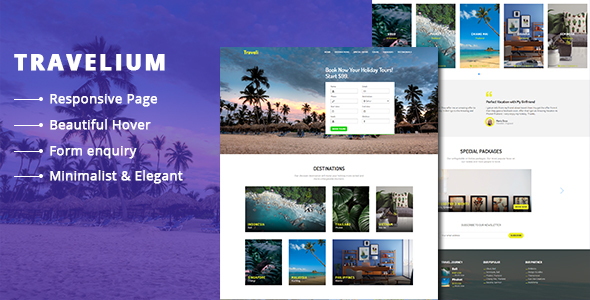

Travelium – Trip Asia Landing Page are contains a section by section preview destinations. This template also has a good HTML structure. If you see the code, it neatly arranged. So your eyes can see arranged class and arranged commented tag, then you can easy find the tag and edit it.
To change/edit the image banner for example, find class banner ( class=”banner” ) in index.html, open the css file, then find .banner (read: banner class) then change the background property. Or you can overwrite it, by adding attribute style=”background:url(yourpath/imgname.jpg)” inside of div banner. So the code will looks like below
<div class=”banner” id=”home” style=”background:url(yourpath/imgname.jpg);”></div>
This template includes:
- 1 html file ( one page )
- 5 css file
- 7 js file
- 1 php file
- fonts file
Also, booking form already set to send an email to notify when a user submitted but you need to edit the destination email that you want to send an email notification. You can do this by open and edit the php contact script ( postcontact.php ) then change email destination ( to: your@mail.com ). Notes, all images on the preview are not included in the downloaded file.


