Travelador - Blog Tourism & WooCommerce Shop Theme


Gutenberg Optimized & Latest WordPress Version
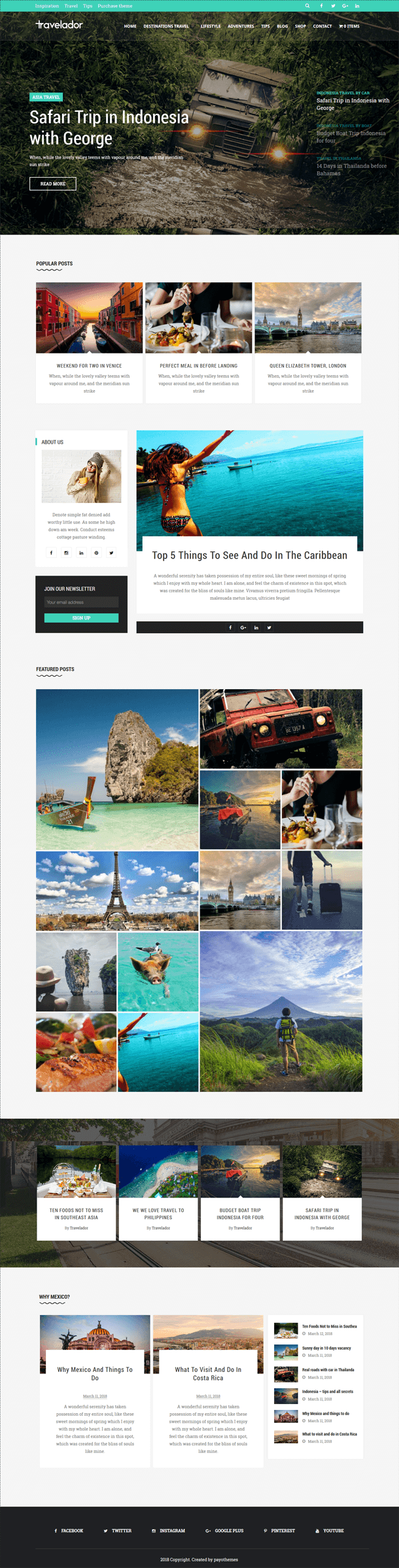
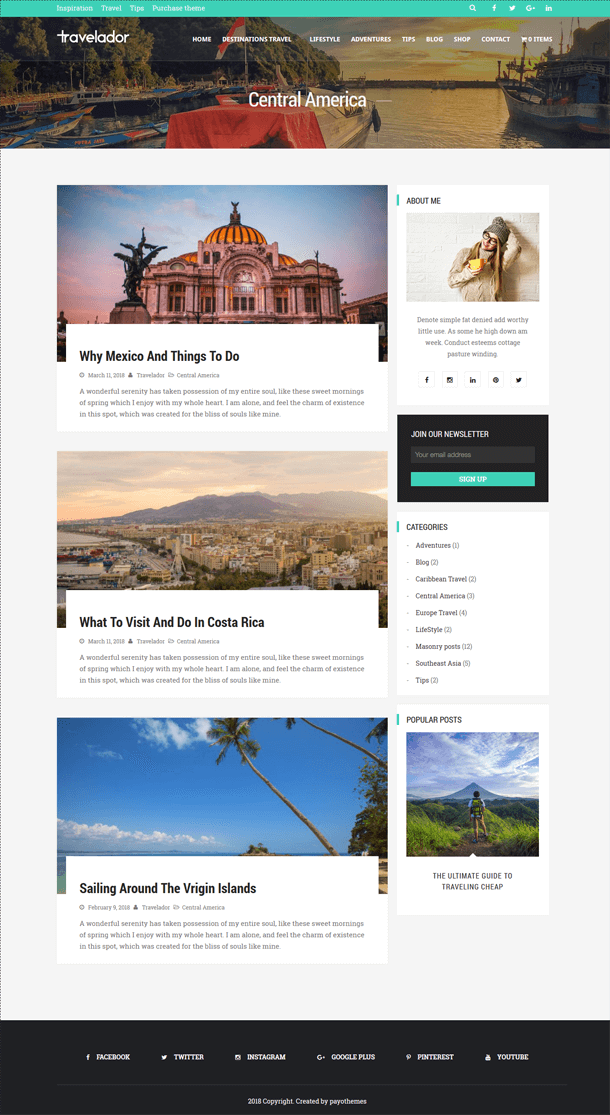
Travelador WordPress Blog Travel is a child theme of LayersWP, designed for blogs of all kinds, including personal, travel, cooking, and more. Built on the LayersWP framework and SiteOrigin builder, Travelador is a multi-purpose and responsive theme that allows you to create stunning web pages effortlessly. With features like multiple header styles, drag-and-drop Page Builder, SEO optimization, WooCommerce compatibility, and customizable widgets, it’s perfect for bloggers and creative users.
Features
- LayersWP Framework
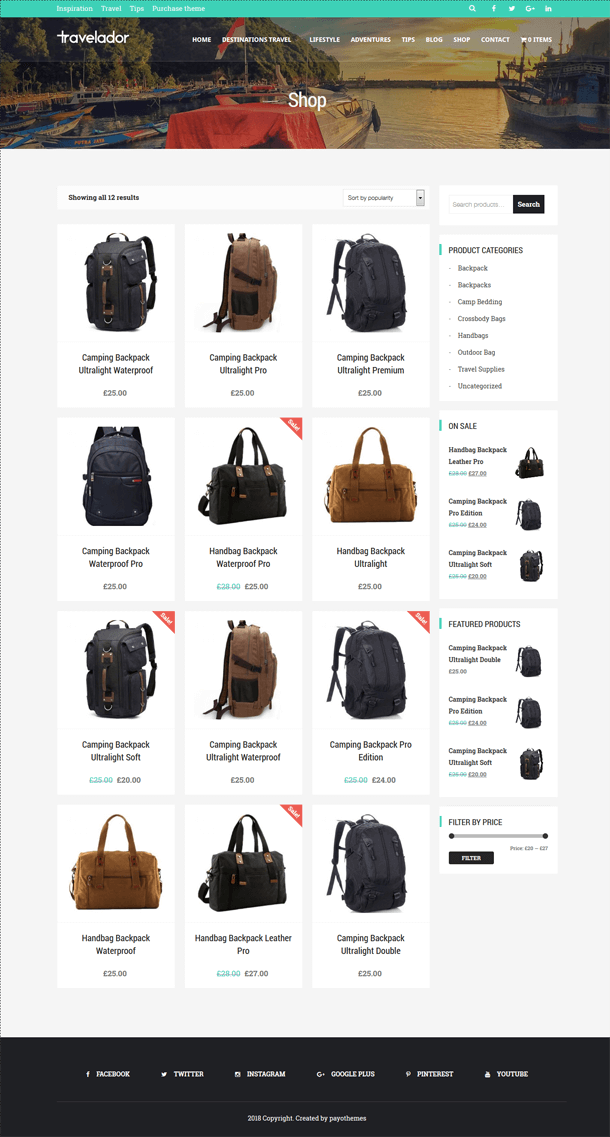
- WooCommerce Ready
- Responsive Design
- SiteOrigin Page Builder
- Fast Loading
- 6 Different Header Layouts
- Google Fonts Integration
- Background Parallax & Fixed Options
- Custom WooCommerce Design
- Homepage and Contact Page Builders
Ecommerce – WooCommerce
Create amazing shops with WooCommerce integration. Install, add your products, and your online store is ready to go!
Demo Import
Included in the package are XML import files for replicating the demo content. Use the WordPress Import Tool to import pre-built pages, sliders, and widgets with ease.
Support
If you have any questions, visit the Support Tab on the item page. Scroll down and click Go to Item Support for assistance.
Important
Our theme is based on Layers for Elementor framework. To get started:
- Install WordPress
- Download Layers from https://layerswp.com, install it as a theme, and skip setup.
- Upload and activate the Travelador theme from Appearance > Themes.
- Install and activate the required plugins from the left-side menu. If installation fails, use FTP to upload the Travelador folder to wp-content/themes.
- Enable WooCommerce for eCommerce functionality (optional).
- Customize your site in Appearance > Customizer (add logo, header type, footer widgets, etc.).
- Activate Livemesh Widgets and configure any additional settings.
- Import demo content from the included files.
- Create and assign your menu to the primary location.
- Customize your theme and start building your content.
Note: Some widgets, like Revolution Slider, require additional configuration (e.g., adding a shortcode). Detailed instructions are in the documentation.
Updates
Slider Revolution Plugin Updated Documentation updated with video tutorials for theme installation and demo import Pack updated to Layers for Elementor, with all related files modified Better CSS optimization implemented
Images

Note
Images are sourced from Pexels.com, free for personal and commercial use, and included in the package. Colors can be customized via the WordPress Customizer or style.css.
Info: If demo import issues arise (e.g., missing Revolution Slider), add the slider shortcode manually in Page Builder using a text widget.
$44 |
Download |
4 average based on 5 ratings.

| Last Update | 2024-11-21 |
| Created | 2018-03-26 |
| Sales | 91 |
| Discussion | Comments |
| Columns | |
| Compatible Browsers | IE8 IE9 IE10 IE11 Firefox Safari Opera Chrome Edge |
| Software Version | WordPress 6.6.x WordPress 6.5.x |
| Compatible With | bbPress 2.5.x Elementor Gravity Forms Layers WP WP EasyCart |
| Documentation | Well Documented |
| Framework | Layers WP |
| Gutenberg Optimized | Yes |
| High Resolution | Yes |
| Layout | Responsive |
| ThemeForest Files Included | PHP Files CSS Files JS Files |
| Widget Ready | Yes |


