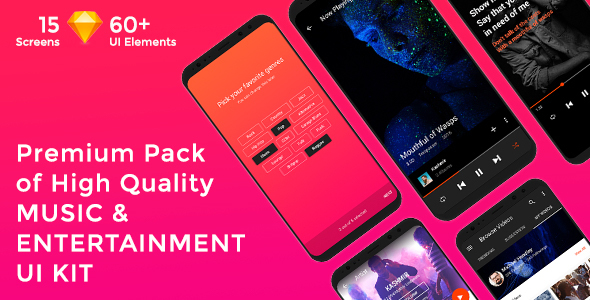
Musica - Music , Video & Entertainment UI KIT for Sketch


How To Use Sketch Files
You just need to download some appropriate images from the image bank or given below links (www.shutterstock.com or www.pexels.com ). Just place the images into sketch file. You can also edit any text, Navigation Menu, color or any font file by double click and change the same. Make sure your image sizes are as per the mentioned sizes in the sketch file. You can also download the trial version of sketch from here.
https://www.sketchapp.com/
Sketch Version
40+
Graphic Used
Many thanks for these great images to: www.shutterstock.com
Note: All images are just used for Preview Purpose Only. They are not part of the website template and NOT included in the final purchase files.
Fonts Used
You need to install below Font before use Music & Entertainment UI Kit
- Roboto (Google Fonts)
0 average based on 0 ratings.

| Last Update | 2018-06-20 |
| Created | 2018-06-20 |
| Sales | 12 |
| Discussion | Comments |
| Software Version | Sketch |
| Graphics Files Included | SKETCH file |


