Firefront - Fire & Security Services WordPress Theme
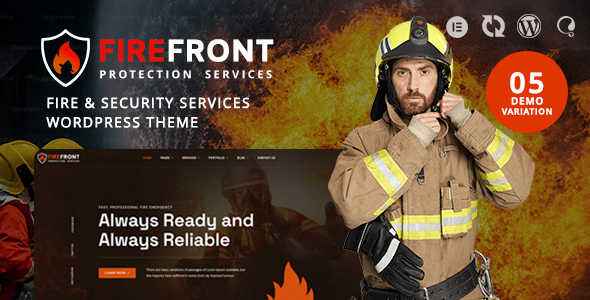

Firefront is a Fire & Security Services WordPress Theme designed for fire protection companies, security service providers, fire safety consultants, alarm installation businesses, and emergency protection professionals. With an industry-focused design approach, Firefront helps businesses create a professional online presence to showcase their services, communicate safety expertise, and build trust with potential customers. Whether you provide fire alarm installation, security system solutions, fire prevention services, surveillance equipment, or commercial safety inspections, Firefront offers a website foundation for presenting your business information, service offerings, and customer contact details. Create a professional fire safety and security services website that helps visitors understand your expertise, explore your solutions, and connect with your company.


Who Is Firefront Perfect For?
Firefront is designed for businesses and professionals working in fire protection, security services, and safety solutions. Its industry-specific positioning makes it suitable for companies that want to present their services, explain their expertise, introduce their team, and provide visitors with clear information about their safety solutions.
- Fire protection companies and fire safety service providers.
- Fire alarm installation and maintenance businesses.
- Security system installation companies.
- Commercial and residential security service providers.
- CCTV surveillance and monitoring businesses.
- Fire safety consultants and inspection professionals.
- Access control and building security specialists.
- Agencies and freelancers creating websites for fire and security businesses.
Designed for Fire Protection & Security Services
Fire safety and security businesses need a website that communicates professionalism, reliability, and the importance of their services. Firefront is positioned around fire protection and security service businesses, helping companies organize their service information and present their solutions in a professional online environment.
- Showcase Fire Protection Services: Present fire safety solutions, alarm installation, inspection services, and maintenance offerings through clearly organized website content.
- Promote Security Solutions: Introduce CCTV systems, access control, surveillance solutions, and other security services offered by your company.
- Build Business Credibility: Present your company information, professional experience, service details, and contact information in a consistent website design.
- Generate Service Inquiries: Organize your website around service information and contact opportunities to help potential customers connect with your business.
- Support Commercial and Residential Clients: Adapt your website content to explain the fire safety and security services available for different property types and customer requirements.
Fire Safety Website Pages & Service Presentation
Create a website structure that helps visitors understand your fire protection and security services. Organize your content around the solutions your company provides, the types of properties you serve, and the professional expertise behind your business.
Use dedicated service pages to explain your offerings and provide visitors with relevant information before they contact your company. A clear presentation can help customers identify the services they need and understand how your business supports their fire safety and security requirements.
- Present fire alarm installation, inspection, and maintenance services.
- Introduce security systems, CCTV surveillance, and access control solutions.
- Organize company information and professional service descriptions.
- Highlight your experience and service areas through website content.
- Provide clear contact information for customer inquiries and service requests.
Website Layouts & Customization Workflow
Firefront provides an industry-specific starting point for building a fire protection and security services website. Use the theme’s available layouts and WordPress customization workflow to organize your pages around your company’s services, business information, and customer requirements.
Customize your website content with your own service descriptions, images, company details, and branding. Adapt the presentation to your business focus, whether you specialize in fire prevention, security installations, alarm systems, surveillance, or commercial safety services.
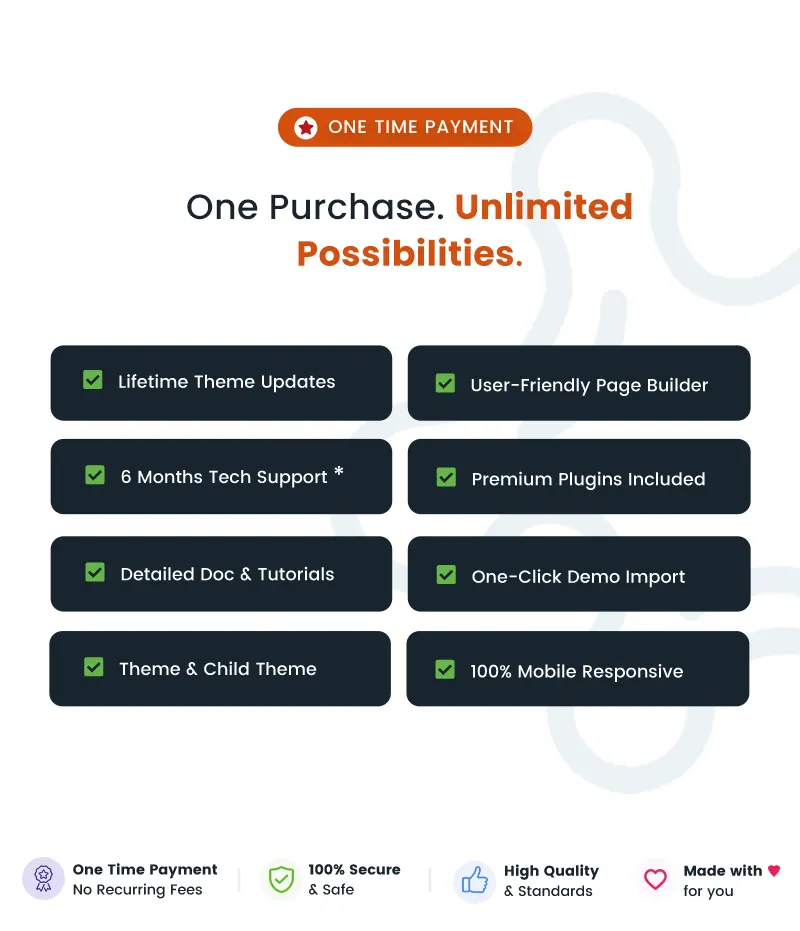
For available demo layouts, demo import options, and supported customization tools, refer to the Firefront product listing and online documentation.
Customization & WordPress Website Building
Build your fire and security services website using WordPress and the customization options available with Firefront. Adapt your website content and page presentation to match your business identity, service categories, and customer communication needs.
Use your WordPress editing workflow to update page text, images, service descriptions, and company information. Organize your content into clear sections so visitors can navigate your website and learn about your fire protection or security solutions.
Review the theme documentation for details about its supported editors, customization options, and installation requirements before configuring your website.
Header, Navigation & Website Layout
Organize your fire protection and security website around the information customers need most. Use your available WordPress navigation and layout settings to provide access to important pages such as services, company information, projects, and contact details.
A clear website structure helps visitors explore your service categories and find relevant business information. Arrange your navigation around your company’s main offerings, including fire safety systems, security installations, inspection services, and maintenance solutions where applicable.
Refer to the Firefront documentation for theme-specific header, footer, navigation, and layout customization instructions.
Fire Protection Services, Company Content & SEO Readiness
Firefront is intended for businesses that need to communicate fire safety and security services through a professional website. Use your content to explain the solutions you provide, describe your service process, introduce your company, and answer common customer questions.
Create informative pages around fire alarm systems, fire prevention, security installation, surveillance solutions, and other services relevant to your business. Organize your website content into clear headings, descriptive paragraphs, and useful service information to support a search-friendly website structure.
Publish company updates, safety information, service articles, and relevant business content to help visitors understand your expertise. Search visibility depends on your content quality, website configuration, competition, and other factors; no specific ranking or traffic outcome is guaranteed.
Typography, Colors & Visual Customization
Create a visual identity that reflects your company’s professionalism and approach to fire safety and security. Use your brand colors, business imagery, service descriptions, and available WordPress styling controls to personalize your website.
Maintain a consistent presentation across your service pages, company information, and contact sections. Choose imagery and content that accurately represent your business and the services you provide, helping visitors understand your company’s focus and capabilities.
Theme-specific typography, color settings, and styling options can be reviewed in the Firefront product information and documentation.
Responsive Design & Compatibility
Customers may need to find fire safety and security service information while browsing from different devices. Build your website with a responsive browsing experience in mind so visitors can explore your business information, service descriptions, and contact details on desktop computers, tablets, and mobile phones.
Use your WordPress content and available theme layouts to keep important information organized and accessible across your website. Review the product documentation for details about supported browsers, responsive settings, and plugin compatibility.
For information about specific page builders, multilingual support, WooCommerce integration, or additional plugins, refer to the official Firefront product listing and documentation rather than assuming compatibility.
Performance-Conscious Website Development
Create a practical website foundation for your fire protection and security business by maintaining organized content, appropriately sized images, and a well-managed WordPress installation.
Website performance depends on your hosting environment, media files, active plugins, theme configuration, and other implementation factors. Use optimized images, maintain your WordPress installation, and review your website configuration to support a reliable browsing experience.
For details about the theme’s implementation, supported requirements, and recommended setup, consult the official product documentation.
Additional Features & Long-Term Value
Firefront provides an industry-focused website foundation for businesses working in fire protection and security services. Adapt your website to your company’s requirements by organizing relevant service information, company content, and customer contact details.
- Fire protection and security services website positioning.
- Industry-specific website presentation for fire safety businesses.
- Content organization for service descriptions and company information.
- Customizable website content and business branding.
- Service-focused pages for fire protection and security solutions.
- WordPress website management and content editing workflow.
- Theme documentation and product support resources.
Documentation, Support & Pre-Sales Help
Use the available ZozoThemes resources to learn how to install Firefront, configure your website, customize supported layouts, and troubleshoot theme-related questions. Review the documentation for setup guidance, contact the support center for assistance, and check the changelog for product updates.
- Need Help Choosing the Right Theme? Contact Us
- Online Documentation: View Documentation
- Support Center: Open Support Ticket
- Changelog: View Changelog
Why Choose Firefront?
- Industry-Specific Website Design: Position your business around fire protection, security services, and safety solutions.
- Service-Focused Presentation: Organize fire safety, alarm installation, surveillance, and security service information.
- Professional Business Identity: Present your company information, expertise, and service offerings through a consistent website design.
- Flexible Content Structure: Build pages around your business services, company details, and customer information requirements.
- Fire and Security Business Positioning: Adapt your website content to commercial, residential, and professional safety service audiences.
- WordPress Website Management: Manage your business content through the WordPress website workflow.
- Customer Inquiry Opportunities: Organize service details and contact information to help visitors connect with your company.
- Documentation and Support: Access the Firefront documentation, support center, and changelog for theme-related assistance.
Frequently Asked Questions
- Is Firefront suitable for fire protection and security companies?
Yes. Firefront is positioned as a Fire & Security Services WordPress Theme for businesses offering fire protection, security systems, alarm installation, surveillance, and related safety services. - Can I use Firefront for a fire alarm installation business?
Yes. You can organize your website content around fire alarm installation, inspection, maintenance, and other services provided by your business. - Can Firefront be used for CCTV and security system services?
Firefront’s industry focus is suitable for security service businesses. You can present CCTV, surveillance, access control, and other security solutions through your website content, depending on the services your company provides. - Does Firefront include a page builder?
Specific page builder compatibility should be confirmed through the official Firefront product listing and documentation. Review the supported editing tools before purchasing or installing the theme. - Does Firefront include one-click demo import?
Demo import availability and setup instructions should be checked in the official Firefront product information and documentation. These resources provide the appropriate guidance for getting started with the theme. - Is Firefront suitable for commercial and residential security businesses?
Yes. Its fire and security services positioning can be adapted for businesses serving commercial properties, residential customers, and other audiences that require security or fire protection services. - Where can I find Firefront documentation and support?
Visit the Firefront online documentation for setup and customization guidance, or submit a ticket through the ZozoThemes support center. The changelog provides information about product updates.
Support
We would be happy to help you solve any issues. If you have any questions, ideas or suggestions, please create a ticket through our support center.Changelog
View full changelog here: View Updates
$59 |
Download |
5 average based on 4 ratings.

| Last Update | 2026-11-05 |
| Created | 2024-12-18 |
| Sales | 66 |
| Discussion | Comments |
| Columns | 4+ |
| Compatible Browsers | Firefox Safari Opera Chrome Edge |
| Software Version | WordPress 7.1.x WordPress 7.0.x WordPress 6.9.x WordPress 6.8.x WordPress 6.5.x WordPress 6.4.x |
| Compatible With | Contact Form 7 Elementor Elementor Pro WooCommerce 10.x.x WPML Bootstrap 5.x |
| Documentation | Well Documented |
| Framework | |
| Gutenberg Optimized | Yes |
| High Resolution | Yes |
| Layout | Responsive |
| ThemeForest Files Included | PHP Files HTML Files CSS Files JS Files |
| Widget Ready | Yes |


