Evencof - Event & Conference Elementor Template Kit


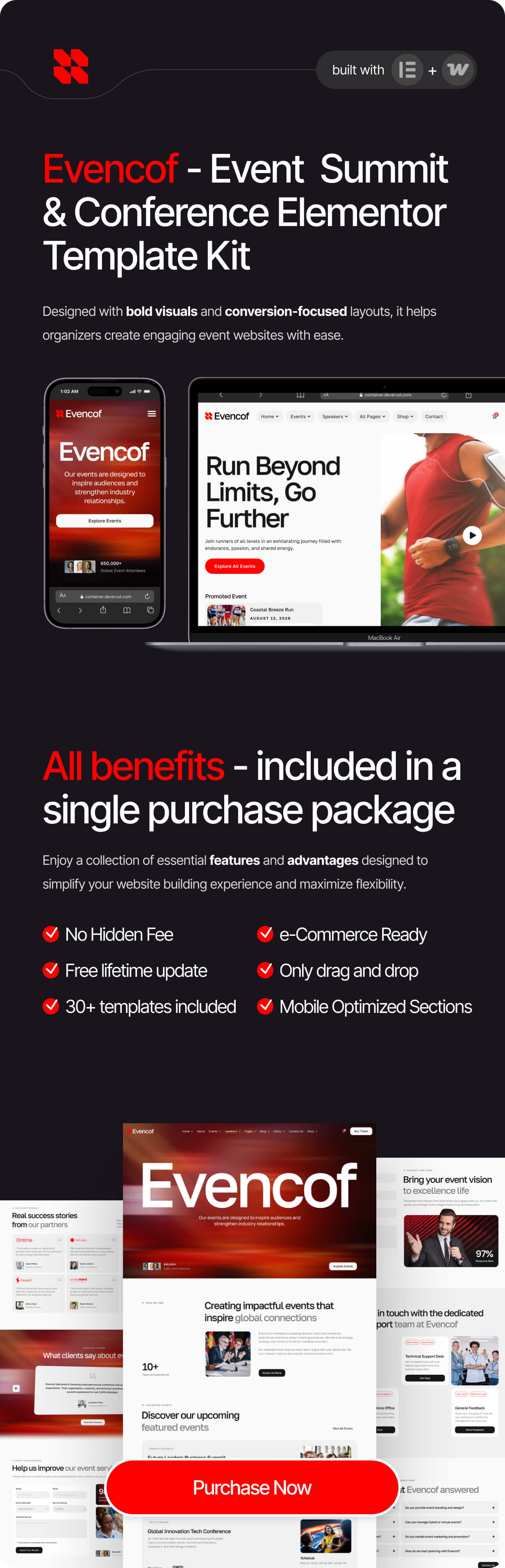
Evencof — a clean, modern, and fully customizable Event & Conference Template Kit designed to help you launch stunning event websites with speed and confidence. With 30+ thoughtfully crafted pages, Evencof covers every touchpoint of the event experience. Whether you are organizing a large-scale corporate conference, an intimate professional seminar, a multi-day summit, or a virtual webinar series, Evencof gives you the design foundation to present your event with authority and style.
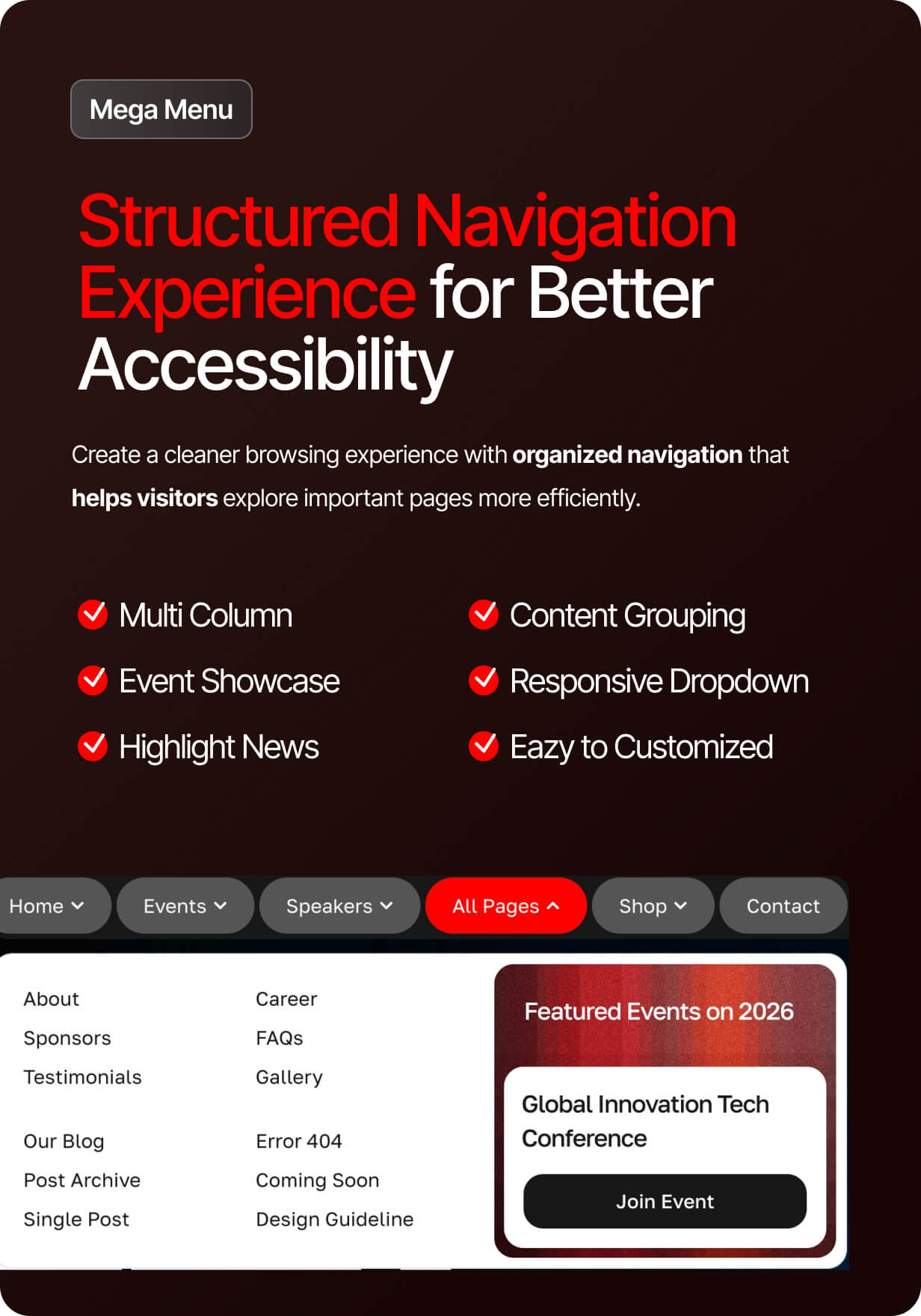
Every detail of Evencof has been crafted with purpose. The layout is built on a solid Design System, ensuring visual consistency across all 30+ pages, while clean typography with optimal readability keeps your audience engaged and guides them naturally toward action. The lead generation optimized layout strategically places calls-to-action, speaker highlights, agenda sections, and registration forms to maximize conversions. Evencof is also engineered with optimized breakpoints for a superior experience across all devices — from widescreen desktops to the smallest smartphones — so your attendees always get a seamless, polished interface no matter how they access your event page.
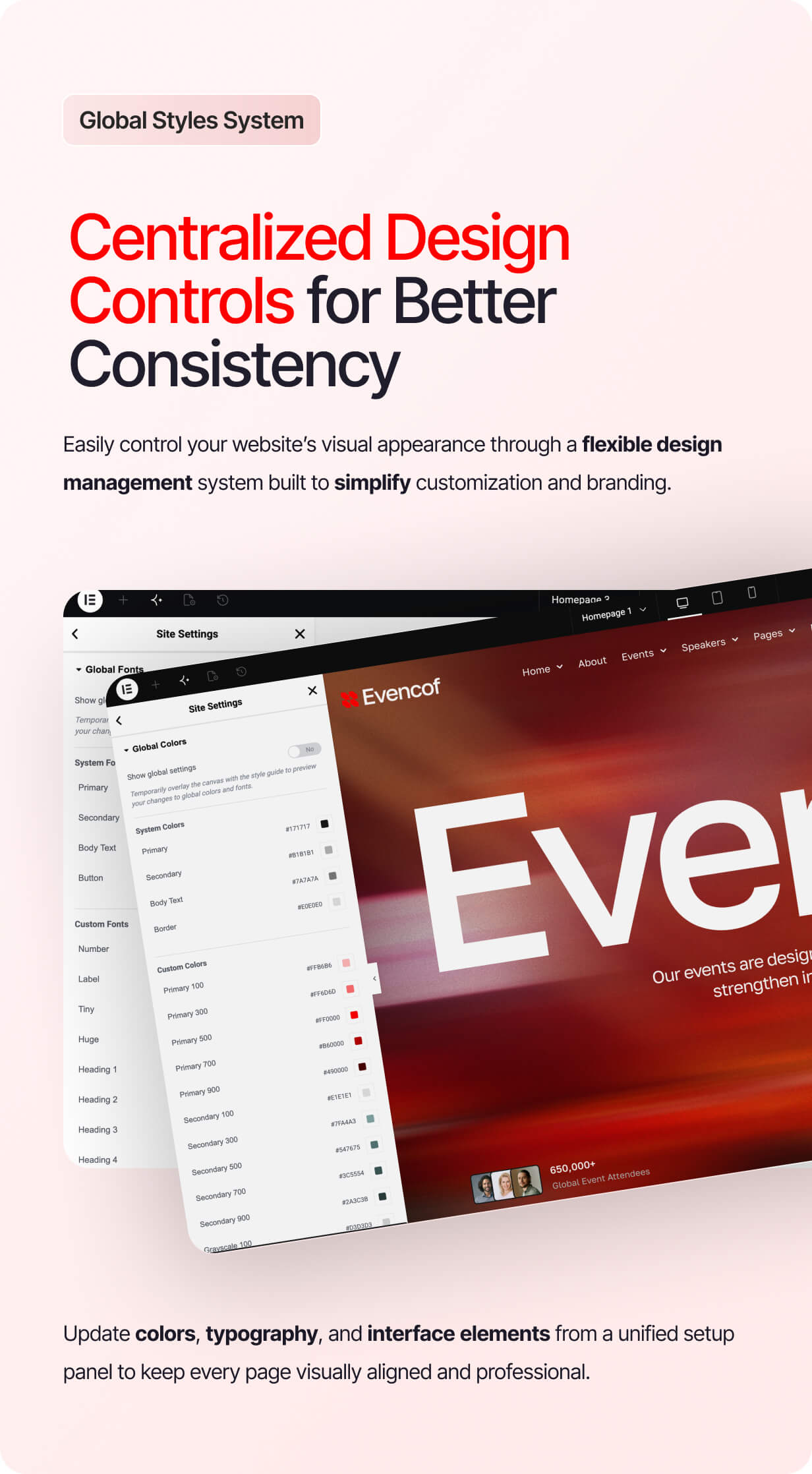
Built for real-world use, Evencof has been put through extensive testing across all major browsers and versions, ensuring rock-solid performance and visual fidelity wherever your visitors land. The template is fully customizable, making it easy to adapt colors, typography, content, and layout to match your brand without breaking a sweat. A handy one-click to-top navigation improves usability on content-rich pages, keeping your audience comfortable as they explore schedules, speaker bios, and venue details.
Evencof is more than a template — it is a complete event website system ready to work the moment you need it most.
 |  |

❇️ Created For:
- Corporate Conferences & Summits
- Virtual & Hybrid Webinars
- Event Management
✨ Features:
- Unique & Clean Design
- Modern design based on design system
- 30+ ready to use templates
- Unlimited colors
- More than 900 ready fonts
- Fully Responsive Layout
- Fully Customizable
- Click to Go To Top
- Sticky Header
- Cross Browser Compatibility: Chrome, Firefox, Safari, Opera
✅ Templates Included:
- Global Theme Style
- Design Guideline
- Homepage 1
- Homepage 2
- Homepage 3
- 404
- About
- Career
- Cart
- Checkout
- Coming Soon
- Contact Us
- Coupon Trial
- Event Detail
- FAQ
- Footer
- Gallery
- Header 1
- Header 2
- Header 3
- Header Shop
- Login Demo
- Login
- Merchandise Loop
- My Account
- Our Blog
- Our Events
- Our Speaker
- Post Archice
- Product Archive
- Product Loop Dashboard
- Purchase Summary
- Shop Storefront
- Single Post
- Single Product
- Speaker Detail
- Sponsor
- Terms and Conditions
- Testimonials
⌛️ Required Plugin:
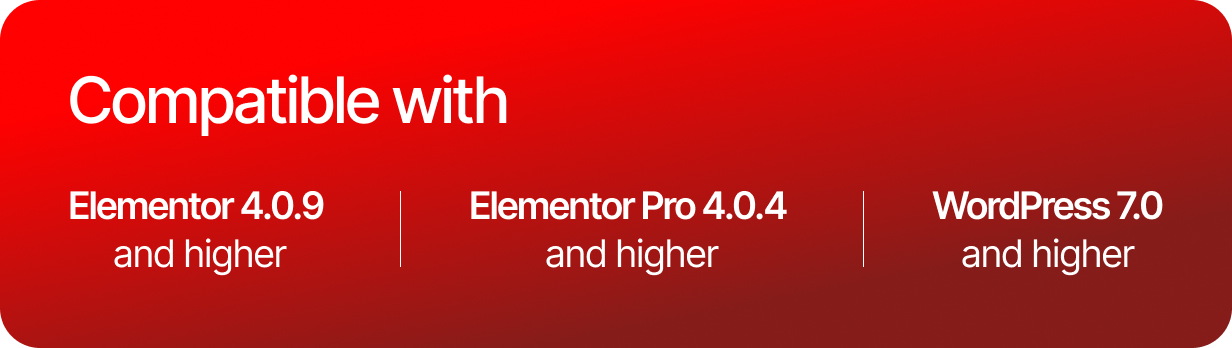
- Elementor
- Elementor Pro
- WooCommerce
How to Install:
Install and Activate the “Template Kit Import” plugin from Plugins by Envato > Add New in WordPress
Do not unzip
Go to Elements > Installed Kits and click the Upload Template Kit button.
Before importing a template, ensure the Install Requirements button is clicked to activate required plugins
For best results, do not import more than one template at a time.
Go to Pages and create a new page and click Edit with Elementor
Click the gear icon at lower-left of the builder to view page settings and choose Elementor Full Width and hide page title
Click the gray folder icon to access My Templates tab and then Import the page you’d like to customize
IMPORTANT
This Template Kit uses demo images from Envato Elements. You will need to license these images from Envato Elements to use them on your website, or you can substitute them with your own.
https://app.envato.com/shared/workspaces/54ad5510-2ef0-4033-9e41-5b259e426065
$24 |
Download |
0 average based on 0 ratings.

| Last Update | 2026-05-23 |
| Created | 2026-05-23 |
| Sales | 0 |
| Discussion | Comments |
| Kit Certified | No |
| Requires Premium Plugins | Elementor Pro |
| Software Version | Elementor 3.10.x |
| Template Kit Type | Envato Template Kit |


