Auto Spa - Car Wash WordPress Theme


Car wash, auto detailing and car cleaning services. Auto Spa is the most popular and #1 selling car wash WordPress theme, fully versatile and easy to adapt to a wide range of automotive applications. With the integrated booking system, your customers can place an order, schedule a service and make a payment directly through your WordPress website.
Designed for car wash service, car care and auto detailing websites, including a full spectrum of related maintenance services such as car interior cleaning, car leather cleaning, car paint correction and ceramic coating, as well as mechanical service pages like car engine detail, car windshield replacement, car air conditioning repair, or wheels & tires repair. Perfect for both stationary and mobile services.
 Latest Version: 9 July 2026 – v3.9. Check the changelog
 Latest Version: 9 July 2026 – v3.9.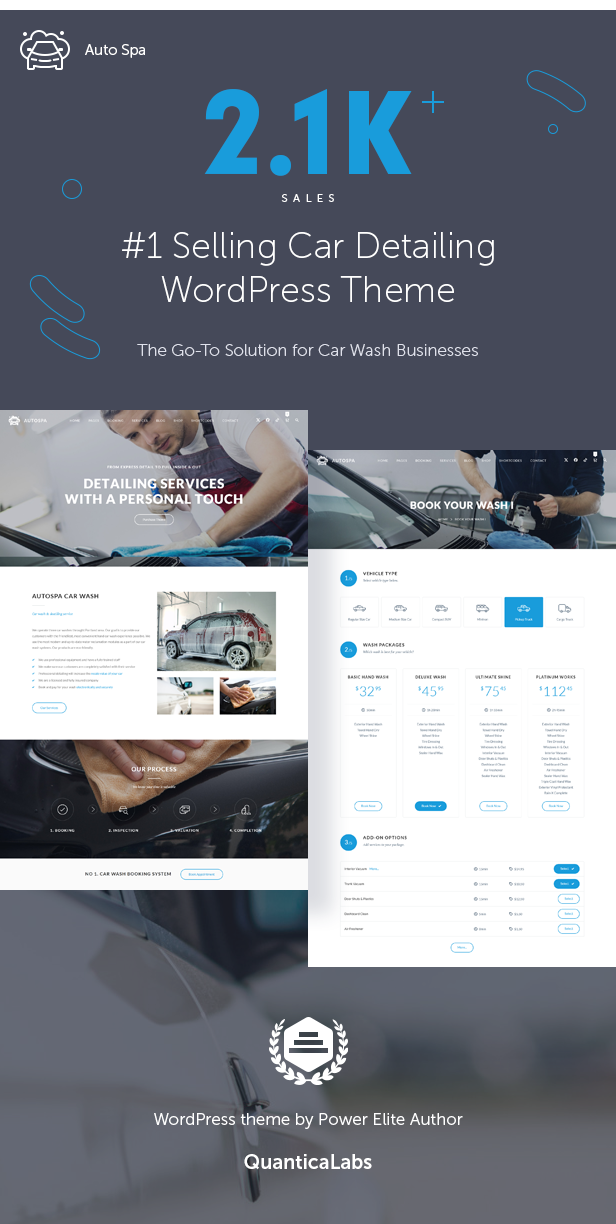
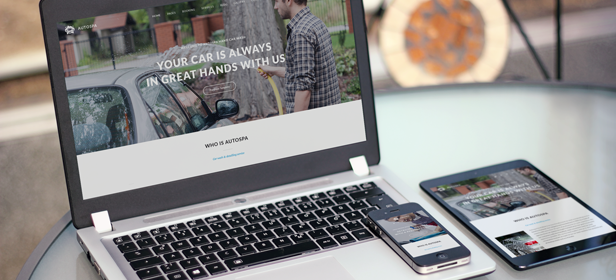
Responsive Layout
Auto Spa features a fully responsive design, ensuring that every page element adapts seamlessly to any screen size or mobile device. If needed, the responsive mode can be disabled in the Theme Options Panel.
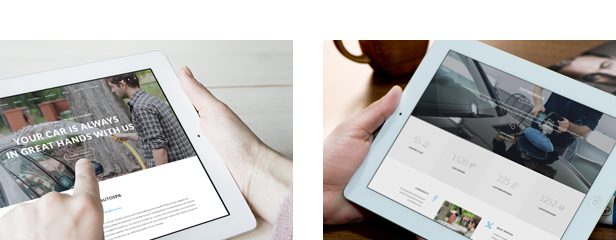
Slider Revolution / Retina Ready
Easily customize or create stunning sliders with the included #1 top-selling Slider Revolution Responsive WordPress Plugin (a $109 value). Auto Spa is also retina ready, ensuring your site looks sharp and crisp on any display, regardless of resolution.
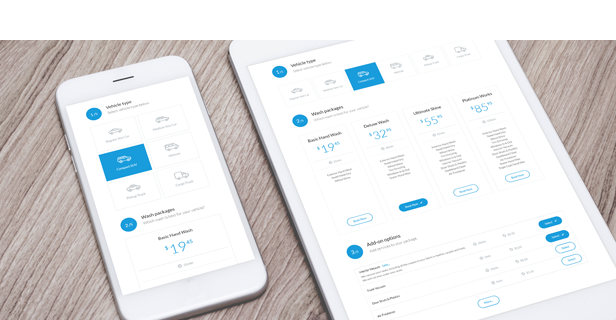
Built-in Car Wash Booking System
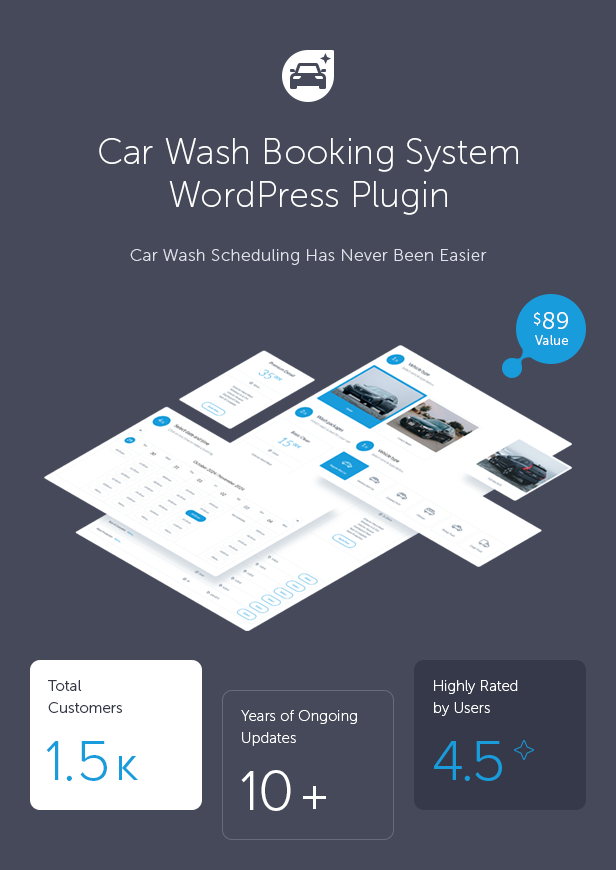
Auto Spa comes with the Car Wash Booking System for WordPress plugin (a $89 value) fully integrated with the theme. It allows you to set up a complete car wash reservation system on your website. The plugin offers a simple, step-by-step booking process with online payments, email and SMS notifications, WooCommerce and Google Calendar integration, and an intuitive backend administration panel.
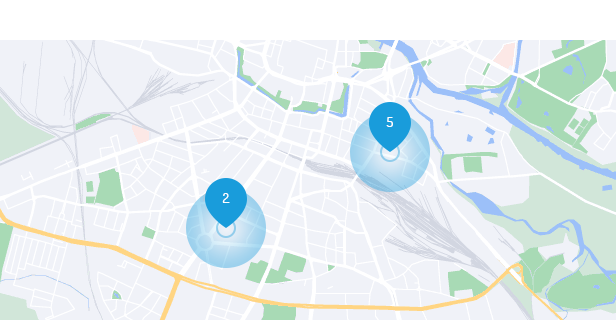
Locations
The Locations module allows you to create an unlimited number of customized booking forms, each with its own independent settings. You have full control over options such as form currency, tax rates, whether to display packages and/or services, and the overall look and feel of the booking form. You can also fine-tune availability rules, calendar behavior, notifications, payment settings, and much more. Each location can define its own number of workplaces.
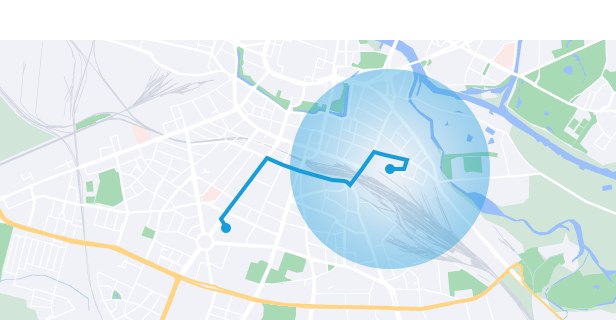
Mobile Car Wash
The Car Wash Booking System can be configured for mobile detailing services by enabling a customer address field with optional Google Places autosuggestion. You can also restrict the service area to selected countries or a custom radius around your base location.
The system can automatically calculate a delivery fee based on actual driving distance or time using Google Maps API. Pricing can be defined per distance unit or per minute for both the trip to the customer and the return route, with the fee added directly to the booking total.
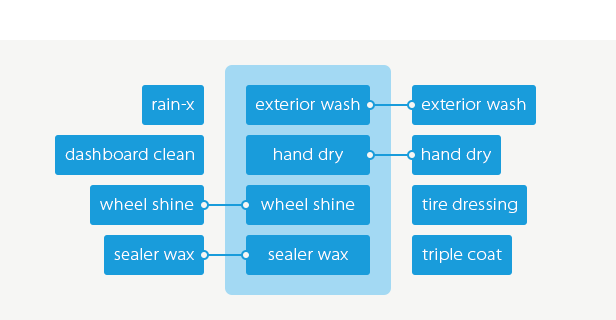
Tailored Sales Menu
Customize how services are presented to your clients: display service packages only, packages with related services, or a simple list of individual services. This flexibility helps you adapt the booking form to different customer needs and sales strategies.
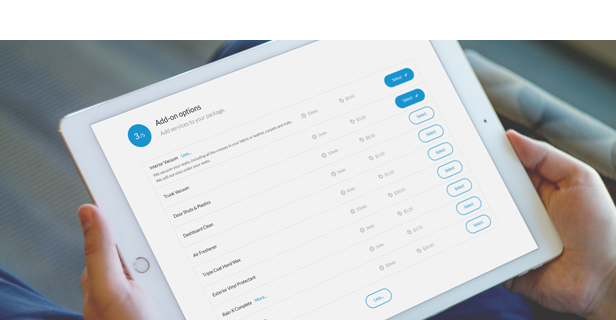
Services
The Services module allows you to easily create and manage all service types offered to your customers. You can group services into packages, adjust their availability and pricing per location, and define custom durations for each one. This gives you full control over how your service offerings are organized and presented in the booking form.
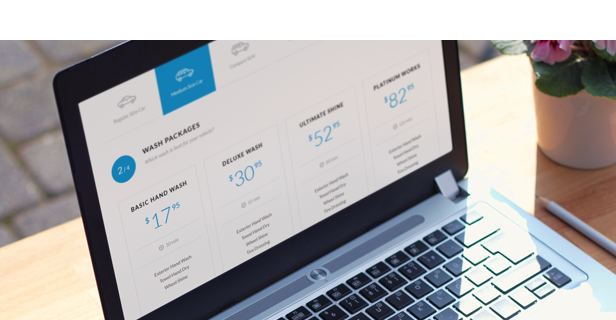
Packages
The Packages module helps you organize and offer bundled services in a clear, customer-friendly way. You can check package availability for each location and vehicle type, and customize every package with add-on services, flexible pricing, and location-specific tax settings.
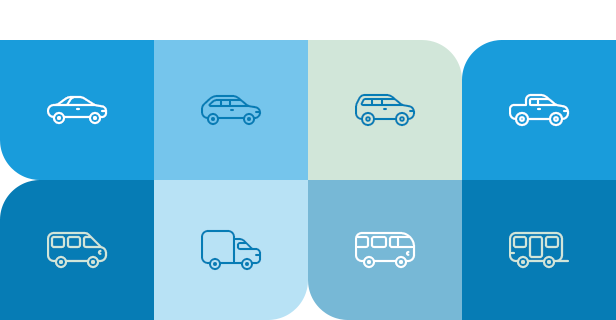
Vehicle Types
With this module, you can easily add and manage different vehicle types such as sedans, SUVs, vans, or buses. Assign one of the 24 built-in vehicle icons or upload your own custom icon to match your branding. You can also define an initial fee and tax rate for each vehicle type if required.
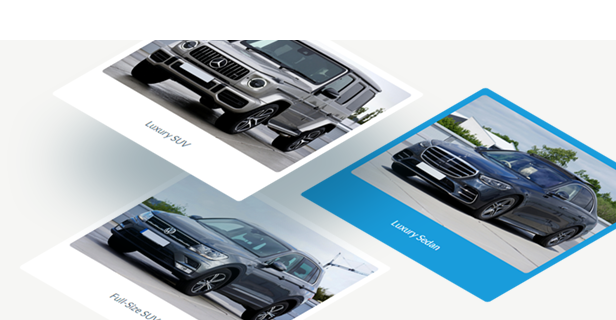
Vehicle Images
Instead of using icons, you can choose to display real vehicle photos uploaded directly from your media library. This allows you to present your offer more visually, making the booking form feel clearer and more appealing to customers.
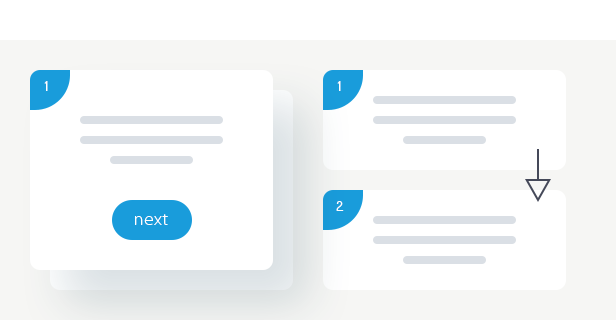
Multi-Step & Single-Step Forms
The booking form can be displayed in two modes. In the multi-step layout, customers complete the process step by step — selecting a vehicle type, choosing a package, picking a date and time, and entering their details. Each stage is shown separately for a clean and focused user experience.
Alternatively, you can use the single-step layout, where all form sections are visible on one page. After selecting an option, the form can automatically scroll to the next section, ensuring fast and intuitive navigation.
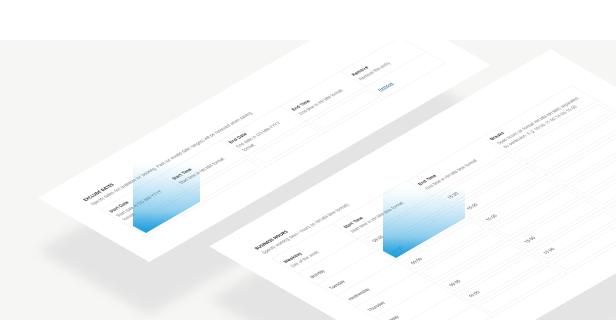
Availability
The Car Wash Booking plugin allows you to define working days, business hours, and break periods with full precision. You can also exclude holidays and custom dates to ensure accurate and reliable availability for every booking.
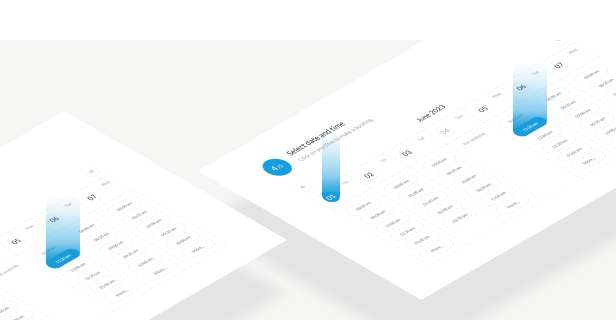
Booking Calendar
Choose your preferred time and date formats for the calendar and booking summary. Configure the booking slot size to control how customers select available appointment times. You can also define lead time, determining how early customers can begin booking, and set an advance booking period to limit how far into the future reservations may be made. Additionally, you have full control over calendar navigation — including how many days ahead users can browse and whether month switching should be enabled or disabled.
Multiple Payment Methods
The plugin supports a range of payment methods, including cash, Stripe, PayPal, and any additional gateways available through WooCommerce integration.
Workplaces & Global Currencies
Define the maximum number of workplaces (service slots) available at each location to ensure accurate booking capacity.
The plugin supports all world currencies and flexible tax rate configuration.
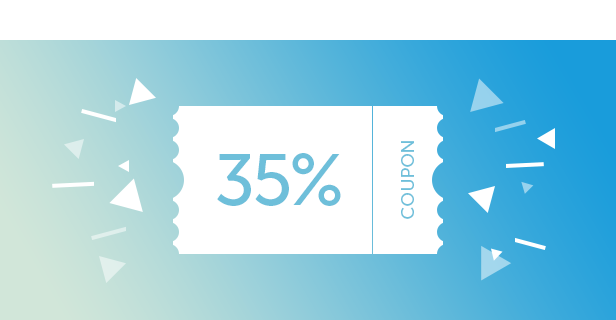
Coupons
The plugin includes a built-in coupon generator that lets you create discount codes with either fixed or percentage-based reductions. You can set usage limits, activation dates, and other restrictions. A convenient bulk generator allows you to create multiple coupons at once, eliminating the need for manual entry.
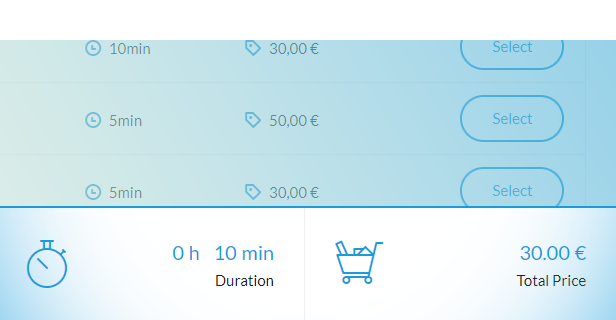
Sticky Summary
The plugin offers an optional sticky summary bar that stays visible at the bottom of the screen while customers scroll through the form. It displays key booking details such as the selected date and time, total service duration, and the final price — ensuring customers always have essential information at hand.

Dependent Services & Google Calendar Integration
You can bind selected services to specific packages as add-ons. These dependent services become available only when the corresponding package is chosen — with full support for vehicle types and location-specific configurations.
The plugin also integrates with Google Calendar, allowing you to sync bookings and keep your schedule organized across devices.

Notifications
The plugin offers built-in email and SMS notifications, helping you stay informed about new bookings and important updates.
Custom Agreements & Color Picker
The plugin lets you create multiple agreement fields that customers must accept before submitting the form. Each field can be optional or required, making it an effective tool for meeting GDPR and other compliance needs.
A built-in color picker allows you to customize the booking form’s colors, ensuring it blends seamlessly with your website’s design.
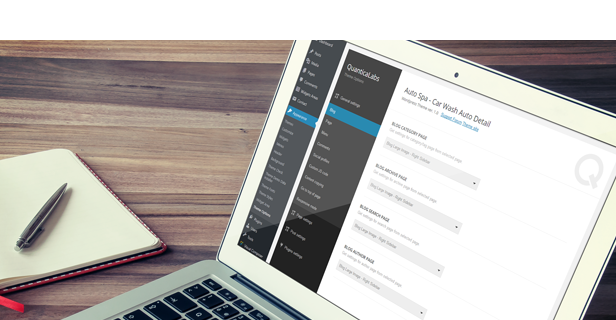
Three customization panels
Auto Spa includes three intuitive customization panels available in the Appearance menu within the WordPress admin area.
Theme Options Panel – customize global theme settings such as the header, footer, blog layout, posts, pages, menus and more.
Theme Fonts Panel – adjust any theme font, including font family (800+ Google Fonts) and typography properties. All font settings can be configured separately for different screen resolutions.
Theme Styles Panel – change the color of any theme element, including hover states, allowing you to create a fully unique color scheme within minutes.
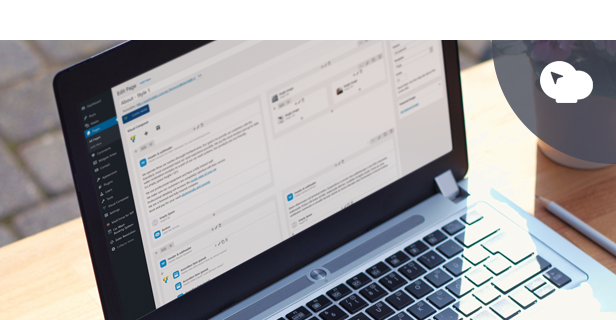
WPBakery Drag & Drop Page Builder
Easily create any page layout with the included WPBakery Page Builder for WordPress — the #1 top-selling drag-and-drop editor (a $99 value). It comes with 30+ custom Auto Spa elements and is regularly updated for full compatibility and smooth performance.
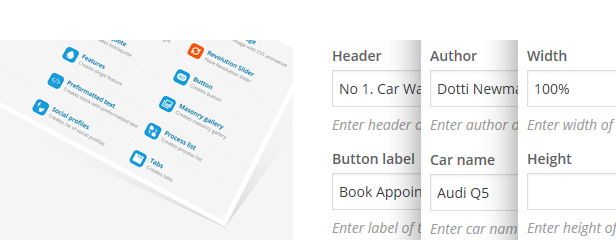
30+ Content Elements, Highly Configurable
Auto Spa comes with a rich collection of content elements, including custom-made components. Each element includes a wide range of configuration options, making it easy to build unique and visually appealing layouts.
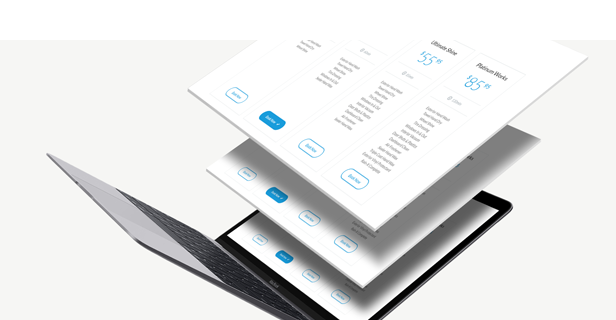
Theme Demo Data Installer
Install the theme and import demo data easily using the Theme Demo Data Installer panel under the Appearance menu in the admin area. Choose which data to import — widgets, dummy content, and theme options — and click the Import Demo Data button. No need to deal with XML files! In addition, the demo import automatically includes predefined content from the built-in Car Wash Booking System, such as sample booking forms, packages, services, and configuration settings.

Compatible with WPML
Auto Spa is fully compatible with WPML, allowing you to create multilingual websites with ease. Both the theme and the integrated Car Wash Booking System support .po and .mo translation files, so you can translate or customize any text, label, or message in just a few clicks.

WooCommerce Integration
Auto Spa comes with full WooCommerce integration, allowing you to set up a professional online store right out of the box. The demo content also includes ready-to-use shop pages and product layouts, making it easy to start selling your services or merchandise.
In addition, the built-in Car Wash Booking System offers optional WooCommerce integration for processing bookings through WooCommerce’s checkout and payment gateways. The plugin can also operate independently, using its own built-in payment methods.
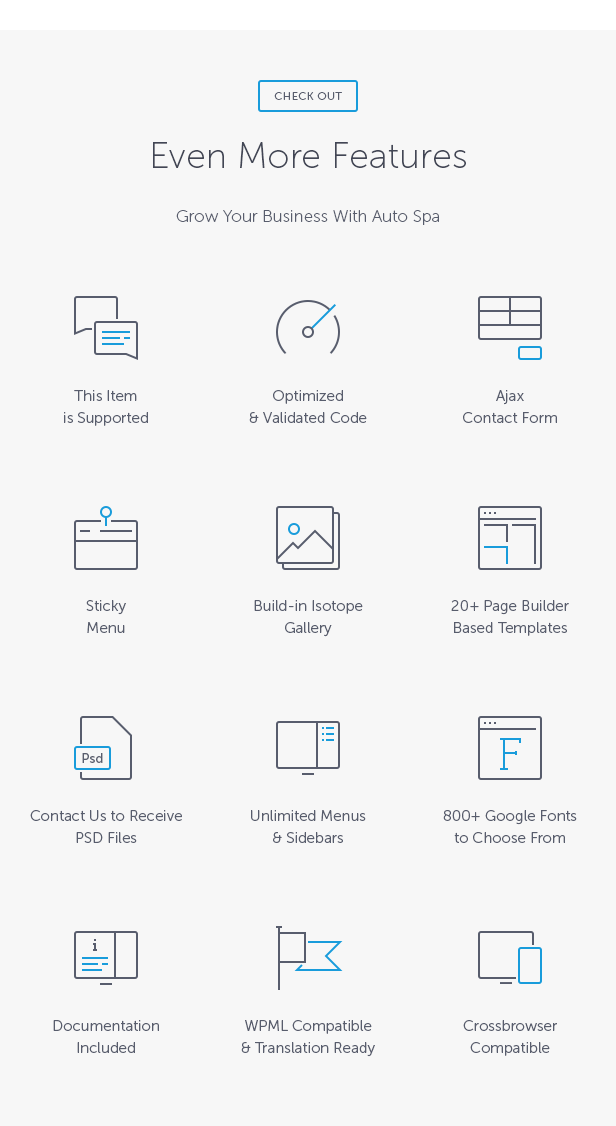

Key Features of Auto Spa WordPress Theme
- 100% responsive and mobile-friendly layout.
- High resolution and pixel-perfect design.
- WooCommerce integration.
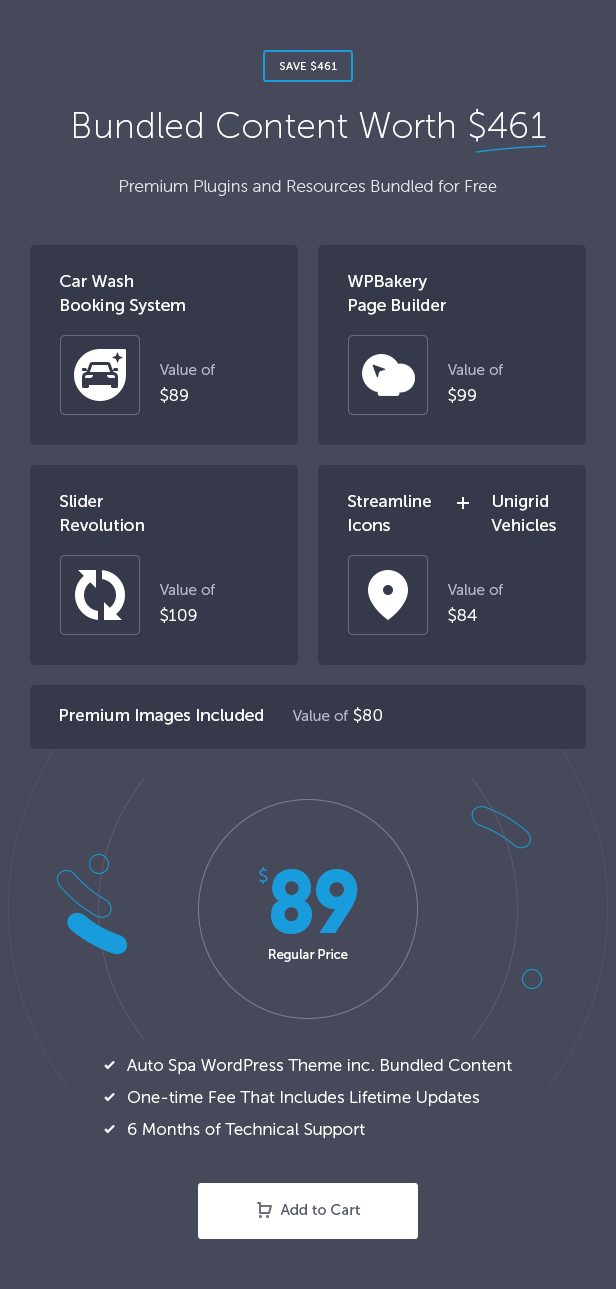
- Car Wash Booking System for WordPress plugin (a $89 value) included.
- Slider Revolution (a $109 value) included.
- WPBakery Page Builder for WordPress (a $99 value) included.
- Over 30 custom Auto Spa content elements for WPBakery Page Builder.
- Streamline Premium Icon Font with 94 icons (a $69 value) included.
- Unigrid Vehicles Premium Icon Font with 25 car type icons (a $15 value) included.
- Premium images (an $80 value) included.
- Theme demo data installer – one-click install.
- Theme options panel with plenty of configuration settings.
- Theme fonts panel to customize any theme font (including 800+ Google Fonts).
- Theme styles panel to change the color of any theme element.
- Sticky menu.
- Ajax contact form.
- Isotope gallery.
- Parallax backgrounds.
- Google location map.
- Social icons font with 34 icons to choose from.
- PSD files included (contact us to receive perfectly organized PSD files).
- Predefined page templates:
- Home
- About Style 1
- About Style 2
- Services Style 1
- Services Style 2
- Single Service Right Sidebar
- Single Service Left Sidebar
- Booking
- Blog Small Image Right Sidebar
- Blog Small Image Left Sidebar
- Blog Large Image Right Sidebar
- Blog Large Image Left Sidebar
- Blog Single Post Right Sidebar
- Blog Single Post Left Sidebar
- Author Template
- Archive Template
- Category Template
- Search Template
- Gallery
- Contact Style 1
- Contact Style 2
- Maintenance Mode
- Page Not Found
- Compatible with WPML for multilingual websites.
- Fully translatable with .po / .mo files.
- Valid HTML5 code.
- Cross-browser compatible.
- Documentation included.
Key Features of the Built-in Booking System
- 100% responsive and mobile compatible.
- High resolution and pixel perfect layout.
- Multi-step or single-step booking form with optional auto-scroll.
- Unlimited booking forms, reservations, vehicle types, services, and packages.
- Three ways to present services: individual services, packages with related services, or both combined.
- Service availability, pricing, and duration can vary by vehicle type.
- Service availability, packages, pricing, durations, and other settings can vary by location.
- Automatic calculation of prices and service durations for packages.
- Dependent services supported (available only when assigned packages are selected).
- Support for multi-day service bookings.
- Calendar-based booking with configurable time slots, lead time, and advance booking period.
- Configurable minimum advance time required before a booking can start.
- Support for multiple car wash workplaces (service slots) per location.
- Flexible slot management based on date, time period, or day of the week.
- Availability management: working days, business hours, breaks, holidays, and excluded dates.
- Display vehicle types using built-in icons or uploaded images.
- Booking summary showing date, time, calculated duration, and total price.
- Sticky booking summary bar for improved user experience.
- Mobile Car Wash mode with customer address field and optional Google Places autosuggestion.
- Service area restrictions by country or radius around a selected base location.
- Automatic delivery fee calculation based on distance or time using Google Maps API.
- Payment processing with support for cash, PayPal, Stripe, and WooCommerce payment gateways.
- Email and SMS notifications.
- Built-in discount coupon generator (fixed or percentage-based).
- Google Calendar integration.
- CSV (Excel) booking report export.
- Support for all world currencies.
- Flexible tax rate configuration.
- Color picker for customizing the appearance of each form.
- Custom agreements builder for GDPR-compliant consent fields.
- WooCommerce integration (plugin works fully without WooCommerce installed).
- User registration and login support.
- RTL (right-to-left) layout support.
- Automatic plugin update checking.
- One-click demo content importer.
- WPML compatibility for multilingual websites.
- Fully translatable with .po / .mo files.
- Valid HTML5 code.
- Cross-browser compatible.
- Documentation included.
Read the detailed description of the plugin’s functionality on its dedicated page.
This Item is Supported
Support is conducted through our Support Forum. We’re in GMT +1 and we aim to answer all questions within 24 hours on weekdays. In some cases, the waiting time may be extended to 48 hours. Support requests sent during weekends or public holidays will be processed on the next Monday or the next business day.
PSD Source Files
PSD source files are offered free of charge to all of our buyers. Please contact us to get the files. You will receive perfectly organized, layered, and fully editable .psd files.
We Are Trusted by 125,000+ Customers
We are a team of passionate people with 20+ years of experience and 15+ years on Envato Market. We specialize in WordPress, design, and development. Please follow us to stay up to date as we continue to craft new products.




Credits
Fonts
- Lato By Lukasz Dziedzic, SIL Open Font License, 1.1
https://www.google.com/fonts/specimen/Lato, - PT Serif By ParaType, SIL Open Font License, 1.1
https://www.google.com/fonts/specimen/PT+Serif, - Streamline Icon Font (94 Icons) By Webalys
https://www.webalys.com/, - Unigrid Vehicles Font (25 Icons) By Icojam
https://www.icojam.com/, - Social Icon Font By Multiple Designers, MIT License,
- Template Icon Font By Multiple Designers, MIT License,
- Booking Icon Font By Multiple Designers, MIT License.
Images
Premium images you can use along with this Theme without asking permission (included in demo content):
- Microfiber By photosbank
https://photodune.net/item/microfiber/7837025, - Man washing his car By w20er
https://photodune.net/item/man-washing-his-car/5248260, - Personal Trainer By ruigsantos
https://photodune.net/item/personal-trainer/6046400, - Young student with laptop smiling By baranq
https://photodune.net/item/young-student-with-laptop-smiling/461567, - Portrait Of Senior Man By Rido81
https://photodune.net/item/portrait-of-senior-man/7237127, - Hand cleaning car wheel By bialasiewicz
https://photodune.net/item/hand-cleaning-car-wheel/12287570, - Car covered with foam at the car wash By artwell
https://photodune.net/item/car-covered-with-foam-at-the-car-wash/7547689, - Worker on a car wash cleaning car with a spray By Nejron
https://photodune.net/item/worker-on-a-car-wash-cleaning-car-with-a-spray/10304553, - Cleaning first car By bialasiewicz
https://photodune.net/item/cleaning-first-car/12290368, - Car wash car By artfotoss
https://photodune.net/item/car-wash/4388061, - Man perfusing his car By bialasiewicz
https://photodune.net/item/man-perfusing-his-car/12289644, - Car washing with high pressure water jet By Phanuwat_Nandee
https://photodune.net/item/car-washing-with-high-pressure-water-jet/11043829, - Microfiber By photosbank
https://photodune.net/item/microfiber/7837034, - Man on a car wash polishing car with a polish machine By Nejron
https://photodune.net/item/man-on-a-car-wash-polishing-car-with-a-polish-machine/10007533, - Car key By Pajomend
https://photodune.net/item/car-key/2311664, - Car door handle By davor_djopar
https://photodune.net/item/car-door-handle/12644505.
$89 |
Download |
4.6 average based on 68 ratings.

| Last Update | 2026-07-09 |
| Created | 2017-06-07 |
| Sales | 2161 |
| Discussion | Comments |
| Columns | 4+ |
| Compatible Browsers | IE10 IE11 Firefox Safari Opera Chrome Edge |
| Software Version | WordPress 7.0.x WordPress 6.9.x WordPress 6.8.x WordPress 6.7.x WordPress 6.6.x WordPress 6.5.x WordPress 6.4.x WordPress 6.3.x WordPress 6.2.x WordPress 6.1.x WordPress 6.0.x WordPress 5.9.x WordPress 5.8.x WordPress 5.7.x WordPress 5.6.x WordPress 5.5.x WordPress 5.4.x WordPress 5.3.x WordPress 5.2.x WordPress 5.1.x WordPress 5.0.x WordPress 4.9.x |
| Compatible With | WooCommerce 10.x.x WooCommerce 9.x.x WooCommerce 8.x.x WooCommerce 7.x.x WooCommerce 6.x.x WooCommerce 5.x.x WPBakery Page Builder WPML |
| Documentation | Well Documented |
| Framework | |
| Gutenberg Optimized | Yes |
| High Resolution | Yes |
| Layout | Responsive |
| ThemeForest Files Included | PHP Files CSS Files JS Files |
| Widget Ready | Yes |


