XonKit - LayersWP StyleKit
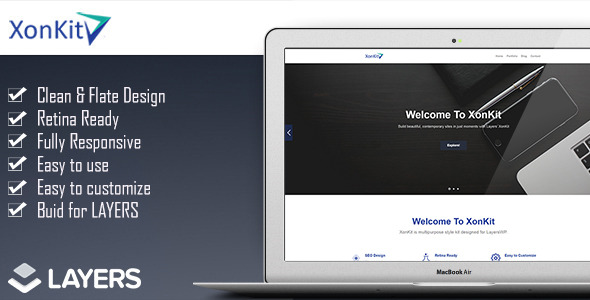

XonKit is a 100% Responsive Stylekit for LayersWP WordPress Site Builder. This stylekit can be used for corporate business and start-up companies. It has the latest flat design + modern clean look that will boost your business.


How to install?
- Import the content.xml file from Tools > Import > WordPress and select “Download & Import File Attachments”. If you get failure messages on the image import: Click on Media in your admin menu and verify the demo images imported. If not, click Add New and browse to the Images folder inside the kit folder, select all and click Open to upload them.
- Go to Layers > Layers Pages and click one of the imported pages to edit it. Click the Upload & Import button and upload the page .json file. Example home_preset.json.
- Wait until the Import Complete message appears, then click Build Your Page. Review the layout and click Save Settings.
- Click Back on the Customizer nav and expand the CSS panel. Open the css.txt file and copy the contents. Paste into the CSS panel in the Customizer and Save
Features:
- 4 Layouts included.
- Clean & Flate Design
- Retina Ready
- Fully Responsive
- Easy to use
- Easy to customize
- Buid for LAYERS
Suggested Plugins:
- Menu Social Icons
- Contct Form 7

Search plugins
Browse Categories


