WP 3D Thingviewer


Description
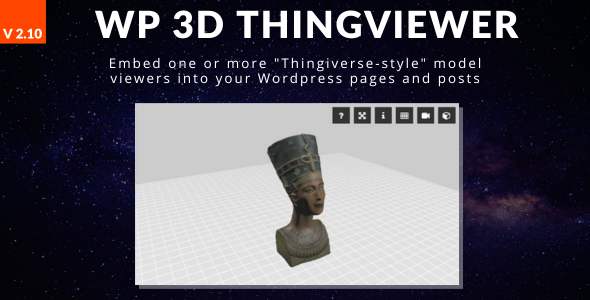
This plugin provide a fully customizable 3D model files viewer to embed your models on your Wordpress pages or posts.
You can load models into Wordpress media and then, by using the plugin shortcode generator, you can embed the thingviewer into you pages or posts.
The models are NOT EMBEDDED from Thingiverse-like website but HAVE TO BE on your own website.
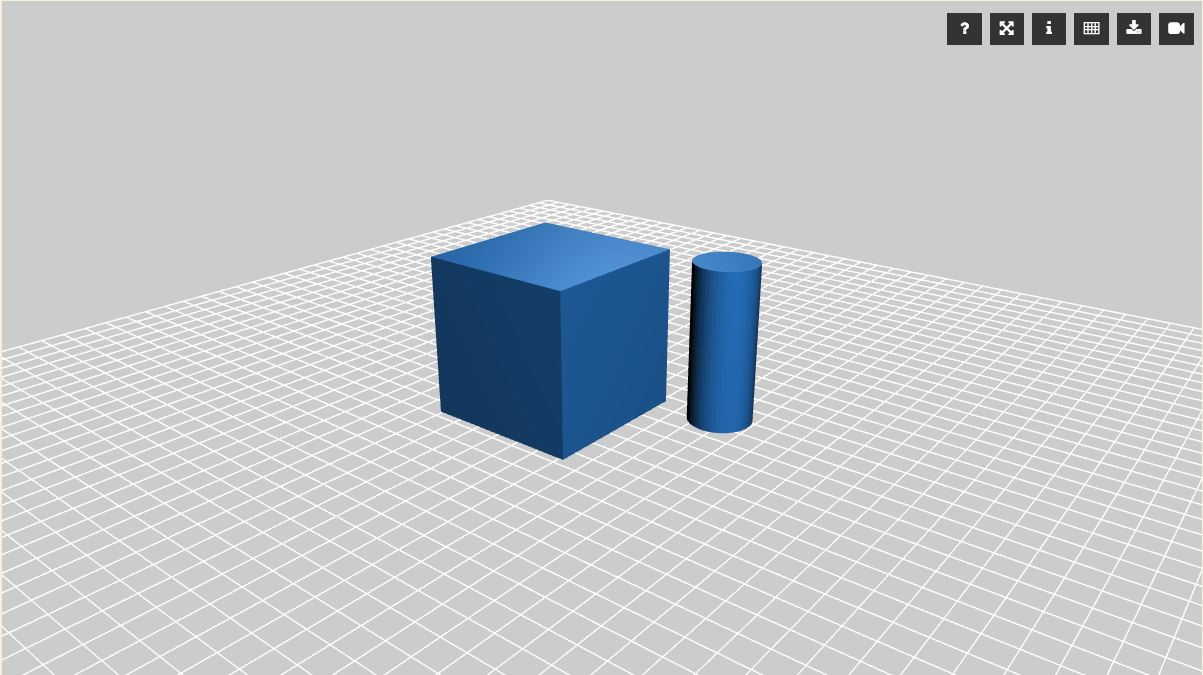
In the thingviewer you can pan, rotate and zoom the camera (with mouse or keyboard).
A set of option buttons are provided to let you access some useful information (like the help for the available commands and and information window) and to enable functions like the full-screen mode and the auto-rotation camera mode.
It is possible to display a model dowload button that allow the user to donwload the model file for the loaded model.
The link can be “cloaked”, to prevent the leechers to crawl the link from the website
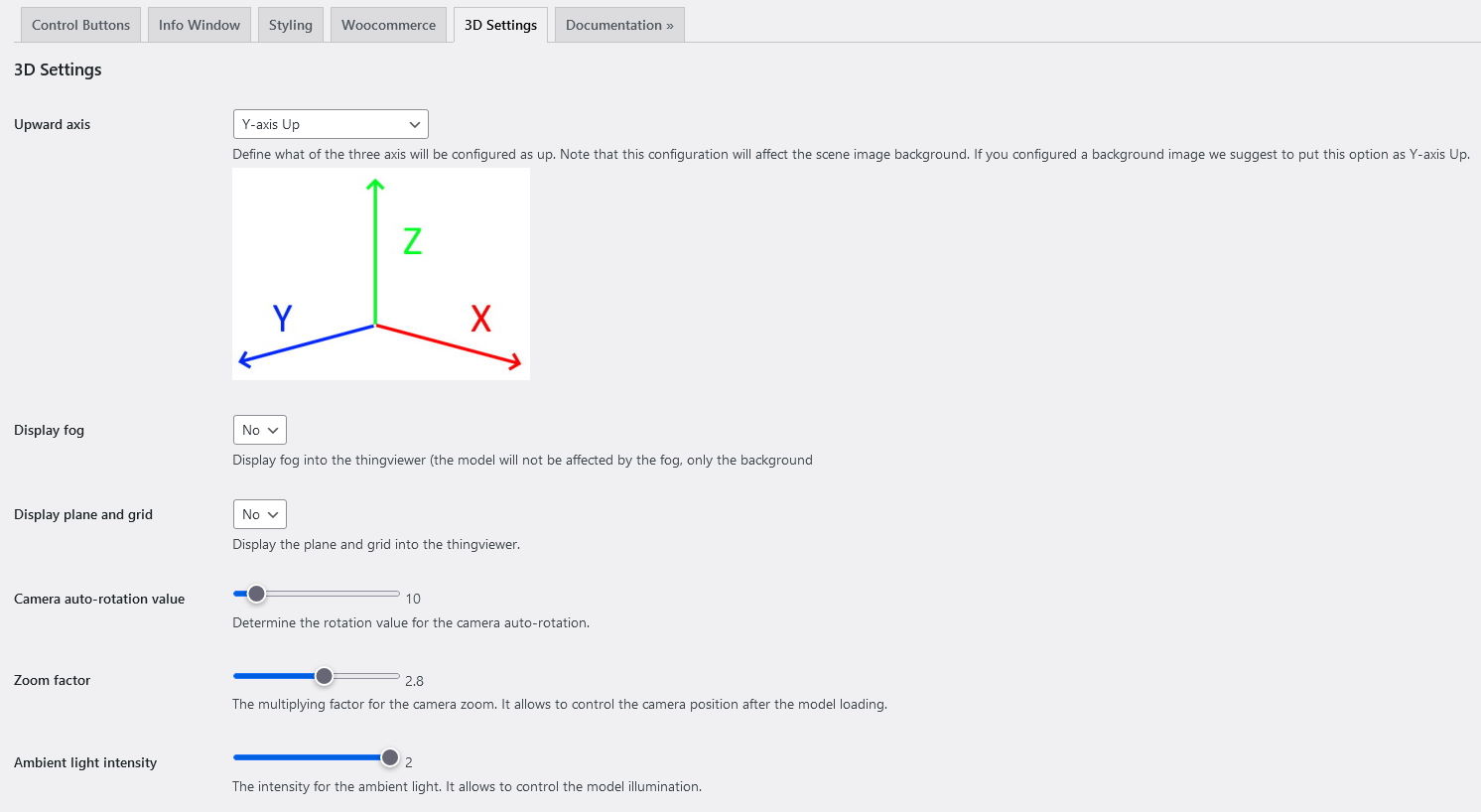
Customizations of the thingviewer appearance and functionalities can be done from configuration page.
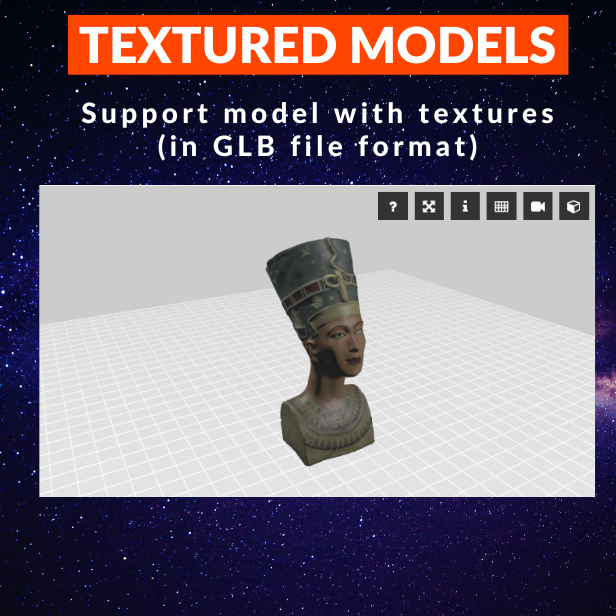
The plugin allow to load models with textures in GLB file format.
Features List
- Gutenberg block editor supported
- Display the Thingviewer with an image preview (useful with multiple Thingviewer in the same page)
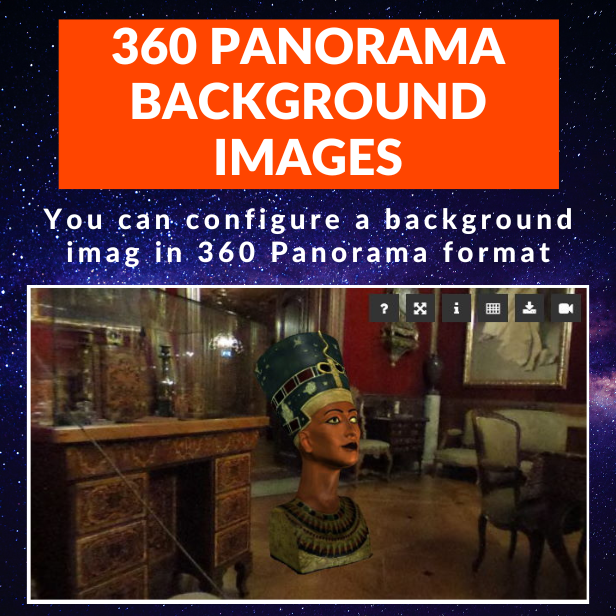
- Configure a background image for the Thingviewer in 360 Panorame format.
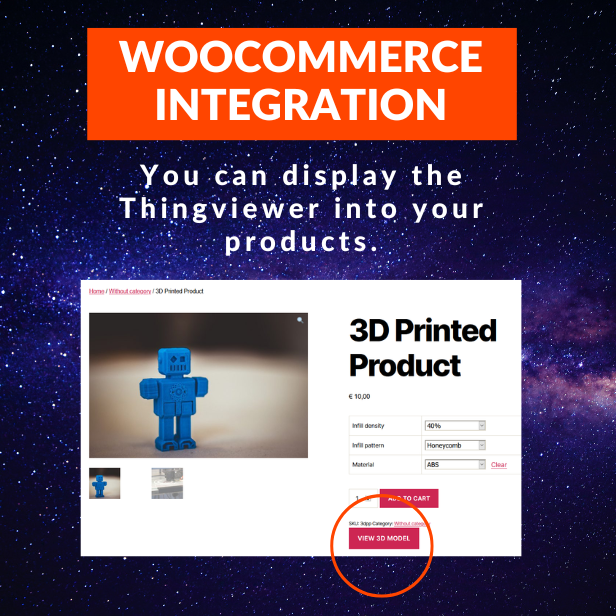
- Woocommerce integration
- Add a 3d model to your products and display the thingviewer on product page
- 3D printed product price calculator (embedded from https://www.omnicalculator.com/other/3d-printing)
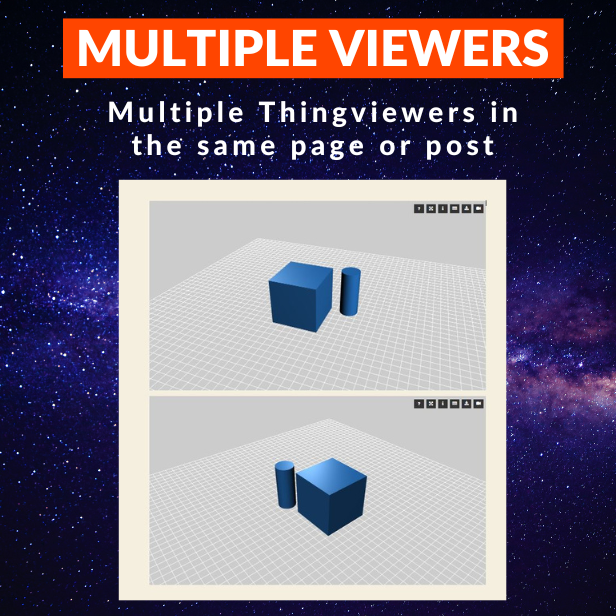
- Insert multiple thingviewers into the same page or post
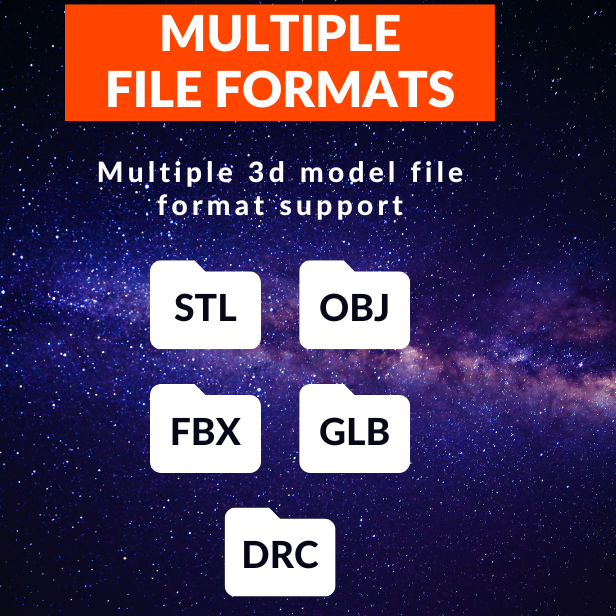
- Support multiple model file formats (STL, OBJ, FBX, GLB with textures, DRC)
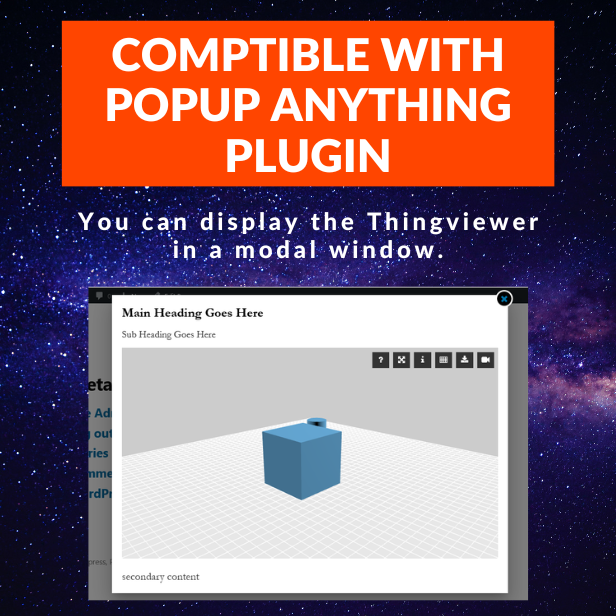
- Support Popup Anything plugin (allow to load the thingviewer into a Popup Anything modal window)
- Ease of use via shortcode button generator (Classic Editor)
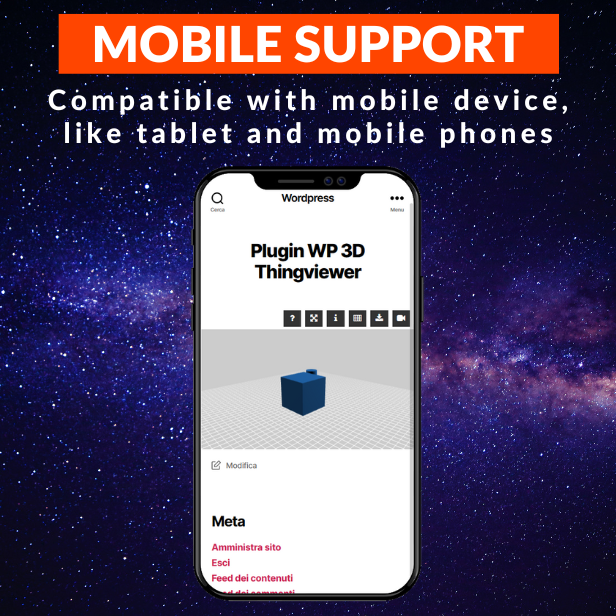
- Mobile support
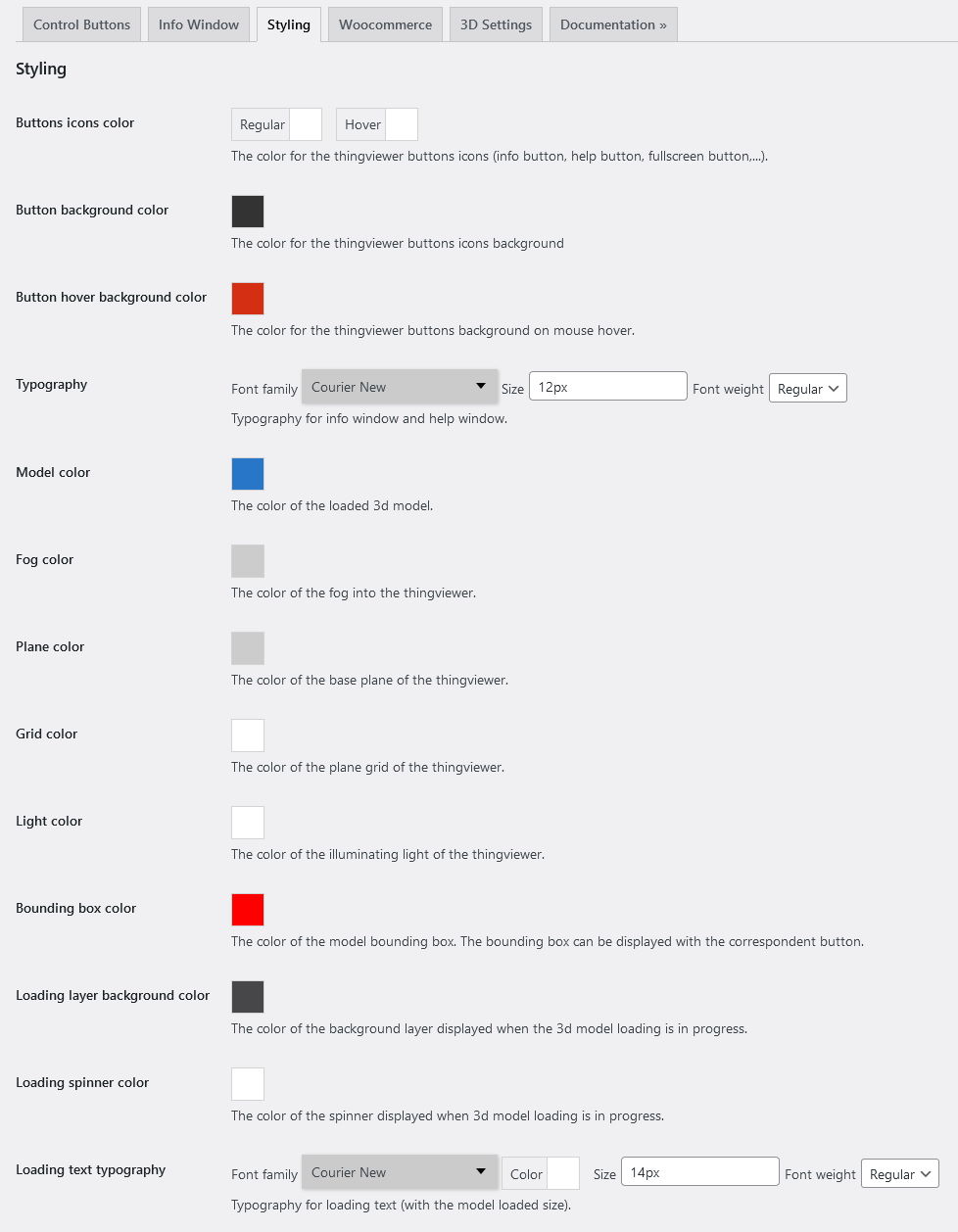
- Customizable thingviewer appearance
- Fog color
- Model color
- Plane and Grid color
- Lights color
- Bounding box color
- Loading icon and text color
- Control buttons visibility and appearance
- Background color
- Icon color
- Display download button the model file, with “link cloaking” capability
- Camera autorotation rotation to “animate” the loaded model with Z-axis rotaion
- Zoom factor to customize the zoom of the camera after model is loaded
- Info window information visilibity
- Model filename
- Model size in KBytes
- Model triangles number
- Model surface area in cm2
- Model volume in cm3
- Model bounding box size in cm
- Fully translatable via .PO files
- Plugin configuration page (made with Wordpress Settings API)
- Built on Wordpress Plugin Boilerplate by Tom McFarlin.
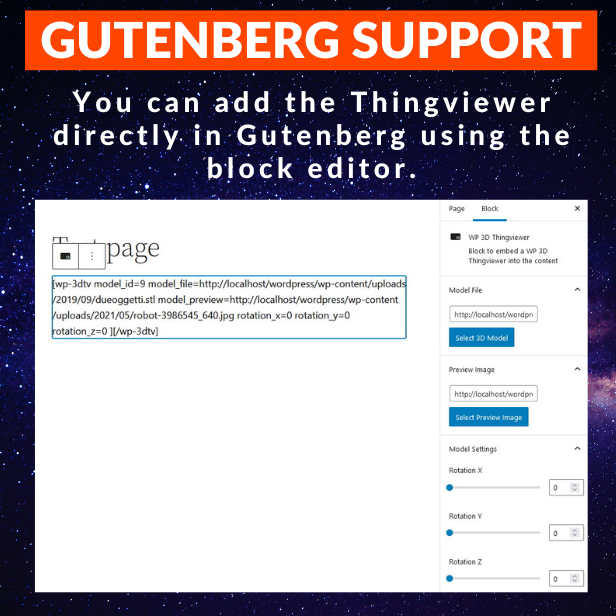
Gutenberg block editor support
If you use the Gutenberg editor you can insert the Thingviewer shortcode into the page or post with the block editor.
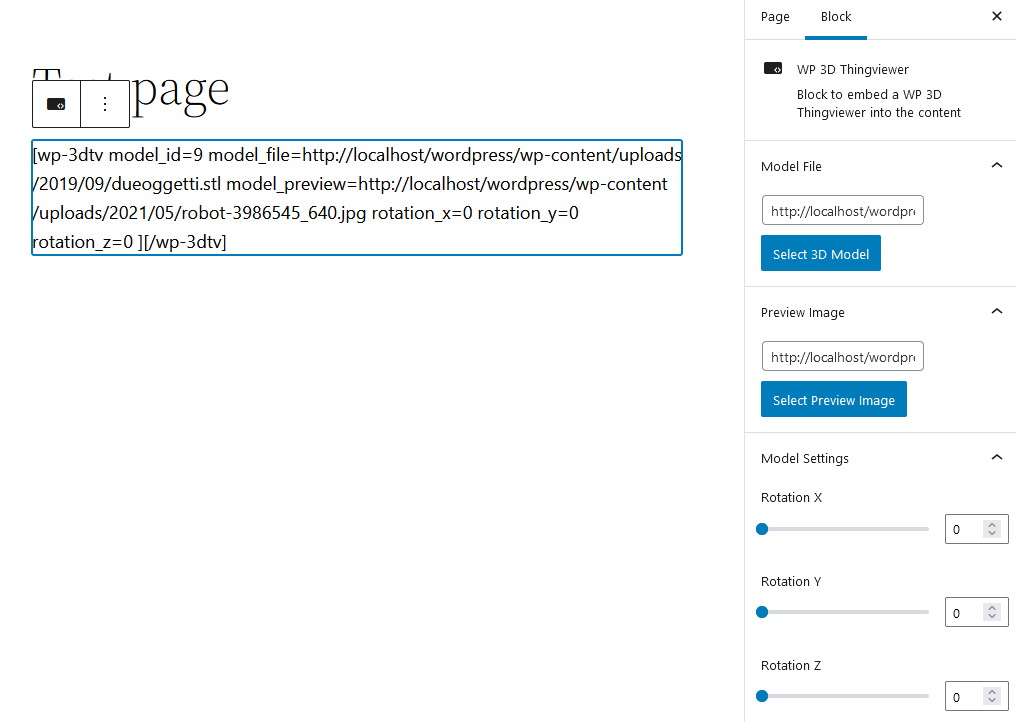
It is always possible to write manually the plugin shortcode or, for those who use the “old” Wordpress editor TinyMCE, using the shortcode builder.
Display a preview image in the Thingviewer
You can setup a preview image for the model to be displayed at page loading.
By clicking on the “thingviewer toggle” button you can toggle by the model viewer and the preview image.
Note that the model will be loaded when the user click on the toggle button, so if a page contain multiple thingviewer, the loading time will be shortened, because the 3d models will not be loaded at page load but when the user click on the toggle button.
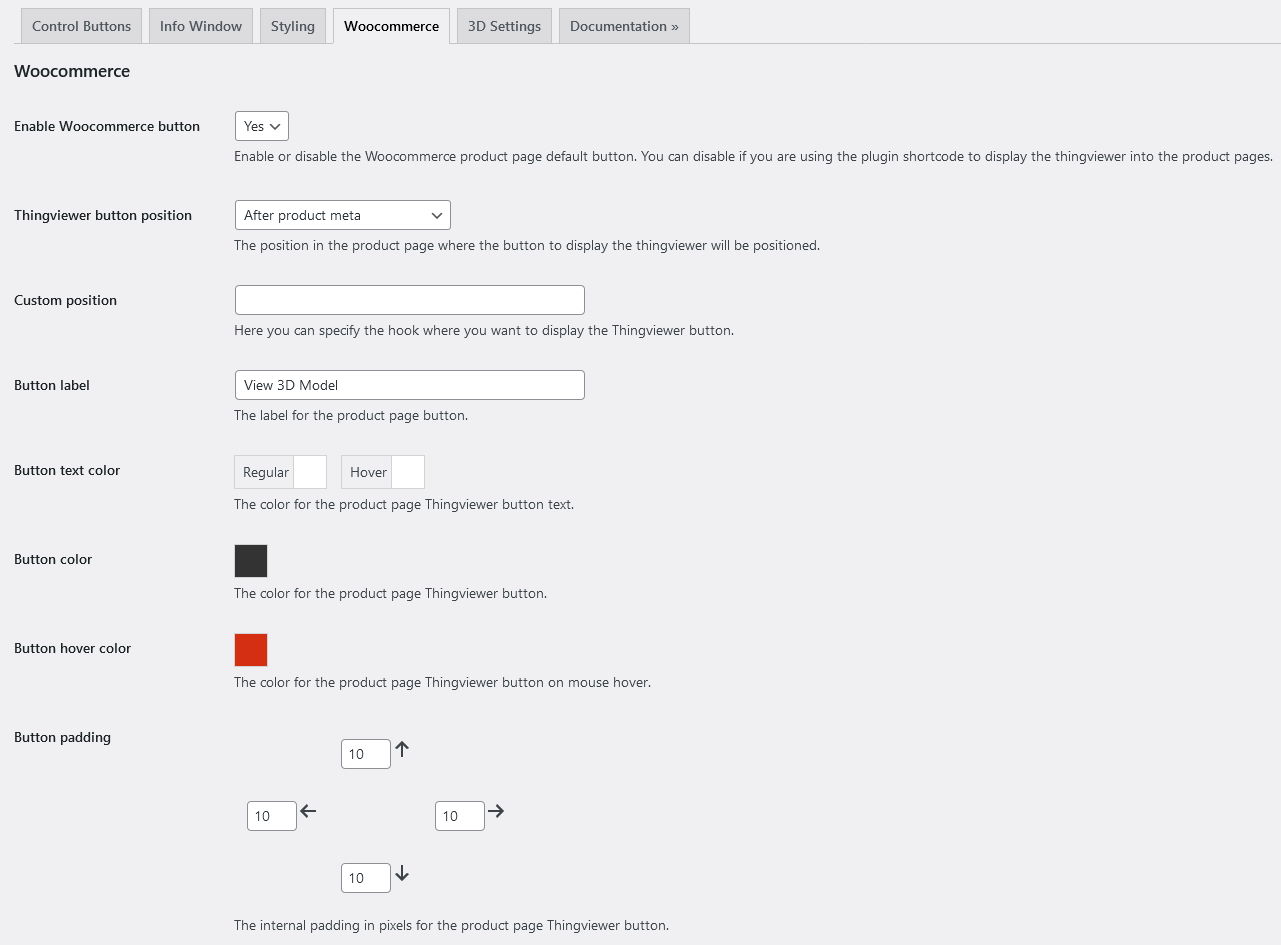
Woocommerce integration
You can configure e 3d model for every product.
In the product page you will find a button that will dislay a lightbox with the Thingviewer.
A product cost calculator will be added, to help you to calculate the correct price for your 3D printed products.
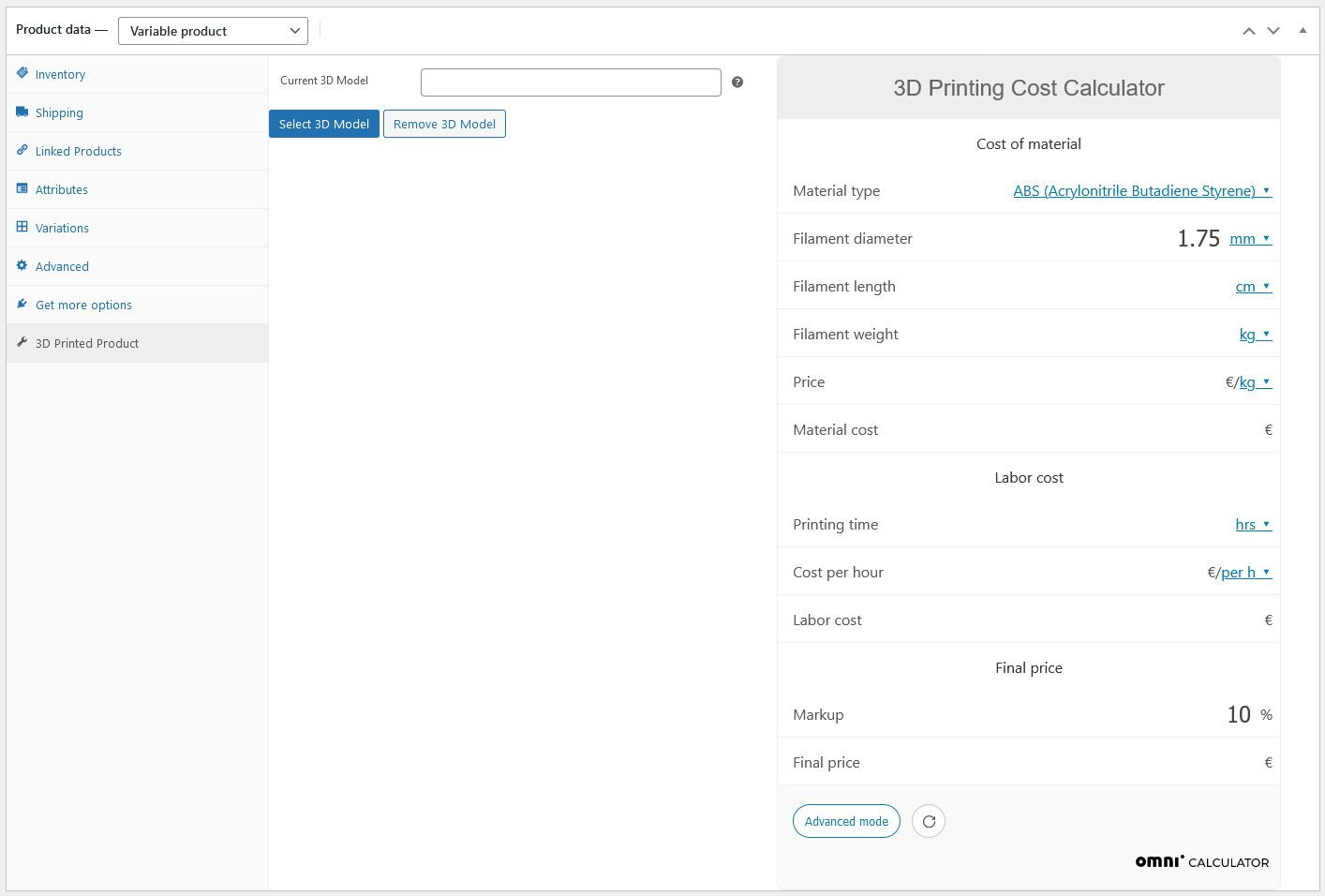
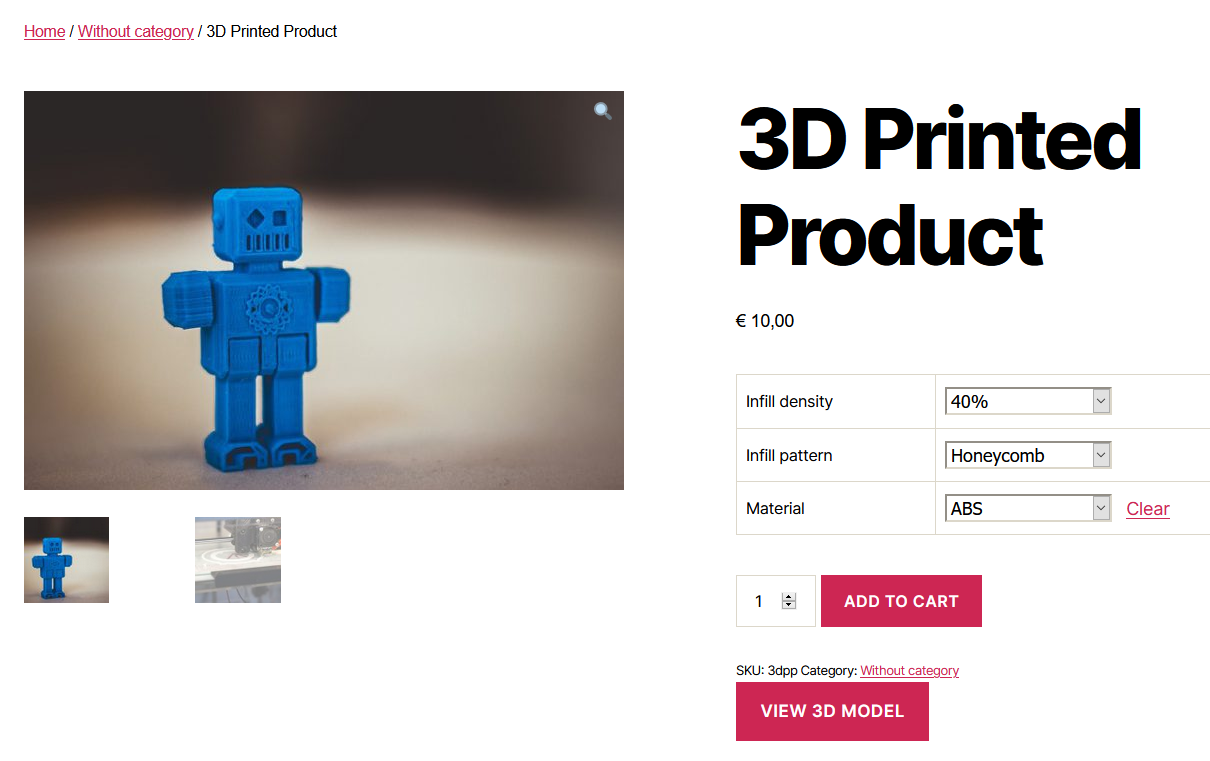
In the plugin settings page you can customize the position of the button.
Multiple model file support
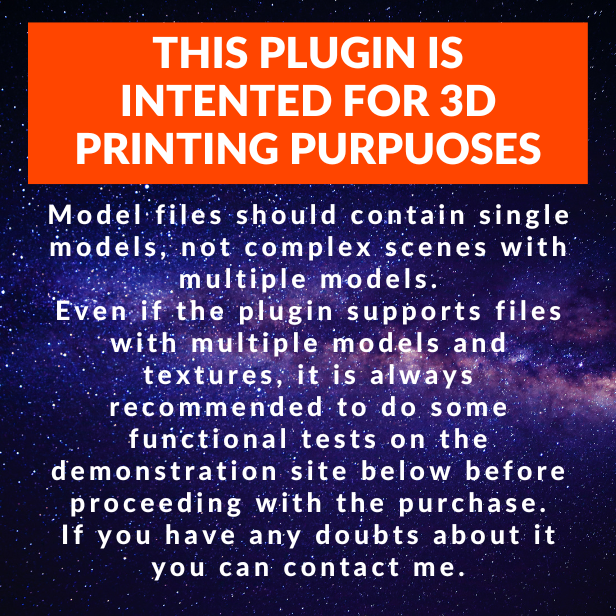
The plugin support 3d model in STL (ascii or binary), OBJ, FBX or GLB file formats.
Mobile Support
The plugin is fully usable from mobile devices.
Multiple Thingviewers
You can insert multiple thingviewers in the same page o post or custom post.
Each thingviewer will share the same configuration settings, but can display different models.
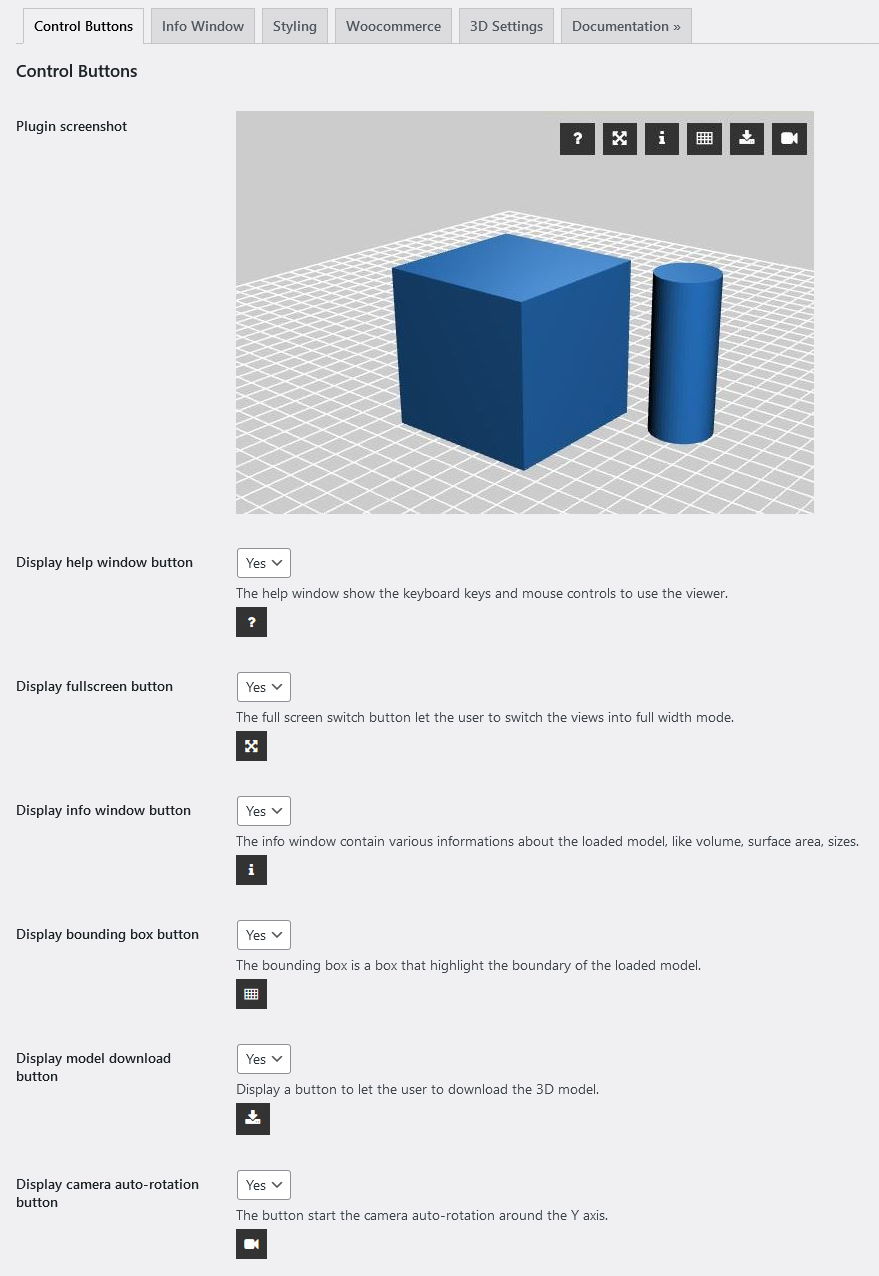
Control Buttons

On the thingviewer is control buttons bar with buttons that let you
- display the model info window, the bounding box and the help window
- activate the autorotation mode
- display the model bounding box
- toggle the fullscreen mode
- donwload the loaded model file
The appearance and the display of the buttons is configurable from the plugin configuration page.
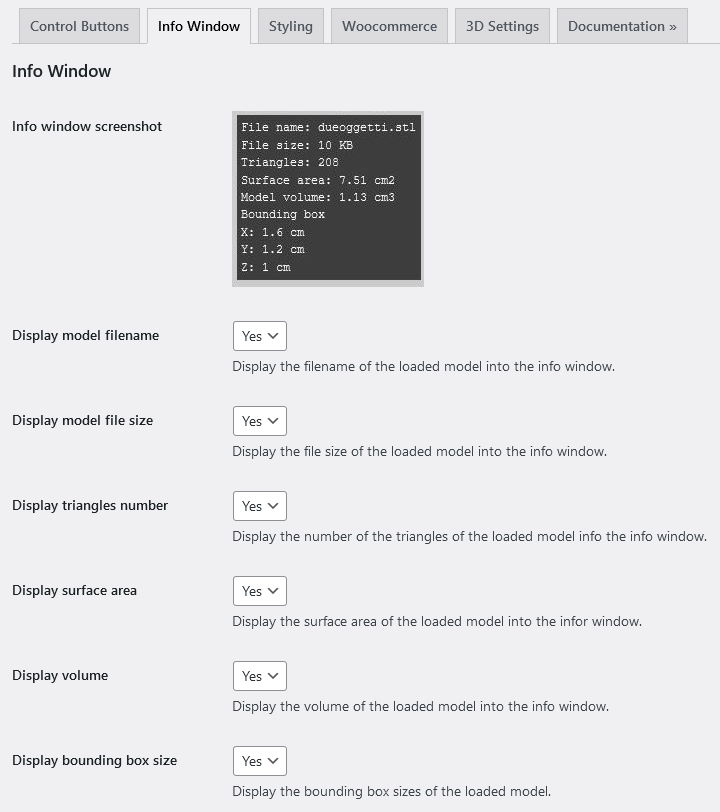
Info Window
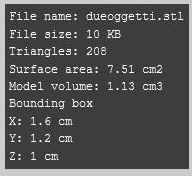
You can display a window with some useful informations about the loaded model, like model filename, model size in KBytes, model triangles number, model surface area in cm2, model volume in cm3, model bounding box size in cm.
It is possible to customize the displayed data and colors from the configuration page.
Bounding Box
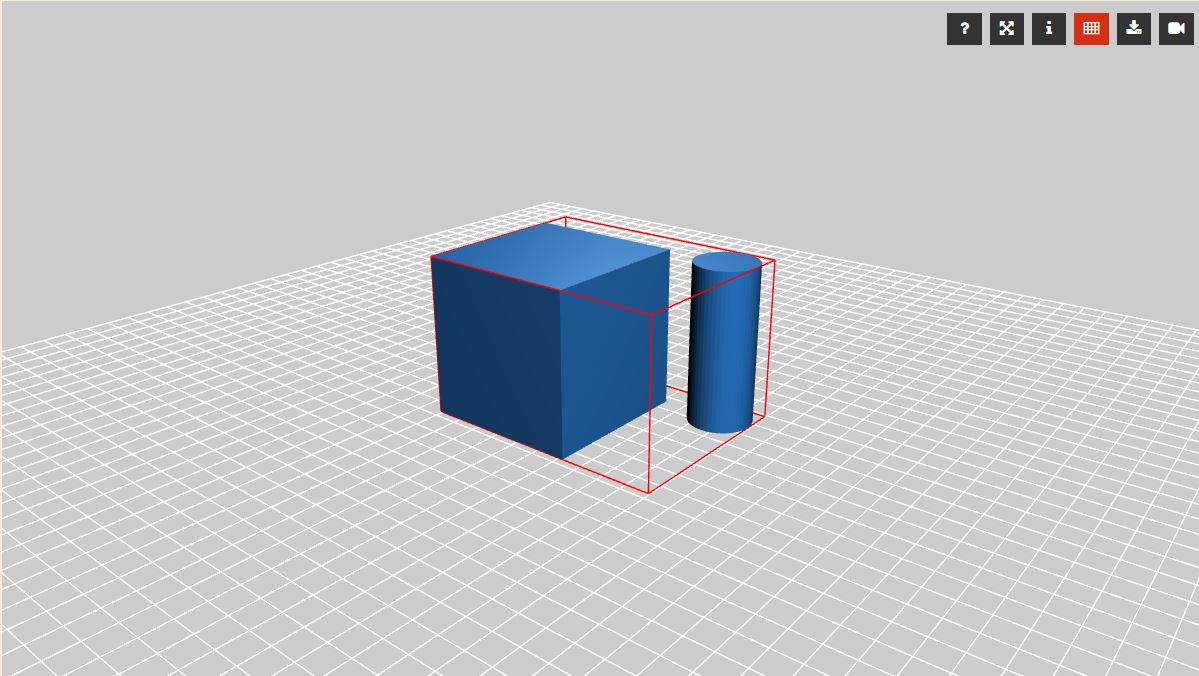
You can display the bounding box that contain the loaded model.
The color of the bounding box is customizable from the configuration page.
Configuration Page
The plugin provide a configuration setting page where you can customize colors, buttons and typography.
$61 |
Download |
5 average based on 3 ratings.

| Last Update | 2023-07-15 |
| Created | 2019-04-11 |
| Sales | 57 |
| Discussion | Comments |
| Compatible Browsers | Firefox Safari Chrome Edge |
| Software Version | WordPress 6.1.x WordPress 6.0.x WordPress 5.9.x WordPress 5.8.x WordPress 5.7.x WordPress 5.6.x WordPress 5.5.x WordPress 5.4.x WordPress 5.3.x WordPress 5.2.x WordPress 5.1.x WordPress 5.0.x WordPress 4.9.x |
| Compatible With | Block Editor Elementor Elementor Pro Visual Composer WooCommerce 6.x.x WooCommerce 5.x.x WPBakery Page Builder WPML |
| Gutenberg Optimized | Yes |
| High Resolution | No |
| Files Included | JavaScript JS HTML CSS PHP |
| Video Preview Resolution |


