WordPress Expire Passwords
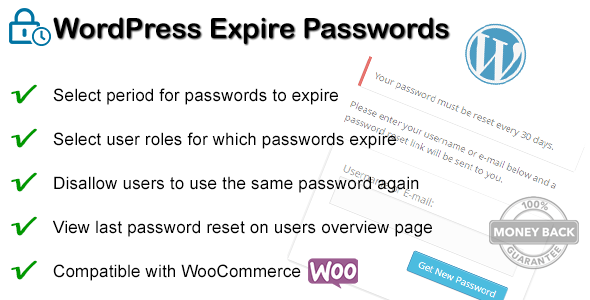

Require selected user roles to change their passwords after a selected time. It’s possible to set the maximum number of days users (and / or user roles) are allowed to use the same password (100 days by default). There is also on option to allow / disallow users to use the same password again (by default disallow). And an option that requires users to change there password on first time login.
Features
- Change days for password expiration
- Select user roles for password expiration
- Option to allow / disallow users to use the same password again
- Option that requires users to change their password on first login
- View last password reset on users overview page
- Compatible with WooCommerce and default WordPress login and users
Screenshots
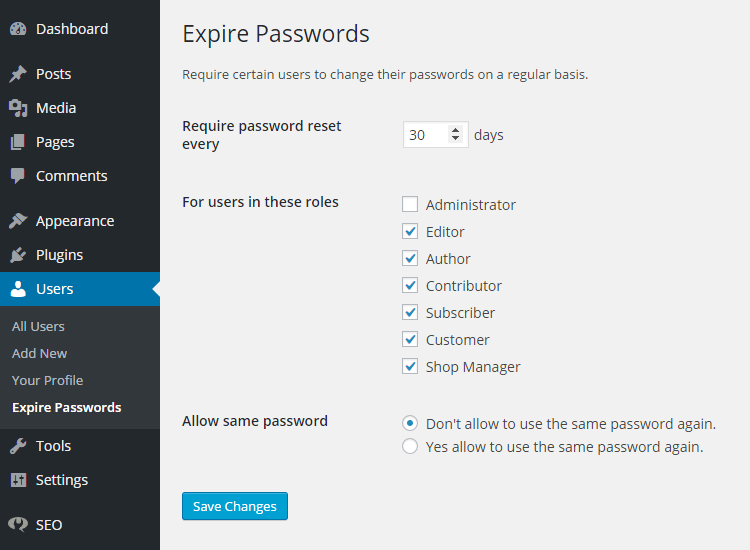
Settings page
Change days for password expiration / Select user roles for password expiration / Option to allow or disallow users to use the same password again
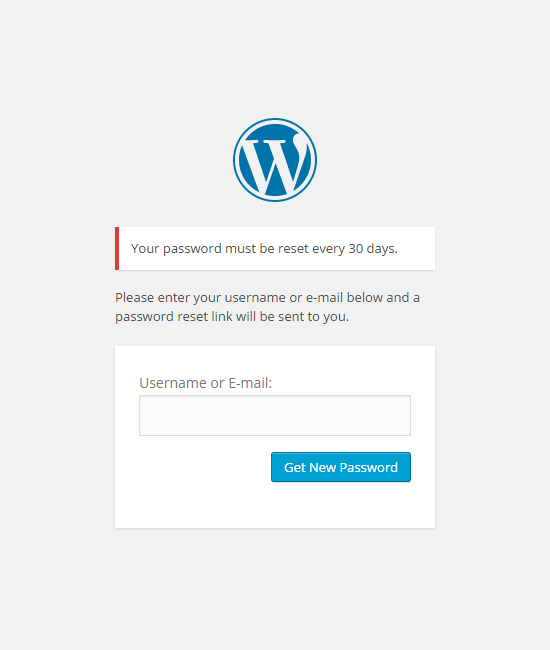
Expiration message @ login screen
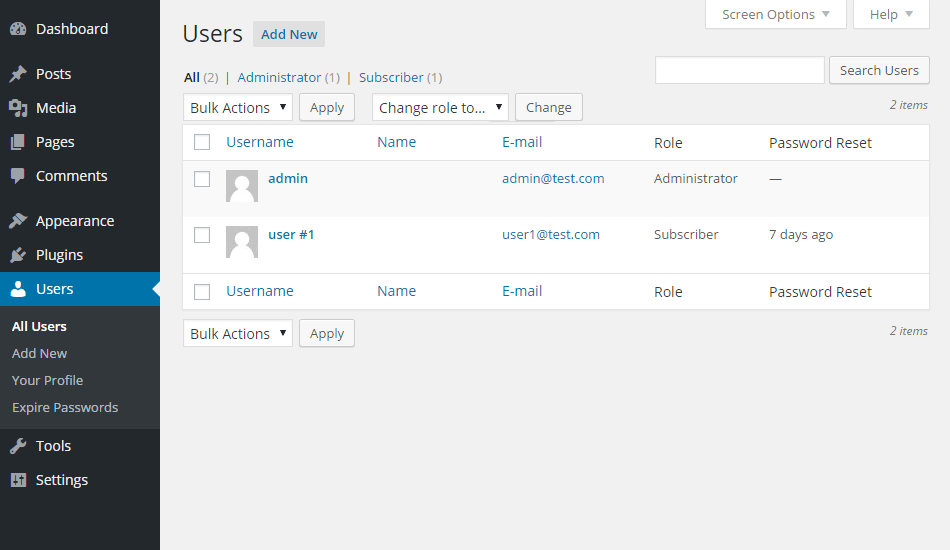
View last password reset on users overview page
Automatic Updates
Use Envato Market WordPress plugin to get automatic updates, with a single click, directly from WordPress. Upon a new release, get notified directly from your Wordpress Dashboard. Update the plugin from the Dashboard Plugins with the automated Wordpress functions. Always use the latest version for the best compatibility!
Changelog
1.7.1
- Implement safe redirect support
1.7
- Add filter pw_expire_redirect_after_first_login for developer (to set a custom URL after the first login)
1.6
- Improve the same password check for WooCommerce
- Send WooCommerce customers to WooCommerce password reset page
1.5
- Add WooCommerce compatibility
- Improve expired password reset message
- Add settings link on plugin overview page
1.4
- Improve language loading
- Prevent conflicts with other plugins
- Fix for when options don’t exist in database
- Move CSS to separate file
- Add support for SCRIPT_DEBUG
1.3
- Fix for multisite installations
- Improved documentation
1.2
- Option that requires users to change their password on first login
1.1
- Internationalisation: added more languages (English, German, French, Dutch)
1.0
- First release
- Change days for password expiration
- Select user roles for password expiration
- Option to allow / disallow users to use the same password again
- View last password reset on users overview page
- Internationalisation
- Documentation
0 average based on 0 ratings.

| Last Update | 2020-10-27 |
| Created | 2015-05-10 |
| Sales | 82 |
| Discussion | Comments |
| Compatible Browsers | |
| Software Version | WordPress 7.0.x WordPress 6.9.x WordPress 6.8.x WordPress 6.7.x WordPress 6.6.x WordPress 6.5.x WordPress 6.4.x WordPress 6.3.x WordPress 6.2.x WordPress 6.1.x WordPress 6.0.x WordPress 5.9.x WordPress 5.8.x WordPress 5.7.x WordPress 5.6.x WordPress 5.5.x WordPress 5.4.x WordPress 5.3.x WordPress 5.2.x WordPress 5.1.x WordPress 5.0.x WordPress 4.9.x |
| Compatible With | WPBakery Page Builder |
| Gutenberg Optimized | |
| High Resolution | |
| Files Included | CSS PHP |
| Video Preview Resolution |


