WordPress Post to PDF - Page to PDF & PDF Generator | Save as PDF Button and Ebook Export


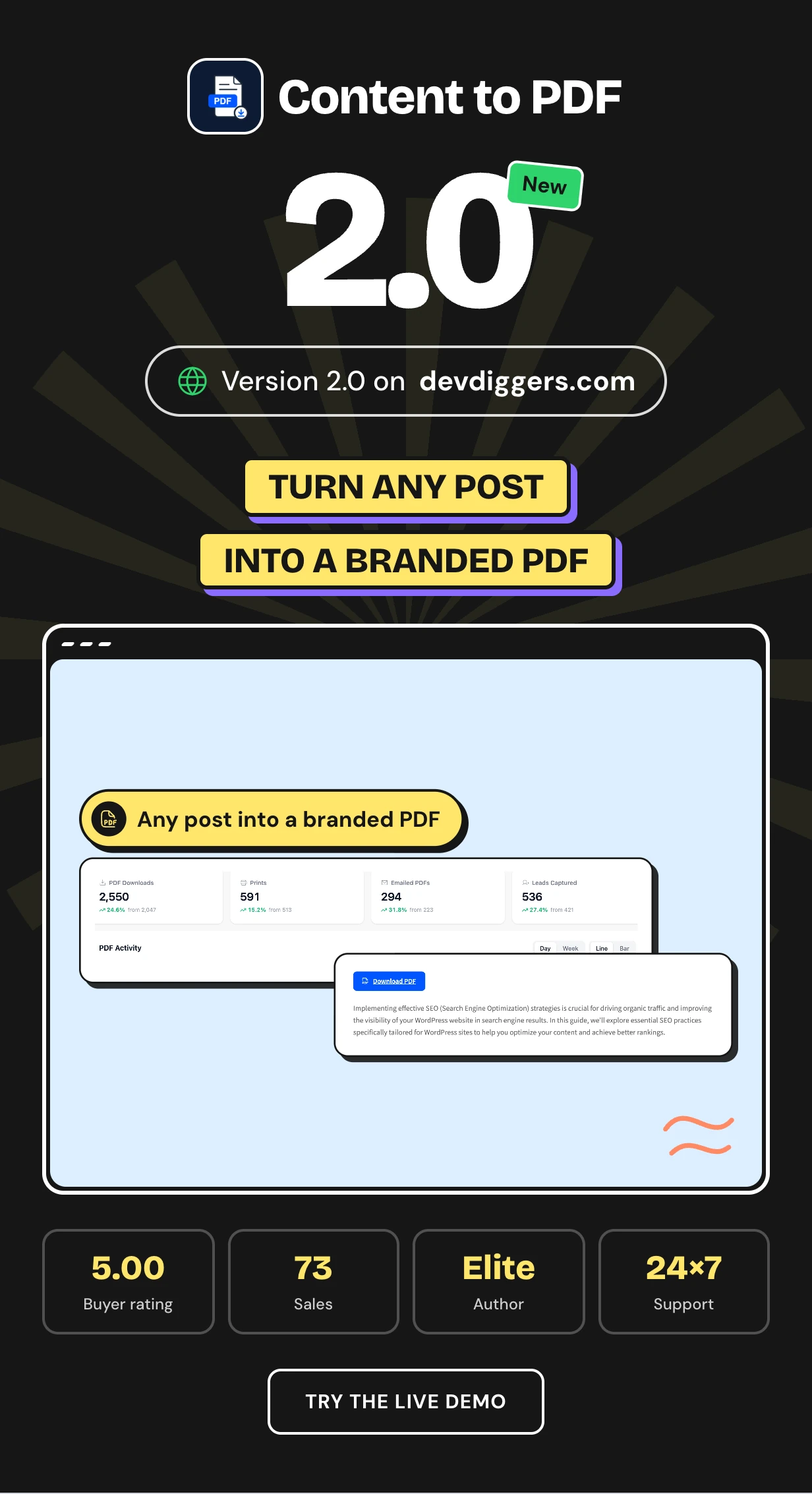
Content to PDF is a WordPress post to PDF plugin that turns posts, pages and WooCommerce products into branded PDFs. Each file gets a cover, a contents page, your logo and a QR code back to the post. Readers download, print or email it in one click.
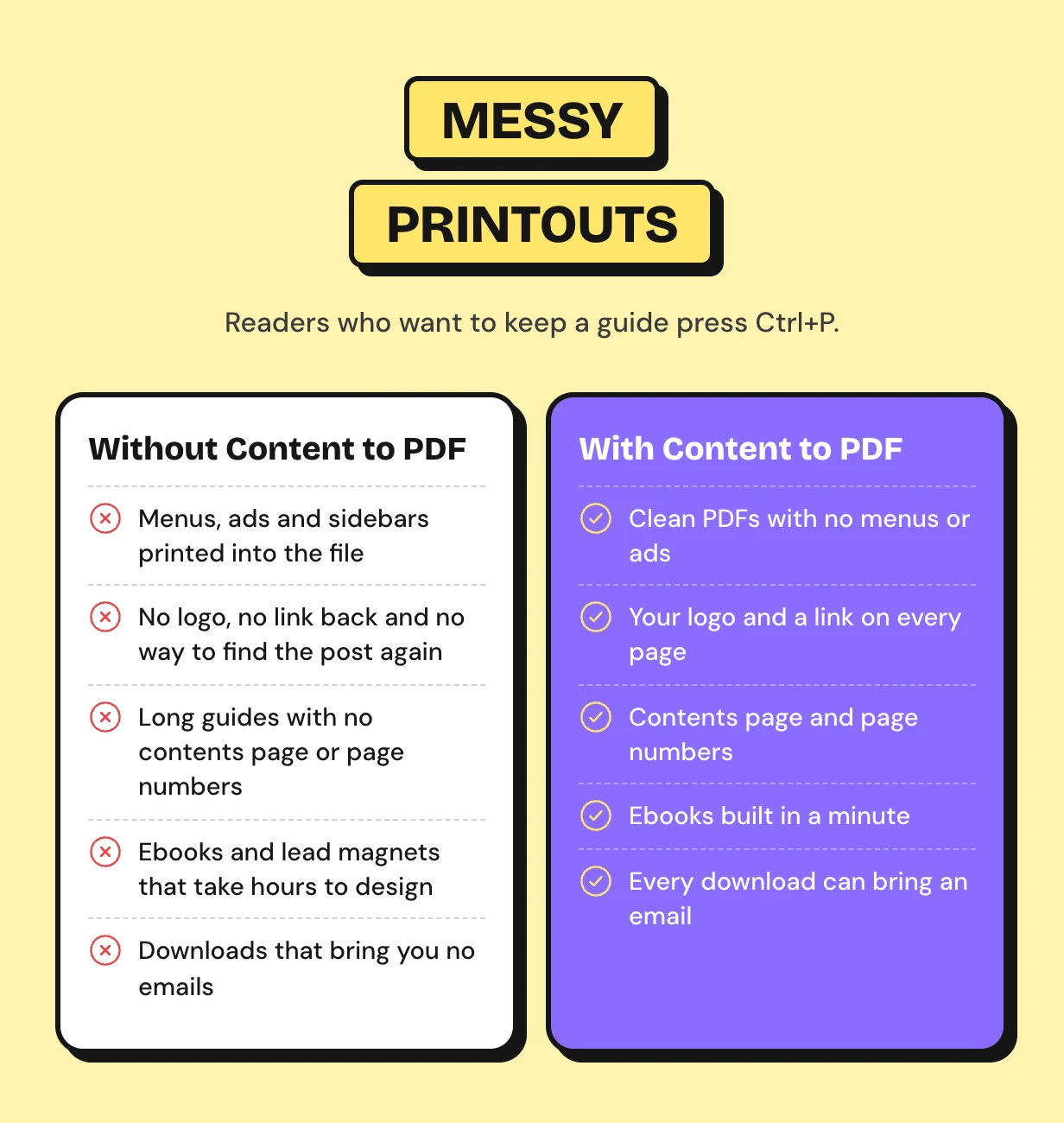
WordPress has no PDF export of its own. Readers who press Ctrl+P get your menu, sidebar and cookie banner in the file, and you get no lead.
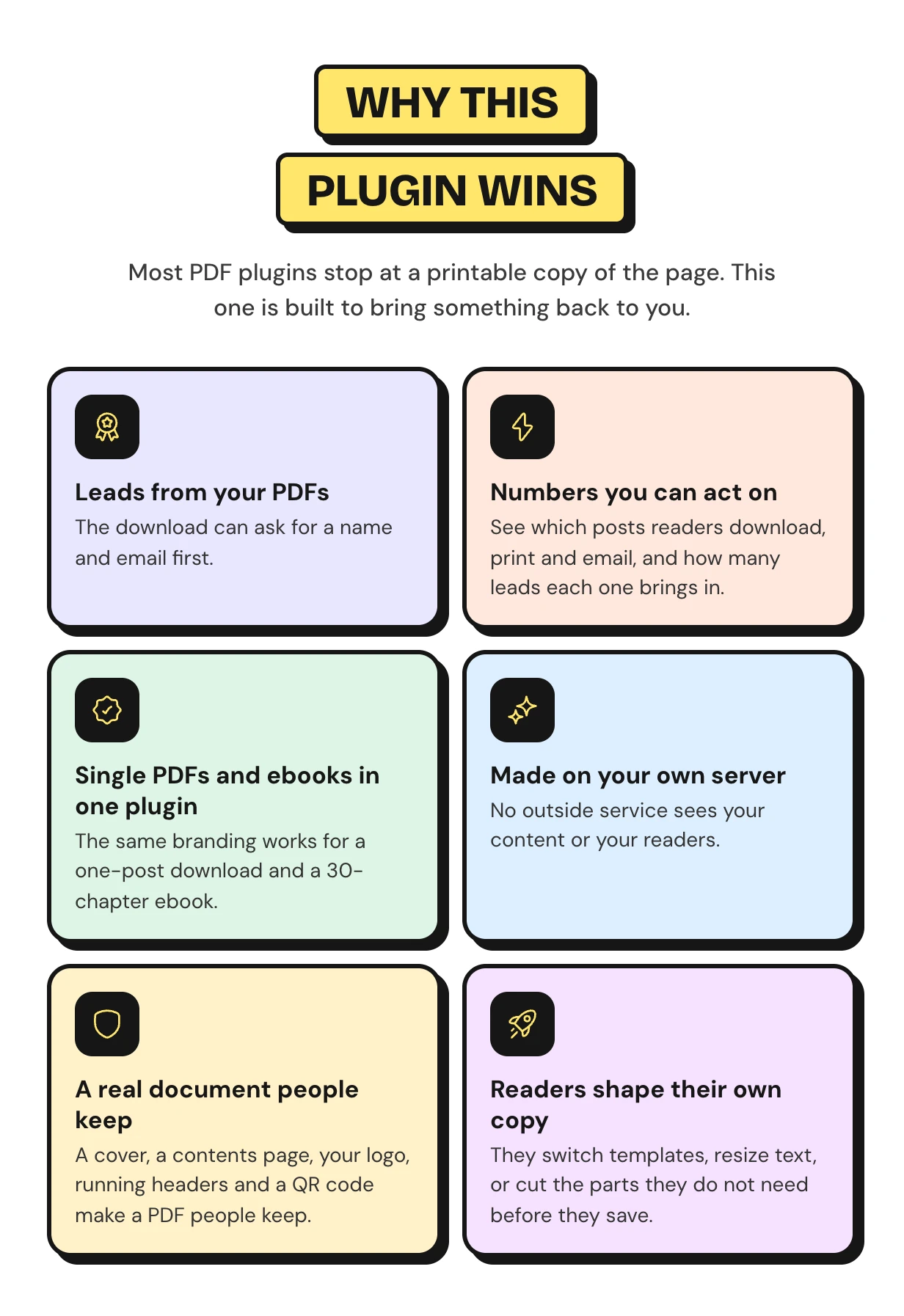
It works as a WordPress PDF generator, a WordPress page to PDF button and an ebook maker for whole categories. A lead form turns every download into an email address.
Every plan and the latest features: Content to PDF plugin page
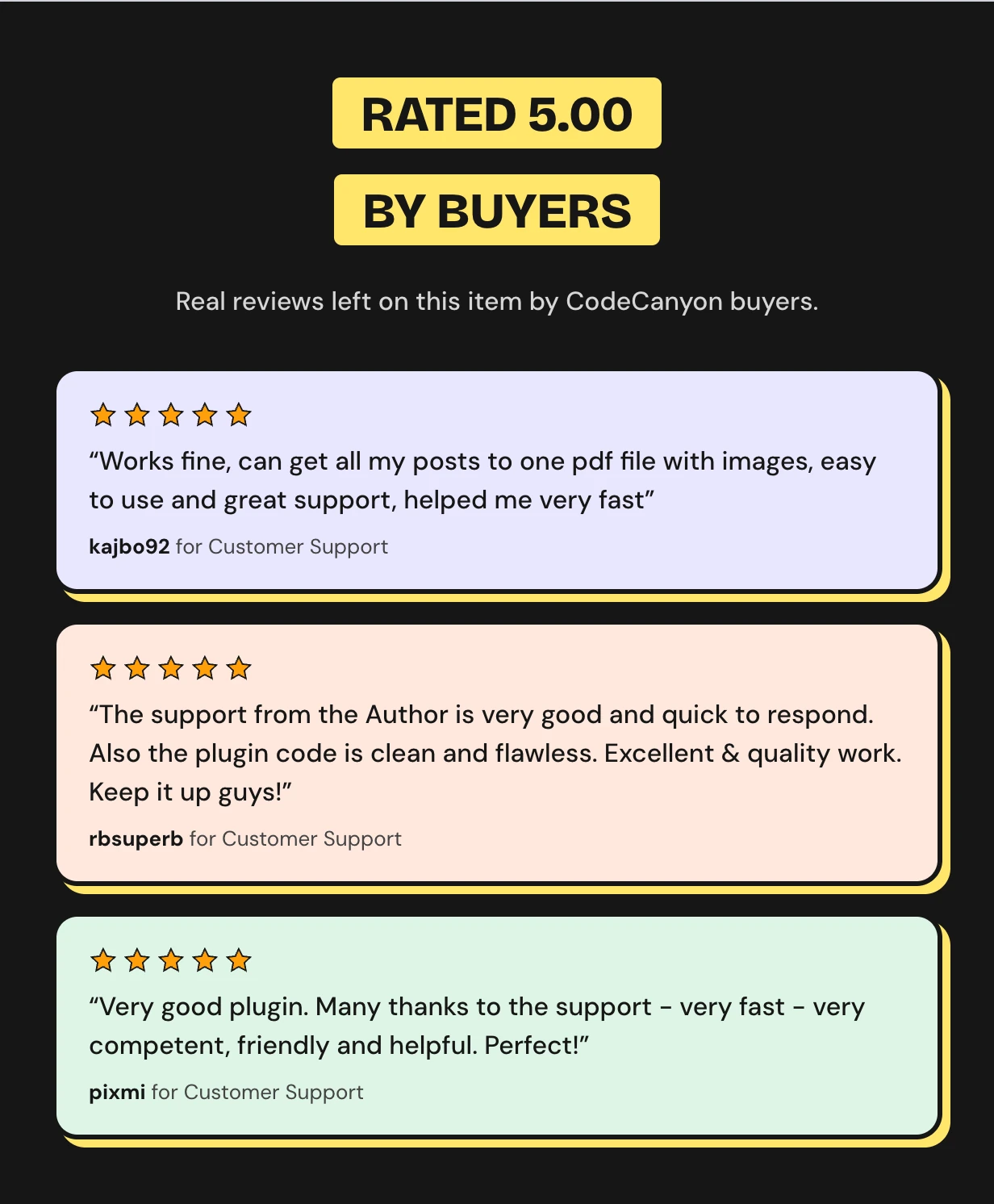
Rated 5.00 out of 5 by CodeCanyon buyers





Readers who print your posts leave no trace
Readers who want to keep a guide press Ctrl+P. They get your menu, ads and broken page breaks, and nothing in the file says where it came from.
Every one of those readers leaves without a trace. You gave away your best work and got no email and no idea which posts people keep.
How the WordPress post to PDF plugin works
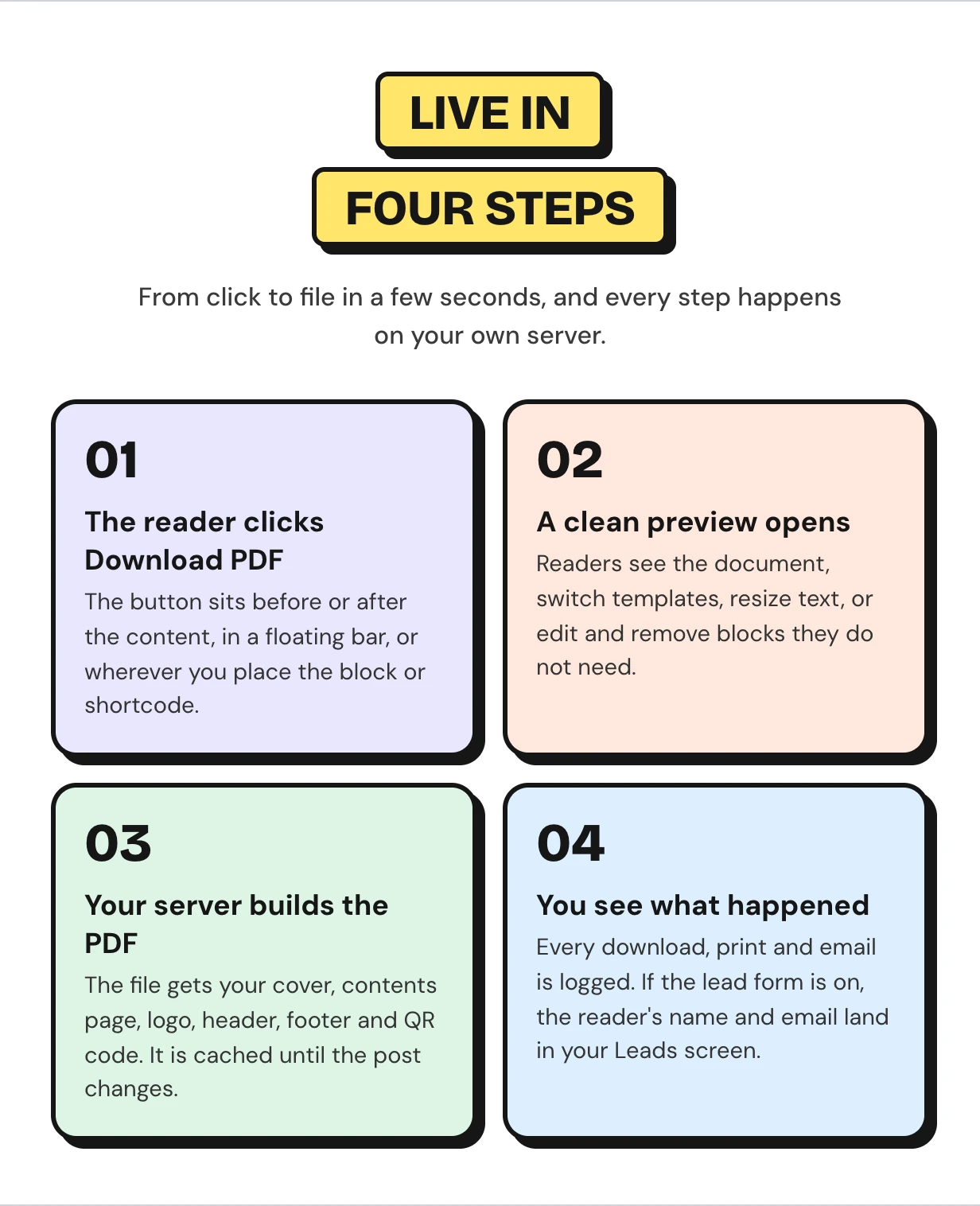
A reader clicks Download PDF, sees a clean preview and saves the file. The setup wizard places the button and picks its look in a few steps.
WordPress post to PDF features
Every feature below ships in this one download. It covers the PDF design, the reader, lead capture, ebooks and the reports that show what readers save.
Convert WordPress to PDF with a cover and contents page
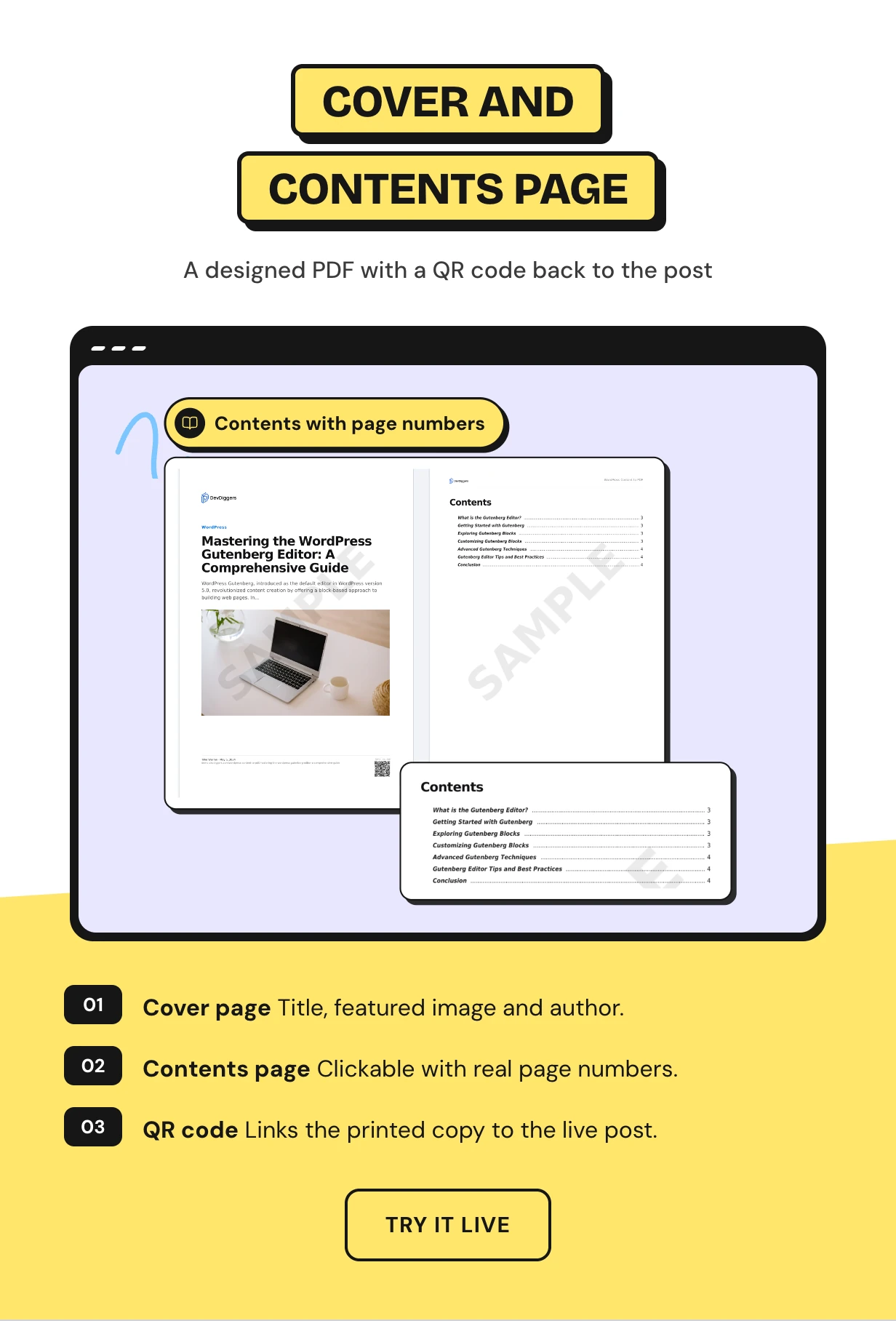
Every PDF can open with a cover that shows the title, excerpt, featured image and author. Long guides get a contents page with real page numbers.
Every heading becomes a PDF bookmark. A QR code on the cover links back to the live post. A printed copy still brings people to your site.
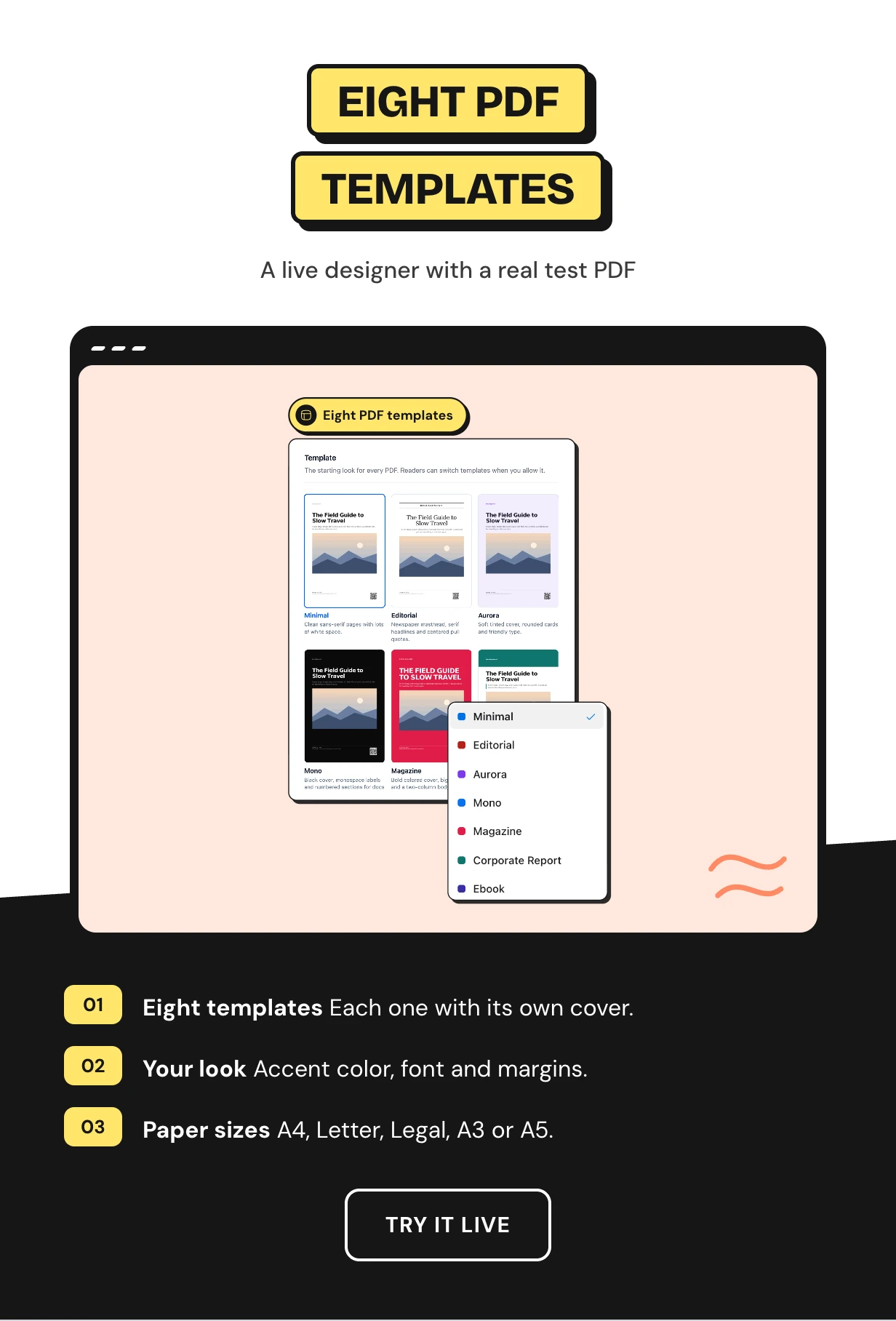
Eight WordPress PDF generator templates with a live designer
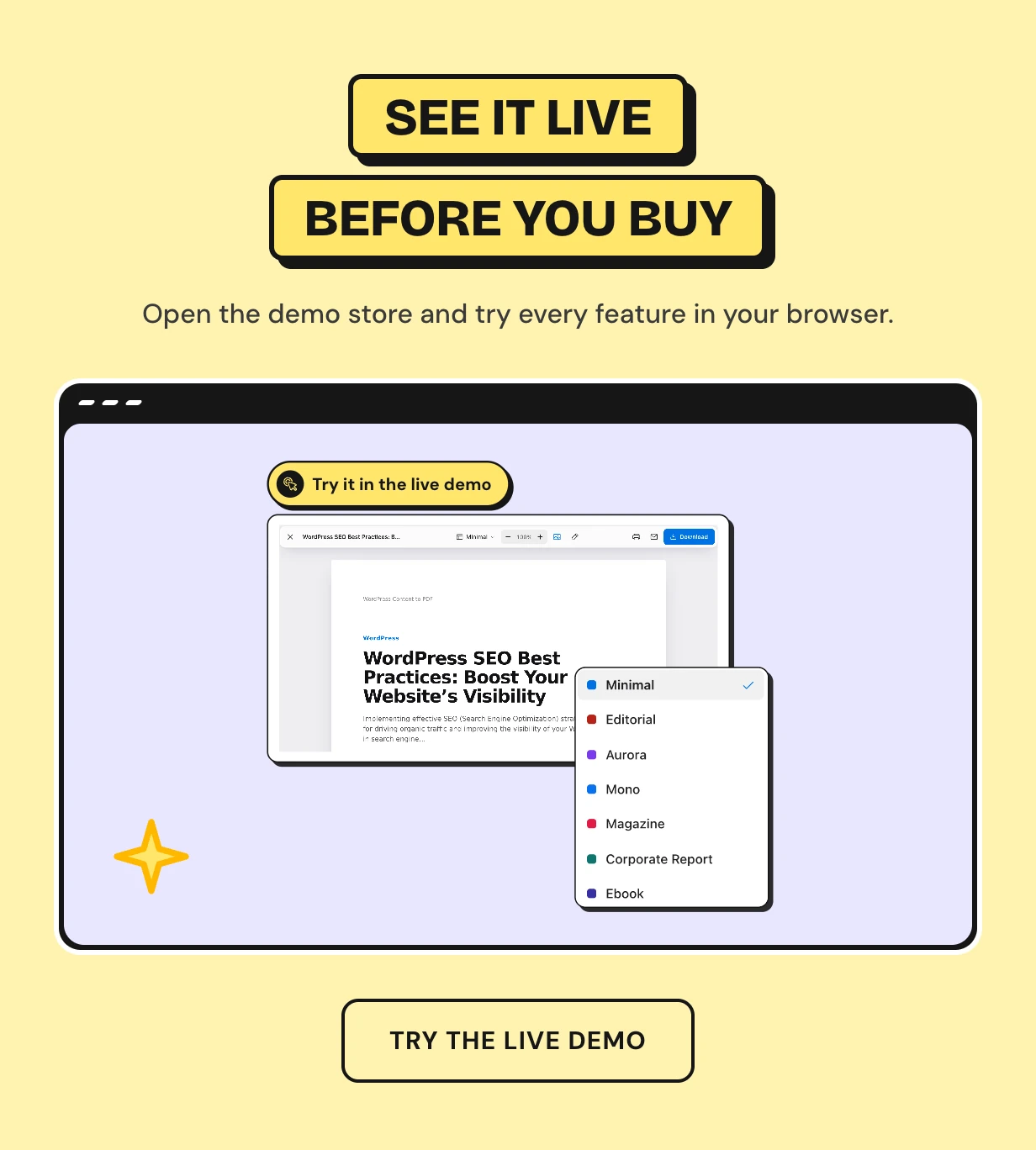
Pick Minimal, Editorial, Aurora, Mono, Magazine, Corporate Report, Ebook or Product Sheet. Set your accent color, font, paper size and margins.
The PDF Designer shows a live preview as you change things. Open the real PDF before you save and see what readers will get.
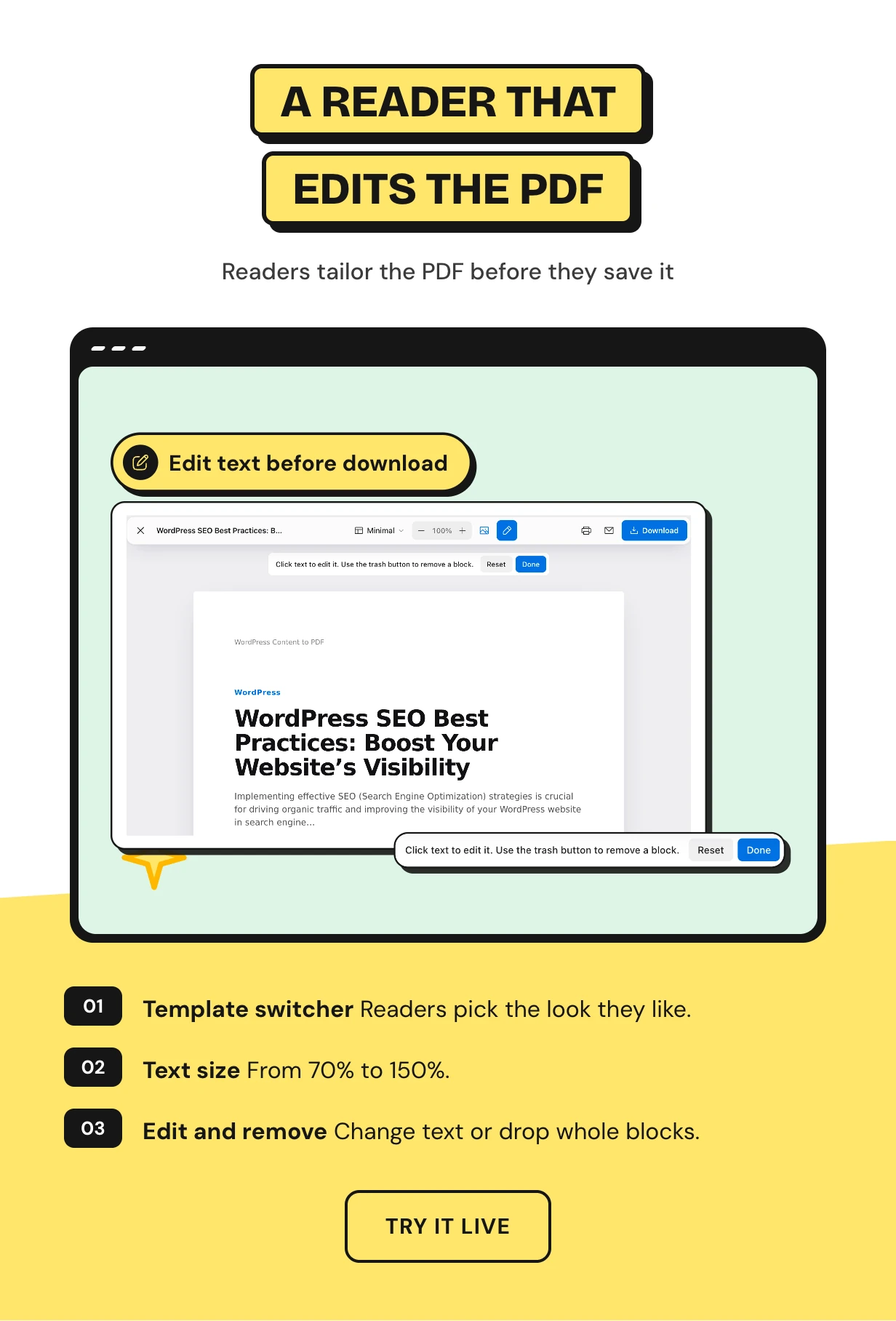
A reader that lets people tailor the PDF
Download PDF opens a clean preview over the page. Readers can switch templates, make the text bigger or hide images.
They can also click any paragraph to edit it or remove a block they do not need. Then they download, print or email their own copy.
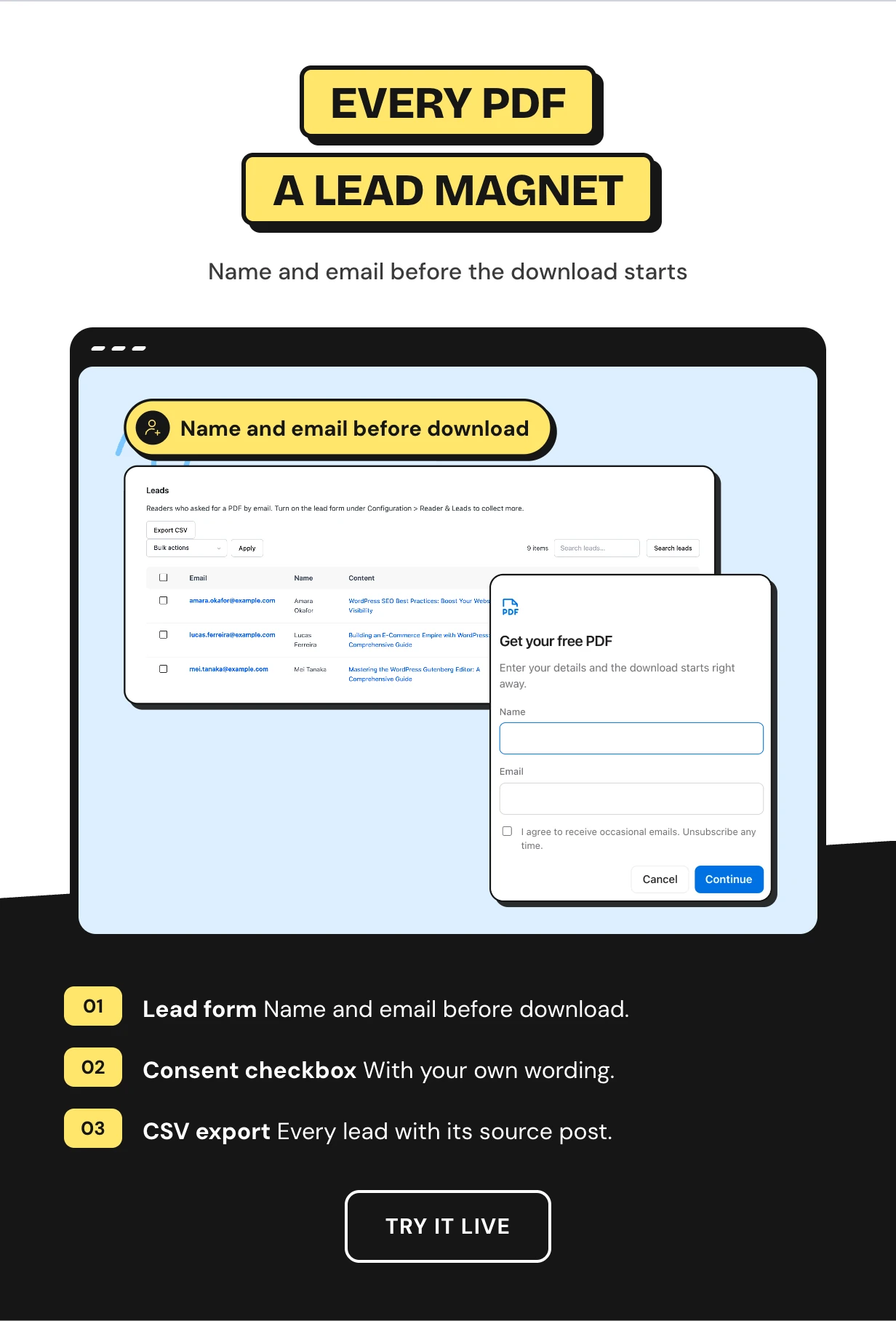
Turn every post to PDF download into a lead magnet
Switch on the lead form and readers enter their name and email before the download starts. Add a consent checkbox with your own wording.
Leads collect in their own screen with the post they came from. Search them, delete them or export them to CSV for your email tool.
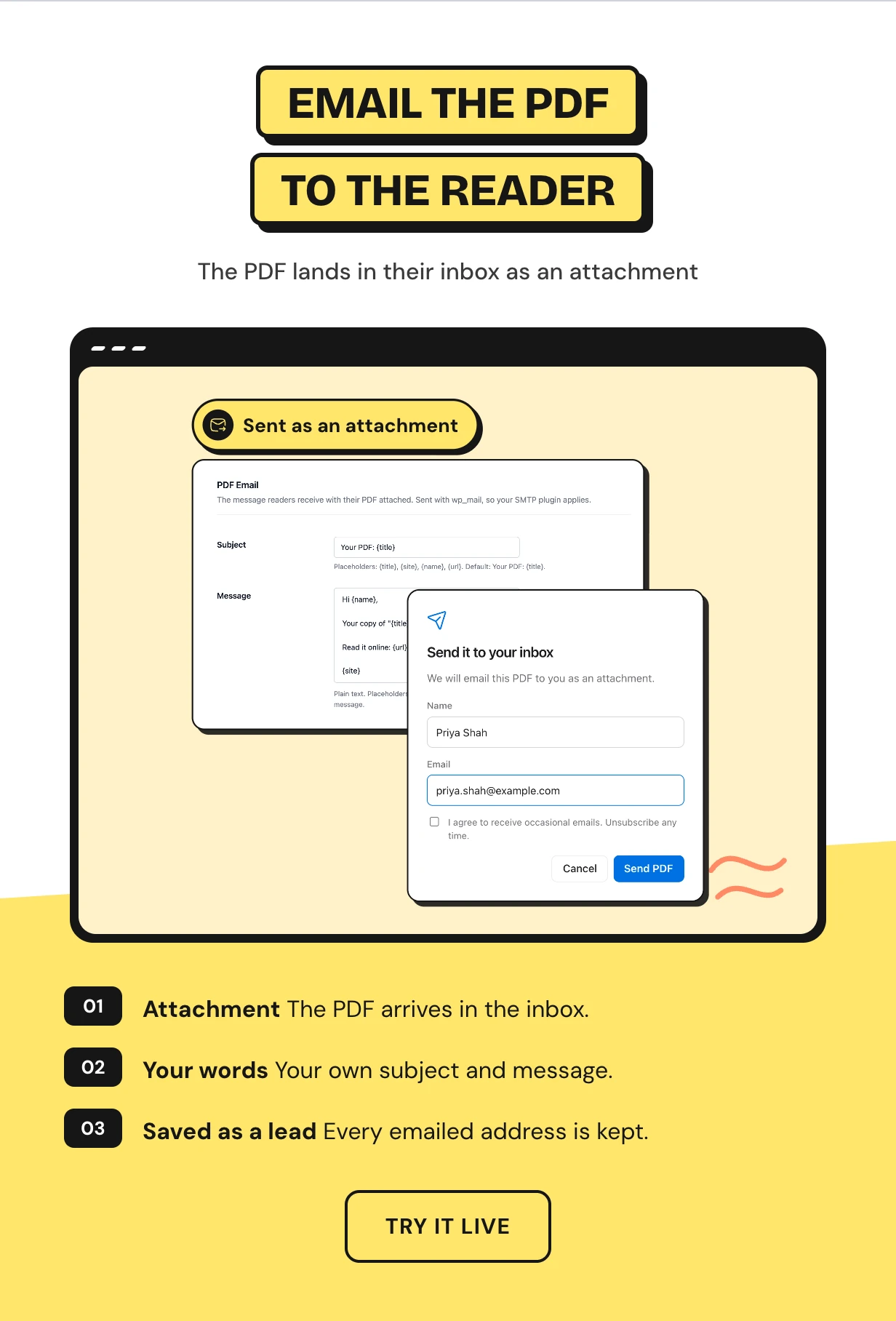
Email the PDF straight to the reader
Reading on a phone? Readers can send the PDF to their inbox instead. It arrives as an attachment with your own subject and message.
Every emailed address is saved as a lead. Emails go out through WordPress mail or your SMTP plugin, with a limit of five per visitor per hour.
Export WordPress posts to PDF as one ebook
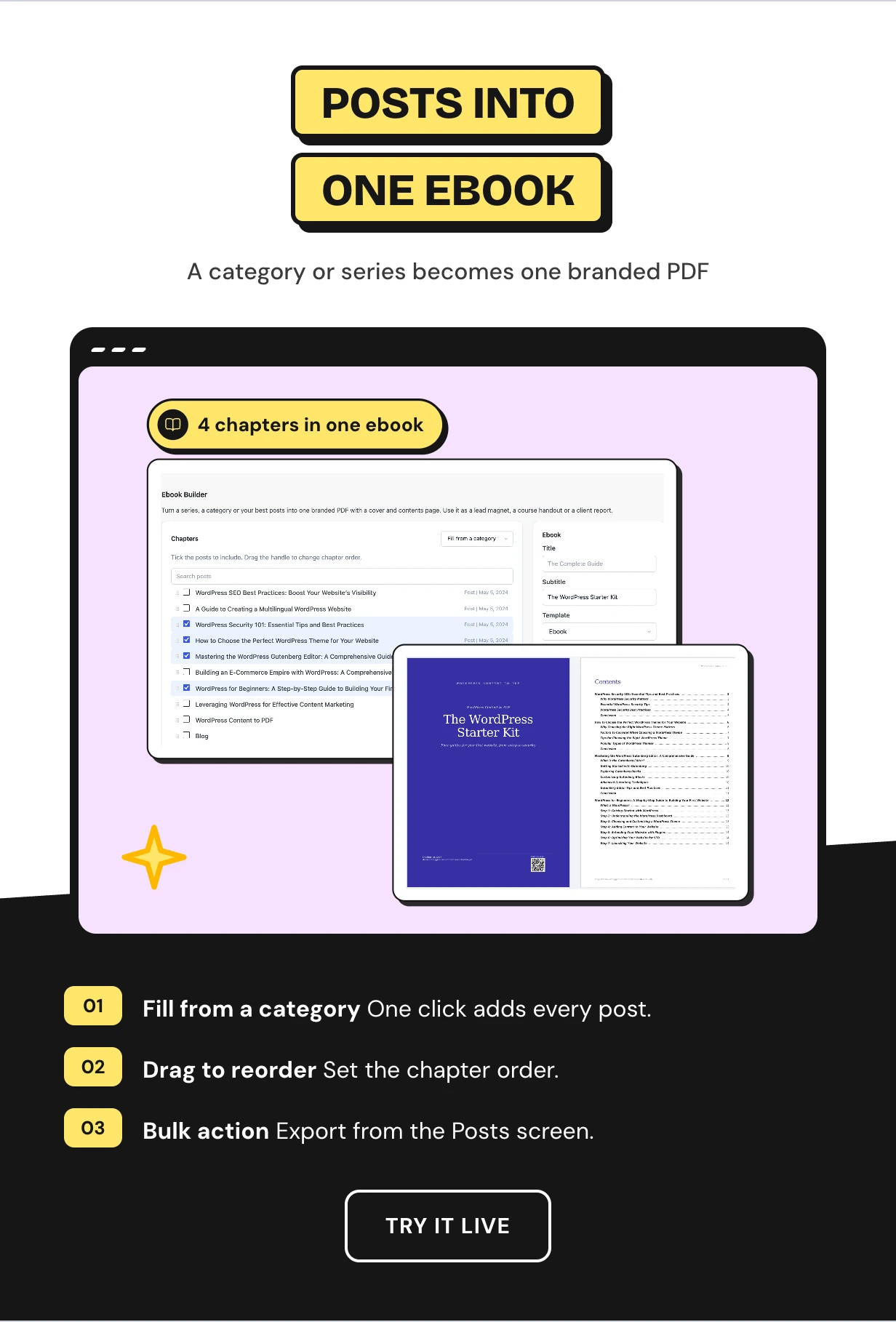
The Ebook Builder turns a category, a series or your best posts into one branded PDF. Tick the posts, drag them into order and give the book a title.
Each post becomes a chapter under a cover and a contents page. You can also select posts on the Posts screen and pick Export to PDF ebook.
A WooCommerce product PDF on its own template
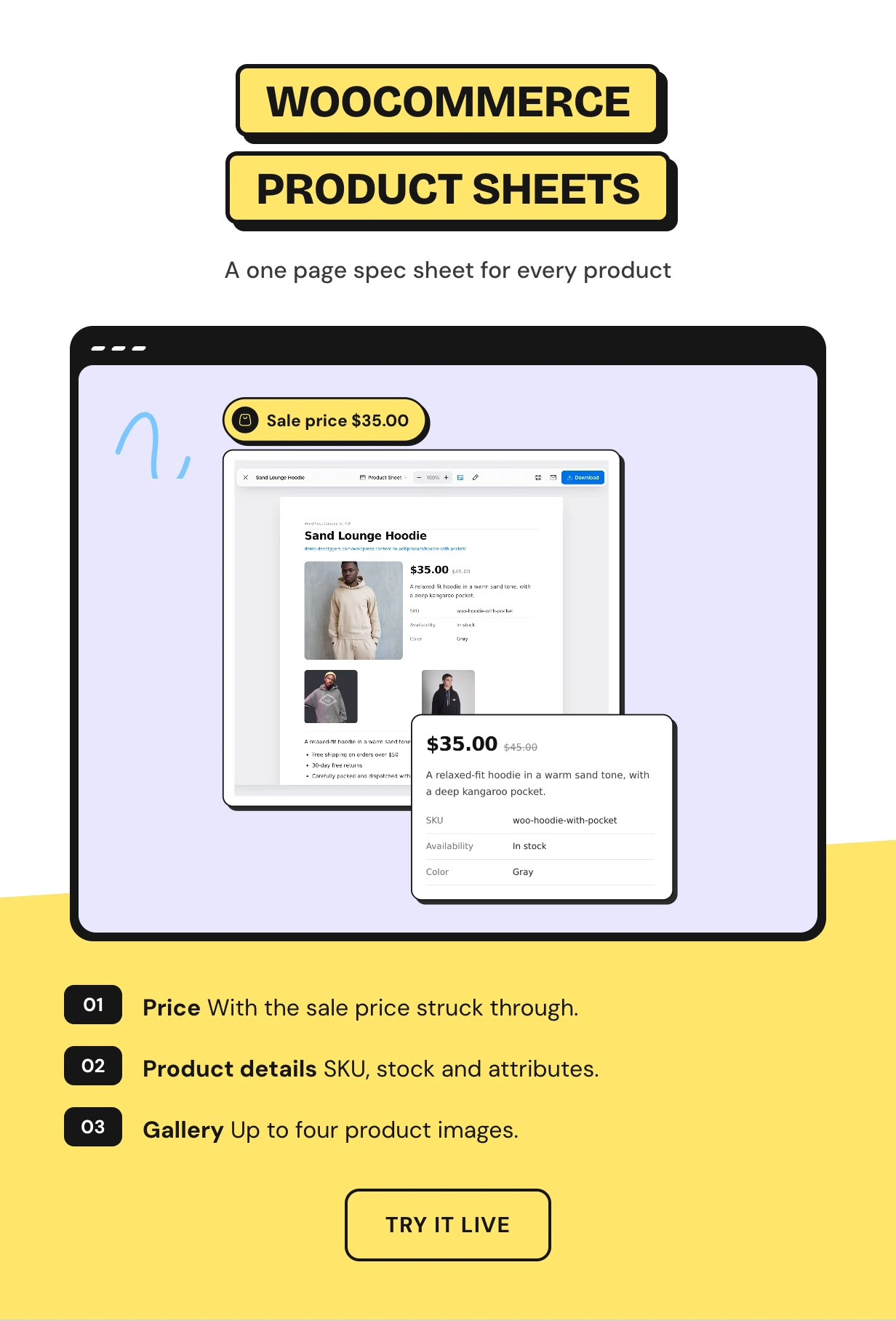
On WooCommerce products the plugin uses the Product Sheet template on its own. Shoppers get a one-page spec sheet to save or share with a colleague.
It shows the price with any sale price, the short description, SKU, stock status, attributes, weight, dimensions and up to four gallery images.
Your brand on every PDF page with copy protection
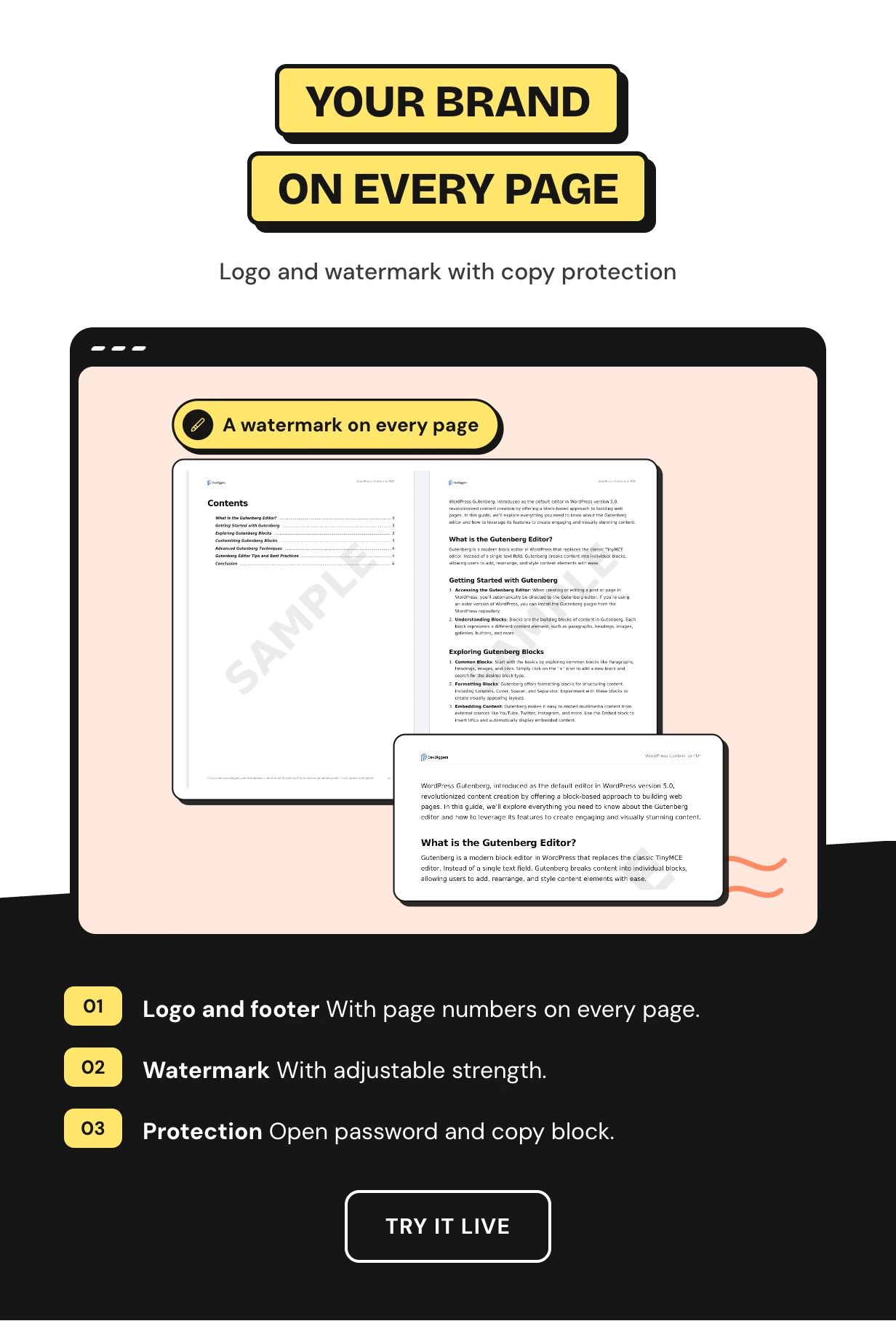
Add your logo to the cover and header. Write the header and footer with placeholders such as the site name and the post link, and show page numbers.
Add a faint watermark such as CONFIDENTIAL, set a password to open the file or block copying text. Set the file name pattern too.
A PDF download button wherever you want it
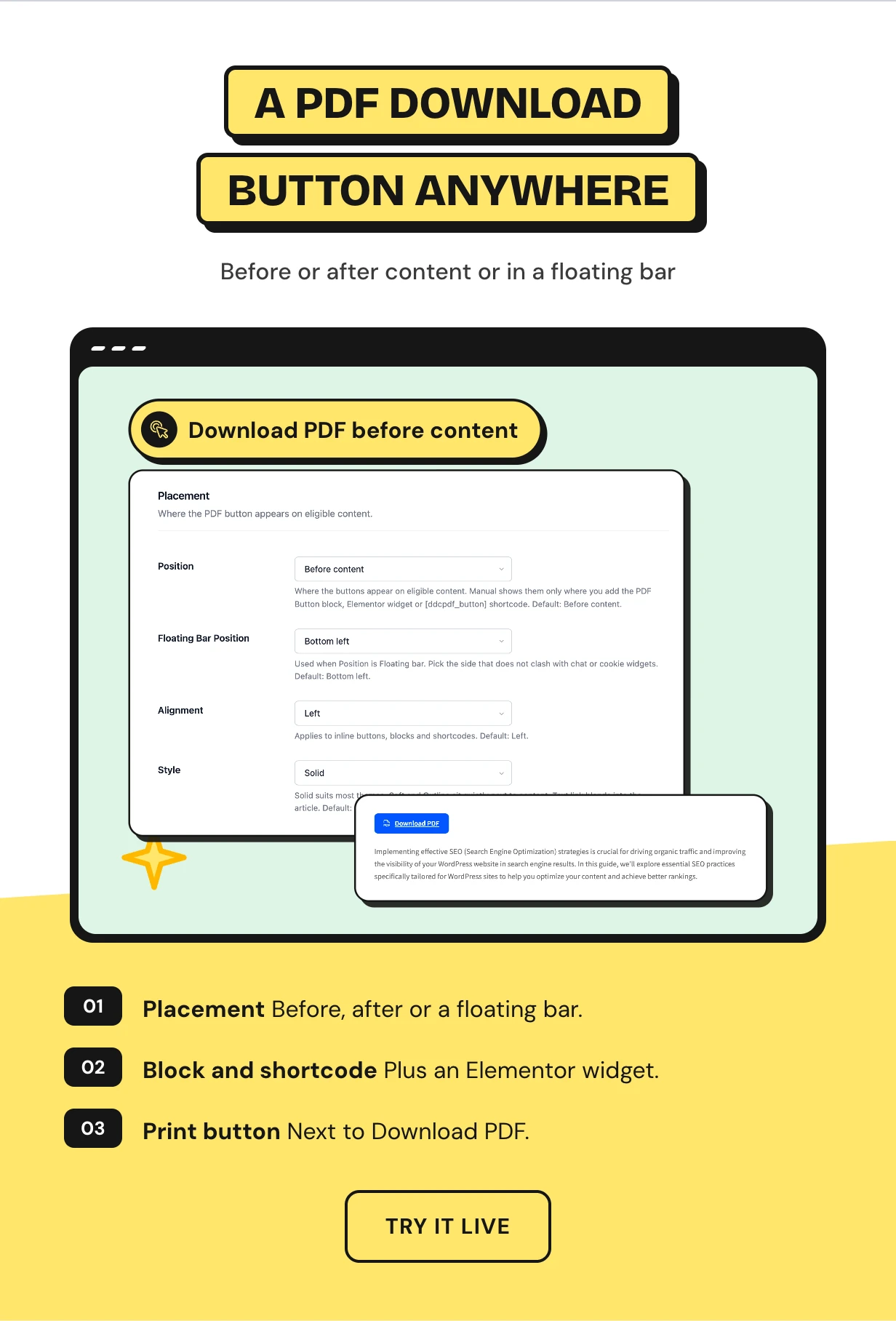
Show the button before the content, after it, or both. Or use a floating bar that follows the reader down the page.
Place it by hand with the PDF Button block, the Elementor widget or the shortcode. Choose a solid, soft, outline or text style and add a Print button.
Rules for who can save WordPress posts and pages to PDF
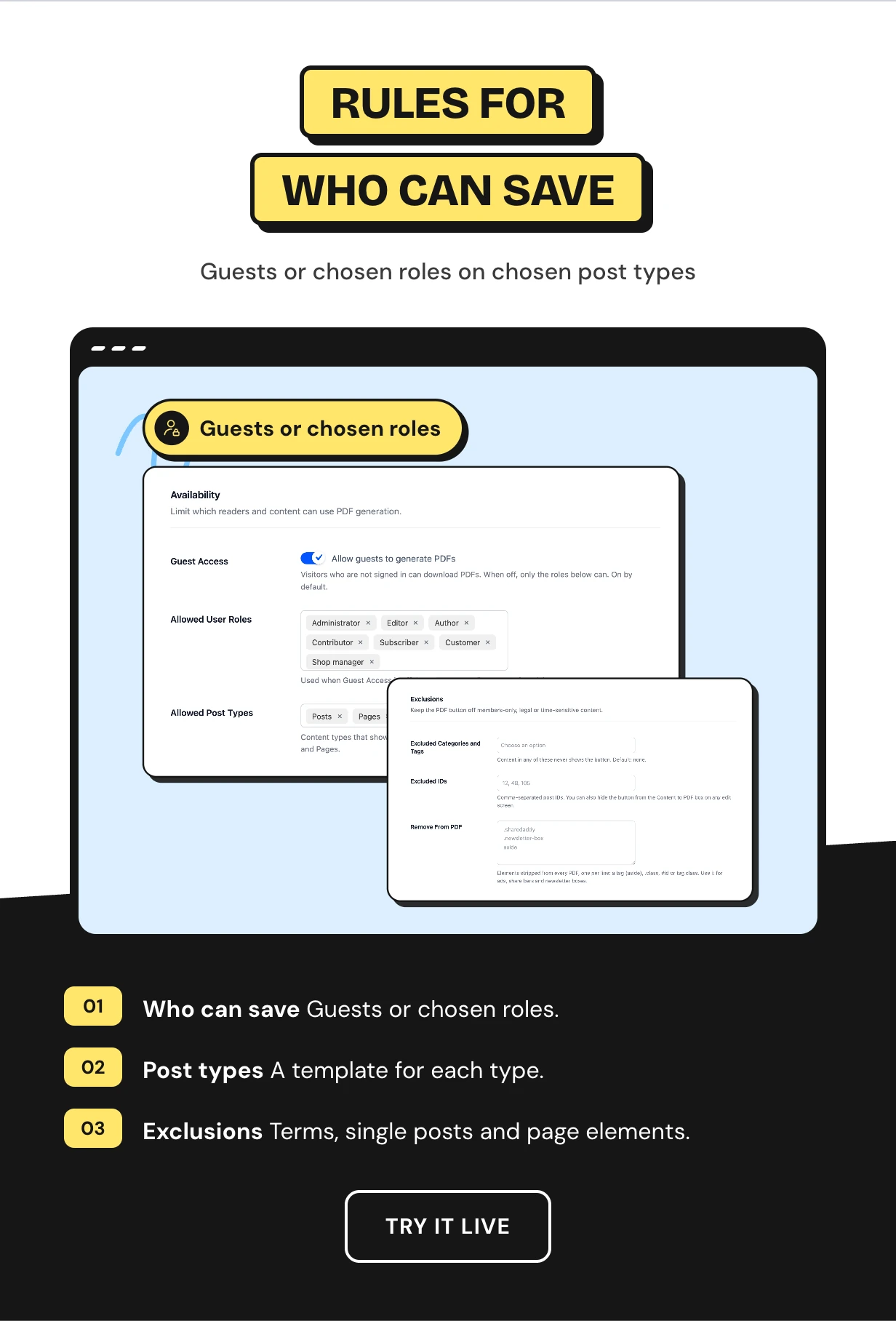
Let guests download or only signed-in users with chosen roles. Pick which post types get a button and give each type its own template.
Exclude categories, tags or single posts. Strip share bars, newsletter boxes or any element from every PDF with a simple selector.
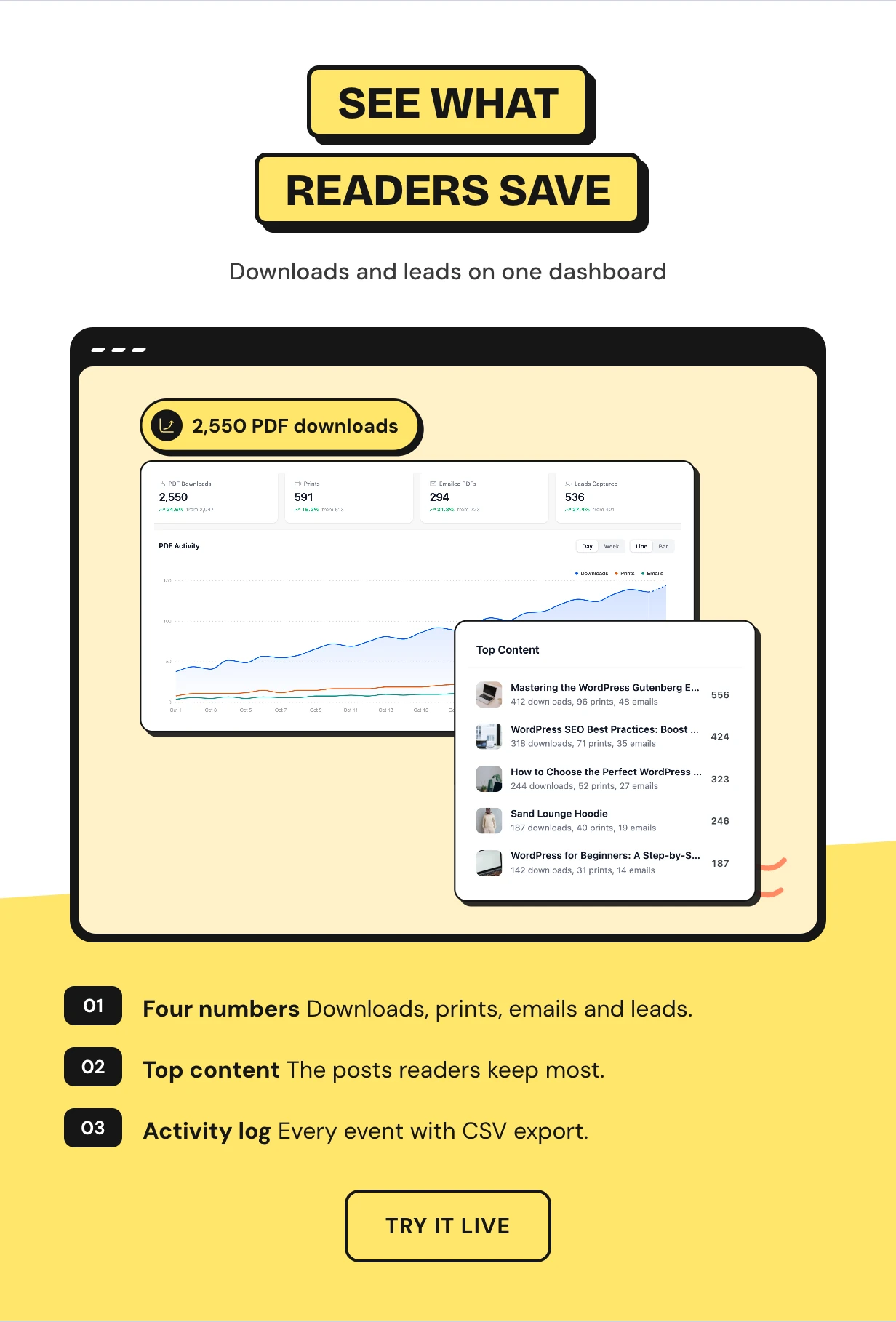
A WordPress PDF generator dashboard with downloads and leads
See PDF downloads, prints, emailed PDFs and leads captured, each compared with the previous period. A chart shows the trend day by day.
Below it sit your top content, the templates readers pick and the latest activity. The Activity screen keeps every event and exports it to CSV.
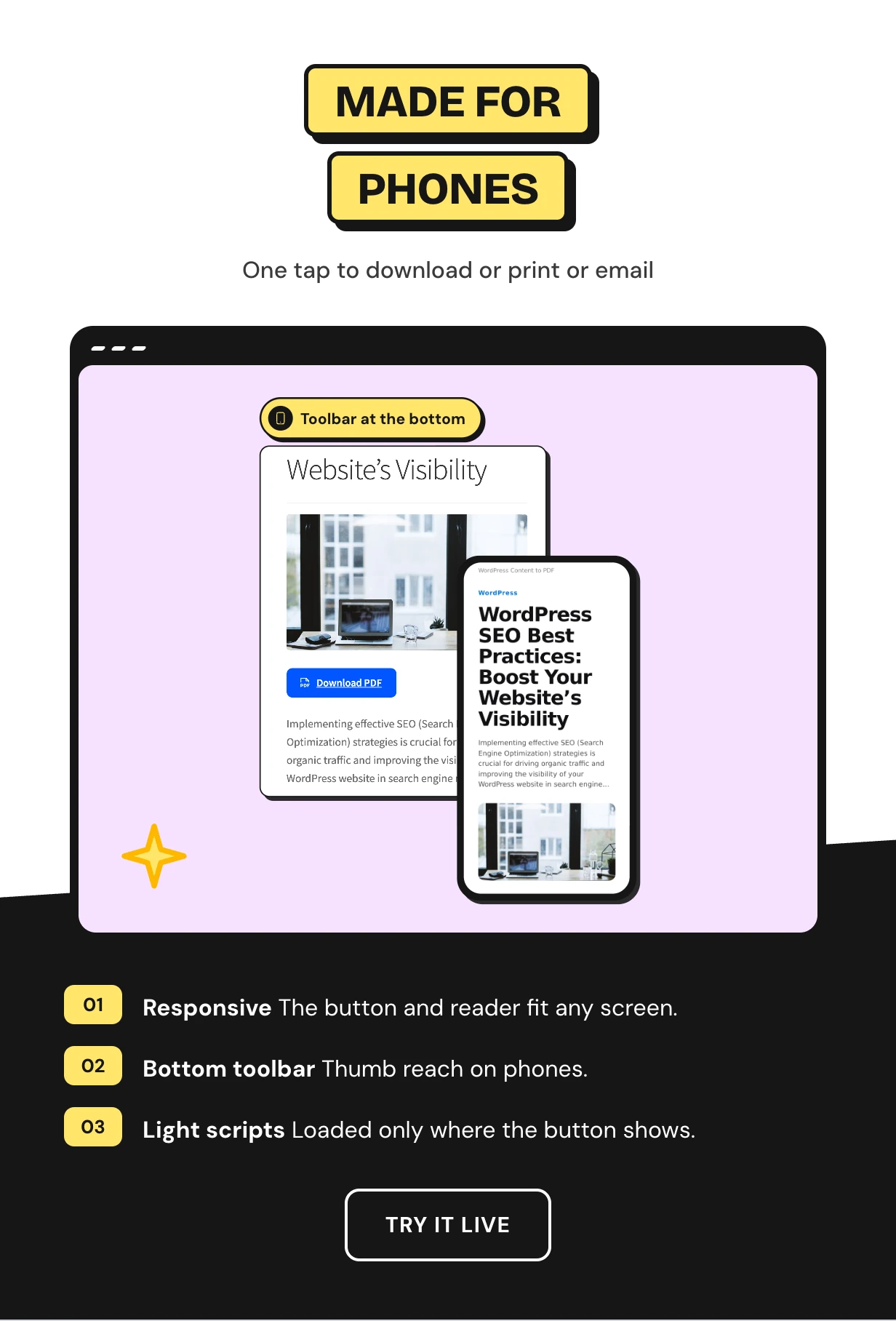
WordPress download post as PDF on any phone
Most readers arrive on a phone. The button fits the post and in the reader the toolbar docks at the bottom of the screen.
From there one tap downloads the PDF, prints it or sends it to the reader’s inbox to open later on a bigger screen.
Full feature list
PDF design
- Cover page with featured image, author and QR code
- Contents page with page numbers and PDF bookmarks
- Eight templates with a live designer
- Accent color, font, paper size and margins
- Logo, header, footer and page numbers
- Watermark, open password and copy protection
Reader
- Clean preview before download
- Template switcher and text size from 70% to 150%
- Hide images, edit text or remove blocks
- Download, print or email from one toolbar
- Bottom toolbar on phones
- Instant download mode that skips the reader
Leads and email
- Lead form before the download
- Consent checkbox with your wording
- Leads screen with the source post and CSV export
- Email the PDF as an attachment
- Your own email subject and message
- Five emails per visitor per hour
Ebooks and products
- Ebook Builder from a category, a series or chosen posts
- Drag to reorder chapters
- Export to PDF ebook bulk action on the Posts screen
- WooCommerce Product Sheet template
- Price, SKU, stock, attributes and gallery
Button and rules
- Before or after content or a floating bar
- PDF Button block, Elementor widget and shortcode
- Four button styles and a Print button
- Guest access or chosen user roles
- Template per post type
- Exclude terms or posts and strip page elements
Reports and admin
- Dashboard with downloads, prints, emails and leads
- Top content, template mix and recent activity
- Activity log with CSV export
- PDF box on every edit screen
- Setup wizard
- Cached PDFs rebuilt only when content changes
What you need to convert WordPress to PDF
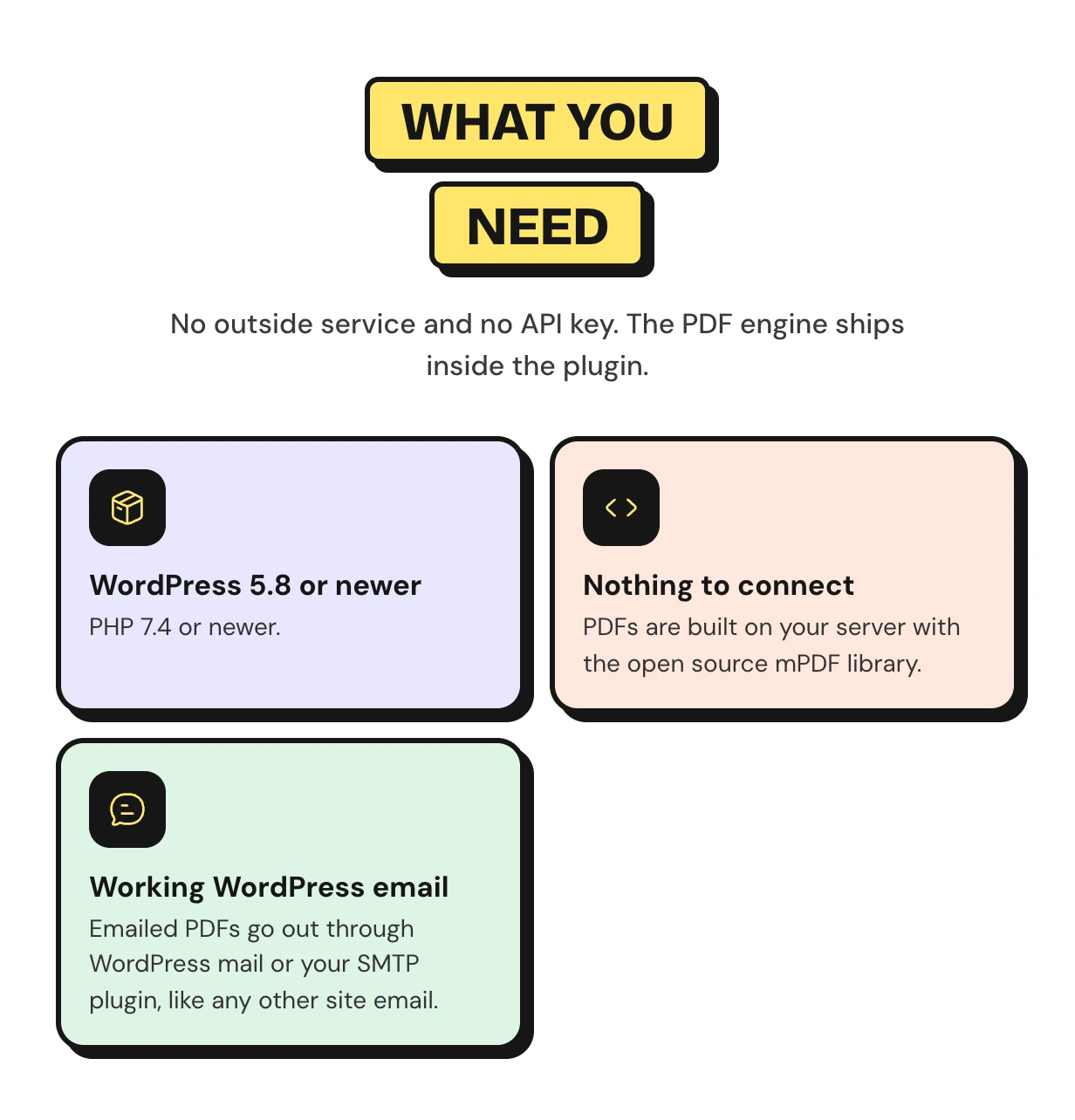
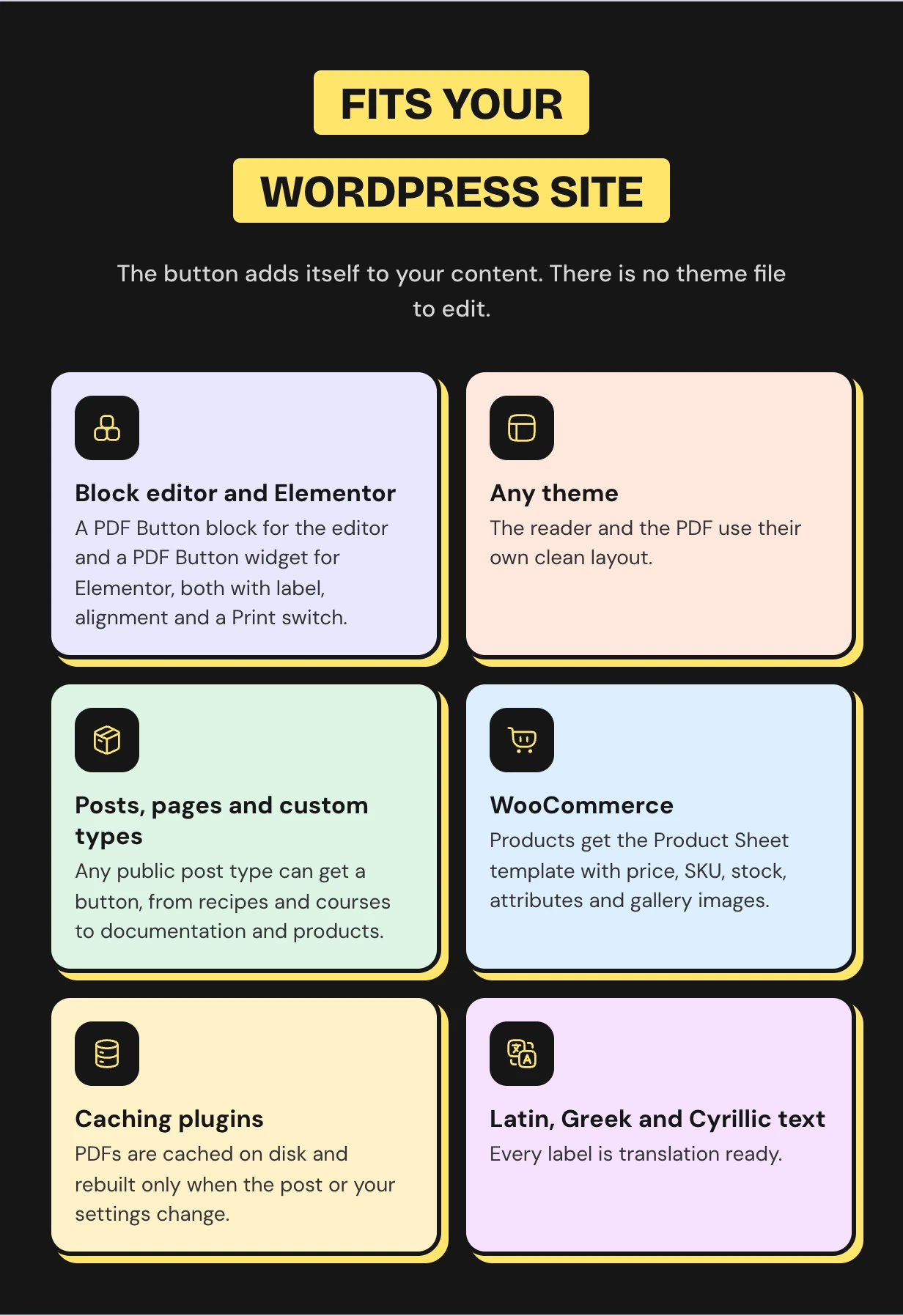
Works with the WordPress site you already run
PDFs are built on your own server with the open source mPDF library. The block editor, Elementor, any theme and WooCommerce products are all covered.
Why this WordPress PDF generator does more
Who the WordPress post to PDF plugin is for
What buyers say
WordPress post to PDF questions
How do I convert a WordPress post to PDF?
Install the plugin and run the setup wizard. A PDF download button appears on your posts, and readers preview and save the file.
How to save a WordPress page as PDF?
Pages get the same Download PDF button as posts by default. Allowed Post Types sets WordPress posts and pages to PDF in one place.
Can I convert a WordPress blog to PDF as one file?
Yes. The Ebook Builder fills a book from a category or the posts you tick. To export a WordPress site to PDF in parts, build one ebook per category.
Is it better than WordPress print to PDF?
Yes. The browser print copies your menu and sidebar. This plugin builds a clean file with a cover, contents page, logo and QR code.
Can I collect emails before the PDF downloads?
Yes. Turn on the lead form and readers enter a name and email first. Leads are saved with the post they came from and export to CSV.
Does it work with WooCommerce products?
Yes. Each WooCommerce product PDF uses the Product Sheet template with price, SKU, stock and gallery images. It does not create invoices or packing slips.
Does it use an outside service?
No. PDFs are built on your own server. There are no per-document fees, no branding of ours in the file and no limit on PDFs.
Does it work with Gutenberg and Elementor?
Yes. There is a PDF Button block, an Elementor widget and a shortcode, each with its own label, alignment and an optional Print button.
Which languages does the PDF support?
The bundled fonts cover Latin, Greek and Cyrillic scripts. Arabic, Hebrew, Chinese, Japanese and Korean need extra fonts that are not included today.
Support and custom work
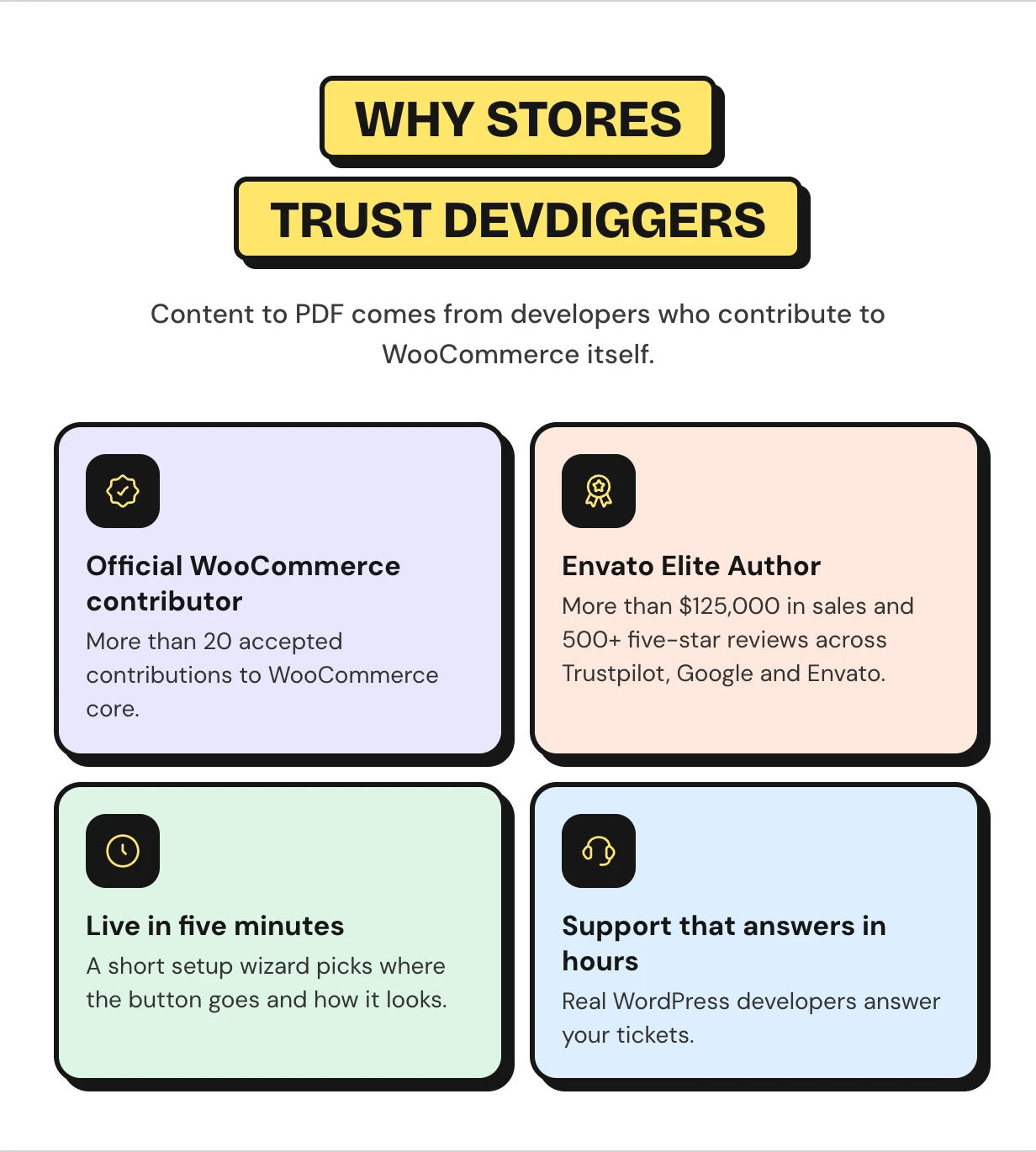
Support comes from the developers who wrote the code, usually within hours. Start with the Content to PDF documentation or contact our team. See every feature on the WordPress post to PDF plugin page.
Need a custom PDF template or a CRM sync for your leads? Our WordPress development services team builds custom PDF features for you.
Requirements
- WordPress 6.5 or newer
- WooCommerce is optional (needed only for product PDFs)
Changelog
v 1.2.0 Added new design for the PDF customizer. Added new functionalities in the PDF customizer. Added compatibility with the latest WordPress version. Resolved security issues.
v 1.1.2 Added compatibility with the latest WordPress. Resolved security issues.
v 1.1.1 Added compatibility with latest WordPress. Updated license API. Resolved security issues.
v 1.1.0 Added support for encoding in PDF. Added support for WordPress 5.5.x
v 1.0.0 Initial Release
$99 |
Download |
5 average based on 5 ratings.

| Last Update | 2026-10-30 |
| Created | 2020-07-08 |
| Sales | 73 |
| Discussion | Comments |
| Compatible Browsers | IE11 Firefox Safari Opera Chrome Edge |
| Software Version | WordPress 7.0.x WordPress 6.9.x WordPress 6.8.x WordPress 6.7.x WordPress 6.6.x WordPress 6.5.x WordPress 6.4.x WordPress 6.3.x WordPress 6.2.x WordPress 6.1.x WordPress 6.0.x WordPress 5.9.x WordPress 5.8.x WordPress 5.7.x WordPress 5.6.x WordPress 5.5.x WordPress 5.4.x WordPress 5.3.x WordPress 5.2.x WordPress 5.1.x WordPress 5.0.x WordPress 4.9.x |
| Compatible With | |
| Gutenberg Optimized | Yes |
| High Resolution | Yes |
| Files Included | JavaScript JS CSS PHP |
| Video Preview Resolution |


