WooCommerce Waitlist - Back In Stock Notifier | Waiting List & Restock Email Alerts


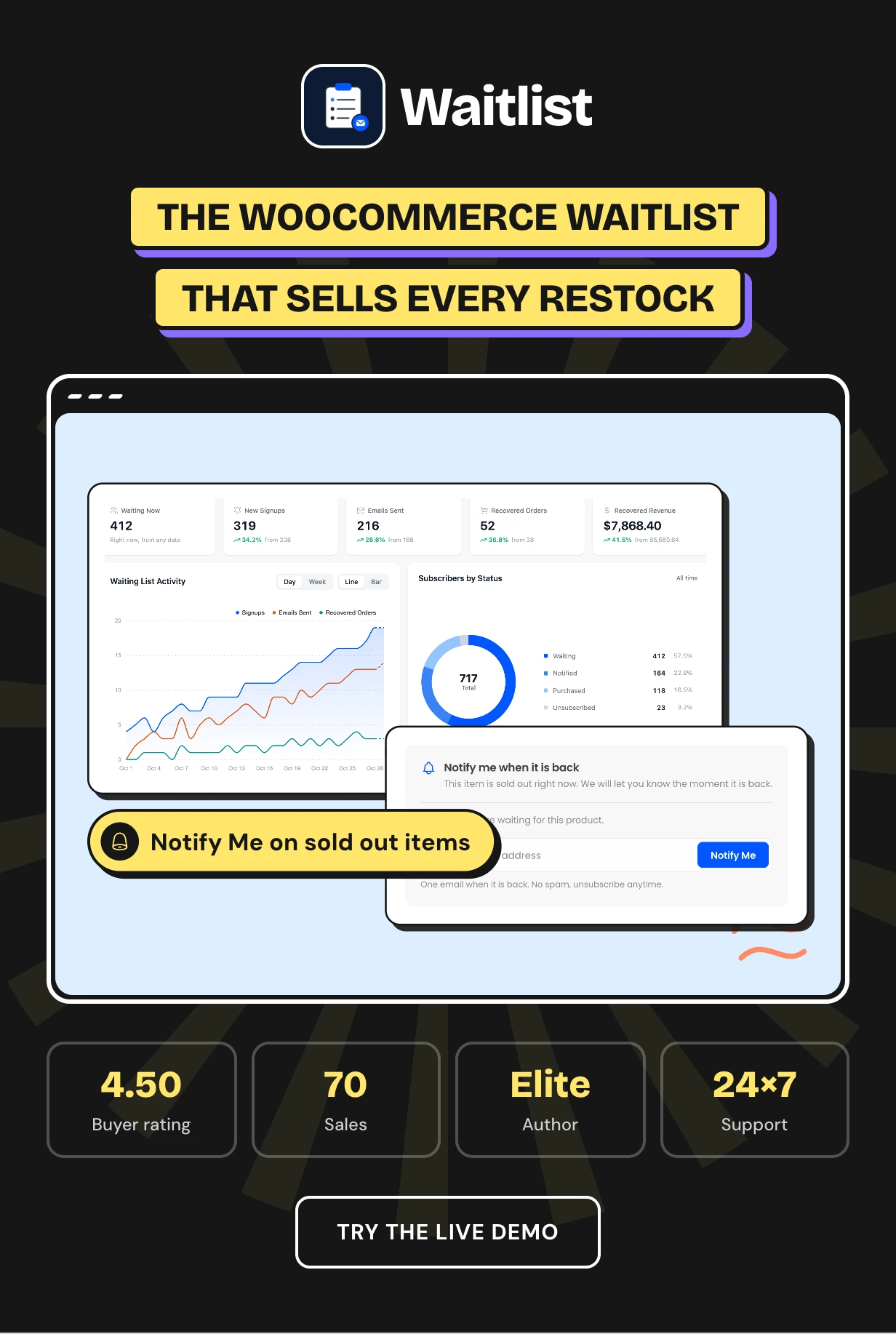
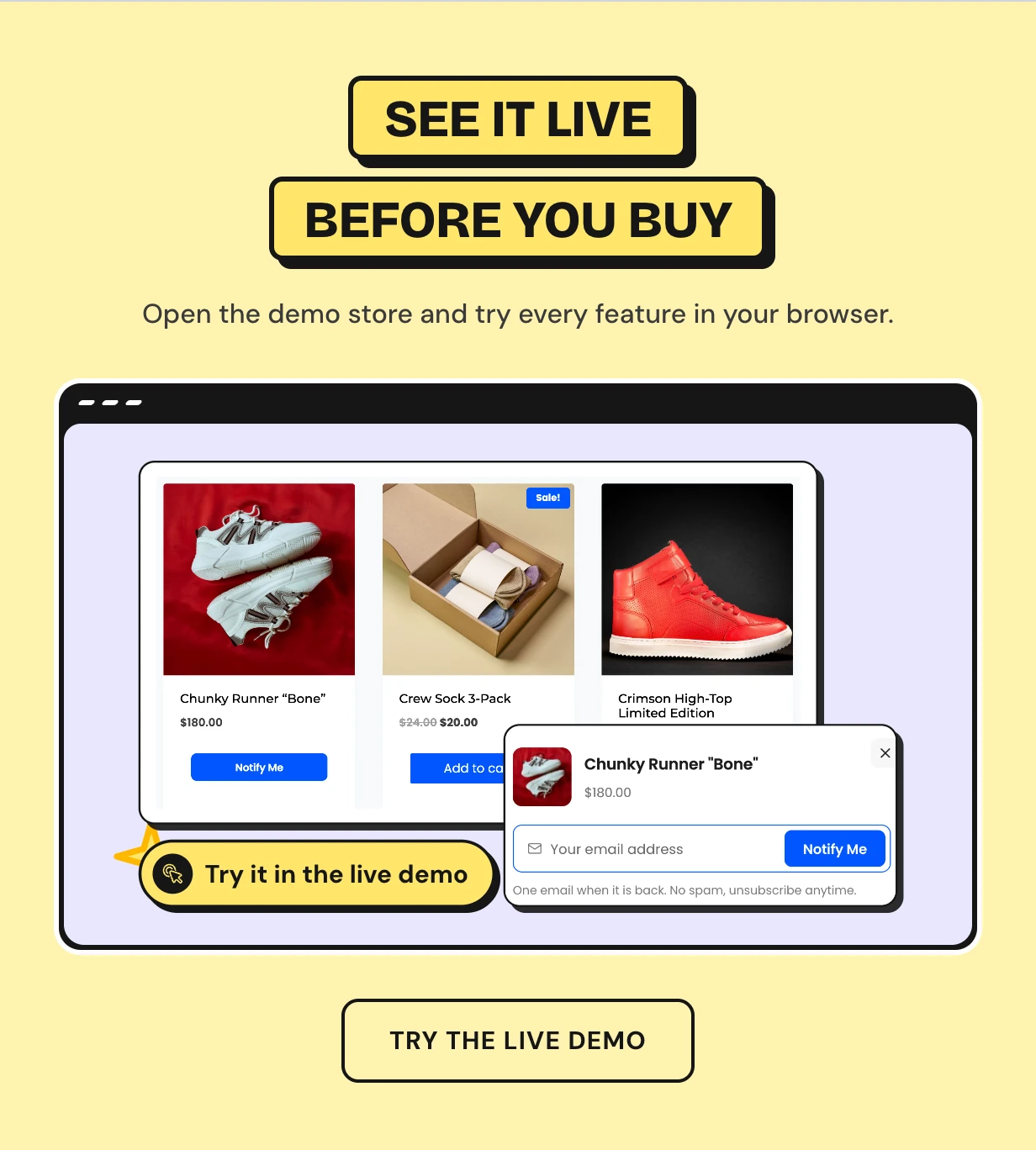
Waitlist is a WooCommerce waitlist plugin that turns sold out pages into a list of buyers. Shoppers press Notify Me on any out of stock product or variation. When stock returns, they get a back in stock email and the first chance to buy.
WooCommerce has no waiting list of its own. Its out of stock emails go to the store owner and never to shoppers. Waitlist fills that gap and shows you the orders every restock brought back.
It works as a back in stock notifier, a restock alert for variable products and a pre sale list for a launch. Early access, restock coupons and reminder emails help the people who waited buy first.
Every plan and the latest features: Waitlist plugin page
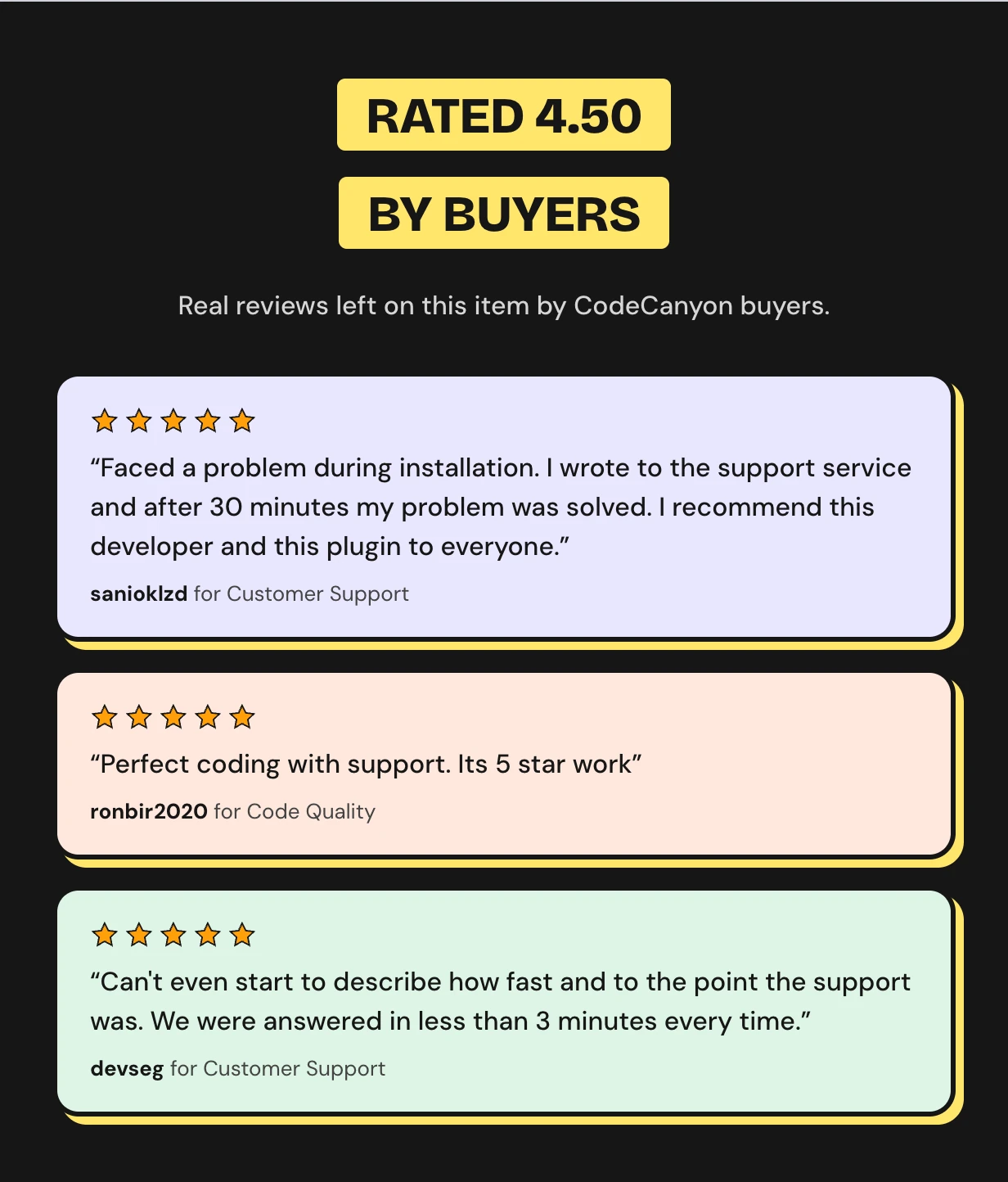
Rated 4.50 out of 5 by CodeCanyon buyers



A sold out product page loses the sale
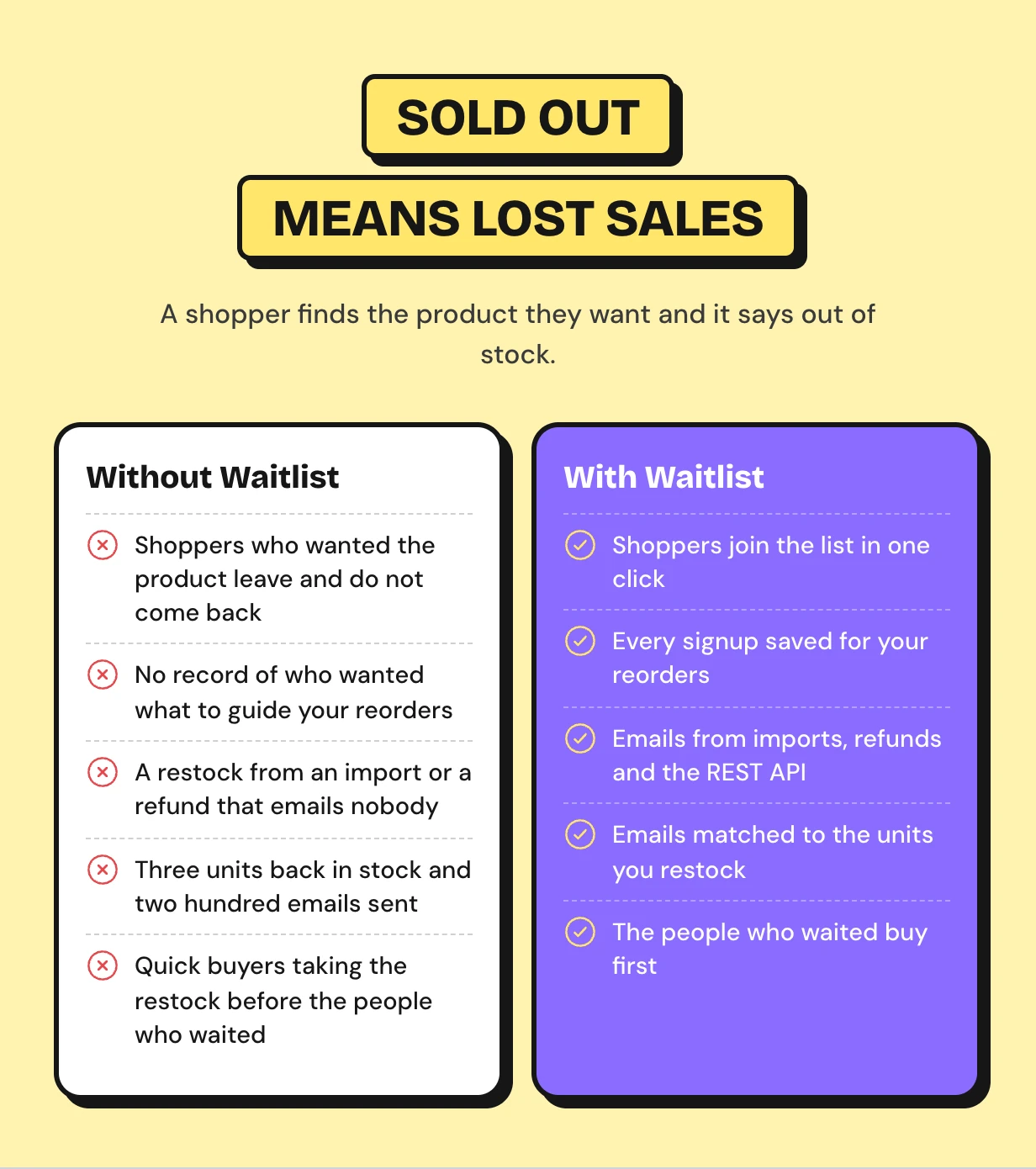
A shopper finds the product they want and it says out of stock. There is nothing to click. They leave and buy it somewhere else.
You never learn they were there. You cannot tell which products to reorder first or how many units people wanted.
How the WooCommerce waitlist works
Four steps run on their own once the plugin is on. The setup wizard walks you through them on first activation.
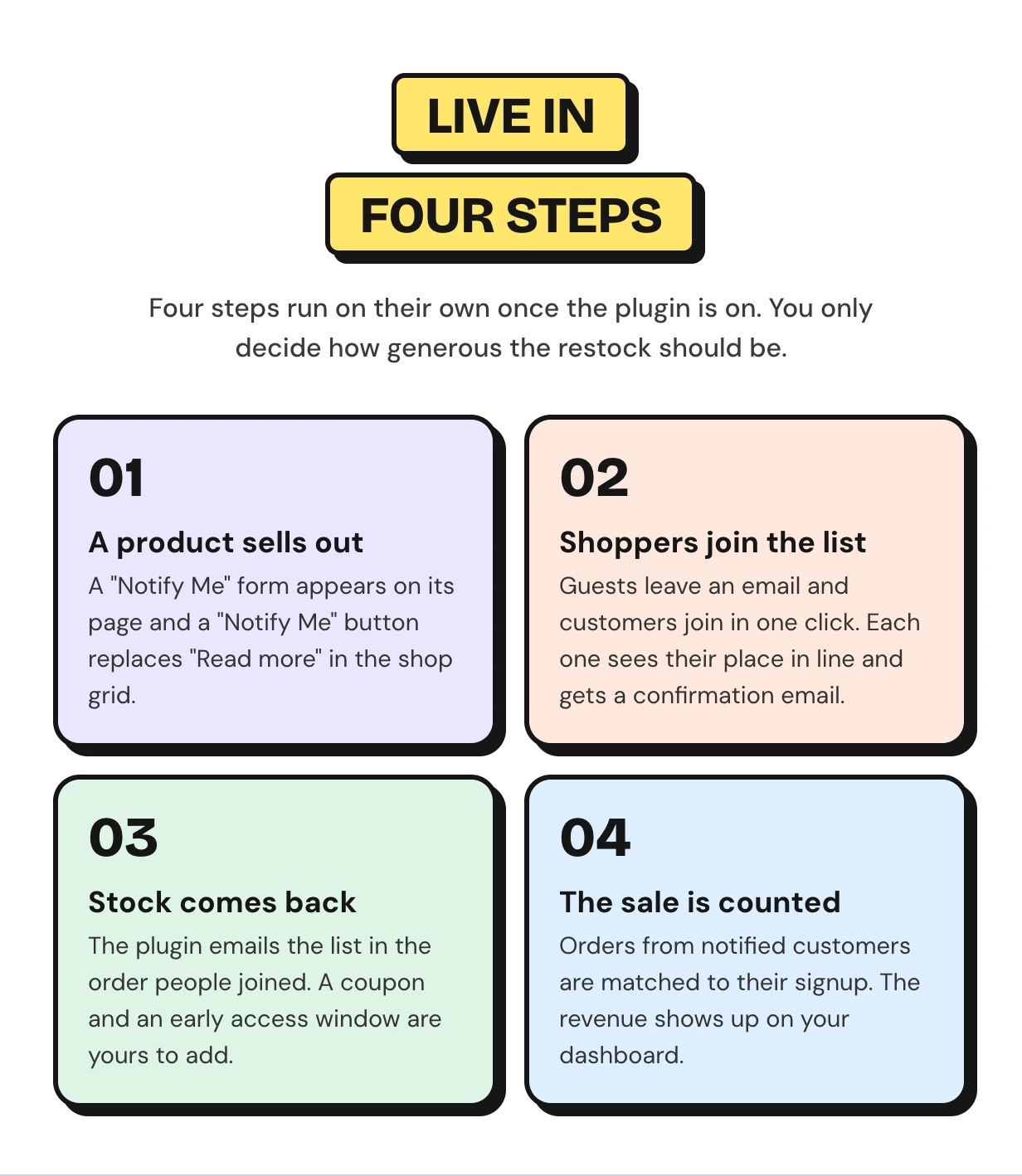
WooCommerce waitlist features
Every feature below ships in this one download. It covers the signup form, the back in stock email and the reports that show what each restock earned.
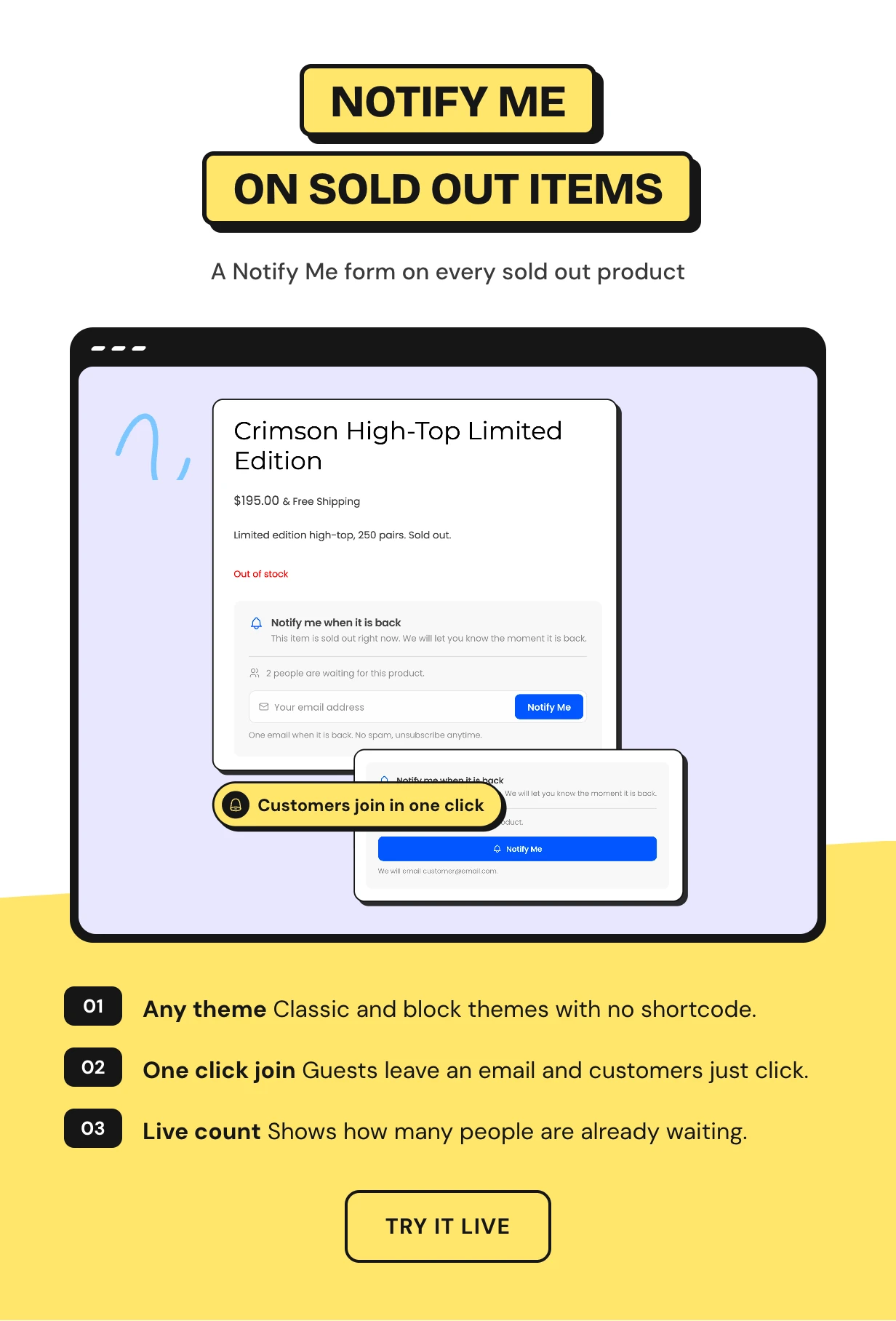
A notify me when back in stock form on every sold out product
The moment a product is out of stock, a short form appears under its price. It works in classic and block themes with no shortcode to place.
Guests type their email and press Notify Me. Logged-in customers join with one click and never leave the page.
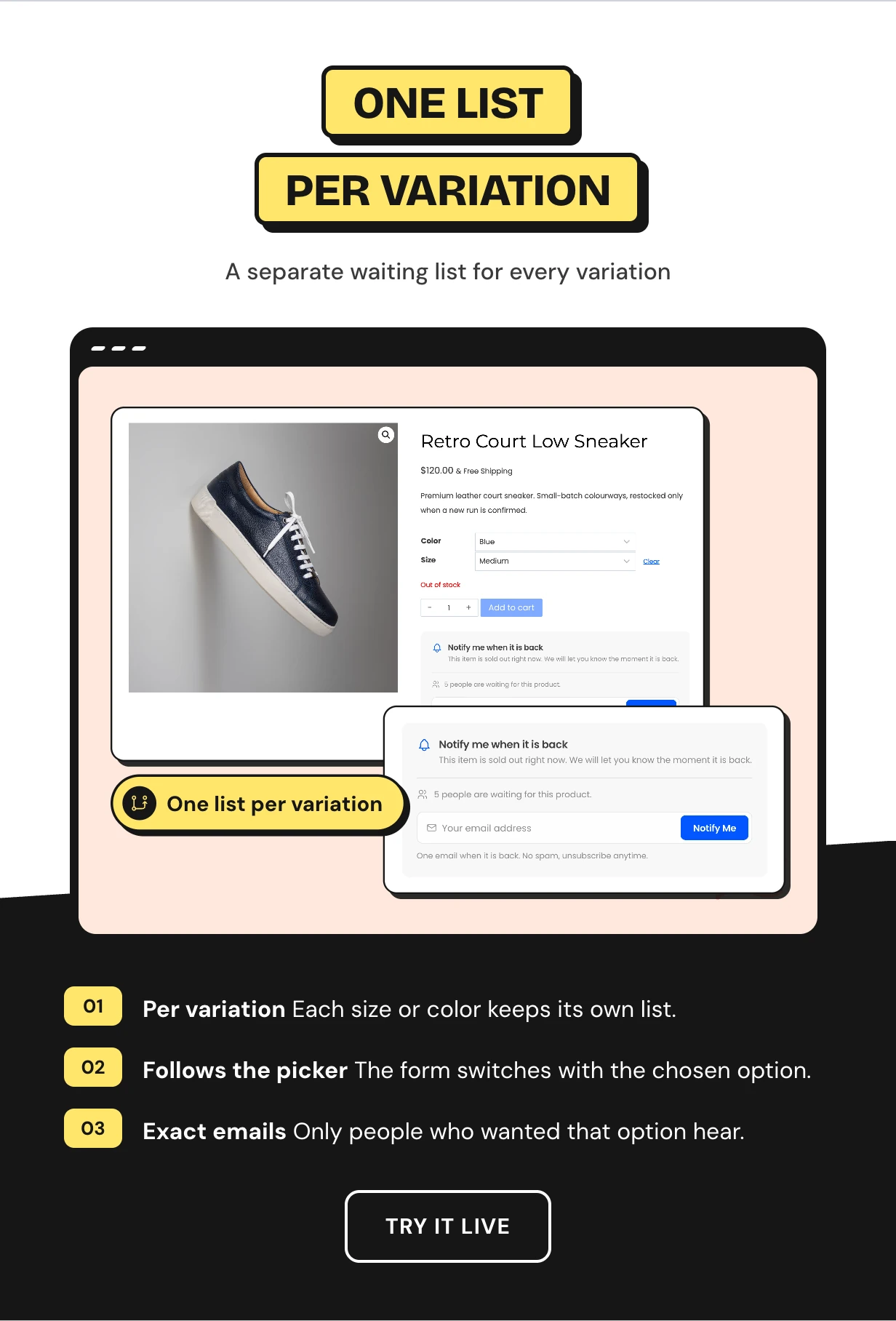
A waitlist for every variation of your variable products
A shoe sells out in blue size 9 and stays in stock in red. Each variation keeps its own list.
When a shopper picks a sold out size or color, the form switches to that exact variation. When it comes back, only those people get the restock alert.
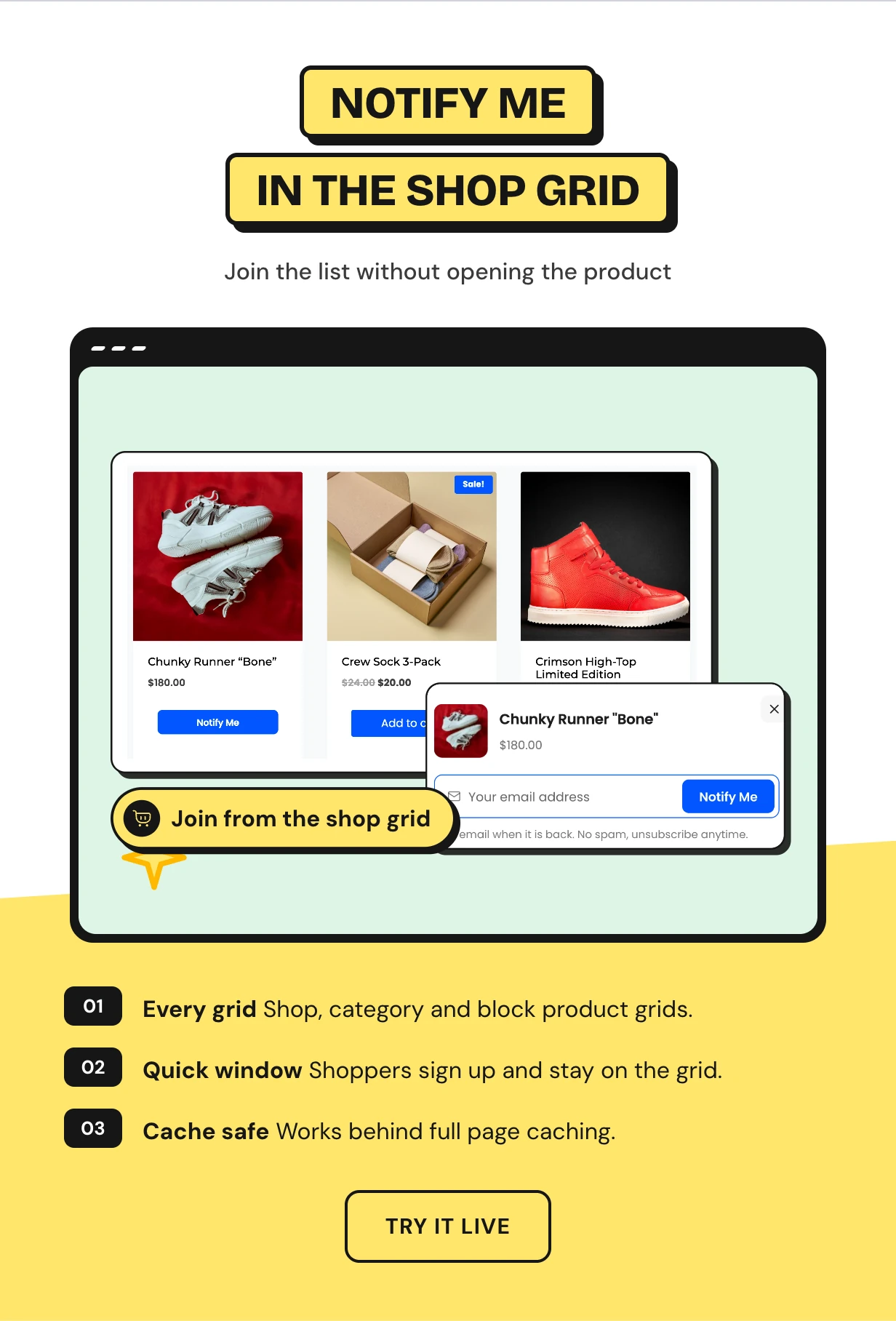
Notify Me buttons on shop and category pages
Most shoppers see a sold out product in the shop grid and never open it. A Notify Me button replaces Read more on shop, category and block grids.
The button opens a quick signup window over the grid. It loads a fresh form and keeps working on cached pages.
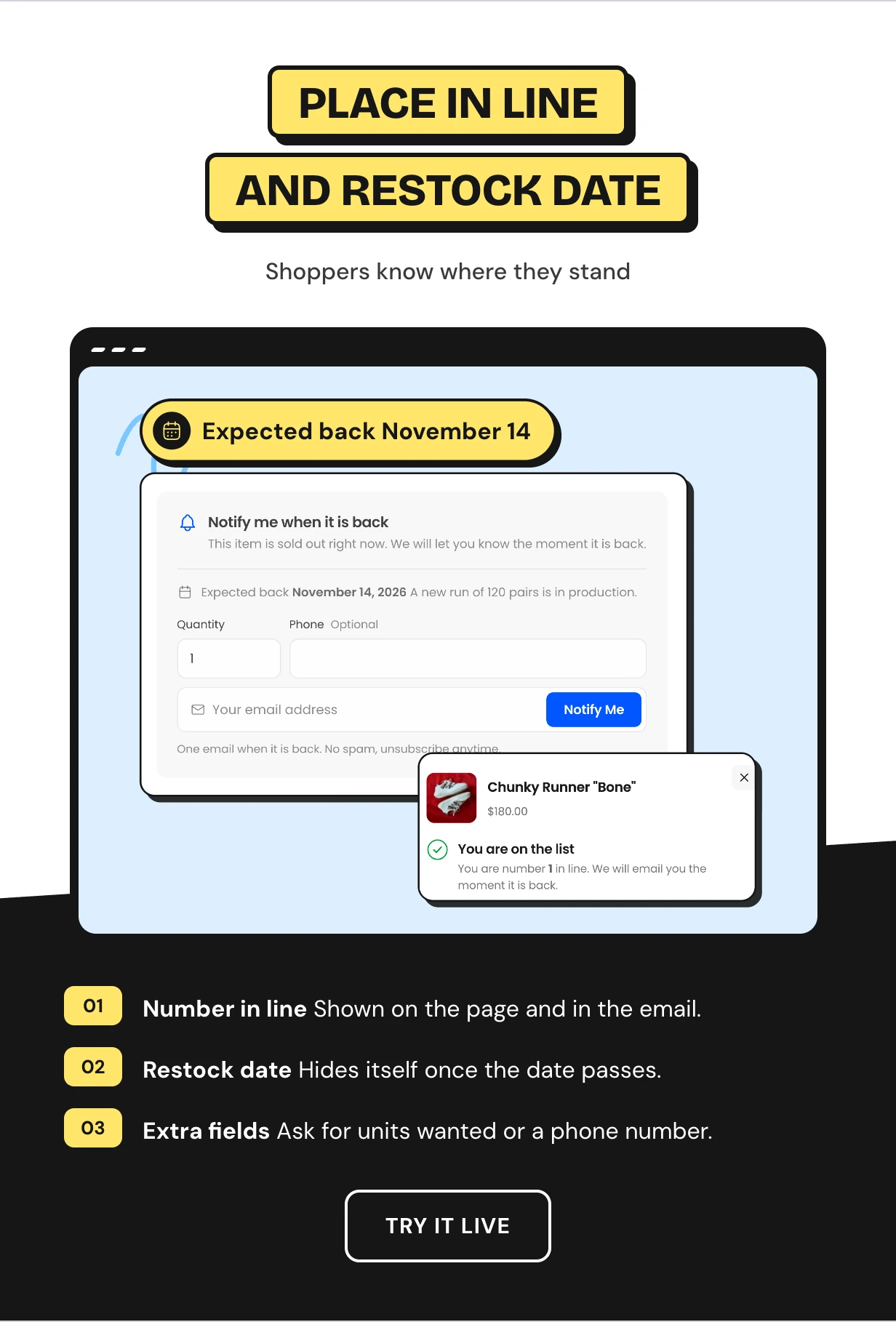
Place in line and an expected restock date
People wait more happily when they know where they stand. After joining, each shopper sees their number in line and gets it by email too.
Add an expected restock date and a short note to any product. A live count tells new visitors how many people already wait.
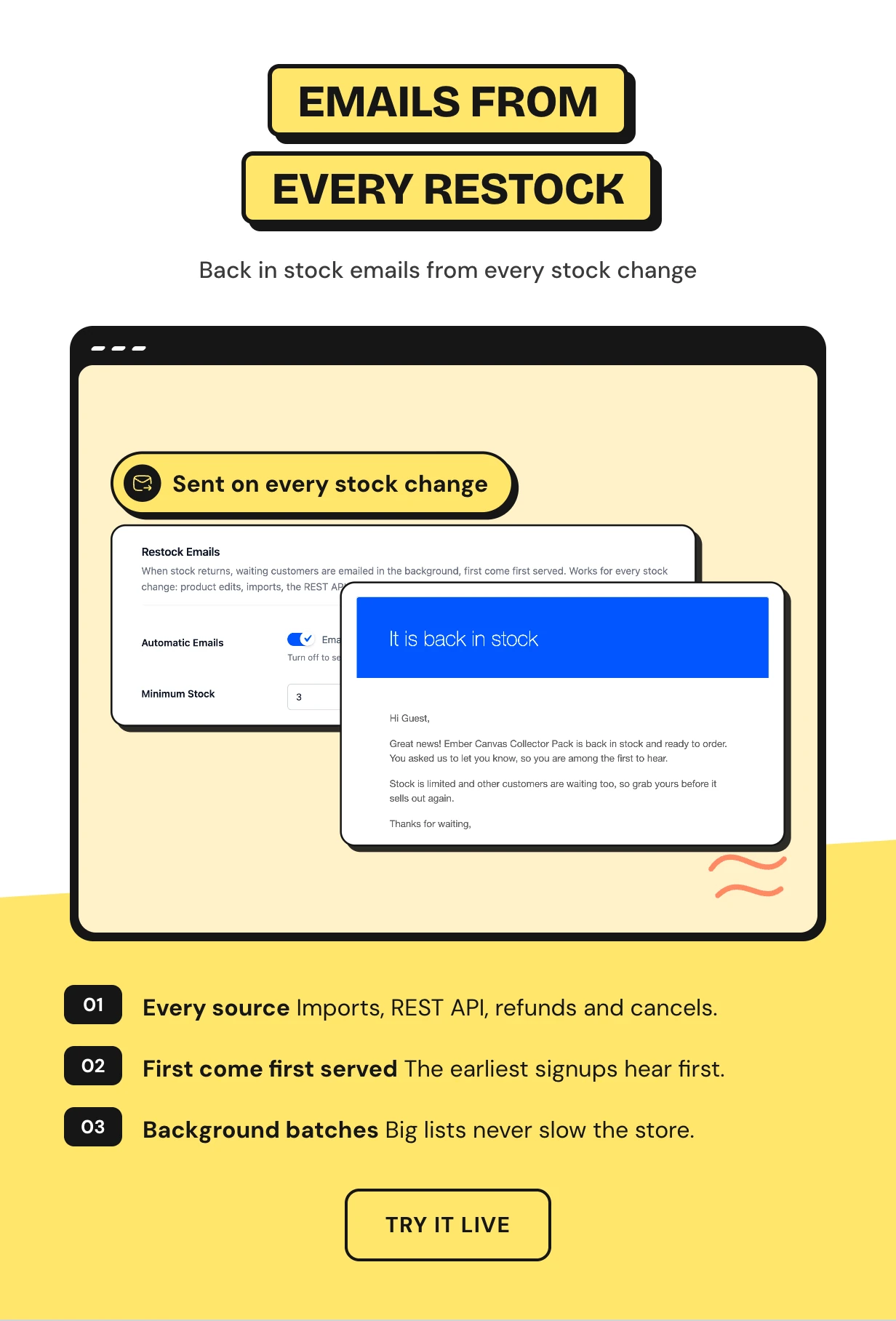
Back in stock notification emails from every stock change
Some back in stock notifiers miss a restock that does not come from the product screen. This one listens to WooCommerce itself.
CSV imports, the REST API, refunds and cancelled orders all send the emails. They go out in background batches, oldest signup first.
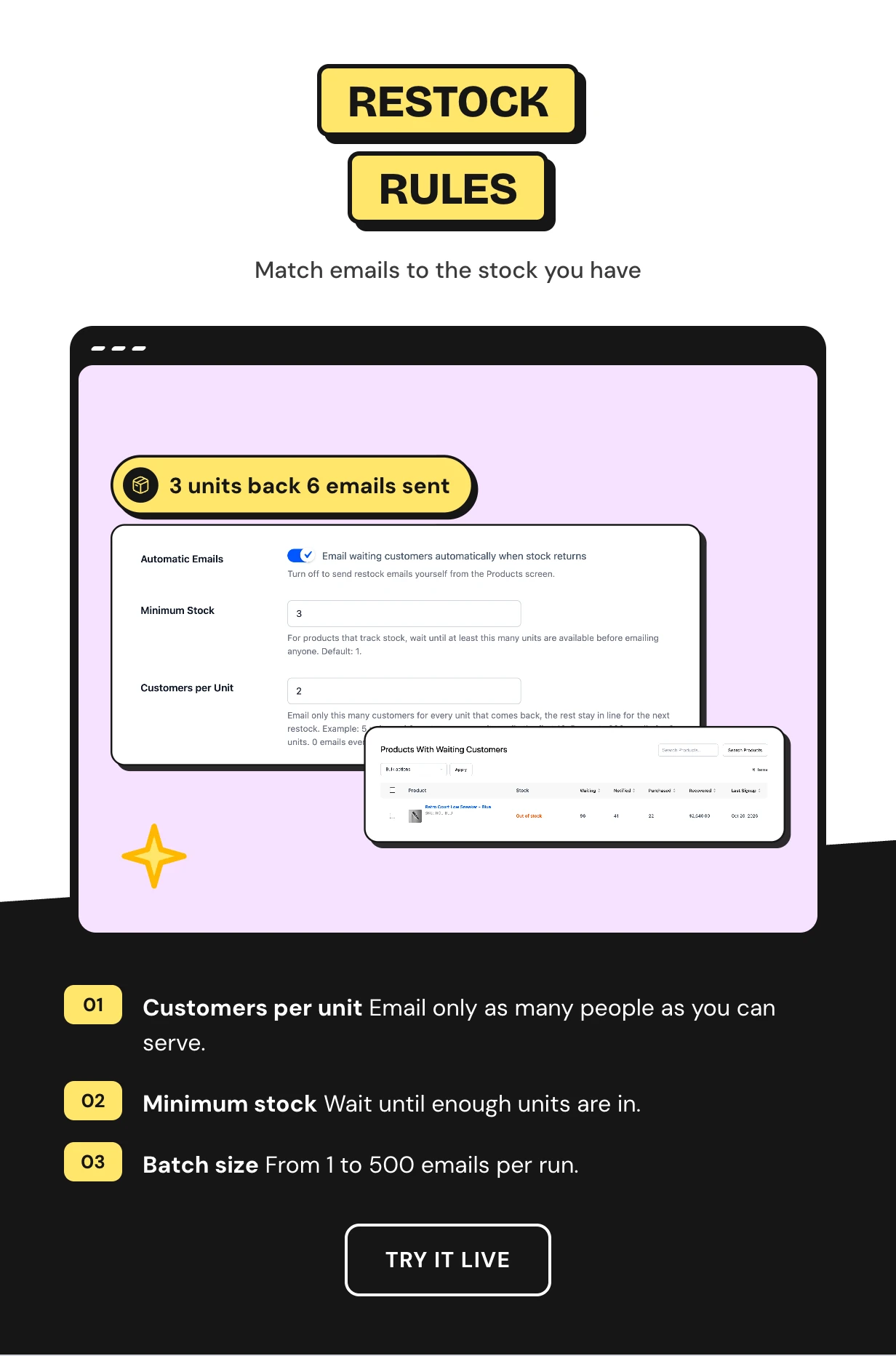
Restock rules that match emails to the units you have
Three units come back and 200 people are waiting. Emailing all of them makes 197 people angry.
Set Customers per Unit to 2 and only the first six in line are emailed. The rest keep their place for the next restock.
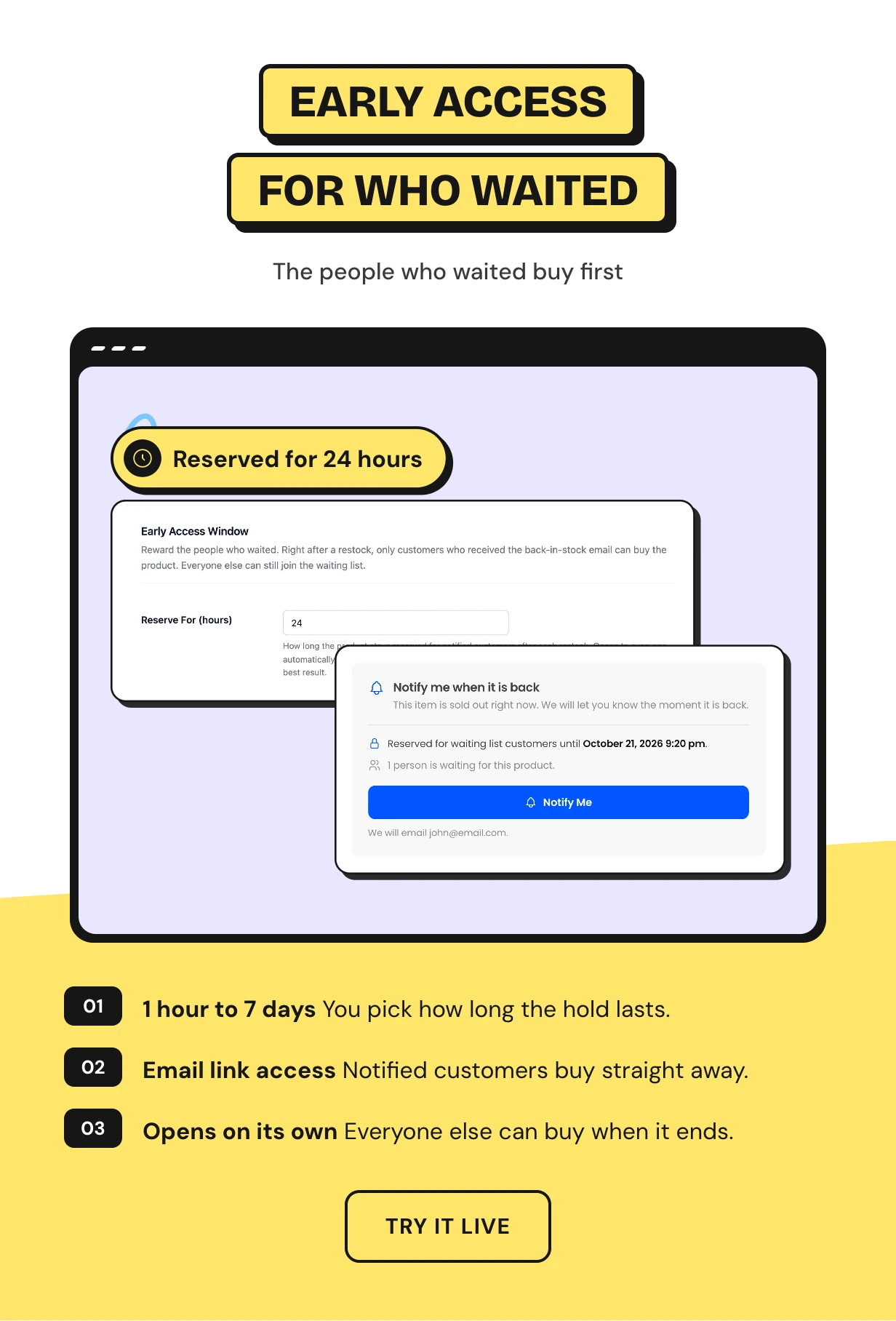
Early access for the customers on the waiting list
A restock can sell out again in minutes, often to someone who never joined. The early access window stops that.
For the hours you choose, only customers who got the back in stock email can buy. Then the product opens to everyone on its own.
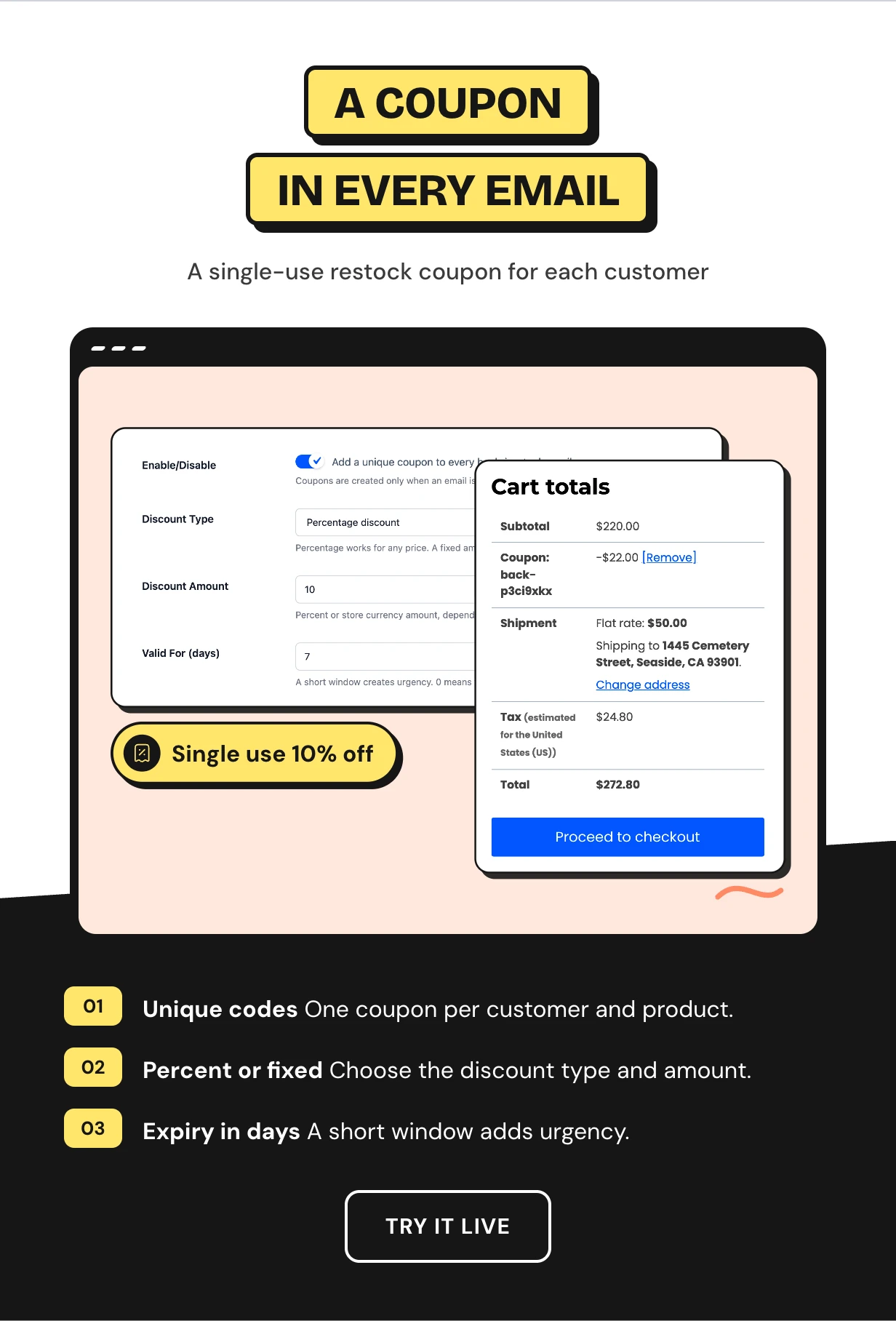
A single-use restock coupon in every back in stock email
Thank people for waiting and give them a reason to buy today. Each back in stock email can carry its own coupon code.
Every code works once, only for that customer and that product. Pick a percentage or a fixed amount and how many days it lasts.
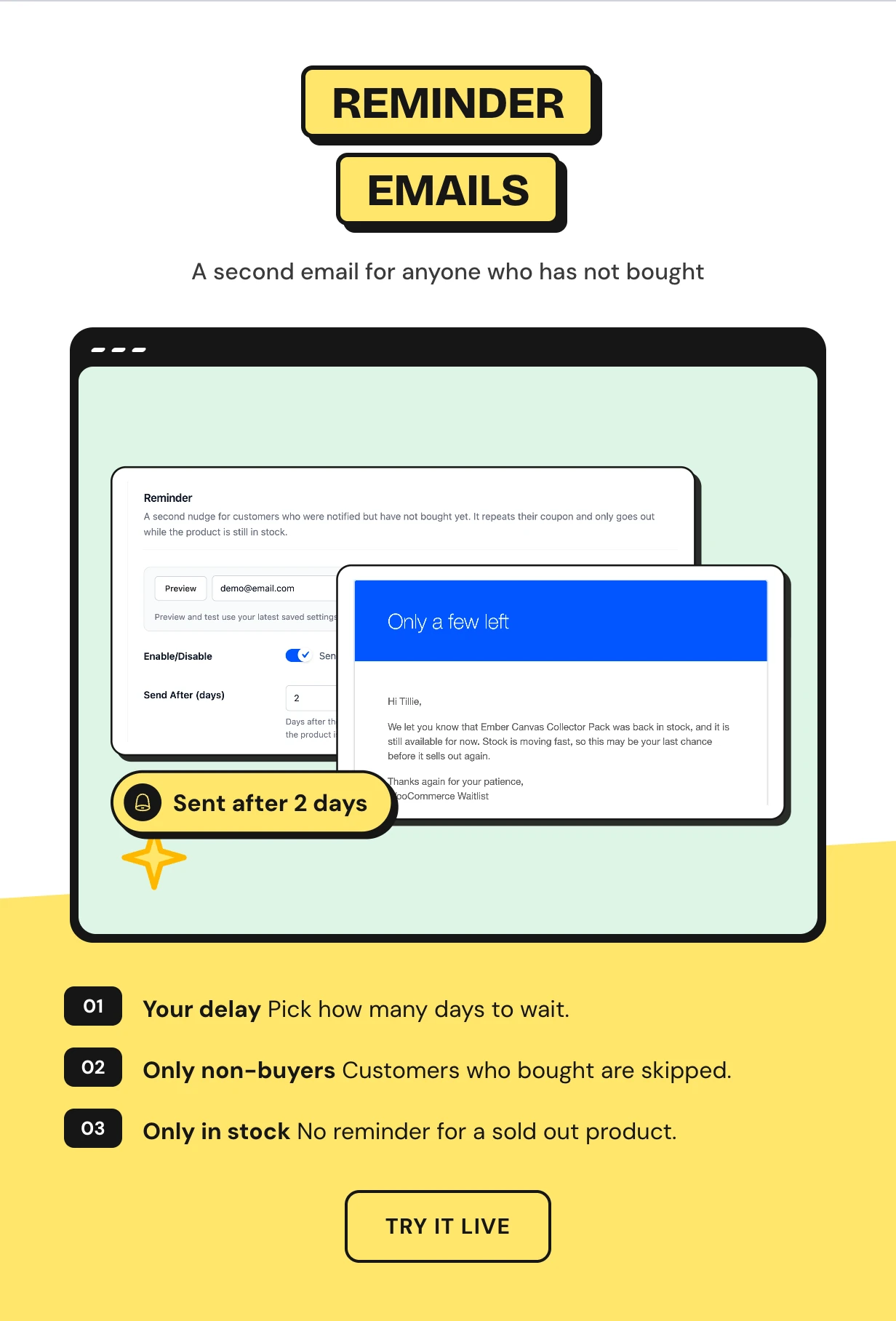
A reminder email for customers who have not bought yet
People open a restock email on the train and forget about it. A second email brings them back.
Two days after the first email, notified customers who have not bought get a friendly reminder. It goes out only while the product is in stock.
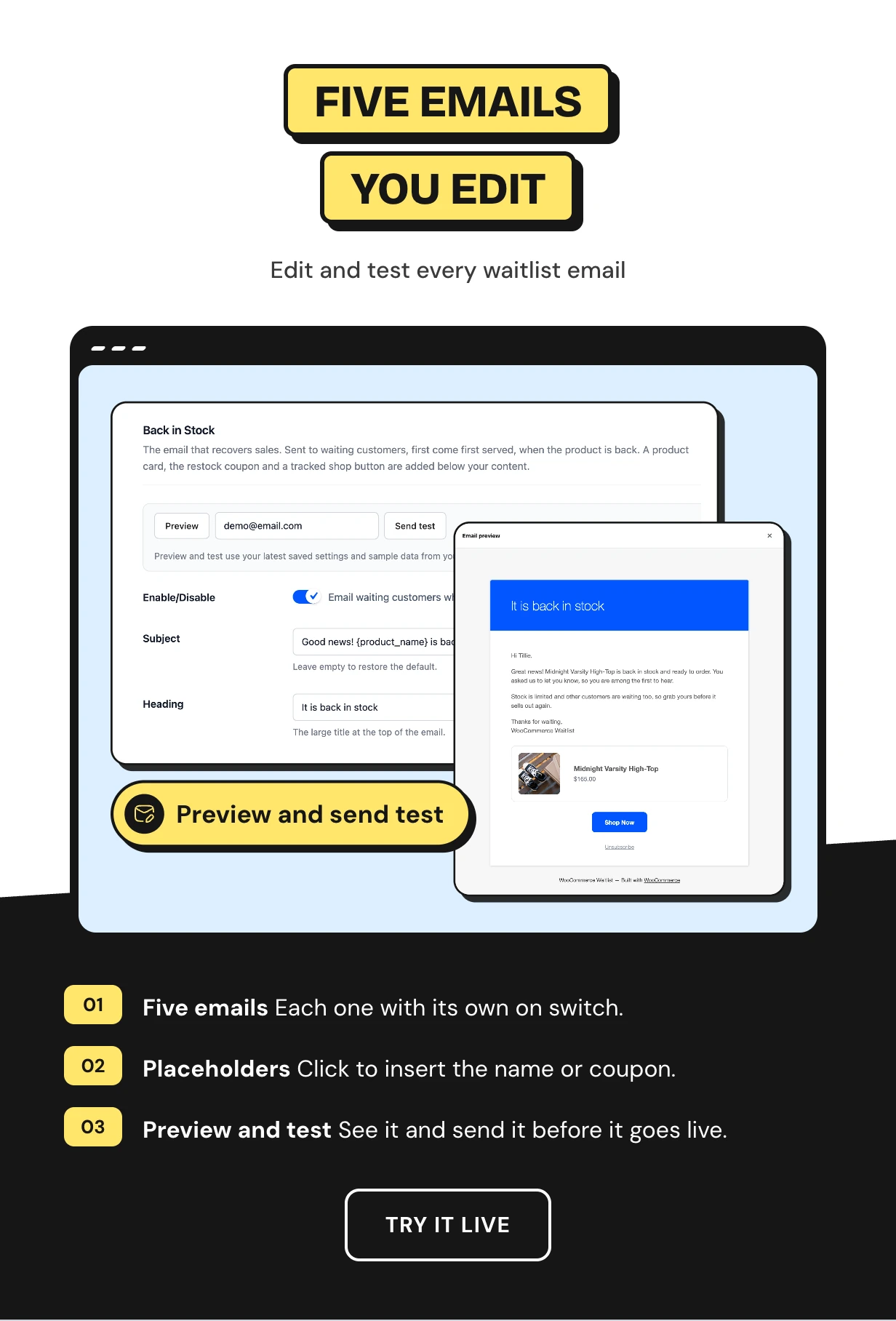
Five back in stock email templates you edit and test
Back in Stock, Reminder, Signup Confirmation, Email Confirmation and Admin Alert each have their own tab. Each has a switch, a subject and a rich text editor.
Click a placeholder such as {queue_position} to insert it. Preview the email and send a test to any address.
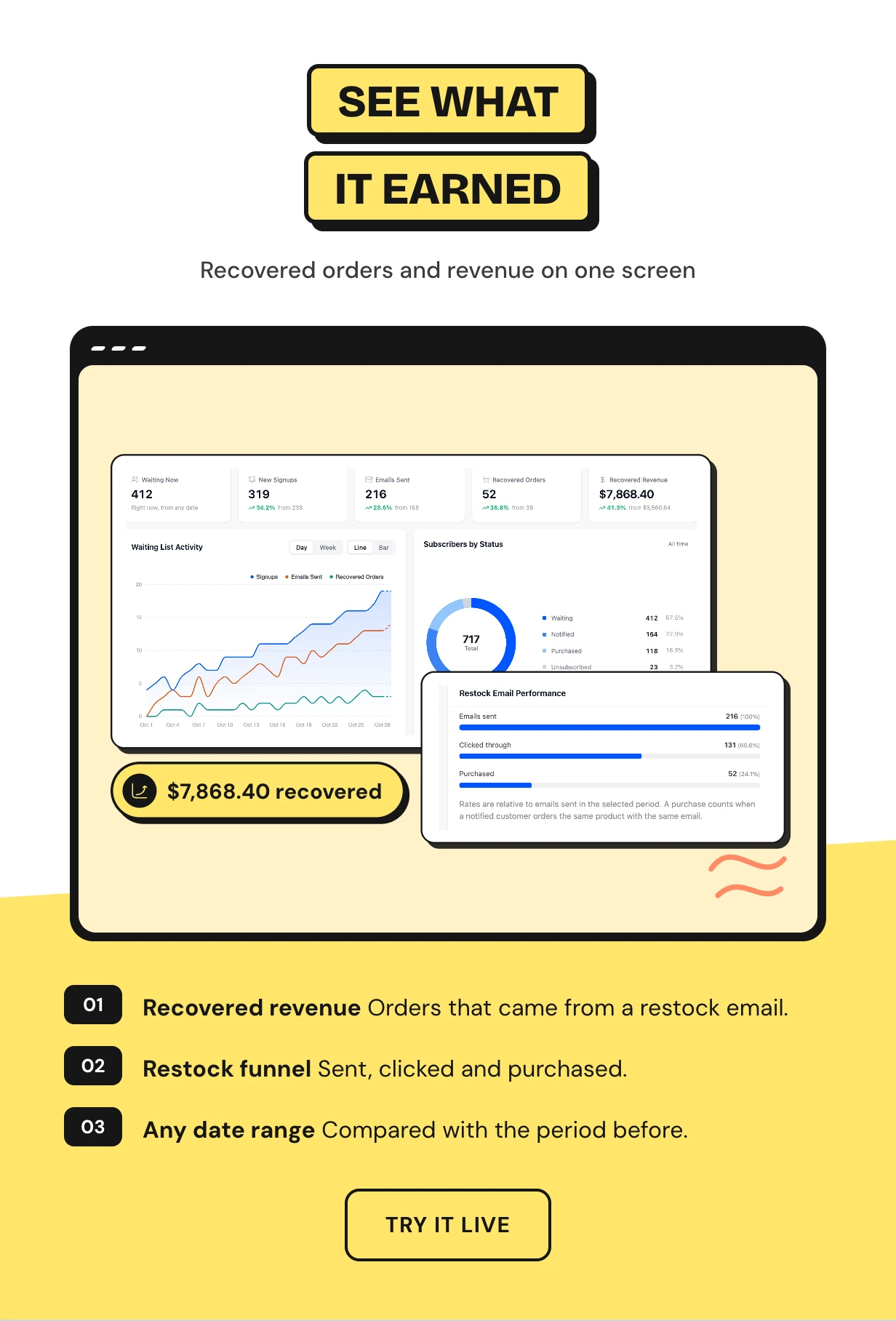
A waitlist dashboard with recovered orders and revenue
See customers waiting now, new signups, emails sent, recovered orders and recovered revenue. Each number is compared with the previous period.
The restock funnel shows how many emails were sent, clicked and turned into a purchase.
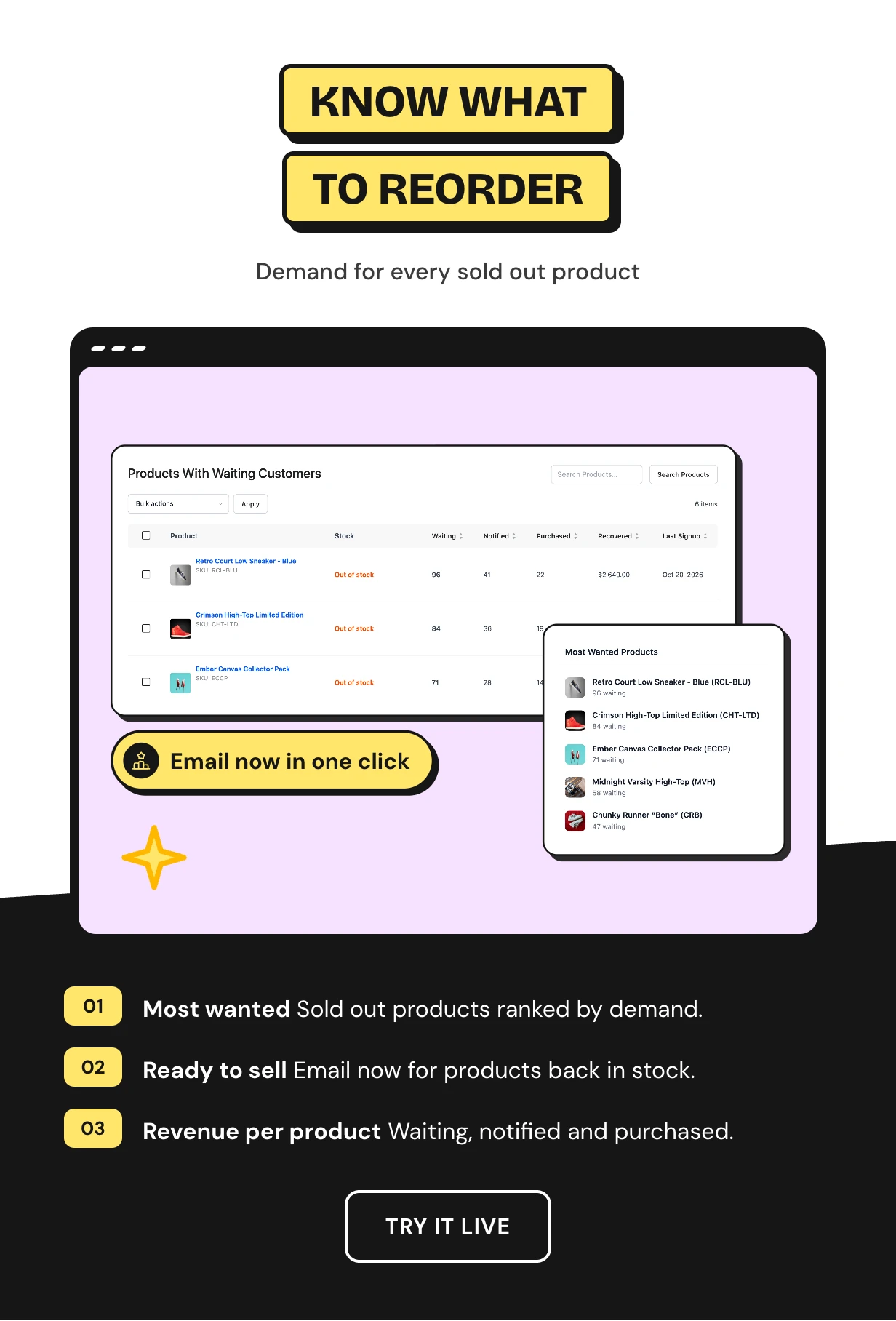
Know which out of stock products to reorder first
Most Wanted Products ranks your sold out items by how many people are waiting. Ready to Sell lists products back in stock that still have a list.
The Products screen shows waiting, notified, purchased and recovered revenue for every product. One click emails the whole list.
Full feature list
Signup form
- Notify Me form on sold out and backorder products
- Notify Me buttons on shop, category and block grids
- One waiting list for every variation
- Place in line, waiting count and restock date
- Optional quantity and phone fields
- Shortcode to place the form anywhere
Restock emails
- Back in stock emails from edits, imports, the REST API and refunds
- Customers per unit and minimum stock rules
- Background batches through Action Scheduler
- Single-use restock coupon in each email
- Reminder email for customers who did not buy
- Manual sending from the Products screen
Early access
- Reserve a restock for notified customers
- From 1 hour up to 7 days
- Opens to everyone on its own
Emails and log
- Five email templates with preview and test send
- Signup confirmation with place in line
- Admin alert for new signups
- Email log with sent and failed status
Reports and subscribers
- Dashboard with recovered orders and revenue
- Most Wanted Products and Ready to Sell
- Subscribers screen with bulk email and move
- CSV import wizard and CSV export
Privacy and integrations
- Double opt-in for guests and a consent checkbox
- Invisible honeypot and one-click unsubscribe
- WordPress data export and erase
- Webhooks for Zapier, Make and n8n signed with HMAC-SHA256
- My Waiting List page in My Account
What you need to add a WooCommerce waiting list
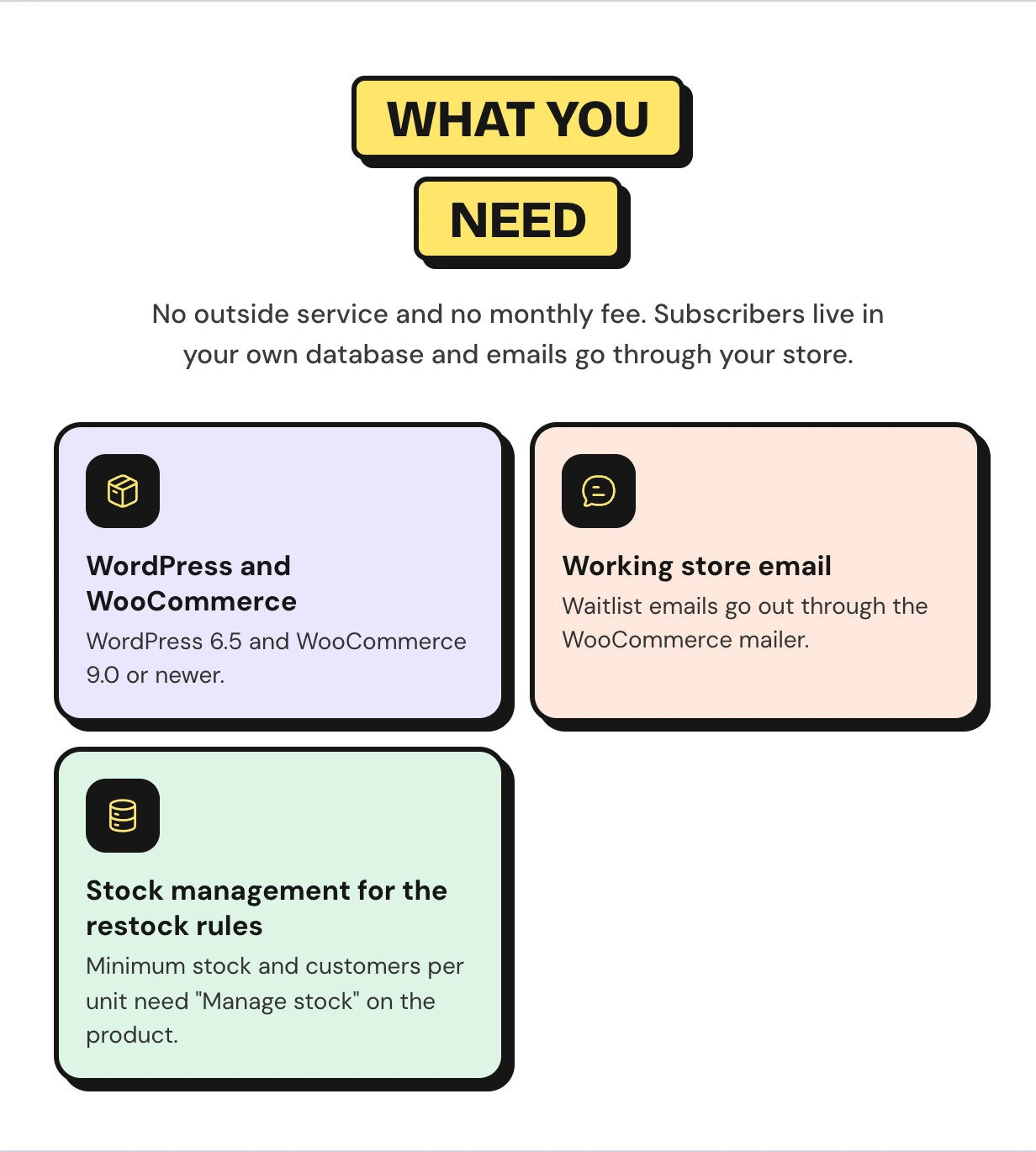
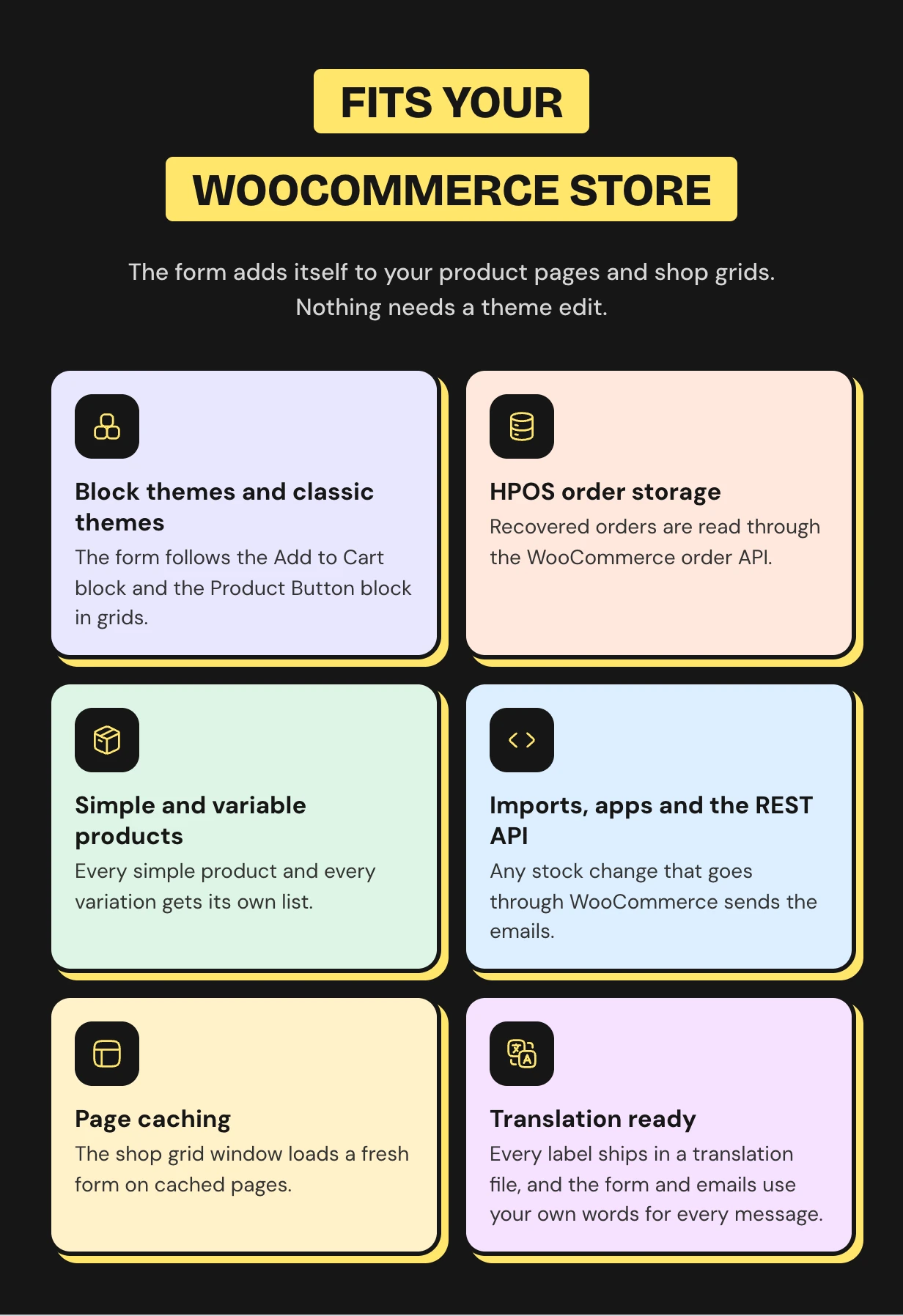
Works with the WooCommerce store you already run
The form renders in classic and block themes with no shortcode. Variable products, page caching and HPOS are all covered.
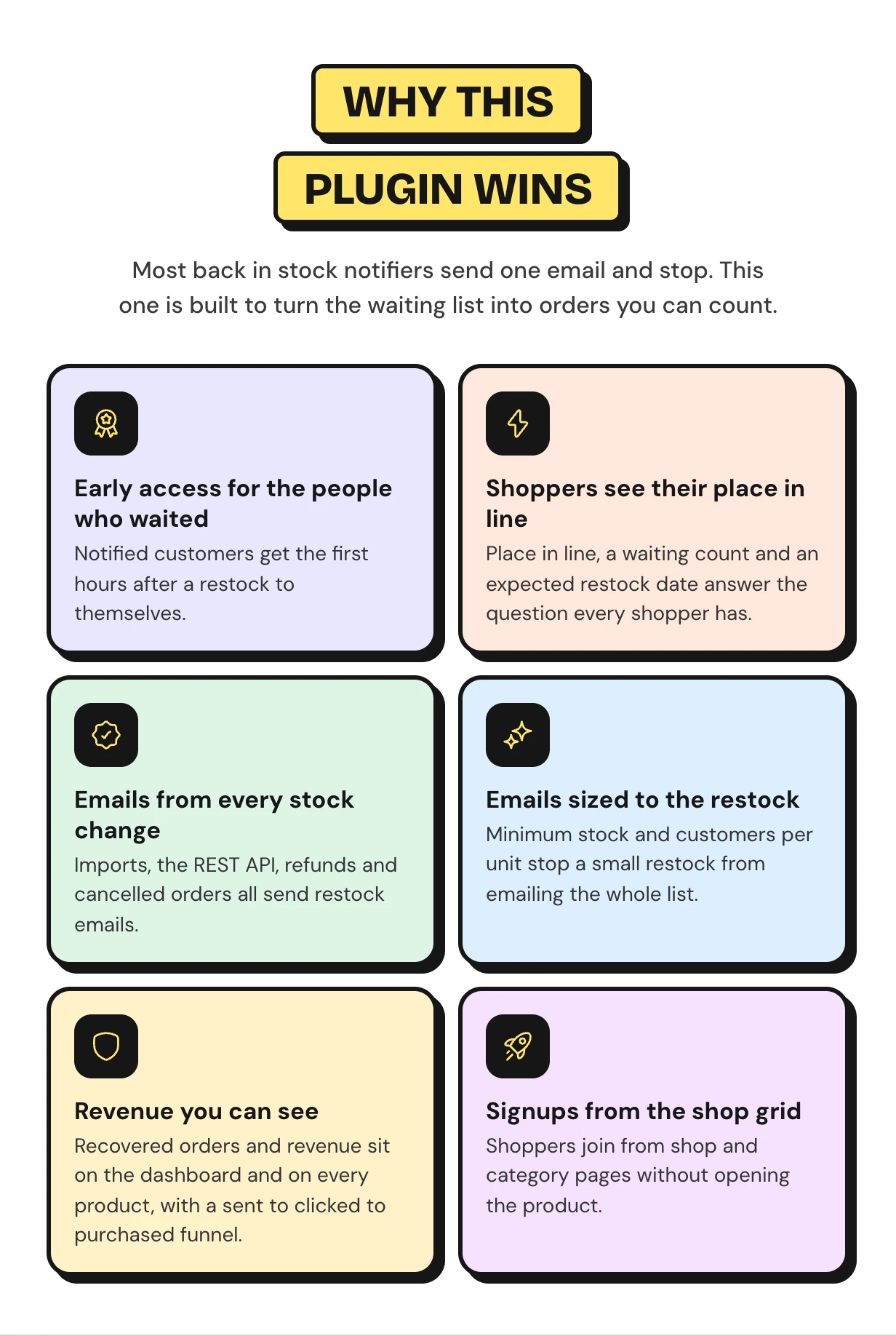
Why this back in stock notifier sells more
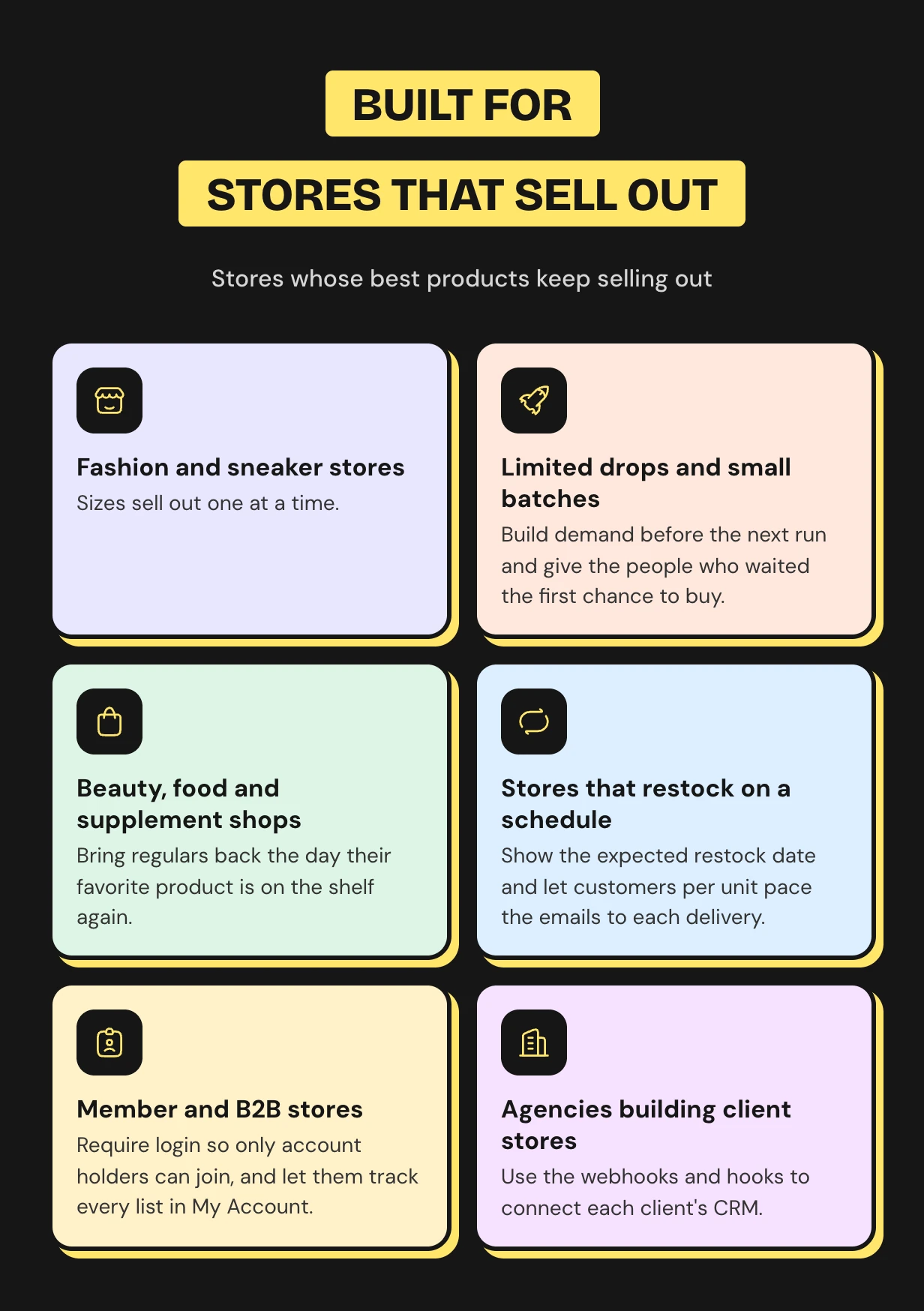
Who the WooCommerce waitlist is for
What buyers say
WooCommerce waitlist questions
Does WooCommerce have a built-in waitlist?
No. WooCommerce only emails the store owner when stock runs low. Waitlist adds the Notify Me form, the back in stock email and the reports.
How do I add a waitlist to WooCommerce?
Install the plugin and run the setup wizard. The form shows on every out of stock product right away with no shortcode.
Does it work with variable products?
Yes. Each variation keeps its own waiting list. Only the people who wanted that size or color are emailed.
Can guests join without an account?
Yes. Guests leave their email and can confirm it with double opt-in. Logged-in customers join with one click.
Are customers emailed when stock changes through an import?
Yes. CSV imports, the REST API, refunds and cancelled orders all trigger the back in stock email.
What happens when a few units come back and hundreds are waiting?
Customers per Unit decides how many people hear for each unit. Everyone else keeps their place for the next restock.
Can I move my lists from another waitlist plugin?
Yes. The CSV import wizard maps your columns and keeps each original join date.
Will page caching break the form?
No. The shop window loads a fresh form each time. It works behind full page caching.
Is the waitlist GDPR friendly?
Yes. Turn on double opt-in and a consent checkbox. Unconfirmed signups are removed after the days you set, and every email has a one-click unsubscribe link.
Support and custom work
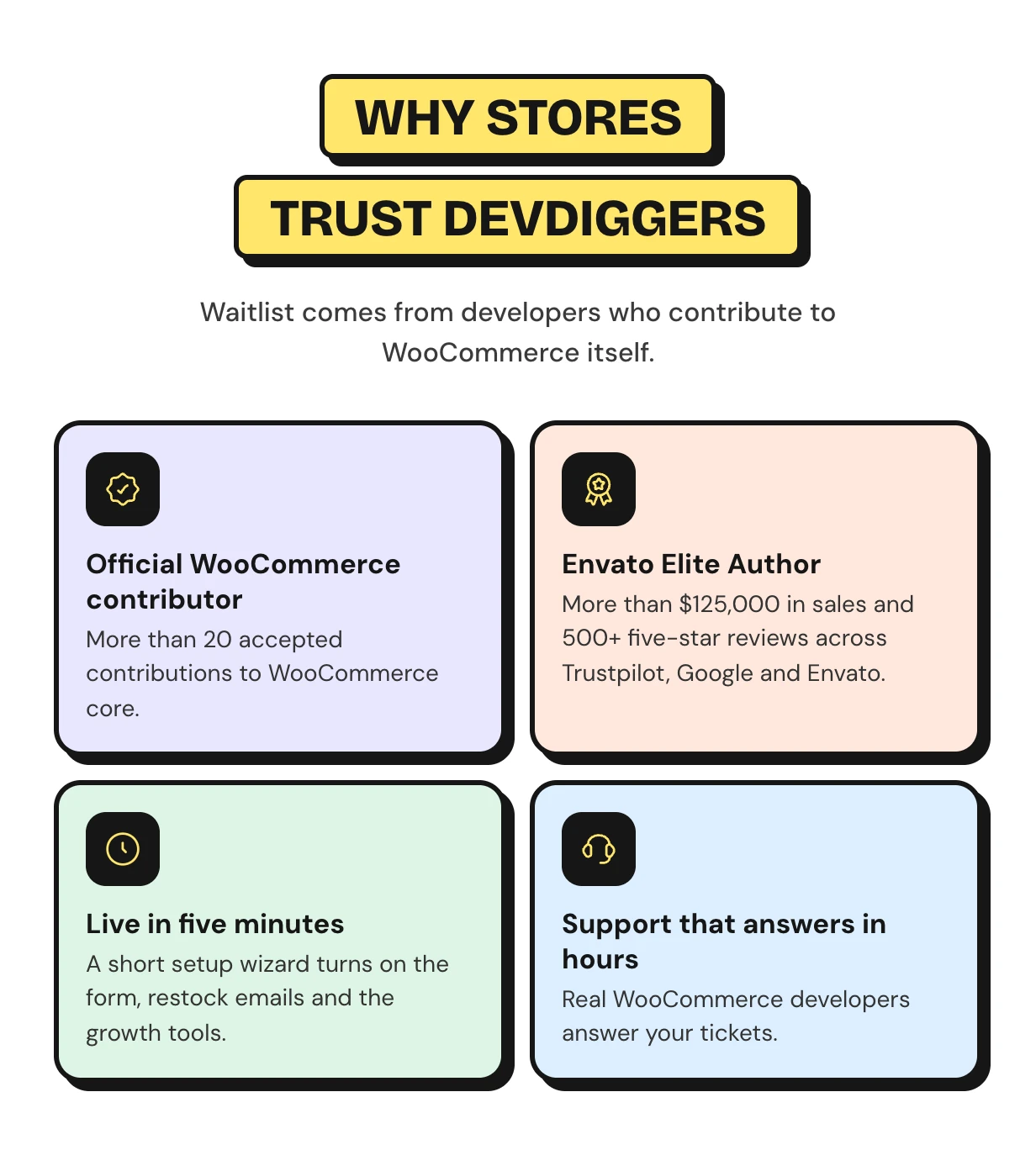
Support comes from the developers who wrote the code, usually within hours. Start with the Waitlist documentation or contact our team. See every feature on the WooCommerce waitlist plugin page.
Need SMS alerts or a CRM sync for your own store? Our WooCommerce development services team builds custom Waitlist features for you.
Requirements
- WordPress 6.5 or newer
- WooCommerce 9.0 or newer
Changelog
v 1.3.0 Added compatibility with latest WordPress and WooCommerce versions. Added WooCommerce HPOS (High-Performance order storage) compatibility. Added some new hooks in the core for customization. Resolved other security issues.
v 1.2.0 Added compatibility with latest WordPress and WooCommerce. Added shortcode for the join waiting list form template in order to use it on the single product pages. Resolved other security issues.
v 1.1.0 Added compatibility with latest WordPress and WooCommerce. Added support for variation swatches plugins. Resolved other security issues.
v 1.0.1 Added compatibility with latest WordPress and WooCommerce. Updated license API. Resolved security issues.
v 1.0.0 Initial Release
$99 |
Download |
4.5 average based on 8 ratings.

| Last Update | 2026-10-30 |
| Created | 2020-06-01 |
| Sales | 70 |
| Discussion | Comments |
| Compatible Browsers | IE11 Firefox Safari Opera Chrome Edge |
| Software Version | WordPress 7.0.x WordPress 6.9.x WordPress 6.8.x WordPress 6.7.x WordPress 6.6.x WordPress 6.5.x WordPress 6.4.x WordPress 6.3.x WordPress 6.2.x WordPress 6.1.x WordPress 6.0.x WordPress 5.9.x WordPress 5.8.x WordPress 5.7.x WordPress 5.6.x WordPress 5.5.x WordPress 5.4.x WordPress 5.3.x WordPress 5.2.x WordPress 5.1.x WordPress 5.0.x |
| Compatible With | WooCommerce 10.x.x WooCommerce 9.x.x WooCommerce 8.x.x WooCommerce 7.x.x WooCommerce 6.x.x WooCommerce 5.x.x |
| Gutenberg Optimized | Yes |
| High Resolution | Yes |
| Files Included | JavaScript JS CSS PHP |
| Video Preview Resolution |


