WooCommerce PayPal Payouts

WooCommerce PayPal Payouts is a WooCommerce Plugin that uses the PayPal Payouts API in order to split the payments and send to multiple PayPal Accounts(max 500 receivers per API call). Payouts settings can be configured at Product Level, Category Level and Global Level. The main(Admin) PayPal Account should be a Business account to use WooCommerce PayPal Payouts.
Please note that using this plugin the Order Amount cannot be instantaneously split between the Users when a customer makes a payment. Payments split will be processed after admin receives the payment.
How it works?
WooCommerce PayPal Payouts works as followsStep 1: A customer makes a payment with any WooCommerce Supported Payment Gateway.
Step 2: Site Admin receives the Full Payment for the Order.
Step 3: The Commission percentage and the commission amount will be listed in the Payouts Table once the order reaches the status as per the set up in “Payouts Order Status Settings”.
Step 4: Payouts Payments will be finally processed.
It supports three types of Payouts.
1. Automatic Payouts – The commission percentage specified by the admin will be automatically sent to the users.
2. Manual Payouts – The site admin has to manually send the commission to users.
3. Scheduled Payouts – Site Admin can schedule the commission for the users.
Features
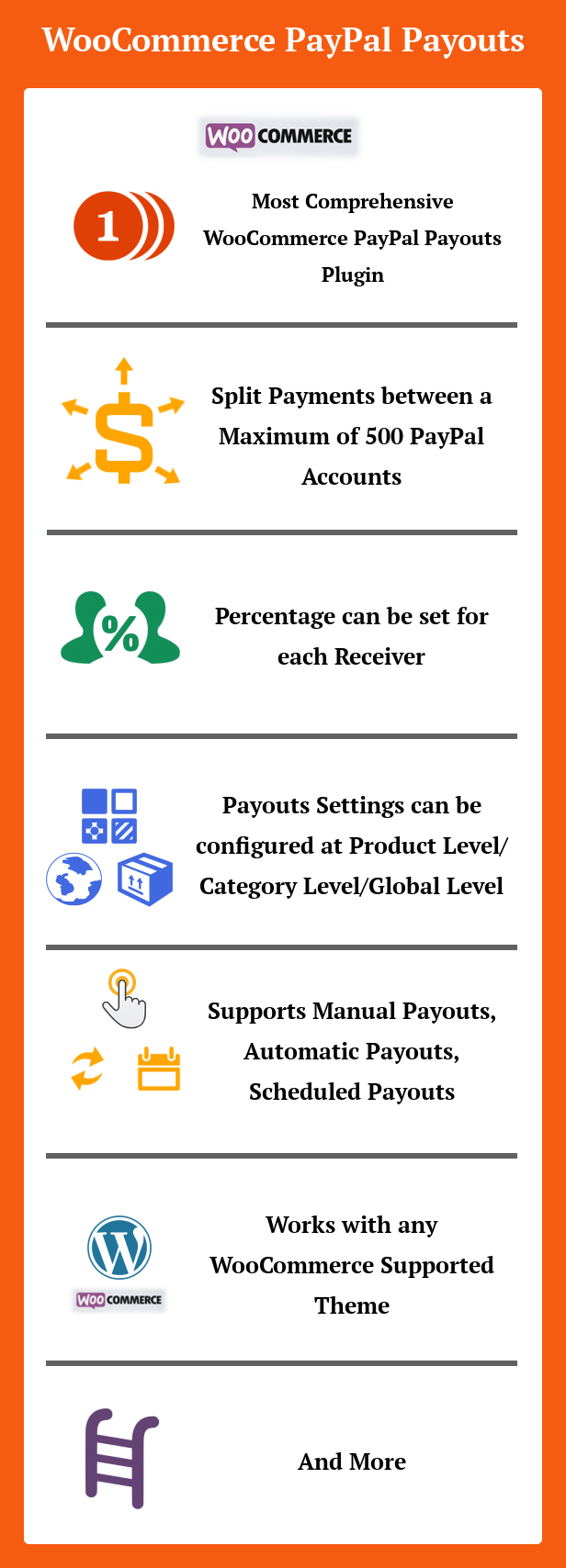
- Split Payments between a Maximum of 500 PayPal Accounts per API call
- Percentage can be set for each Receiver
- Payouts settings can be configured at Product Level, Category Level and Global Level
- Supports Manual Payouts, Automatic Payouts, Scheduled Payouts
- Payouts enabled products can be purchased through any Payment Gateways/Specific Payment Gateways
- Payouts entries will be created based on the order status
- Product page settings can be hidden for specific User Roles
- Master Log to record all the Payout Transactions
- Translation ready
- WPML compatible
- and more
How to Upgrade to a newer version of WooCommerce PayPal Payouts?
If you are using an older version and want to upgrade to the latest version of WooCommerce PayPal Payouts then please do the following steps.1. Deactivate and Delete the existing version of WooCommerce PayPal Payouts in your site.
2. Download the latest version file (woocommercepaypalpayouts.zip) of WooCommerce PayPal Payouts from Codecanyon.
3. Unzip woocommercepaypalpayouts.zip inside which you will find the Plugins files i.e. woocommercepaypalpayouts.zip.
4. Install the latest version of WooCommerce PayPal Payouts i.e. woocommercepaypalpayouts.zip using WordPress Dashboard.
5. Activate the Plugin.
Please note you will not lose any settings values, data etc by following the above steps.
Support
Please check the documentation as we have lots of information there. The documentation file can be found inside the documentation folder which you will find when you unzip the downloaded zip file.For support, feature request or any help, please register and open a support ticket on our site.

Updates
Version 3.1.0 on 02 November 2025 Tweak: Tested with WordPress v6.8.3 Tweak: Tested with WooCommerce v10.3.3 Tweak: Supported Search Functionality in Payouts and Master log Fix: Fatal Error displayed in WooCommerce Email Settings Version 3.0.1 on 20 August 2025 Tweak: Tested with WordPress v6.8.2 Tweak: Tested with WooCommerce v10.1.0 Version 3.0.0 on 29 May 2025 Tweak: Compatibility given with PHP v8.x Tweak: Tested with WordPress v6.8.1 Tweak: Tested with WooCommerce v9.8.5 Fix: Fatal error in error log Version 2.9.0 on 29 June 2023 Tweak: Compatible with High-Performance Order Storage[HPOS] Tweak: Tested with WordPress v6.2.2 & WooCommerce v7.8.0 Version 2.8 on 07 April 2023 Tweak: Restricting in creating payouts entry when the order total becomes zero Tweak: Tested with WordPress v6.2 & WooCommerce v7.5.1 Version 2.7 on 13 July 2021 Tweak: Code Improvements Tweak: Tested WordPress up to v5.7.2 and WooCommerce up to v5.4.1 Version 2.6 on 27 August 2020 New: Added Payment Gateway Restriction Settings for Payout Enabled Products Tweak: Tested up to WordPress v5.5 & WooCommerce 4.4.1 Tweak: POT File Updated Version 2.5 on 13 June 2020 Tweak: Updated PayPal Payouts SDK to v1.14.0 Tweak: Tested up to WooCommerce 4.2.0 Fix: Warning Message in General Tab Version 2.4 on 01 May 2020 Tweak: Tested up to WC v4.0.1 Fix: JS conflict at Product Backend[unable to choose the file under "Downloadable Files" Section] Version 2.3 on 11 February 2020 Fix: Warning Message displays at admin panel[General Settings] Version 2.2 on 21 November 2019 Tweak: Improvement in receiver email id before requesting PayPal Tweak: Improvement in receiver notes Version 2.1 on 14 October 2019 Tweak: Improvement in Automatic Payout Method Tweak: Menu Priority Increased Version 2.0 on 25 September 2019 New: Added Order Level Payouts Tweak: Displaying alert message on Product Level, Category Level and Global Level when 100% commission is not configured Tweak: PO File Updated Version 1.9 on 02 January 2018 New: Email Notification about commission amount received can be sent for Receivers Version 1.8 on 30 October 2018 New: Bulk Update settings added Version 1.7 on 20 August 2018 Fix: Payouts notes removed in WordPress Comments Section Version 1.6 on 03 August 2018 New: Shortcode added to display the "Buyer Name" on the receiver transaction details Version 1.5 on 10 July 2018 New: Automatic Payouts Status Updation Fix: Compatible with SUMO Subscriptions Plugin[Payouts entry not created on Renewal Orders when specific payment gateway option is selected in Payouts Order Status Settings] Version 1.4 on 16 June 2018 New: Compatibility with SUMO Subscriptions Version 1.3 on 02 June 2018 New: GDPR Compliance WordPress Compatibility for Privacy Policy Update Version 1.2 on 14 April 2018 New: Payouts settings for Custom Product Type[Bookable Product] Fix: Code improvements for processing payouts in live Version 1.1 on 22 February 2018 Fix: Category Level Payouts Settings is not assigning to Variable Product Version 1.0 on 09 February 2018 - Initial Release
5 average based on 4 ratings.

| Last Update | 2025-11-02 |
| Created | 2018-02-09 |
| Sales | 287 |
| Discussion | Comments |
| Compatible Browsers | IE9 IE10 IE11 Firefox Safari Opera Chrome Edge |
| Software Version | WordPress 6.8.x WordPress 6.7.x WordPress 6.6.x WordPress 6.5.x WordPress 6.4.x WordPress 6.3.x WordPress 6.2.x |
| Compatible With | WooCommerce 9.x.x WooCommerce 8.x.x WooCommerce 7.x.x WooCommerce 6.x.x WooCommerce 5.x.x |
| Gutenberg Optimized | No |
| High Resolution | No |
| Files Included | JavaScript JS HTML CSS PHP |
| Video Preview Resolution |


