WooCommerce 2FA - Google Authenticator Two Factor Authentication | Secure Login & Checkout


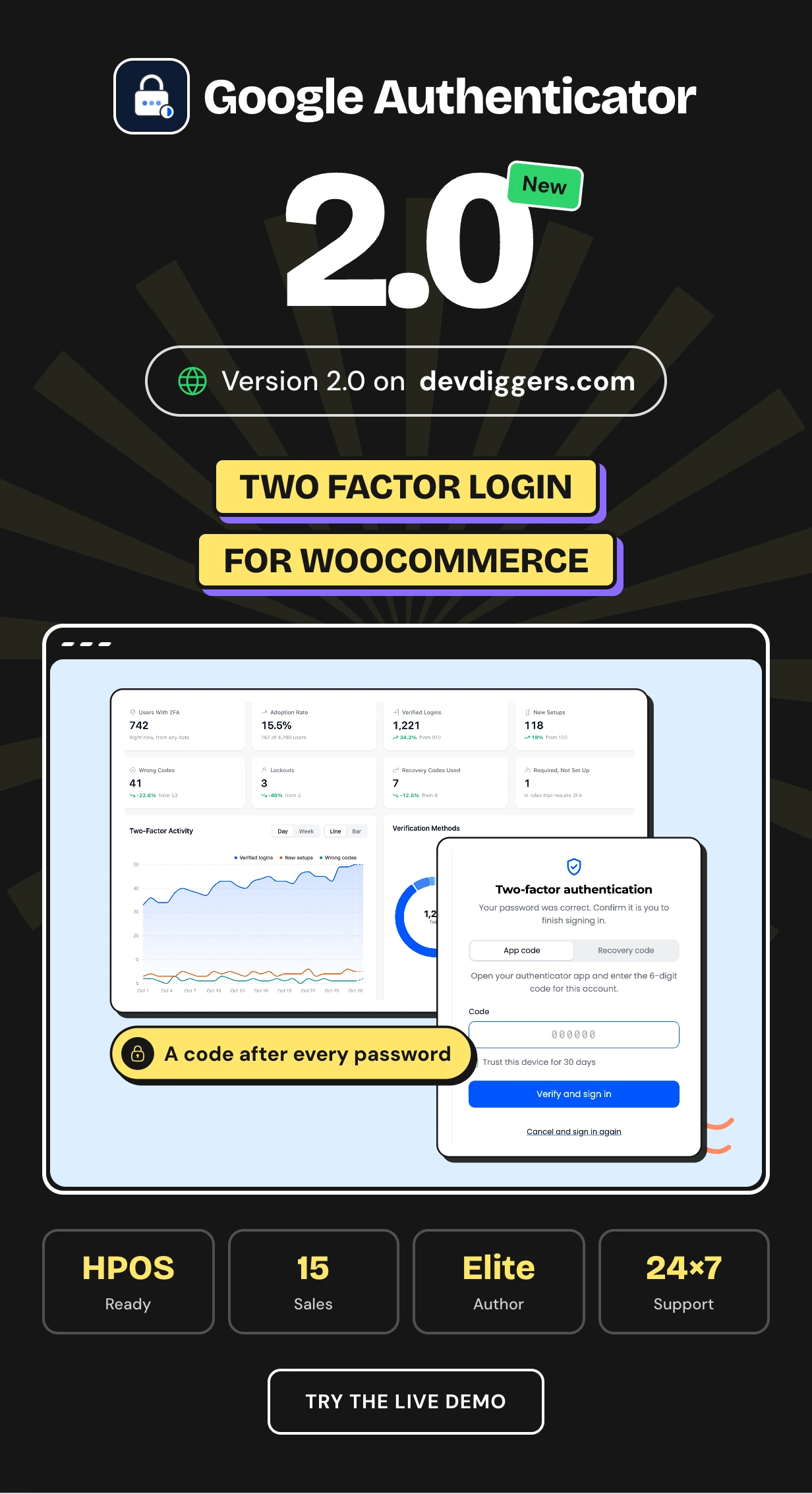
Google Authenticator is a WooCommerce 2FA plugin that asks customers and staff for a 6-digit code after their password. It protects My Account, the checkout login and wp-admin. A stolen password alone can no longer open the account.
WooCommerce has no two factor login of its own. Bots try passwords leaked from other sites, and shop managers can see every order. This plugin adds the code step, recovery codes and a way back for a lost phone.
It works as WooCommerce two factor authentication, a Google Authenticator WordPress plugin for wp-admin and a WordPress 2FA tool for staff. Codes come from Google Authenticator or any authenticator app that makes TOTP codes.
Every plan and the latest features: Google Authenticator plugin page



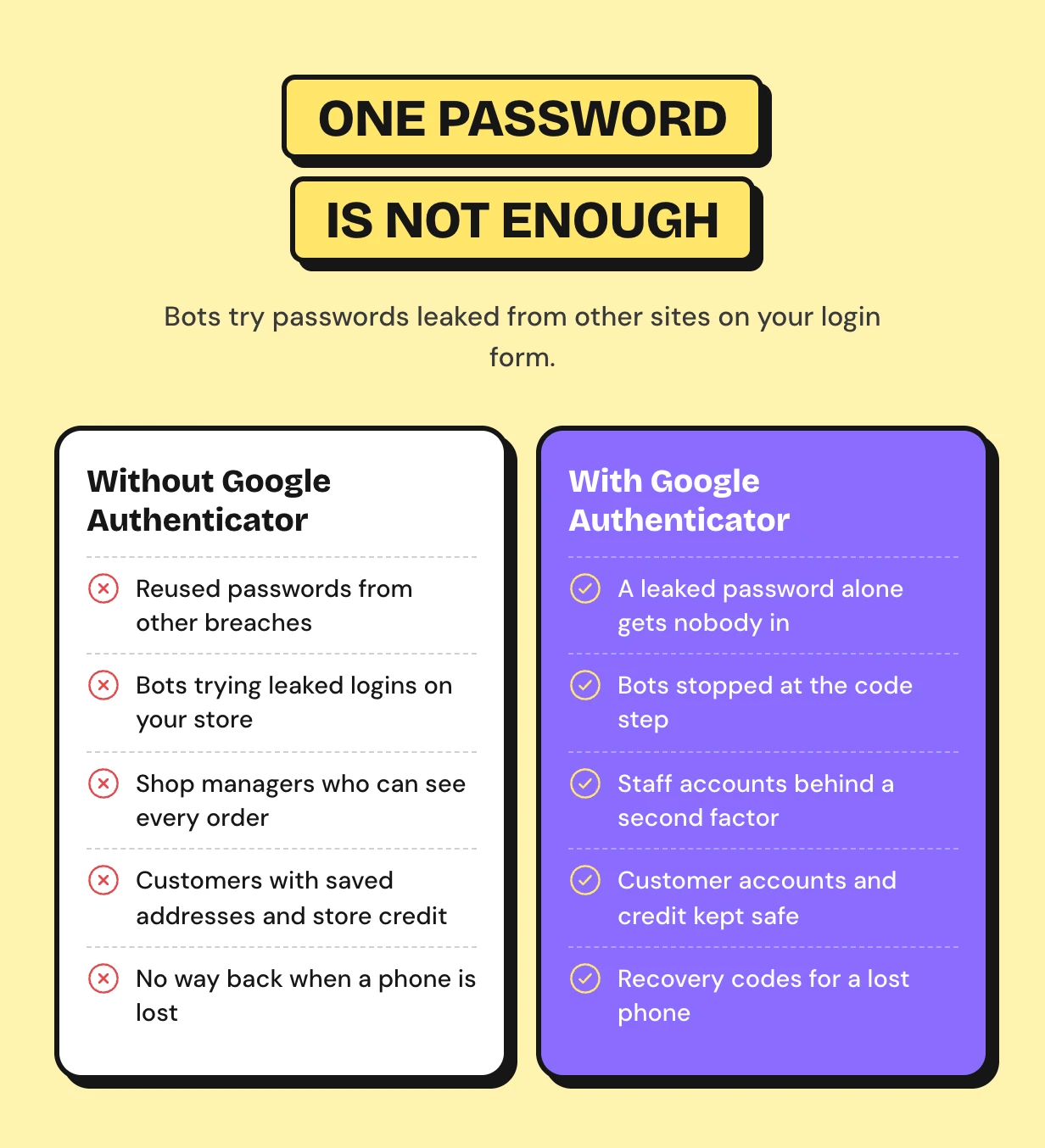
One password is not enough for a WooCommerce account
Bots try passwords leaked from other sites on your login form. Customers reuse passwords, and one breach elsewhere opens their account with you.
A second factor stops most of it. With an authenticator app code after the password, a leaked password gets nobody in.
How WooCommerce 2FA works
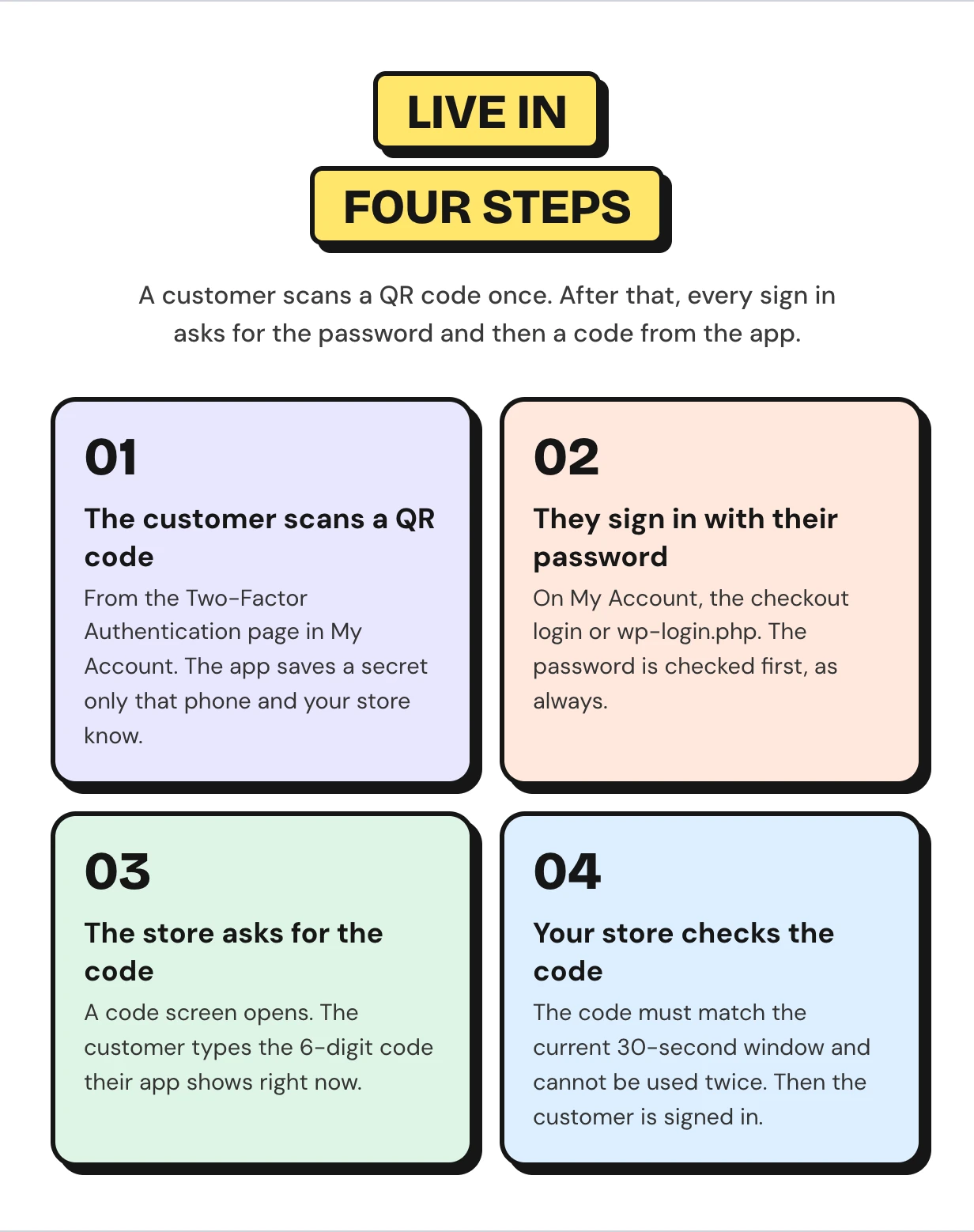
The customer scans a QR code once. Then they sign in with a password and a code from the app. The setup wizard turns it on for your store in about a minute.
WooCommerce 2FA features
Every feature below ships in this one download. It covers the code step on every login form, the backup ways in and the tools to manage 2FA for your users.
WooCommerce 2FA on the My Account login
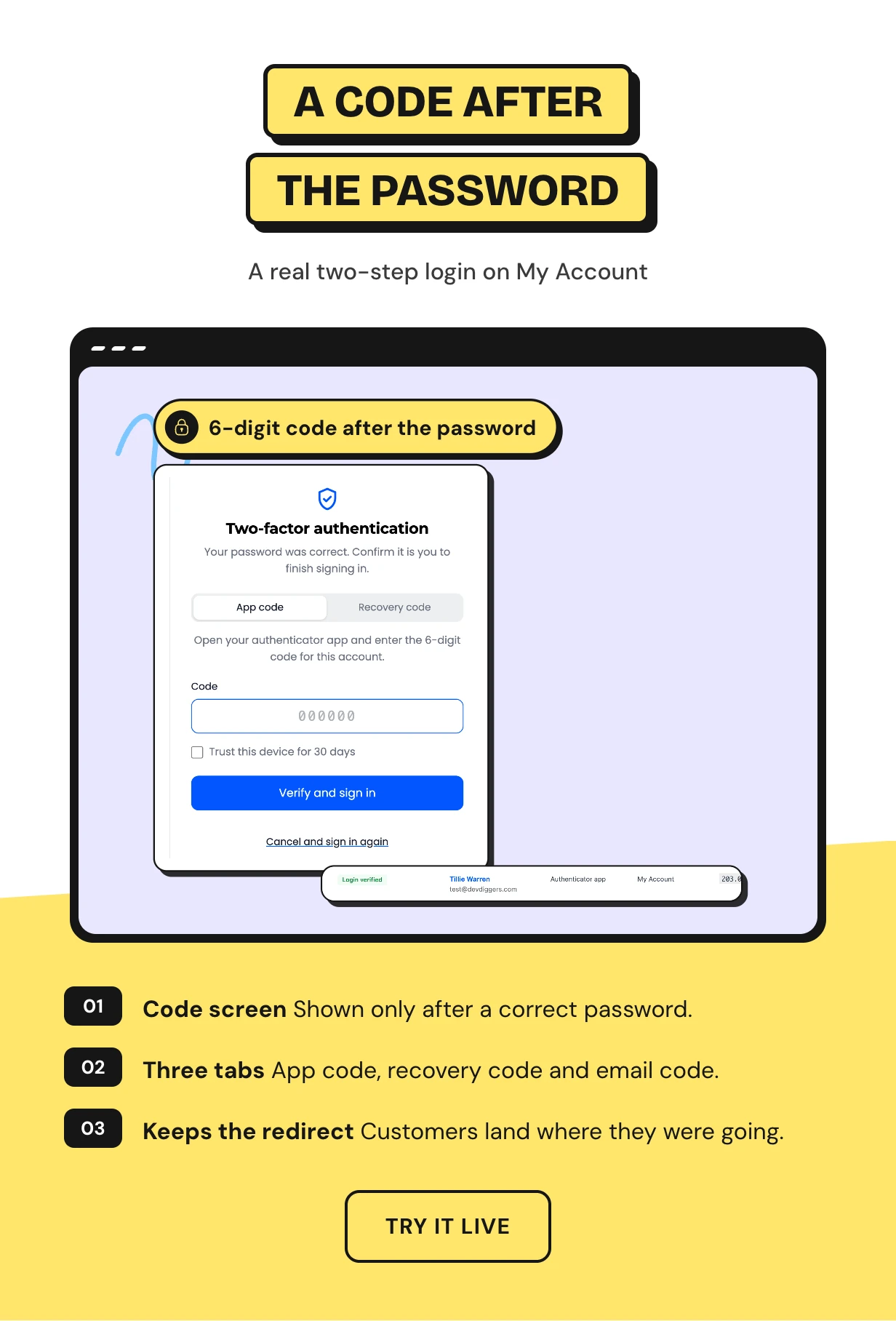
After a correct password, customers land on a code screen and enter the 6-digit code from their app. Six digits submit the form on their own.
Remember me and the page they came from are kept. A wrong password never reaches the code screen.
Two factor login at checkout
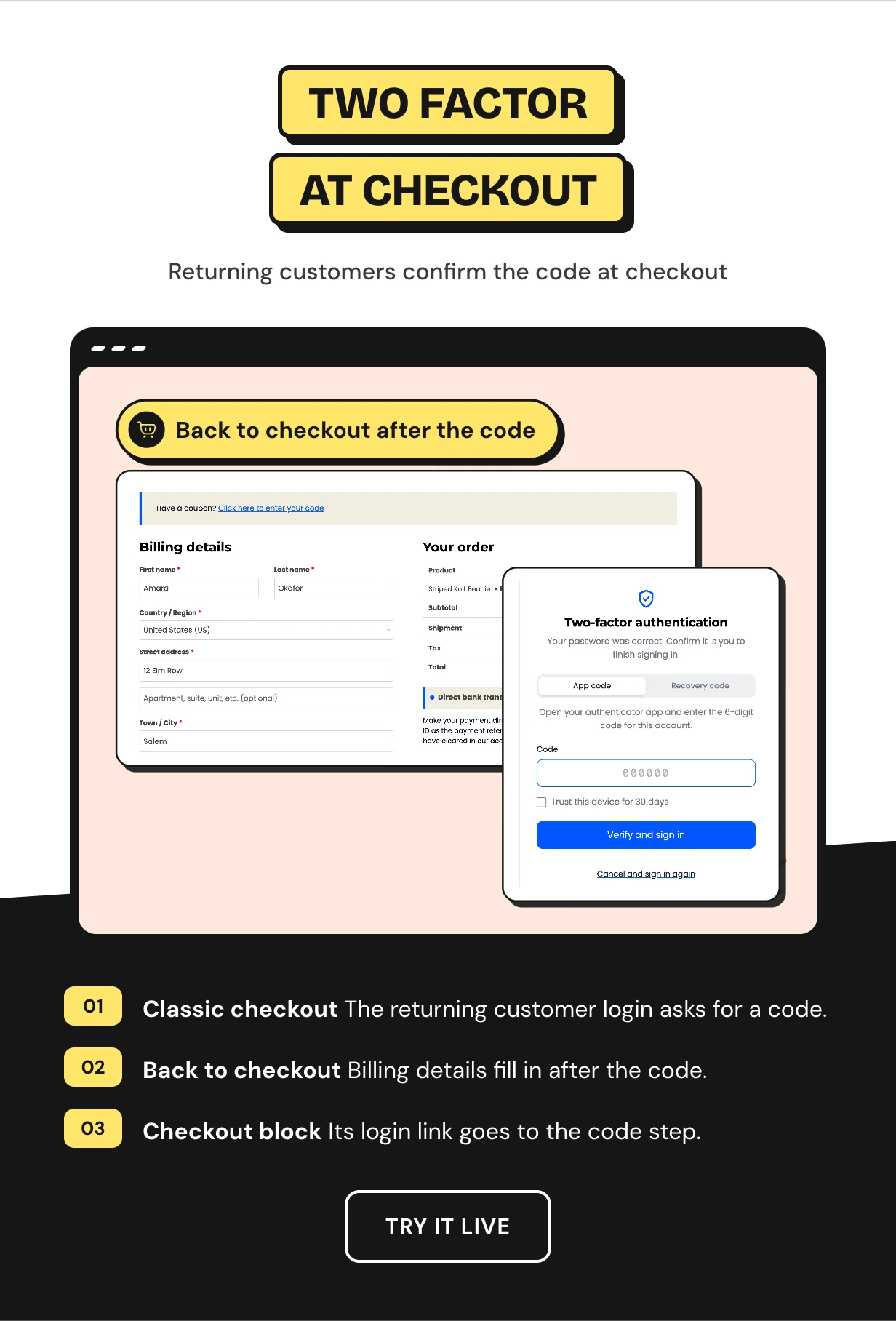
Returning customers who sign in from the checkout get the same code step. After the code, they go straight back to checkout.
The Checkout block has no login form of its own. Its login link opens the My Account login, which asks for the code.
Google Authenticator for WordPress admins
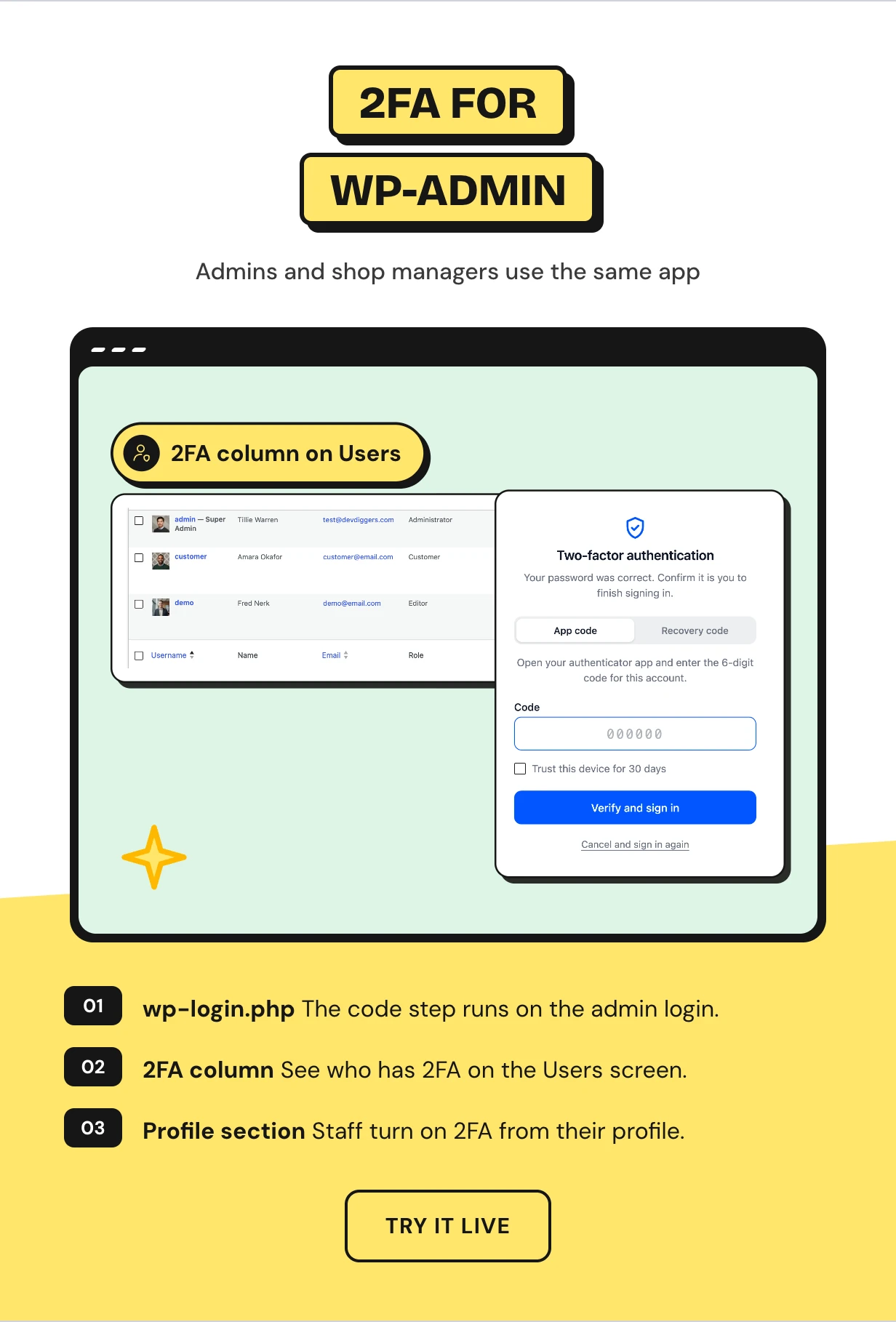
The wp-login.php screen asks for a code too. Admins and shop managers protect wp-admin with the same authenticator app.
The WordPress Users screen gets a 2FA column, and every user profile gets a two-factor section. Admins can reset anyone from there.
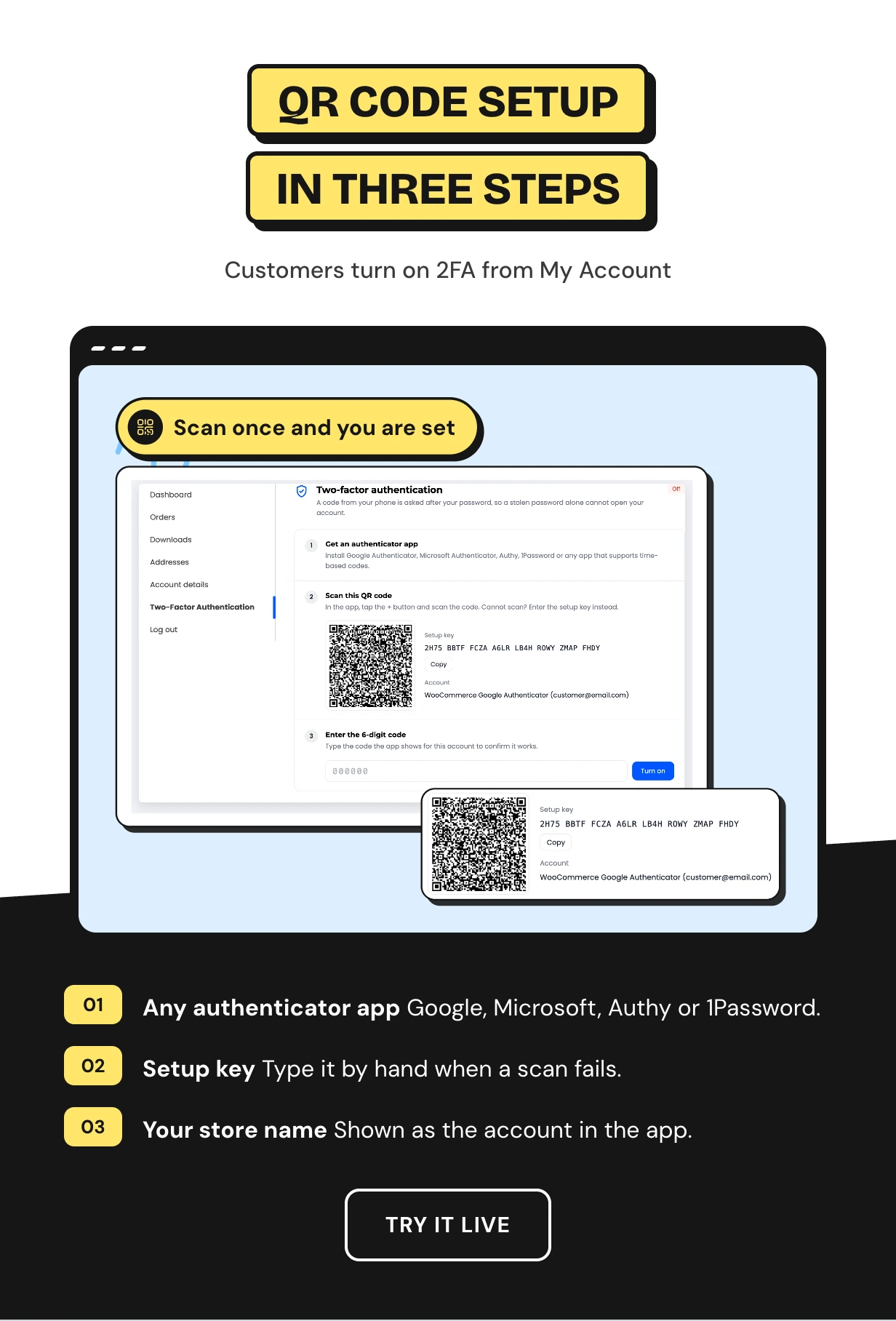
How to set up two factor authentication with a QR code
Customers get an authenticator app, scan the QR code and enter one code to confirm. 2FA turns on only after that code is right.
Cannot scan? A setup key with a Copy button works too. The QR code is drawn in the browser and the secret never leaves your store.
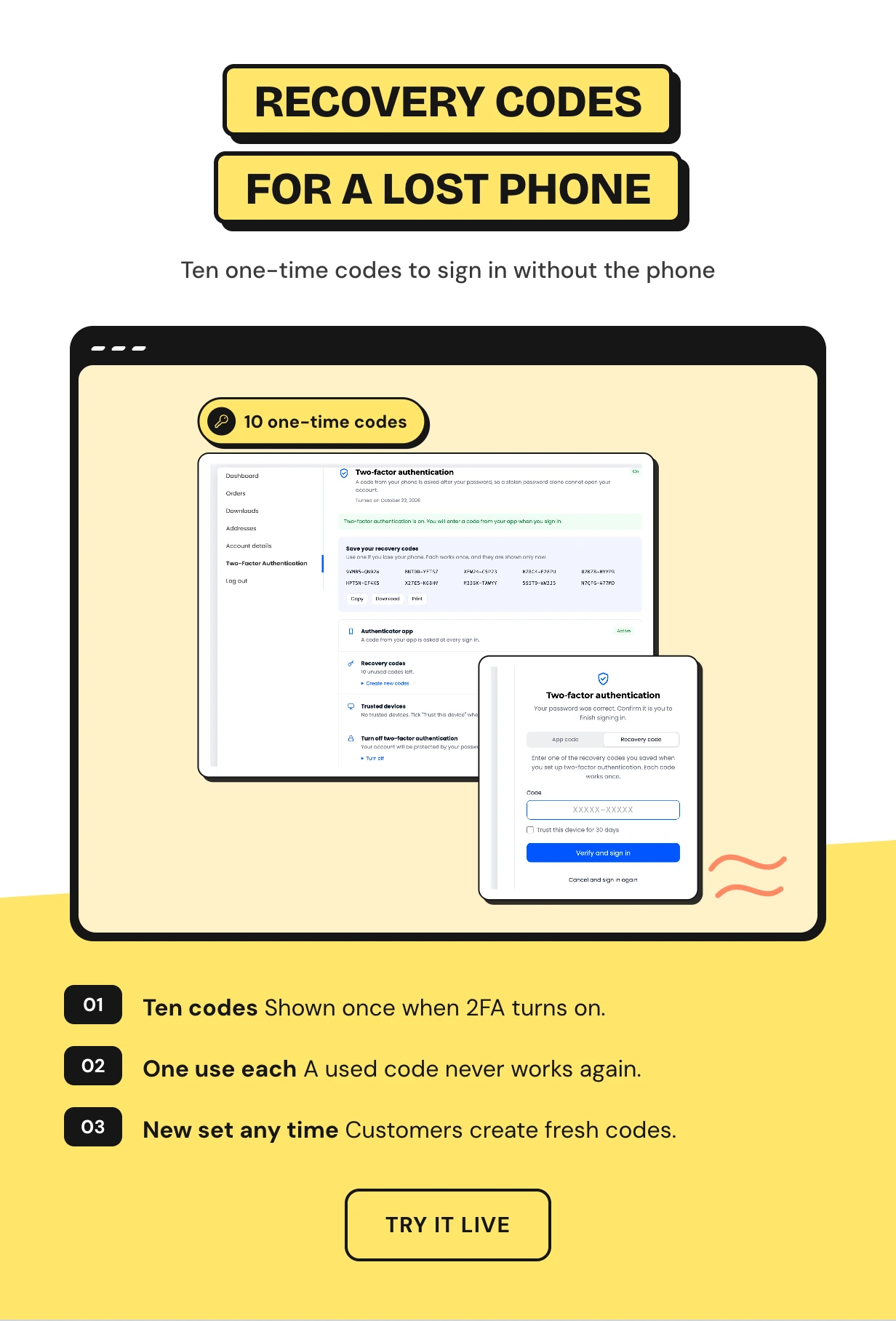
Recovery codes for a lost phone
Phones get lost, broken and left at home. Customers save ten one-time recovery codes when they turn 2FA on, with Copy, Download and Print.
One code gets them back in without a support ticket. Codes are stored as hashes and each works one time.
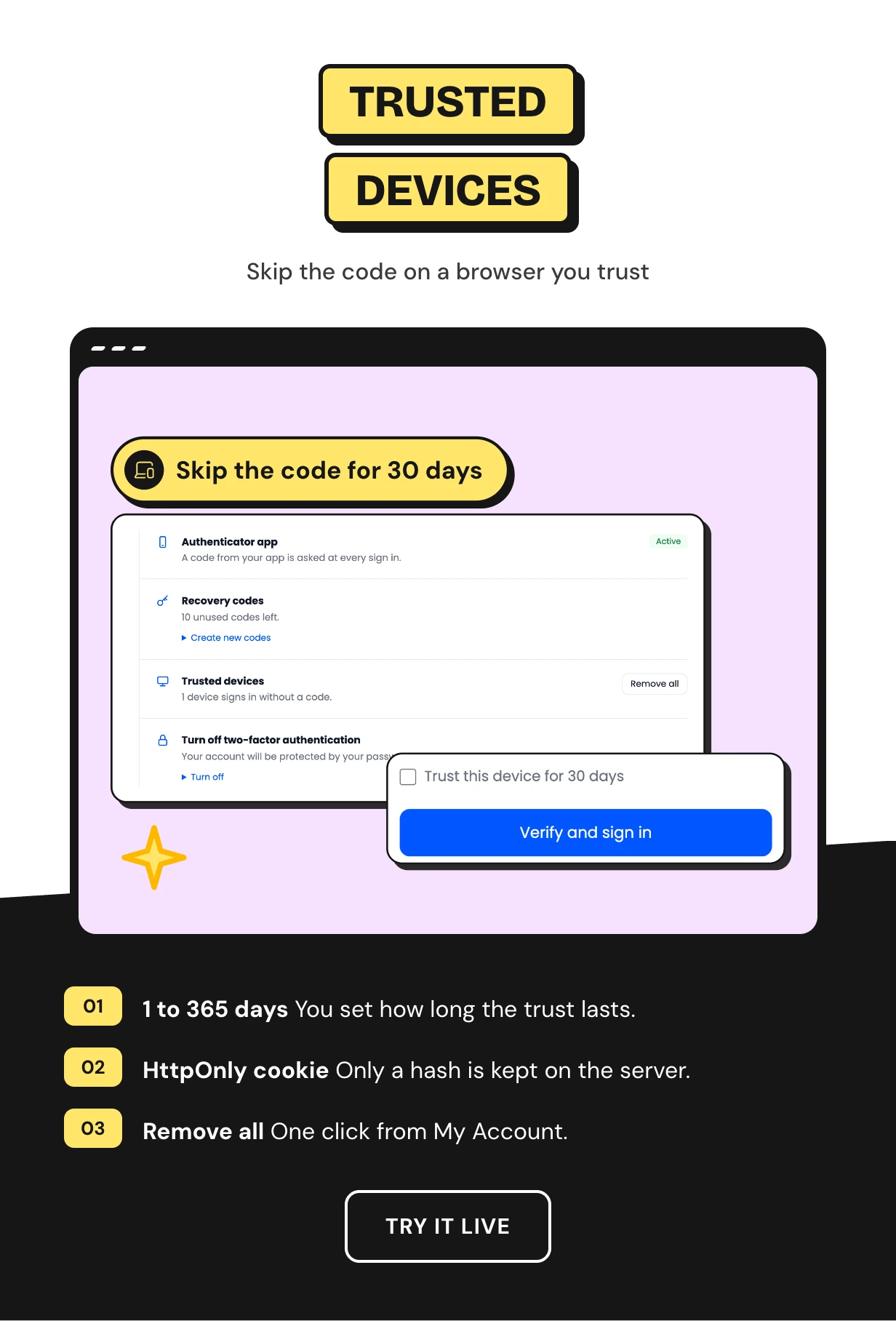
Trusted devices that skip the 2FA code
Customers tick Trust this device on the code screen and skip the code on that browser for 30 days. You set the number of days.
The browser keeps a random cookie that scripts cannot read, and only its hash is saved on your store. Customers can remove every trusted device at once.
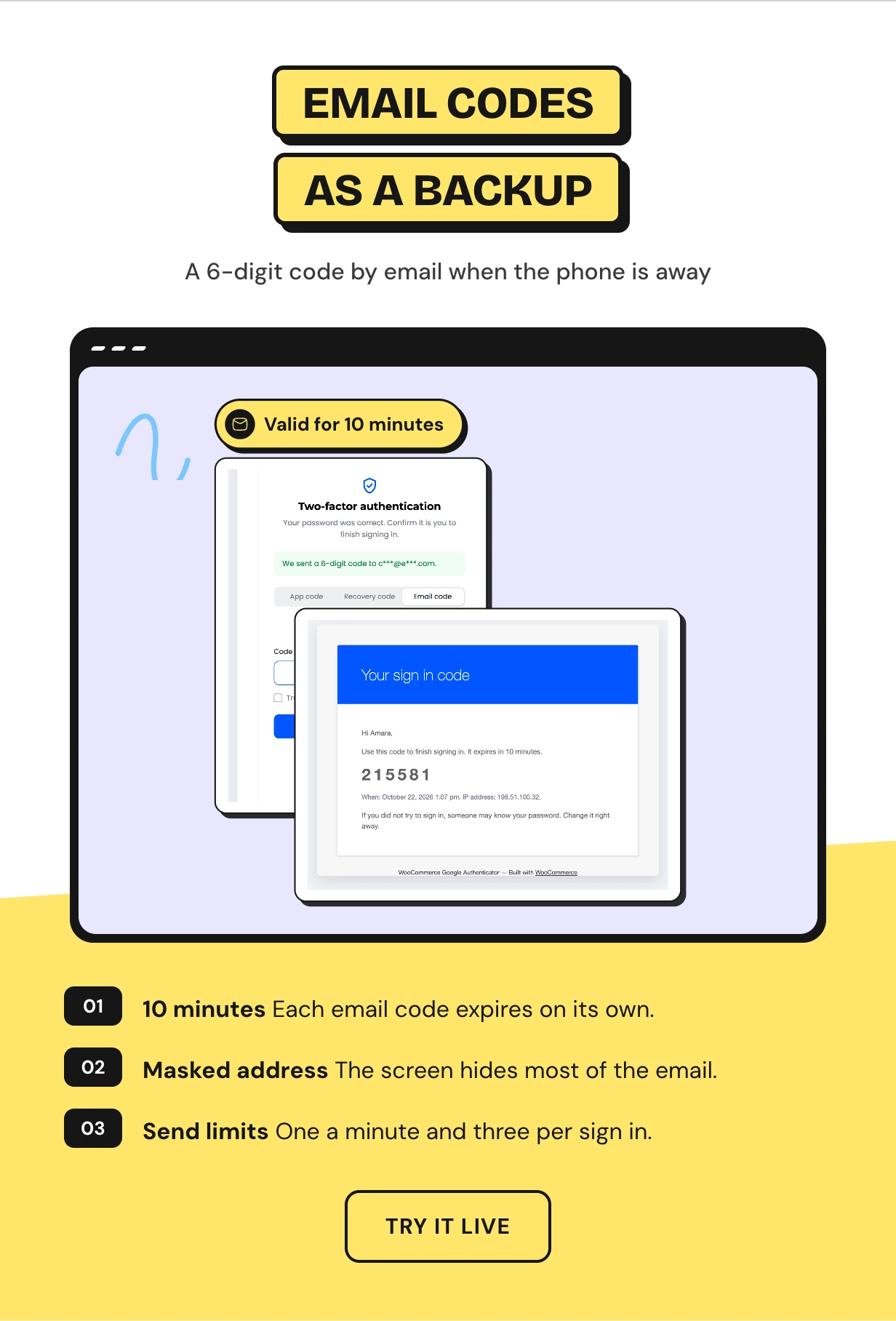
Two factor authentication email codes as a backup
Turn on email codes and the code screen gets an Email code tab. The customer gets a 6-digit code that works for 10 minutes.
Sending is limited to one code a minute and three per sign in. The setting is off by default, and you can keep it off for staff.
Require 2FA for administrators and shop managers
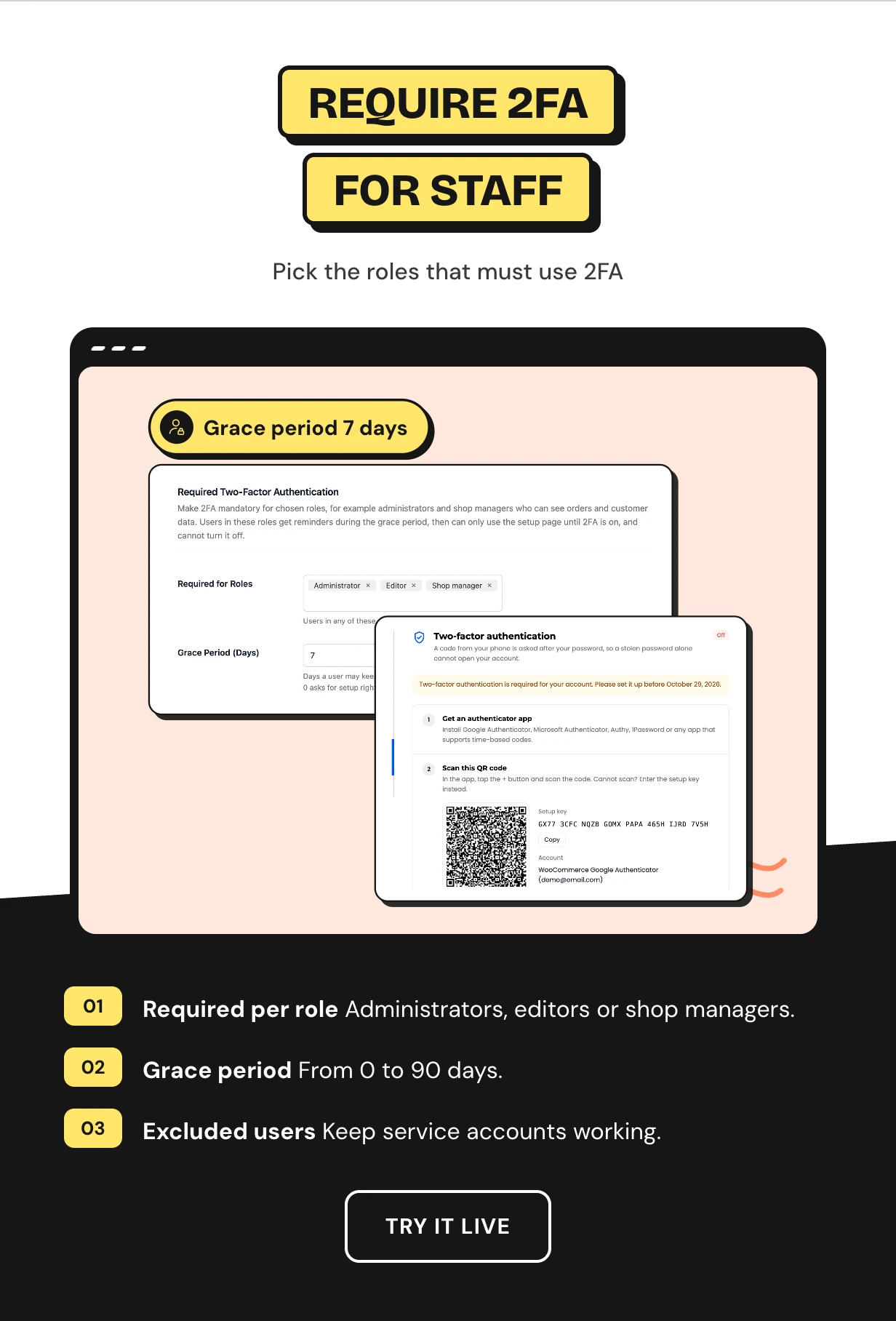
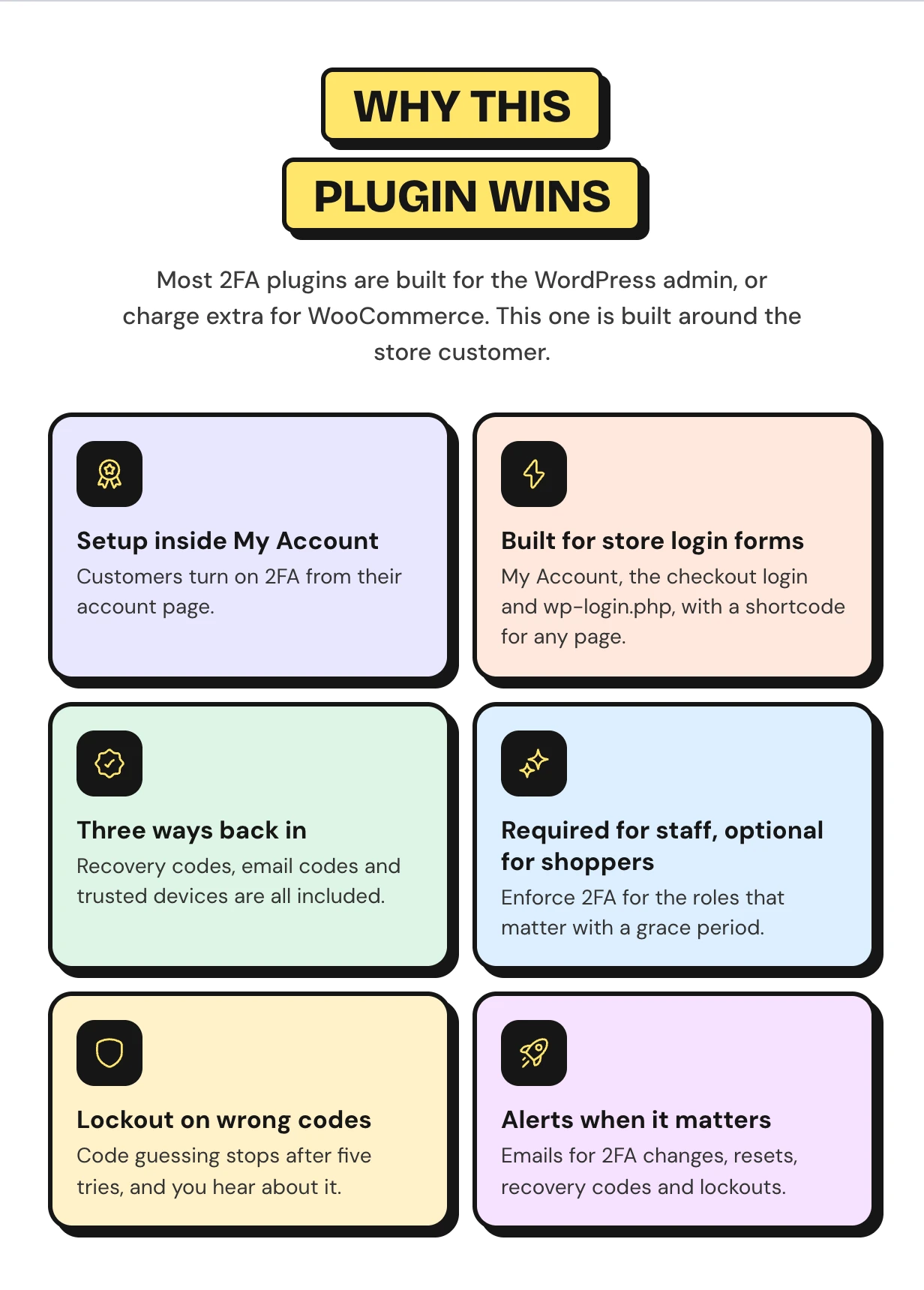
Pick the roles that must use 2FA. They get reminders during a grace period, seven days by default.
After it ends, they can only use the setup page until 2FA is on, and they cannot turn it off. Customers stay free to choose.
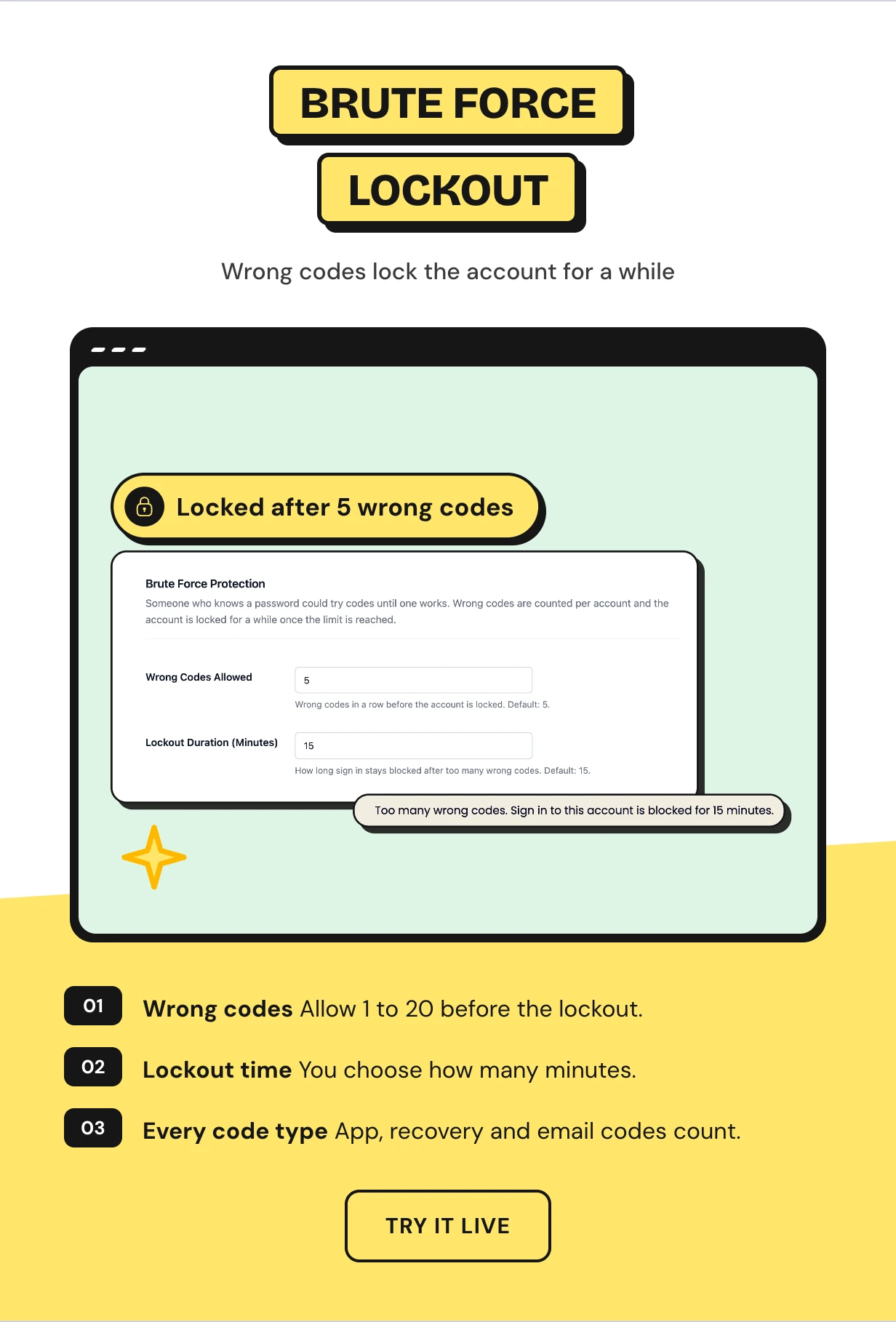
Brute force lockout on the 2FA code step
Someone who knows a password could keep guessing codes. After five wrong codes, sign in to that account is blocked for 15 minutes.
You set both numbers and the customer gets an email. App, recovery and email codes all count.
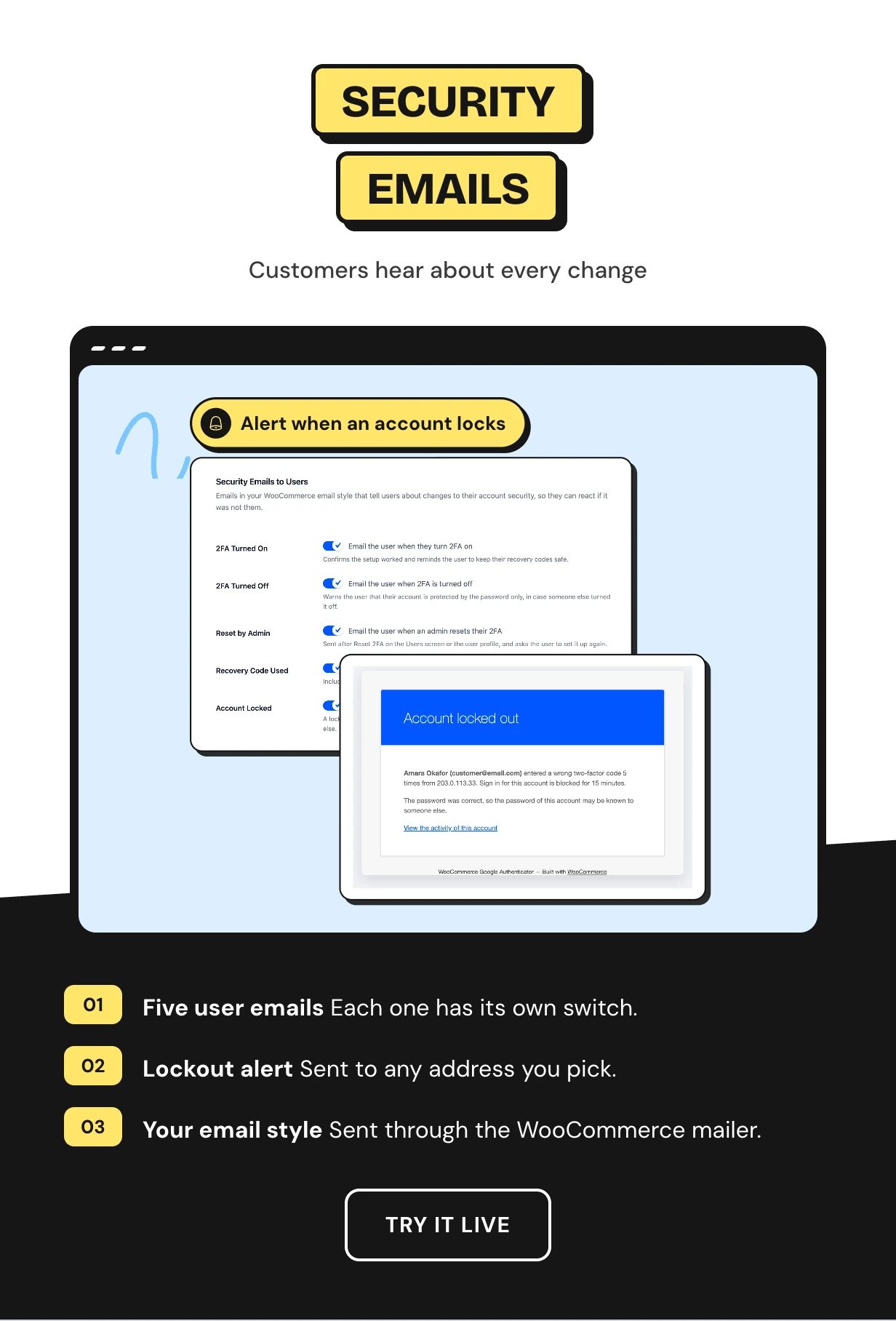
Security emails and lockout alerts
Customers get an email when 2FA is turned on, turned off or reset. They also hear when a recovery code signs in or wrong codes lock the account.
You can get an alert when an account is locked out. The password was right in that case, which usually means it has leaked.
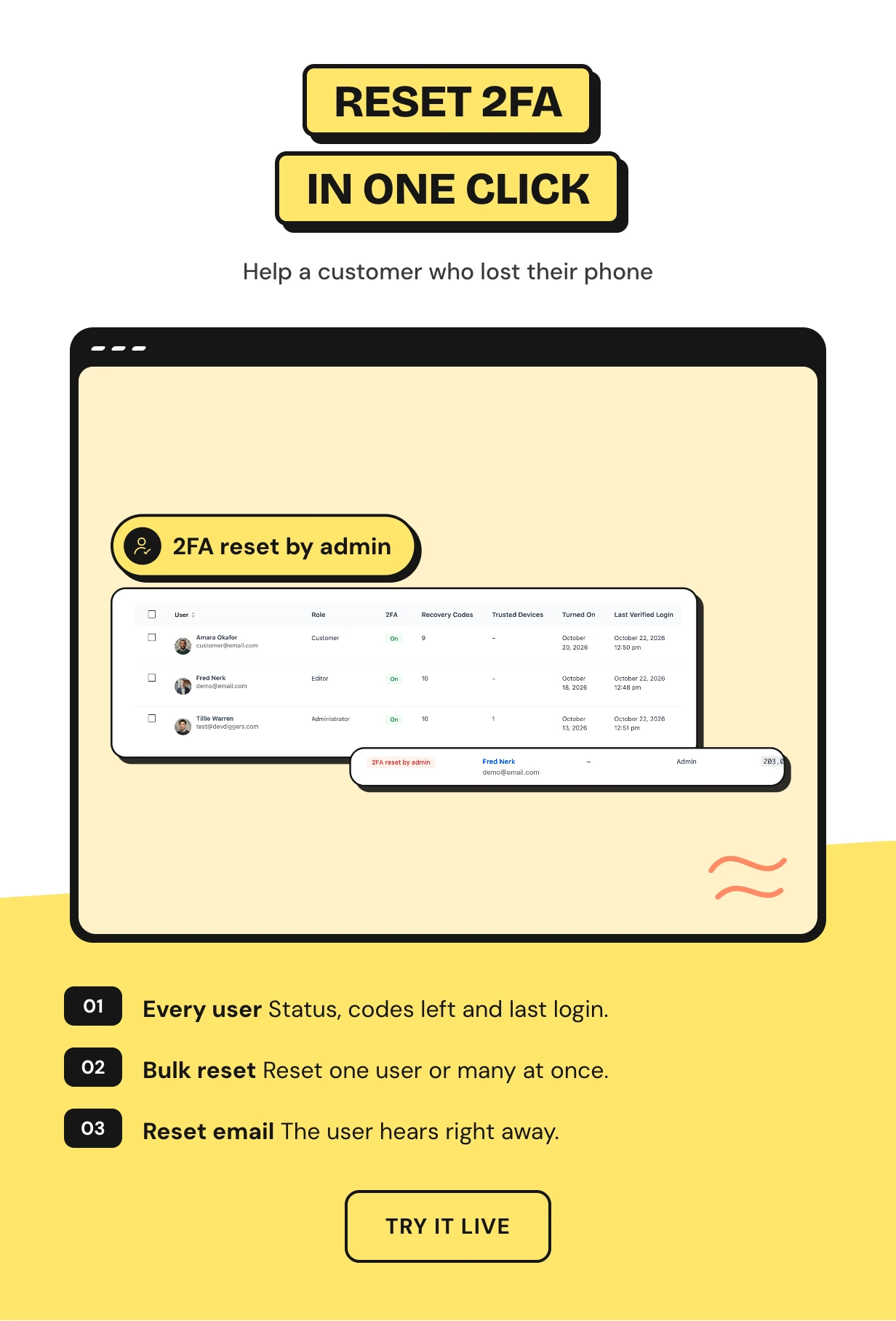
Reset 2FA for a customer in one click
The Users screen lists everyone with their 2FA status, codes left, trusted devices and last verified login. Filter by 2FA On, 2FA Off or Setup Required.
A customer with no phone and no codes? Reset their 2FA alone or in bulk. They get an email and sign in with their password until they set it up again.
A 2FA dashboard and an activity log you can export
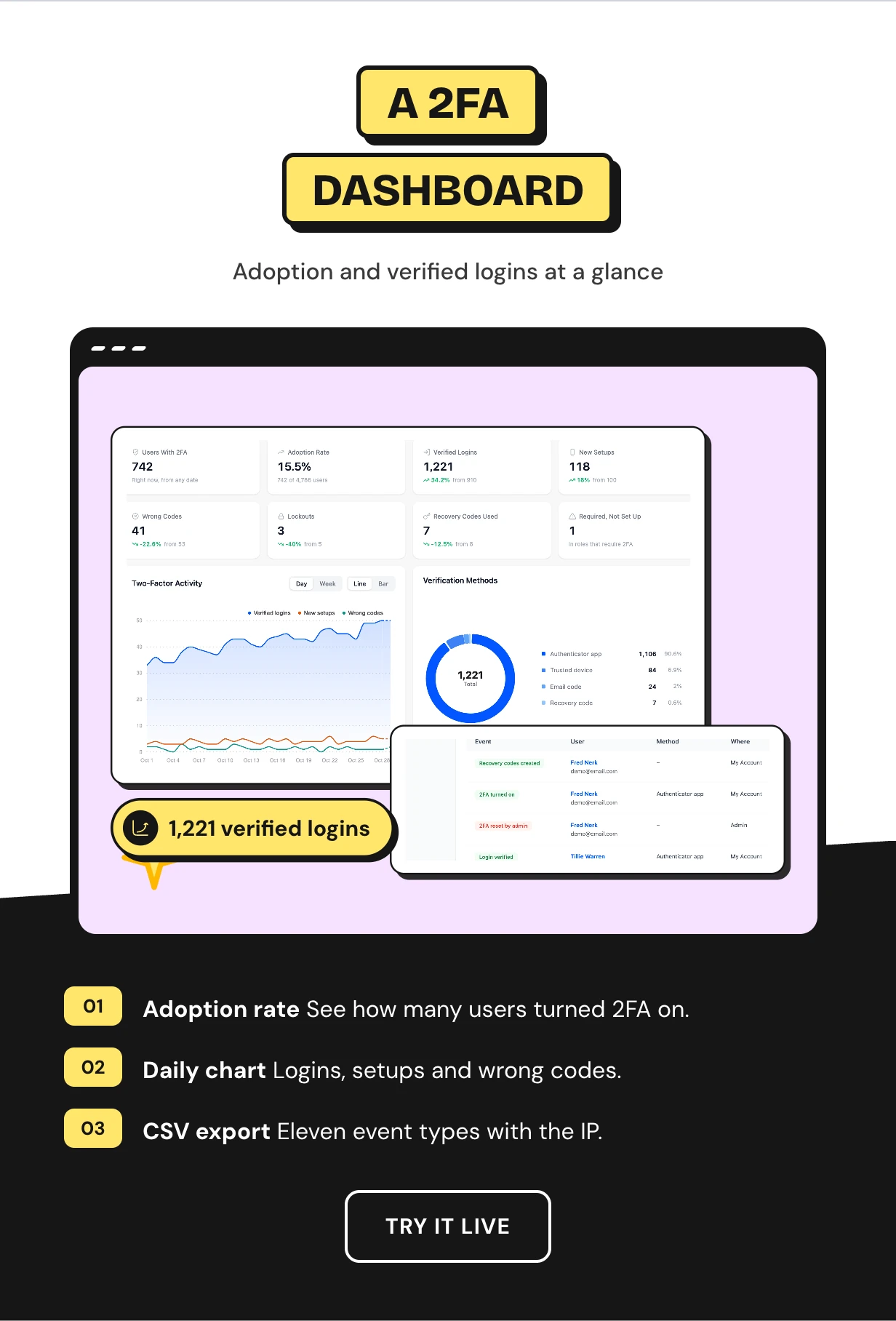
Eight cards show users with 2FA, adoption rate, verified logins, new setups, wrong codes, lockouts and recovery codes used. Each compares with the period before.
Every setup, login, wrong code and reset is logged with the method, the form and the IP address. Filter it and export it to CSV.
Full feature list
Login protection
- Code step on the My Account login
- Code step on the classic checkout login
- Checkout block login link covered
- Code step on wp-login.php
- Keeps Remember me and the redirect
- Clock tolerance for phones a few minutes off
Setup and backup
- Guided QR code setup in My Account
- Setup key for typing by hand
- Ten one-time recovery codes with Copy, Download and Print
- Email codes valid for 10 minutes
- Trusted devices from 1 to 365 days
Customer self-service
- Security page in My Account with your own slug and title
- Dashboard reminder card
- New recovery codes or turn off 2FA with an app code
- Shortcode for any page or page builder
- Works on phones and desktops
Staff and enforcement
- Required 2FA per role with a grace period
- Excluded users for service accounts
- 2FA column on the WordPress Users screen
- Two-factor section on user profiles
- Application passwords keep working
Security
- Brute force lockout on wrong codes
- Secrets encrypted with libsodium
- Recovery codes and trusted devices stored as hashes
- XML-RPC and REST password logins refused for 2FA accounts
- WordPress privacy export and erase
Admin tools and reports
- Users screen with single and bulk Reset 2FA
- 2FA dashboard with eight cards and a daily chart
- Coverage by role
- Activity log with eleven event types
- Filters, search and CSV export
- Five security emails and a lockout alert
What you need for two factor authentication
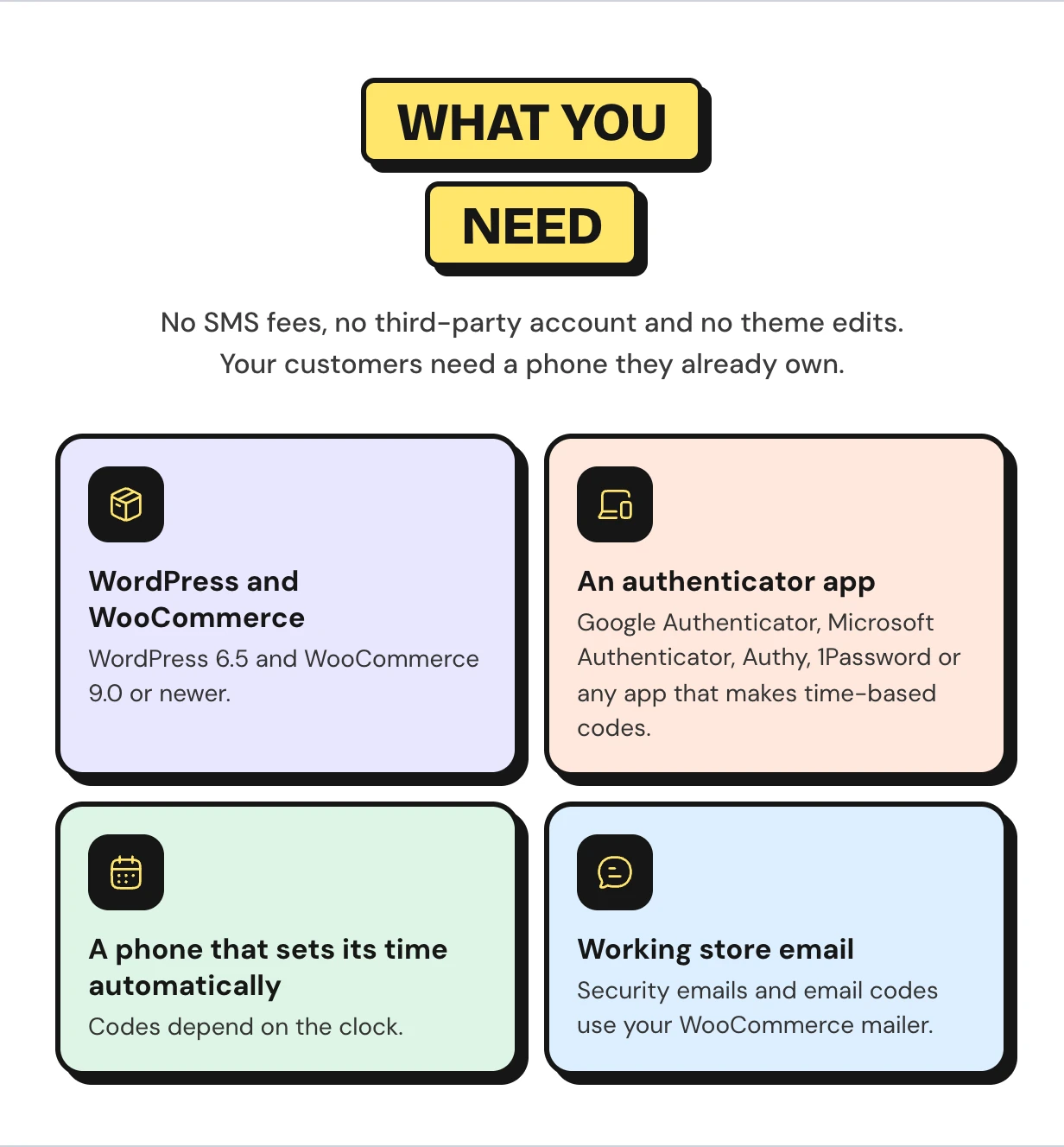
Customers need a free authenticator app on their phone. Your store needs nothing else.
Works with the WooCommerce store you already run
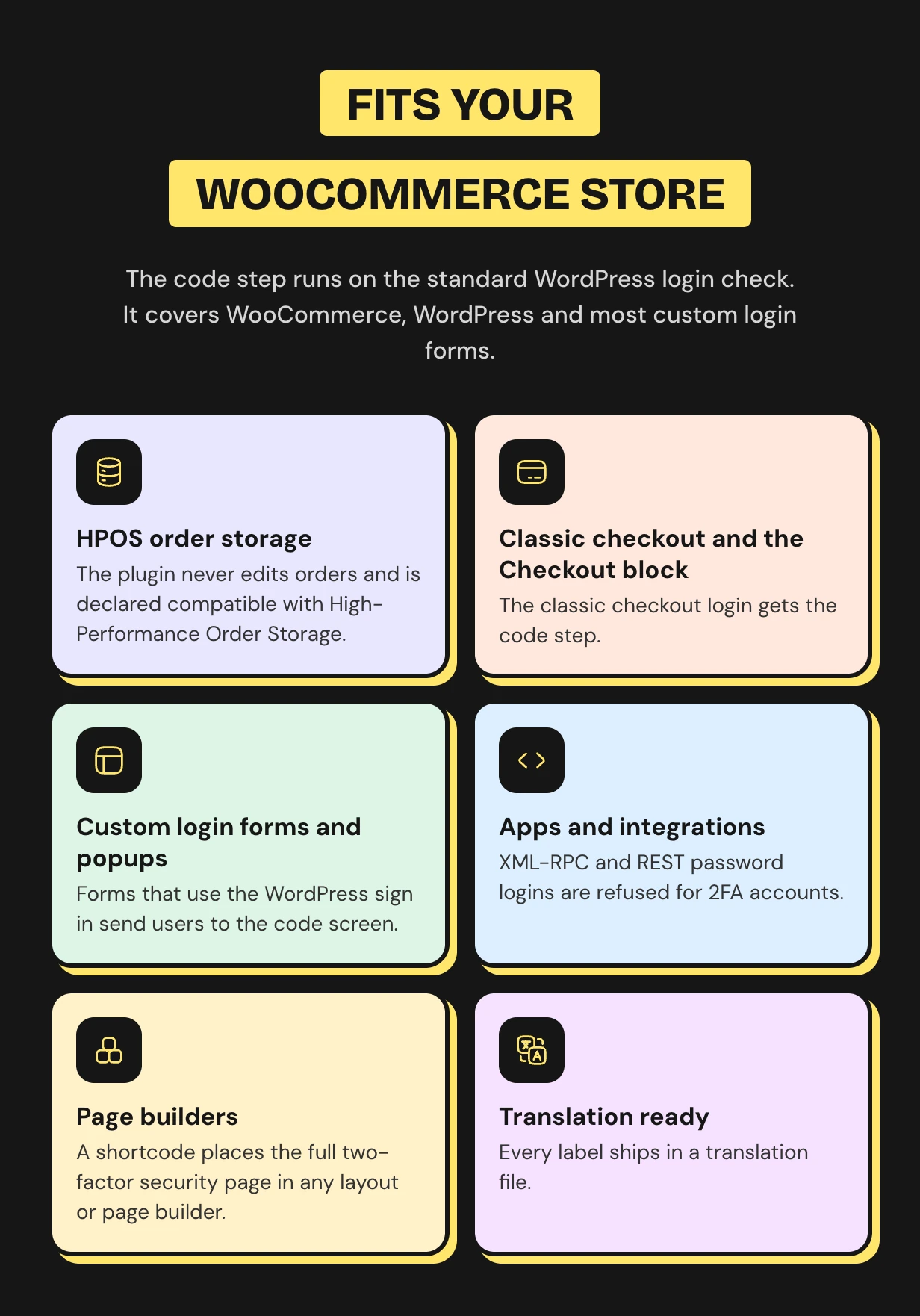
The code step works with the classic checkout, the Checkout block login link, wp-login.php and HPOS. A shortcode places the security page in any page builder.
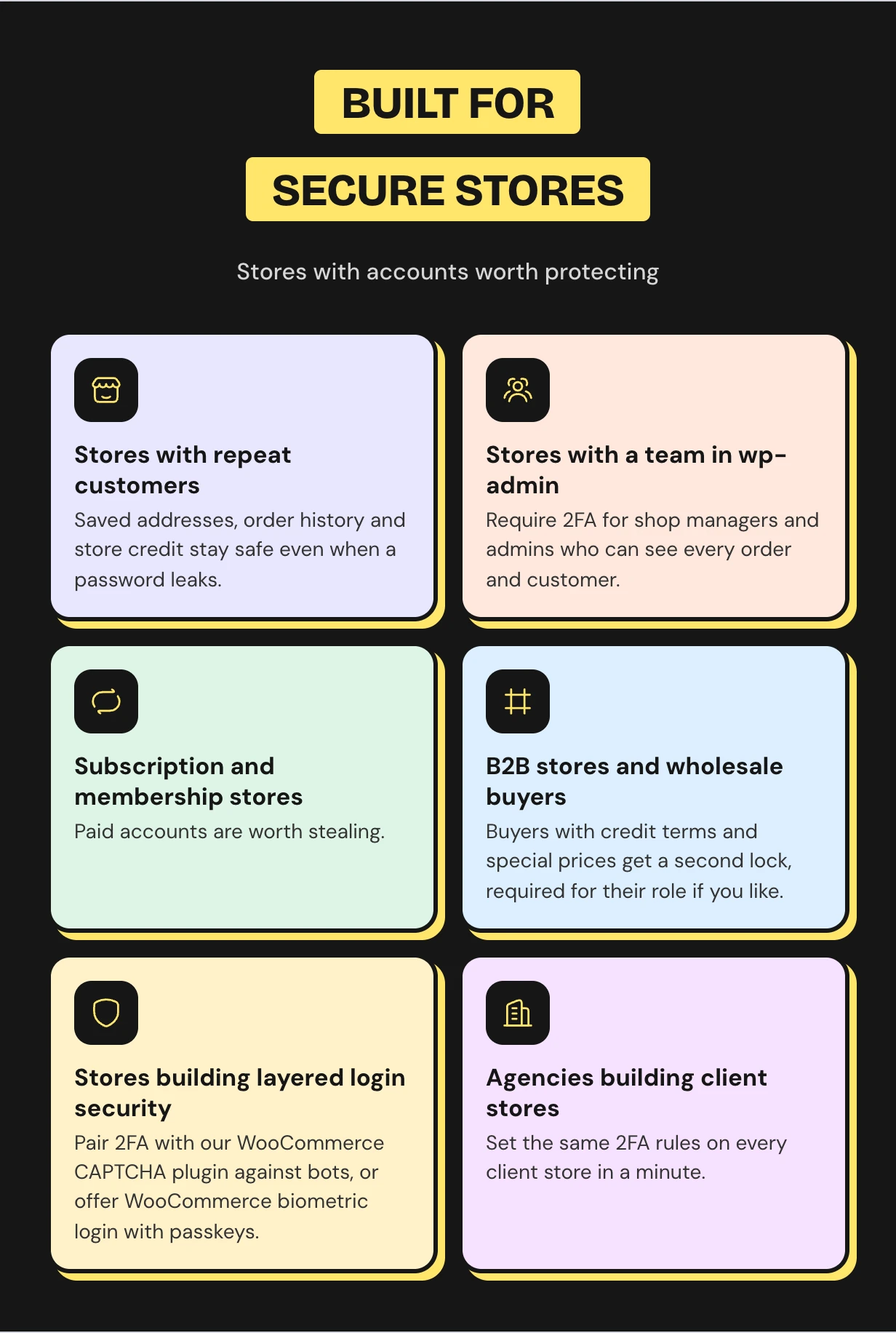
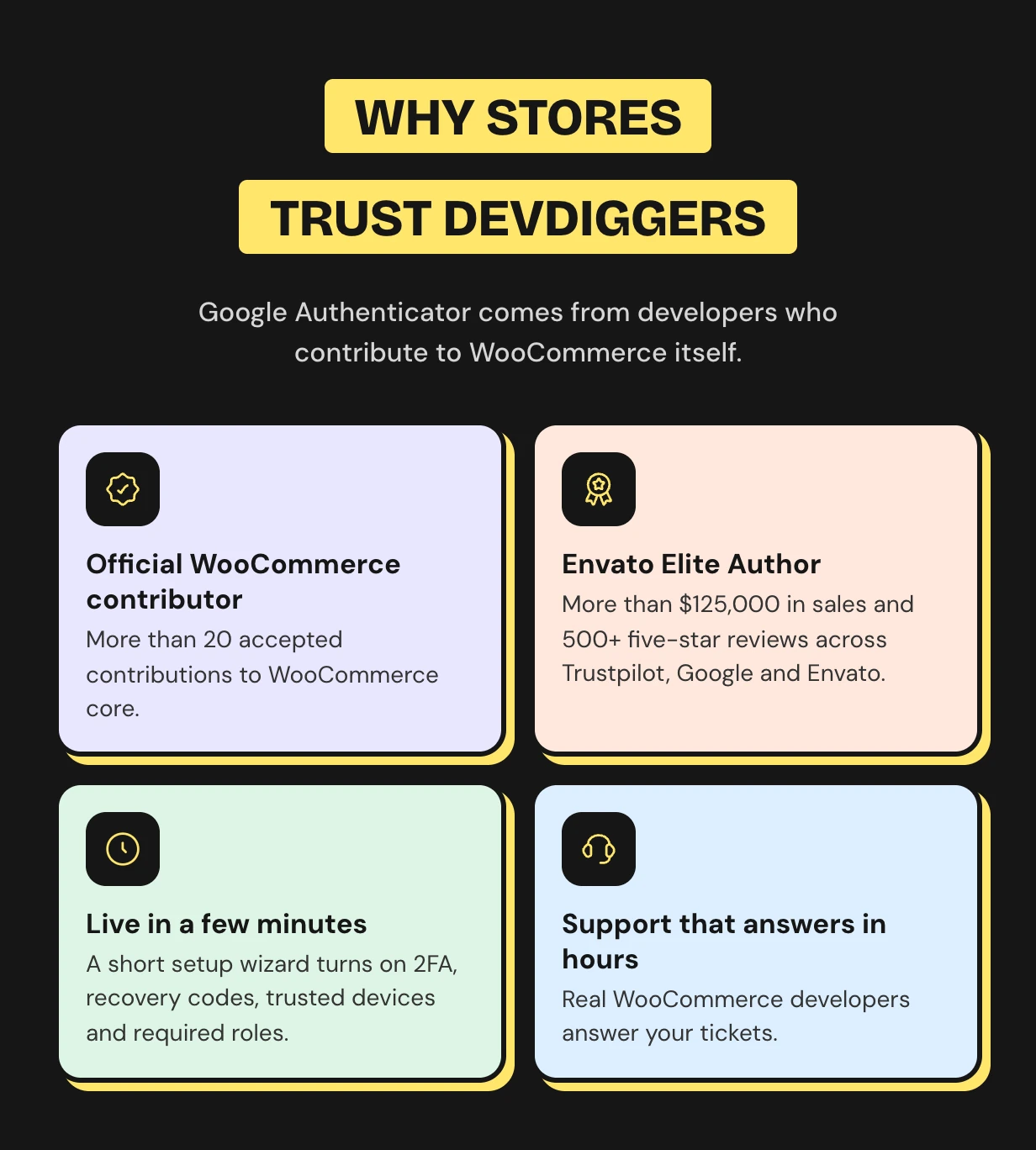
Why this WooCommerce 2FA plugin is built for stores
Who the WooCommerce 2FA plugin is for
WooCommerce 2FA questions
Is there a 2FA plugin for WooCommerce?
Yes. This plugin adds two factor authentication to the My Account login, the checkout login and wp-login.php. Customers set it up themselves from My Account.
How does two factor authentication work?
After the right password, the store asks for a 6-digit code from an authenticator app. The app and the store share a secret, and the code changes every 30 seconds.
Which authenticator apps work?
Google Authenticator, Microsoft Authenticator, Authy, 1Password and any app that makes TOTP authentication codes. Google Authenticator is a Google app, and this plugin works with all of them.
Do customers have to use 2FA?
Only if you say so. 2FA is optional for everyone by default, and a dashboard card invites customers to turn it on. You can require it for any role.
What if a customer loses their phone?
They sign in with one of their recovery codes, or with an email code if you turned that on. If neither is left, you reset their 2FA from the Users screen.
Why is my WordPress Google Authenticator not working?
Codes depend on the phone clock. Set the phone to update its time automatically. Clock Tolerance accepts codes from phones that run up to four minutes off.
Is an authenticator app safer than SMS codes?
Yes. The code is made on the phone and never travels over the phone network, where a SIM swap could steal it. You pay no SMS fees either.
Will my apps and integrations still connect?
Yes, through application passwords, which keep working. Add service accounts that sign in with a password to Excluded Users.
Where are the 2FA secrets stored?
In your own database. Each secret is encrypted with libsodium, and recovery codes and trusted devices are stored only as hashes. Nothing is sent to Google or any other service.
Support and custom work
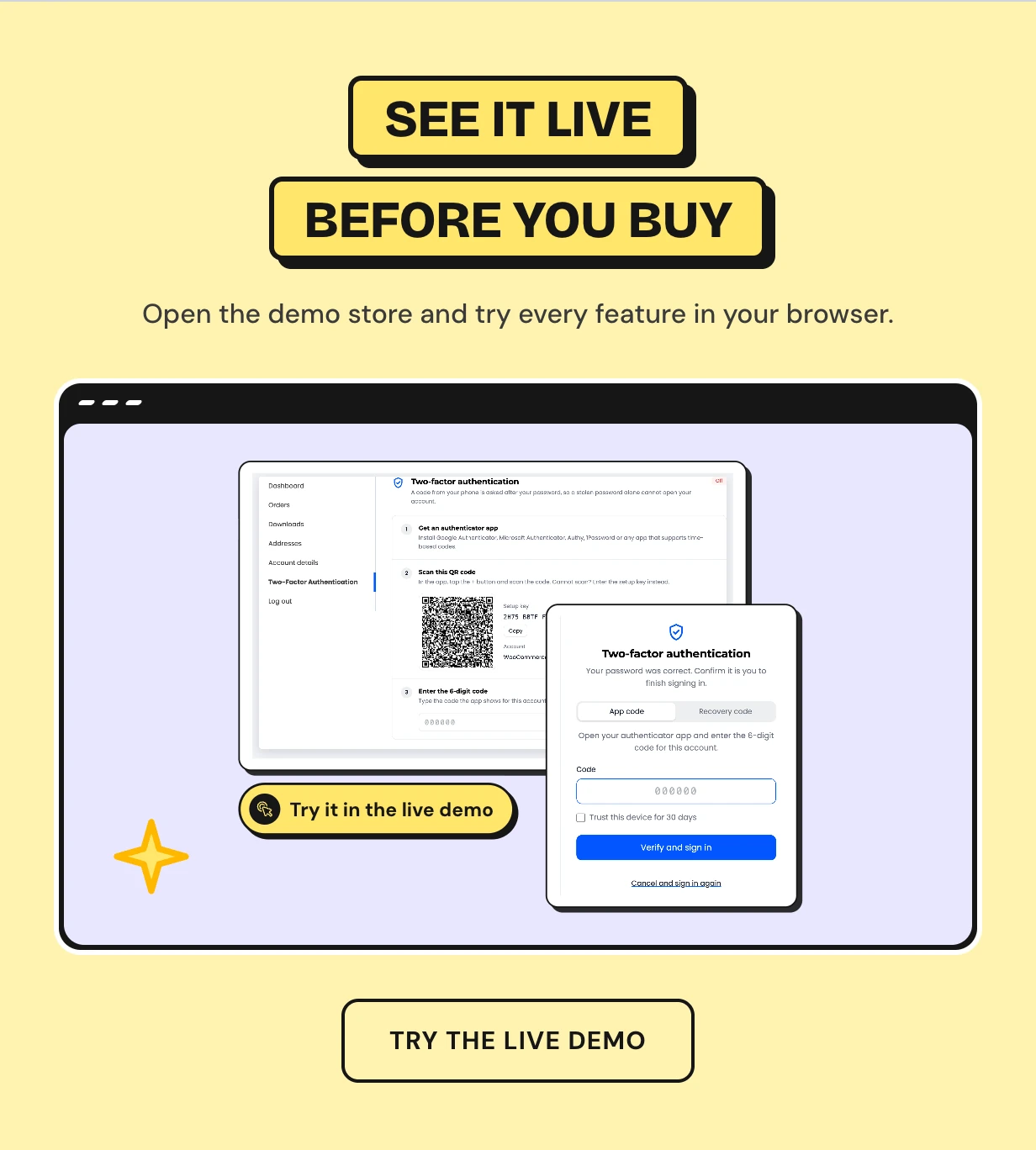
Support comes from the developers who wrote the code, usually within hours. Start with the Google Authenticator documentation or contact our team. See every feature on the WooCommerce 2FA plugin page.
Need 2FA on a custom login popup or an app sign in? Our WooCommerce development services team builds custom security features for your store.
Requirements
- WordPress 6.5 or newer
- WooCommerce 9.0 or newer
Changelog
v 1.0.2 Added compatibility with the latest WordPress and WooCommerce. Added WooCommerce HPOS compatibility. Resolved security issues.
v 1.0.1 Added compatibility with the latest WordPress and WooCommerce. Resolved security issues.
v 1.0.0 Initial Release
$99 |
Download |
0 average based on 0 ratings.

| Last Update | 2026-10-30 |
| Created | 2022-06-09 |
| Sales | 15 |
| Discussion | Comments |
| Compatible Browsers | IE11 Firefox Safari Opera Chrome Edge |
| Software Version | WordPress 7.0.x WordPress 6.9.x WordPress 6.8.x WordPress 6.7.x WordPress 6.6.x WordPress 6.5.x WordPress 6.4.x WordPress 6.3.x WordPress 6.2.x WordPress 6.1.x WordPress 6.0.x WordPress 5.9.x WordPress 5.8.x WordPress 5.7.x WordPress 5.6.x WordPress 5.5.x WordPress 5.4.x WordPress 5.3.x WordPress 5.2.x WordPress 5.1.x WordPress 5.0.x |
| Compatible With | WooCommerce 10.x.x WooCommerce 9.x.x WooCommerce 8.x.x WooCommerce 7.x.x WooCommerce 6.x.x WooCommerce 5.x.x |
| Gutenberg Optimized | Yes |
| High Resolution | Yes |
| Files Included | JavaScript JS CSS PHP |
| Video Preview Resolution |


