WooCommerce Customer Tracking - Visitor Tracking & Customer Analytics | Abandoned Cart Recovery


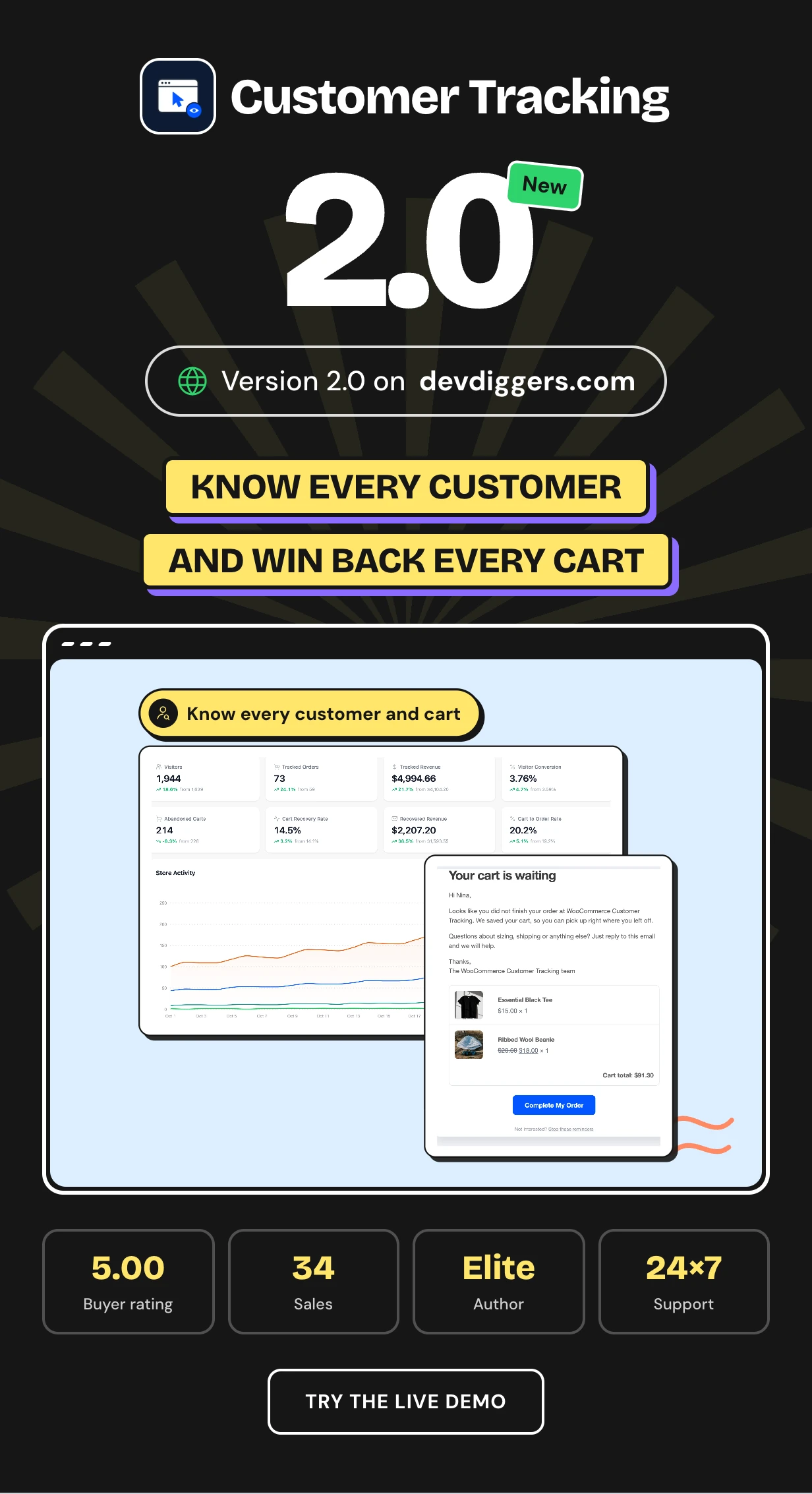
Customer Tracking is a WooCommerce customer tracking plugin that shows who visits your store, what they do and which carts they leave behind. It records page views, searches, cart adds and orders and ties each one to a person.
WooCommerce on its own shows orders and little else. It cannot tell you who is browsing now, what a guest looked at before leaving or which campaign brought a buyer.
It works as a customer analytics dashboard, a woocommerce visitor tracking screen and an abandoned cart recovery tool with three reminder emails. RFM segments and UTM source tracking show who to reward and where sales come from.
Every plan and the latest features: Customer Tracking plugin page
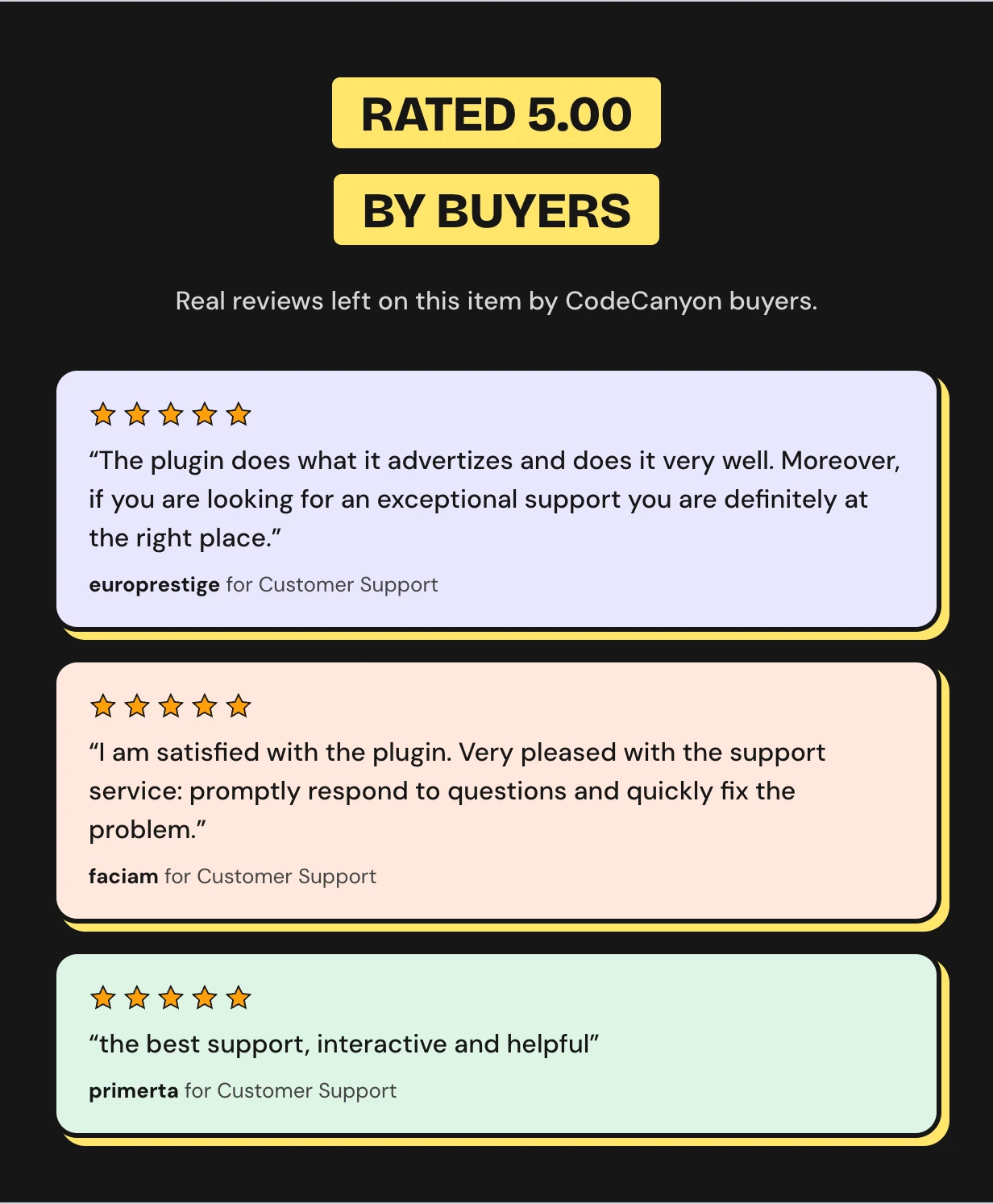
Rated 5.00 out of 5 by CodeCanyon buyers




Visits with no names and carts with no follow up
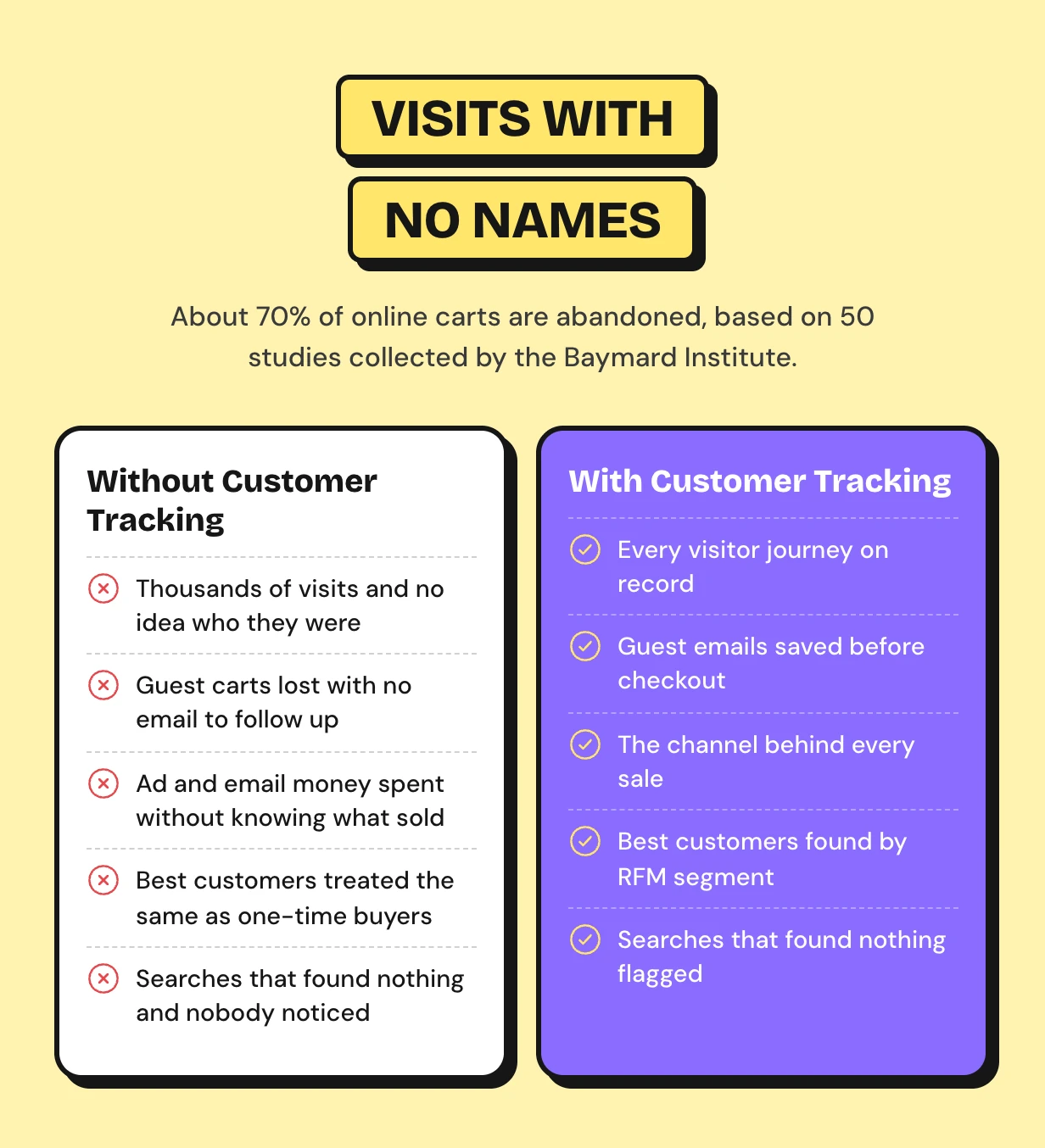
About 70% of online carts are abandoned, and most belong to guests you never hear from again. Your analytics show totals with no names behind them.
Abandoned cart emails win many of those carts back. You can only send them if you saved the cart and the email first.
How WooCommerce customer tracking works
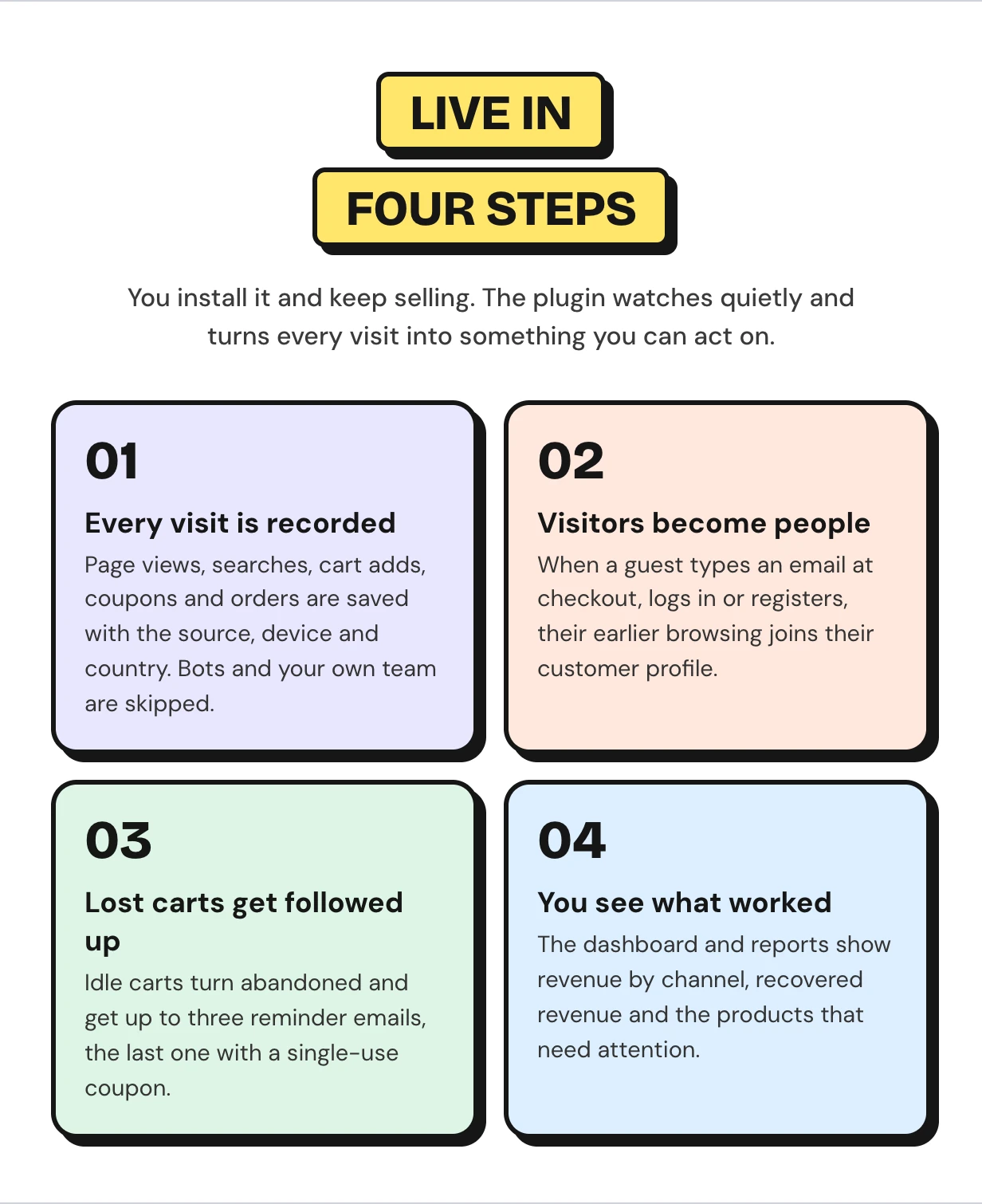
A small script records each visit after the page loads, and guest history joins the profile once they type an email. Carts, segments and reminders run in the background. The setup wizard picks what to track on first activation.
WooCommerce customer tracking features
Every feature below ships in this one download. It covers woocommerce customer analytics, cart recovery emails and a WooCommerce activity log you can filter and export.
A customer analytics dashboard for your store
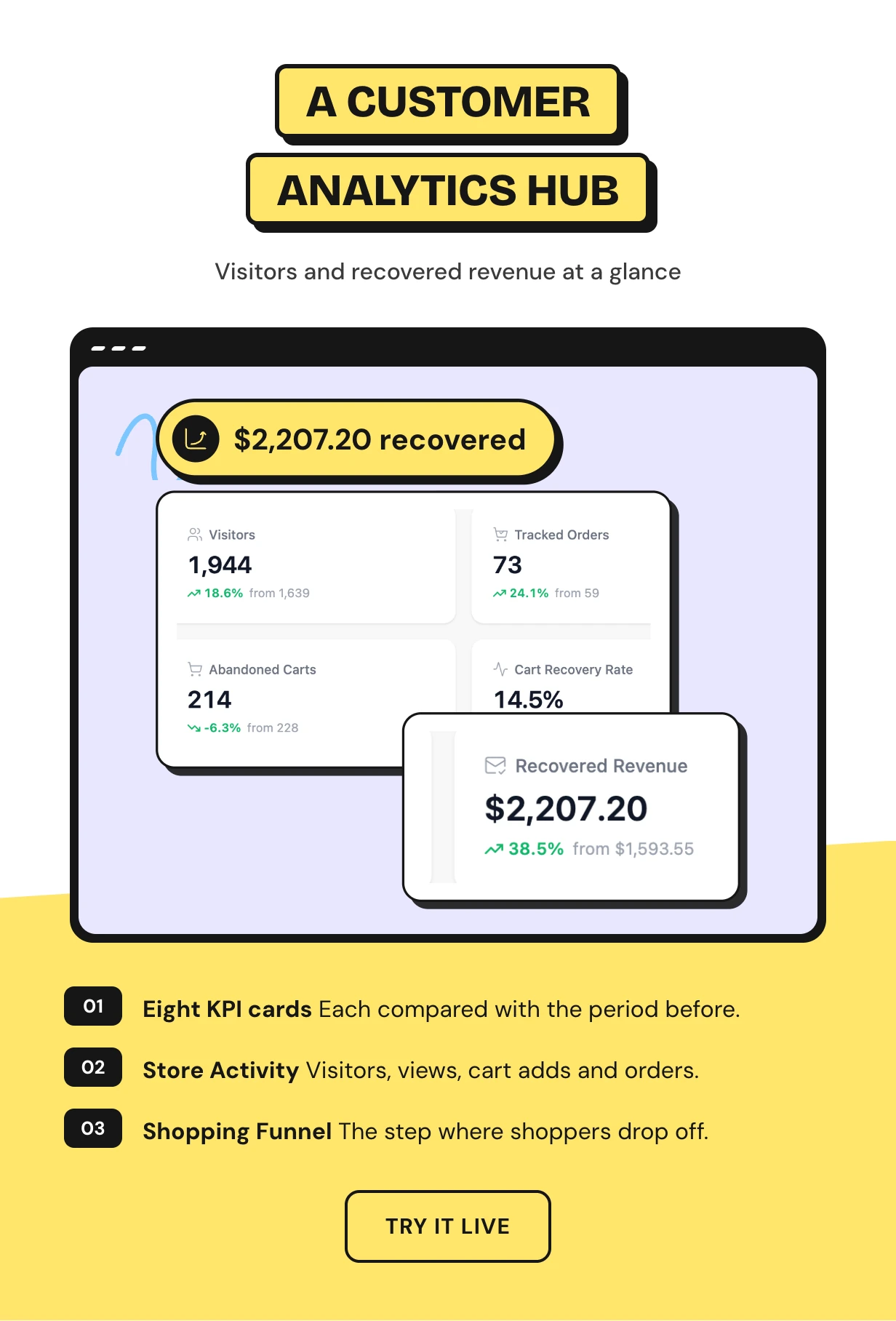
Eight cards show visitors, tracked orders and revenue, visitor conversion, abandoned carts, recovery rate, recovered revenue and cart to order rate. Each one compares with the period before.
The Store Activity chart plots visitors, product views, cart adds and orders per day. The Shopping Funnel shows where most shoppers drop off.
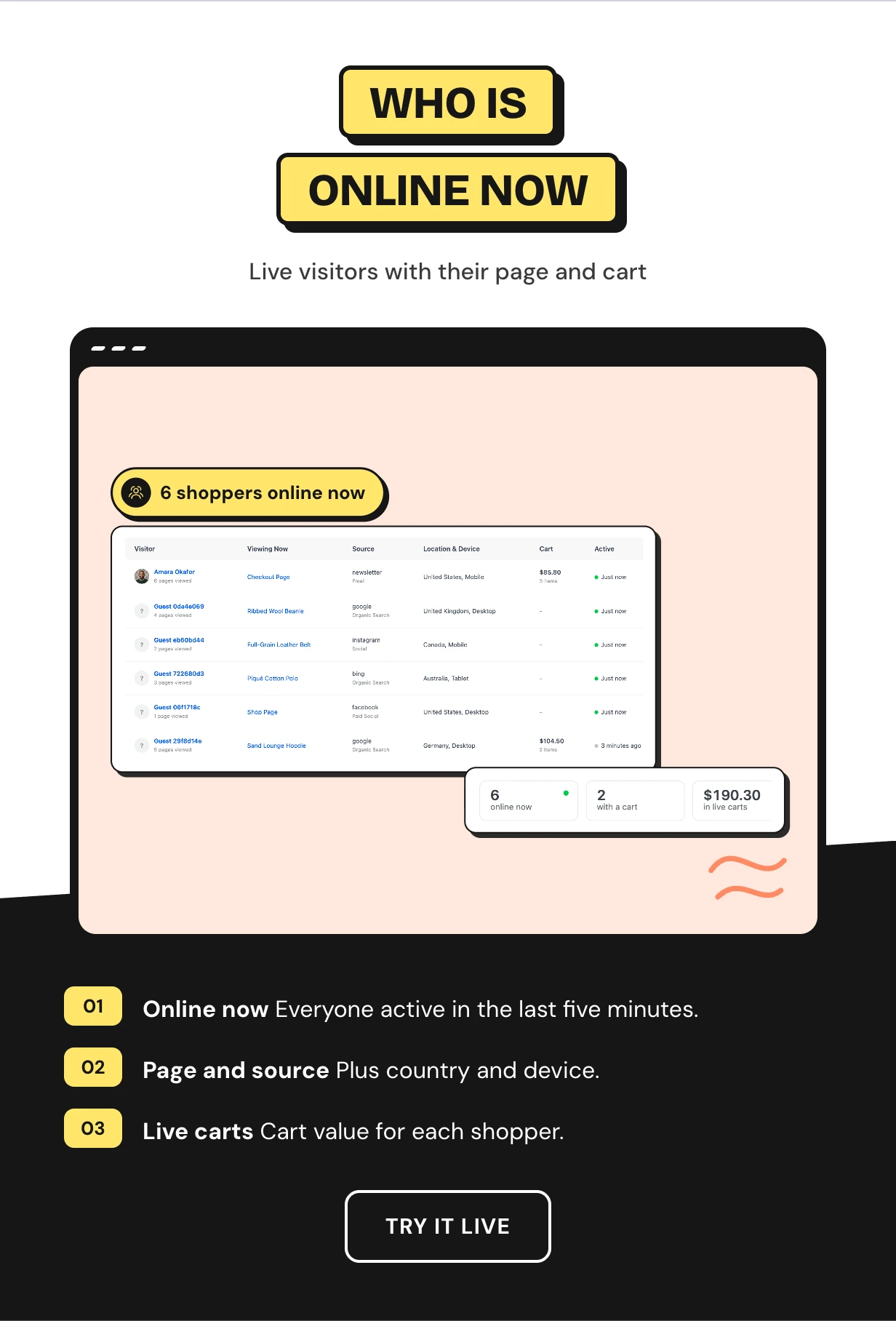
WooCommerce visitor tracking for who is online now
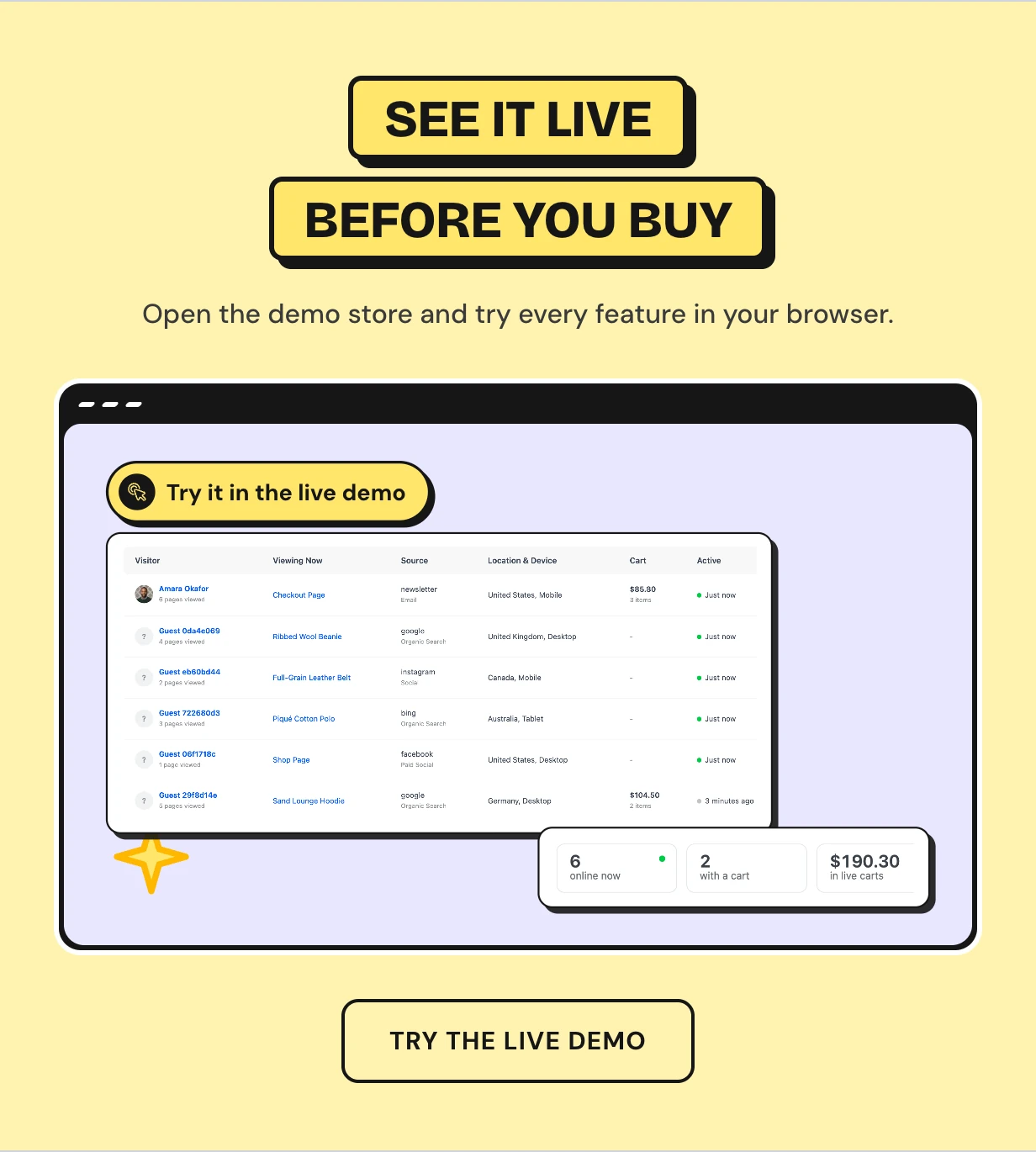
The Live screen lists every shopper active in the last five minutes. You see the page they are on, where they came from, their country, device and cart.
Known customers show by name and guests show as a short ID you can follow. The list refreshes every 15 seconds.
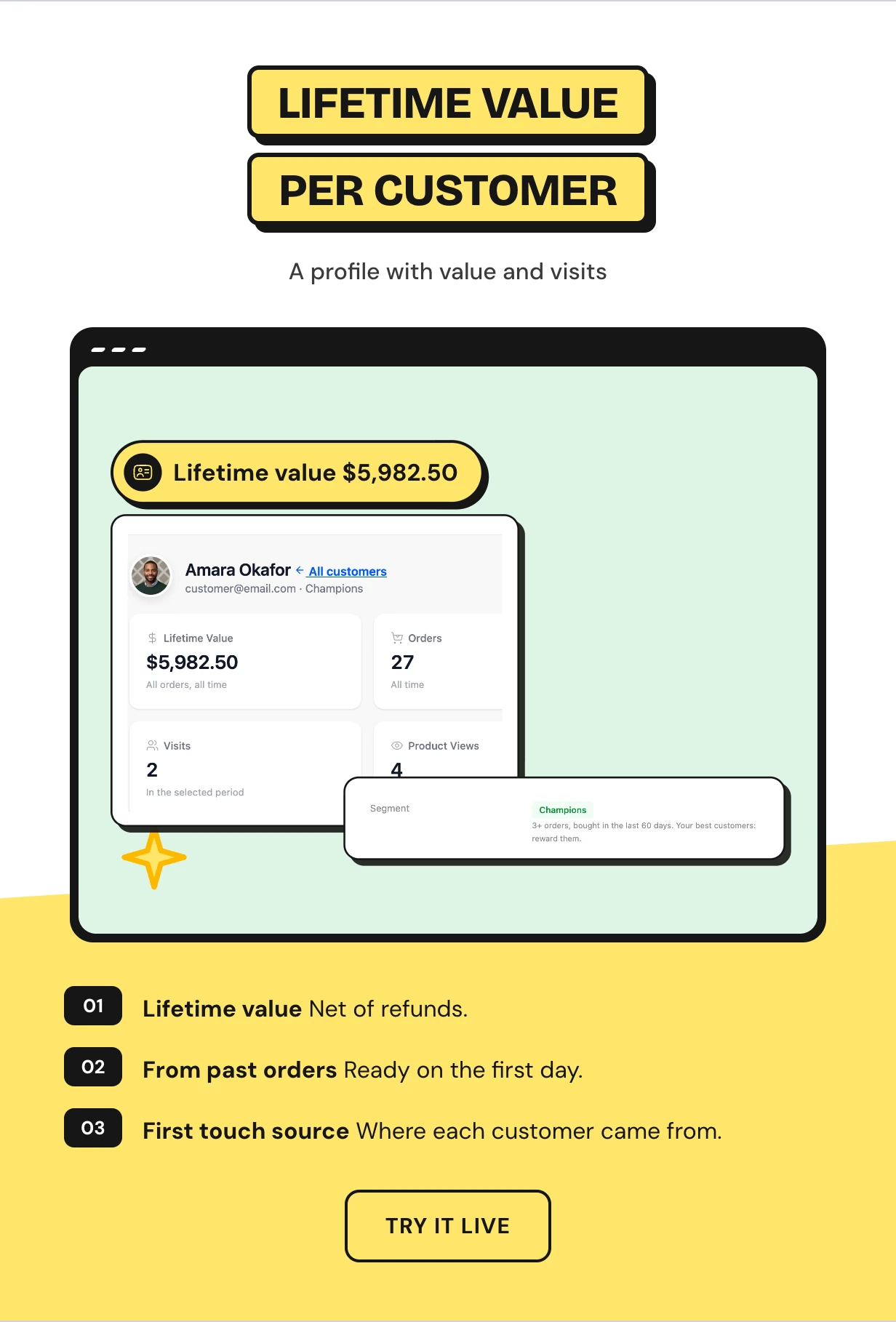
A customer profile with lifetime value and visits
Each customer gets a profile with lifetime value, orders, average order, visits, product views and cart adds. Refunds are taken off the lifetime value.
Profiles are built from your past orders in the background. The numbers are ready on day one.
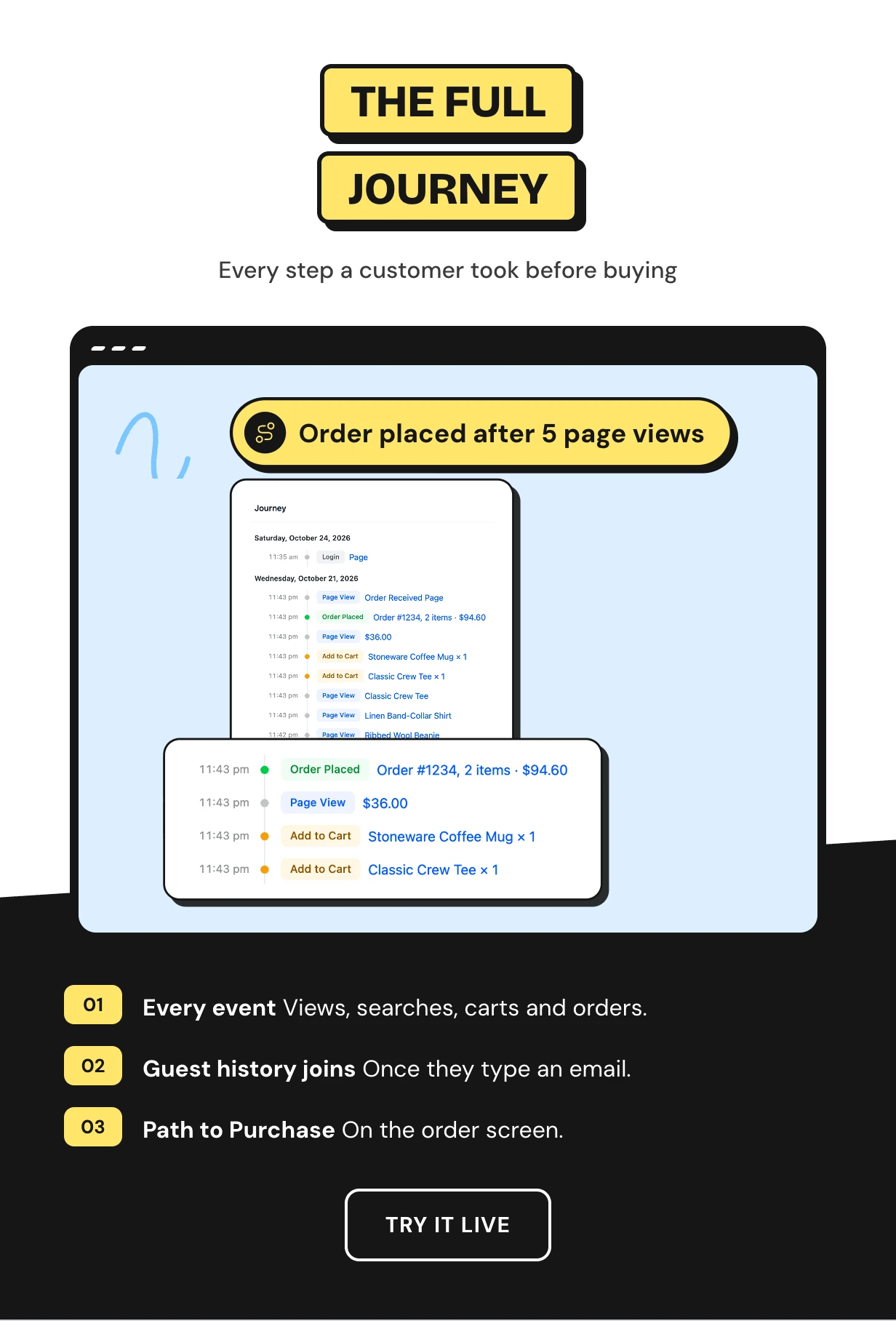
The full customer journey on one timeline
The Journey timeline lists every page view, search, cart add, coupon and order in time order. You see exactly what a customer looked at before they bought.
Guest browsing joins the profile once the shopper logs in or types an email. Each order also gets a Path to Purchase box.
RFM customer segments that update daily
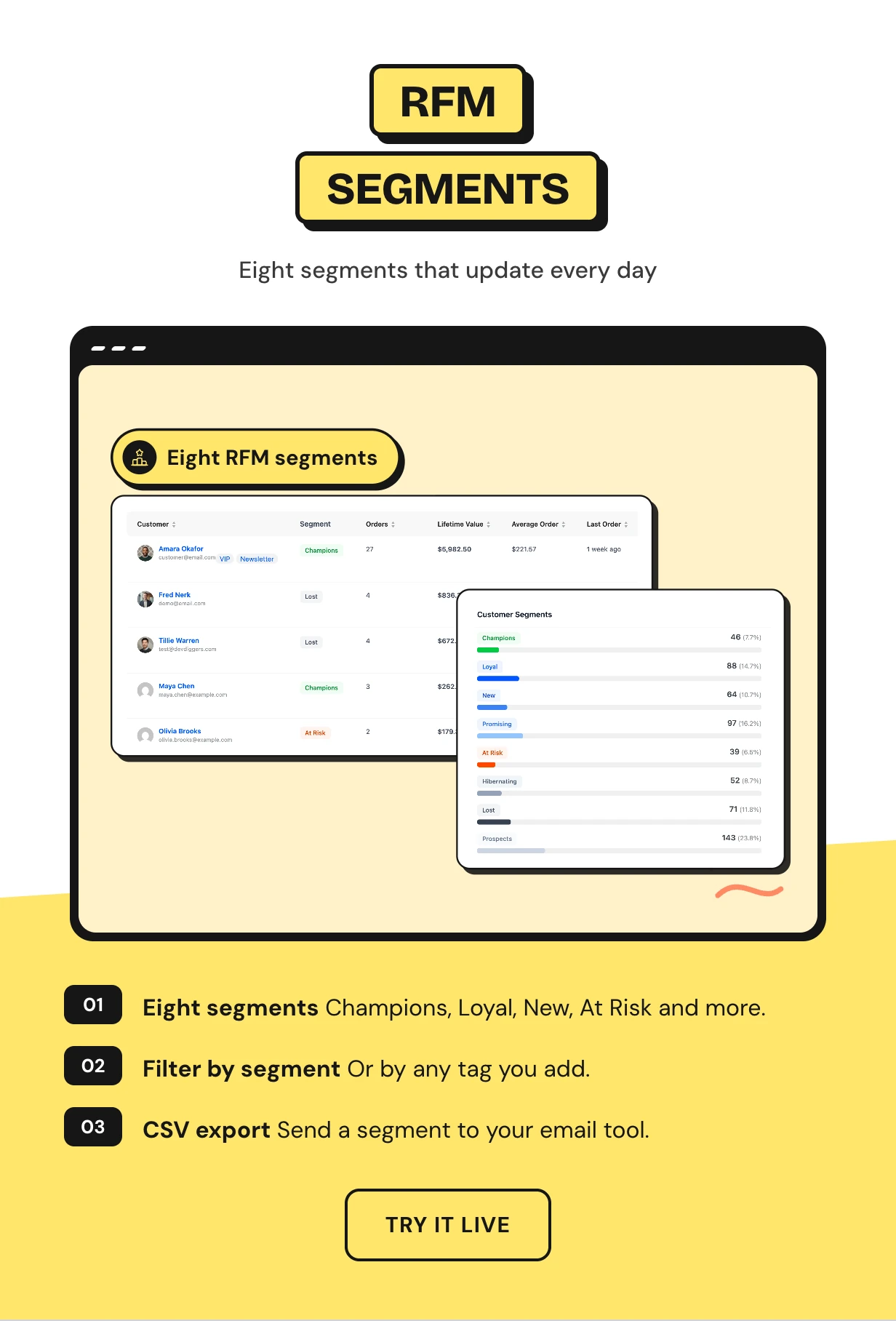
Every customer lands in one of eight segments from Champions to Lost. Segments come from how recently and how often they buy.
Filter the Customers list by segment or tag and export it as CSV. Reward Champions and win back At Risk buyers.
Tags and notes in your WooCommerce user tracking
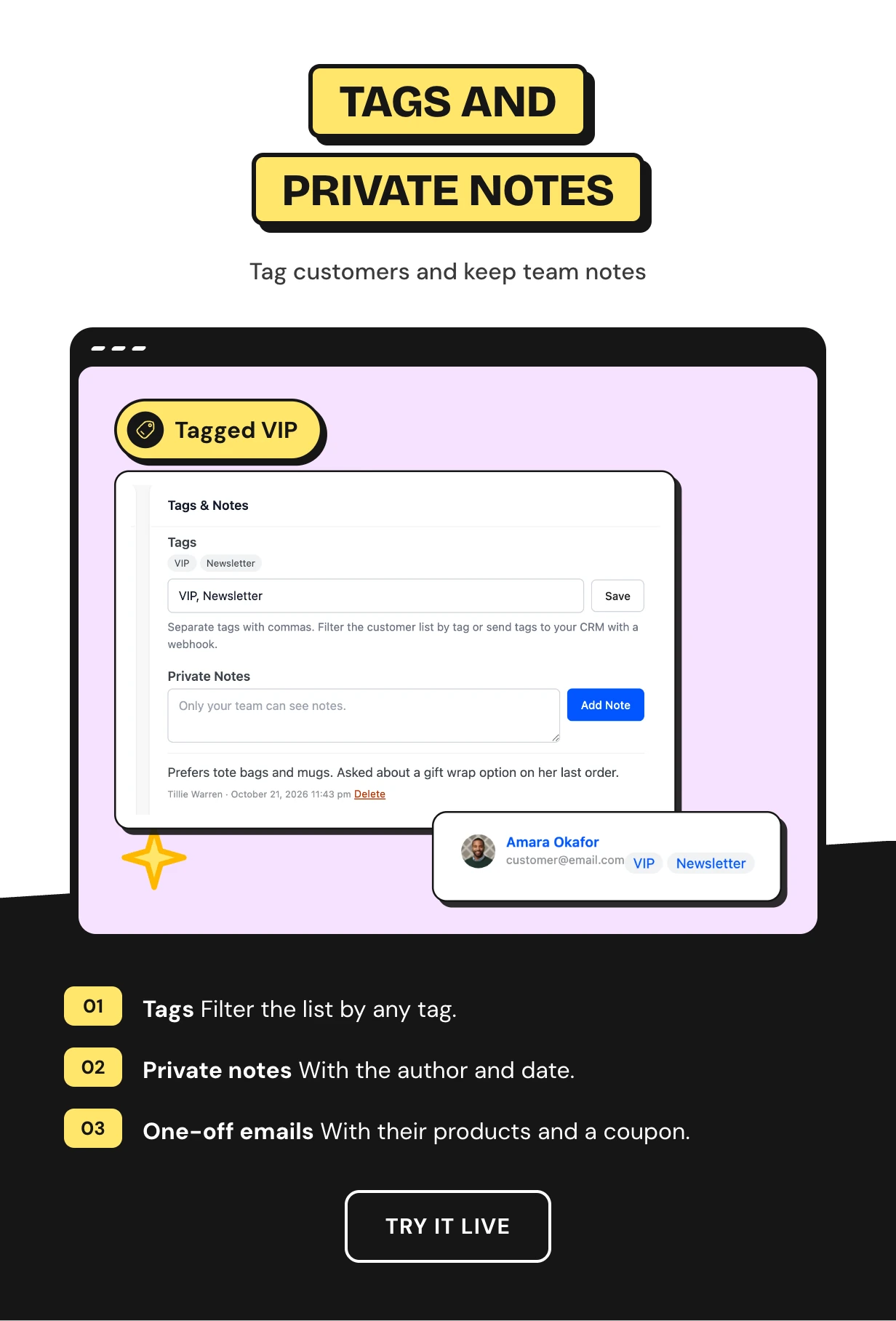
Tag customers as VIP, wholesale or anything else and filter the list by tag. Private notes keep what your team knows in one place.
Send Email opens a message to that customer with their name filled in. Add the products they looked at and a single-use coupon.
Every WooCommerce abandoned cart in one list
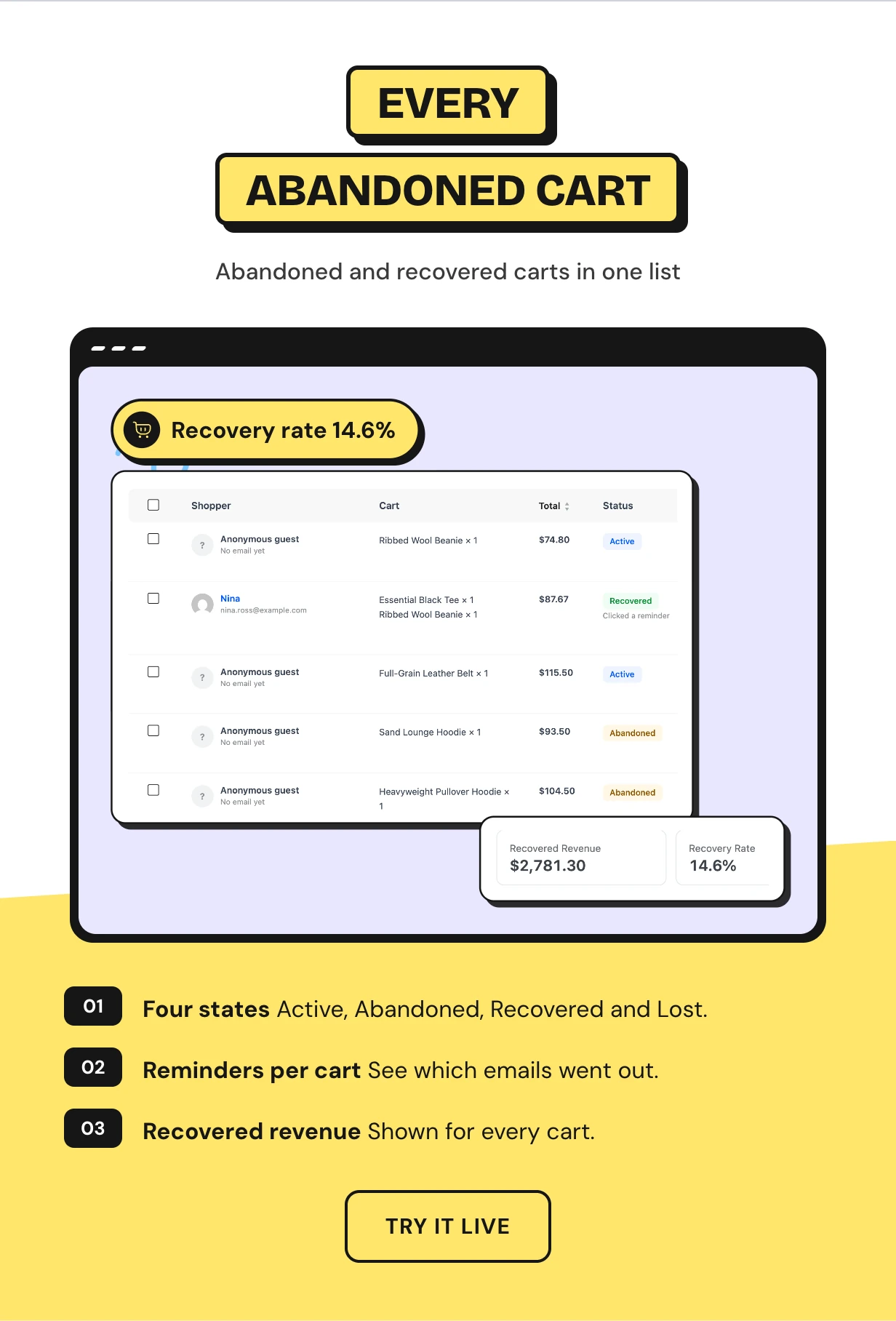
Carts are saved as shoppers build them. A cart left idle for 30 minutes turns abandoned, and it turns Recovered when the shopper comes back and orders.
This is how to see abandoned carts in WooCommerce with their value. The Carts screen shows recovered revenue and the recovery rate.
Three WooCommerce abandoned cart email reminders
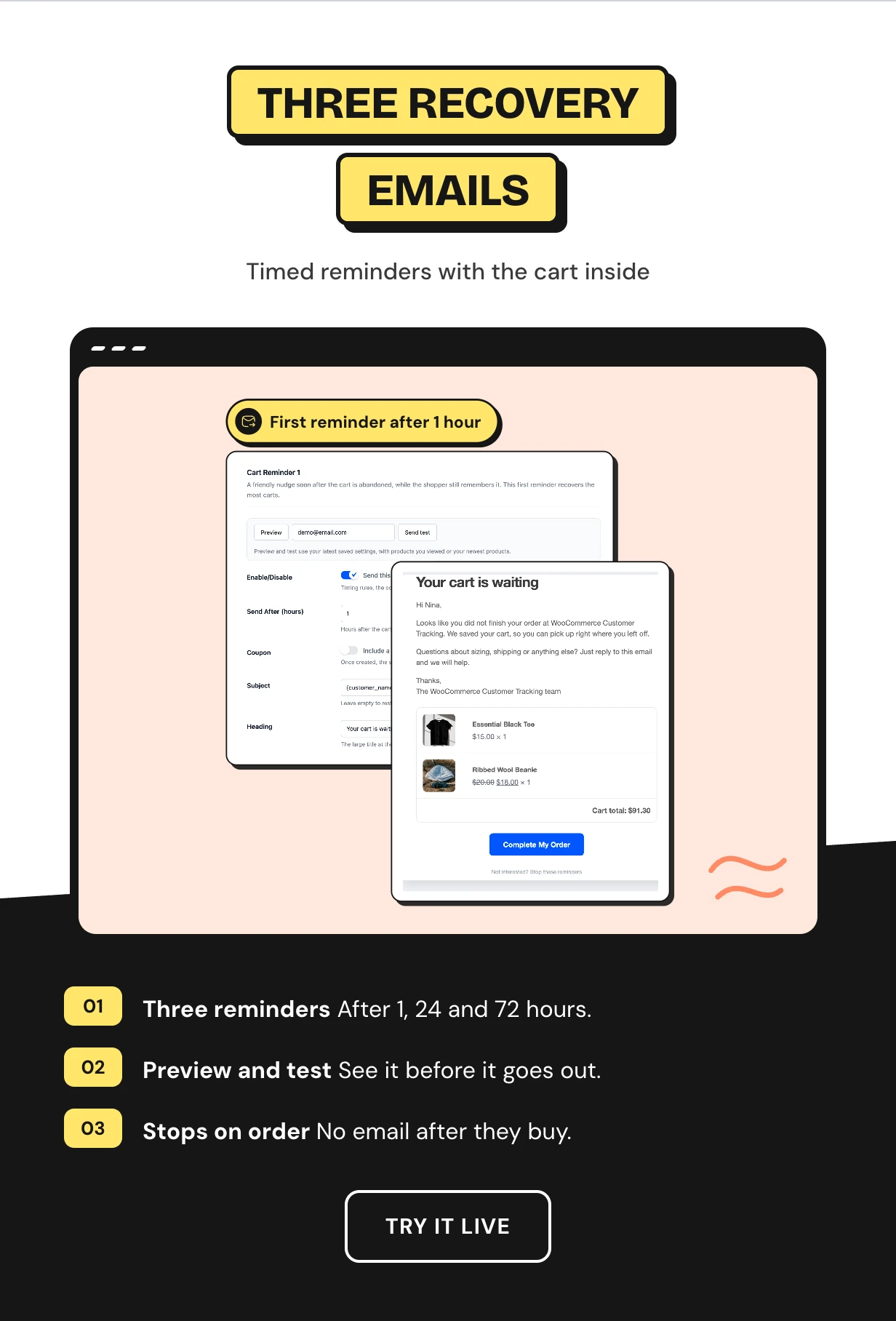
Cart Reminder 1 goes out after an hour, Reminder 2 after a day and Reminder 3 after three days. Change the timing, subject, heading and text for each one.
Every email shows the cart items and total with a button back to checkout. The sequence stops as soon as the shopper orders.
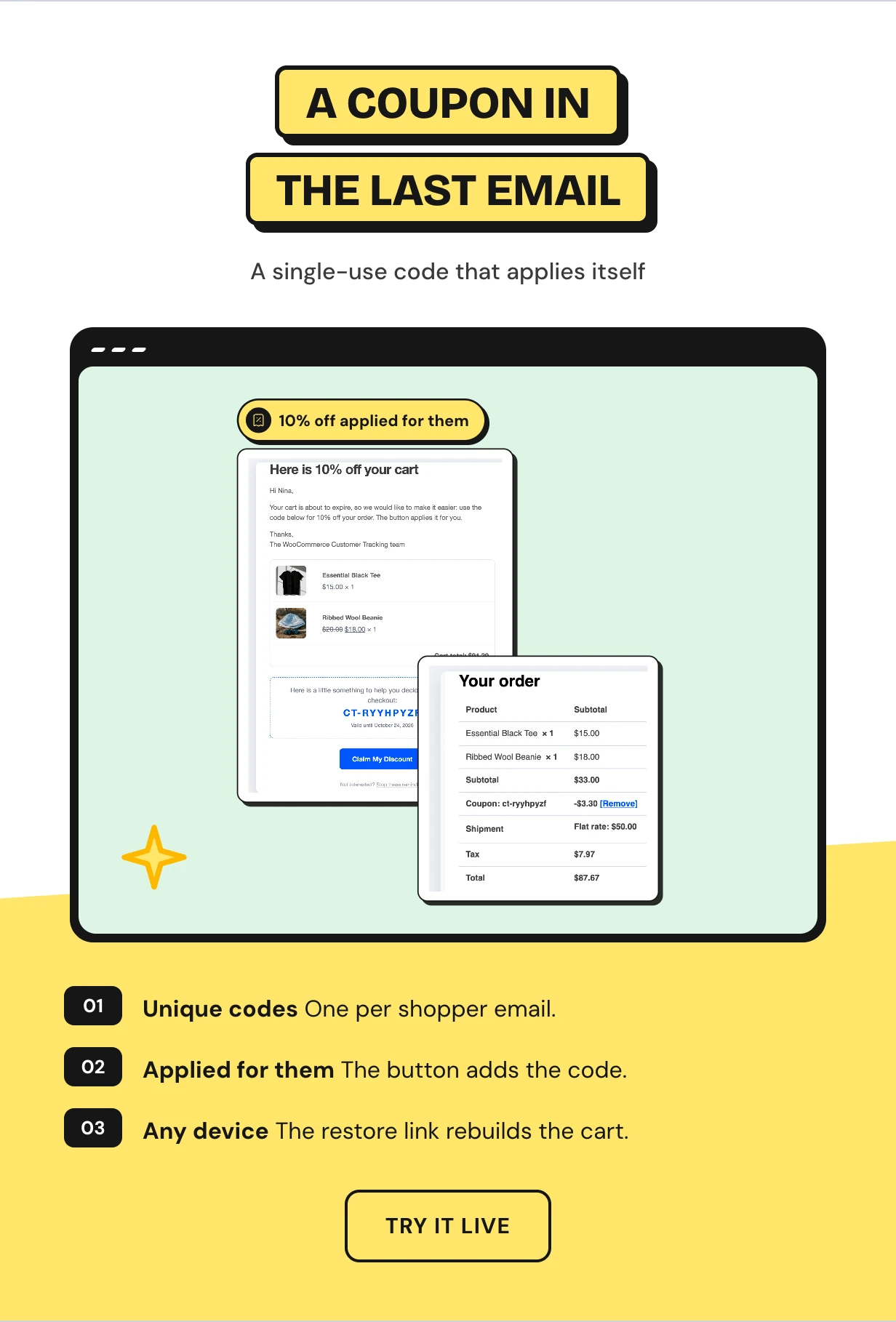
A single-use coupon in the last abandoned cart email
Reminder 3 can carry a unique code, 10% off by default. Each code works once and only for that shopper email.
The email button rebuilds the cart on any device and applies the code. Pick a percentage or a fixed amount and how many days it lasts.
Guest emails saved with WooCommerce checkout tracking
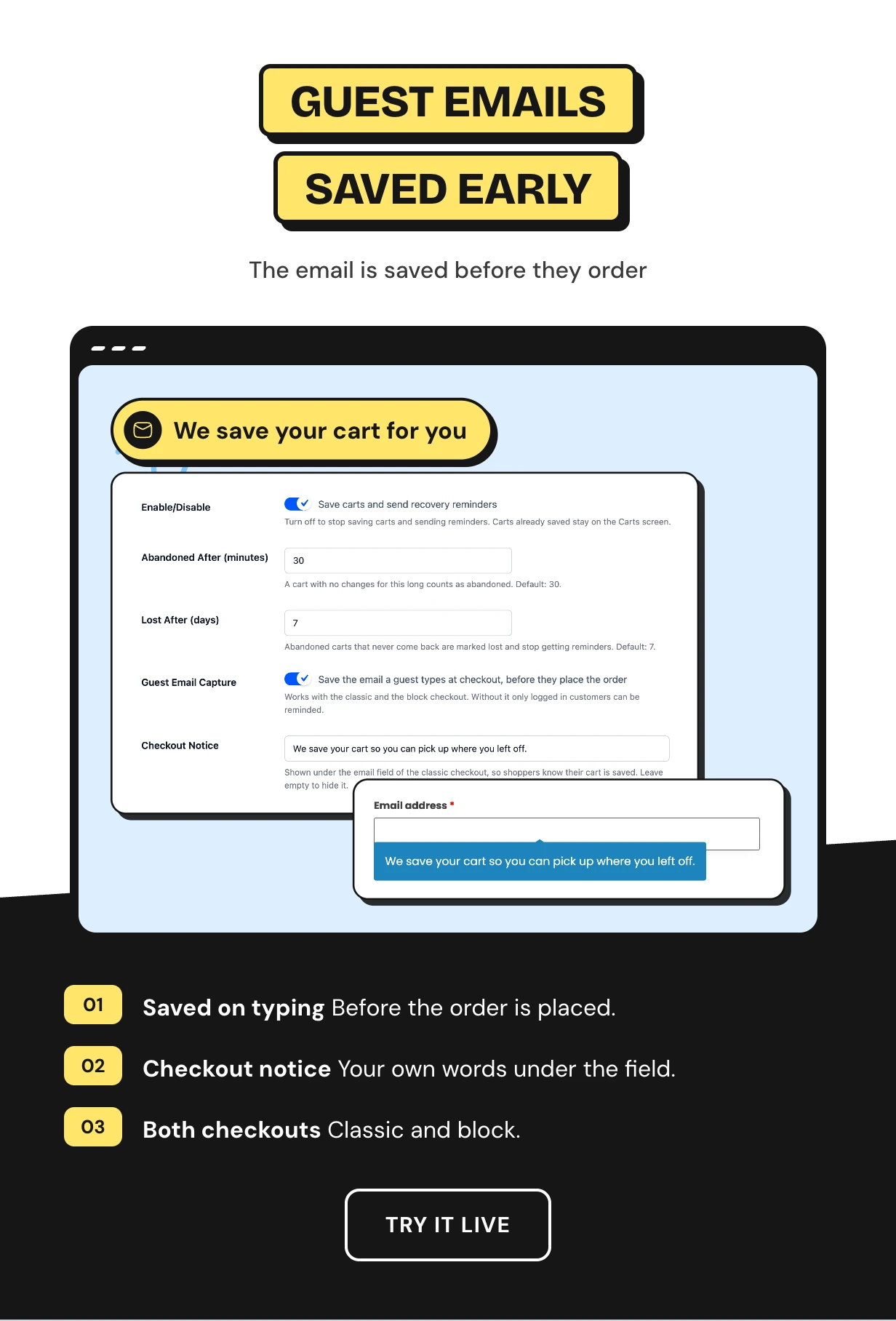
Most abandoned carts belong to guests. The plugin saves the email as soon as a guest types it at checkout, before they place the order.
A short notice under the email field tells shoppers their cart is saved. It works on the classic and the block checkout.
Browse abandonment emails for logged-in shoppers
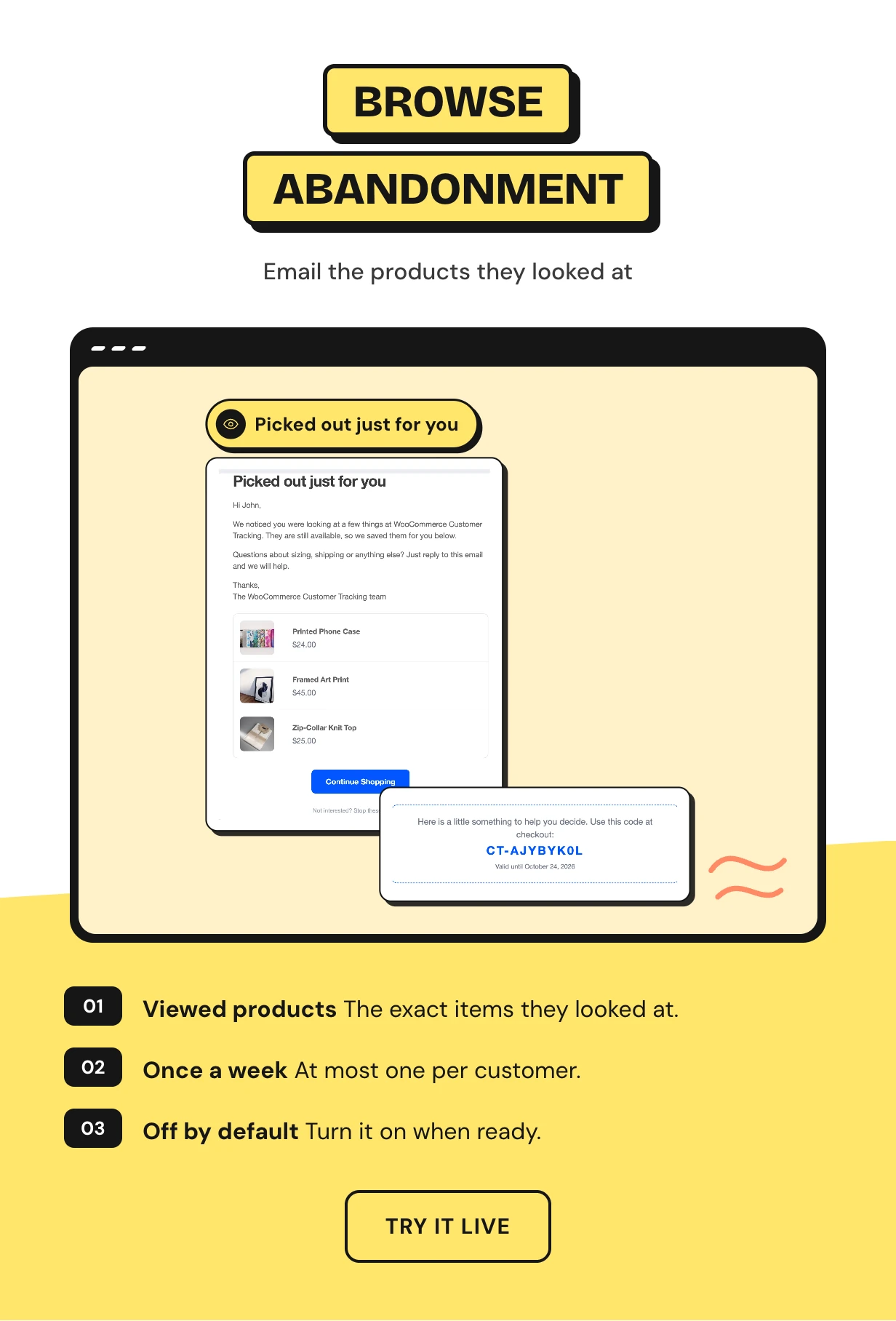
Some customers look at products and never add them to the cart. Browse abandonment sends logged-in customers the exact products they viewed, a few hours later.
Choose what counts as interest, how long to wait and how many products to show. A customer gets this email at most once a week.
UTM source tracking for every sale
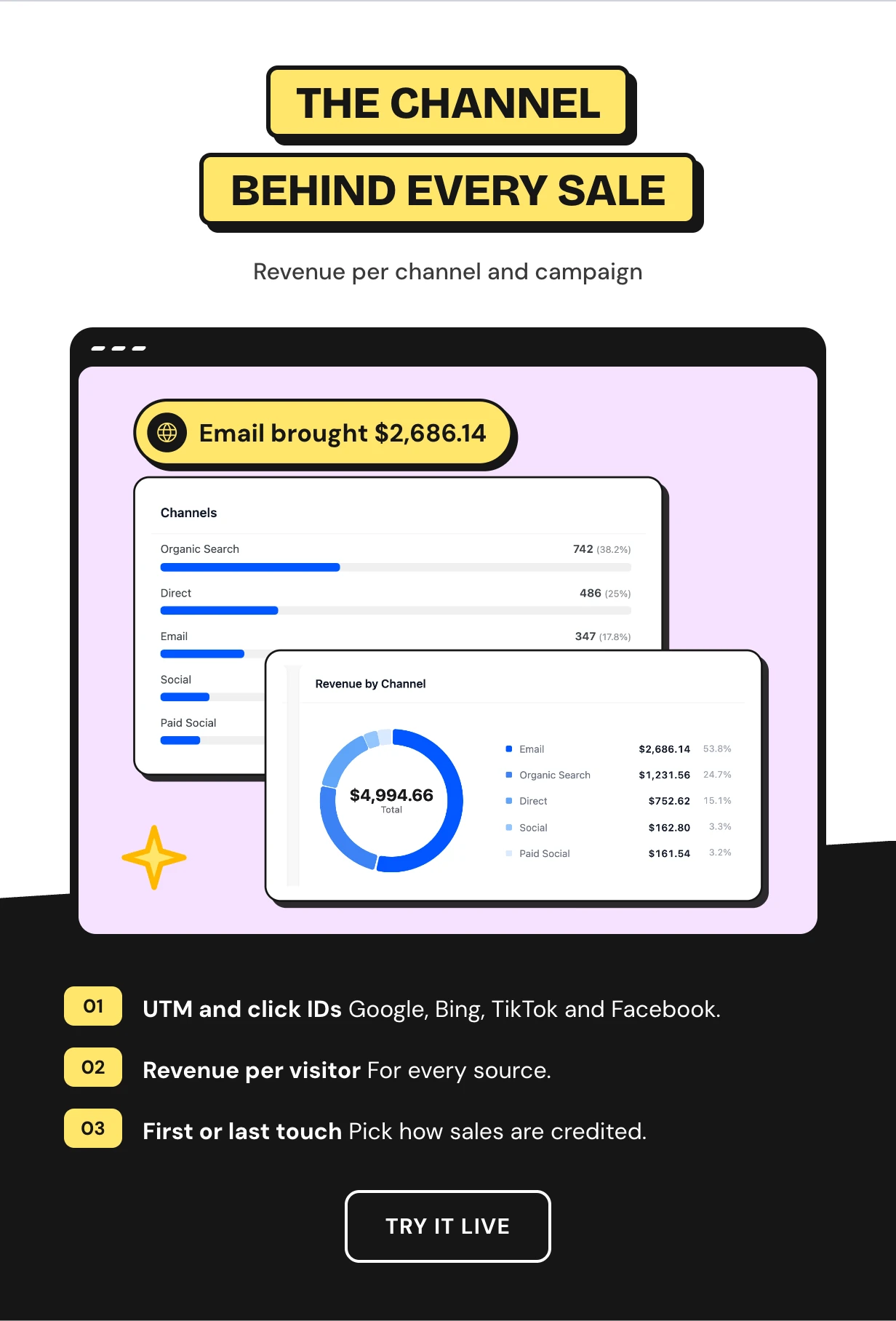
Every visit is tagged with its source from UTM tags, ad click IDs, search engines, social networks and referring sites.
Traffic Sources shows visitors, orders, conversion, revenue and revenue per visitor for each source and campaign. Choose first touch or last touch credit.
Full feature list
Visitor tracking
- Live visitors with page, source, country, device and cart
- Page views, searches, cart adds, coupons, orders, reviews and logins
- Guest history joins the profile on email or login
- Bots, staff roles, users and IPs excluded
Customers
- Profiles with lifetime value net of refunds
- Journey timeline and Path to Purchase on orders
- Eight RFM segments updated daily
- Tags, private notes and one-off emails
- Customer list filters and CSV export
Abandoned cart recovery
- Carts saved as shoppers build them
- Active, Abandoned, Recovered and Lost states
- Up to three timed reminder emails
- Single-use recovery coupon
- Restore link that rebuilds the cart on any device
- Guest email capture on classic and block checkout
Emails
- Browse abandonment emails for logged-in customers
- Manual email with viewed products and a coupon
- Preview and test send
- Email log with paid order tracking
- Unsubscribe link in every reminder
Reports
- Dashboard with eight KPI cards and Store Activity chart
- Shopping Funnel and Product Insights advice
- Traffic Sources with revenue per visitor
- Top searches and searches with no results
- Activity log with filters and CSV export
Attribution and integrations
- UTM tags and Google, Bing, TikTok and Facebook click IDs
- First touch or last touch credit
- Webhooks for Zapier, Make and n8n signed with HMAC-SHA256
- Weekly digest email
Privacy and setup
- Anonymize IPs and honor Do Not Track
- Data retention you set
- WordPress export and erase tools
- Setup wizard
- HPOS and page caching support
What you need to start tracking customers
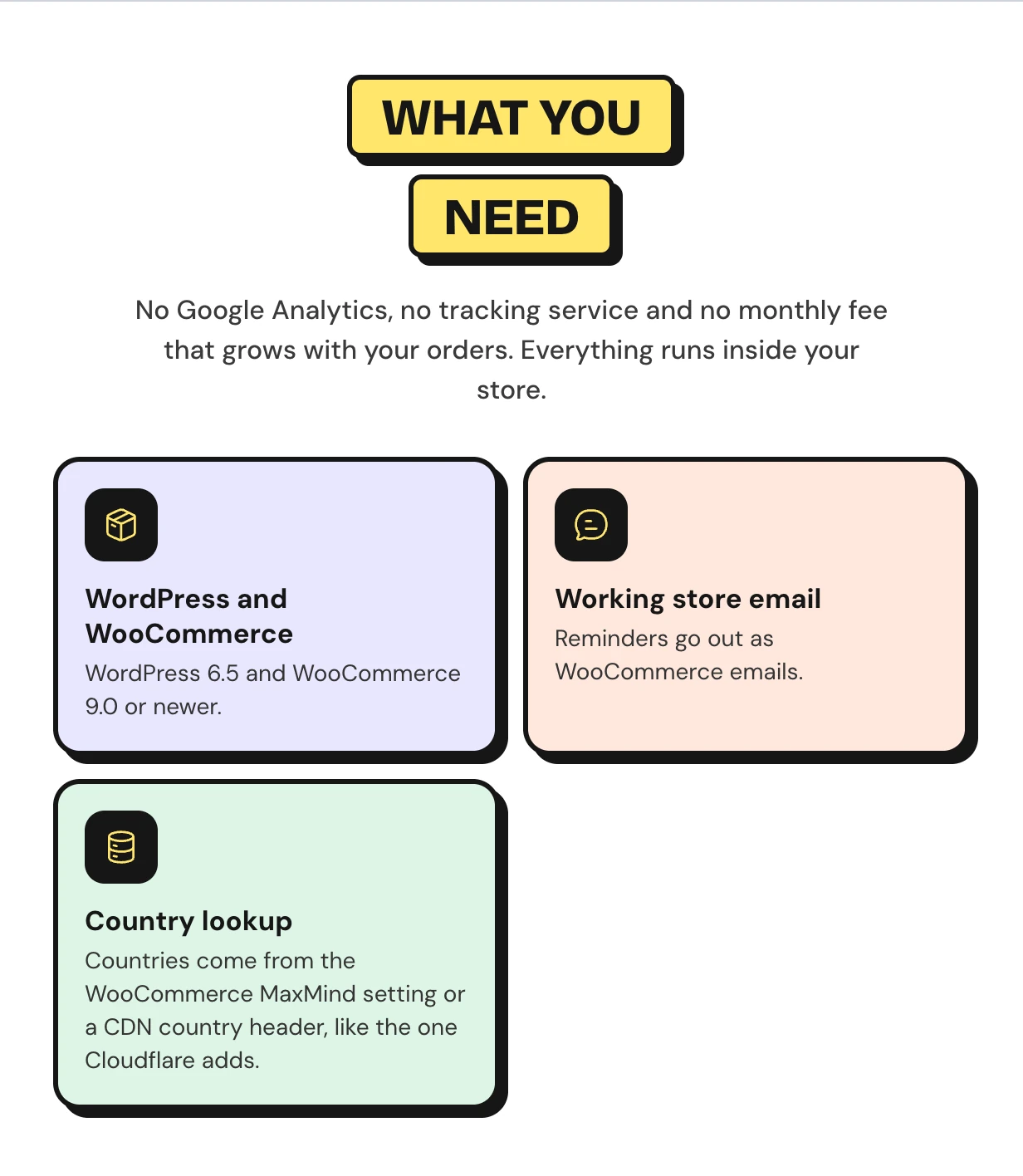
Works with the WooCommerce store you already run
Tracking works on block and classic checkouts and on fully cached pages. HPOS is supported, and heavy work runs on Action Scheduler.
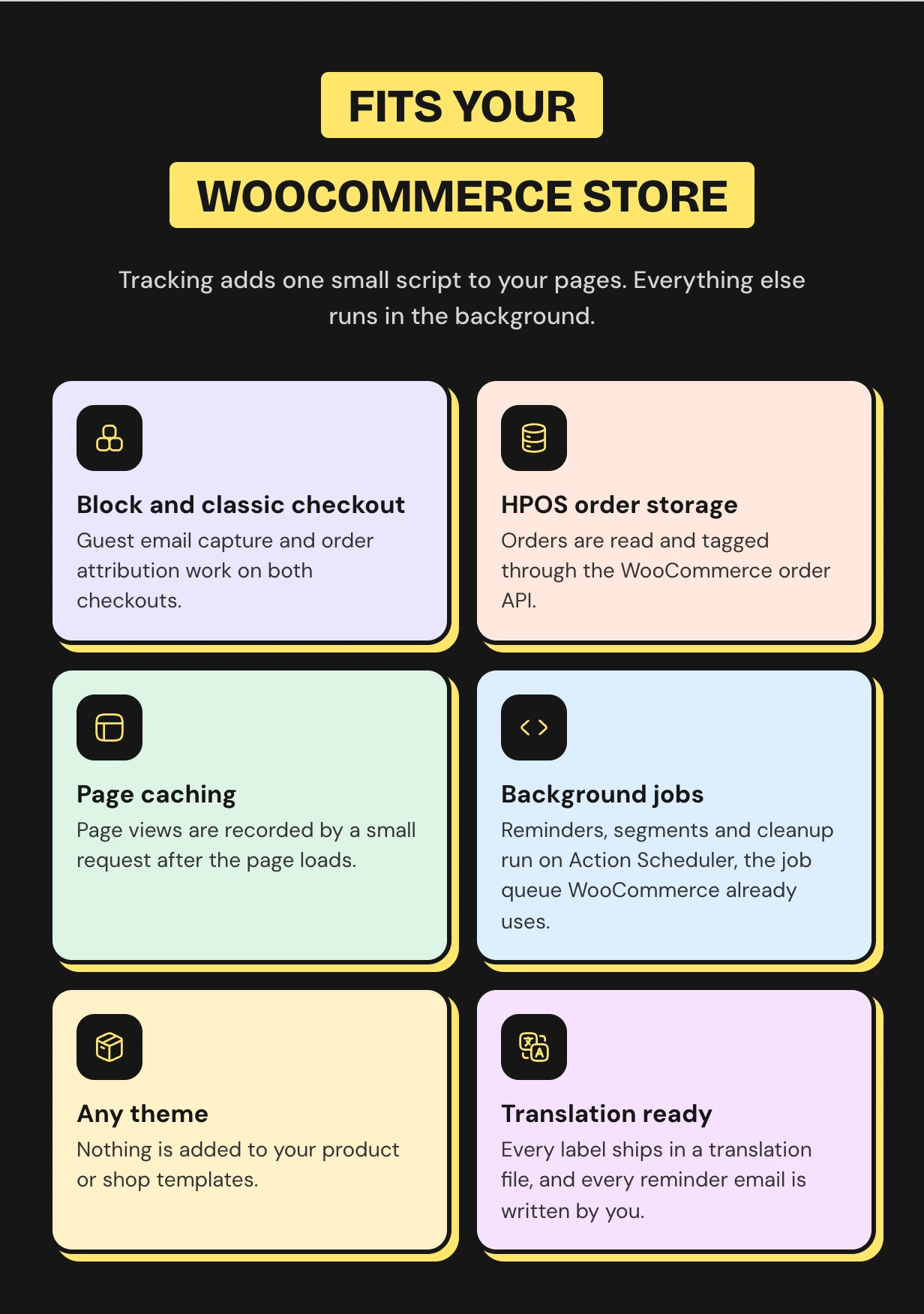
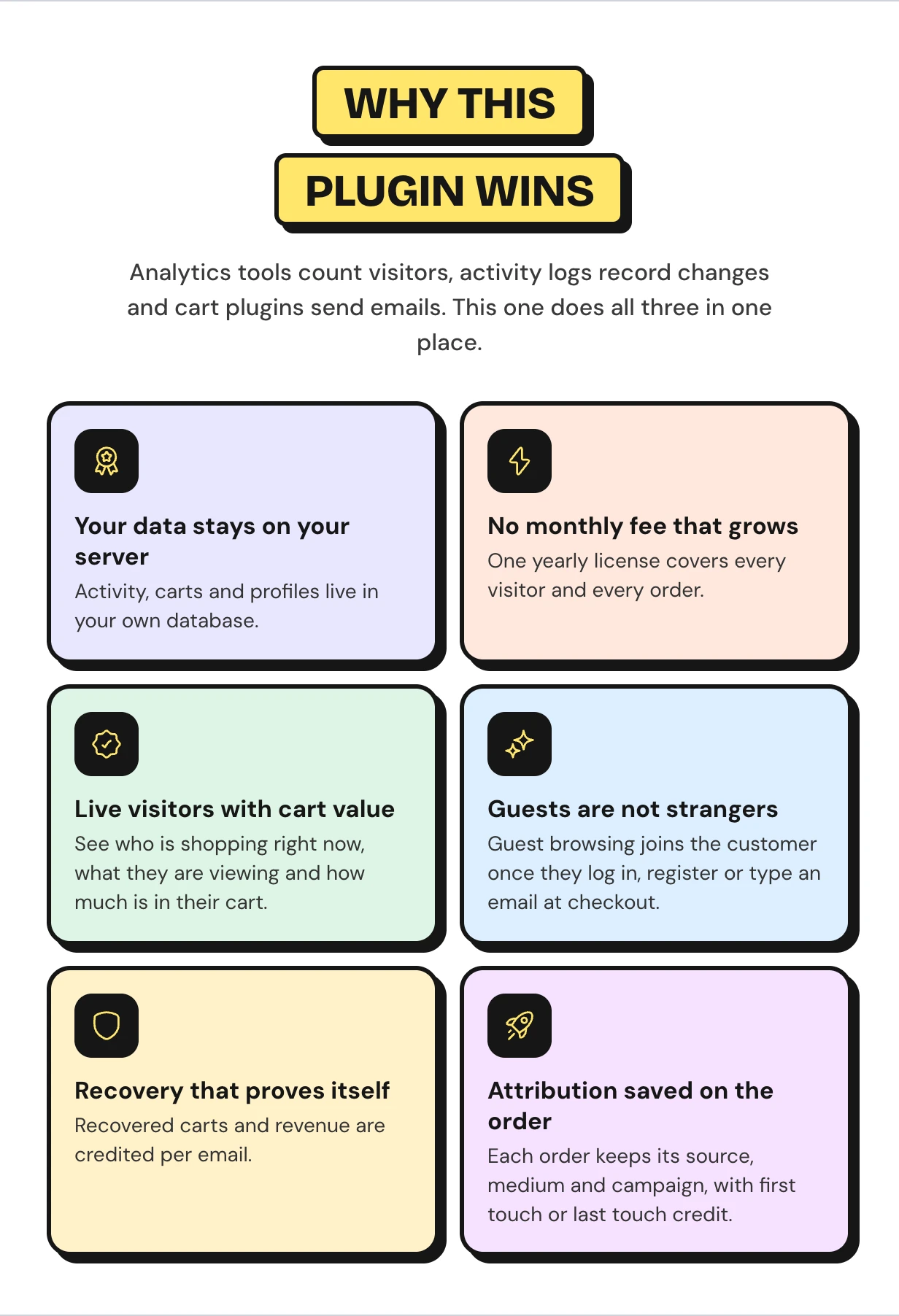
Why this WooCommerce abandoned cart recovery plugin does more
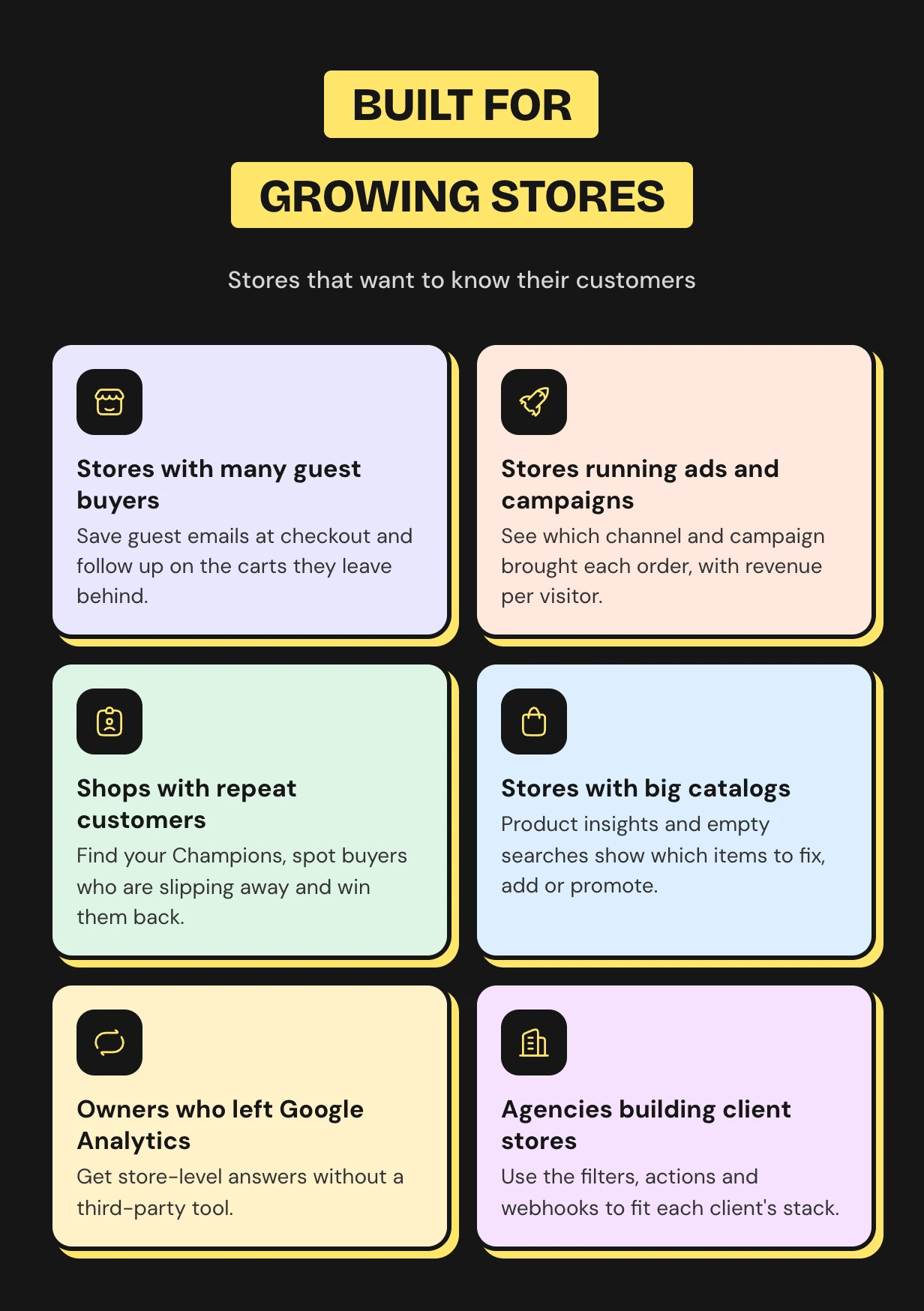
Who the customer tracking plugin is for
What buyers say
WooCommerce customer tracking questions
What does a WooCommerce customer tracking plugin record?
Page views, searches, cart adds and removals, coupons, orders, reviews and logins. Each event keeps the page, source, device and country.
Can I see who is on my WooCommerce store right now?
Yes. The Live screen lists everyone active in the last five minutes with their page, source and cart value. It refreshes every 15 seconds.
Can I track guest customers who never create an account?
Yes. Guests are tracked by a first-party cookie. When they type an email at checkout or log in, their earlier browsing joins their profile.
How do I recover abandoned carts in WooCommerce?
Turn on cart recovery in the setup wizard. Carts idle for 30 minutes get up to three reminder emails with a restore link.
How do I check abandoned carts in WooCommerce?
Open the Carts screen. It lists every abandoned, recovered and lost cart with its value and the reminders sent.
How is this different from Google Analytics?
Google Analytics shows anonymous totals. This plugin shows named customers, their carts and journeys inside WooCommerce, and it sends the recovery emails.
Does tracking slow down my store?
It adds one small script that sends a request after the page loads. Heavy work runs in background jobs.
Is customer tracking GDPR friendly?
The data stays on your server. You can anonymize IPs, skip Do Not Track visitors, set retention and use the WordPress export and erase tools.
Will it track me and my staff?
No. Administrators and shop managers are excluded by default. You can also exclude other roles, users and IP addresses.
Support and custom work
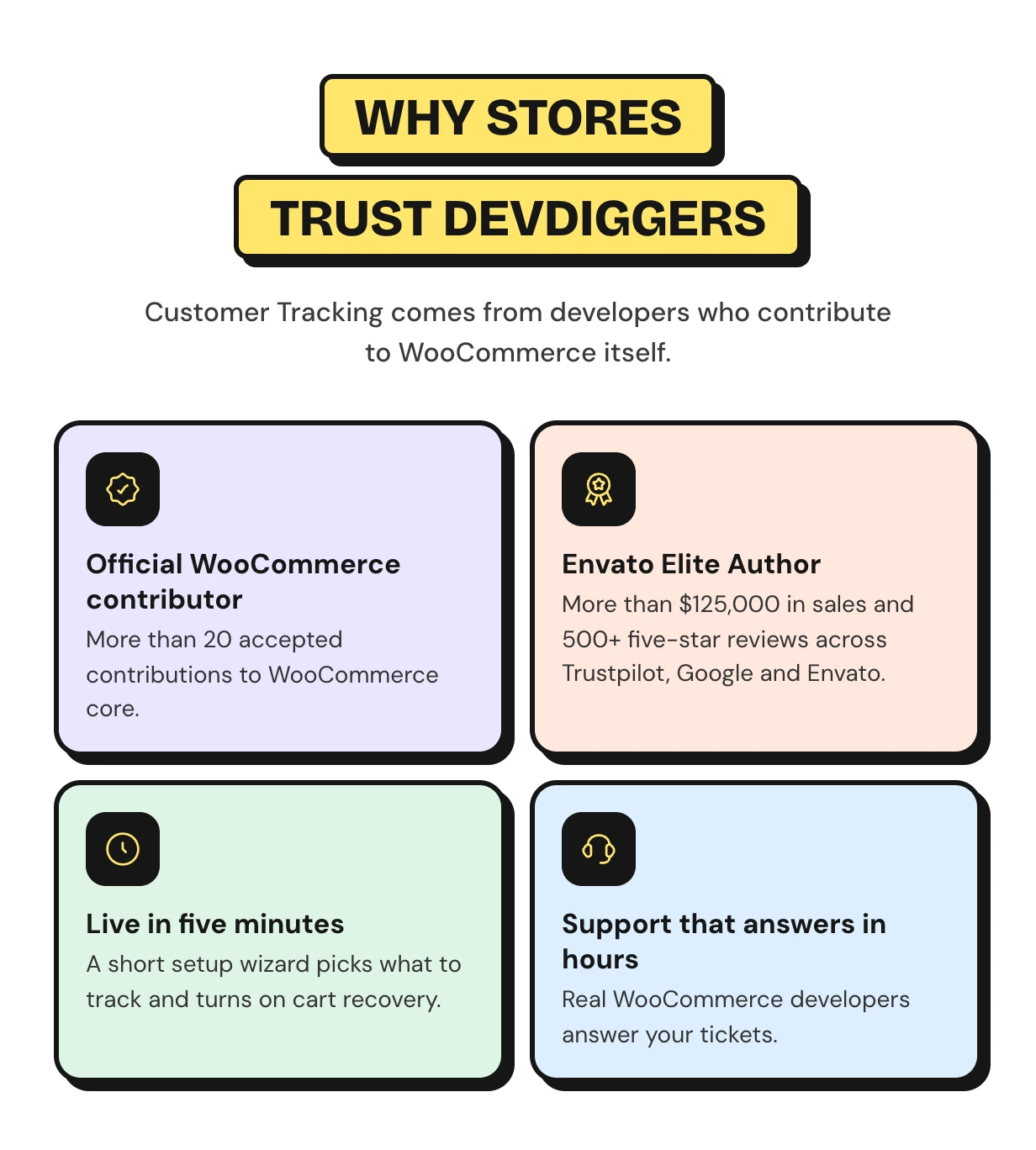
Support comes from the developers who wrote the code, usually within hours. Start with the Customer Tracking documentation or contact our team. See every feature on the WooCommerce customer tracking plugin page.
Need a CRM sync or a custom report for your own store? Our WooCommerce development services team builds custom tracking features for you.
Requirements
- WordPress 6.5 or newer
- WooCommerce 9.0 or newer
Changelog
v 1.2.0 Added compatibility with latest WordPress and WooCommerce versions. Added WooCommerce HPOS (High-Performance order storage) compatibility. Added some new hooks in the core for customization. Resolved security issues.
v 1.1.0 Added IP addresses tracking. Added auto delete old activities record functionality. Added compatibility with latest WordPress and WooCommerce. Resolved security issues.
v 1.0.3 Added compatibility with latest WordPress and WooCommerce. Resolved security issues.
v 1.0.2 Added compatibility with latest WordPress and WooCommerce. Updated license API. Resolved security issues.
v 1.0.1 Added compatibility with latest WordPress and WooCommerce. Resolved the email issue. Resolved other security issues.
v 1.0.0 Initial Release
$99 |
Download |
5 average based on 4 ratings.

| Last Update | 2026-10-30 |
| Created | 2021-06-11 |
| Sales | 34 |
| Discussion | Comments |
| Compatible Browsers | IE11 Firefox Safari Opera Chrome Edge |
| Software Version | WordPress 7.0.x WordPress 6.9.x WordPress 6.8.x WordPress 6.7.x WordPress 6.6.x WordPress 6.5.x WordPress 6.4.x WordPress 6.3.x WordPress 6.2.x WordPress 6.1.x WordPress 6.0.x WordPress 5.9.x WordPress 5.8.x WordPress 5.7.x WordPress 5.6.x WordPress 5.5.x WordPress 5.4.x WordPress 5.3.x WordPress 5.2.x WordPress 5.1.x WordPress 5.0.x |
| Compatible With | WooCommerce 10.x.x WooCommerce 9.x.x WooCommerce 8.x.x WooCommerce 7.x.x WooCommerce 6.x.x WooCommerce 5.x.x |
| Gutenberg Optimized | Yes |
| High Resolution | Yes |
| Files Included | JavaScript JS CSS PHP |
| Video Preview Resolution |


