WooCommerce Cart Plugin - Ultimate Shopping Cart Solution
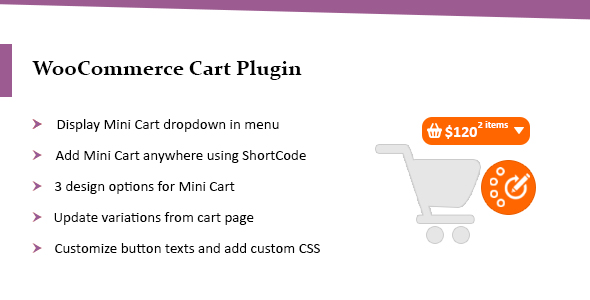

WooCommerce Cart plugin empowers you to add mini cart dropdown in the menu or anywhere on your store using a shortcode. Enhance the user experience by allowing your customers to edit and update variations from cart page.
Full Features of WooCommerce Cart Plugin
- Display Mini Cart dropdown in the menu
- Add Mini Cart dropdown anywhere using ShortCode
- 3 design options for Mini Cart
- Update variations from cart page
- Customize button texts and add custom CSS

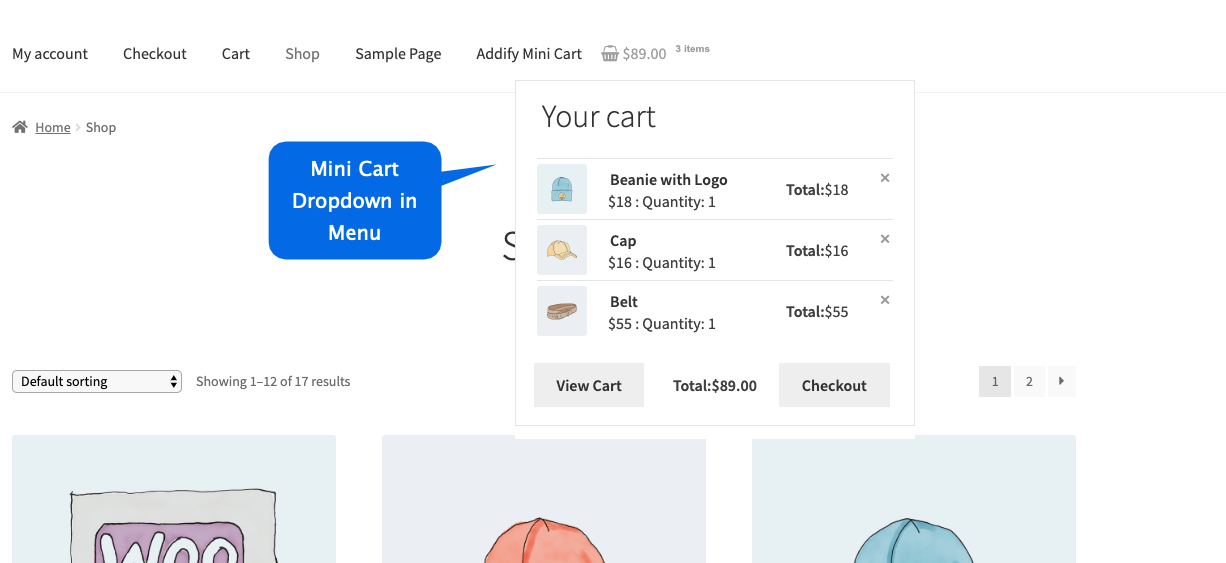
Add Mini Cart in Menu
With WooCommerce Cart Plugin, you can display mini cart dropdown in menu with a single click. The plugin comes with multiple layout options for mini cart dropdown to choose from. If you are using multiple menus you can choose to display cart dropdown in any of the available menus.
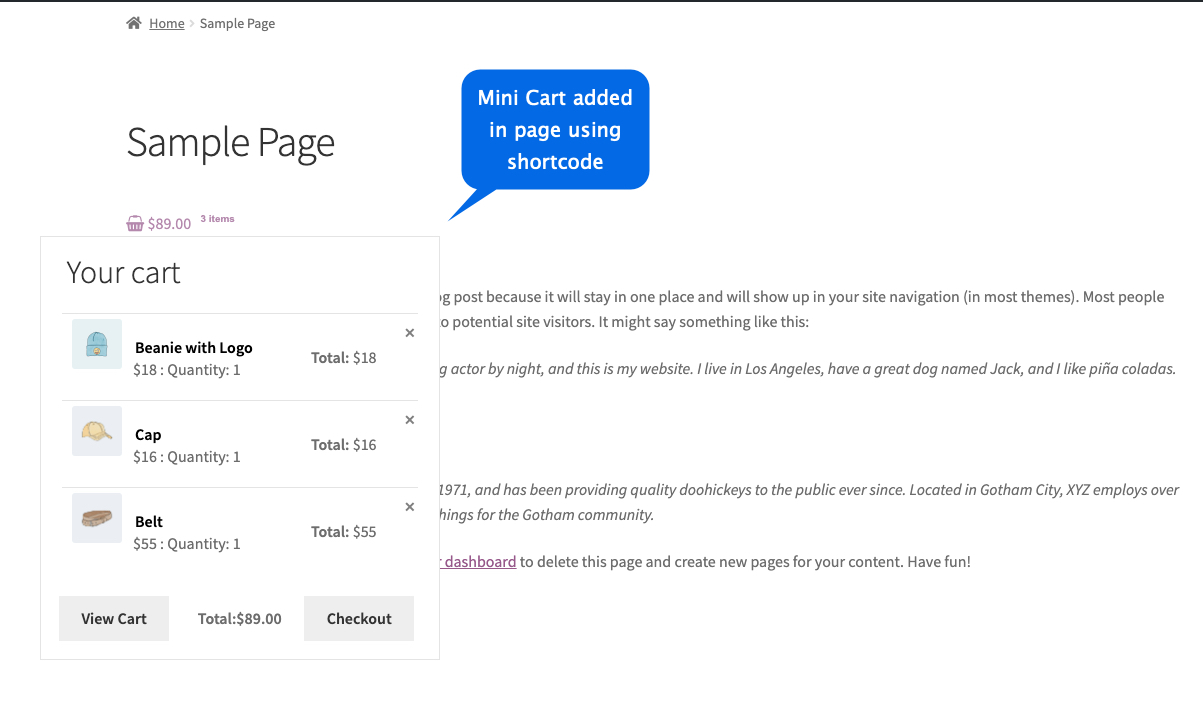
Add Mini Cart Anywhere Using Shortcode
With WooCommerce Cart Plugin, you can display cart button and dropdown in footer, blog or anywhere on your website.
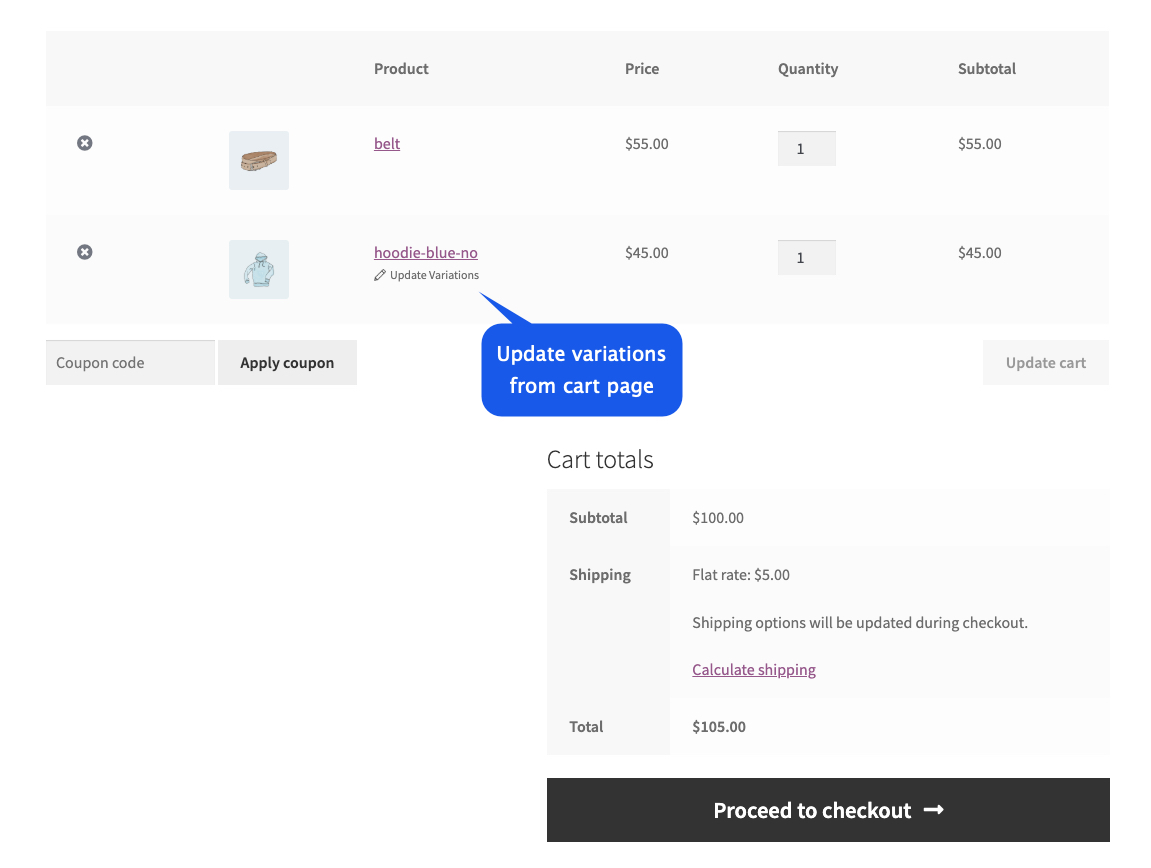
Update Variations from Cart
The Cart plugin is an ultimate solution that allows your customers to the product variations from cart page. Instead of removing the product and going back to the product detail page, they can just change the variation from cart page.
0 average based on 0 ratings.

| Last Update | 2026-08-04 |
| Created | 2019-11-21 |
| Sales | 8 |
| Discussion | Comments |
| Compatible Browsers | IE10 IE11 Firefox Safari Opera Chrome Edge |
| Software Version | WordPress 7.0.x WordPress 6.9.x WordPress 6.8.x WordPress 6.7.x WordPress 6.6.x WordPress 6.5.x WordPress 6.4.x WordPress 6.3.x WordPress 6.2.x WordPress 6.1.x WordPress 6.0.x WordPress 5.9.x WordPress 5.8.x WordPress 5.7.x WordPress 5.6.x WordPress 5.5.x WordPress 5.4.x WordPress 5.3.x WordPress 5.2.x WordPress 5.1.x WordPress 5.0.x WordPress 4.9.x |
| Compatible With | WooCommerce 10.x.x WooCommerce 9.x.x WooCommerce 8.x.x WooCommerce 7.x.x WooCommerce 6.x.x WooCommerce 5.x.x |
| Gutenberg Optimized | No |
| High Resolution | No |
| Files Included | JavaScript JS HTML CSS PHP |
| Video Preview Resolution |


