Wixzel One | AI No-Code Mini-App Builder SAAS | Flutter and Node.js Script
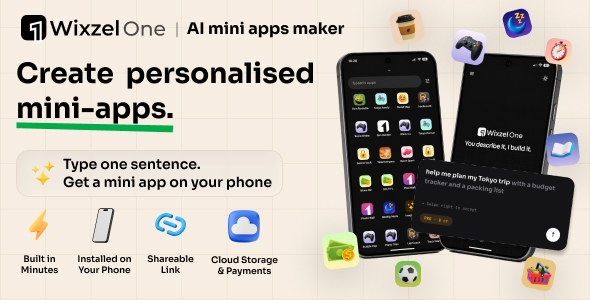

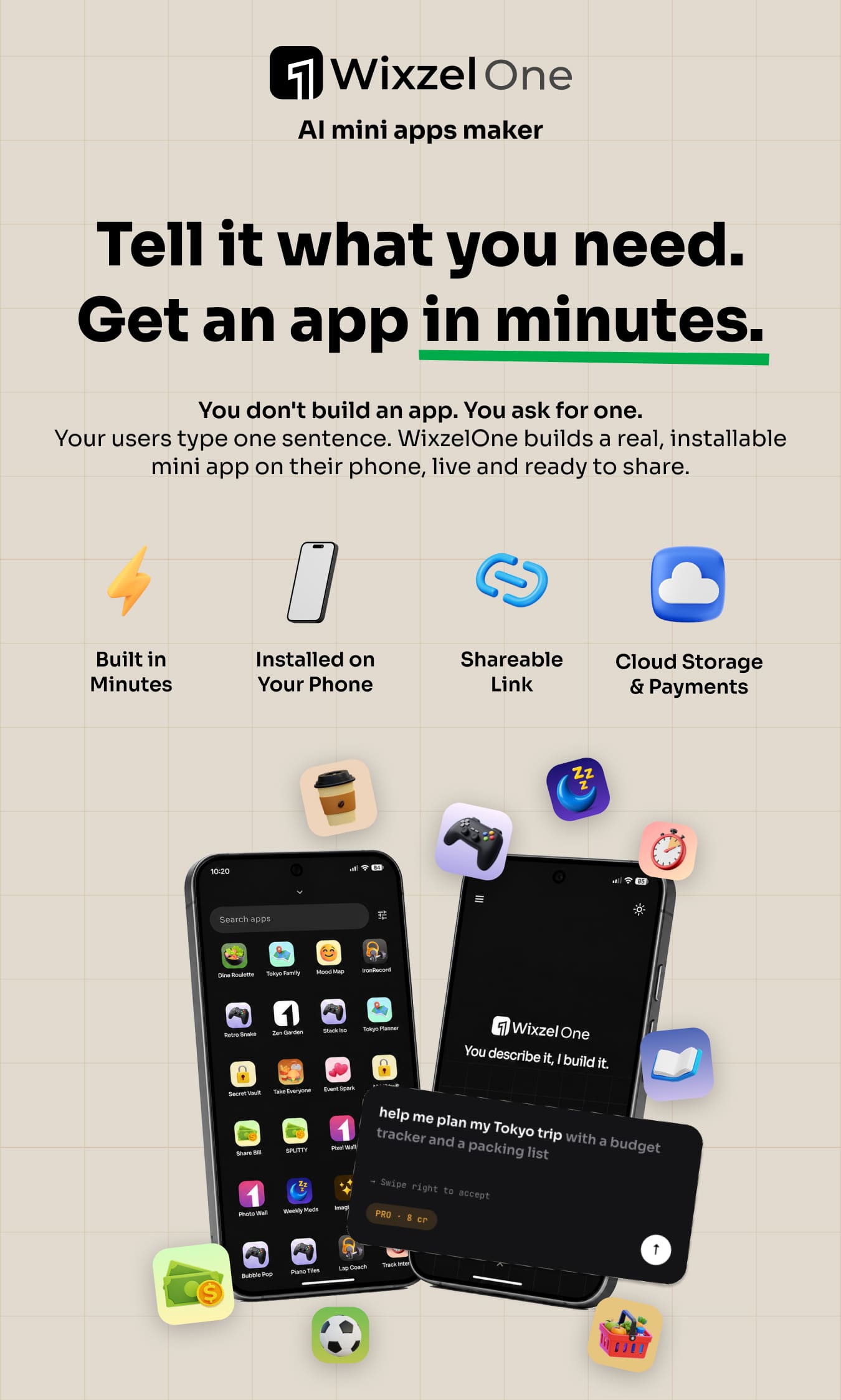
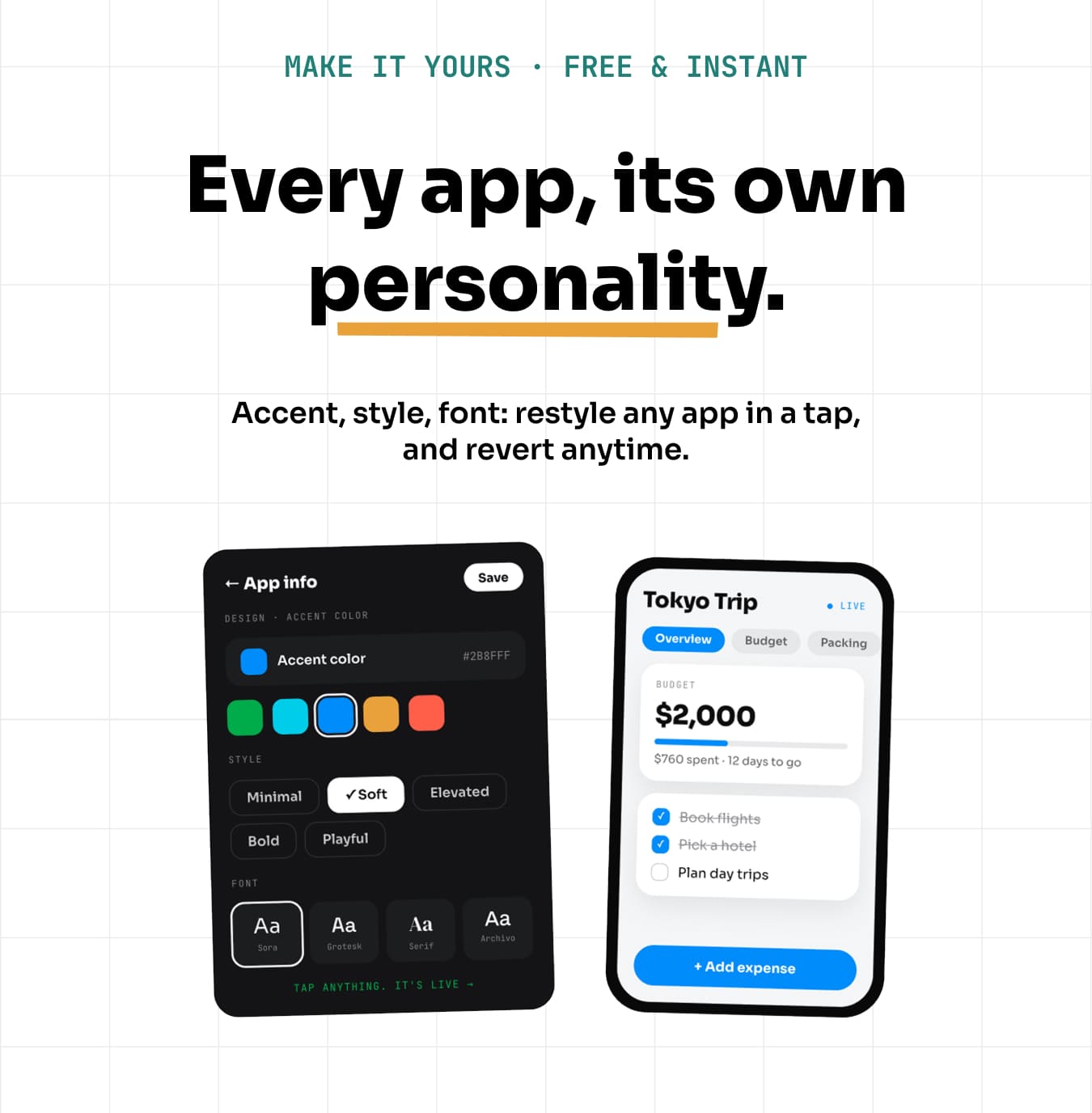
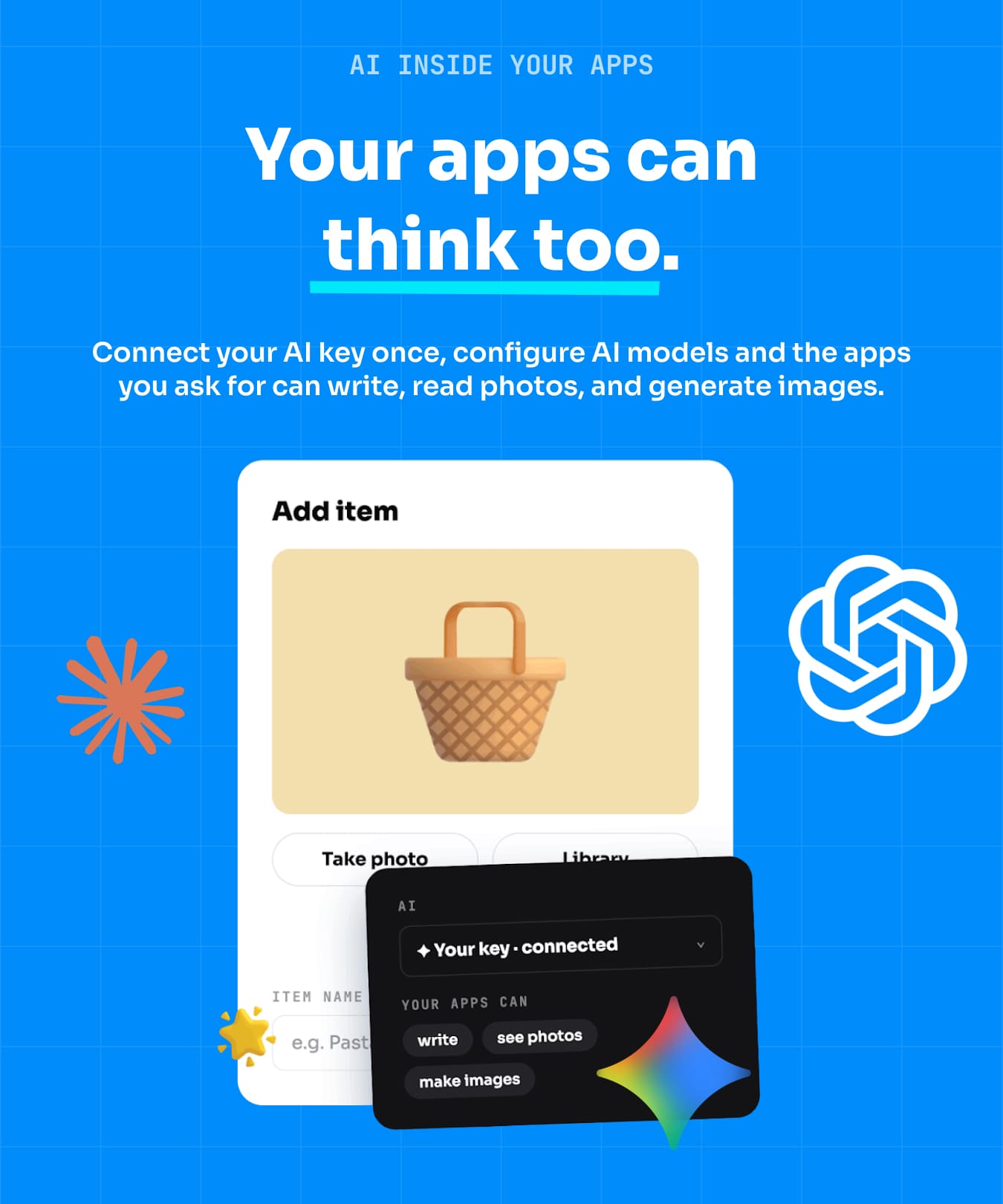
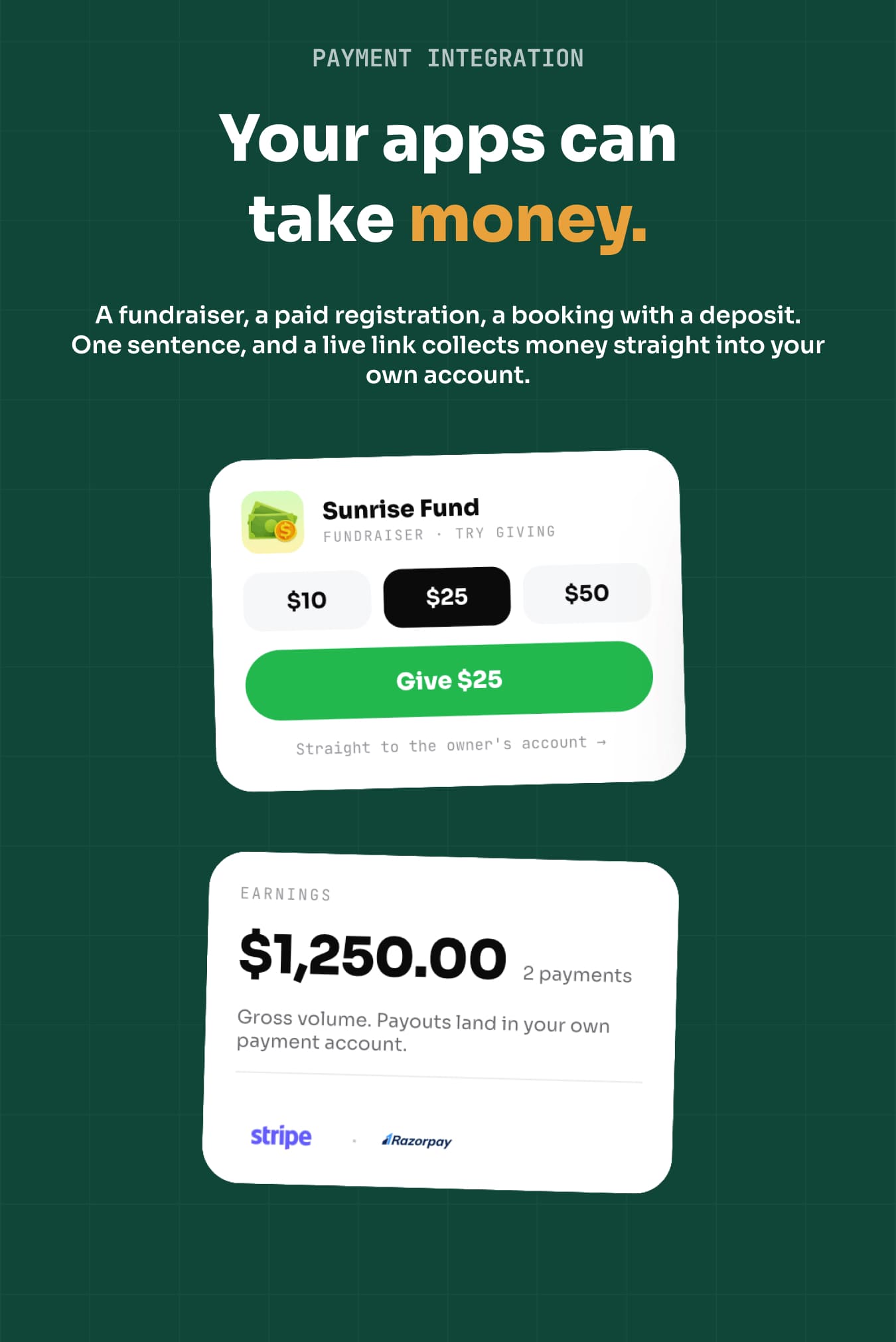
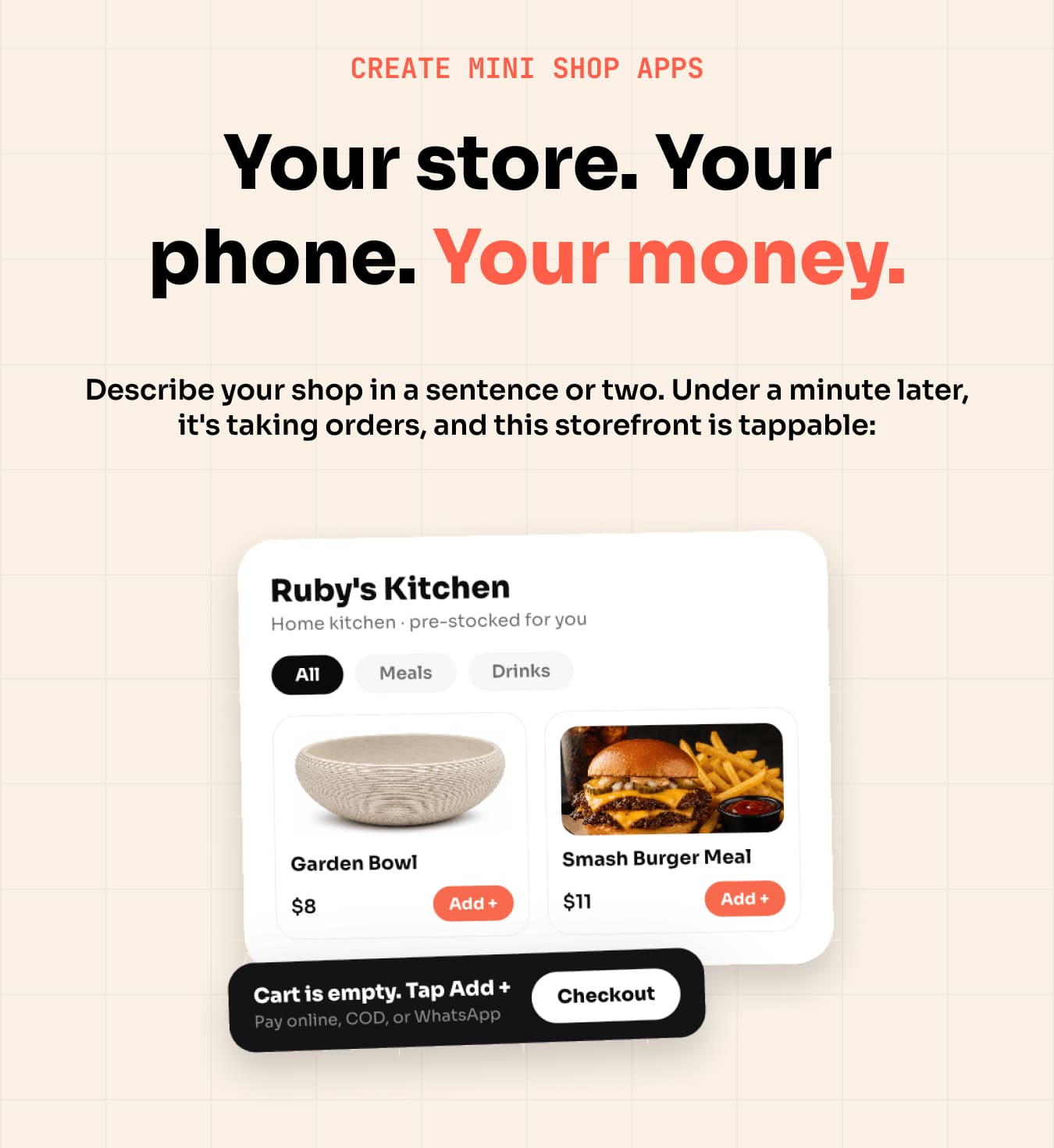
Your users describe what they need in plain English, and Wixzel One builds a working mini-app and installs it on their phone in about a minute. No website required. Change it live, just by asking. Run it as your own SaaS. Keep 100% of the revenue.
Mini-apps are focused, single-purpose tools: a bill splitter, a packing list, a habit tracker, a small storefront. They install to the home screen and open like any other app, with no app-store submission per app.
⚠ Important: hosting and external service costs are NOT included in this purchase. Wixzel One is self-hosted software. You supply your own server (see Server requirements below) and your own third-party accounts: OpenRouter (AI generation, required) and, optionally, AWS S3 / Cloudflare R2 (image storage), Dodo Payments / Razorpay / Stripe / Google Play billing, Brevo (email), Pexels (stock photography) and TMDB (movie and TV data). Every one of these providers bills you directly. The purchase price does NOT include hosting, API credits, subscriptions, or usage costs. You and your end users create your own accounts and pay separately.
AI-powered features (disclosure)
Wixzel One uses artificial intelligence to generate the mini-apps and to process live “just ask” edits. Generation runs on large language models accessed through OpenRouter (models from providers such as OpenAI, Anthropic and Google) using the API key you supply. No AI provider, model or credits are bundled with this item. AI output can vary between runs and should be reviewed; you are responsible for the content your deployment produces.
Demo instructions
1. The generated mini-apps — nothing to install and no sign-in: every mini-app in the “See real mini-apps it built” table below is live in your browser, listed beside the exact prompt that produced it.
2. Admin panel (how you run the platform): https://wixzel-one-admin-demo.vercel.app/
Sign in with the admin password: wixzel-demo
The admin panel is protected by a single password — there is no username or email field. You set this value as ADMIN_PASSWORD in your own backend/.env.
3. The mobile maker app (what your end users install): install Wixzel One from Google Play on any Android device. The app signs in with Google, so there is no email/password pair to enter — use any Google account. New accounts start with free build credits, so you can create a mini-app end to end without paying.
Why Wixzel One is different
Prompt-driven builders on the market generate a website. Wrapper scripts turn a website you already have into an app. Wixzel One does neither: it takes a single sentence and returns a working mini-app your user installs on their phone, with real screens and real logic and no website anywhere in the loop, then lets them change it live just by asking. The same maker also produces simple playable games and small storefronts.
See real mini-apps it built
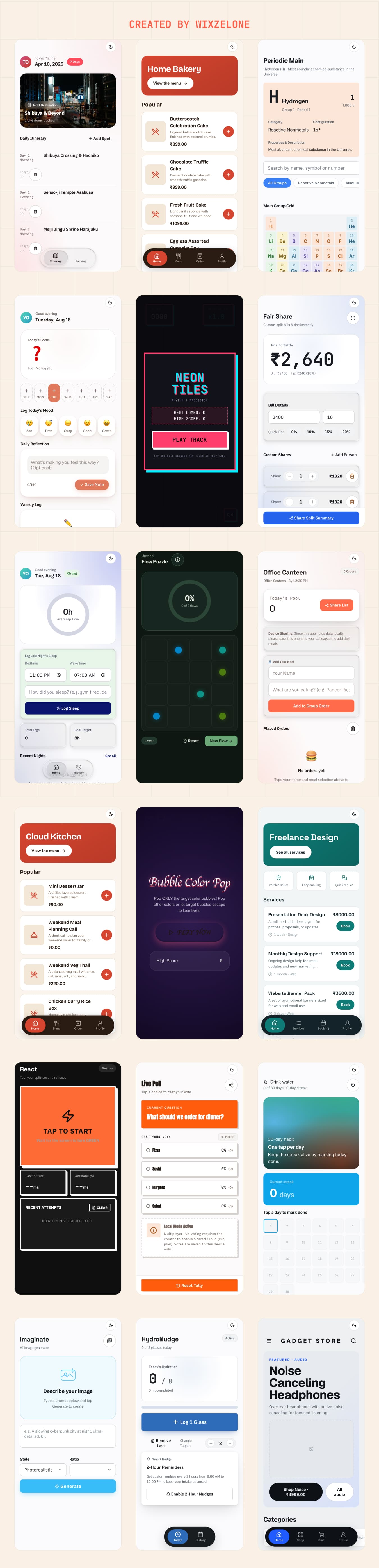
Every app below was produced from the one sentence beside it, with no other input. They are live right now, so you can open and use any of them in this browser. No install, no sign-up.
| The entire user prompt | What came out |
|---|---|
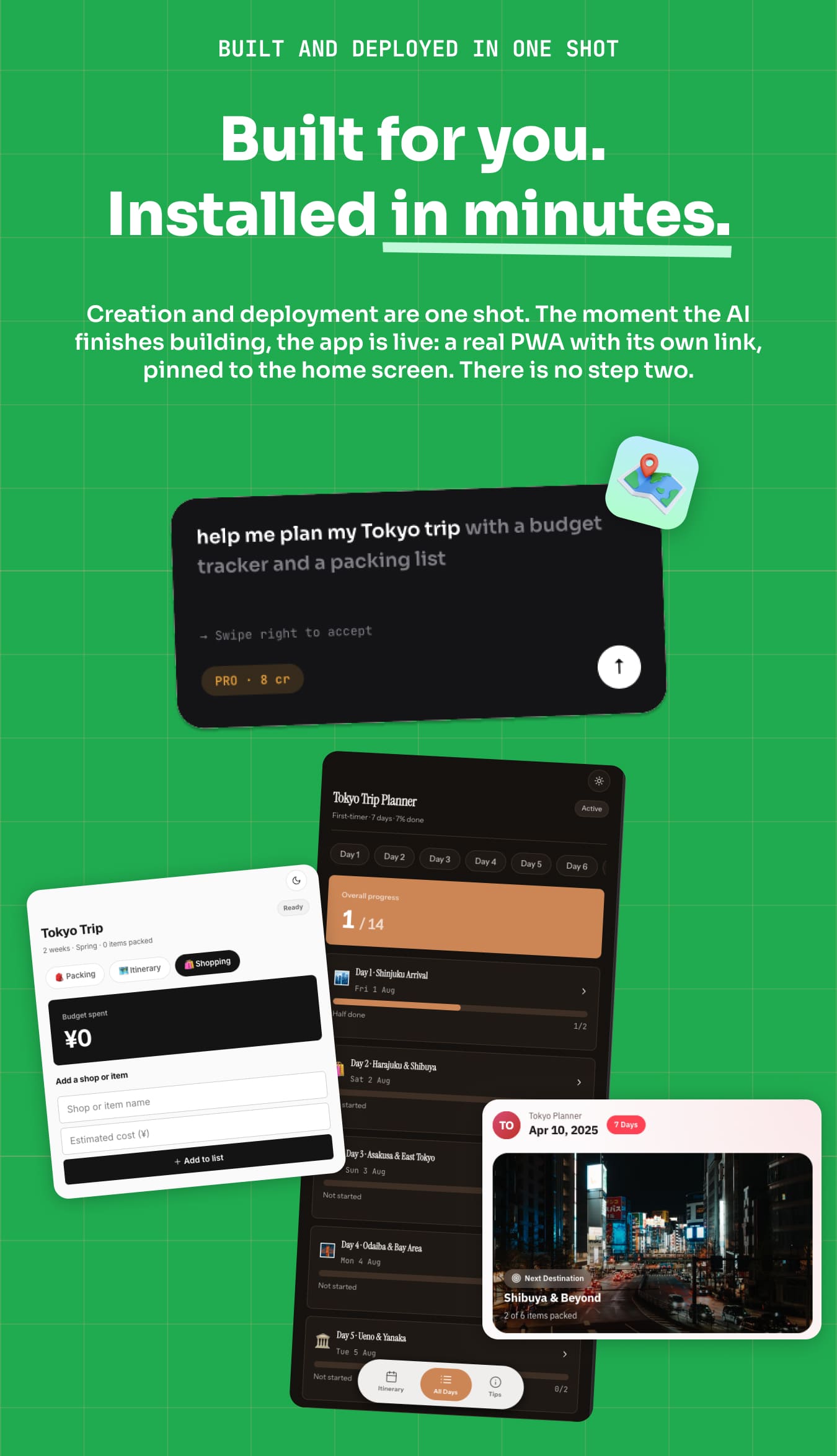
| “Help me plan a Tokyo trip with a packing list” | Open Tokyo Trip |
| “Periodic table with element details on tap” | Open Periodic Table |
| “Tip + bill split calculator with custom shares” | Open Fair Share |
| “Donation page for my fundraiser with a live total raised” | Open Give Now |
| “track my mood this week” | Open Mood Weekly |
| “Sleep diary with bedtime + wake-time analytics” | Open Sleep Drift |
| “Random restaurant picker from a list I edit” | Open Spot Roulette |
| “Make me a relaxing puzzle to unwind” | Open Unwind |
| “Give me a piano-tiles tapping game” | Open Piano Tiles |
| “I want to test my reaction time” | Open React |
| “Freelance design services with online booking” | Open Freelance Design |
These are ordinary web addresses because each mini-app is served by the backend and installs to the phone from there. On a phone, the same links offer “Add to Home Screen” and then behave like an installed app.
How your users reach it
Your customers use an Android app that you publish under your own brand, built from the included Flutter source: 18 screens, fully commented, yours to rebrand. You run the business from a web admin panel: users, credits, plans, models, configuration. Plan for the store step before you buy: publishing to Google Play needs your own Play Developer account (a one-time fee paid to Google), and Google reviews the app like any other submission. There is no browser sign-up for end users; the mobile app is the way in.
What you can do with Wixzel One
- Let users turn a plain-English request into a working, installable mini-app in about a minute
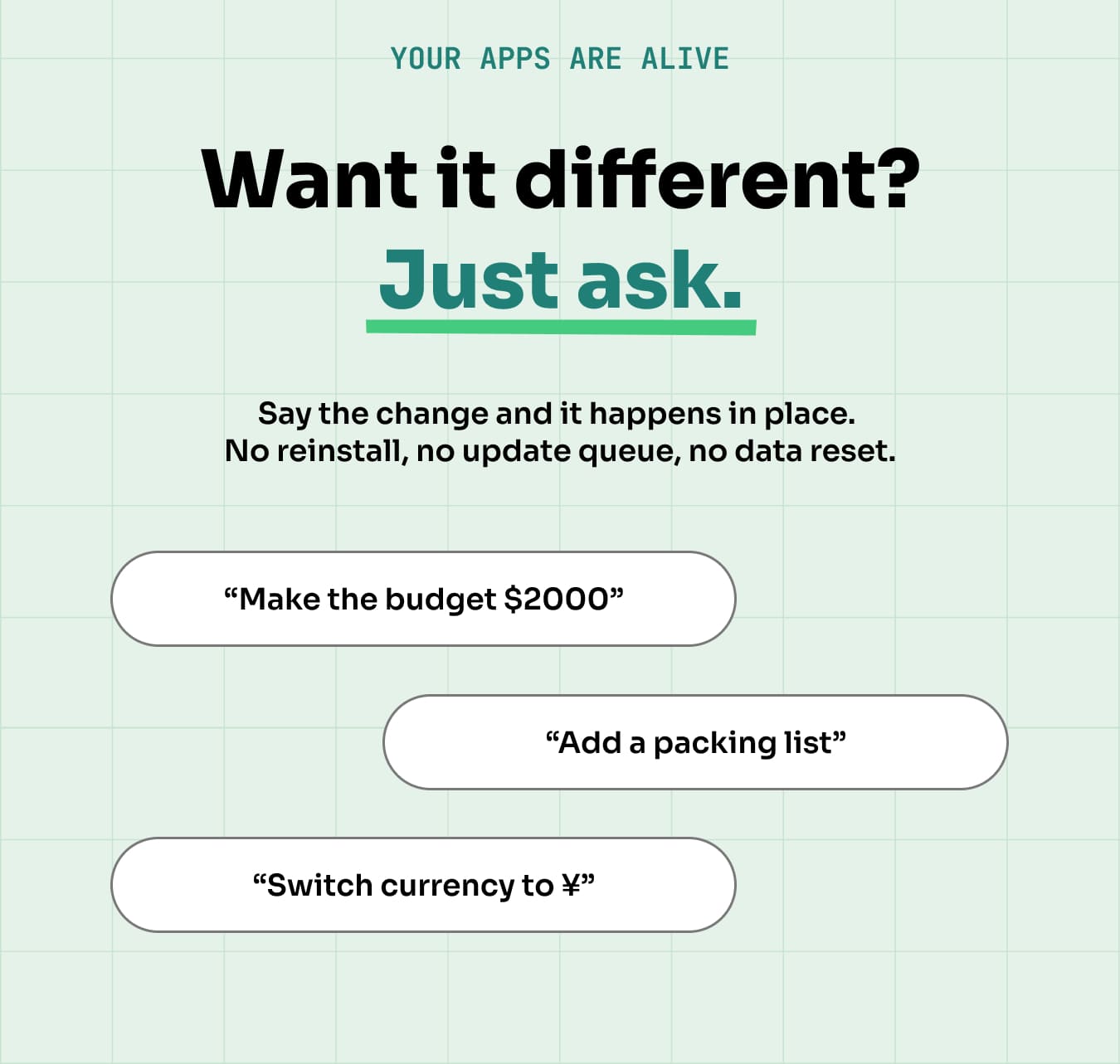
- Offer live, conversational iteration (“make the buttons bigger”, “switch to euros”) applied instantly, no reinstall
- Run a subscription + credits business with a full admin panel and payment integrations
- Ship a branded Flutter app to your own Google Play account
Who this is for
- SaaS founders who want a real product to sell subscriptions, not a weekend script
- Agencies who can offer on-demand mini-apps to clients under their own brand
- App resellers / indie makers launching an AI product without building the engine
- Operators who want bring-your-own-key so AI costs never hit them by surprise
How it works: a real-world flow
- Sign in: the user signs in with Google on your branded Flutter app.
- Describe: they type what they need, e.g. “a trip planner with a packing list and a budget tracker.”
- Build: the AI engine generates a working mini-app and returns it.
- Install: it installs on the phone in about a minute.
- Iterate: the user asks for changes; the app updates live, no reinstall.
- Monetize: credits are deducted per build/update by the plan you set in the admin panel.
Feature highlights
The Flutter app your users install
- 18 screens of production Flutter: onboarding, maker, app library, billing, settings
- Google sign-in, per-user memory across every app it builds
- In-app purchases via Google Play billing, plus web checkout
- Rebrand name, icon, colours and package ID, then publish under your own account
AI maker
- Prompt-to-app generation of working mini-apps, no website input required
- Live, conversational editing of any generated app
- Games and storefronts from the same maker
Platform
- Credits + subscription plans, configurable pricing and models
- Admin panel: users, apps, plans, config, feedback, security
- Per-app daily AI spend caps so a runaway app cannot drain your key
Integrations and extensibility
- AI: OpenRouter, giving you every model from every major provider (OpenAI, Anthropic, Google, DeepSeek, Meta and more) behind one key, switchable per build tier. Not a fixed two-provider list.
- Payments: Google Play billing, Dodo Payments, Razorpay, Stripe
- Storage: AWS S3 or Cloudflare R2 (or local disk)
- Email: Brevo (optional trial reminders)
Server requirements
The Flutter app talks to a backend you host. It runs as a Node.js service backed by MongoDB, so it needs a VPS or cloud instance you control. Shared / cPanel hosting will not run it.
- Minimum: 2 vCPU · 4 GB RAM · 40 GB SSD.
- Recommended for production: 4 vCPU · 8 GB RAM · 80 GB SSD, with MongoDB on its own instance or on MongoDB Atlas.
- OS: Ubuntu 22.04 / 24.04 LTS, or any modern Linux.
- Runtime: Node.js 20 LTS or newer, MongoDB 6+, and a process manager (PM2 or systemd).
- Networking: your own domain plus an HTTPS certificate (Let’s Encrypt is fine) behind Nginx or Caddy.
- Disk growth: each generated mini-app is roughly 250 KB, about 250 MB per 1,000 apps. The install itself needs around 1 GB.
- Flutter 3.x on your development machine to build and publish the app.
Hosting is not included in this purchase.
Perfect for SaaS and agencies
- Deploy under your own brand and keep 100% of subscription revenue
- Bring-your-own-key model keeps AI costs predictable
- Extended License: sell access as a service under your brand, per Envato terms
Important notice (hosting and external service costs)
Wixzel One requires your own server to run on and your own OpenRouter key for AI generation, plus, optionally, your own storage (AWS S3 / Cloudflare R2), payment (Google Play / Dodo Payments / Razorpay / Stripe), email (Brevo), stock-photo (Pexels) and movie-data (TMDB) accounts. Those services bill you directly. Neither hosting nor any third-party usage cost is included in this purchase.
The tech stack
- Mobile: Flutter 3.x with 18 screens, 22,000+ lines of Dart, Android and iOS project files included
- Backend: Node.js, Express 5, MongoDB (Mongoose 9), OpenAI SDK 6 (OpenRouter), JSON Web Tokens, web-push, AWS SDK v3
- Admin: Next.js 15, React 19
- Generated mini-apps: standards-based PWAs (HTML/CSS/JS), installable to the home screen
What’s in the box?
- Complete Flutter app source: the branded app you publish to Google Play
- Complete backend source code (Node.js API + AI build engine)
- Complete admin panel source code (Next.js)
- Full offline documentation (interactive index.html) + a separate Quick-Start guide
- Environment templates (
.env.example) documenting all 60 configuration options - Third-party licence disclosure for every bundled asset
What is and is not included
File formats in the download: Dart (.dart) for the Flutter app, JavaScript (.js) for the Node.js backend, TypeScript/TSX (.ts, .tsx) for the Next.js admin panel, plus HTML, CSS, JSON, Markdown and .env.example templates. All source is human-readable and non-minified.
Not included in the download: the banner and screenshot images used on this item page are for presentation only and are not part of the package. Neither is any demo content shown in the preview, the live demo database, or the compiled demo APK.
Outside resources you supply: the Flutter app loads its typeface from Google Fonts at runtime (via the google_fonts package, Open Font License) — no font files are redistributed in this package. Generated mini-apps can pull stock photography from Pexels and movie data from TMDB using your own API keys; neither service’s content is bundled. Third-party JavaScript libraries used by generated apps are fetched by a pinned npm run fetch-vendor script rather than shipped as files. Every bundled asset and its licence is listed in THIRD-PARTY-LICENSES.md inside the download.
Launch your own AI mini-app platform this week. Deploy Wixzel One, set your prices, and start selling.
Frequently Asked Questions (FAQ)
Does it really build apps from a sentence, or wrap a website?
It generates a working mini-app from the prompt, with no website input required and nothing is scraped from an existing site.
What kind of apps can it build, and what can’t it?
Focused, single-purpose tools: trackers, planners, calculators, checklists, simple games, small storefronts. Think “a dinner bill splitter” or “a packing list with a budget”, built in about a minute. It is not a replacement for a full custom application: there is no multi-user backend logic, no complex integrations, and no native device SDK access per mini-app. Setting that expectation with your own users keeps your ratings healthy.
Are the generated apps native?
They are installable PWAs served by your backend. They install to the home screen and open full-screen like a native app, without a separate store submission for each one. Your own branded Flutter app is what ships to Google Play.
Is there a web version my users can sign up on?
No. The maker your customers use is the Android app you publish from the included Flutter source. The web side of the platform is your admin panel plus the generated mini-apps themselves. If a browser-based sign-up flow is essential to your plan, this is not the right item.
Can I run this on shared or cPanel hosting?
No. The backend needs a Node.js process and a MongoDB database, so it requires a VPS or cloud instance you control. See Server requirements above.
Are AI costs included?
No. You bring your own OpenRouter key and pay OpenRouter directly. Set per-build credit pricing in the admin panel.
Can I publish the mobile app under my own brand?
Yes. The Flutter source is included; rebrand it and publish to your own Google Play account (a Google Play Developer account is required, separate from this item).
What can be customized?
Full non-minified source is included for all three components, so branding, pricing, models, and features are all editable.
$49 |
Download |
0 average based on 0 ratings.

| Last Update | 2026-08-28 |
| Created | 2026-08-28 |
| Sales | 0 |
| Discussion | Comments |
| Software Version | Flutter 3.x |
| Files Included | Dart YAML JavaScript JS HTML |
| Video Preview Resolution |


