Whoxa Business – WhatsApp CRM Chat Messenger App with Admin Panel


Whoxa Business Chat – WhatsApp Clone App for Business, Android & iOS (Flutter Chat App)
whatsapp clone, whatsapp business, whatsapp business chat, whatsapp clone app, chat app, chat application, chat app android, chat app ios, chat app messanger, chat business, whoxa chat, flutter chat, whatsapp business app, whoxa business app
Whoxa Business Chat | Chat App iOS | Chat App Android | Whatsapp clone | Flutter Chat App | Whatsapp Business Chat | Chat Business | Whatsapp Business App | Whoxa Business App
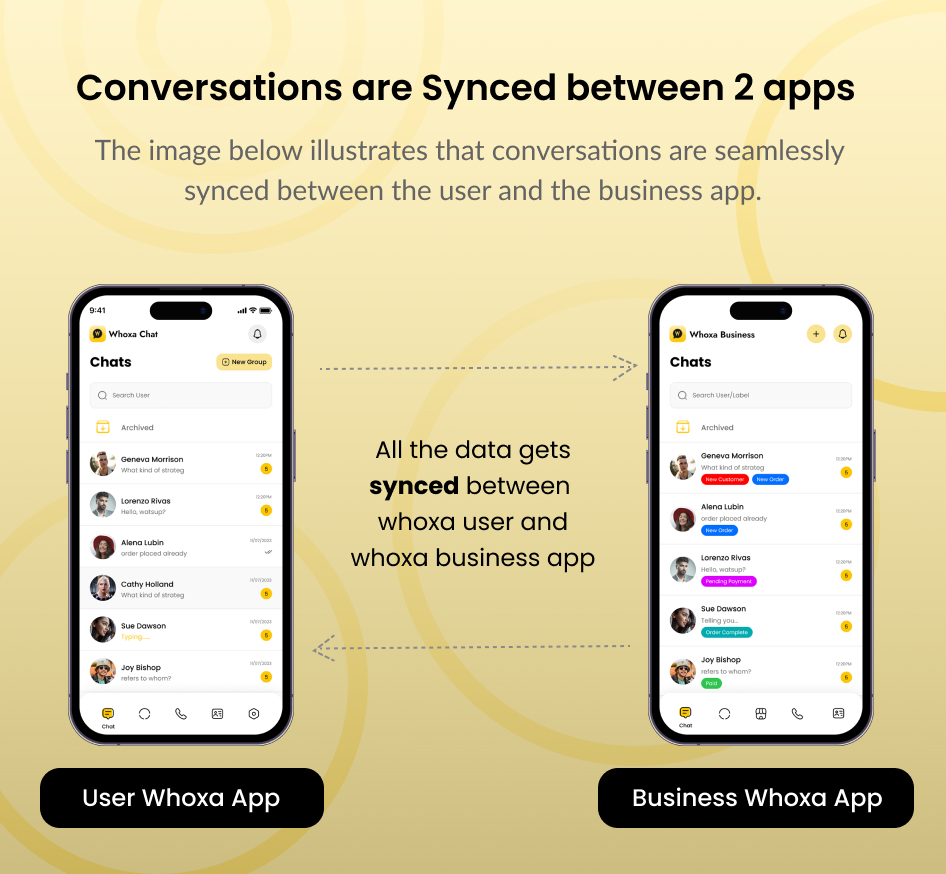
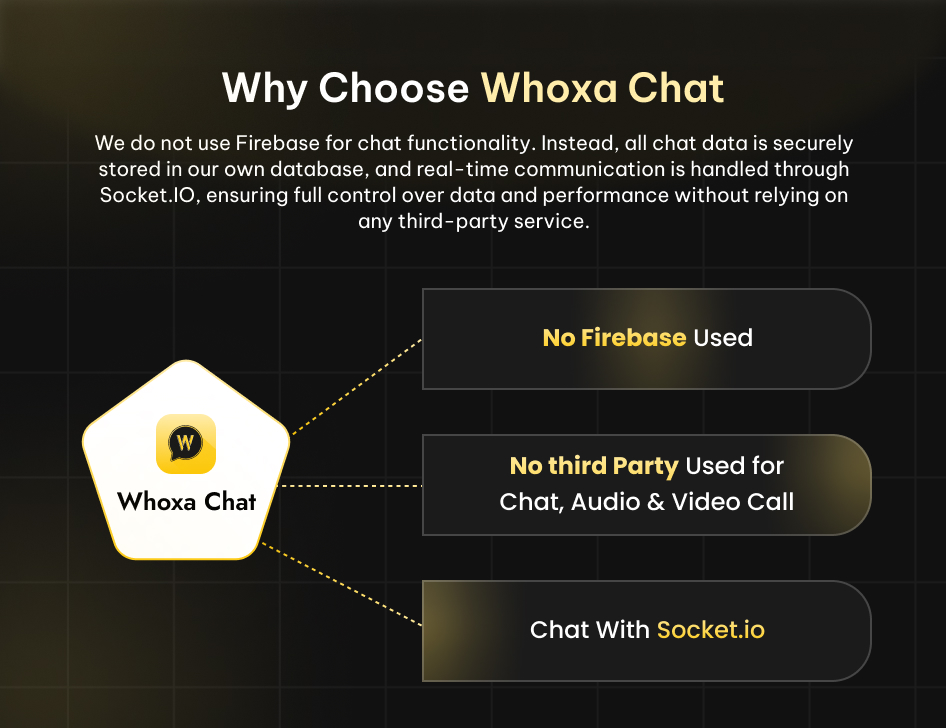
We do not use Firebase for chat functionality. Instead, all chat data is securely stored in your database, and real-time communication is handled through Socket.IO, ensuring full control over data and performance without relying on any third-party service.




The Whoxa Business Chat app has developed an incredibly swift user Flutter app with Android and iOS support. This powerful platform has a rich user interface built on the Nodejs backend, socket.io. It delivers a faster, smoother chat messenger. Whoxa app admin panel made in React.js is a popular open-source JavaScript library building user interfaces, particularly for single-page, It focuses on creating reusable UI components and efficiently updating and rendering them in response to changing data.
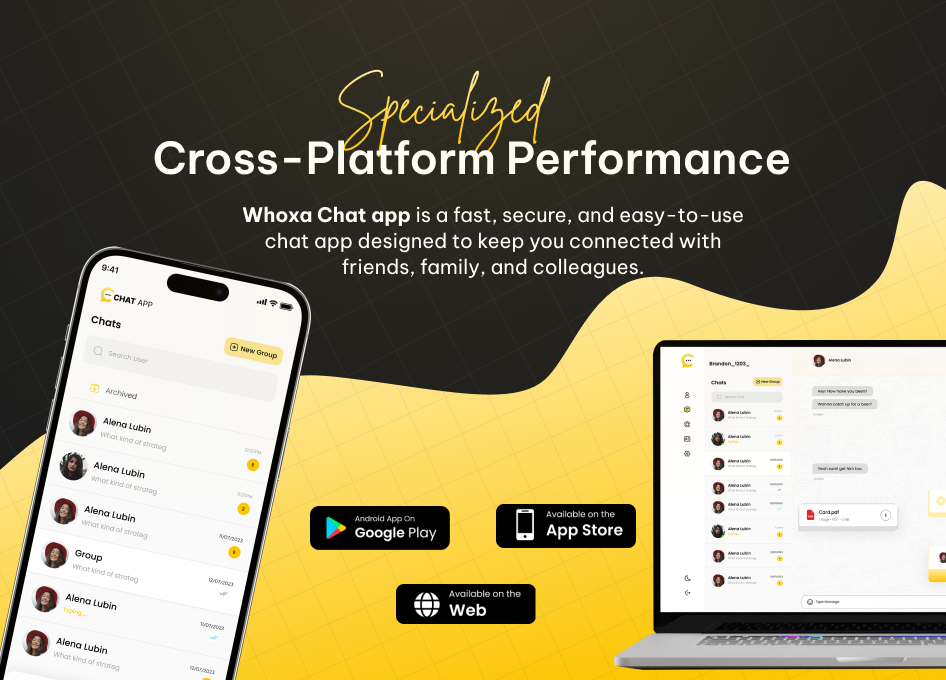
WhoXa Chat is a powerful WhatsApp Clone App and WhatsApp Business Chat solution built with Flutter Chat technology for Android and iOS. This chat application supports personal messaging, chat business tools, and advanced WhatsApp Business App features, making it ideal for startups, enterprises, and SaaS platforms.
It is a complete chat app messenger designed for real-time communication, business engagement, and scalable messaging.
The modern design and intelligent layout, are clean and well-structured, enabling easy setup, editing, and customization. This package includes the complete source code for the Flutter Android and iOS and admin panel, along with thorough documentation for installation and use.
– Version: 1.0.0 – support Flutter, Android, iOS (Flutter Version: 3.35.7)
– Last update: 19 November 2025
– Files Included: Full Source Code of Flutter, Android, iOS, ReactJS for admin panel, and NodeJS, socket.io for chat backend, MySQL Database.
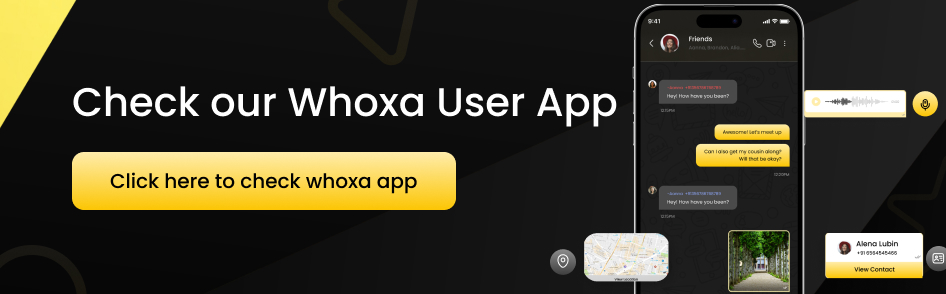
– Buy User Chat App: https://codecanyon.net/item/whoxa-app-whatsapp-clone-app-chat-app-ios-chat-app-android-nodejs-chat-app-chat-messenger/56253189
– For Setup: Contact Us
– This is Exclusive Product License from Envato

Demo Accounts
Note: As the Demo Account has been used by multiple users there is the possibility that you won’t receive the notification and the device token get saved on the initial device, so there are chances audio and video calls won’t work. As Audio and video calls depend on Push notifications.
1st Demo Account Phone Number: +1(5628532467) OTP: 123456


Why Choose WhatsApp Clone & WhatsApp Business Chat Application?
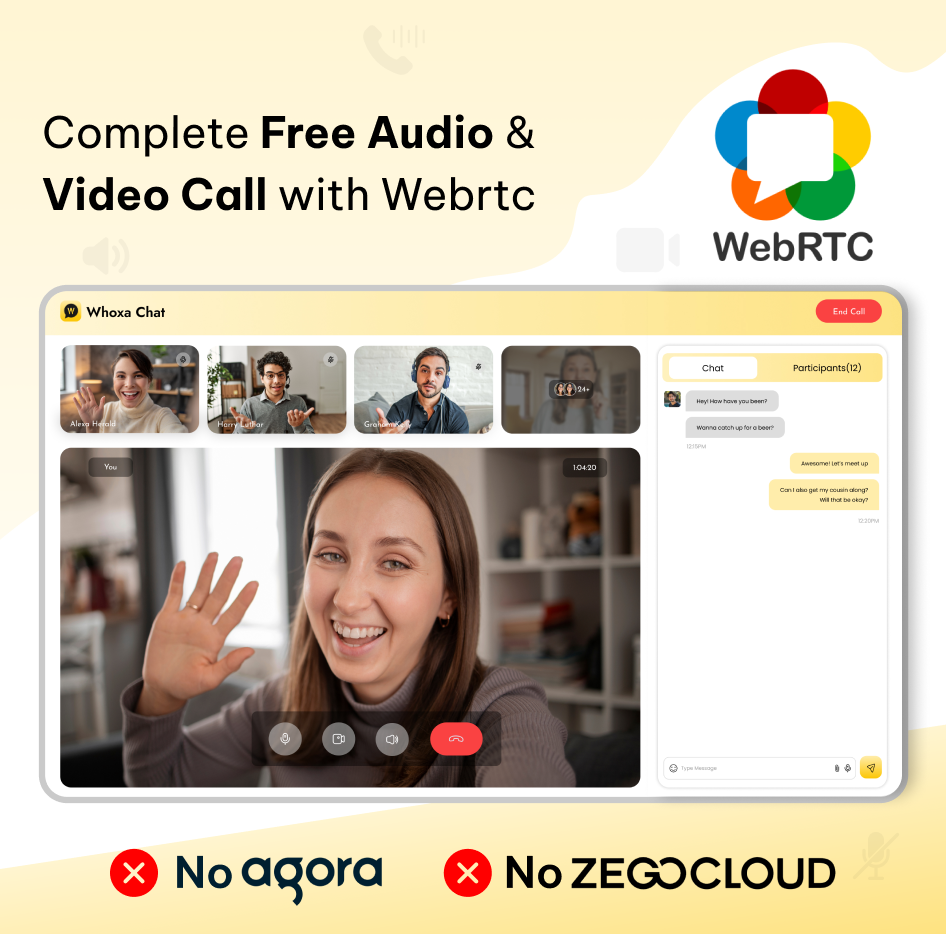
Our platform provides free audio and video calling capabilities, eliminating the need for third-party APIs and ensuring a genuine real-time chat experience powered by socket.io.

Chat App Features
Login (Phone Number Authentication)Login is done using a mobile number with OTP verification. Users must verify their number before accessing the WhoXa Chat app, ensuring secure and trusted communication similar to the original WhatsApp clone experience. We used twilio as global and Msg91 Api integration for OTP.
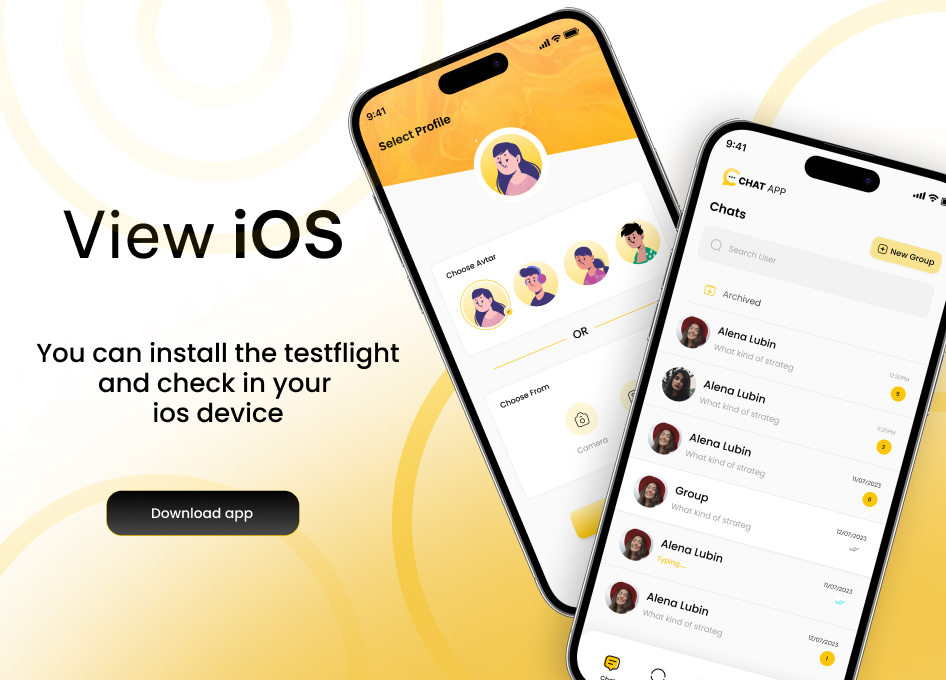
Choose Avatar or Profile Image
Users can select an animated avatar or upload a profile image from the gallery or system. This improves personalization across the chat app Android and chat app iOS platforms.
Business Account Support
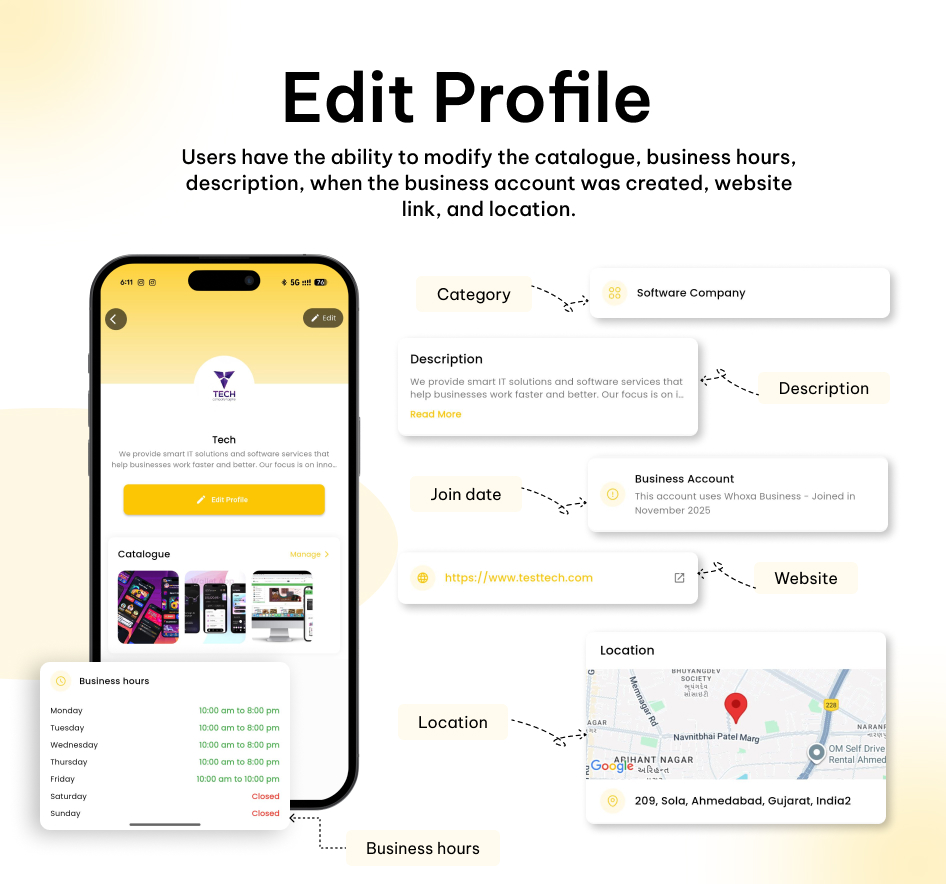
Dedicated WhatsApp Business–style accounts with business profile details such as business name, category, description, and contact information.
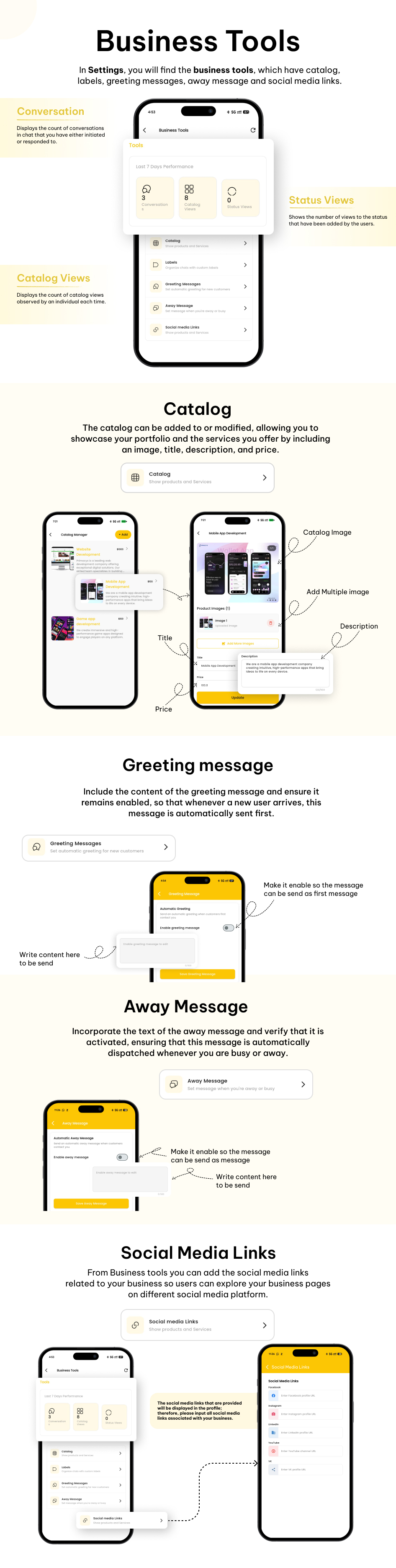
Catalog Management
Businesses can create and manage product or service catalogs with images, prices, and descriptions. Catalogs can be shared directly in chats, and businesses can track catalog views.
Greeting & Away Messages
Automatic greeting messages for new customers and away messages outside business hours help maintain professional communication.
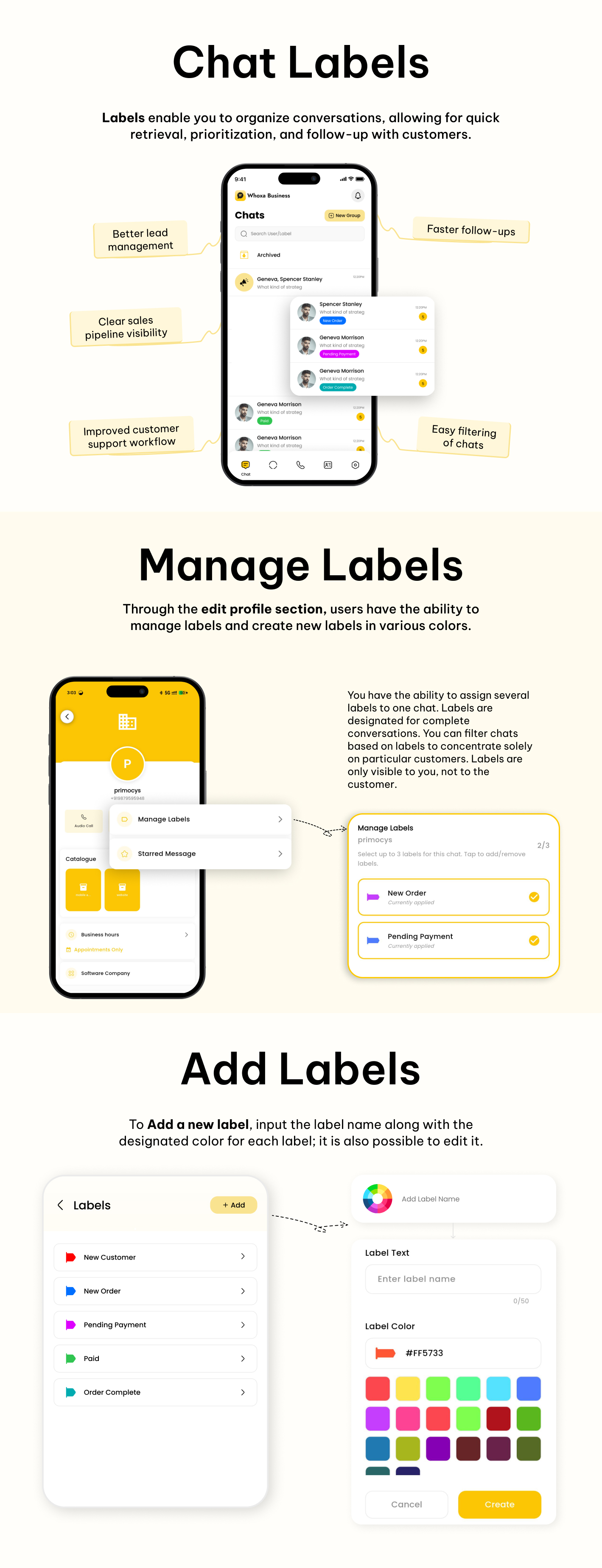
Chat Labels
Chats can be labeled as New Lead, Customer, Follow-Up, Paid, or Support, helping businesses organize conversations efficiently.
Social Links Management
Businesses can add and manage social media links such as website, Instagram, Facebook, and YouTube directly from their business profile.
Business Analytics (Last 7 Days Performance) same like whatsapp app
Business users can track performance metrics including:
- Messages sent and received
- Catalog views
- Status views
- Customer interaction data for the last 7 days
Contacts Management
Contacts can be synced from the device or restricted to registered WhoXa Chat users only. Admin controls allow flexible contact visibility, suitable for both personal chat and chat business use.
Settings & Account Management
Users can manage starred messages, blocked contacts, app version, bio, privacy settings, share the app link, and log out from one centralized settings panel.
Profile
Edit profile has all the user information and can edit the personal info data too.
Other Users Profiles
Users can review all media sent, including images, videos, and documents, within their profile. Additionally, they can access specific starred messages that have been initiated.
Single Chat/Group Chat
Real-time one-to-one chat with support for text messages, images, videos, documents, audio recordings, contacts, and live location sharing. This is a core feature of the WhatsApp clone app.
Online & Last Seen Indicator
Displays online status and last seen information. Online users are highlighted with a green indicator for better real-time communication.
Audio & Video Calling
High-quality audio and video calls are supported on both Android and iOS, delivering a complete chat app messenger experience.
Audio/Video Call Logs/History
Users can view all incoming, outgoing, and missed audio and video calls in the call history section.
Group Audio & Video Calls
Users can initiate group audio and video calls with multiple participants, suitable for families, teams, and business discussions.
Pin Chats
Users can pin important chats to the top of the chat list for quick access. This feature helps prioritize frequent conversations in both personal chats and chat business workflows, similar to the official WhatsApp Business app.
Pinned chats remain fixed at the top until unpinned, making it easier to manage high-priority conversations in the WhatsApp business app.
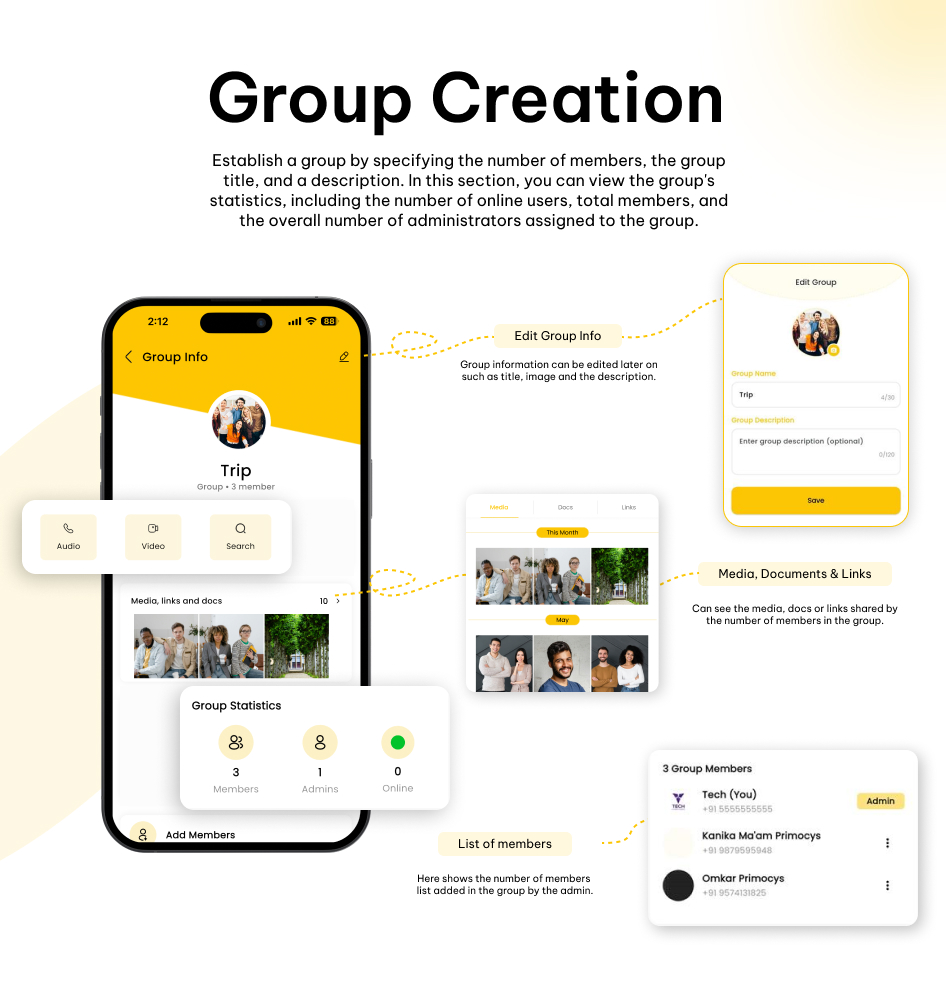
Group Online Members List
In group chats, users can view a real-time list of members who are currently online. This helps users identify active participants instantly, improving engagement in group discussions, business meetings, and team collaboration.
Status (Stories)
Users can upload image, video, or text status updates similar to WhatsApp. Status analytics allow users to see who viewed their status and total view counts.
Reply from Status to Chat
Users can directly reply to another user’s status, which automatically opens a chat conversation.
Group Chat
Multiple users can chat simultaneously, assign multiple admins, manage group permissions, and share media including documents, images, videos, contacts, recordings, and locations.
Delete Messages
Users can delete messages for themselves or for everyone. Multiple messages can be deleted at once in both single and group chats.
Starred Messages
Important messages can be starred for quick access. Users can unstar messages anytime from the starred messages screen.
Reply & Forward Messages
Users can reply to specific messages or forward multiple messages at once to individuals or group chats.
Add/Remove Group Participants
Group admins can add or remove participants and manage group settings just like the WhatsApp app.
Clear Chat
Users can clear chat history locally without affecting messages for other users.
Search Chats & Messages
Advanced search functionality allows users to quickly find messages, keywords, or media within chats.
Search Users
Users can search for contacts easily and connect instantly, improving navigation in large chat networks.
Block & Report Users
Users can block unwanted contacts and report users for specific reasons. Reports are visible to admins for moderation.
Report user
You can report a user for the list of reasons, that can be seen by admin.
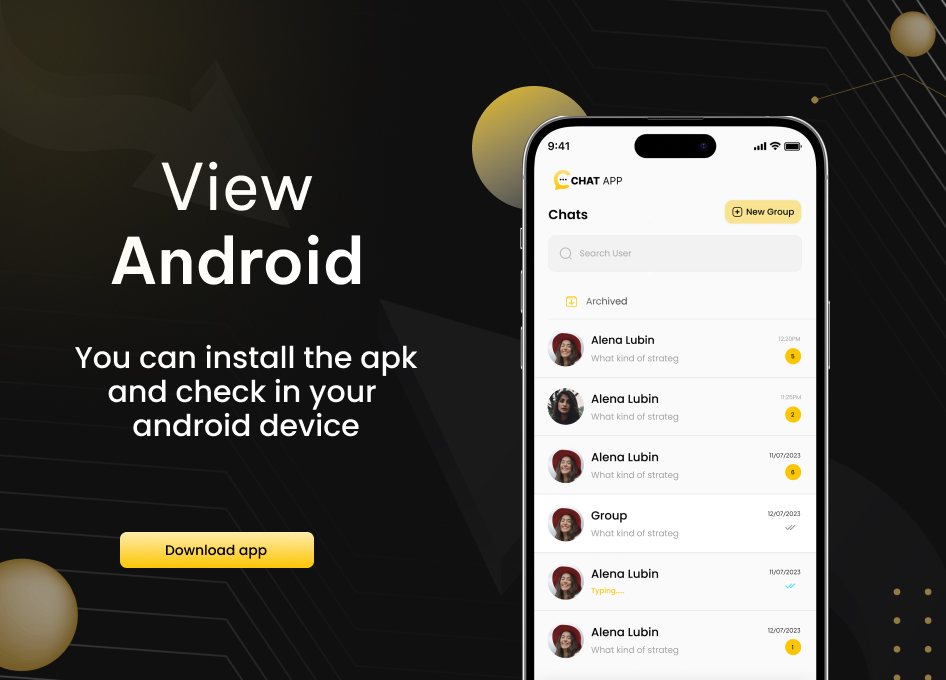
Archived & Unarchived Chats
Chats can be archived to hide them from the main chat list and unarchived anytime when needed.
Push Notifications
Real-time push notifications for chat messages, media, audio calls, and video calls are delivered even when the app is closed.
Multi-Language Support (LTR & RTL)
The app supports multiple languages with full Left-to-Right (LTR) and Right-to-Left (RTL) layout support, making it suitable for global audiences.
Change Log
V1.0.0 - Initial Version with Flutter app in Android and iOS. - Initial Version with admin panel
Enjoy the whoxa business chat app with the admin panel!
0 average based on 1 ratings.
.jpg)
| Last Update | 2026-05-08 |
| Created | 2026-01-06 |
| Sales | 14 |
| Discussion | Comments |
| Software Version | Flutter 3.x |
| Files Included | Dart |
| Video Preview Resolution |


