WebToDesk - Convert Your Website to a Native Desktop Application



WebToDesk converts your website to a native desktop application based on the Electron framework. Without learning any programming language, you can build your macOS, Windows and Linux application within a few minutes by following this documentation.
With this, you can easily configure website URLs, Menus, Icons, Hidden Elements, Pop-Ups, Shortcuts, Loading pages, Error handling and many more things as you want. Therefore every website which you used with this will definitely look like a native desktop application.
- Convert any of your website to a desktop application
- Build using Electron framework
- Support to WordPress application
- Easy to customize and edit
- Cutom menu options
- Print a web page
- Support for latest macOS, Windows, Linux
- Easy to build an application for your preferred OS
- Not required of programming Skills
Online Documentation – Click Here
Demo Links – Downloads
Windows – EXE File
Linux - Snap File
FAQs
Q: Will my app work offline?
A: If you want to make the app work offline you need to run your websites on a local server (WAMP, XAMPP).
Q: Using which platform built with sites that WebToDesk supports?
A: This supports Wordpress, Wix, Shopify, React, Angular, Vue, PHP.
Q: Which version of Electron is used?
A: WebToDesk is currently based on Electron 16.0.6 and Electron Builder 22.14.5. When Electron releases a new version we will update according to that.
What features are on the product roadmap?
If you have any suggestions, we’d love to hear! Please send us an email.CHANGELOG
Jan 27, 2022 – Version 2.0.0
- Added: Option to print a page - Updated: Latest electron.js and builder version - Improved: UI changes - Fixed: Some small bugs
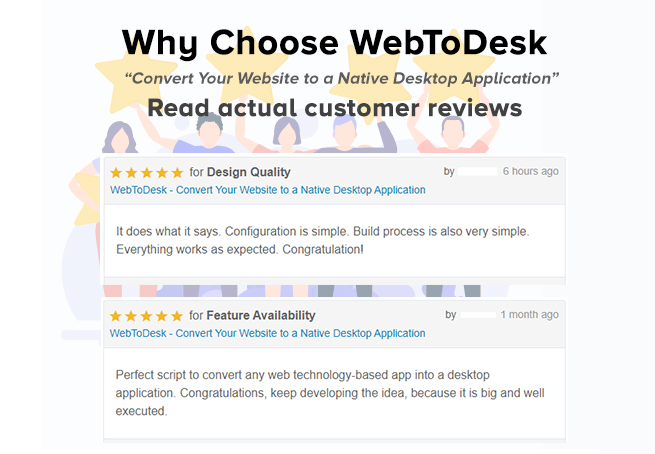
4.5 average based on 10 ratings.

| Last Update | 2022-01-29 |
| Created | 2020-04-27 |
| Sales | 147 |
| Discussion | Comments |
| Application Runtime | Native |
| High Resolution | No |
| Compatible OS Versions | Windows 7 Windows 8 Desktop Windows 8 Metro Windows 10 Mac OS X 10.4 Mac OS X 10.5 Mac OS X 10.6 Mac OS X 10.7 Mac OS X 10.8 Mac OS X 10.9 |
| Video Preview Resolution |


