Treweler Marker Submission Addon


The Treweler Marker Submission Addon expands the functionality of the Treweler Pro plugin by allowing users to easily submit locations and their associated data directly through the map interface, enabling effective collaboration to build a detailed and dynamic map. Designed for community-driven projects, it simplifies the collection of user-generated content, ensuring an engaging mapping experience.

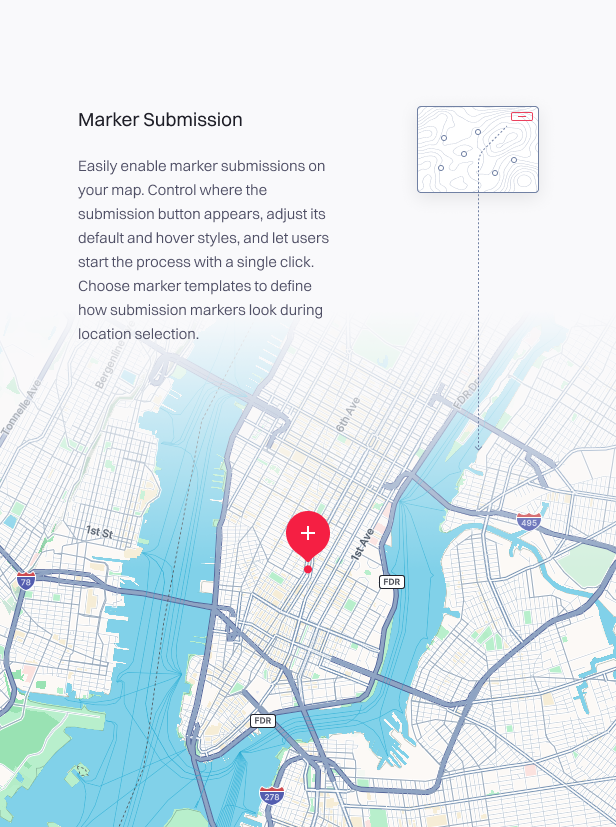
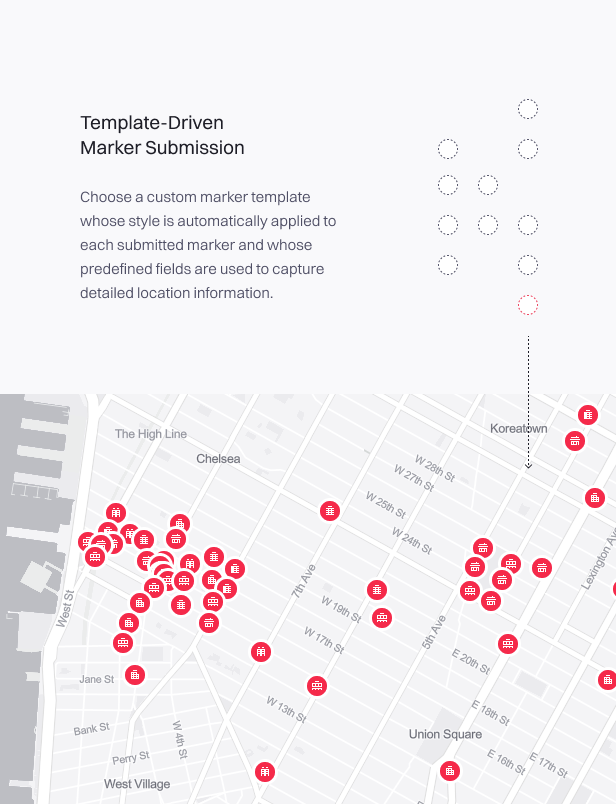
Integrated with the Treweler Pro plugin, the addon provides options to enable or disable marker submissions, customize the submission initiation button’s appearance and position, and configure approval modes for new markers, including manual review or auto-approval. The addon also includes a customizable submission form that supports chosen marker templates, which will be assigned to submitted markers, template custom fields, and category selections. Additional settings allow control over the number and size limits of image uploads, sidebar width, and text customization for form elements, ensuring a personalized user experience.
Complete Features List
- Enable or disable the marker submission functionality.
- Customize the position of the submission initiation button on the map.
- Customize the default and hover styles of the submission initiation button.
- Select a marker template to define the style of the marker for location selection.
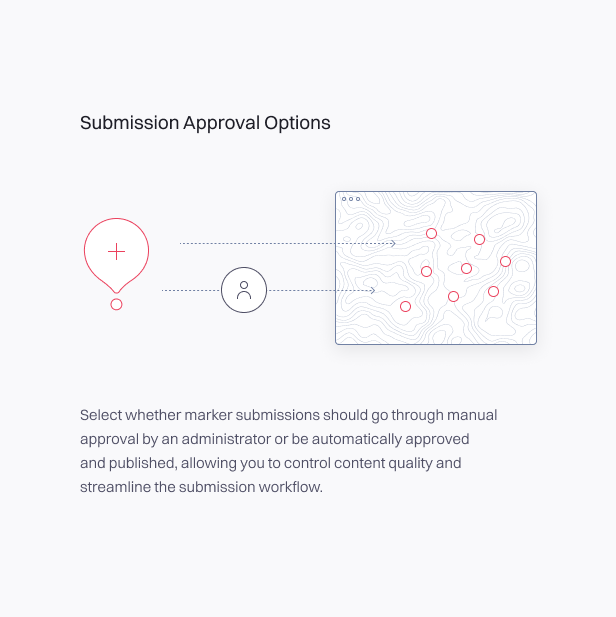
- Choose manual or automatic approval for marker submissions.
- Adjust the width of the sidebar containing the submission form.
- Select a marker template to be automatically assigned to the submitted marker.
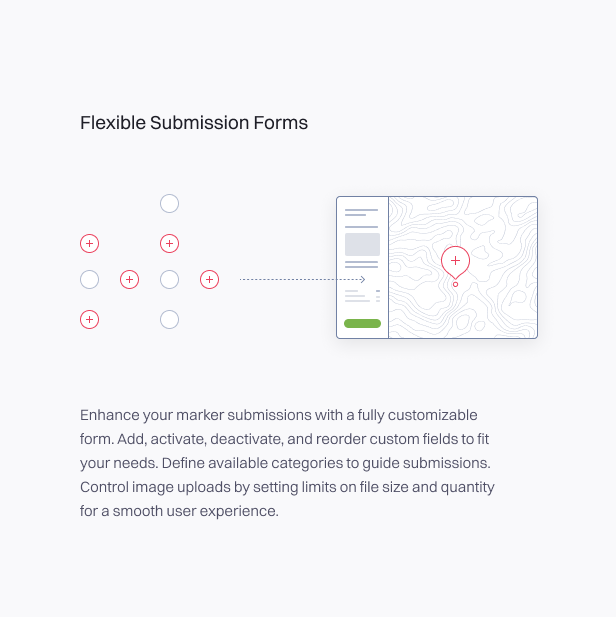
- Customize the submission form with different custom fields.
- Manage custom fields by activating, deactivating, and reordering them.
- Define available categories for marker submissions.
- Select a primary category from the available category list.
- Set limits on the number and size of uploaded images.
- Modify text settings for field names, buttons, headings, placeholders and messages in the submission process.
- Display validation and success messages after submission.
Changelog
## [1.03] - 15-12-2025 ### Added - Admin settings UI improvements. ## [1.02] - 25-08-2025 ### Changed - Minor styling adjustments. ## [1.01] - 24-07-2025 ### Added - Option to change Text & Title fields from textarea to text input. - Option to set custom placeholders for submission form fields. - Editable name and placeholder for the Name, Categories, and Primary Category fields. - Editable name for the Images field. ### Fixed - Minor fixes and improvements. ## [1.00] - 18-03-2025 ### Added - Initial marker submission functionality. - Submission button positioning. - Positioning marker template. - Submission button style customization. - Approval modes: Manual Review and Auto Approval - Sidebar width setting. - Limit on the number of uploaded images. - Image file size restriction. - Submission marker template. - Selecting and ordering custom fields for the submission form. - Text customization for elements and messages.
$19 |
Download |
0 average based on 1 ratings.

| Last Update | 2025-12-16 |
| Created | 2025-03-18 |
| Sales | 29 |
| Discussion | Comments |
| Compatible Browsers | Firefox Safari Opera Chrome Edge |
| Software Version | WordPress 6.9.x WordPress 6.8.x WordPress 6.7.x WordPress 6.6.x WordPress 6.5.x WordPress 6.4.x WordPress 6.3.x WordPress 6.2.x WordPress 6.1.x WordPress 6.0.x WordPress 5.9.x WordPress 5.8.x |
| Compatible With | Elementor Elementor Pro Visual Composer WPBakery Page Builder |
| Gutenberg Optimized | |
| High Resolution | Yes |
| Files Included | JavaScript JS HTML CSS PHP |
| Video Preview Resolution |


