TinyMCE4 Formula Editor
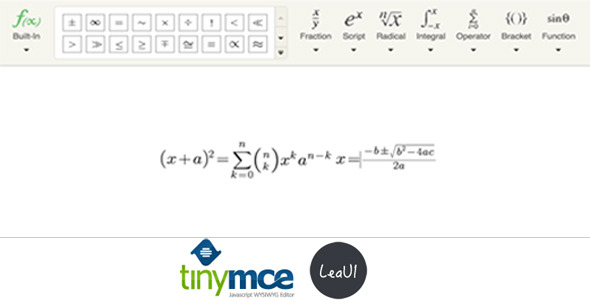

TinyMCE4 has no math formula plugin default. This plugin is a formula plugin called “Tinymce4 Formula Editor”, you can use it in your tinymce editor to insert math formula easily.
Features:
- Support for multiple formula: Fraction, Script, Radical, Intergral, Operator, Bracket and Function.
- Support for special characters, such as greek letters, arrows, relations and scripts.
- Responsile for complicated formula.
- Easy to use as the MathType.
- Pure front-end, no server support.
- Save as image.
Installation
- Upload the files to the tinymce plugins’ folder.
- Update your tinymce configuration to add `leaui_formula` plugin, eg:
tinymce.init({ selector: "textarea", plugins: [ "leaui_formula", "advlist autolink link lists charmap hr anchor pagebreak", "directionality textcolor paste fullpage textcolor" ], paste_data_images: true, toolbar1: "leaui_formula | styleselect formatselect fontselect fontsizeselect | bold italic underline strikethrough " }); Please Note that, you must set paste_data_images to true.
Updates
- v2. 16/02/2016 fix not support for latest Chrome
2.7 average based on 3 ratings.

Search plugins
Browse Categories


