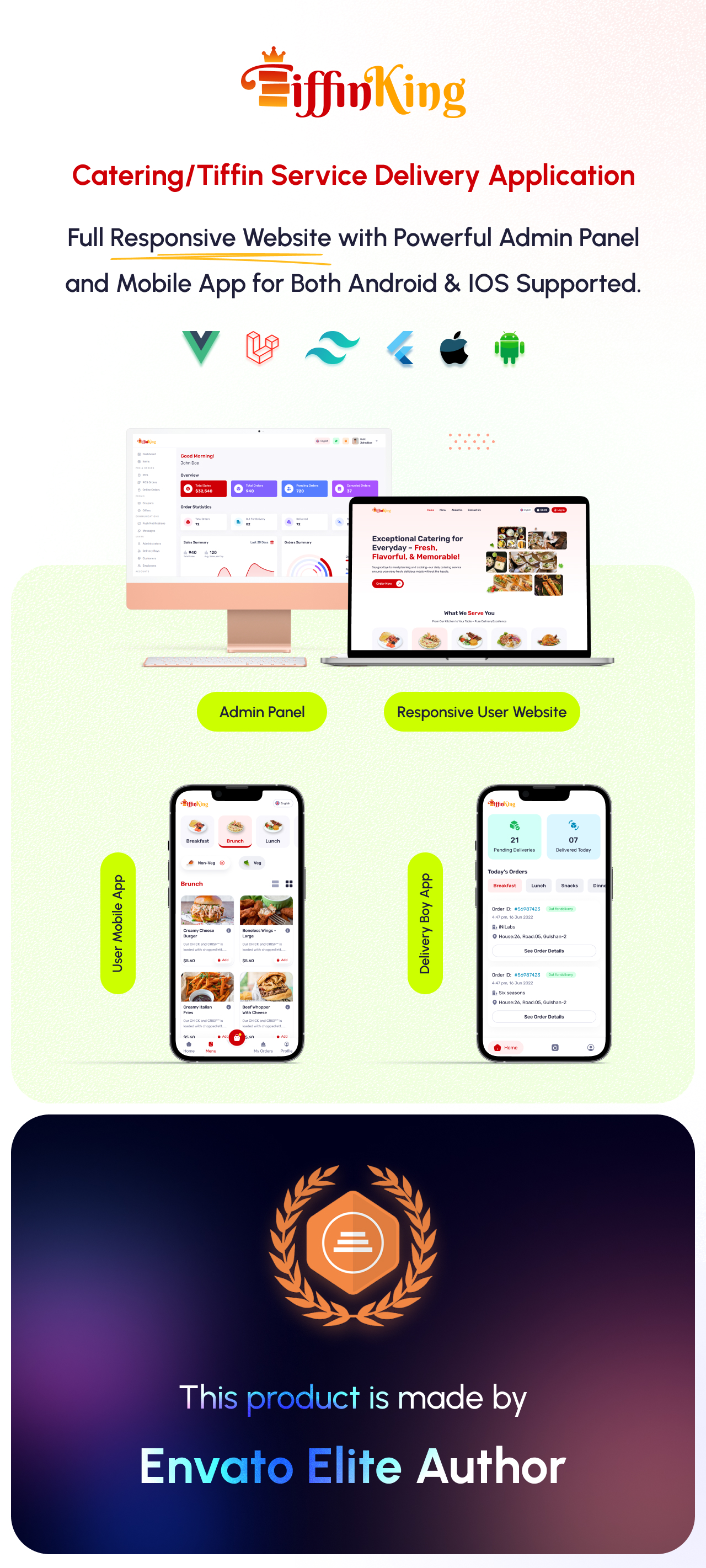
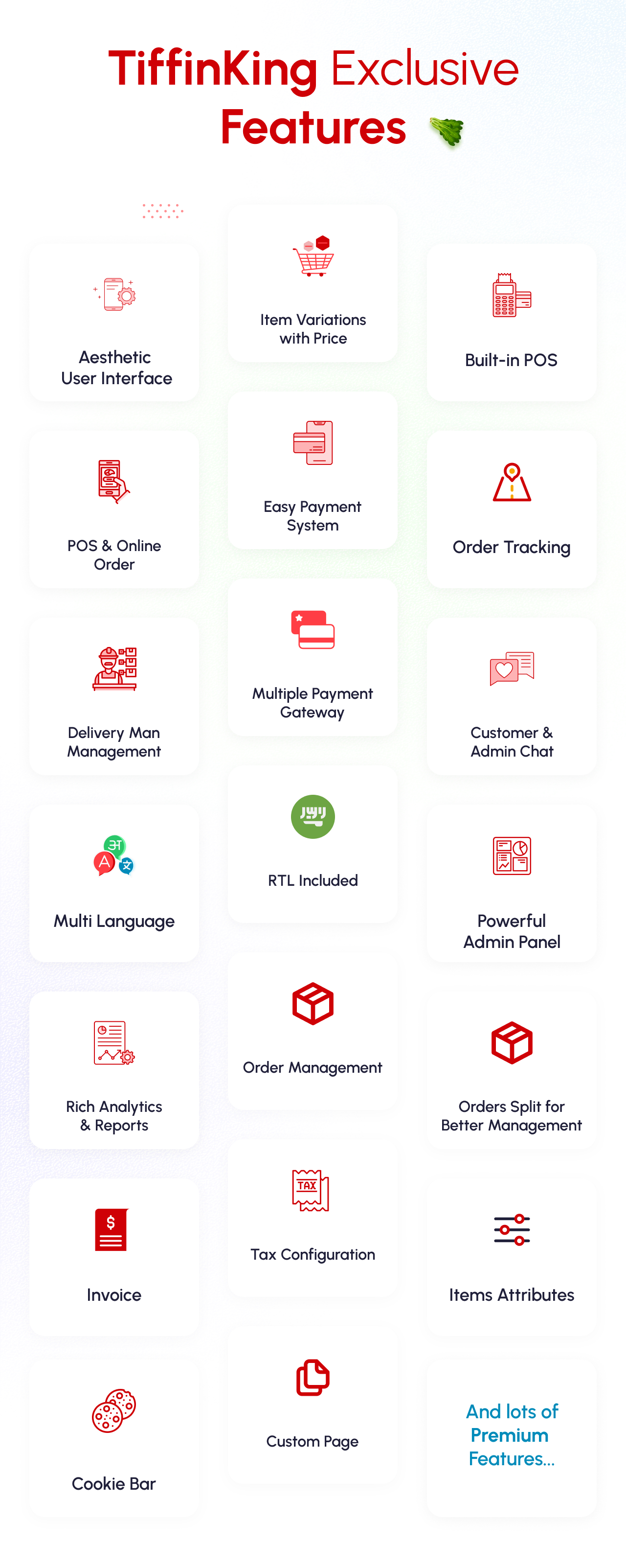
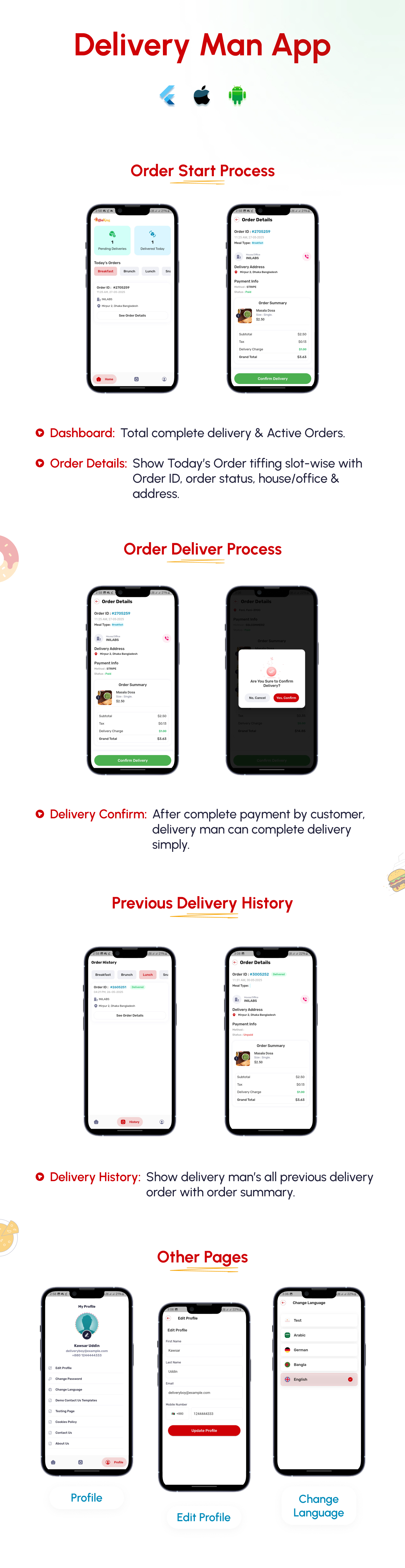
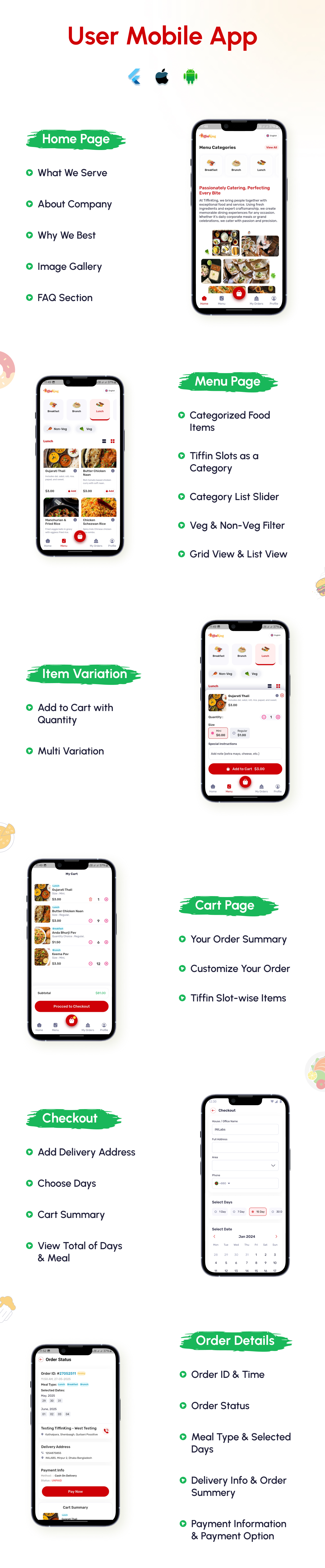
Tiffinking is a cutting-edge food delivery app and restaurant management system designed to support catering businesses and restaurants. It comes with a robust POS system, complemented by user-friendly applications, including an app for customers, a website, and an app for delivery personnel. The system boasts a feature-rich admin panel developed with Laravel Framework and Vue, empowering you to efficiently and intelligently manage every aspect of your restaurant operations. Experience accelerated growth and seamless management with Tiffinking’s powerful tools at your disposal.
Demo Credentials
Web & App Login Credentials
Admin
email: admin@example.com
password: 123456
Customer
email: customer@example.com
password: 123456
Delivery Man
email: deliveryboy@example.com
password: 123456
Pos Operator
email: posoperator@example.com
password: 123456
Customer User Journey
- Users can see the home page. Here have the variant types of food.
- The user can log in to the system with his email and password. otherwise, he can signup for this with some information.
- When customers click on a product there have possible many options like product variation, extra, and some addons also. They can easily manage the product quantity and add it to the card.
- If the customer clicks the “process to checkout” button he could see the checkout page. if the customer did not have a login then it will redirect to the login page and after login, signup, or guest login then he can see the checkout page.
- The checkout page has many functions. first of all, the customer can select how many days they want the meal for and can select the dates. now select the area. and specify the delivery address. now select which time he can get the order and select the payment gateway like cash on delivery and other card payment options. now click the place order button.
- Now the customer can see his order details with the current status for this order on the order summary page.
- There has the option to see the previous order. then go to the user dropdown option then see my order link then click my order link the customer can see the previous order.
- There has a chat option. where customers can easily contact the branch manager by chat. go to the chat menu from the user dropdown and start a chat.
Frontend Features
- Home Page
- Allow location
- Branch switch
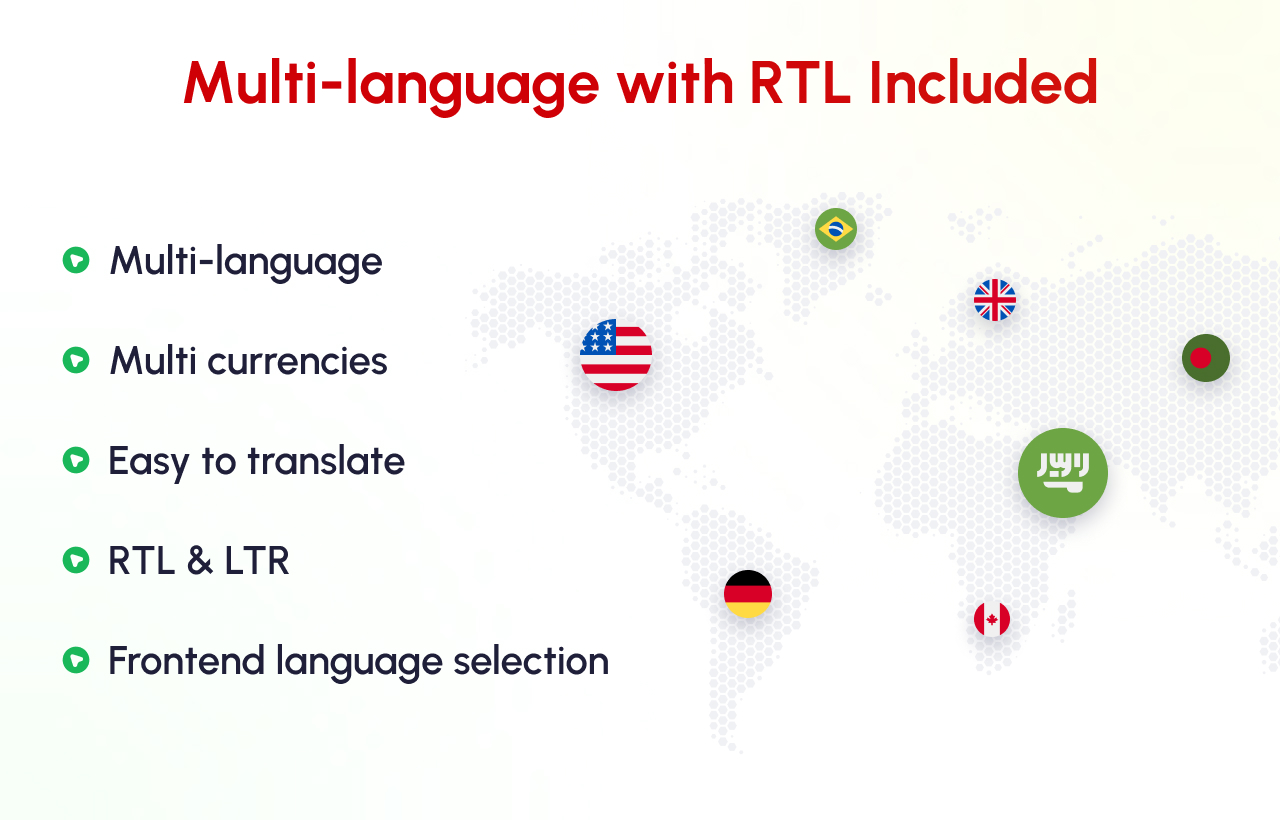
- Language switch
- Search item
- Menu-wise item search (Category)
- Veg/Non-veg wise item search
- Newsletter subscription
- Footer section
- Menu page
- Menu-wise item search (gird and list view)
- Variation page
- Show variation (single and multi-variation)
- Add to cart
- Cart page
- Set all product lists with variation and addon also
- Checkout page
- Add delivery address system
- Delivery dates add
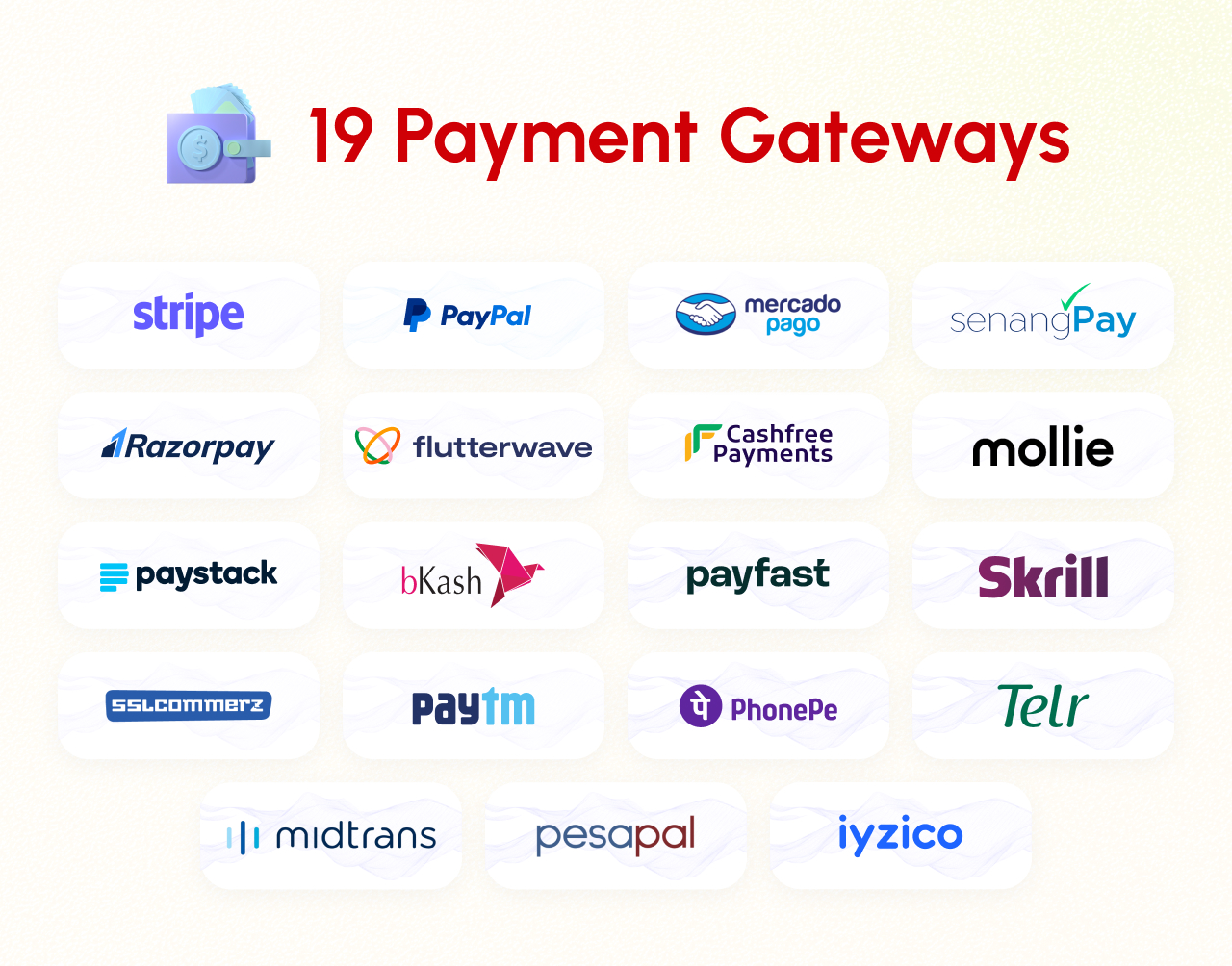
- Add Payment gateway
- PayPal
- Stripe
- RazorPay
- FlutterWave
- PayStack
- Bkash
- Sslcommerz
- PayTm
- MercadoPago
- SenangPay
- Cashfree Payments
- Mollie
- Item list also
- My orders
- Set my order list (active & previous order)
- Order view (active & previous order, Cancel order also)
- Auth
- Login with guest login
- Register
- Forget password
- Profile
- Address CRUD
- Profile edit
- Change password
- Messing system
- Other page
- Contact us
- About us
- Terms & conditions
- Privacy
Backend Features
- Dashboard
- Items
- Item info
- Item variations
- Item extras
- Item addon
- POS
- Live orders
- Orders
- Order info
- Invoice
- User details
- Push notification
- Messing
- Users
- Admins
- Profile
- Security (change password)
- orders
- Delivery Boy
- Profile
- Security (change Password)
- Orders
- Customer
- Profile
- Security (change password)
- Orders
- Accounts
- Transactions
- Reports
- Sales
- Item (which item is a high-selling item)
- Credit Balance (user wallet balance)
- Settings
- Company
- Site
- Logo & icons
- Branches
- Mail
- Currencies
- Taxes
- Item Categories
- Item Attributes
- Sliders
- Pages
- Languages
- SMS
- Notifications
- Socials (optional)
- OTP
- Analytics
- Cookies
- Payment Gateways
- Role & Permissions
- App
- License Code
- Addons
- Update
Change Log
Version 1.5 (06 May 2026)
- AI-powered product creation added - Auto-generate product name, description, and caution using AI - AI Chat Assistant introduced in admin panel - Admin can chat with AI for instant help and content generation - Stock management improved with order rejection handling (automatic stock adjustment) - Project version is now displayed in the dashboard - App latest version update (flutter 3.41.7 , dart 3.11.5)
Version 1.4 (17 Mar 2026)
- Added seamless Google login functionality, allowing users to quickly sign in or register using their Google account - Customer app latest version update (flutter: 3.41.1, Dart: 3.11.0) - Improved app performance and stability - Better compatibility with latest devices and OS versions - Enhanced UI responsiveness and smoother user experience
Version 1.3 (19 Dec 2025)
- Dashboard side menu bug fixed - Frontend home page bug fixed
Version 1.2 (05 Nov 2025)
- Profile minor bug fix - Improve no data available message - Administrator minor bug fix - App latest version update (flutter 3.35.6 , dart 3.9.2)
Version 1.1 (15 Sep 2025)
- Minor design issue fix - Minor bug fix
Version 1.0 (3 June 2025)
- Initial Release