Thesis Post Image Converter
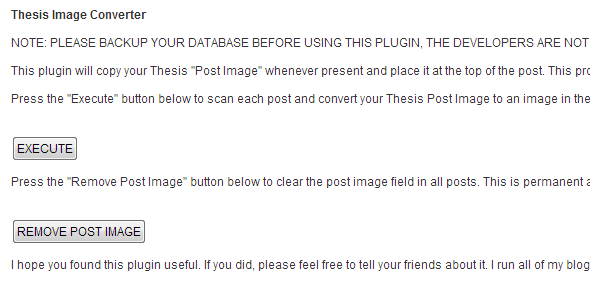

If you are a long time user of the Thesis theme, you may have used the “post image” feature to place images around your site.
If you decided to change to a new theme, your “post images” would have been lost unless you manually added the images to the post content one-by-one. This plugin changes that.
With the Thesis Post Image Converter plugin, you can convert both externally hosted and internally hosted post images to in-content images in one click.
If you move to a theme that uses featured images, such as Genesis, the images are placed to automatically be detected as a featured image.
Updated in December, 2016 to resolve some permissions errors, improve performance and user interface, and ensure compatibility with the newest version of WordPress.
0 average based on 1 ratings.

| Last Update | 2016-12-27 |
| Created | 2013-04-24 |
| Sales | 46 |
| Discussion | Comments |
| Compatible Browsers | IE6 IE7 IE8 IE9 IE10 IE11 Firefox Safari Opera Chrome Edge IE8 IE9 IE10 IE11 Firefox Safari Opera Chrome |
| Software Version | WordPress 4.7.x WordPress 4.6.1 WordPress 4.6 WordPress 4.5.x WordPress 4.5.2 WordPress 4.5.1 WordPress 4.5 WordPress 4.4.2 WordPress 4.4.1 WordPress 4.4 WordPress 4.3.1 WordPress 4.3 |
| High Resolution | No |
| Files Included | JavaScript JS CSS PHP JavaScript JS CSS |
| Video Preview Resolution |


