Theme Creator
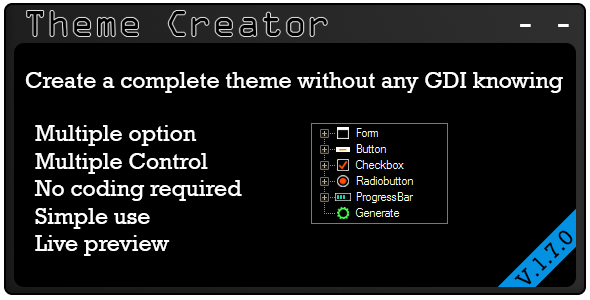

Theme creator let you to create a complete theme for .Net whitout any knowing of GDI (no coding required)
Is very simple to use and there is multiple option for every control, double click on what control you want, edit, click on generate and copy the code.
When editing you can see the edited control with the changes in realtime in the preview box
After the codes are copied you can open a project, add a class, erase all inside that class and paste the generated code, compile and all the created control are in the Toolbox
Take a look at the video or the screenshot
In the future update i add more controls and new type of controls
Version 1.7.0
- Added control: Switch
- Added control: Separator
- Corrected little bugwith windows 10
- Now is possible to generate or not the themebase
- New generation form
Version 1.5.0
- Added control: Progressbar
- Corrected little bug of the round button
- About in the main page
- New icon for every control
Version 1.0.0
- Added control: Form
- Added control: Button
- Added control: Checkbox
- Added control: Radiobutton
- Little fix on generated code
- Added Preview box
0 average based on 1 ratings.

| Last Update | 2016-06-22 |
| Created | 2016-05-02 |
| Sales | 12 |
| Discussion | Comments |
| Application Runtime | .NET 2 |
| High Resolution | No |
| Compatible OS Versions | Windows XP Windows Vista Windows 7 Windows 8 Desktop Windows 10 |
| Video Preview Resolution | 854x480 |
Search plugins
Browse Categories


