String- Social Media UI Kit Flutter - Thread & Twitter


String | Social Media UI Kit Flutter
String is a complete social media application UI kit built with Flutter. It provides 35+ production-ready, responsive screens — feed, posts, polls, discovery, audio rooms, live stream, chat, profiles and settings — all written in Dart with a single shared design system, so you can drop them into a project and connect your own backend.
This is a front-end UI kit. Every screen is fully built and navigable using static sample data, which makes it a fast starting point for developers and studios building a social, community or creator app, and a ready-made reference for designers and agencies preparing client work. Please read Demo instructions and What is not included below before purchasing.
Demo instructions
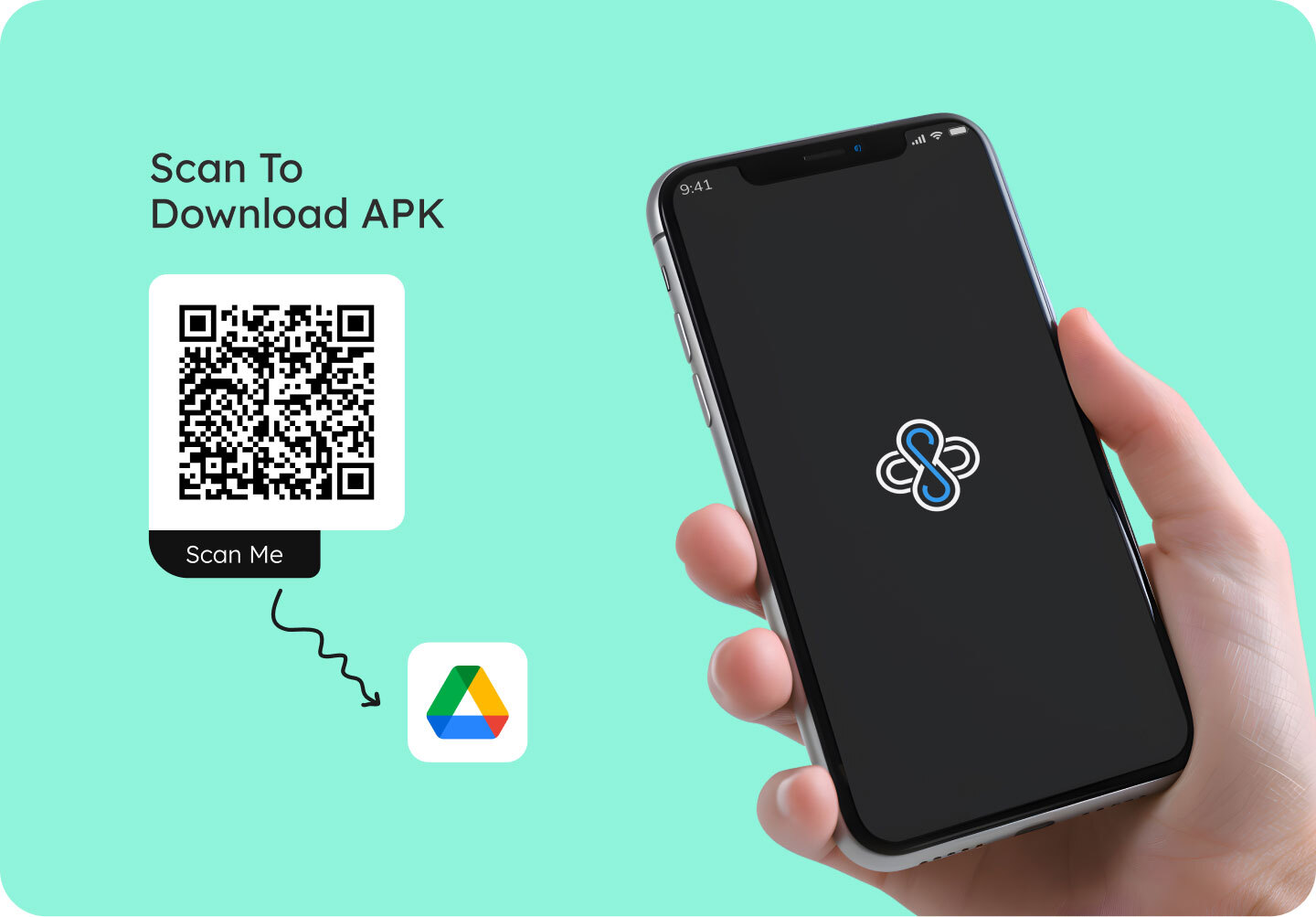
A demo APK is included in the download. Install App.apk on an Android device or emulator, then sign in on the login screen with:
- Email: demo@string.app
- Password: demo1234
String is a user interface kit and is not connected to a backend or account system, so these credentials are provided purely for convenience — any email and password will be accepted, and the fields may also be left empty. The same applies to the OTP screen, where any code, or no code, continues.
To reach the main app from a fresh install: wait for the splash screen, tap Get Started, then Login at the bottom of the sign-up screen, enter the details above and tap Login.
- Install App.apk from the download on an Android device or emulator.
- Wait for the splash screen, then tap Get Started.
- On the sign-up screen tap Create Account with the fields blank, then Verify without entering a code.
- Tap Update and Continue, then Login, and you are in the main app.
- To reach the login screen directly, tap Login at the bottom of the sign-up screen and press the Login button with both fields empty.
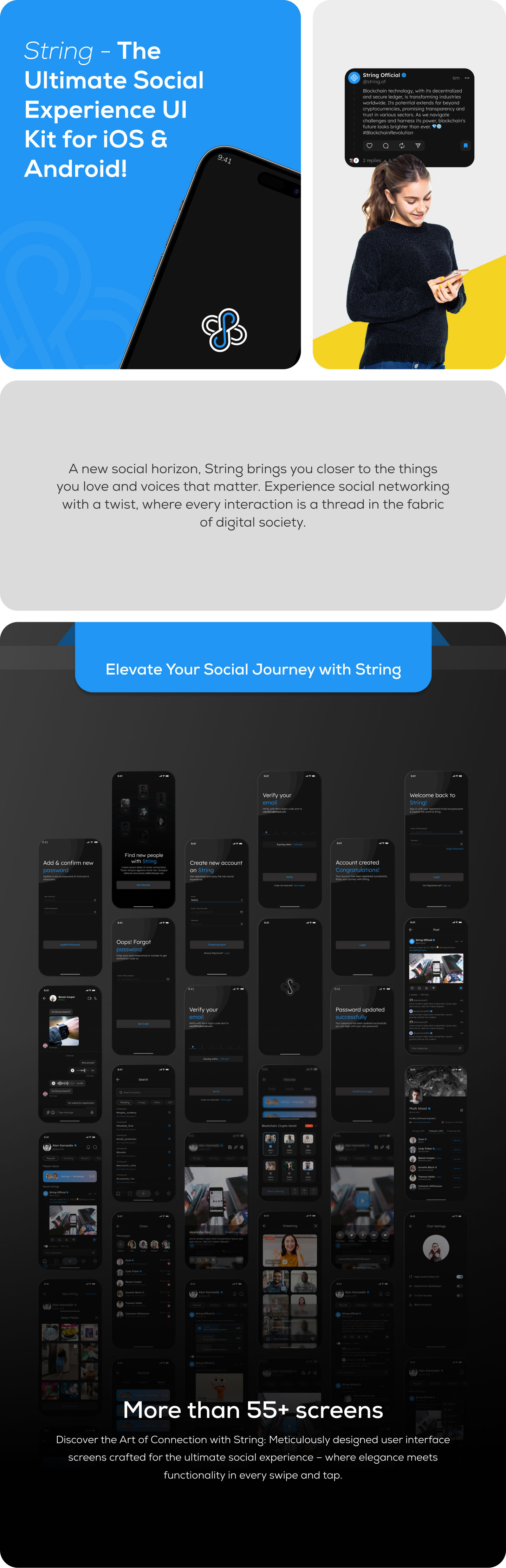
Screens included
Onboarding and authentication
- Splash screen and onboarding screen
- Sign up, OTP verification, profile details and complete profile
- Account created confirmation
- Login, forgot password, set new password, password updated confirmation
Feed and posts
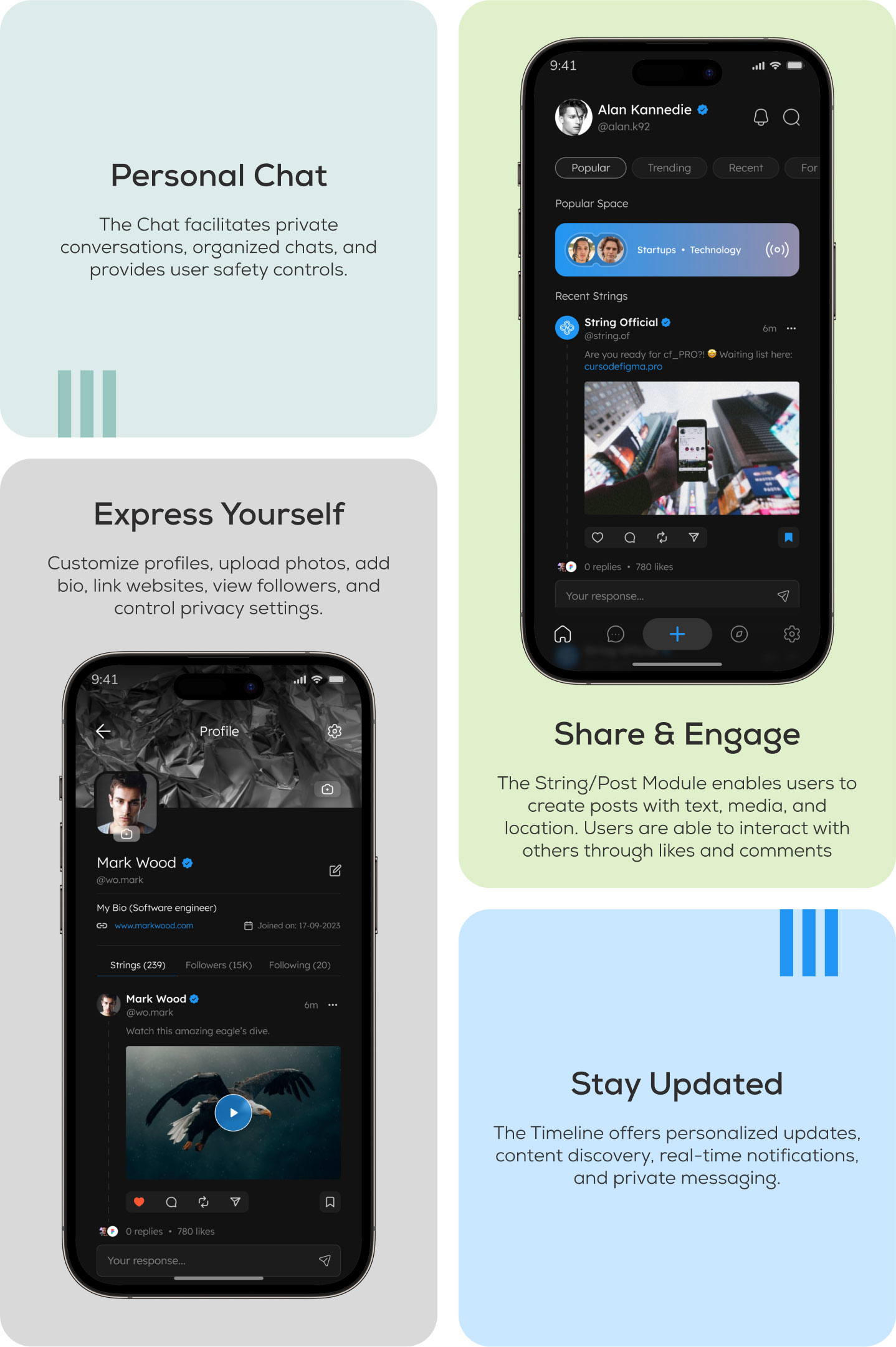
- Home feed with Popular, Trending and Recent tabs
- Single image, multi image and video post detail screens
- Create post with media picker and gallery selection
- Create poll screen and poll results layout with vote counts and expiry
- Post editor
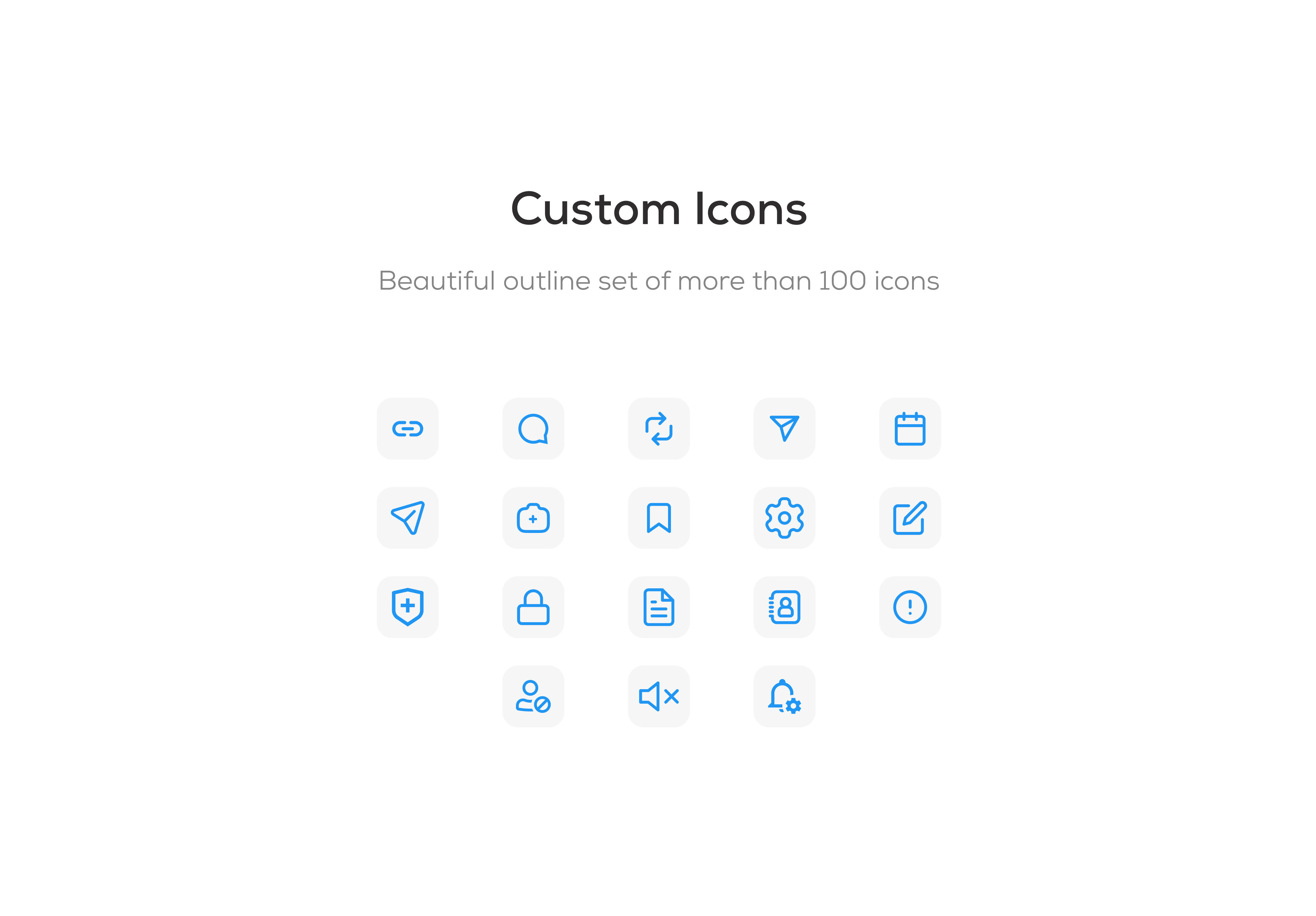
- Like, comment, repost, share and bookmark components
Discovery and search
- Discover screen with People, Popular and Space tabs
- Trending topics list
- Search screen with tabbed results
- Suggested accounts with follow actions
Audio rooms and live
- Space audio room interface with speakers, listeners and room controls
- Live stream viewer interface
Messaging
- Chat list
- Chat detail with text, image and voice note message layouts
- Chat settings
Profiles
- Own profile and other user profile, with Strings, Followers and Following tabs
- Cover and avatar layout with edit affordances
- Edit profile
Notifications and settings
- Notifications screen and notification preferences
- Account privacy controls
- Blocked accounts and muted accounts
- Contact info, change password, terms and conditions
- Deactivate account flow
Features
- 35+ ready-made screens covering a full social app flow
- Clean dark theme applied consistently across every screen
- Edge-to-edge layout that respects the iOS notch and Dynamic Island, the Android status bar and the home indicator
- Responsive sizing with flutter_screenutil, based on a 430 × 932 design baseline
- GetX state management and navigation
- Centralised colours, text styles and reusable widgets, so restyling is done in one place
- Reusable components: text fields, buttons, tab bars, list tiles, bottom sheets, OTP inputs
- Commented, readable Dart code organised by feature
- Documentation covering setup, running the app, the project architecture, connecting your own backend, and troubleshooting
Important: real-time features require paid third-party services
The live stream screen and the Space audio room screen are user interface only. They do not capture, transmit or play real audio or video.
To make these features work, you must subscribe to a third-party real-time audio and video provider and add their SDK yourself. These providers charge by usage, and no account, SDK or usage allowance is included with this item. Please budget for this before relying on these features.
What is not included
String is a UI kit, so the front end is complete but there is no server side:
- No backend, database or API integration. There are no HTTP, REST or GraphQL calls. All content is static sample data defined directly in the Dart files, and there is no API base URL, authentication token or API key to configure. The documentation explains how to add your own.
- No push notifications. Firebase is not included and no configuration file is required. The notifications screen and preferences are interface only.
- No live streaming or audio room infrastructure, as described above.
- No biometric or social login. The authentication screens are interface only.
- Mobile only. The project is configured for Android and iOS. Web and desktop targets are not included.
Supported platforms
- Android 7.0 and newer (minSdk 24, targetSdk 36)
- iOS 13.0 and newer
Technical requirements
- Flutter 3.44.0 (pinned in the project with FVM)
- Dart 3.12.0, SDK constraint
^3.10.4 - Android build: Gradle 9.1.0, Android Gradle Plugin 9.0.1, Kotlin 2.3.20, compileSdk 37, JDK 17 or newer
- Android Studio latest stable, with the Flutter plugin
- iOS build (macOS): Xcode 16 recommended (15 minimum), CocoaPods 1.16.2 recommended. iOS plugins use Swift Package Manager and are prepared automatically
Key dependencies
- get — state management, routing and dependency injection
- flutter_screenutil — responsive sizing
- google_fonts — typography (font files are bundled, so no download is needed at runtime)
- wechat_assets_picker and photo_manager — gallery and media selection
- image_picker — camera and single image capture
- permission_handler — runtime permissions
- flutter_svg and flutter_tabler_icons — vector assets and icons
- buttons_tabbar, flutter_staggered_grid_view, pull_to_refresh, flutter_otp_text_field, flutter_countdown_timer — interface components
All dependencies are published on pub.dev and are installed with flutter pub get. No paid or private packages are required.
Documentation and support
The download includes written documentation covering installation, running the project, the project architecture and key classes, adding or modifying screens, connecting your own backend and API, environment configuration, building for release, and troubleshooting common Android and iOS build errors. If you have a question about the kit, please get in touch through our profile page.
0 average based on 0 ratings.
%20(1).jpg)


