Staff Workload for Perfex CRM

Note: This is a module for Perfex CRM. Not a standalone script.
Brief description
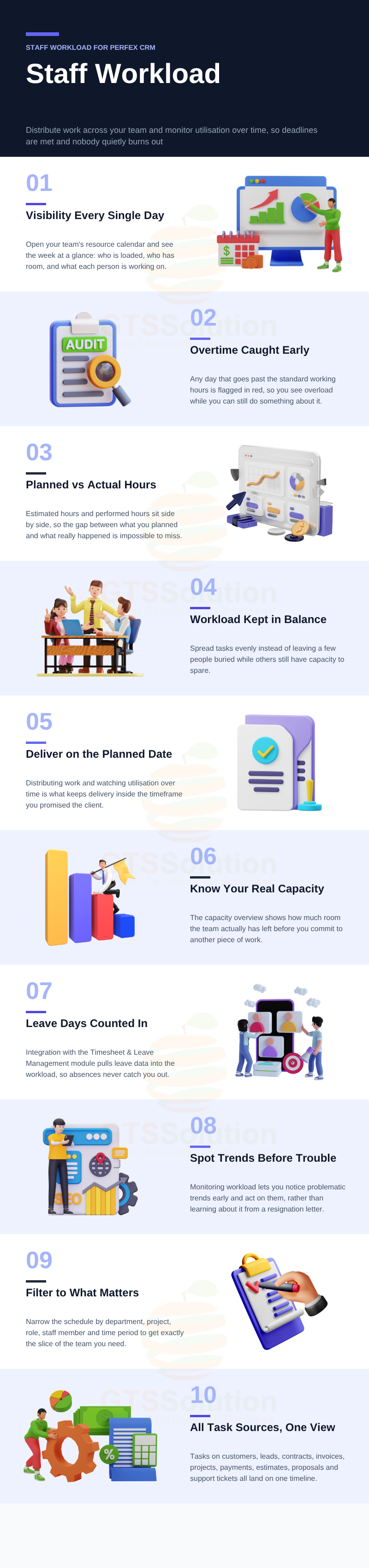
Staff Workload Module is a process of distributing work among employees and monitoring people’s utilization over time. The goal is to deliver work within the planned timeframe while keeping the workload of every team member healthy and balanced.
Without workload management you learn about the danger when it’s too late to prevent the consequences: usually when people hand in their resignation papers or when a project’s progress is seriously impeded. By monitoring workload you can spot problematic trends early and resolve issues before they escalate.
Module Features
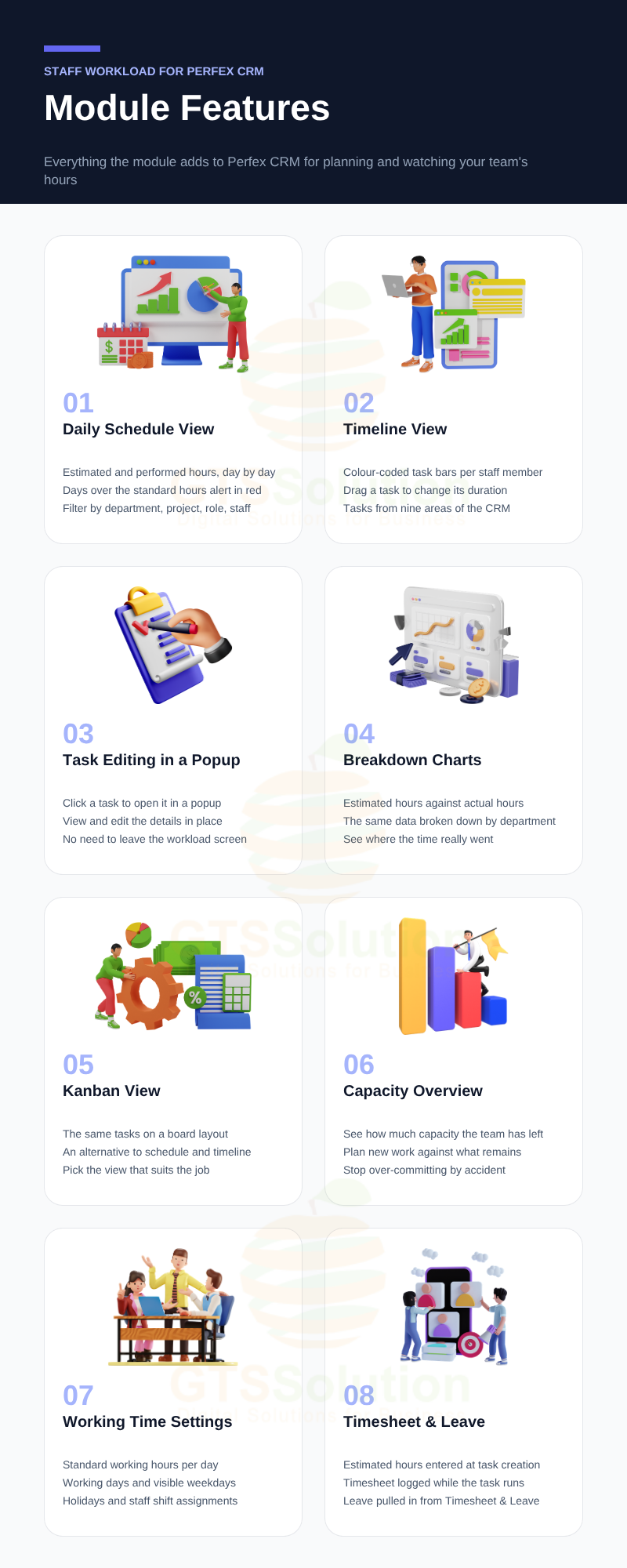
- Daily Schedule View — See each staff member’s work schedule day by day, with estimated hours and performed hours side by side.
- Days that exceed the standard working hours are highlighted in red as an alert.
- Filter the schedule by department, project, role, staff and time period.
- Timeline View — Visualize the timeline of each staff member’s tasks with colour-coded bars.
- Covers tasks on customers, leads, contracts, invoices, projects, payments, estimates, proposals and support tickets.
- Drag a task on the timeline to adjust its duration.
- Task Editing in a Popup — Click any task to view and edit its details in a popup, without leaving the workload screen.
- Breakdown Charts — Charts showing estimated hours, actual hours and the data broken down by department.
- Kanban View — An alternative board layout for looking at the same tasks.
- Capacity Overview — Monitor how much capacity your team still has available.
- Working Hours Configuration — Set the standard number of working hours per day in the module settings.
- Working Days — Configure which days of the week count as working days, and choose which weekdays are visible on the screen.
- Holidays — Configure holidays so they are excluded from workload calculations.
- Staff Shifts — Assign shifts to staff members.
- Task Estimation — Enter the estimated hours of execution when a task is created.
- Timesheet — Log timesheet entries while the task is being carried out, so actual hours build up automatically.
- Timesheet & Leave Management Integration — Integrates with the Timesheet & Leave Management module so leave data is taken into account in the workload.
Demo
Set-up
Included documentation will help you upload and activate the module inside Perfex CRM, if you are not aware on how to do it.
Support
Our support team is always around to help. Feel free to raise a support ticket.
Guys from support department will get back to you as soon as possible with a reply, guiding you through any issues.
Changelog
Version 1.0.0 / 2020-06-21Initial versionVersion 1.0.1 / 2020-07-06
Fix some bugs Add working days When dragging a task in the timeline, the task time and estimate will changeVersion 1.0.2 / 2020-07-08
Fix minor bugs When clicking on the task, a popup will be displayed to allow viewing and editing the taskVersion 1.0.3 / 2020-07-15
Fix minor bugs Add Kanban view Add Holiday configuration Add working shifts to staffsVersion 1.0.4 / 2020-07-16
Optimize the Workload tabVersion 1.0.7 / 2021-01-29
Improve page loading speed. Add capacity, total available cap. Add capacity tab. Add settings to hide/show weekdays. Integrate with Timesheet & Leave module to get leave application data to calculate workload. Additional languages: bulgarian, catalan, chinese, czech, dutch, french, german, greek, indonesia, italian, japanese, persian, polish, portuguese, romanian, russian, slovak, spanish, swedish, turkish, ukrainian, vietnamese.Version 1.0.8 / 2026-10-03
Added Timesheet module integration. Added weekly and monthly Workload views. Added remaining estimated capacity and remaining capacity columns. Added task status filtering and capacity management. Added detailed workload information popups. Added automatic completion dates for completed tasks. Added options to show or hide weekdays on the Workload screen. Improved Timeline task details with task names shown on hover. Upgraded compatibility with PHP 8.1 and the latest Perfex CRM version.
$79 |
Download |
4.9 average based on 17 ratings.

| Last Update | 2026-10-04 |
| Created | 2020-06-22 |
| Sales | 430 |
| Discussion | Comments |
| Compatible Browsers | |
| Software Version | PHP 7.x |
| High Resolution | No |
| Software Framework | CodeIgniter |
| Files Included | JavaScript JS HTML CSS PHP SQL |
| Video Preview Resolution |


