Spendpath - React Native Expo Expense & Subscription Tracker


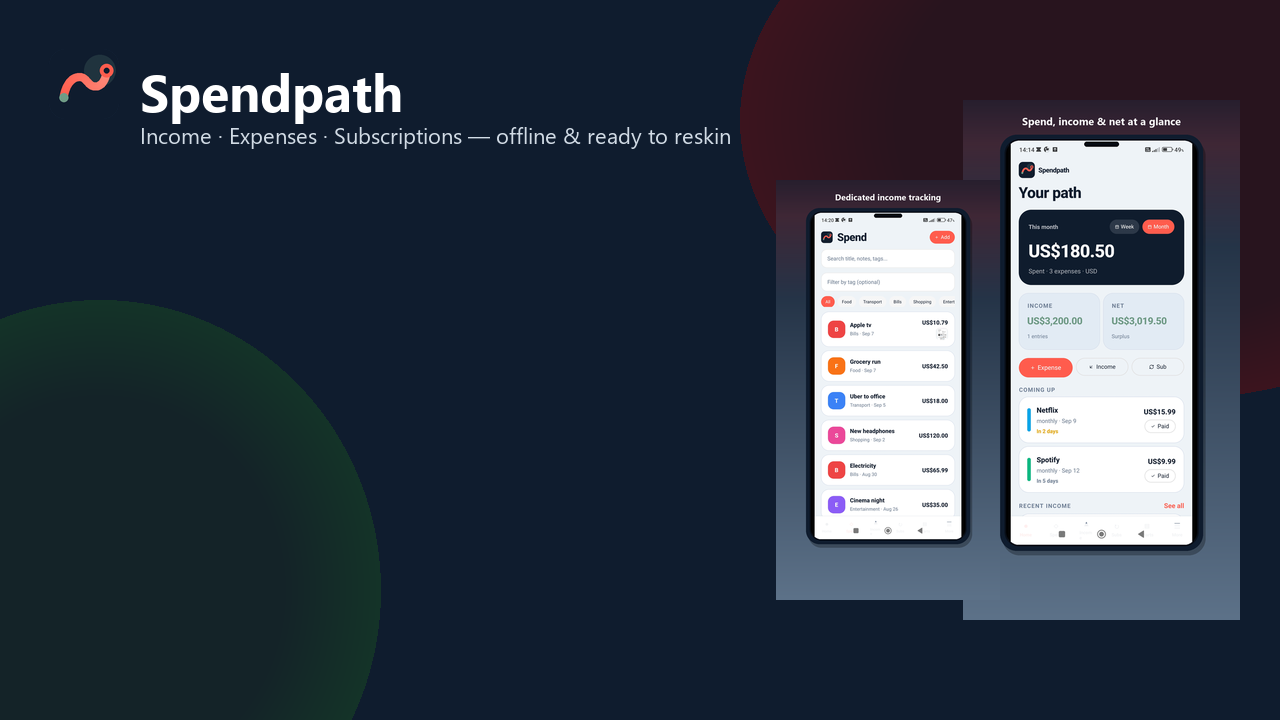
Spendpath — Offline Income, Expense & Subscription Tracker
Spendpath is a complete offline-first finance app built with Expo SDK 57, React Native, and TypeScript. Track income, expenses, and subscriptions, review analytics, export reports, and ship to the stores — with no backend required.
Buyers get a polished, store-ready codebase they can rebrand, recolor, and publish for Android and iOS from a single project.
| Offline-first | Ready to reskin | Monetization ready |
Key Features
| Income tracking | Expense tracking |
| Subscription manager | Smart dashboard |
| Analytics & export | Multi-currency |
| Light & dark themes | Onboarding & permissions |
| AdMob hooks | EAS Build ready |
App Screens
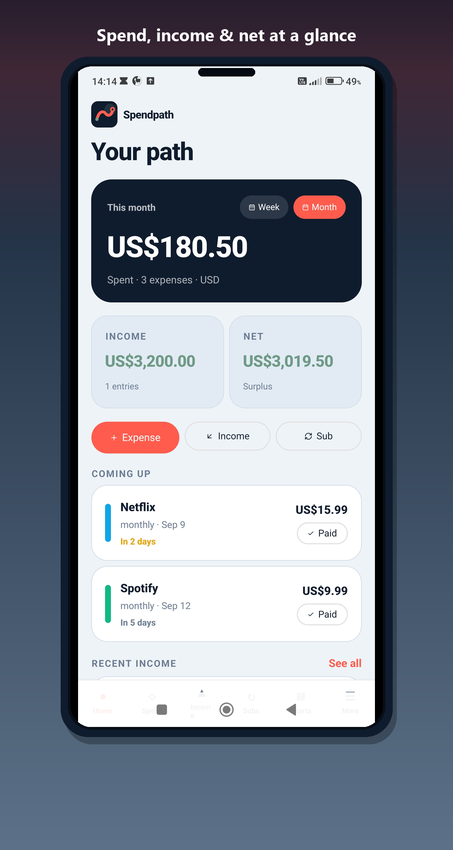
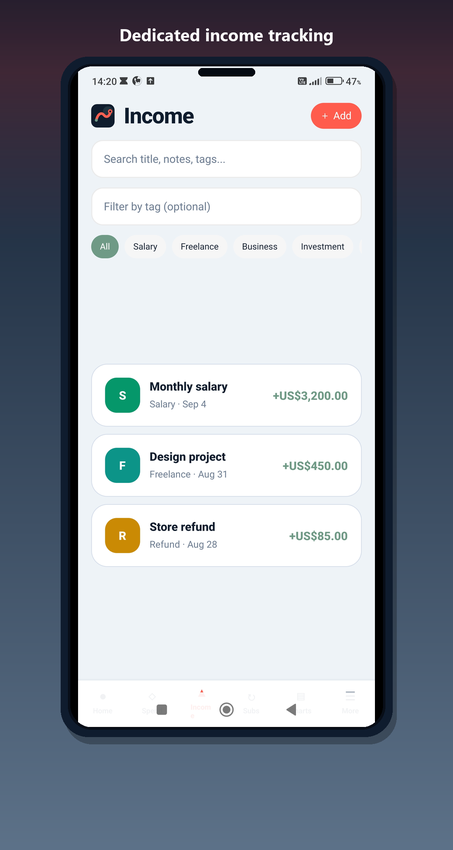
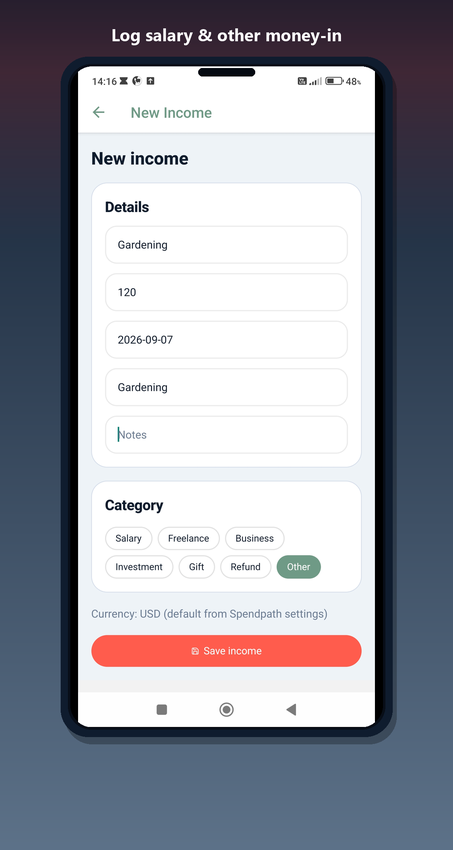
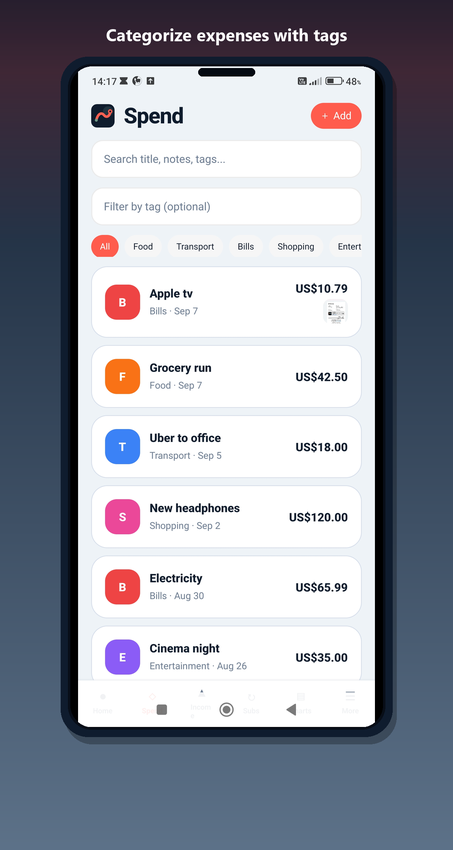
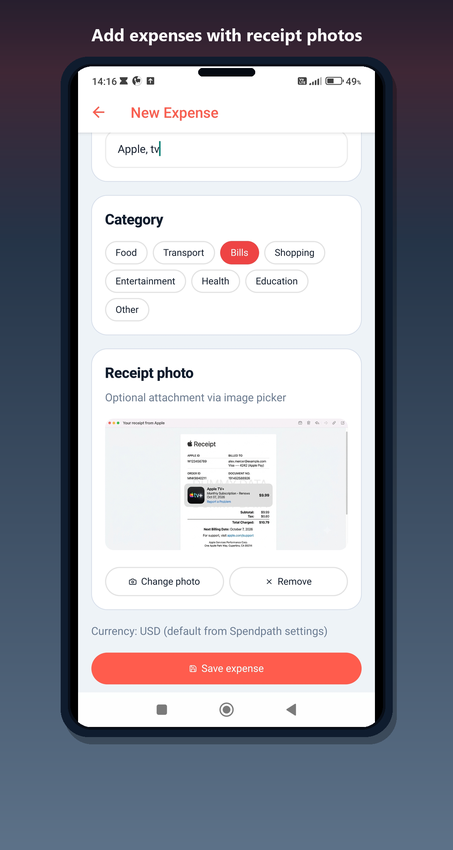
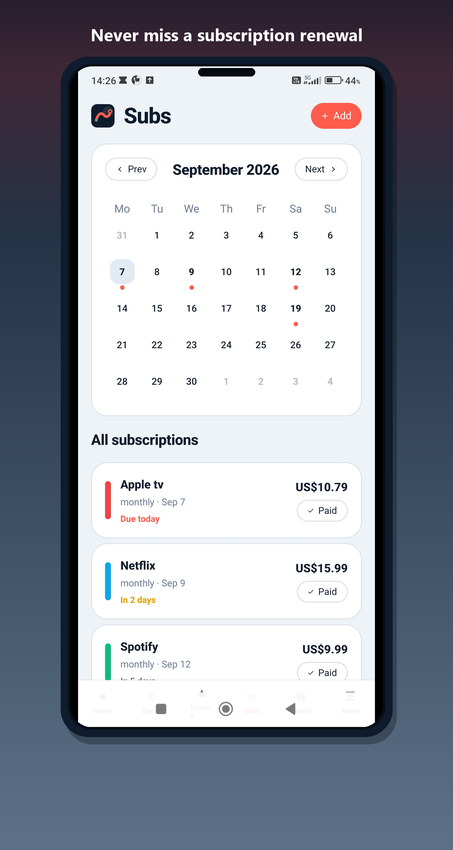
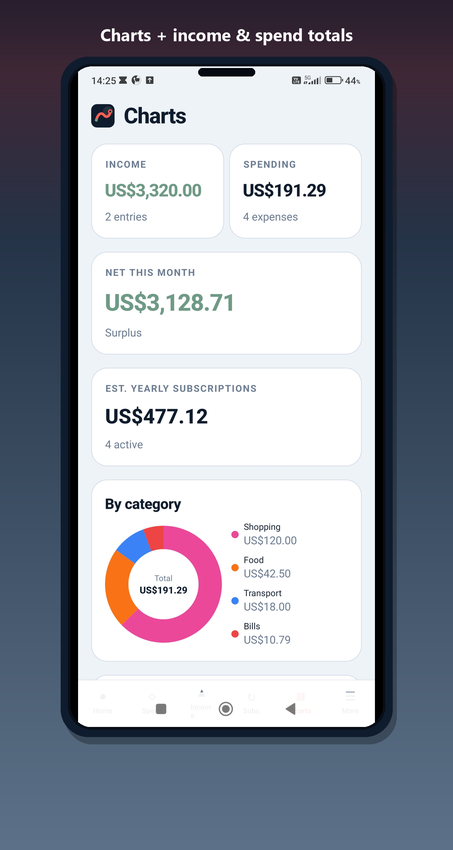
A clean Tamagui UI with coral accent on ink navy — designed to look premium out of the box and easy to rebrand.
| Dashboard | Income |
| Add income | Expenses |
| Add expense | Subscriptions |
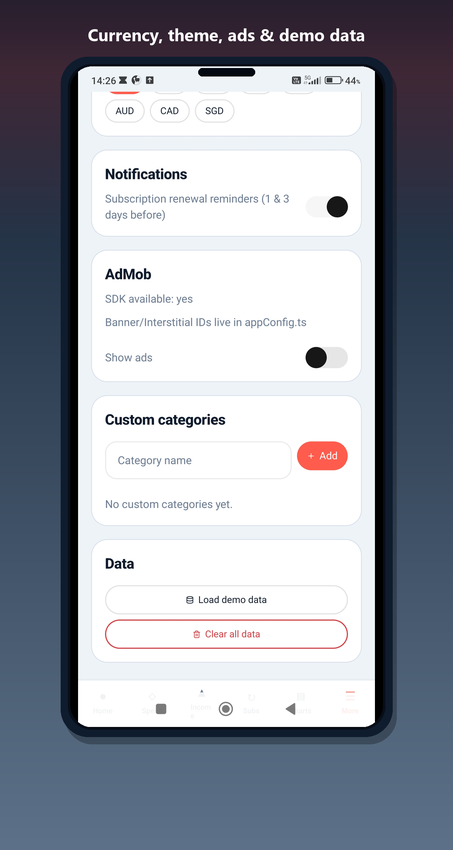
| Analytics | Settings |
What You Get
| Full source code | Complete modules |
| Buyer config | Theme tokens |
| HTML documentation | Online docs |
| README quick start | Unit tests |
Tech Stack
| Framework | UI |
| State | Charts |
| Monetization | Extras |
| Quality | Language |
Requirements
| Node.js | Framework |
| Local preview | Native ads |
| Store builds | Skill level |
| Platforms | Optional tools |
Quick Start
| 1. Extract | 2. Install |
| 3. Start | 4. Brand |
| 5. Docs | 6. Ship |
Changelog
| v1.1.0 — Income module | v1.0.0 — Initial release |
Notes
| No live web demo | Safe AdMob testing |
| Listing images | Documentation |
$20 |
Download |
0 average based on 0 ratings.

| Last Update | 2026-09-08 |
| Created | 2026-08-12 |
| Sales | 0 |
| Discussion | Comments |
| Software Version | Android 15.0 Android 12.0 Android 11.0 Android 10.0 Android 9.0 |
| Files Included | JavaScript JS |
| Video Preview Resolution |


