Real 3D FlipBook PDF Viewer WordPress Plugin
.jpg)

 |  |  |


The most powerful PDF and image viewer for your website!
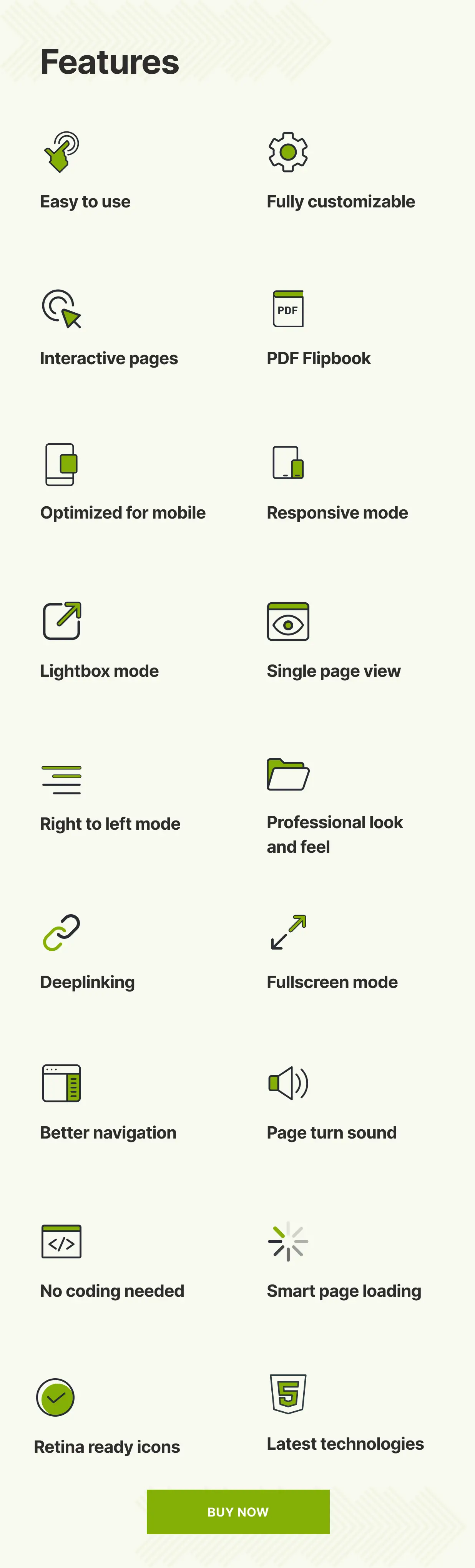
Real3D Flipbook displays your PDF-s or images as ultra realistic 3D flipbooks inside your website. No flash needed, 100% HTML5. Easy to use. Customizable UI. Customizable flipbooks. Fully responsive, optimized for mobile. Single page view, deep linking, interactive pages, PDF text search, PDF hyperlinks, unlimited books and pages, lightbox and much more.
NEW – Instantly Convert PDF Links to Interactive Flipbooks
Install and activate Real3D Flipbook to turn every PDF link <a href="...pdf"></a> on your website into an engaging lightbox flipbook. View PDFs as flipbooks directly on your site, with no extra setup required. Watch Video
What Buyers Say
Amazing: fast, good design, functional, friendly support!
- luisbalboa-creativeworks

After trying around 5 other plugins, Real 3D Flipbook stands out as the best one for many reasons. Among them: the quality of the plugin design, the variety of options available, and above all, the wonderful technical support from the developer, who helped me a lot to achieve the best results for my website.
- atef_wagih
Easy to use – and it`s looking absolute fascinating …Well done – good job !!!
- 4XSetUps
This really is an amazing plugin. But the best thing about it is that the author continues to improve it, support it and generally make it better and better and better. Thank you!
- anneboleynfiles
An excellent plugin, flexible, with the added bonus of having great support. Easily the best solution for flipbooks for wordpress !
- JaimBateman
After purchasing another plugin for flipbooks that was a pain to work with I was already pretty doubting if I should purchase this. However it turns out to be good, easy and fast in use!! It can work with large PDF’s en you not have to buy another seperate plugin for that purpose. Furthermore it has a great overview over the books and last but not least my PDF’s are shown in a great way on the site.
- Jip1980
Realistic 3D Flipbook
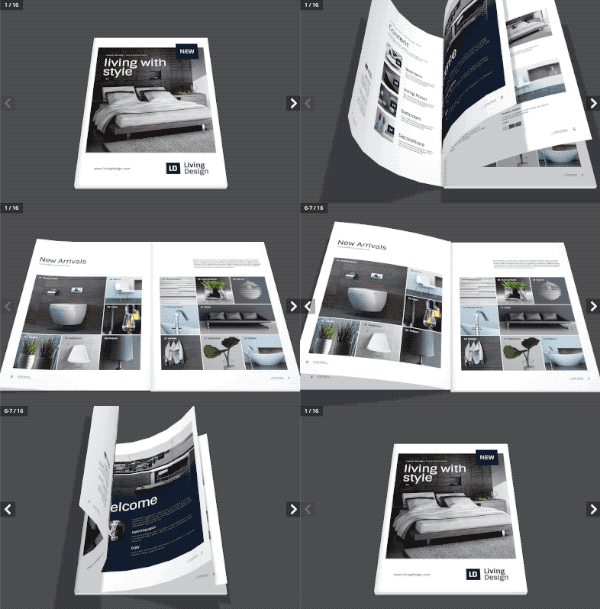
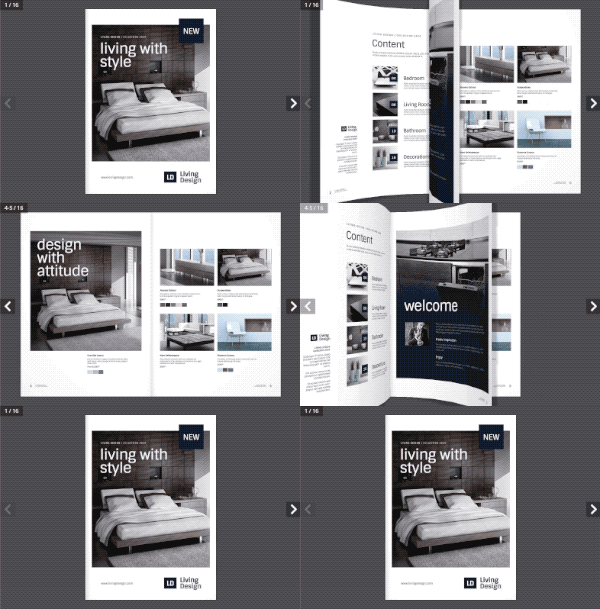
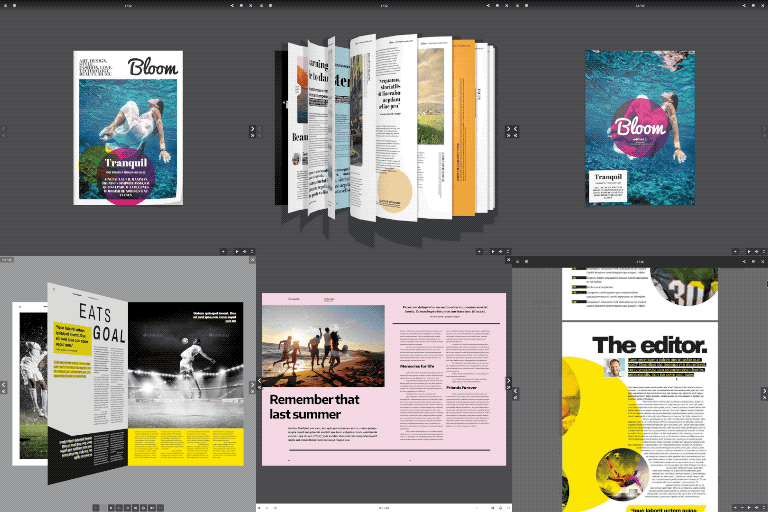
Real3D Flipbook uses WebGL to create ultra realistic 3D flipbooks with page bending, shiny pages, lights and shadows.
3D & 2D Flipbook

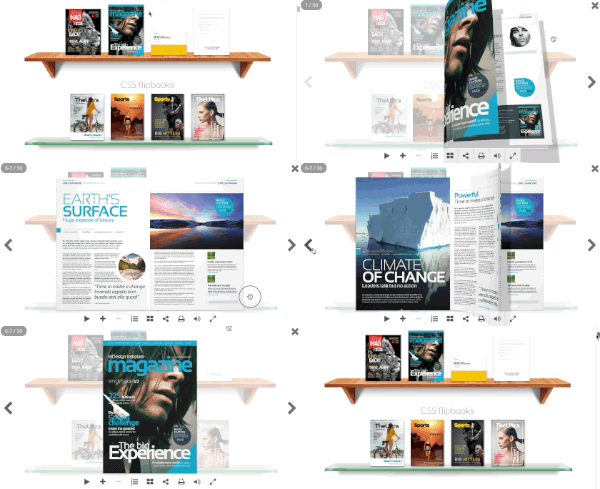
Ultra fast and lightweight flipbook made with CSS3, without use of WebGL. If your priority is fast page loding and high performance then CSS flipbook is the best option.
Swipe Book

Touch friendly swipe mode can be used only on mobile or as default viewer. Swipe mode displays documents with horizontal swipe instead of flip, which is more natural on mobile devices. Swipe mode detects screen size and orientation to display single page or double page layout.
Optimized for Mobile
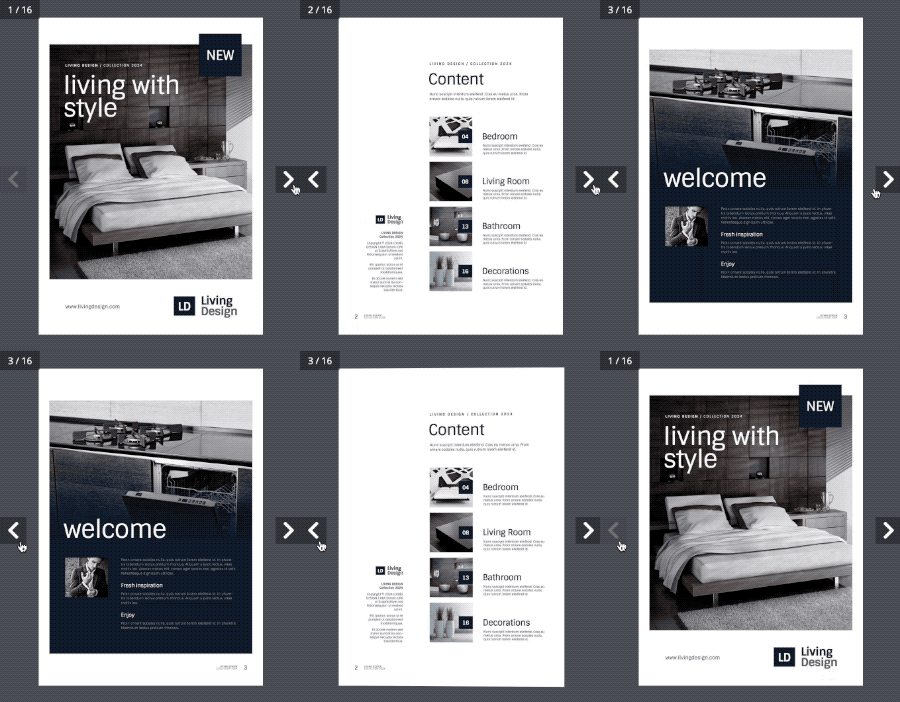
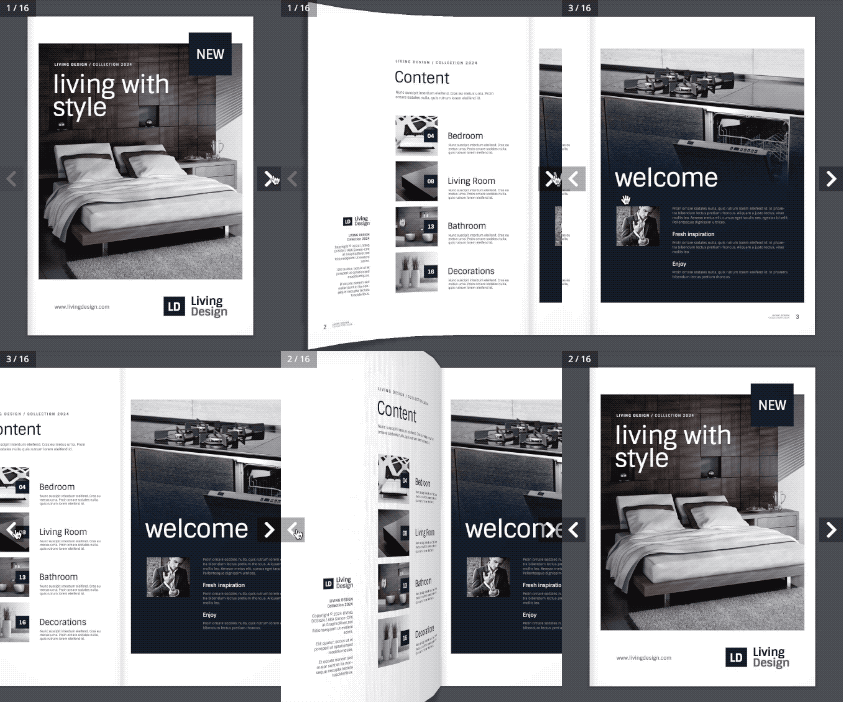
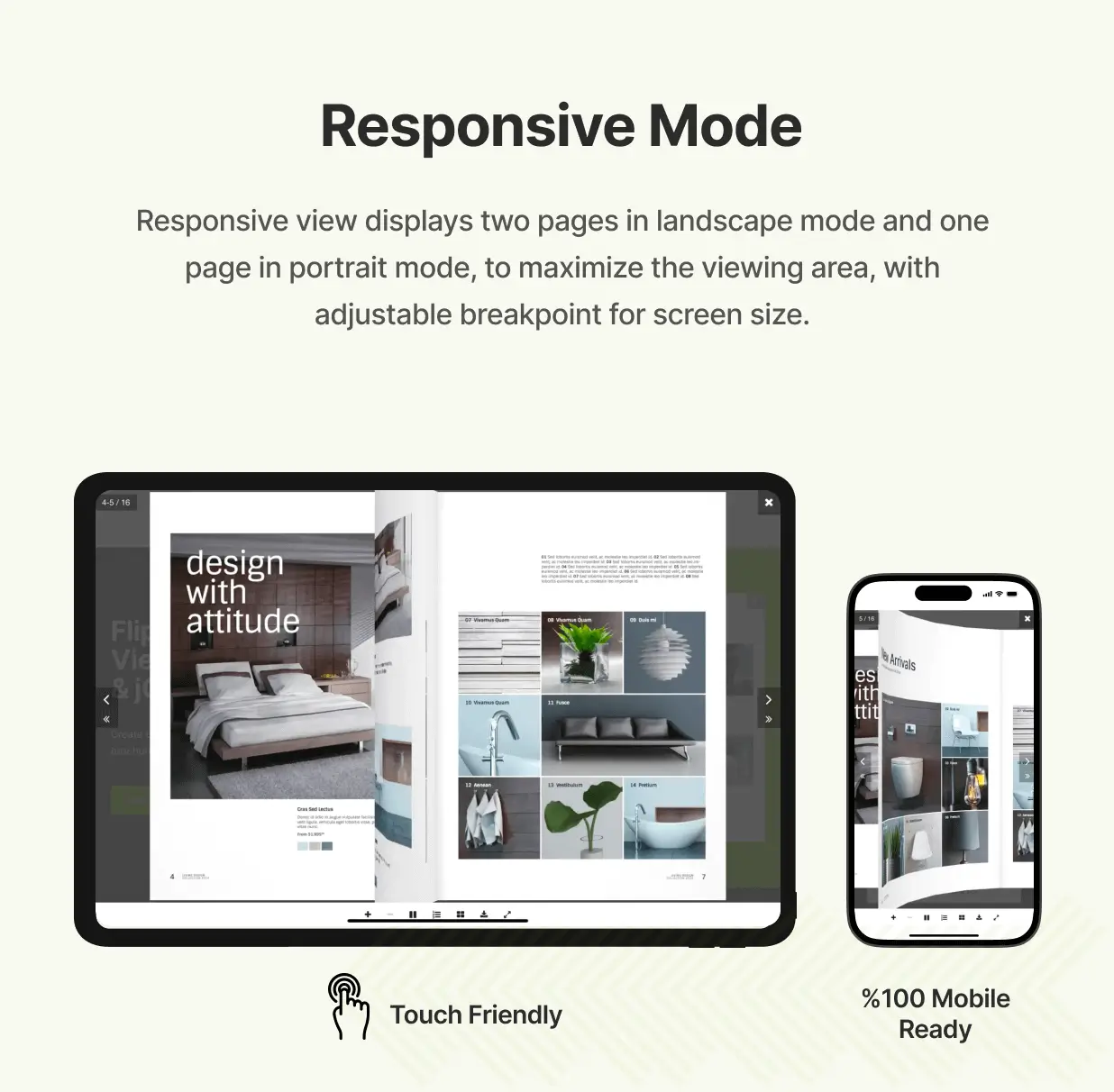
Real3D flipbook works well on all platforms – desktop & mobile. The default WebGL mode offers realistic 3D page flip animations with page bending, lights and shadows. This mode is supported on desktop browsers. There is alternative CSS3D mode that uses only CSS3 animations. There is also the Single page mode that can be used as default or only on mobile devices.
Customize UI
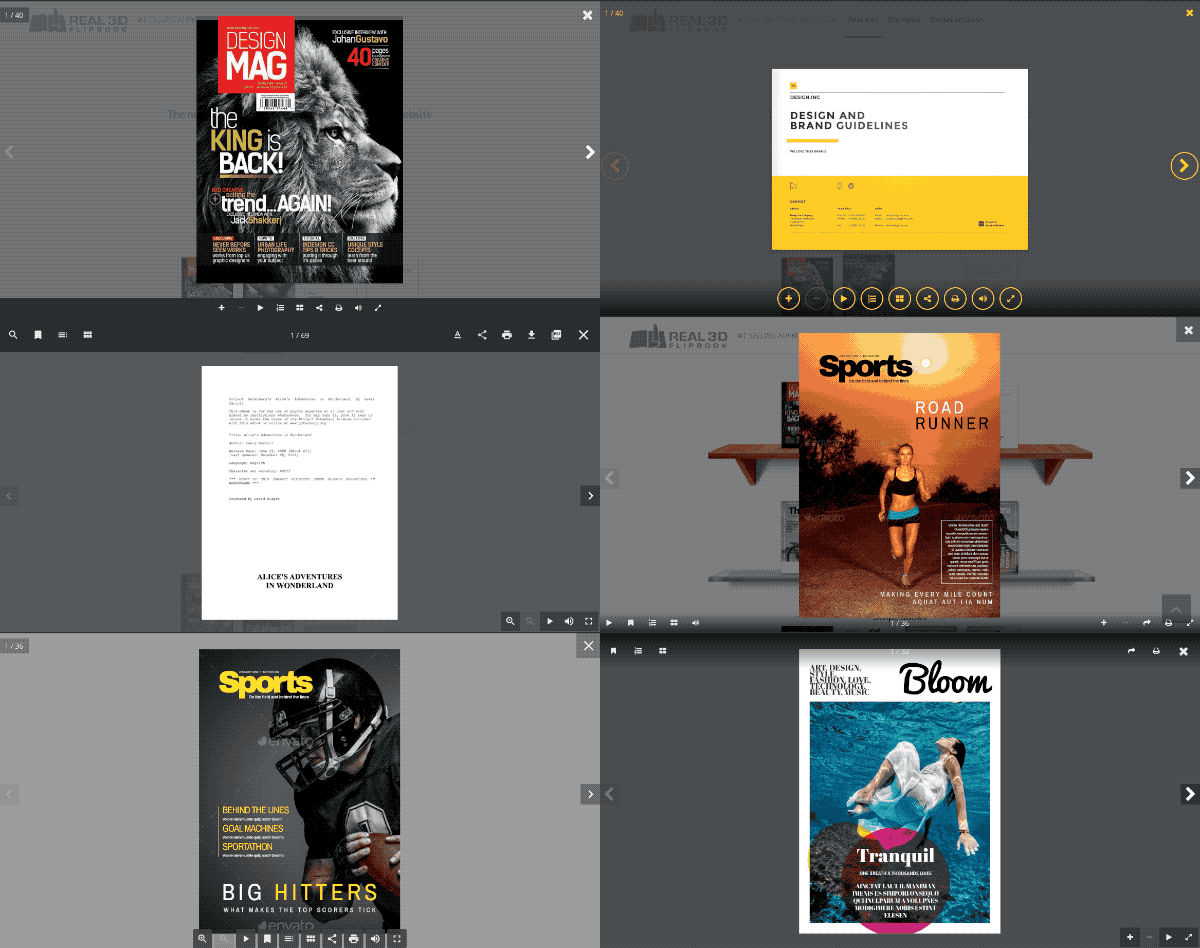
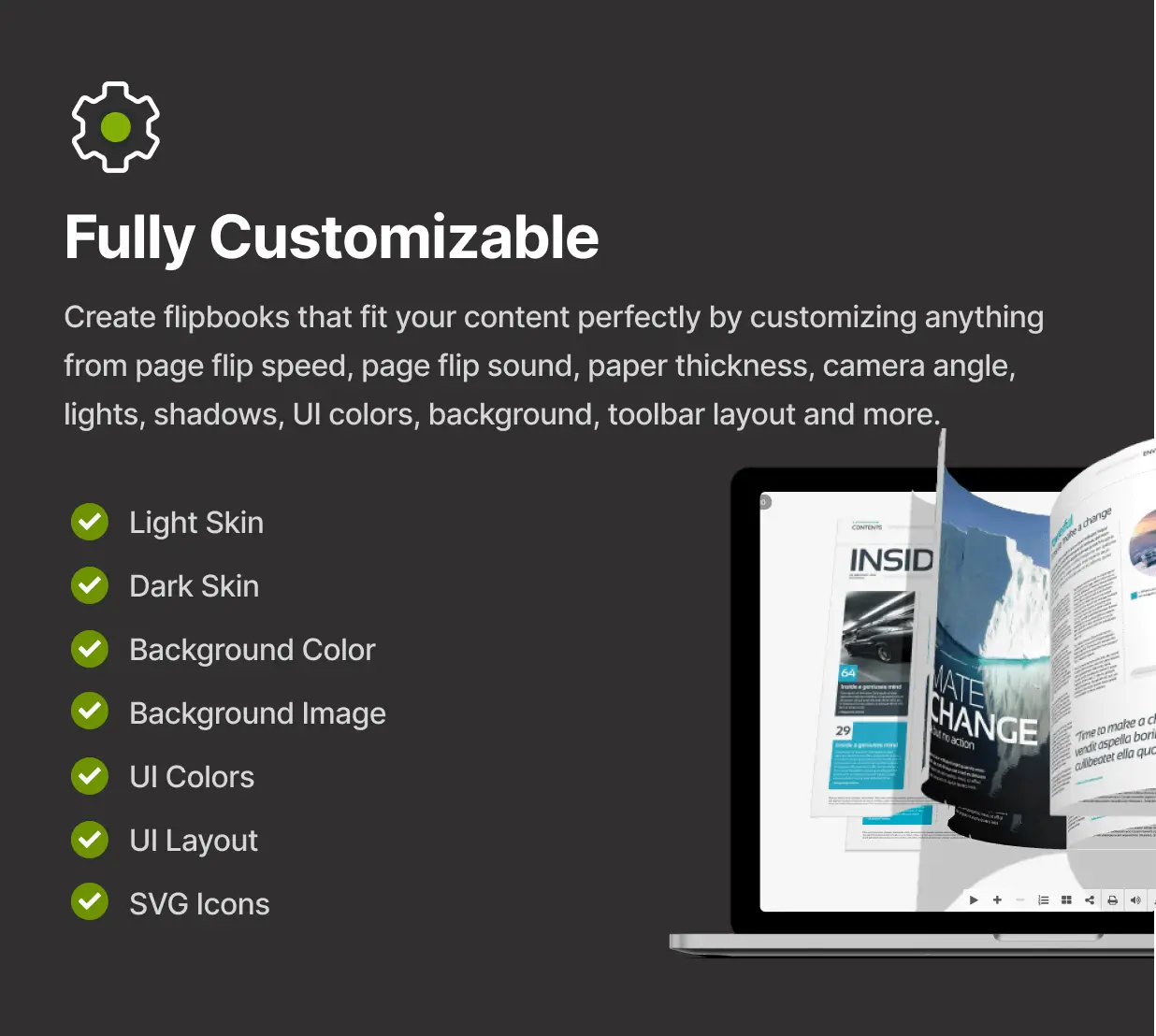
Real3D Flipbook fits perfectly in any theme because you can customize the user interface completely. You can change menu colors, button colors, shape, size, border, shadows and hide buttons you don’t need. Each menu button can be positioned left, right or center, top or bottom. Top and bottom menu bars can be full width, centered or transparent. Buttons on transparent menu bar can have different design then regular buttons. Order of buttons is customizable. Choose from 3 predefined skins and 4 predefined UI layouts. Choose between Font Awesome and Material icons sets. Use advanced UI options to further customize everything.
Customizable Flipbooks
Create flipbook that fits your content perfectly by customizing anything from page flip speed, page flip sound, papar thickness, camera angle, lights, page shininess, page metalness, zoom levels end much more.
Optimized for mobile. Separate options for mobile. Support for dynamic HTML content on pages. Comes with multiple view modes and automatic fallbacks. It is a mature product that offers the best reading experience on all platforms and devices. All future updates are free. Source files and documentation included.
Easy to use
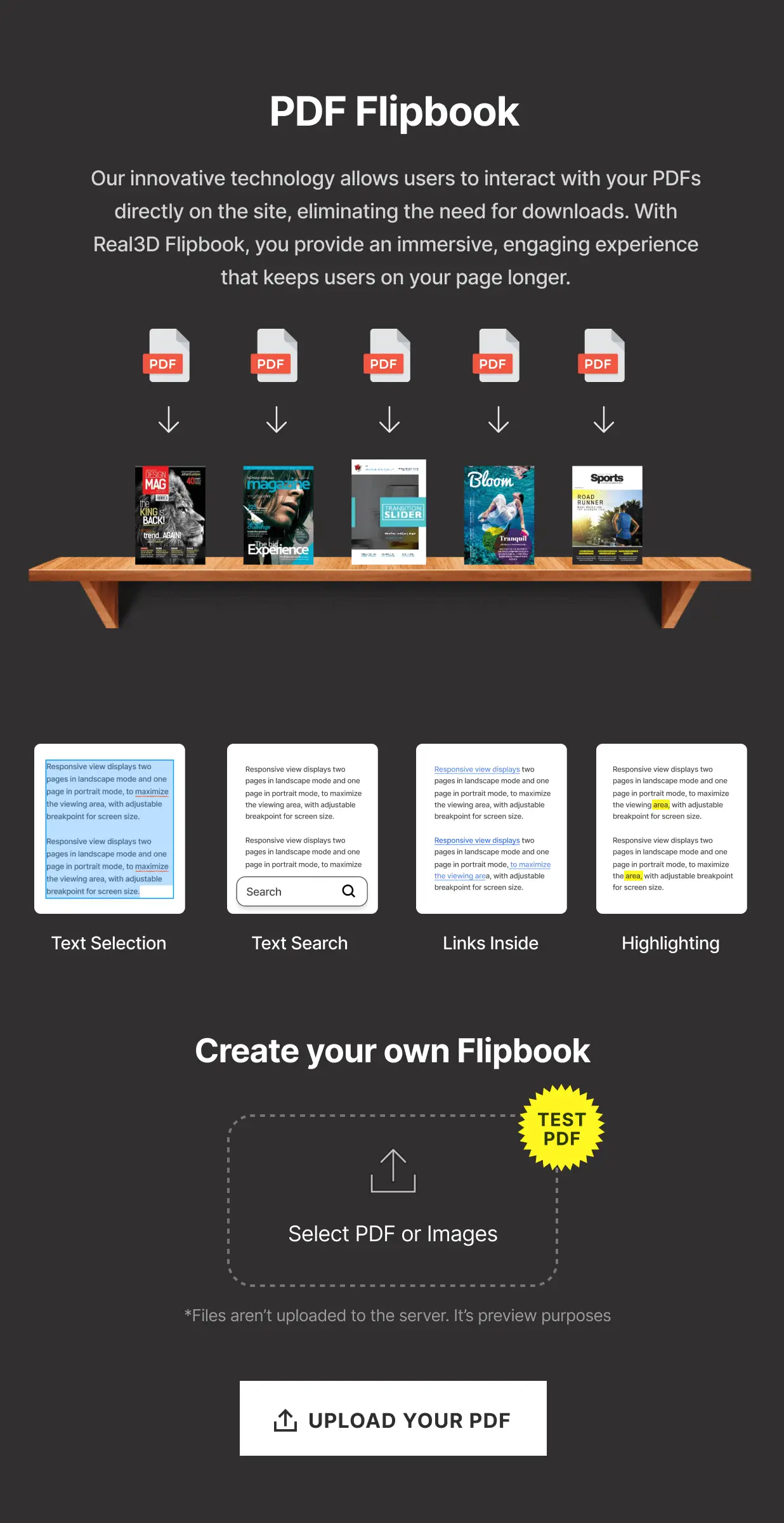
Creating flipbooks is fast and easy, just upload your PDF or images and insert the shortcode into your post or page. Many settings can be changed via shortcode parameters. Single shortcode can be used to display multiple PDF-s. Easy move to another server with export / import.
Flipbook from PDF
Display PDF-s directly in your website! User can view your PDF-s without downloading them, and without leaving your site. PDF pages are rendered one by one, so user can start reading the PDF before document is fully loaded. Supports internal and external links. All links inside the PDF will automatically work inside the flipbook. Supports text selection and text search with keyword highlighting.Flipbook from images
You can create flipbook also from images. Images can be landscape or portrait, single page or double page with cover as single page.
Customize flipbooks
Create flipbook that fits your content perfectly by customizing anything from page flip speed, page flip sound, papar thickness, camera angle, lights, page shininess, page metalness, zoom levels end much more.
EMBED MODES
Lightbox (fullscreen overlay)
With lightbox mode you can put a text link or an image link anywhere on your site and by clicking on a link the flipbook will be opened in a lightbox. This way you can have multiple books / magazines / brochures on the same page.
Responsive (boxed)
Responsive mode creates a flipbook with optional size that can be put anywhere inside a page or post.
Fullscreen
With Fullscreen mode the flipbook will cover the entire page, with option to be below the page navigation.
ADDONS
PDF Tools Addon
PDF Tools for Real3D FlipBook adds functionality to export PDF to JPG and JSON and convert PDF flipbook to JPG Flipbook or create new JPG Flipbooks directly from PDF.
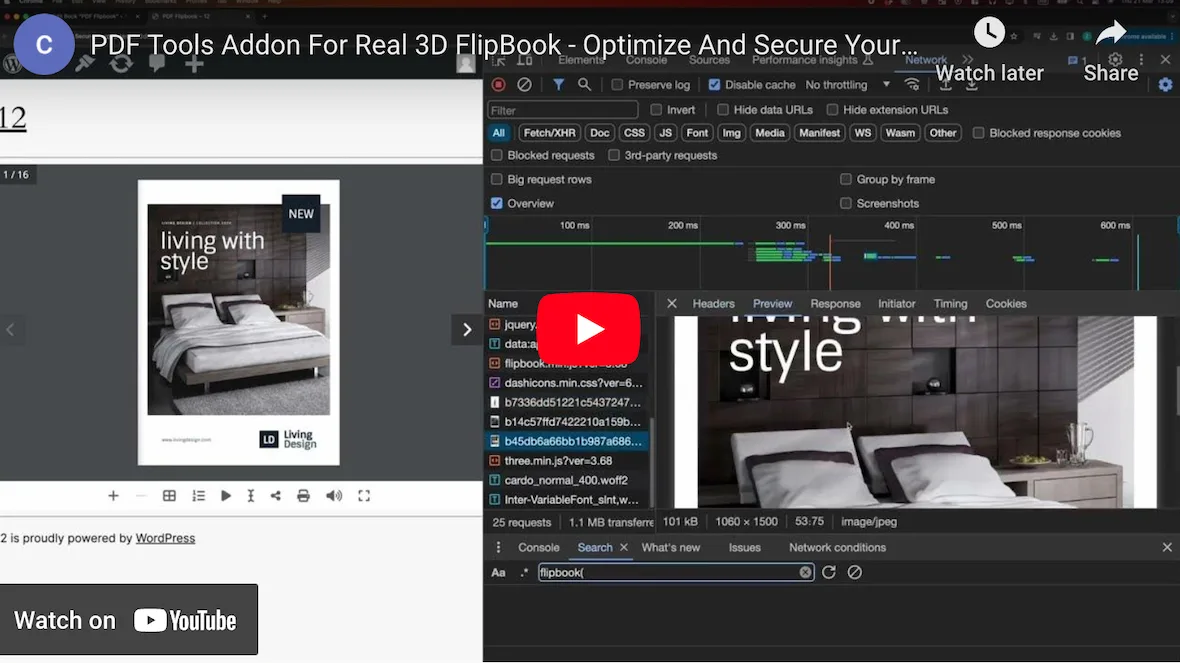
Flipbooks generated with PDF Tools will have PDF text layer and PDF links working, but they will load faster than PDF Flipbooks because pages are loaded directly from the server, so there is no need to load PDF and process it on runtime. Also there is no need to load PDF.js scripts.
Once you have converted PDF to JPG Flipbook there is no need to keep PDF on the server, which is the only true protection for your PDF file. Get it Now
Page Editor Addon
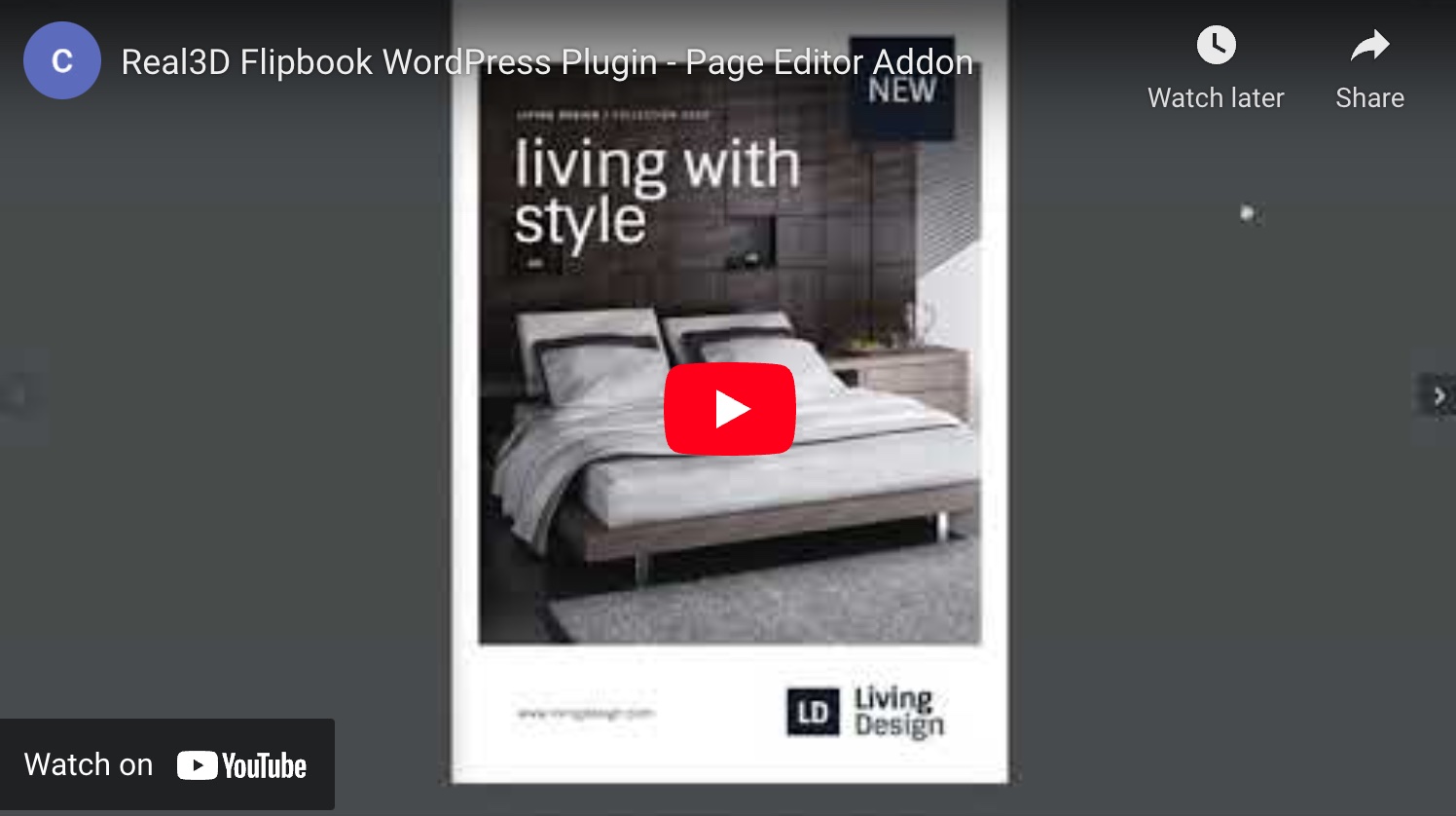
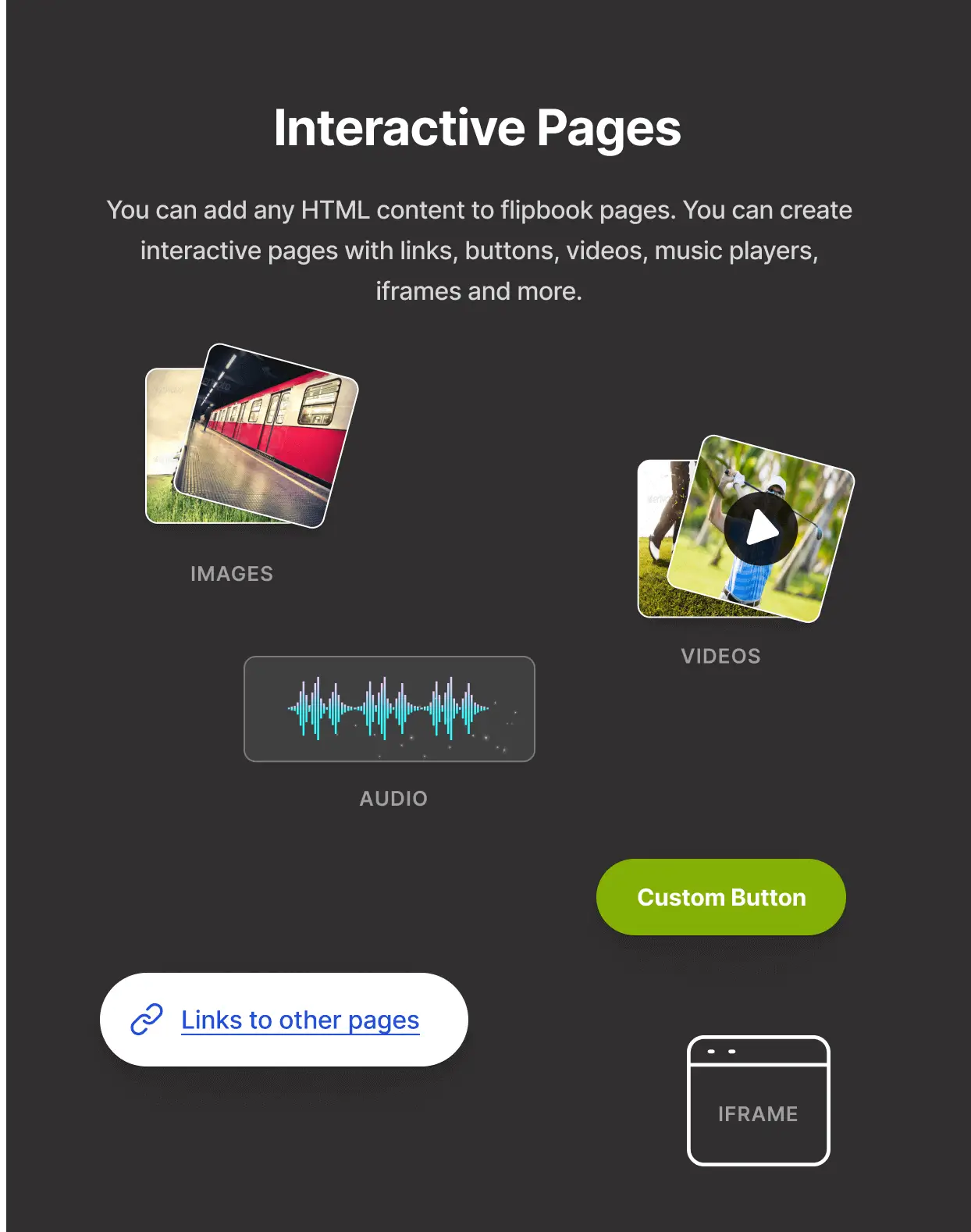
Page Editor Addon enables you to add links, videos, sounds and embed codes to flipbook pages. Each element is draggable and resizable so you can easily position the elements. This addon also enables live preview of flipbook page HTML content. Get it Now
Bookshelf Addon

Bookshelf addon enables you to create responsive fully customizable shelves for Real3D Flipbooks. Shelf is highly customizable – you can choose metal, wood or glass shelf or use your own custom shelf image. It can also be used to create a grid with flipbook covers (without a shelf). You can also customize cover size, cover shadow, shelf background color, cover align, margin and padding. Get it Now
WooCommerce Addon
WooCommerce addon enables you to embed flipbook easily on your WooCommerce single product page. Flipbook will be opened in lightbox when clicked on product image. There is option to show flipbook only for purchased product or active subscription. There is also option to show different flipbook for non purchased product. Get it Now
WPBakery Addon
Integrate Real3D Flipbook with Visual composer using Real3D Flipbook for WPBakery Page Builder (formerly Visual Composer) Addon enables you to add / edit flipbooks as Visual composer elements. Get it Now
Elementor Addon
Integrate Real3D Flipbook with Elementor using Real3D Flipbook for Elementor Addon. Addon enables you to add / edit flipbooks inside Elementor with dedicated element. Get it Now
Preview Mode Addon
This add-on enables you to show preview of Real3D Flipbooks, with limited number of pages, to logged out users, with optional number of pages that will be shown. Get it Now
Addon Bundle
Real3D FlipBook Addon Bundle is a pack that contains all 7 addons:
- PDF Tools Addon
- Page Editor Addon
- Bookshelf Addon
- Elementor Addon
- WooCommerce Addon
- WPBakery Addon
- Preview Mode Addon
for only $39 ($133 value) Get it Now
MORE FEATURES
Interactive content inside flipbook
You can add any HTML content to flipbook pages. You can create interactive pages with links, buttons, videos, music players, iframes or anything that is possible with html css and javasctipt. Create video albums, portfolio books with interactive pages, magazines with links, videos and music…
Table of content
Create custom multi-level table of content. Supports also PDF outline (table of content embedded in PDF file).
Unlimited flipbooks
You can create unlimited number of books that can be placed anywhere on your website.
Managing flipbooks
You can edit, duplicate and delete books from your library. You can also export all books to JSON. Duplicate function allows you to create template flipbooks so you can fast create new flipbooks by duplicating the template.
Shortcode parameters
Shortcode supports number of different parameters for even easier use. Use same shortcode to display different PDF-s.
Single page view
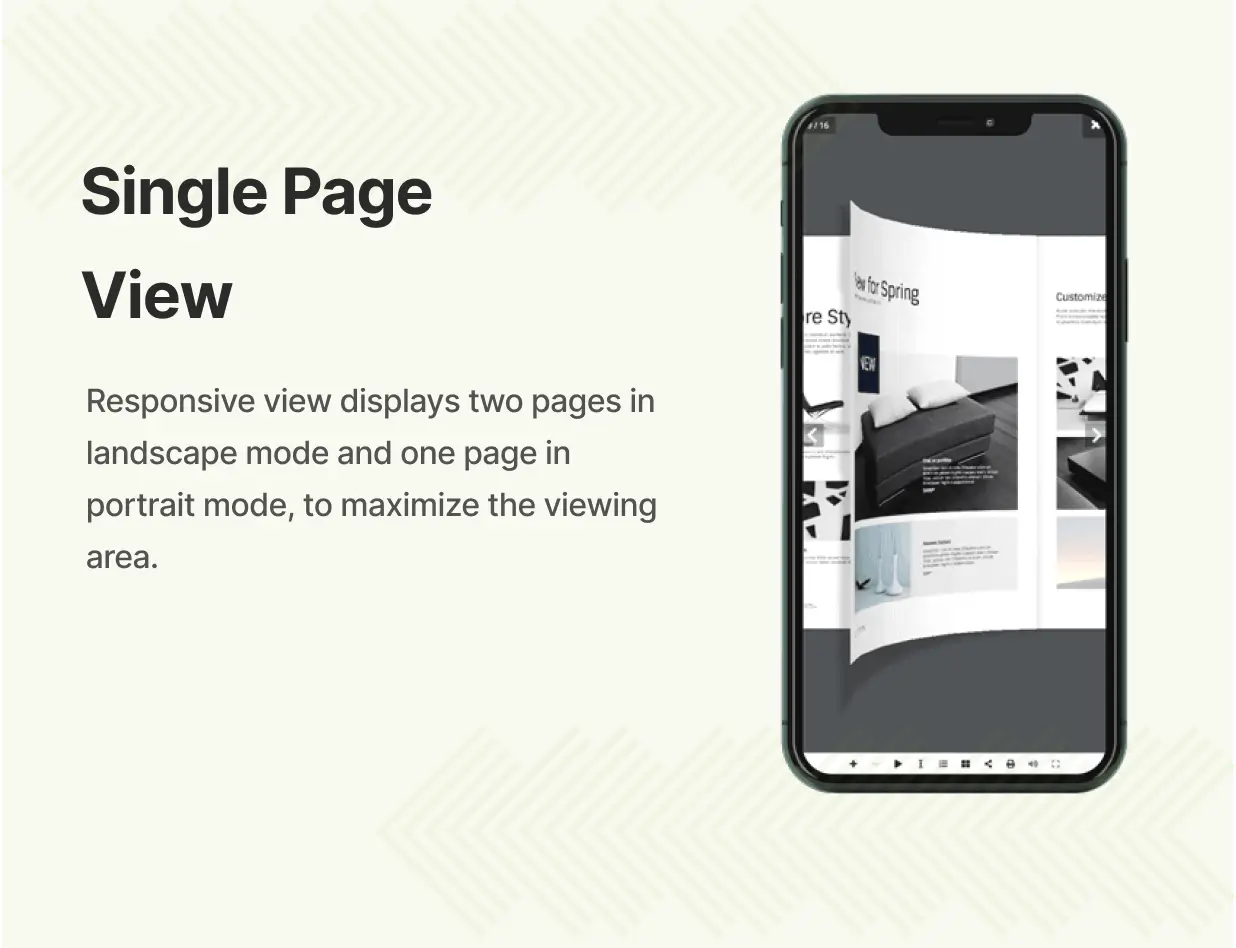
Flipbook layout can be changed based on the device type. Besides the standard double page view, there is a single page view that can be used either on mobile devices or both on desktop and mobile. Single page view offers better reading experience on smaller screens but still keeps the 3D flipping effect and shadows.
Right to left mode
Right to left flipbook for eastern countries. Flipbook starts from the right and pages are in reverse order.
Deep linking
Link to specific page from the URL, for example open book at page 2
Free Updates
All future updates are free for all buyers. You just need to redownload the plugin from Codecanyon to get the latest version. When updating to latest version all your current flipbooks will remain saved.
Plugin Security
Real3D FlipBook WordPress Plugin is officially available on CodeCanyon and real3dflipbook.com. To access all features, updates, and support, please use an official version. Plugins from unauthorized sources pose security risks, may not function properly, and could fail to update due to strict license checks.
Changelog
UPDATING THE PLUGIN Purchased on CodeCanyon: 1. Redownload the plugin from Codecanyon to get the latest version of the plugin 2. Before updating, you can back up your current flipbooks with Real3D Flipbook > Inport / Export > Download JSON, or you can back up the database 3. Install real3d-flipbook.zip, and choose "Replace current with uploaded" Purchased on real3dflipbook.com: The plugin updates automatically from the WordPress dashboard (Dashboard > Updates) while your license key is active. IMPORTANT NOTICE Real3D FlipBook WordPress Plugin is officially available on CodeCanyon and real3dflipbook.com. To access all features, updates, and support, please use an official version. Plugins from unauthorized sources pose security risks, may not function properly, and could fail to update due to strict license checks. CHANGELOG ================= version 5.8 date 16.10.2026. ================= * Security and stability fixes - update recommended * New: REST API - new route GET flipbook/v1/get returns a flipbook's settings; create and update take a status (draft or publish) and return the flipbook ID, its shortcode and the saved settings * New: REST API - settings can be sent as a JSON object (options); an update that sends only pdfUrl or title keeps all other settings * Change: REST API - create and update no longer download the PDF to make the lightbox thumbnail; they use the lightboxThumbnailUrl you send, or make one from a PDF in the Media Library * New: reader actions are sent as an r3d-event browser event, with or without Google Analytics - page views, link and hotspot clicks, PDF downloads, zoom, share, video plays and lightbox opens - so other analytics tools can track them * New: hotspot clicks are reported to Google Analytics (flipbook_hotspot_click) * New: hotspots made with the Page Editor add-on can use new marker styles (ring, plus, cart, tag, price and button), can have any shape, and their marker can sit anywhere inside the hotspot * Change: light hotspot markers get a thin dark outline and the pulse around every marker has a contrasting edge, so they stay visible on light and dark pages * Change: the side navigation arrows use the same thin chevron as the toolbar icons * Change: the flipbook_zoom Google Analytics event is sent once each time the reader zooms in, not on every zoom step * Fix: a flipbook with a single image page opened on the loading spinner in the 3D view mode * Fix: with deep linking on, opening one of several flipbooks on a page in a lightbox opened all of them * Fix: a new flipbook did not appear in the Real3D Flipbook block or in Insert Flipbook until it was saved a second time * Fix: importing flipbooks skipped flipbooks that had been saved only once * Fix: Resume reading did not save the page the reader had reached, so flipbooks never reopened there * Fix: [real3dflipbook name="..."] did not find a flipbook that had been saved only once * Fix: Settings - drop-down choices whose value is 0 or empty were not saved correctly ================= version 5.7 date 12.10.2026. ================= * Security and stability fixes - update recommended * New: the PDF Tools addon (3.1) can save a small and a large copy of every page - Settings > PDF Tools > Small page height and Large page height (default 1200 and 3000 px, 0 = off). The flipbook uses the small copy on small screens and for pages loaded in advance, and the large copy when you zoom in * Improvement: image flipbooks show the page thumbnail in place of the loading spinner while the full page image loads, in every view mode, and open as soon as the thumbnail of the first page has arrived * Improvement: image flipbooks use less memory in the WebGL view mode * Improvement: less jumping while a flipbook loads on the page - its starting height follows the "Container aspect ratio" setting and is never taller than the browser window * Change: the PDF Tools page height default is 2000 px (was 1500) * Change: new look for the Bottom Bar and Top Bar layouts - one divider line instead of a border around the bar, smaller buttons with a rounded hover highlight (also in the Player layout); the Top Bar is 51 px tall instead of 72 px * Change: the Top Bar layout shows the page number at the left * Change: the Bottom Corner Controls layout gives the book the full height, like Top Corner Controls * Change: the Minimal layout shows only zoom and fullscreen * Change: more compact More and Share menus with the same hover highlight as the toolbar; on short flipbooks the More menu fits inside the flipbook and scrolls instead of being cut off * Change: buttons that are switched on (open thumbnails, table of contents, search, bookmarks, More and Share menus, autoplay while it runs) get a grey highlight * Change: the Simple view mode quickly fades between pages instead of switching instantly * Change: Scroll view mode - the Pill and Top Pill toolbars sit above or below the pages instead of covering them; with the Top Corner Controls, Bottom Corner Controls and Minimal layouts the pages use the full height * Change: Scroll view mode - the mouse wheel and touch scrolling beside the pages scroll the web page; only the pages scroll the flipbook * Change: the Toolbar tab shows a simple drawing of each toolbar style, and the icon sets are called Solid and Outline * Fix: the table of contents did not open when one of its items pointed to a page after the last page of the book * Fix: in the WebGL view mode the shadow at the spine of HTML pages changed when a page turn finished * Fix: on phones, a toolbar group whose buttons all moved to the More menu showed as a small dot (for example in the Top Corner Controls layout) * Fix: on narrow screens the Share menu did not open from the More menu, and buttons set to show in the More menu (search, bookmarks, table of contents, thumbnails, autoplay, share) were missing from it * Fix: Player layout with the light skin - the progress bar was black and items in the More menu were white on white * Fix: "Maximum call stack size exceeded" error in the 3D, 2D and Simple view modes when a flipbook is hidden, for example in an inactive tab or a closed accordion (Elementor, JetTabs and similar) * Fix: on phones the 3D, 2D and Simple view modes opened on the page after the start page for even page numbers, and links, thumbnails and the table of contents could open the neighbouring page * Fix: the Simple view mode skipped a page on Next and Previous on phones * Fix: Scroll view mode with the Pill and Top Pill layouts - the top of each page was cut off after opening at a start page and after Next and Previous, and the last page could not be scrolled clear of the toolbar * Fix: Scroll view mode - after opening at a start page or a deep link the page number showed the previous page until the reader scrolled, and Next and Previous continued from it ================= version 5.6 date 30.9.2026. ================= * Improvement: Hard cover - the covers are now thick boards with a cloth texture, a hinge groove and a spine, in a colour of your choice (new "Hard cover color" setting); the pages inside keep their size * Change: the Hard cover settings moved from the WebGL tab to the General tab, and a flipbook with Hard cover enabled always uses the WebGL view mode * Improvement: the page shading at the spine is no longer the same on every spread - it follows how many pages lie on each side (WebGL view mode) * Improvement: fewer blank pages while flipping, in the WebGL, 3D, 2D and Swipe view modes - the next pages are prepared in advance at a smaller size, the visible pages are sharpened once the book rests, and a full-resolution render no longer holds up a page turn * Improvement: faster rendering on large and high-resolution screens - a page renders at 2000 px at most, and the full 4000 px is loaded only when you zoom in beyond that * Improvement: a flipbook in a closed lightbox no longer keeps loading pages * Fix: image flipbook in a lightbox (WebGL view mode) - after closing and reopening the lightbox a page could stay on the loading spinner until the site was reloaded * Fix: a page that was already loaded could stay blank until the page turn finished (WebGL view mode) * Fix: a page image that fails to load is requested again instead of leaving the page on the loading spinner * Fix: pages stayed blurry after zooming in and back out until the next page turn (WebGL view mode) ================= version 5.5.1 date 29.9.2026. ================= * New: "Hard cover" option (WebGL tab) - hardbound look, front and back cover are rigid and larger than the pages; "Hard cover size" sets how much larger ================= version 5.5 date 28.9.2026. ================= * New: live preview in the flipbook editor - the flipbook updates as you change settings, on desktop or phone ("In page" or "Full screen"), with a larger preview in a lightbox * New: Toolbar tab - choose the toolbar style and the icon set from picture previews * New: any toolbar button can be moved into the Tools ("More") menu * Change: the Progress bar option moved to the Toolbar tab * Change: the UI tab is now called Appearance * Change: removed settings that had no effect * Change: the shortcode is now in the Publish box with a Copy button; the Shortcode box and the "Preview Flipbook" button are replaced by the live preview * Shortcode: new "layout" parameter picks a UI layout per embed (1-8, in the order shown under Toolbar > Toolbar style), e.g. [real3dflipbook id="1" layout="8" startpage="2"] * "First page" and "Last page" buttons, when enabled, are now in the toolbar's "More" menu * Fix: audio or video on a page switched the book sound back on at the next page turn, so the flip sound played even with "Page flip sound" off or after the visitor turned sound off * Fix: images placed with the Page Editor drifted from their position in 3D, 2D, swipe and scroll view modes * Fix: choosing a toolbar style in Settings rewrote the button positions with outdated values * Fix: the "high" image resize quality option (WebGL and Mobile tabs) stopped image pages from loading ================= version 5.4 date 15.9.2026. ================= * Security and stability fixes - update recommended * Change: Import / Export is available to administrators * Change: converting PDF links into flipbooks is now off by default - existing sites keep the setting they have; new sites can turn it on under Real3D Flipbook > Settings > Overrides * New: flip several pages by dragging - grab a page while another one is still flipping, or as soon as one lands * New UI layout 8 "Pill" - a single rounded toolbar centered at the bottom of the book; layout 4 is now "Top Pill", the same rounded toolbar at the top * The page counter now sits inside the toolbar group next to the buttons instead of floating on its own (layouts 2, 5 and 7 too) * New option "firstPagePreloader" (off by default) - shows page 1 as soon as it loads, while the book is still being built (image flipbooks, WebGL) * Much lower memory use - pages render at the size they are shown at, pages you flip past load small, and phones use smaller page textures * Faster flipping - fewer page renders, the page you land on renders first, and more pages stay loaded so flipping back re-renders less * Faster loading - the 3D engine downloads while the pages load, and the toolbar appears before the book has finished * Bigger book when the toolbar floats over it - the book fills the space the toolbar leaves and is centered in it; "zoomMin" (0.95 to 1) sets how much of that space it fills * Search on phones: full width panel, wider results, closes when you pick a result * Zoom resets when you turn a page or go to another page * Side arrows are round by default, matching the viewer * On phones a vertical swipe over the book now scrolls the page instead of dragging a page sideways * Book container height is capped at the browser window height, fixing very tall books on phones in landscape * Minimal view (toolbar replaced by a single expand button on very small embeds) is now off by default, and only starts below 280px when turned on * Fix: the book was sized wrong on load - in WebGL, in fullscreen and lightbox, and when the toolbar floats over the book - and only corrected itself after a resize * Fix: book did not fit the width of narrow containers on the cover page * Fix: no room for pages to lift while flipping in fullscreen and lightbox when the toolbar floats over the book * Fix: swipe mode failed to start * Fix: page flip sound on iOS - silent for the first flips, then several queued sounds firing at once * Fix: on iOS the book kept its old zoom after leaving fullscreen, and changed size after rotating the device and back * Fix: a book with a transparent background showed the website through it in fullscreen on iOS * Fix: current page could turn white after rotating the phone * Fix: black or blank pages could appear while flipping fast * Fix: search, bookmarks and thumbnails panels closed right after opening on Android * Fix: page bend jumped when a dragged page was released, pages did not bend as deeply as they should, and pages could pass through each other when several were bent at once * Fix: book jumped left and right when flipping fast in single page view * Fix: progress bar colour options had no effect - it always used the skin colour * Fix: the Help screen said "Create your first flipbook" on sites that already have flipbooks ================= version 5.2 date 17.8.2026. ================= * New: multi-site licenses — 1, 3 or 20 sites (for purchases on real3dflipbook.com) * New: automatic updates from the WordPress dashboard (for purchases on real3dflipbook.com) * Fix: crash on iOS after flipping many pages * Improved memory usage — pages away from the current view are released, hidden flipbooks free their memory * New: pan with two fingers while pinch zooming * New: realistic page flip — the bend follows flip speed and paper hardness * Improved page dragging — gravity sag, corner lift, the fold follows your grip * New: page corners lift on hover, click flips the page * Improved corner curl animation * Many small fixes and new page-feel options * Fix: pages not loading in smaller flipbooks * Fix: PDF rendering issues in the flipbook editor * Improvement: internal code hardening ================= version 5.1.0 date 7.8.2026. ================= * Improvements in zoom — sharper page rendering at every zoom level, improved zoom and pan controls ================= version 5.0.4 date 20.7.2026. ================= * Fix: Table of Contents and side panels open on the right side in right-to-left mode * Fix: click and drag to pan when zoomed in 2D and 3D mode — dragging the page now pans; selecting text still works on text ================= version 5.0.3 date 20.7.2026. ================= * New: Progress bar (UI tab) * New: Lucide icon set as alternative to FontAwesome (UI tab > Icon set) * New: Layouts 5 (bottom corners), 6 (minimal), 7 (player) selectable in UI tab ================= version 5.0 date 17.7.2026. ================= * New: redesigned Toolbar tab (previously Menu Buttons) — all buttons in one table with icons, inline enable/title/position and drag to reorder * New: Multi-tier image system for sharper pages and lower memory use * New: Thumbnail strip * New: Locked pages — "previewPages" accepts a page range or list ("1-20", "1,5-9"): listed pages show normally, all others are blurred with a "Page locked" overlay, with text selection, search, and download disabled on them (Preview tab with the Preview Mode addon, or the "previewpages" shortcode attribute) * New: Option "previewMessage" — custom HTML for the locked-page overlay and end-of-preview popup * Improvement: fixed UI layouts 2, 3, 4 * Improvement: Modern round UI redesign — toolbar, sidebar, search, table of contents, popup menus * Improvement: Sharper pages in WebGL and HTML modes * Improvement: Smoother scroll mode * Improvement: Better performance and lower memory use on long PDFs * Improvement: Improved touch, zoom and pan on mobile * Improvement: Drag pages to flip in single-page view * Improvement: Page swipe no longer scrolls the web page on mobile * Improvement: Background music tied to autoplay button * Improvement: Better page-flip sound * Fix: Crashes on iOS when viewing long PDFs in WebGL or 3D mode * Fix: Arrow button tap appearance on mobile * Fix: Scroll mode zoom and visual bugs * Fix: Flipbook options now output as JSON in the page footer, so flipbooks load correctly inside page builders (e.g. Bricks) and with GDPR / script-blocking plugins * Breaking: Renamed pageTextureSize* options to pageTexture{Large,Medium,Small} (and mobile variants) Full changelog available in the download package. Standard jQuery Version :
Real3D Flipbook jQuery pluginMagazine templates used in the preview
Magazine Template – InDesign 40 Page Layout V7Stylish InDesign Magazine template
Brochure template
$99 |
Download |
4.6 average based on 563 ratings.

| Last Update | 2026-10-17 |
| Created | 2014-02-24 |
| Sales | 22884 |
| Discussion | Comments |
| Compatible Browsers | IE11 Firefox Safari Opera Chrome Edge |
| Software Version | WordPress 7.0.x WordPress 6.9.x WordPress 6.8.x WordPress 6.7.x WordPress 6.6.x WordPress 6.5.x WordPress 6.4.x WordPress 6.3.x WordPress 6.2.x WordPress 6.1.x WordPress 6.0.x WordPress 5.9.x WordPress 5.8.x WordPress 5.7.x WordPress 5.6.x WordPress 5.5.x WordPress 5.4.x WordPress 5.3.x WordPress 5.2.x WordPress 5.1.x WordPress 5.0.x WordPress 4.9.x |
| Compatible With | |
| Gutenberg Optimized | Yes |
| High Resolution | Yes |
| Files Included | JavaScript JS HTML CSS PHP |
| Video Preview Resolution |


