Random Anonymous Chat
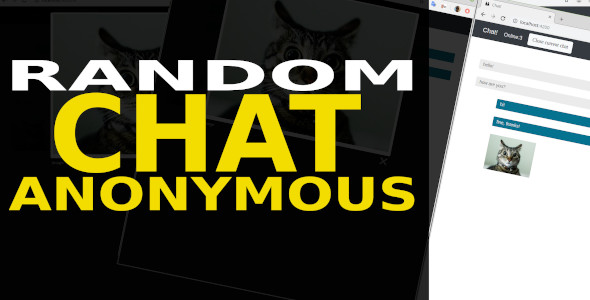

Random Anonimous Chat
Full pack: Frontend (Angular 8 ) and Backend (.NET Core 3.1) for random anonymous chat. Communication between two persons.
Text messaging, and images. Adapted for mobile devices – it works both on Desktop and on the Phone and Tablet.
Key Features: - Random Anonimous Chat – there is no need to specify your identification parameters: mail, name, gender or something else.
- The choice of the interlocutor is carried out randomly from among the free.
- The interlocutor can complete communication with the current opponent.
- The interlocutor may prohibit the opponent from meeting again in this chat for a fixed time.
- Communication method: text messages and images.
- Random Anonimous Chat – there is no need to specify your identification parameters: mail, name, gender or something else.
- The choice of the interlocutor is carried out randomly from among the free.
- The interlocutor can complete communication with the current opponent.
- The interlocutor may prohibit the opponent from meeting again in this chat for a fixed time.
- Communication method: text messages and images.
Getting started Frontend:
- Open folder in Visual Studio Code (where the “package.json” file is located)
- Restore the environment by calling the console command (main menu View->Terminal): npm install
- Run the frontend via the command (in the same console): ng serve
Getting started Backend:
- Open folder in Visual Studio Code
- Run the project: Debug -> Chose ”.NET Core Launch (web)”; Click “Start Debug”.
Technology Frontend:
- Angular 8
- Bootstrap
- Microsoft SignalR
Technology Backend:
- dotNet Core 3.1
- Microsoft SignalR
- JwtToken Bearer – Authentication
- Swagger – REST API documentation
Contacts:
info@inogst.tech0 average based on 0 ratings.

Search plugins
Browse Categories


