Quick Quiz – Laravel Quiz and Exam System


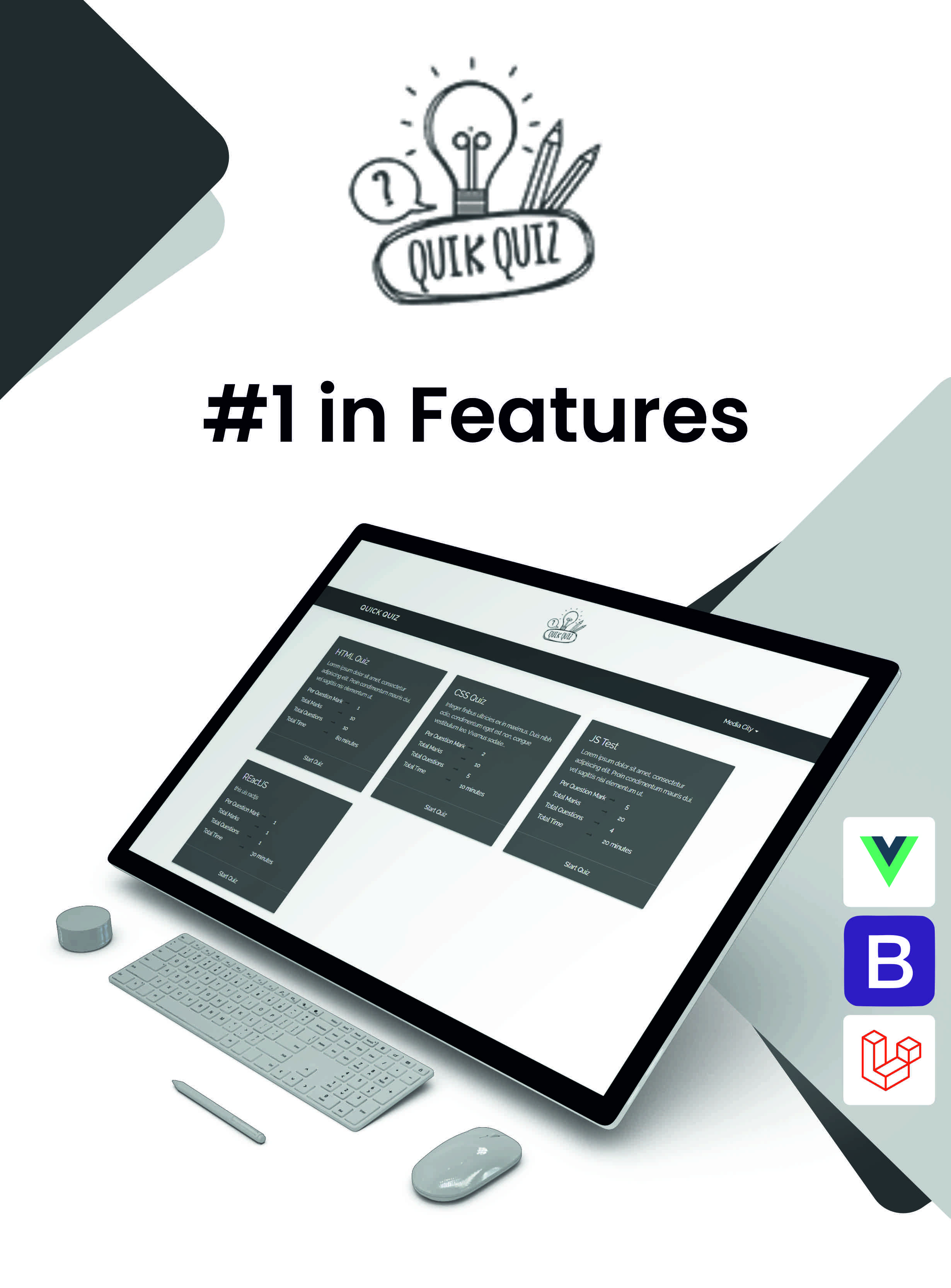
Quick Quiz is a Laravel‑based quiz and exam platform that lets institutions run online and offline exams, practice tests, quiz competitions, and head‑to‑head challenges in one streamlined system.
It is purpose‑built for schools, colleges, institutes, and coaching centers that need flexible delivery modes, clear results, and a modern admin experience.
Don’t you think you should upgrade the test / exam pattern of your institute?
As we all know we moving our steps very fast with the new-new technology day by day. So why? to adopt the old pattern of taking exams. Better to update your test & exam segment forms with our developed platform named “Quick Quiz”.
Read Digital + Test Digital = You will save your time as well as your capital.
Authorization for Demo
Admin:URL:Click Here
Username: admin@mediacity.co.in
Password: 123456
Note: Clear All Answer sheet Before Star Quiz
User:
URL:Click Here
Username: user@mediacity.co.in
Password: 123456
Web, Android And IOS App Version Available


Key Features
- Quiz and Exam System:Quiz and Exam System: A digital platform for creating, managing, and administering quizzes and exams, offering features like multiple question types, instant feedback, detailed reports, and secure user authentication.
- Support Lan: Its support local host and Lan system
- Admin Panel: A comprehensive dashboard for administrators to manage users, quizzes, settings, and view reports.
- Login System: A secure system for users to create accounts, log in, and access their profiles and quizzes.
- Secure login and change password: Ensures secure authentication for users and allows them to safely change their passwords to maintain account security.
- FAQ Pages:Frequently Asked Questions to help users find answers to common queries easily.
- Custom Pages: Enables administrators to create and manage custom content pages within the platform.
- Mail Setting through Admin Panel: Allows administrators to configure email settings, including SMTP configurations, directly from the admin panel.
- PayPal Payment Gateway: Integrates PayPal for secure online payments, enabling users to purchase quizzes.
- Paid And Free Quiz: Offers both free and paid quizzes, providing flexibility in access and monetization.
- Welcome E-Mail On/ Off through Admin Panel: Allows administrators to enable or disable the automatic sending of welcome emails to new users.
- Filtering: Implements DataTables for enhanced table functionalities, such as sorting, filtering, and pagination.
- Coming Soon Page: A placeholder page to inform users about upcoming features or the launch of new sections of the platform.
- Bootstrap Framework: Utilizes Bootstrap for responsive and mobile-first web development, ensuring consistent design and functionality across devices.
- Vue JS: Integrates Vue.js, a progressive JavaScript framework for building user interfaces.
- Cross Browser Compatible: Ensures that the platform works seamlessly across different web browsers, providing a consistent experience for all users.
- Mobile and Tablet Support: Optimizes the platform for use on mobile devices and tablets, ensuring accessibility and usability on smaller screens.
- Responsive Design: Adapts the layout and content dynamically to fit various screen sizes and devices, providing an optimal viewing experience.
- Bulk Import: Bulk question import to speed up exam creation at scale
- Question Types: Rich question types including images plus YouTube/Vimeo embeds for multimedia assessments
Where Can You Use Quick Quiz?
- Academic Institutions: Schools and colleges can use it for internal exams, chapter tests, and final assessments.
- Coaching & Tutoring Centers: Ideal for conducting mock exams, practice test series, and competitive exam
- Online Course Platforms: Integrate quizzes and tests directly into your digital learning curriculum to measure student comprehension.
- Corporate Training: Businesses can deploy it for employee training, skill assessments, and certification programs.
- Recruitment Agencies: Use it to screen candidates with standardized knowledge and aptitude tests.
Benefits of Quick Quiz
- Save Time and Resources: Eliminate the costs and labor associated with printing, distributing, and manually grading paper exams. The bulk question import feature further accelerates test creation.
- Increase Student Engagement: Make learning more interactive and fun with multimedia questions (images, YouTube, Vimeo), timed challenges, and live quiz competitions.
- Flexible Assessment Delivery: Conduct secure exams online for remote learners or use the offline mode for in-person testing environments with controlled connectivity.
- Create New Revenue Streams: Monetize your valuable content by creating paid quizzes and exam series with the built-in PayPal payment integration.
- Modernize Your Brand: Showcasing a high-tech, digital-first approach to examinations enhances your institution’s reputation and appeal to prospective students.
Server Requirements
You will need to make sure your server meets the following requirements:PHP = 8.3
I use Laravel framework version 10
Change Log:
17/03/2026 ( Version 2.6 )
- PHP 8.3 - Security Improved - Responsive Improved
23/05/2024( Version 2.5 )
- PWA Settings - User Account Delete Request - XSS Attack improved - Updated to Laravel 10 - Supports php 8.1
14/03/2022 ( Version 2.4 )
- Update favicon issue resolve - Home page UI issue fixed - Updated to Laravel 8. - Minor Bug issue fix. - Supports php 7.4
25/02/2021 ( Version 2.3 )
- Welcome E-Mail On/ Off through Admin Panel - Debug Mode ON/OFF Through Admin - Data tables implement - 404/505 Pages - Update Laravel Security Patch - Coming soon On/ Off through Admin Panel - You can now add up to 6 options in questions - Add pages show in menu or not - Added image section in user profile - Added audio URL section in questions - Custom CSS and JS issue fixed - Change Password issue fixed - Minor Bug issue fix.
05/09/2019 ( Version 2.2 )
- Results Issue Fixed - Each Student Reset Answer - Answer Explanation Issue Fixed
20/08/2019 ( Version 2.1 )
- Login & Register UI Issue - Fix Footer Bar Issue - Fix Question Not Adding Bug - Show Answers Repeat Issue Fixed - Change Password Issue Bug Fixed - Add New User Through Admin Bug Fixed
28/05/2019 ( Version 2.0 )
- Social Icons Add - Forgot Password Add - Custom Pages - Faq's - Copyright Text Change - Mail Setting Through Admin - Payment History - PayPal Payment Gateway Add - Free And Paid Quiz Option - Right Click & Inspect Element Disable - Enable / Disable Show Answers - Improve Change Password - Delete Answer Each Quiz - Git Lab Login (Twitter, Git Hub, Bit Bucket & Google) - Social Login (Facebook & Google)
18 January 2019
- Hours Time Issue Resolved - Question Again Given Issue Resolved - Validate W3C - Fixing Minor Bugs
10 June 2018
- Student Reports Show Issue resolved. - Student Marks Issue Resolve - Arrange Menu Proper Way - Provide Proper descriptions and Instructions - Footer Copyright, Title Issue Resolved - Fixing Minor Bugs
05 January 2018
- Bulk Question Importer - Student Marks Issue Resolve
22 December 2017
- Images Option In Questions - YouTube & Vemo Video Option In Questions - Students See Result After Quiz
Source & Credits
Thanks for each of these people that made our template look amazing with their fabulous Images, Icons, Fonts, Js, Css and Videos.HTML / CSS:
Note: Any media – Images, icons or logos used in previews are not included in this item and you need to contact authors to get permission in case you want to use them in your commercial or non-commercial projects. Read help file for more details after you purchase the template.


