Pushover Notifications for Perfex CRM Next


Pushover Notifications for Perfex CRM Next
Requires self-hosted Perfex CRM Next 1.0.1 or later (Laravel). Enable Next’s Integrations and Automations modules and run its scheduler and queue. Set up a Pushover account and register the device that will receive alerts.
Send selected CRM alerts to your Pushover user or delivery group. Turn on the events you want in Perfex settings, or add a Pushover action to a custom rule in Next Automations.
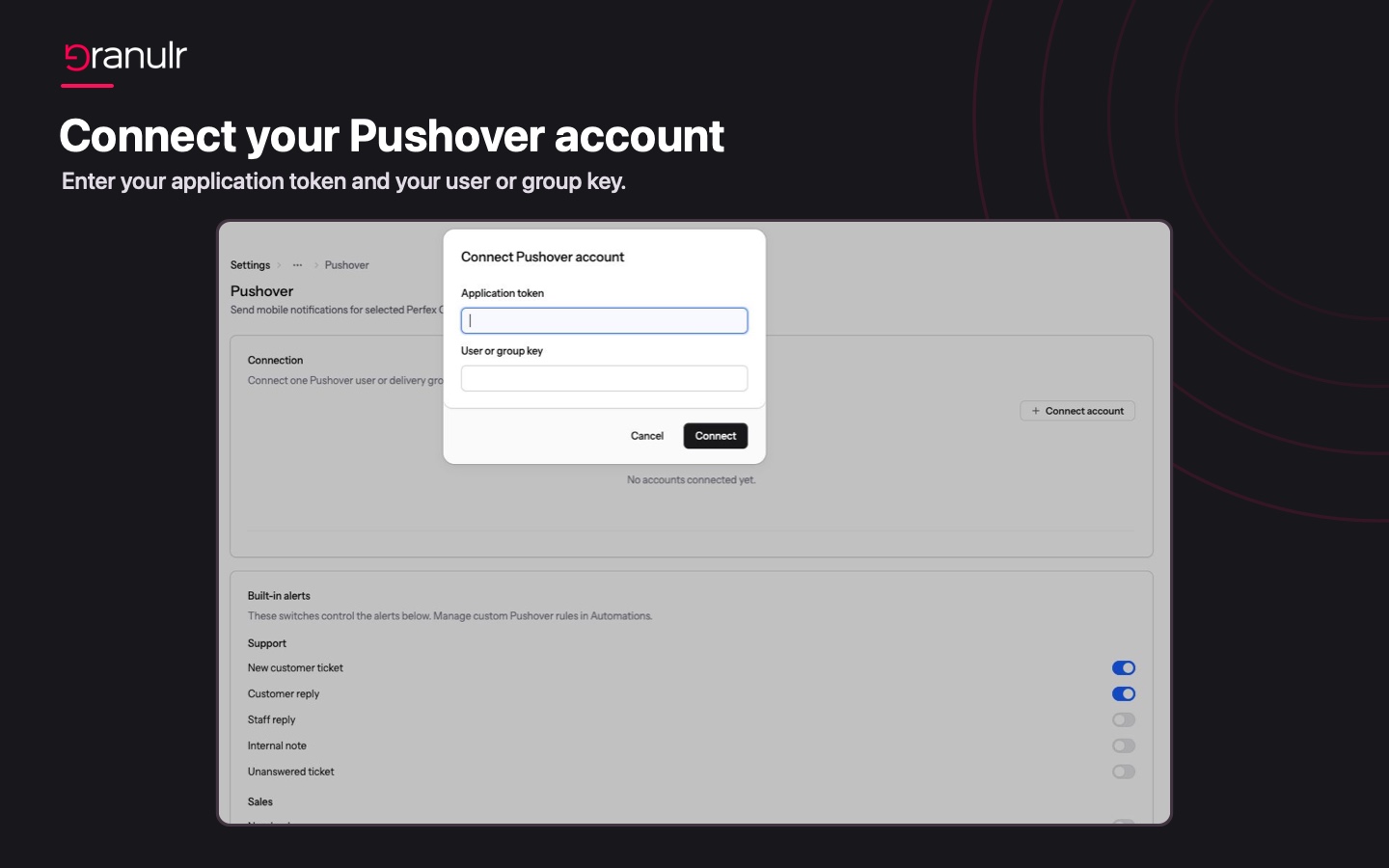
Connect your Pushover account
Use your own application token and user or group key. You can send a test from the integration page and check that it arrives on the intended device.
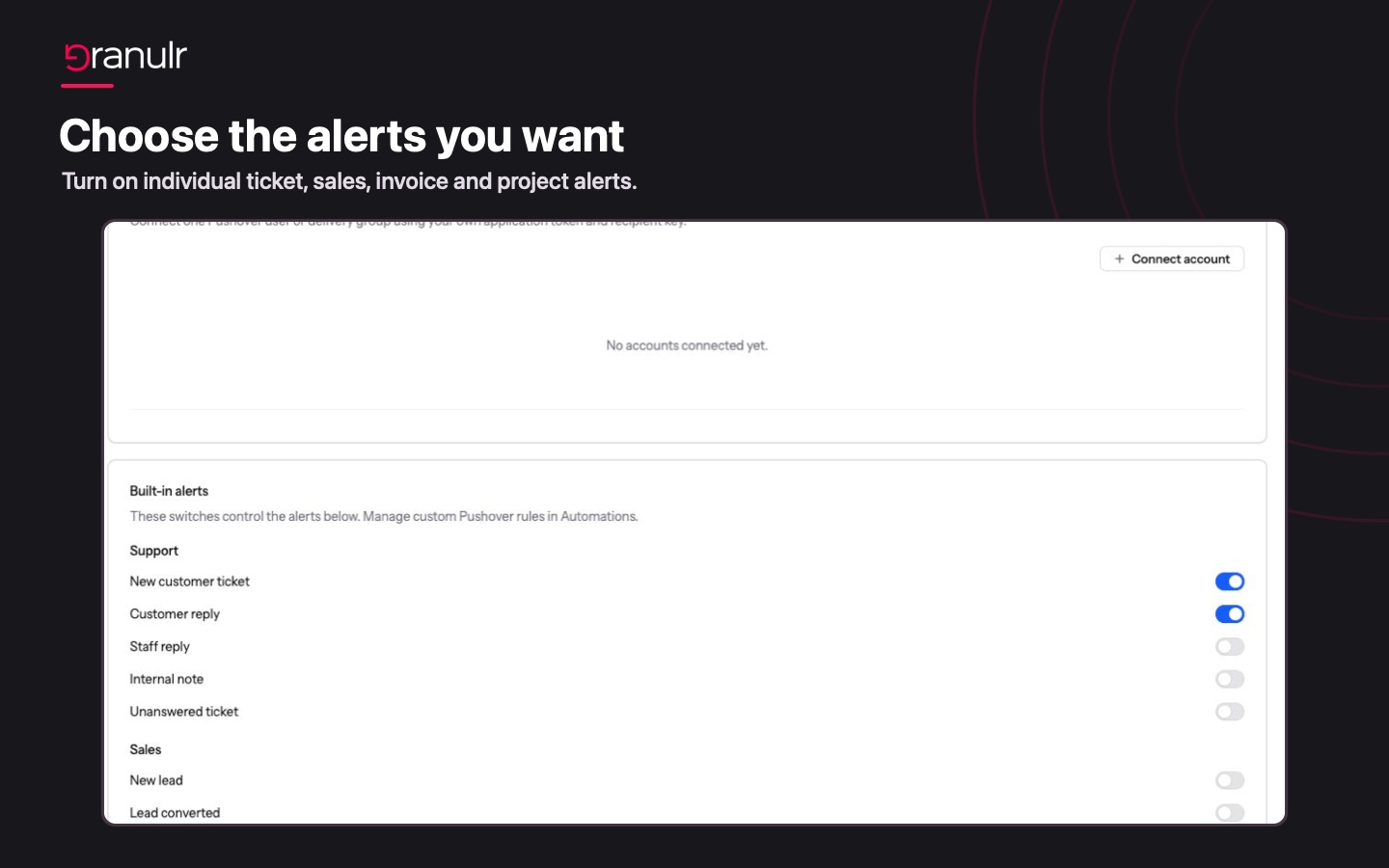
Choose from 24 built-in alerts
Set separate switches for tickets, leads, deals, quotes, invoices, tasks and projects. On a fresh installation, each switch starts off.
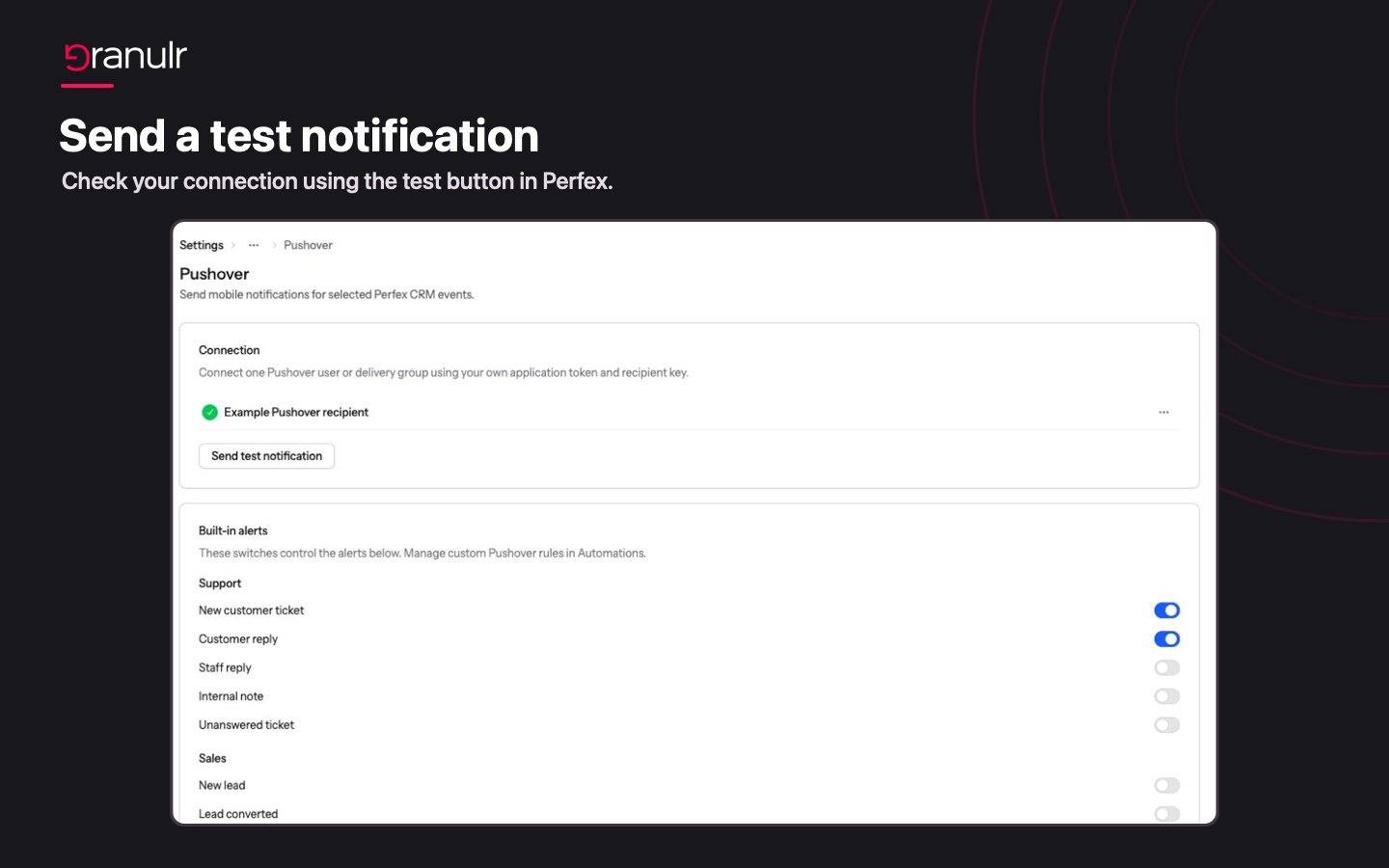
Send a test notification
Check the connection from Perfex, then confirm receipt on your Pushover device.
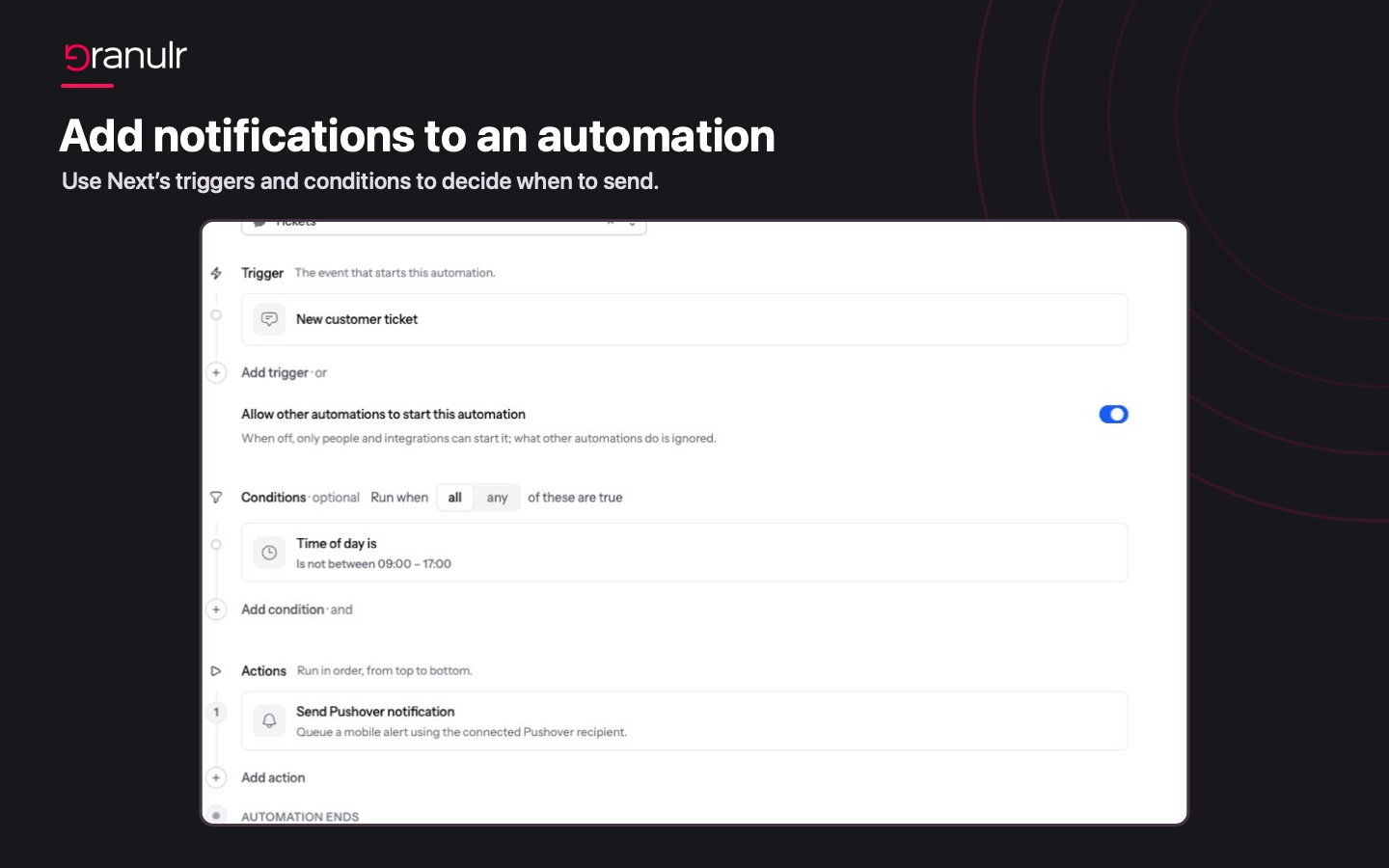
Use your own automation conditions
Use Send Pushover notification in Next Automations to alert the team only when your conditions match, such as a new customer ticket outside working hours.
Included in the download
The ZIP contains the installable Next module and the illustrated setup guide for Perfex and Pushover. The marketplace preview artwork is available on this listing.
0 average based on 0 ratings.


