Progressive Web App (PWA) for WordPress & WooCommerce | Push Notifications & Mobile App


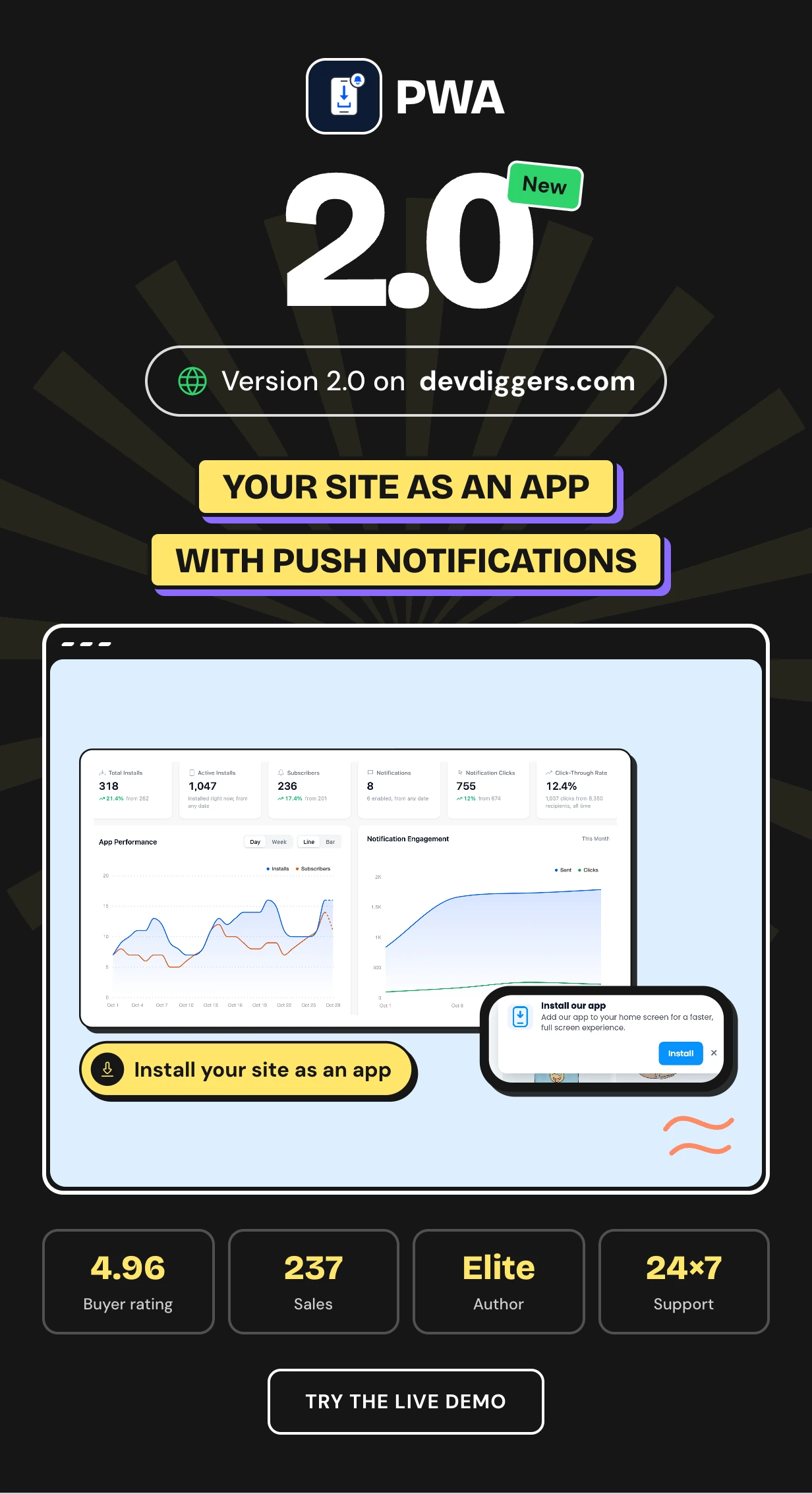
PWA turns your WordPress site into a progressive web app that visitors install on their home screen. It adds offline pages and web push notifications sent through your own Firebase project.
WordPress ships no web app manifest and no service worker. No browser offers to install it until both exist. This WordPress PWA plugin writes them from one settings screen.
It works as a progressive web app WordPress plugin and a WooCommerce PWA with store alerts. It can also convert WordPress to mobile app form for the Play Store.
Try it free first: PWA on WordPress.org with no time limit
Every plan and the latest features: PWA plugin page
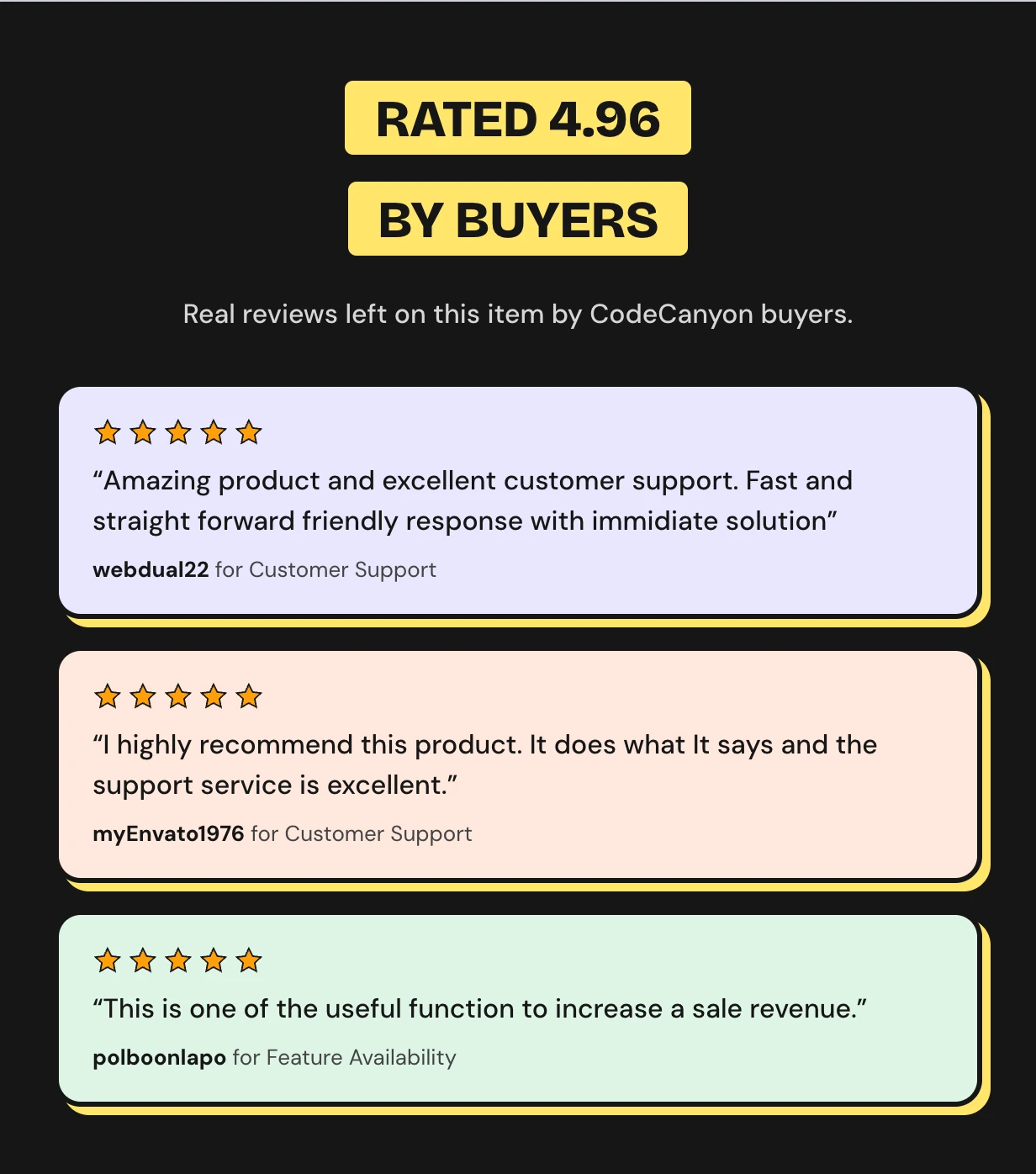
Rated 4.96 out of 5 by CodeCanyon buyers





Start with the free WordPress PWA plugin
Want to try it first? Install the free PWA for WordPress from WordPress.org. It installs as a real app, browses offline and sends web push to everyone who subscribed.
There is no subscriber cap, no sending fee and no time limit. The dashboard, Delivery Log and Subscribers screen are included.
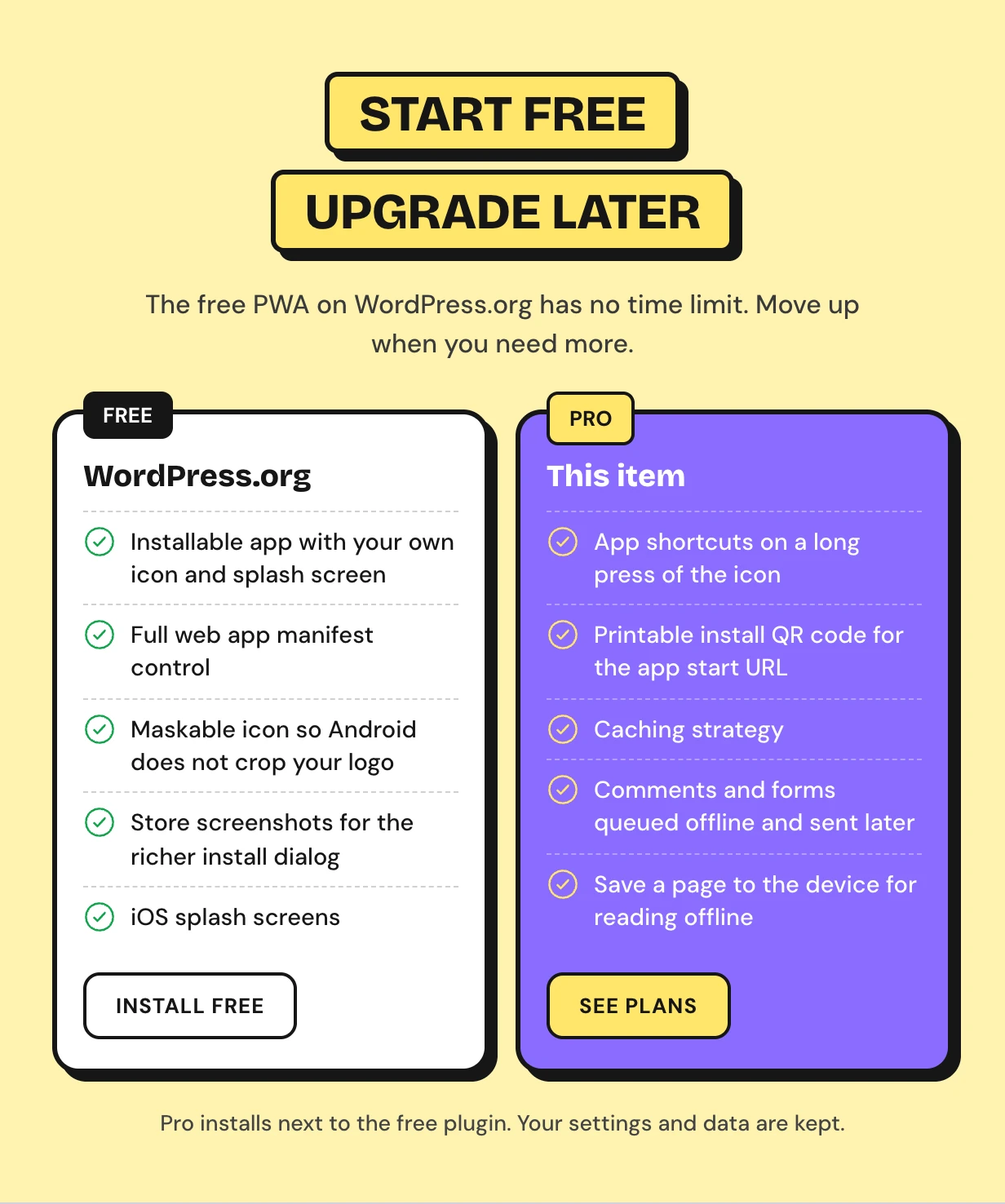
Pro adds audience targeting, scheduled sends, action buttons, the WooCommerce automations, the app experience layer, the Play Store package and click tracking. Pro installs next to the free plugin and keeps every subscriber and setting.
Mobile visitors leave and never come back
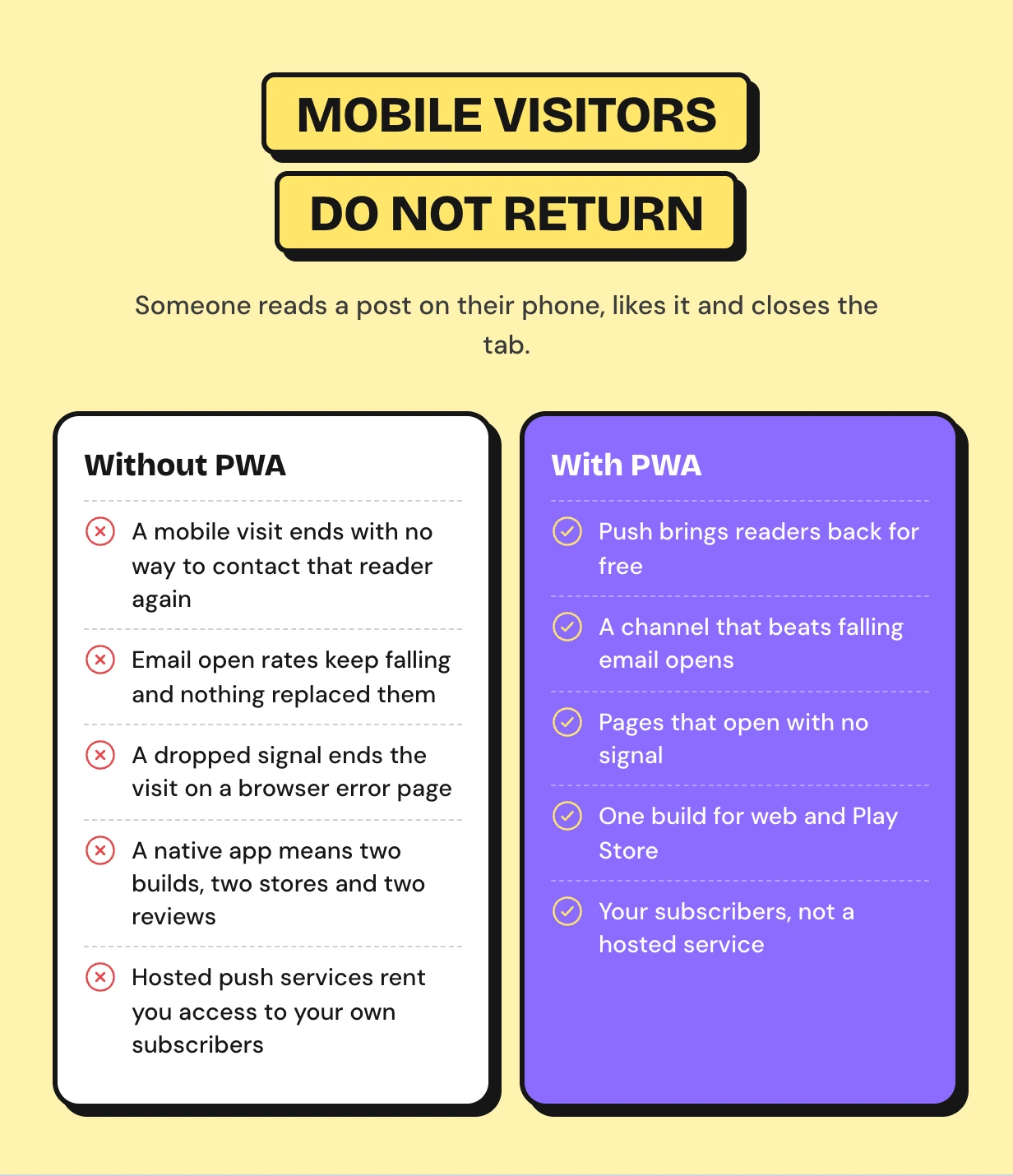
Most mobile visitors read one page and leave. Nothing on their phone reminds them your site exists.
Hosted push services fix that for a monthly fee and keep your subscriber list on their servers. Building a real app costs far more.
How a progressive web app works on WordPress
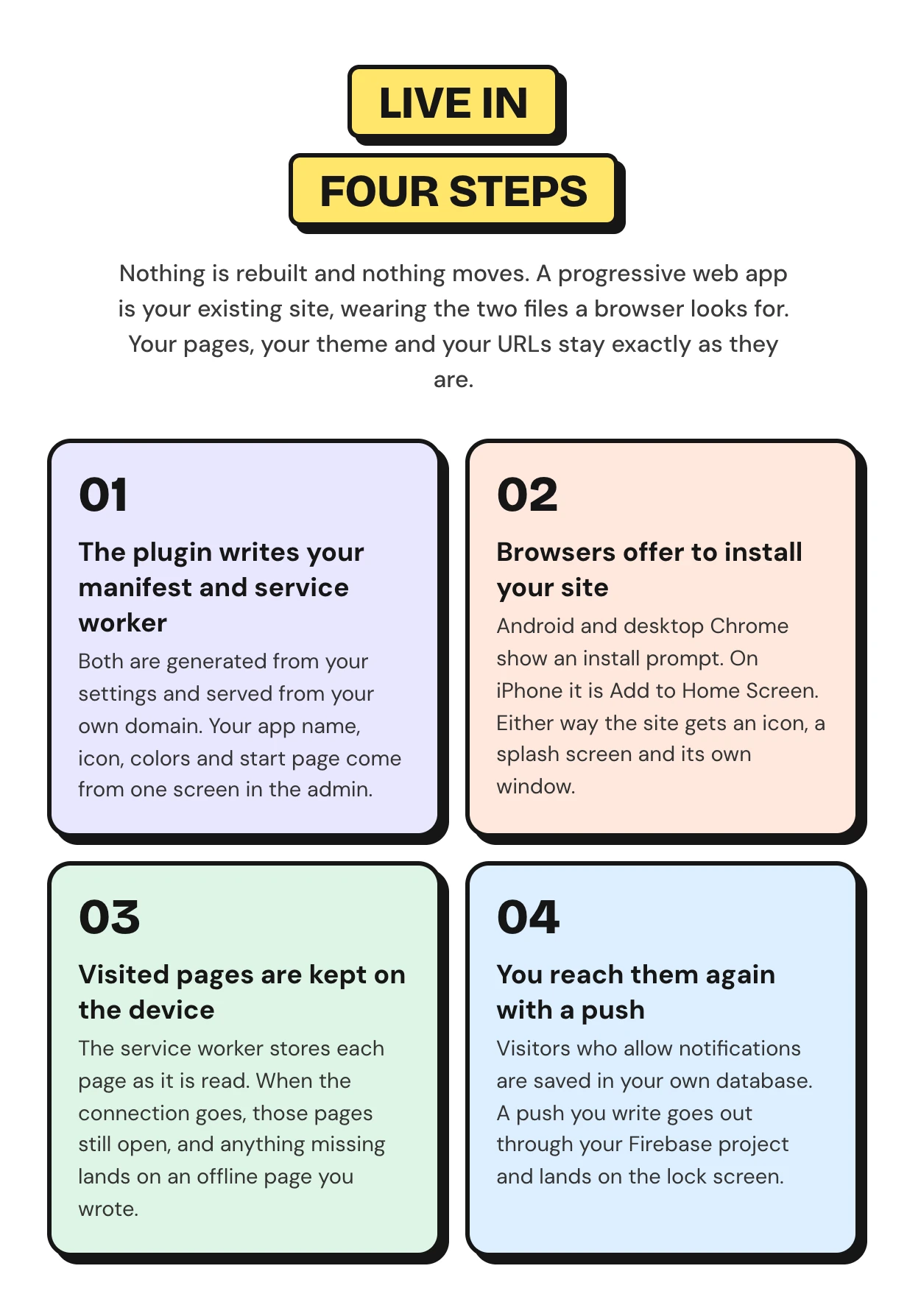
Nothing is rebuilt and nothing moves. The plugin writes the two files a browser looks for and serves them from your domain. The setup wizard gets the app live in five steps.
Progressive web app features
Every feature below ships in this one download. It covers the installable app, offline pages, web push and the numbers that show whether people came back.
Turn your WordPress site into an installable progressive web app
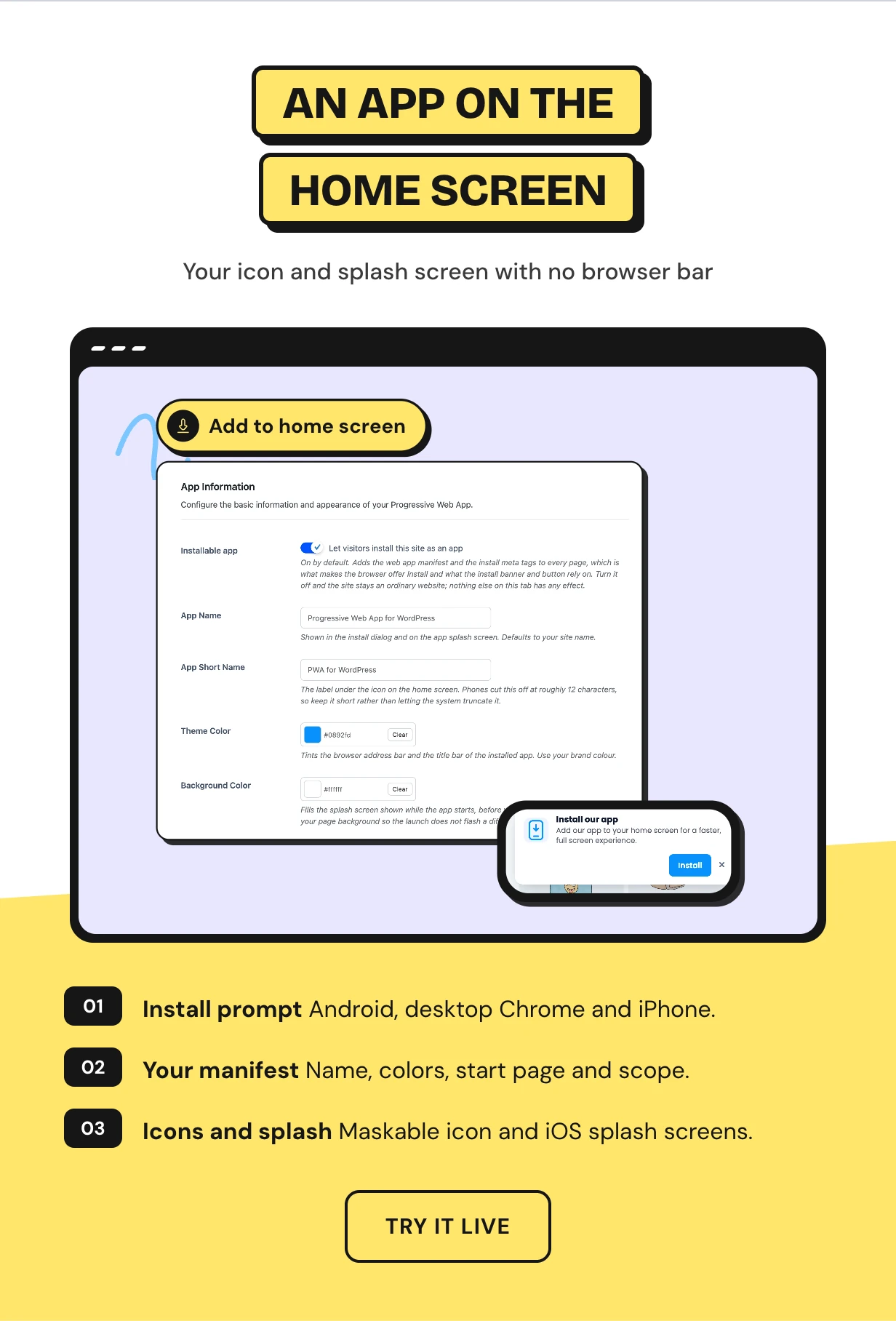
Visitors get an install prompt on Android and desktop Chrome and Add to Home Screen on iPhone. The installed site opens in its own window with your icon.
Set the app name, short name, colors, display mode, start page and scope from one screen. Upload a maskable icon and iOS splash screens.
Offline pages for your WordPress PWA
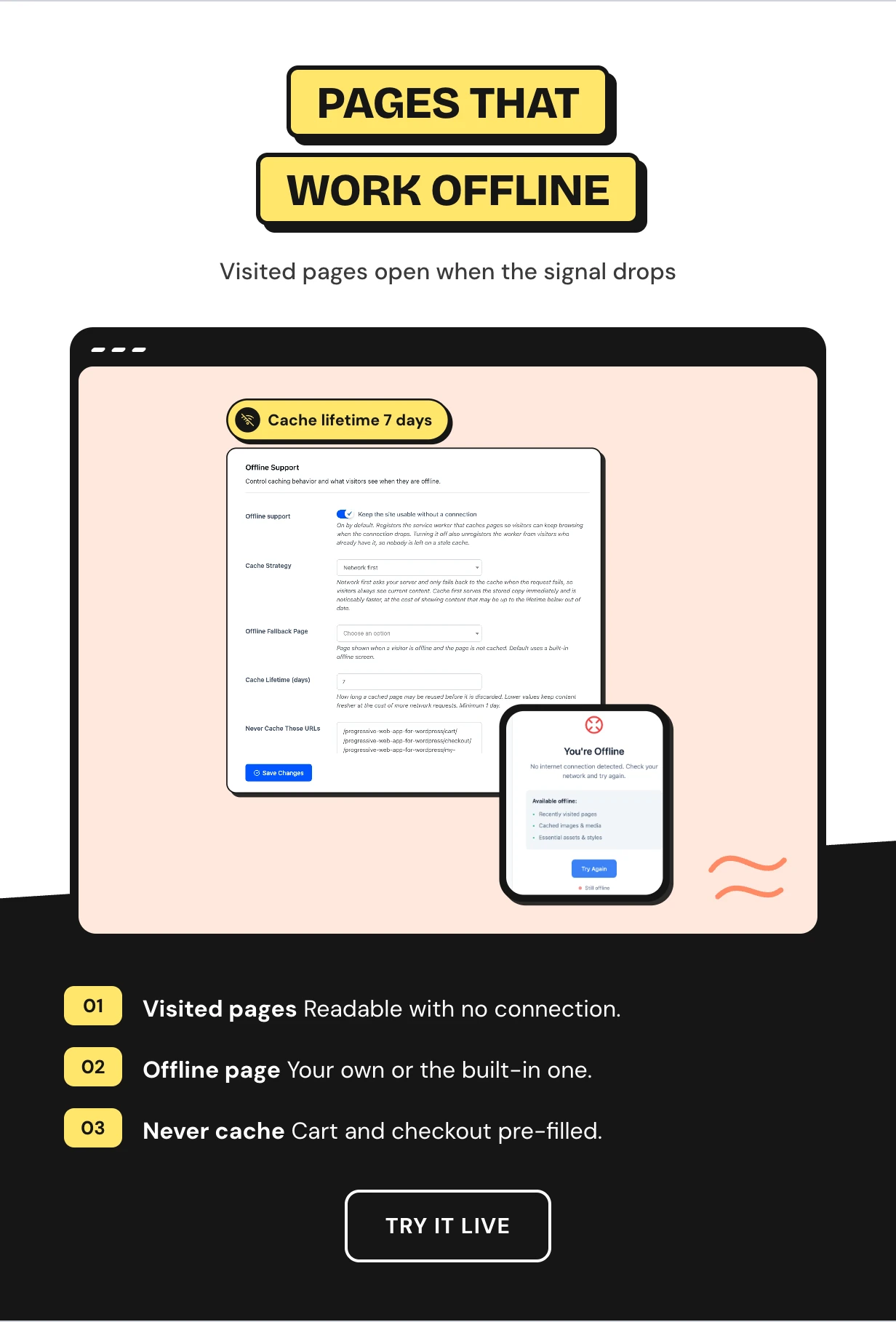
A service worker keeps a copy of each page as it is read. On a train or hotel wifi those pages still open.
Anything missing lands on an offline page you choose. Cart, checkout and account pages are on the never-cache list from the start.
WordPress web push notifications through your own Firebase
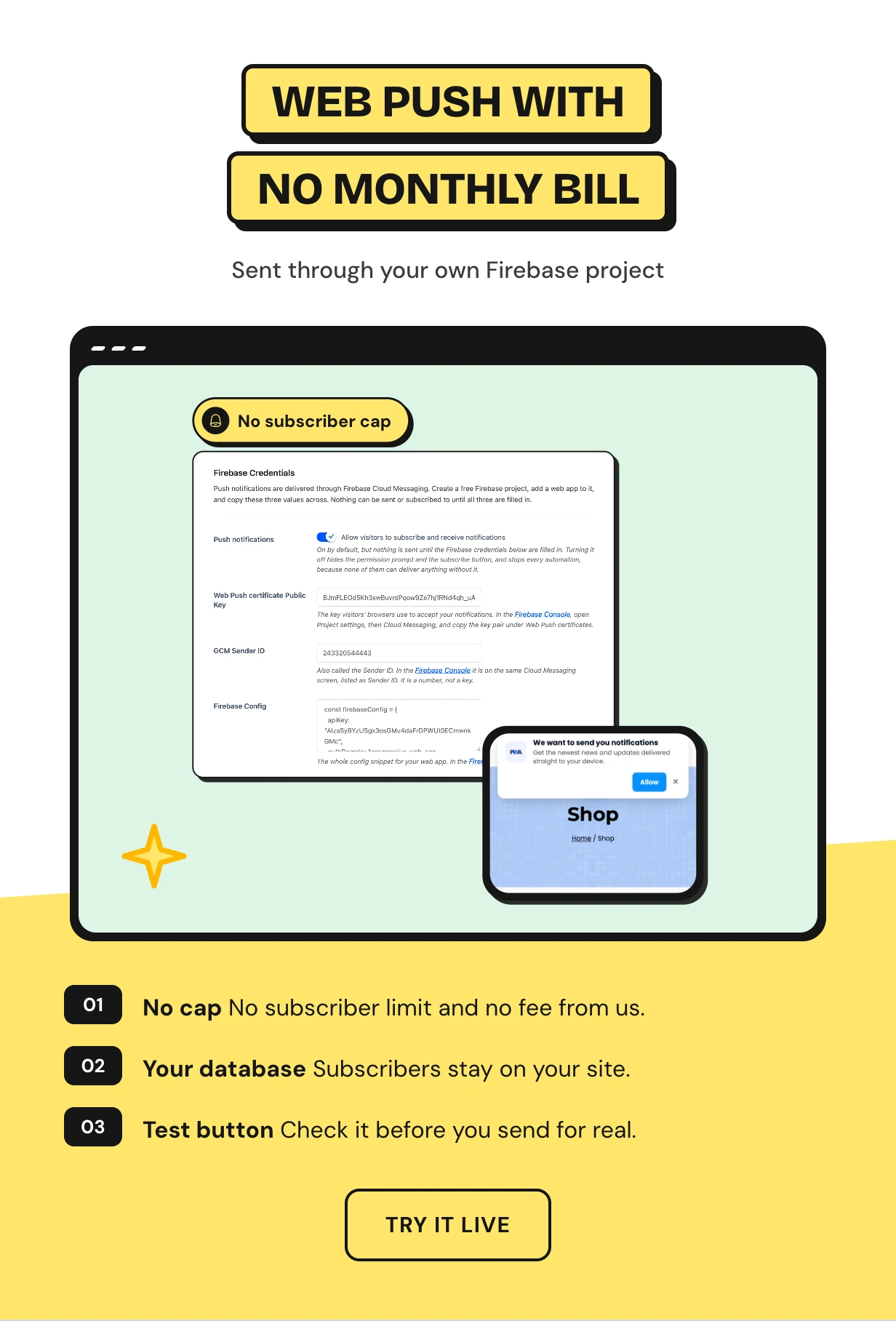
Most push plugins front a paid service that charges as your list grows. This one sends through a free Firebase project you create.
Paste three values into Push Setup and press Test Notification. Subscribers sit in your own database tables.
Targeted push notifications with scheduled sends
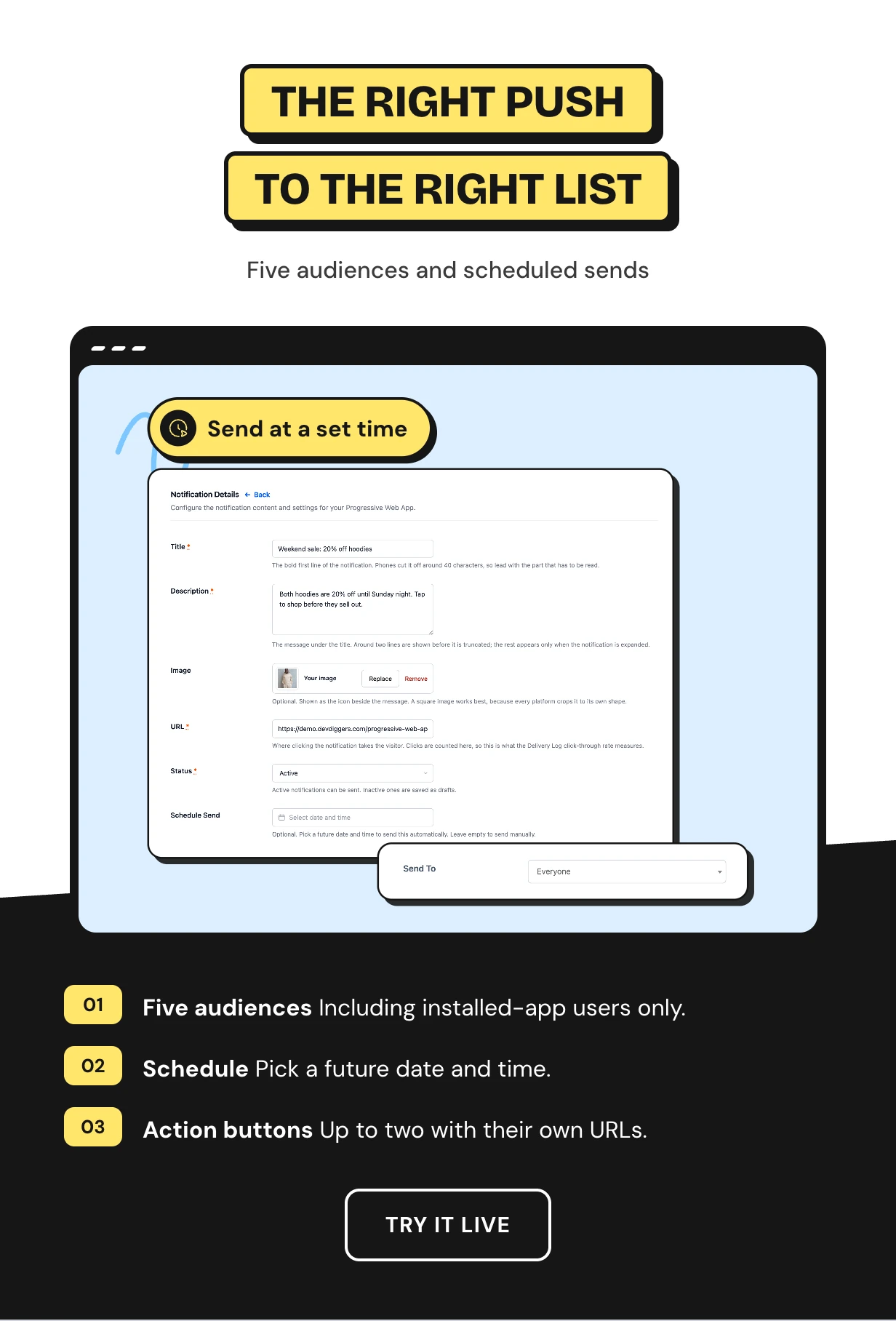
Write a notification with a title, message, image, click URL, action buttons and a badge icon. Send it now or pick a date and time.
Send to everyone, signed-in users, guests, WooCommerce customers or only people who installed the app.
Push notifications that send on publish
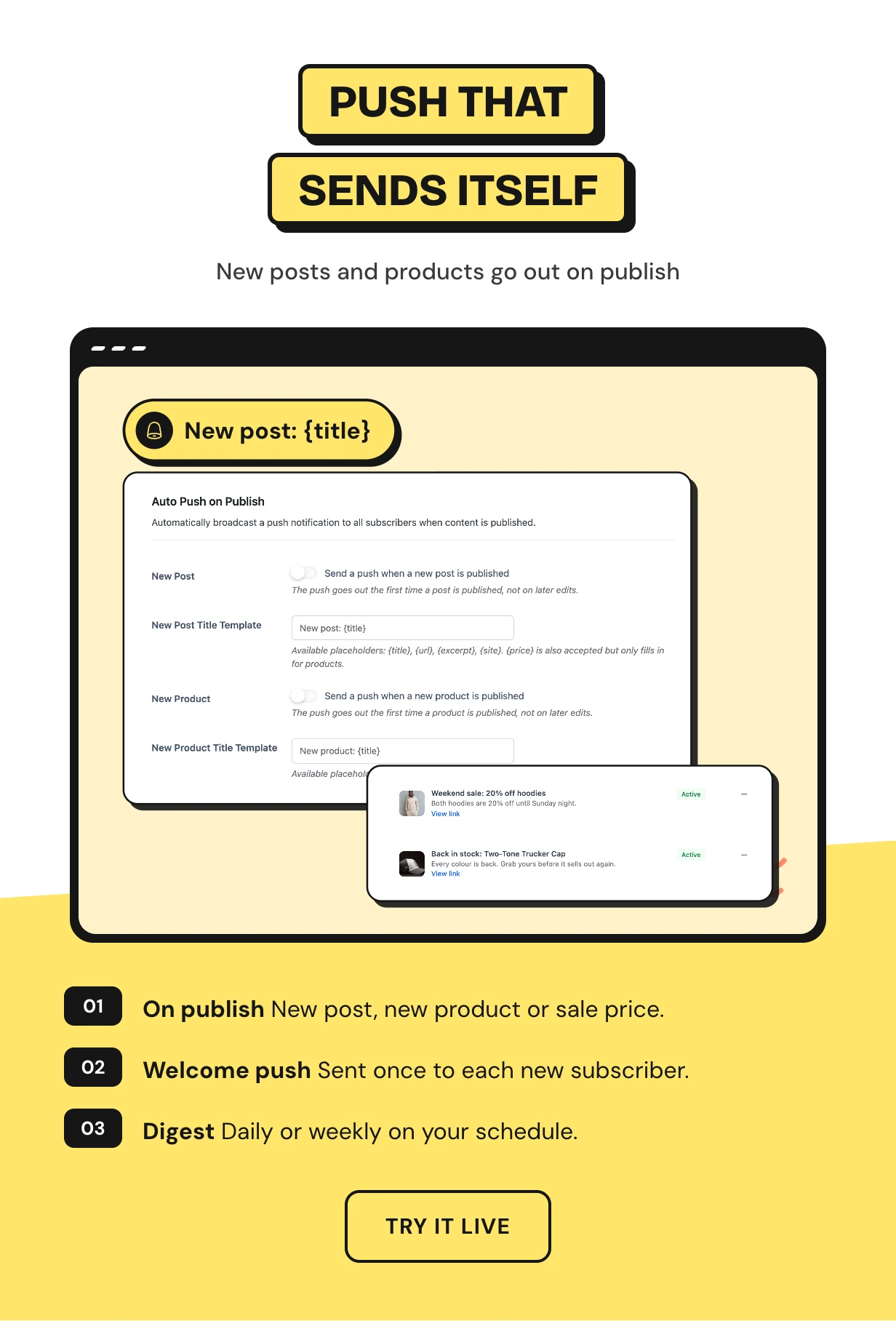
Publish a post and the push goes out with it. The same works for a new product and for one that drops to a sale price.
New subscribers get a welcome message. A daily or weekly digest goes out on the day and time you pick.
WooCommerce PWA alerts for carts and orders
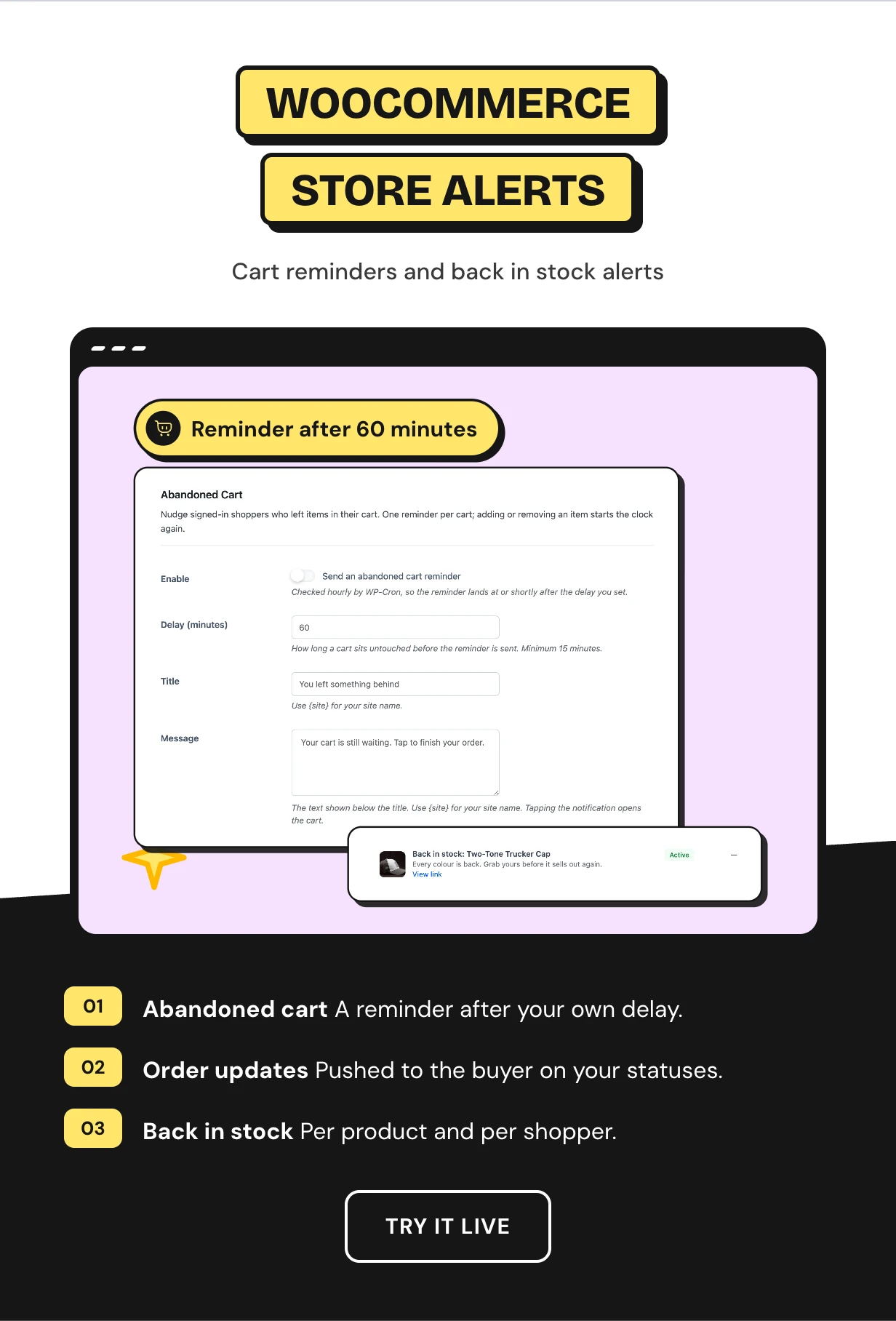
A shopper who leaves a full cart gets a reminder on their lock screen after the delay you choose. Buyers hear when their order status changes.
Shoppers can ask to be told when a sold out product returns. Only the people who asked get the back-in-stock push.
An app experience with a bottom tab bar
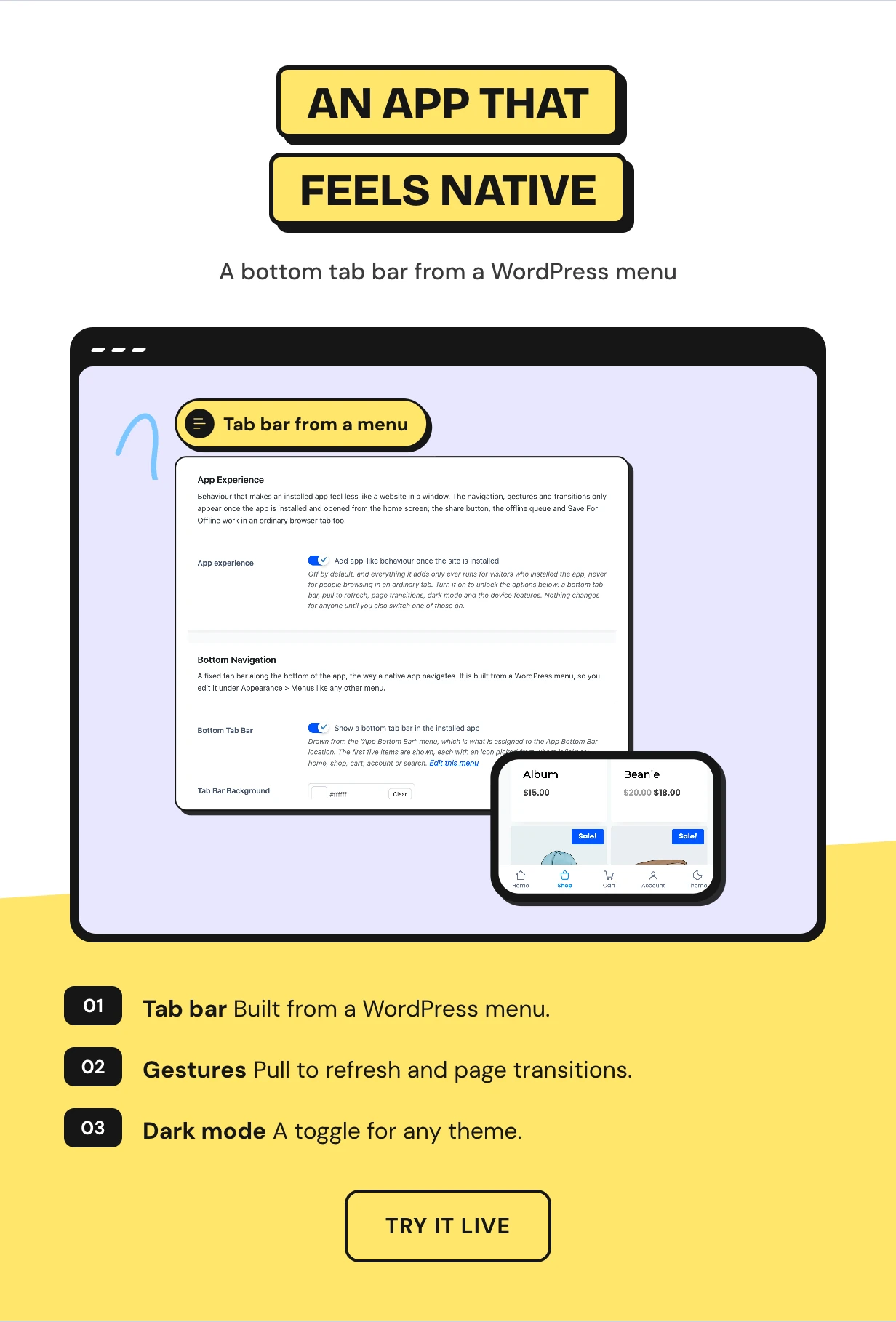
A bottom tab bar is built from an ordinary WordPress menu. Add pull to refresh, page transitions and a loading bar in your brand color.
Then a dark mode toggle, the device share sheet and saved form entries. All of it runs only for people who installed the app.
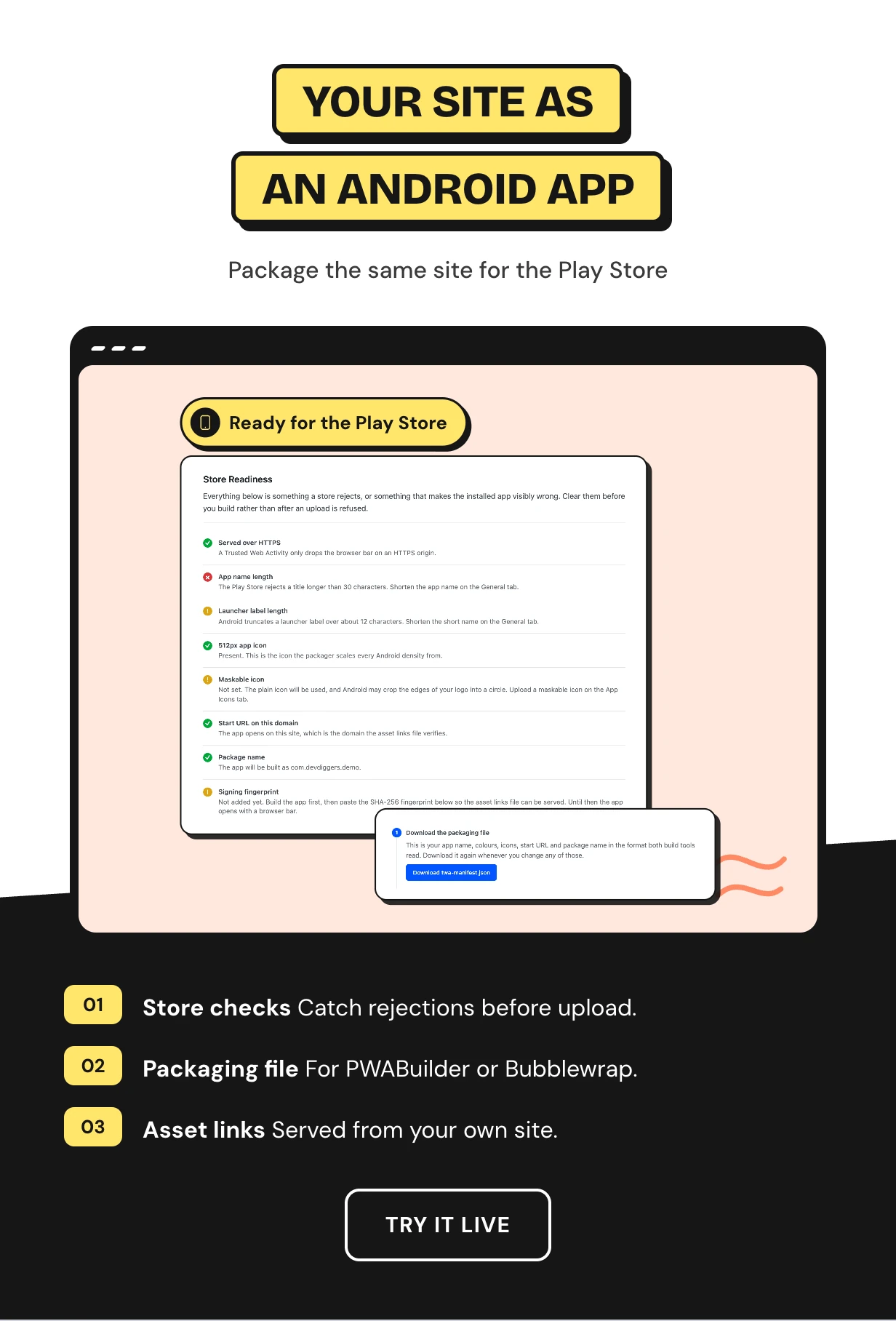
Convert WordPress to an Android app for the Play Store
The App Package tab runs store readiness checks before an upload gets rejected. It writes the packaging file that PWABuilder and Bubblewrap read.
Your asset links file is served from your own domain. You build and sign the app and the signing key stays with you.
A PWA dashboard with installs and click-through rate
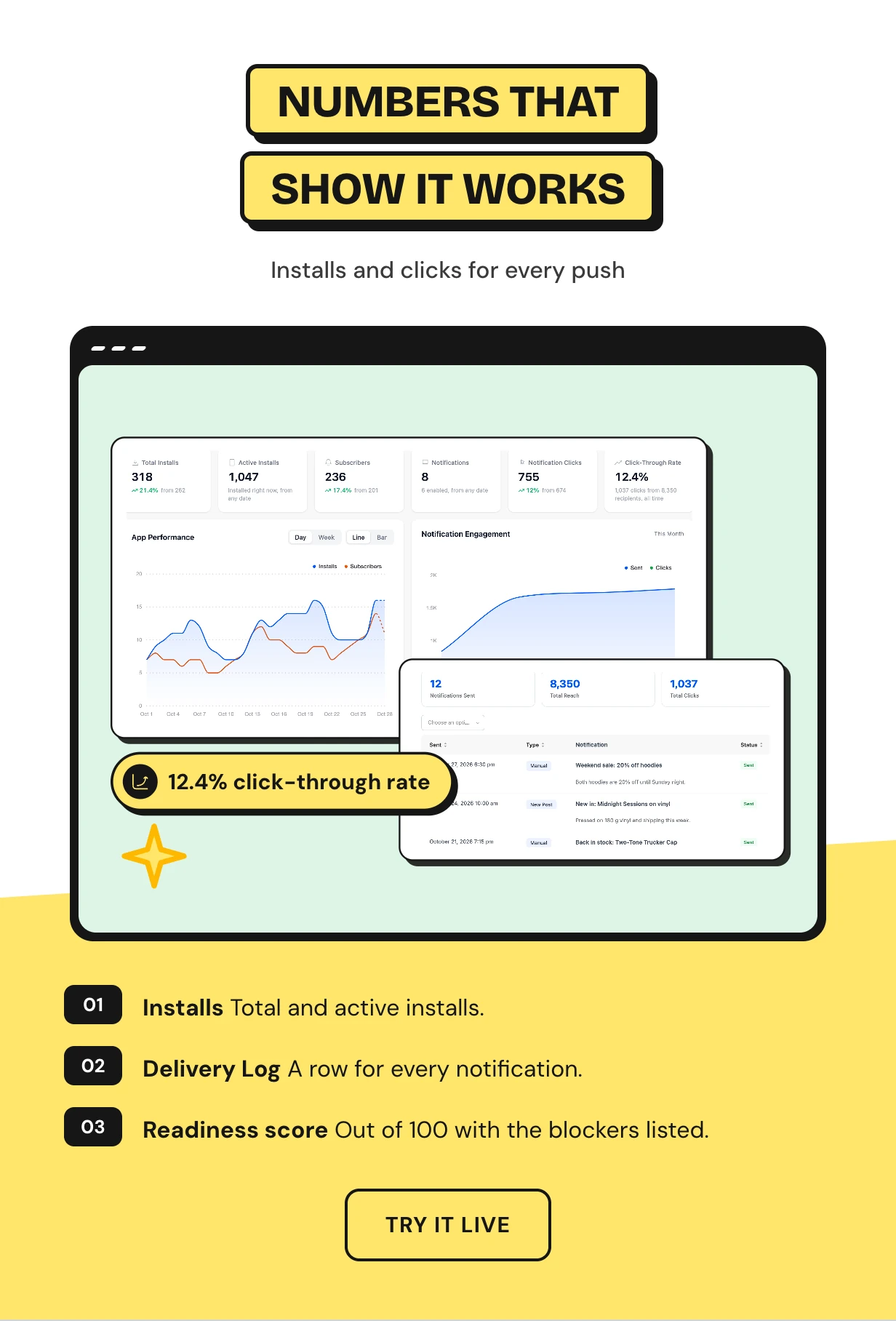
The dashboard counts installs, active installs, subscribers, notifications sent, clicks and click-through rate. An app readiness score out of 100 lists what still holds the app back.
Every push lands in a Delivery Log with its reach, clicks and the reason when a send fails.
Full feature list
Installable app
- Web app manifest generated from your settings
- Your own icon set with a maskable icon
- iOS splash screens and store screenshots
- Styled install banner and install button shortcode
- App shortcuts and a printable install QR code
- Campaign parameters on the start URL
Offline
- Visited pages readable offline
- Network first or cache first
- Your own offline fallback page
- Cache lifetime in days and a never-cache list
- Comments and forms queued offline
- Save a page for reading offline
Web push
- Sent through your own Firebase project
- No subscriber cap and no sending fee
- Title, message, image, click URL and action buttons
- Five audiences and scheduled sends
- Send Push box in the post editor
- Styled permission prompt with delay and page rules
Automations
- Auto push on a new post, new product or price drop
- Welcome notification for new subscribers
- Daily or weekly digest
- Abandoned cart reminders
- Order status updates to the buyer
- Back-in-stock alerts per product and shopper
App experience and store
- Bottom tab bar from a WordPress menu
- Pull to refresh, page transitions and a loading bar
- Dark mode toggle, share sheet and wake lock
- Store readiness checks for Android
- Packaging file for PWABuilder or Bubblewrap
- Asset links file served from your domain
Reports and setup
- Dashboard with installs, subscribers and click-through rate
- App readiness score out of 100
- Delivery Log and Subscribers screen
- Status tab with browser support list
- Guided setup wizard
- AMP, multisite, HPOS and translation ready
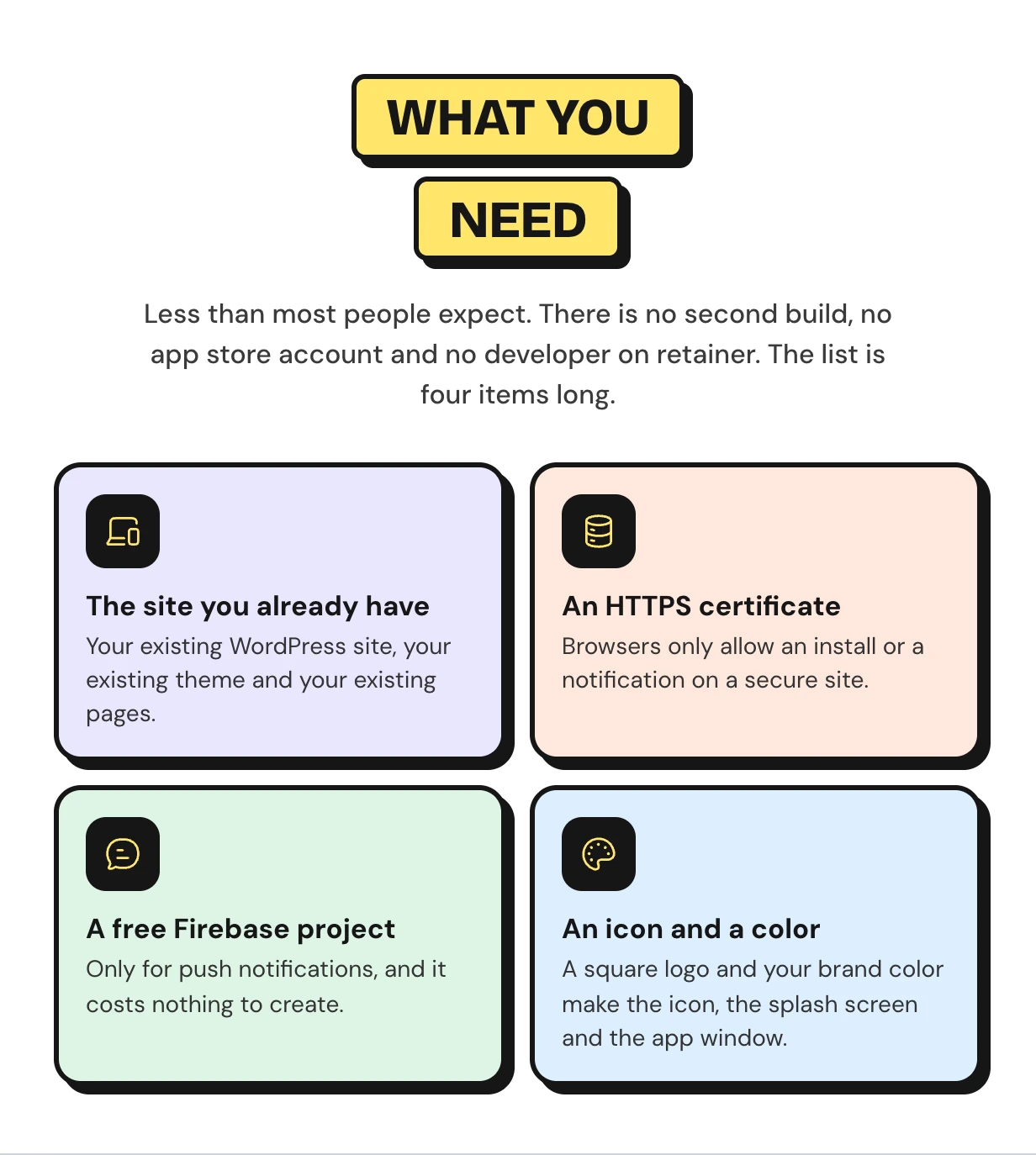
What you need to run a PWA for WordPress
There is no second build and no app store account. You need HTTPS, a free Firebase project for push and an icon.
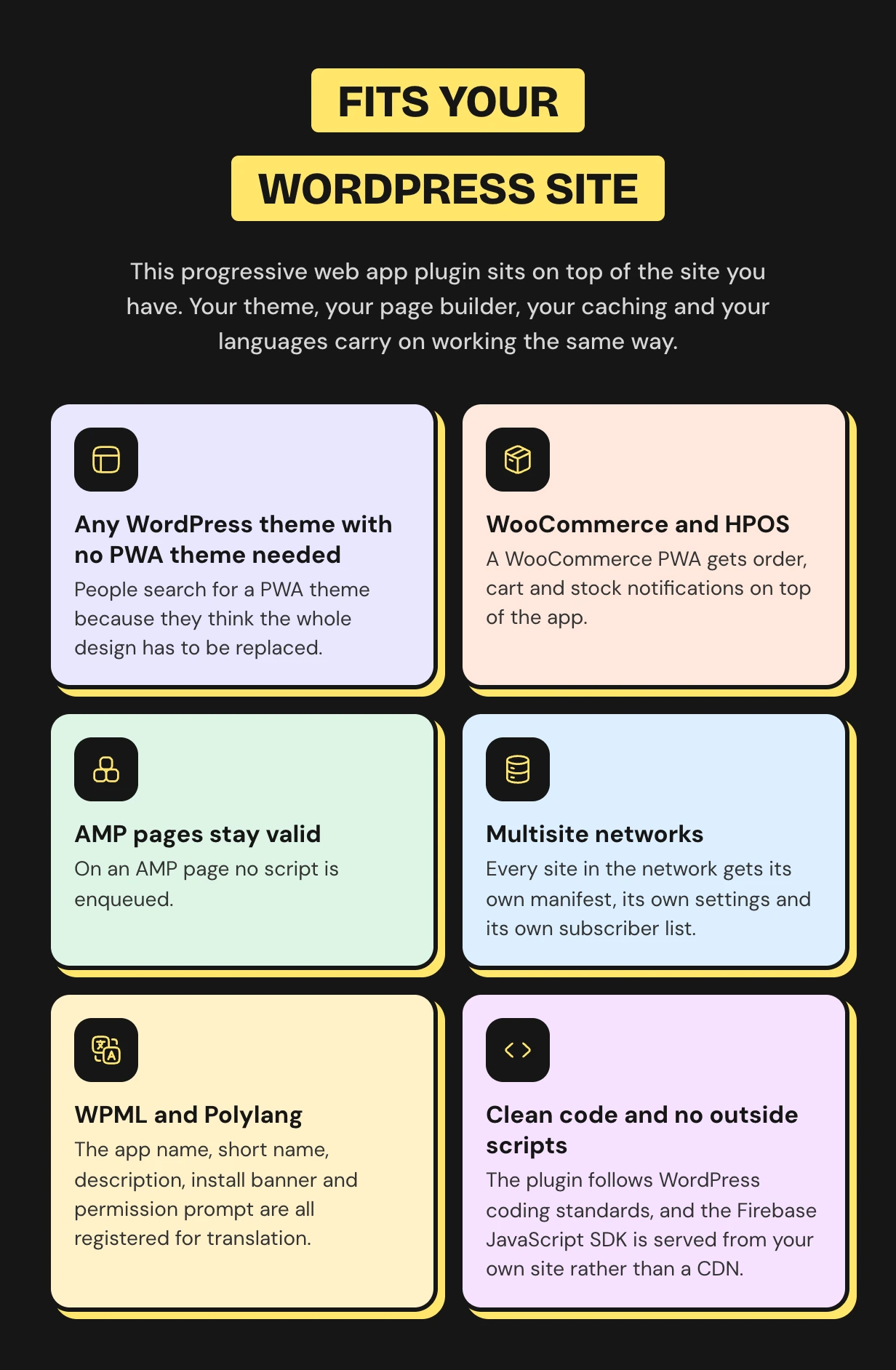
Works with the WordPress site you already run
The installed app is your current theme in an app window. AMP pages, page caching, multisite and HPOS all keep working.
Why this WordPress push notifications plugin has no monthly bill
Most push plugins front a paid service that charges per subscriber. This one sends through your own Firebase project with no cap.
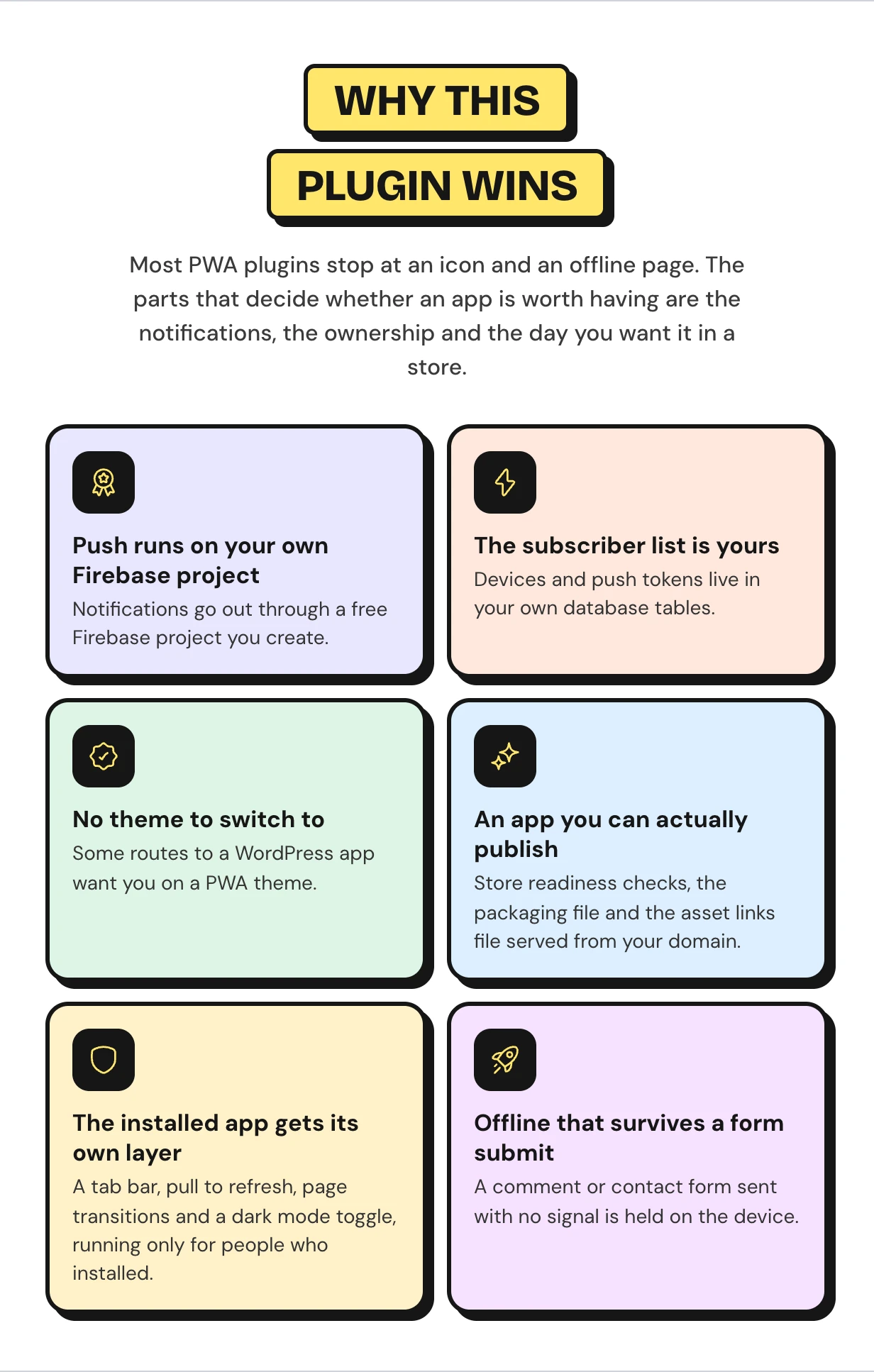
Who the WooCommerce PWA is for
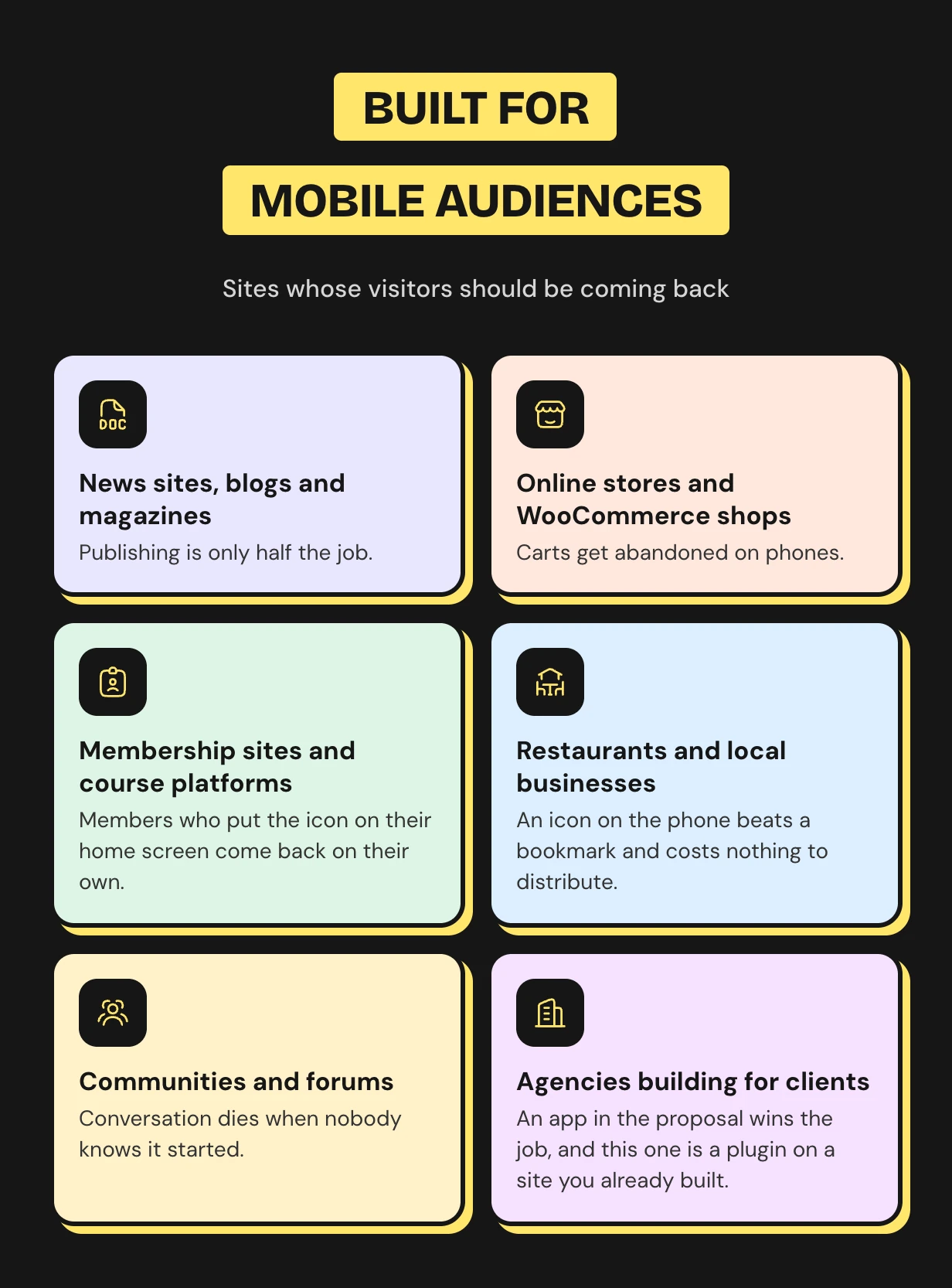
What buyers say
Progressive web app questions
What is a progressive web app?
A website a browser can install like an app. It gets a home screen icon, its own window, offline pages and notifications.
Does WordPress support PWAs out of the box?
No. A browser needs a web app manifest and a service worker, and WordPress ships neither. This plugin writes both.
Do I need a PWA theme?
No. The installed app is your current theme in an app window. Your layout and page builder stay as they are.
Does it work on iPhone and iPad?
Yes. Visitors add your site from the Safari share sheet. Push reaches iOS once the app is on the home screen.
Do I need a Firebase account?
Only for push notifications, and it is free. The installable app and offline pages need no account.
Do you charge per subscriber or per notification?
No. Pushes go through your own Firebase project with no cap. Subscribers stay in your own database.
Does it work with WooCommerce?
Yes. It adds order updates, abandoned cart reminders and back-in-stock alerts. Cart and checkout are never cached.
Is there a free WordPress PWA plugin?
Yes. The free build on WordPress.org installs as an app, works offline and sends web push to all subscribers. Pro adds targeting, scheduling, store automations, the app experience and the Play Store package.
Will a PWA slow my site down?
No. It adds one small script and a service worker. Caching usually makes repeat visits faster.
Support and custom work
Support comes from the developers who wrote the code, usually within hours. Start with the PWA documentation or contact our team. See every feature on the WordPress PWA plugin page.
Need a custom push trigger or a native app wrapper? Our WooCommerce development services team builds custom PWA features for you.
Requirements
- WordPress 6.5 or newer
- HTTPS on your domain
- WooCommerce is optional (needed only for shop alerts)
Changelog
v 1.4.0 Updated new firebase update workflow for push notifications. Added compatibility with latest WordPress and WooCommerce. Added new hooks for the customization compatibility. Resolved security issues.
v 1.3.0 Added WooCommerce HPOS (High-Performance order storage) compatibility. Added compatibility with latest WordPress and WooCommerce. Added new hooks for the customization compatibility. Resolved security issues.
v 1.2.0 Added splash screen with icon size of 512x512 pixels. Resolved security issues.
v 1.1.4 Added compatibility with the latest WordPress and WooCommerce. Resolved security issues.
v 1.1.3 Added compatibility with the latest WordPress and WooCommerce. Updated license API. Resolved security issues.
v 1.1.2 Added compatibility with WordPress 5.8.x Added compatibility with WooCommerce 5.7.x Resolved analytics data with translated sites. Fixed other security issues.
v 1.1.1 Added License Activation in the configuration menu. Fixed security issues.
v 1.1.0 Added new analytics submenu. Added analytics reports for PWA installations and subscriber count. Fixed security issues.
v 1.0.0 Initial Release
$99 |
Download |
5 average based on 27 ratings.

| Last Update | 2026-10-30 |
| Created | 2020-06-08 |
| Sales | 238 |
| Discussion | Comments |
| Compatible Browsers | Firefox Safari Chrome Edge |
| Software Version | WordPress 7.0.x WordPress 6.9.x WordPress 6.8.x WordPress 6.7.x WordPress 6.6.x WordPress 6.5.x WordPress 6.4.x WordPress 6.3.x WordPress 6.2.x WordPress 6.1.x WordPress 6.0.x WordPress 5.9.x WordPress 5.8.x WordPress 5.7.x WordPress 5.6.x WordPress 5.5.x WordPress 5.4.x WordPress 5.3.x WordPress 5.2.x WordPress 5.1.x WordPress 5.0.x |
| Compatible With | Elementor Gravity Forms WooCommerce 10.x.x WooCommerce 9.x.x WooCommerce 8.x.x WooCommerce 7.x.x WooCommerce 6.x.x WooCommerce 5.x.x WPML Bootstrap 4.x |
| Gutenberg Optimized | Yes |
| High Resolution | Yes |
| Files Included | JavaScript JS CSS PHP Layered PNG |
| Video Preview Resolution |


