Pipedrive Integration with ARForms


Pipedrive integration with ARForms
ARForms – Pipedrive Integration addon allows you to connect your form entries to Pipedrive in a single automated process. With this addon, the contact data is automatically synced to your Pipedrive contact list immediately after the form submission of ARForms.
Features
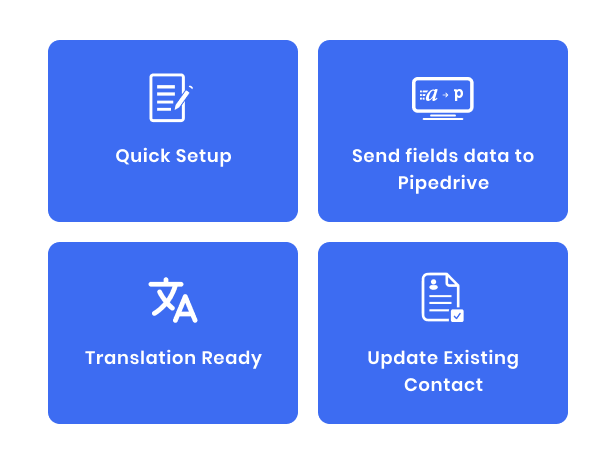
Pipedrive Configuration

After activating the plugin, a new Pipedrive option will appear under the Email Marketing Tools tab in ARForms → General Settings. Enter Client ID & Secret, Authorize it and Save to establish the connection.
After completed general settings and select default subscriber list, you need to map fields from ARForms’ form. You can get this setting from “Opt-in” tab from form editor.
Pipedrive Option
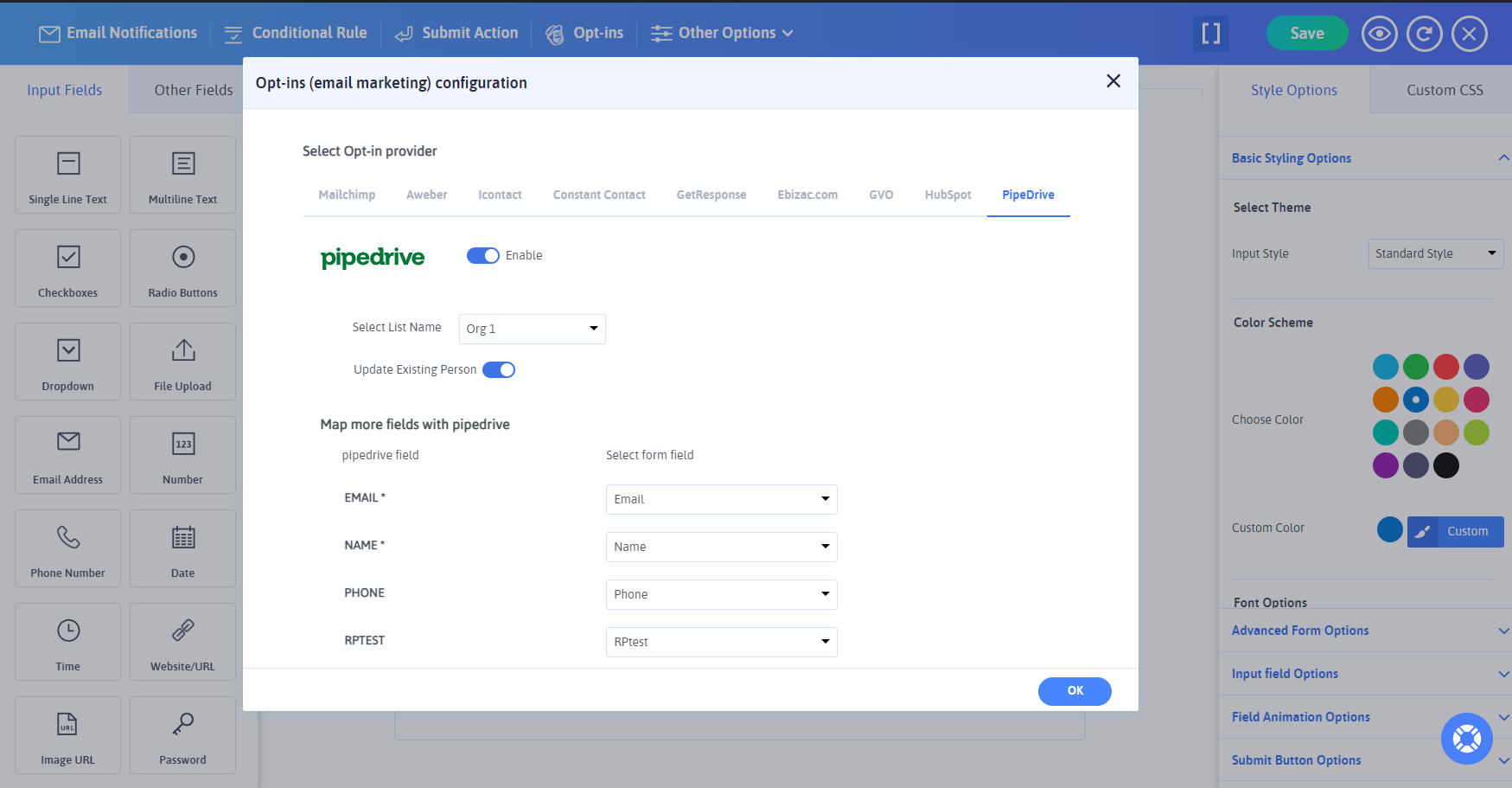
Now, whenever a user submits this form,the contact data is instantly synced to your Pipedrive subscriber list.
0 average based on 0 ratings.

| Last Update | 2025-08-01 |
| Created | 2025-08-01 |
| Sales | 0 |
| Discussion | Comments |
| Compatible Browsers | IE11 Firefox Safari Opera Chrome Edge |
| Software Version | WordPress 6.8.x WordPress 6.7.x WordPress 6.6.x WordPress 6.5.x WordPress 6.4.x WordPress 6.3.x WordPress 6.2.x WordPress 6.1.x WordPress 6.0.x |
| Compatible With | |
| Gutenberg Optimized | No |
| High Resolution | No |
| Files Included | JavaScript JS HTML CSS PHP |
| Video Preview Resolution |
Search plugins
Browse Categories


