phpLens - AI Search Analytics Platform
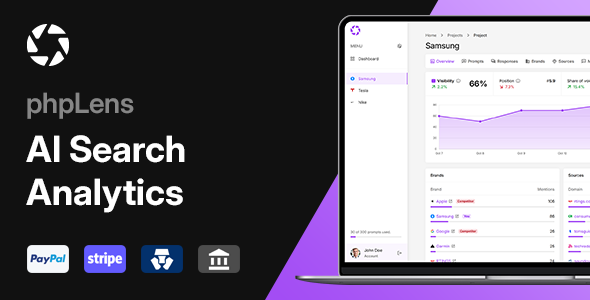

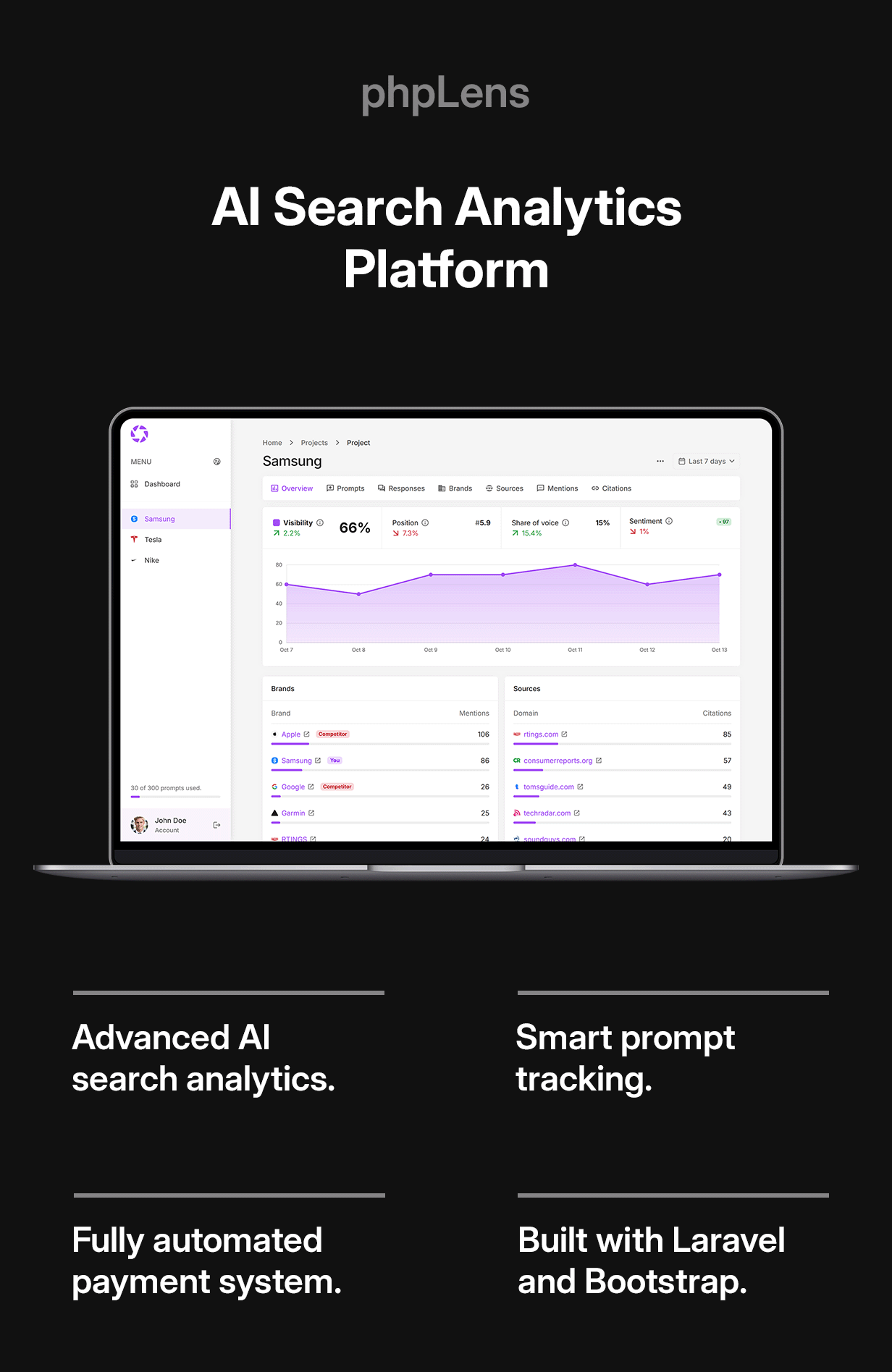
phpLens is a self-hosted AI search analytics PHP script for prompt monitoring with detailed reports on brand visibility, mentions, and citations.






User Demo (The demo user has access to the Admin Panel)
Stats Demo (Example of a Stats page)
Documentation
User Features
DASHBOARD – Get the overview of your account and your projects.TRACKING – Track key metrics in AI search results:
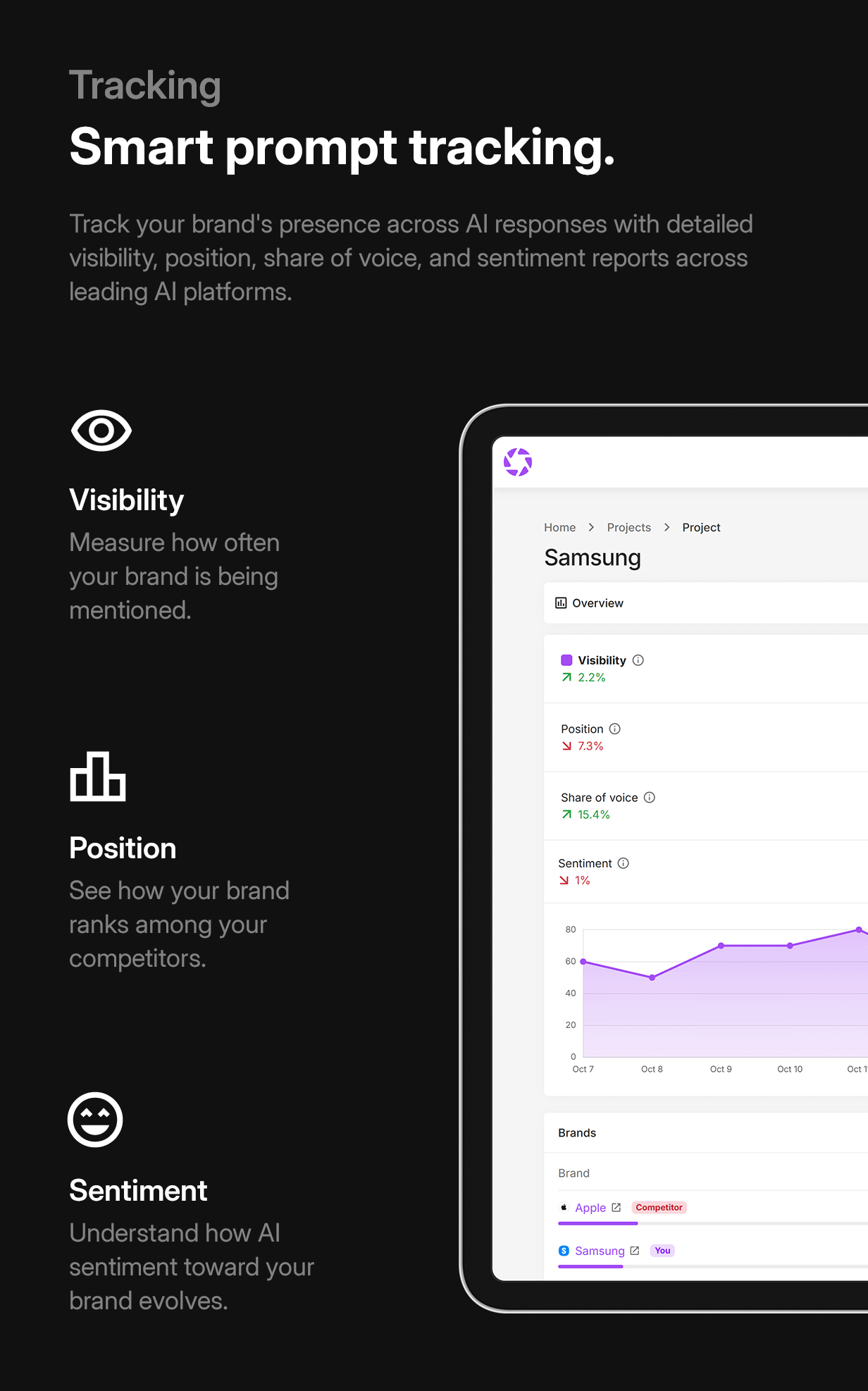
- Visibility – Measure how often your brand is being mentioned
- Position – See how your brand ranks among competitors
- Sentiment – Understand how your brand is being perceived
- Prompts – Comprehensive website statistics overview
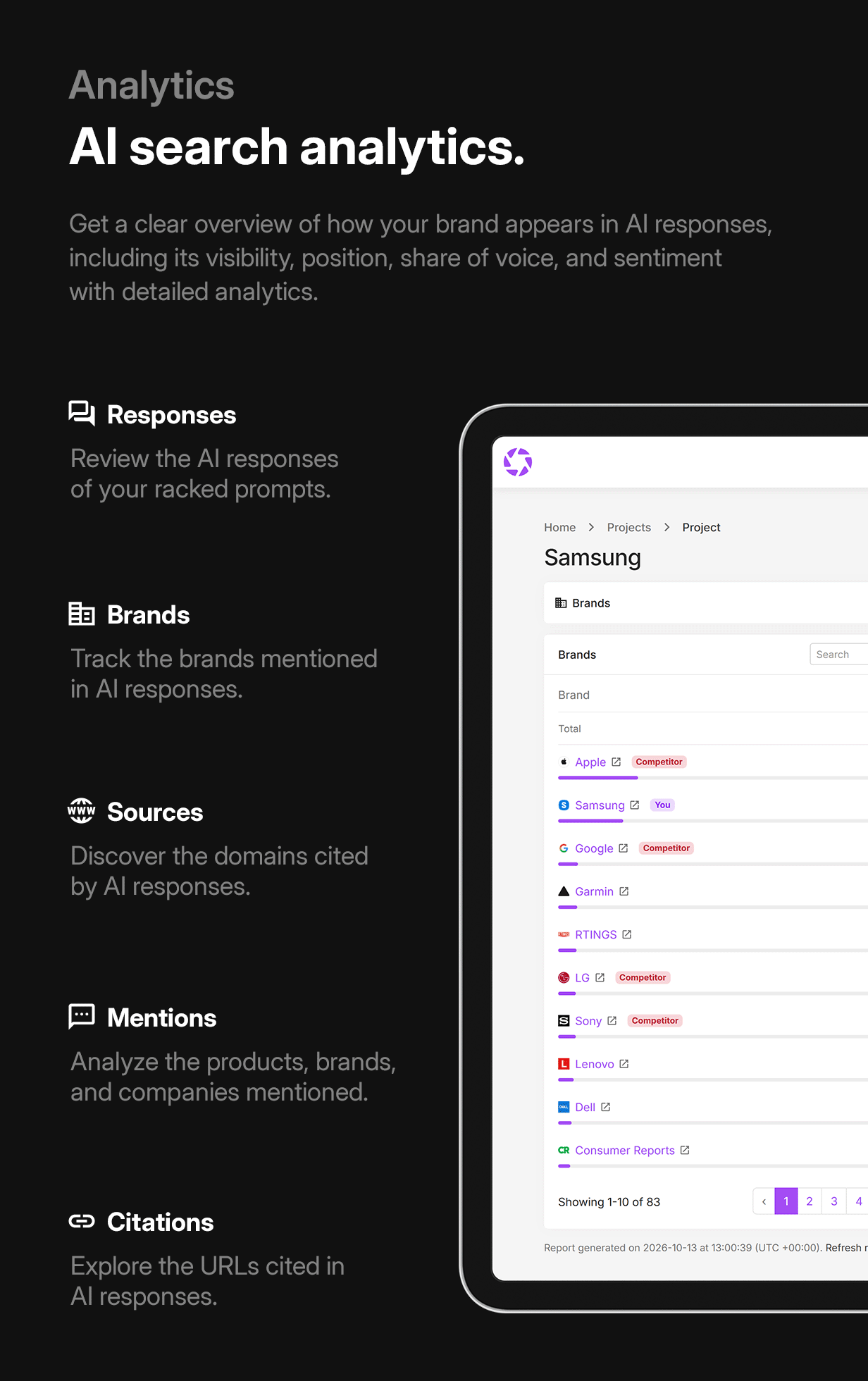
- Responses – Review the AI responses generated for your prompts
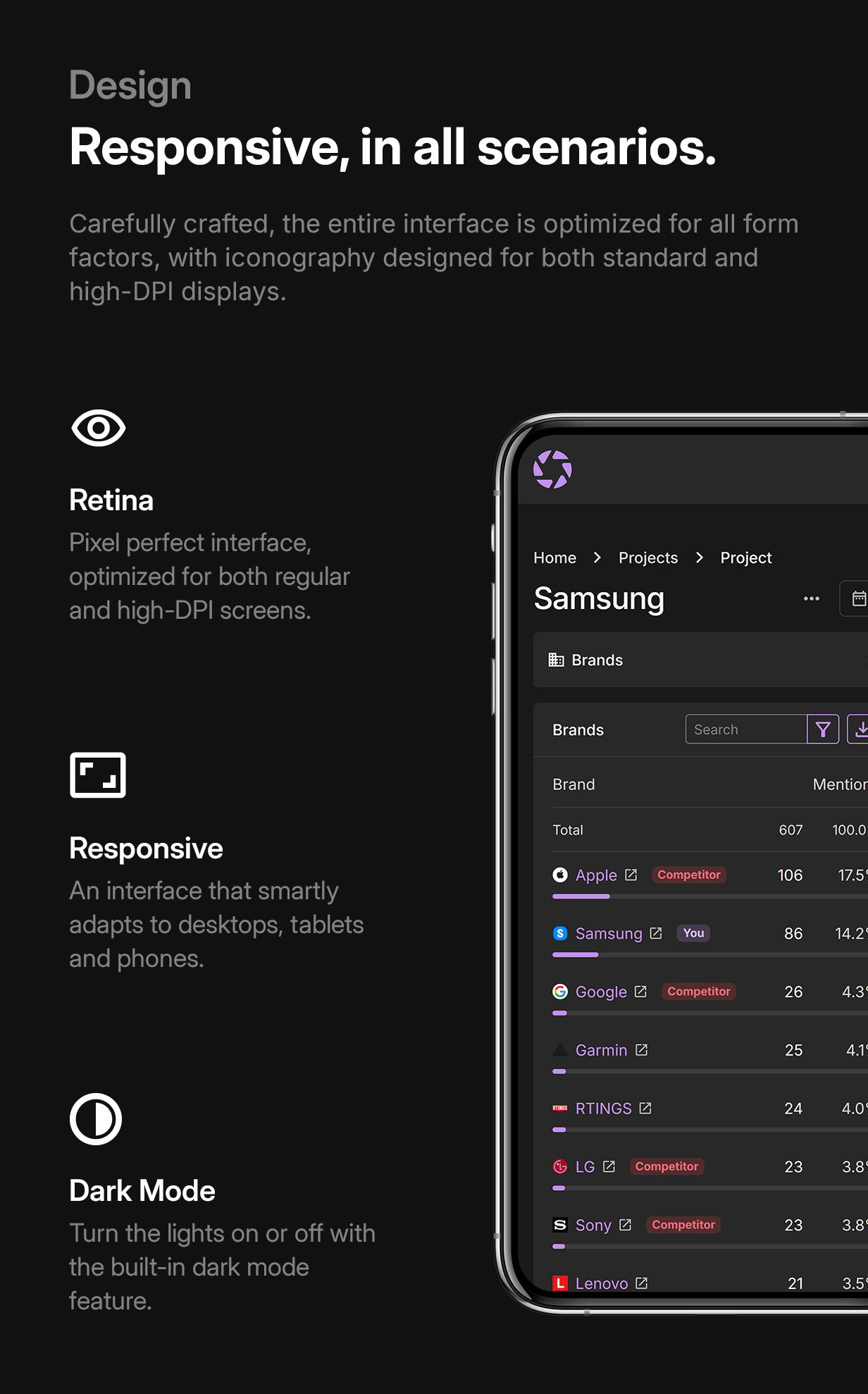
- Brands – Track the brands mentioned in AI responses
- Sources – Discover the domains cited by AI responses
- Mentions – Analyze the products, brands, and companies mentioned
- Citations – Explore the URLs cited in AI responses
NOTIFICATIONS – Get periodic emails about your websites AI visibility.
CHECKOUT – Checkout through PayPal, Stripe, Mollie, Paddle, Razorpay, Paystack, Xendit, MercadoPago, YooMoney, Crypto.com, NOWPayments, and Bank transfer.
Admin Features
DASHBOARD – Get an overview of the website’s activity.SETTINGS – Change the website’s various configuration options.
PAYMENTS – Manage the Payments. View, approve, or decline the Payments.
PLANS – Manage the Plans. Create, edit, suspend, or view Plans.
TAX RATES – Manage the Tax Rates. Create, edit, suspend, or view Tax Rates.
COUPONS – Manage the Coupons. Create, edit, suspend, or view Coupons.
USERS – Manage the Users. View, edit, delete, or suspend accounts.
PROJECTS – Manage the Projects. View, edit, or delete the Projects.
PROMPTS – Manage the Prompts. View, edit, or delete the Prompts.
COMPETITORS – Manage the Competitors. View, edit, or delete the Competitors.
Updates
Latest version: View changelog (v1)Requirements
Requirements list: View requirements$59 |
Download |
0 average based on 1 ratings.

| Last Update | 2026-10-16 |
| Created | 2026-10-15 |
| Sales | 2 |
| Discussion | Comments |
| Compatible Browsers | Firefox Safari Opera Chrome Edge |
| Software Version | PHP 8.x MySQL 8.x MySQL 5.x |
| High Resolution | Yes |
| Software Framework | Laravel |
| Files Included | JavaScript JS JavaScript JSON HTML CSS Sass PHP |
| Video Preview Resolution |
Search plugins
Browse Categories


