Password Saver- Password Manager (One Key - Offline Password Manager)


Offline Password Manager
Secure Vault • AES-256 Encryption • 100% Offline • Android 16 Ready
Download

Key Highlights
A powerful offline password manager that stores all your sensitive data securely inside your device using AES-256 encryption. No internet required.
Features
- Master Password Protection (Single Unlock System)
- AES-256 Bit Encryption Security
- Fully Offline (No Internet Required)
- Custom Categories & Fields Support
- Store Bank, Card & Login Details
- Backup & Restore Feature
- CSV Export / Import
- Auto Fill Password Support
- Dark Mode UI
- Recycle Bin (Restore Deleted Data)
- Smart Search & Sorting
- Password Strength Checker
- Password Generator Tool
- Auto Lock on Screen Off
- Screenshot Block Security
- AdMob Integration Ready
- Firebase Push Notification
- Firebase Analytics Support
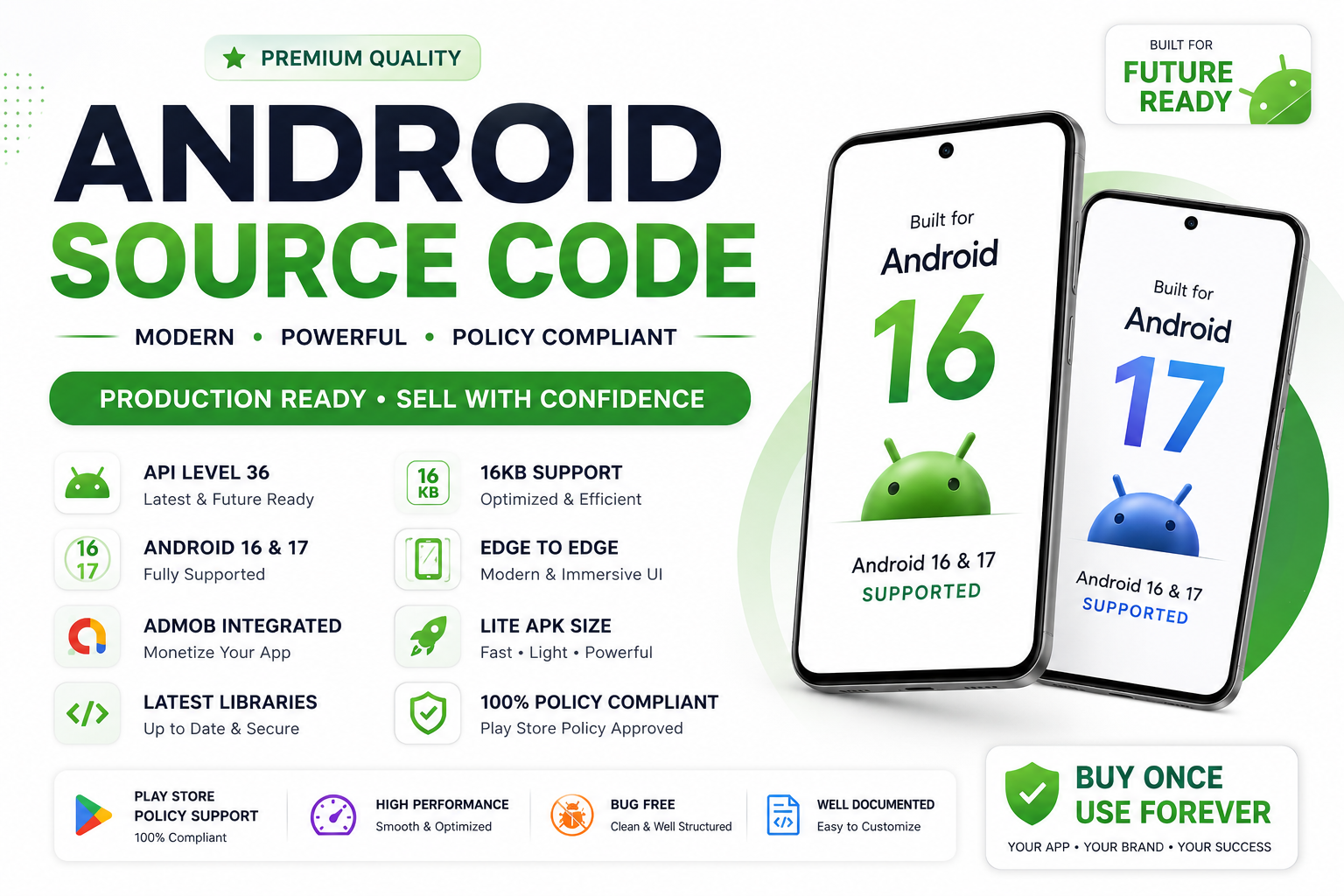
- Android 16 + SDK 36 Support
Security System
- Strong AES-256 Encryption Engine
- Local Device Storage Only
- Master Password Authentication
- Auto Lock System
- Secure Backup Encryption
⚙️ App Modules
- Password Vault Manager
- Bank & Card Manager
- Secure Notes Storage
- Custom Category Builder
- Data Backup & Restore
Download Demo App
Support

⭐ Clean • Secure • Offline • Professional Android App
-> Target SDK & compile SDK both are 36 Support in also android 16
-> Firebase Push notification & firebase crystal analytics
Click Here to download the demo app
https://drive.google.com/file/d/1hIoYde994jKrvlG_59HYf4dujTTLGKpD/view?usp=sharing
A simple and safe offline password manager that enables you to store all your passwords encrypted in one place on your device. Best Password Manager!
Primary Features:
■ Access all encrypted data with a single MASTER PASSWORD
■ NO INTERNET ACCESS of any sort required
■ Strongest Encryption using AES-256 bit algorithm
■ Custom categories and custom fields
■ Completely AD-FREE
■ Auto-fill all passwords
■ Export/Import CSV feature
■ Backup/Restore capable
■ Dark theme
All Features:
■ Virtual cards generation based on information
■ Store Credit Card details, Website logins, e-Banking logins, and other details
■ Recycle bin to restore or permanently erase all deleted passwords
■ Custom categories and custom fields
■ Backup and Restore capable
■ Block Screenshots
■ Different colored card types for convenience
■ Beautiful animations and Dark theme
■ Passwords are stored using strong AES-256 encryption
■ Easy Search and Sort
■ Password Strength indicator to help you choose strong passwords
■ AUTO-LOCK on the screen turn off
■ Password Generator Feature lets you create strong passwords
■ Ad-Free
Permissions explained:
■ Run at startup – To enable auto-backup on device restart
■ Storage – To securely store all passwords on your device
■ Google play license check – For in-app purchases
$21 |
Download |
0 average based on 0 ratings.

| Last Update | 2026-06-14 |
| Created | 2020-03-31 |
| Sales | 6 |
| Discussion | Comments |
| Software Version | Kotlin 1.x Android 15.0 Android 12.0 Android 11.0 Android 10.0 Android 9.0 Other |
| Files Included | .apk .java .xml Layered PSD |
| Video Preview Resolution |


