MH Player: The Ultimate Media Experience - Flutter MX Player Clone Full Application


MH Player | Media Player App
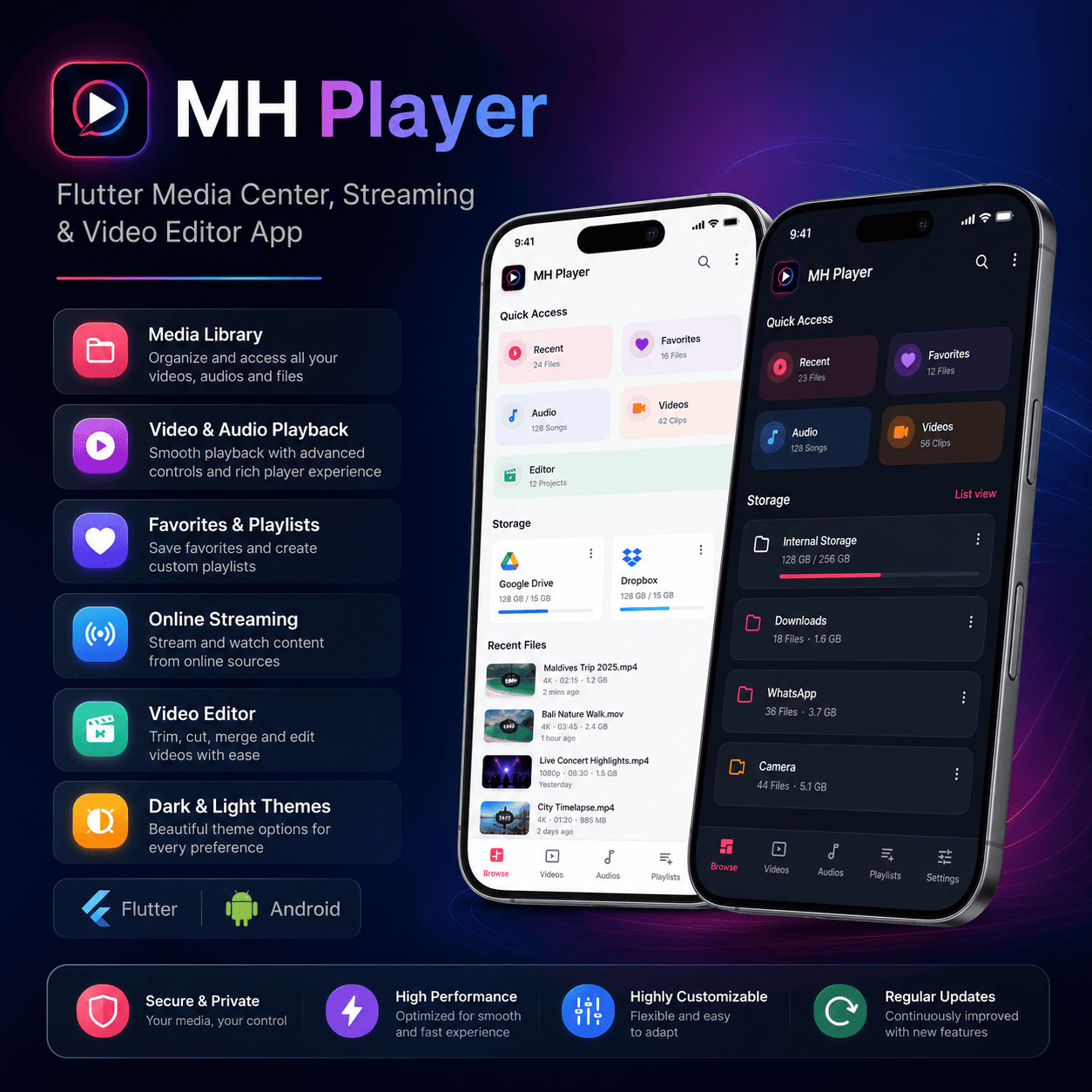
MH Player is a customizable media player app for local video, local audio, online storage links, network streams, subtitles, playlist playback, and basic video editing. Android and iOS project files are included for buyers who want to adapt the app for their own brand.
Key Features
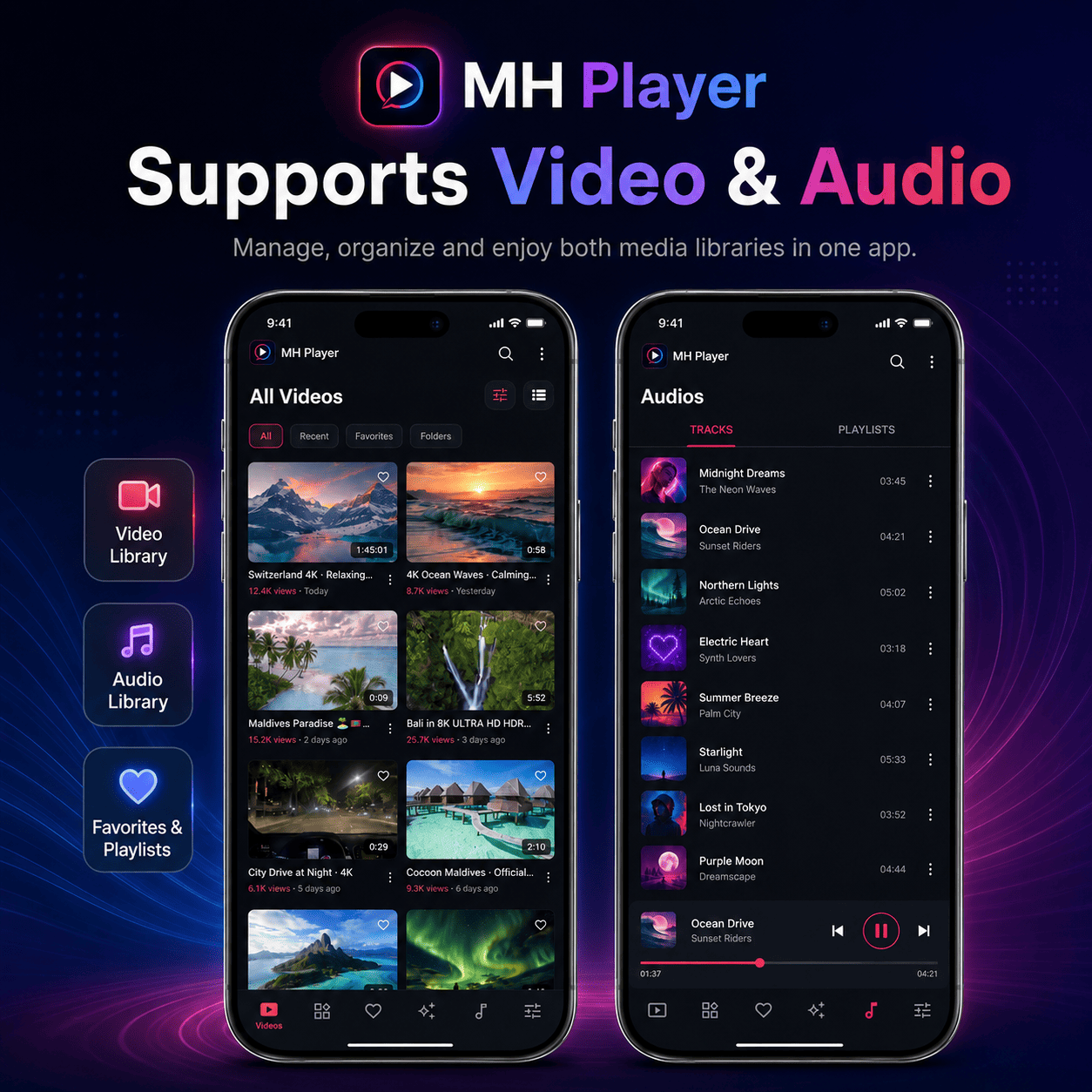
- Local video and audio playback: Browse, organize, and play media files stored on the device.
- Folder-based media library: View videos and audio files by device folders.
- Favorites and recent media: Mark favorite items and quickly access recently used files.
- Search: Find local video and audio files from the app interface.
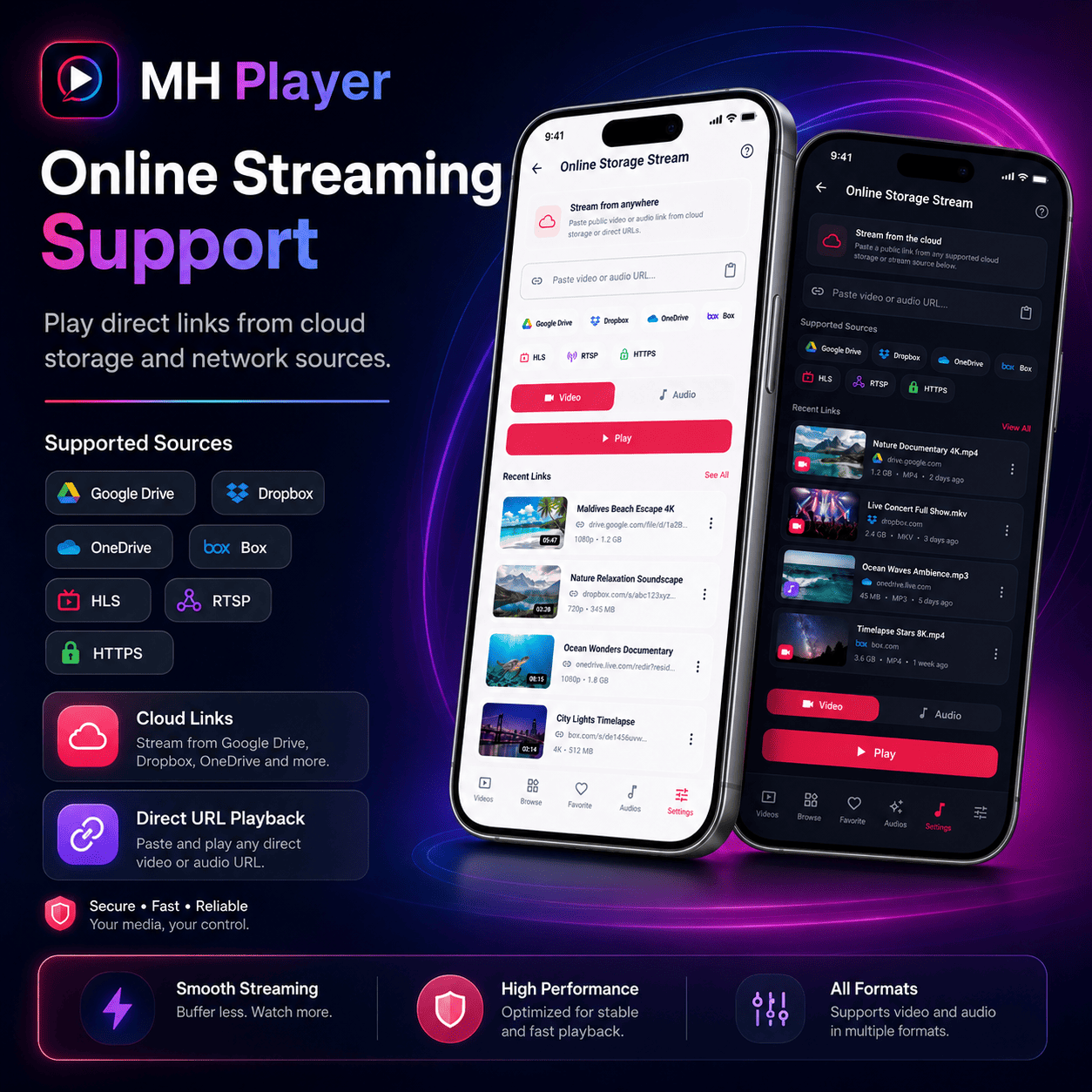
- Network streaming: Open supported HTTP, HTTPS, hls, RTSP, RTMP, MMS, and DASH media URLs.
- Subtitle workflow: Select local subtitle files or configure online subtitle search with OpenSubtitles.
- Full-screen controls: Use seek, brightness, volume, speed, rotation, aspect-ratio, screen-lock, and picture-in-picture controls.
- Audio playback: Use playlists, background playback behavior, notification controls, and lock-screen media controls.
- Video editor: Trim, split, crop, rotate, adjust speed, change volume, apply filters, add music, and add styled text overlays.
- AdMob-ready setup: Optional banner and interstitial ad configuration is included.
- Crash reporting option: Optional Sentry integration can be enabled with build-time configuration.
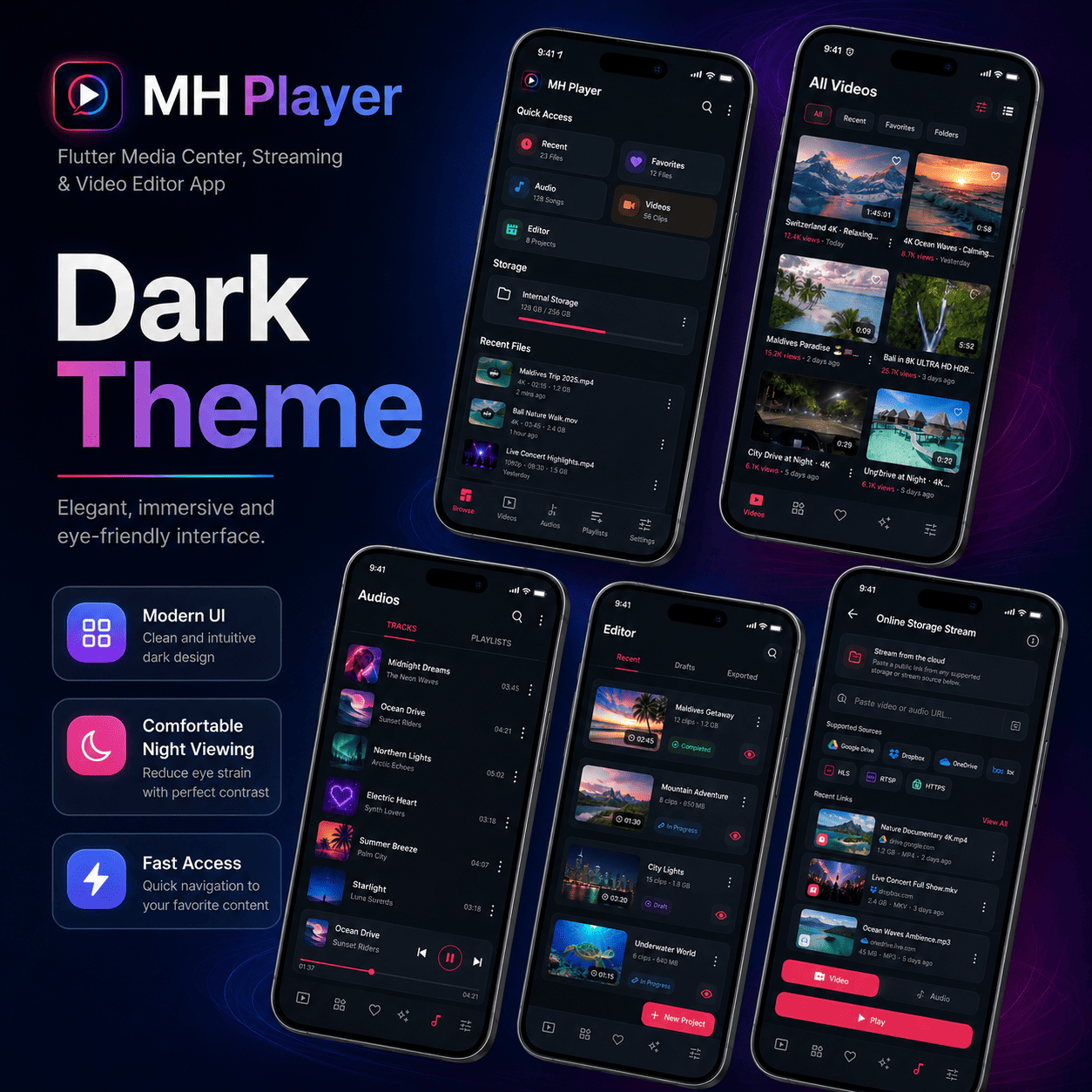
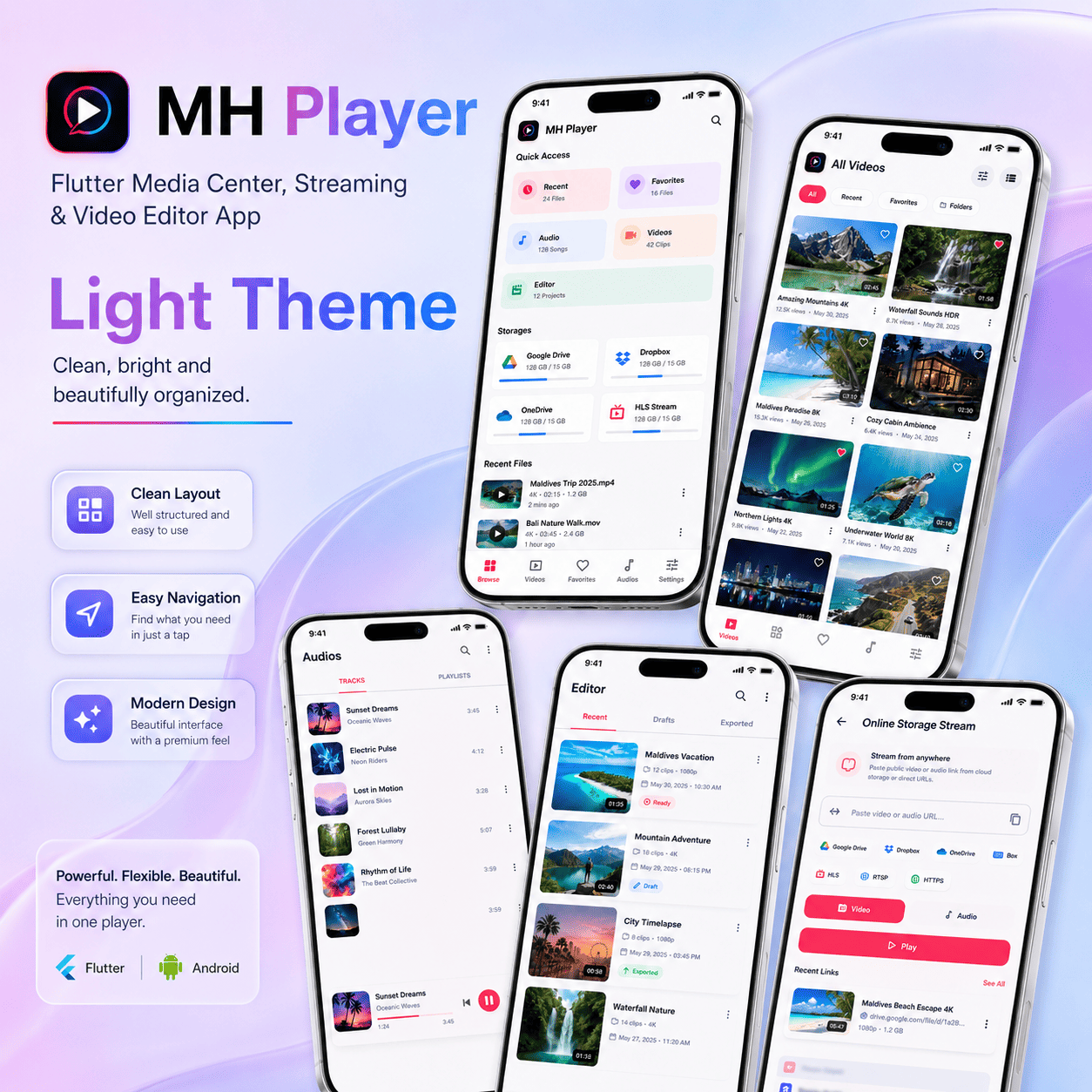
- Material-style UI: Dark and light themes are included.
External Service Requirements
Optional integrations with OpenSubtitles, Sentry, AdMob, and Google Drive are configuration-ready only. Buyers must use their own third-party accounts, API keys, app IDs, OAuth clients, billing arrangements, privacy policy disclosures, and consent setup where required. These services may have their own free limits, paid plans, review requirements, or usage costs.
- OpenSubtitles: Requires buyer-owned API credentials for online subtitle search.
- Sentry: Requires a buyer-owned Sentry project and DSN if crash reporting is enabled.
- AdMob: Requires buyer-owned AdMob app and ad unit IDs; ad serving may require policy review and consent configuration.
- Google Drive: Signed-in Drive browsing requires buyer-owned Google Cloud OAuth clients and Drive API setup.
What You Get
- Full source code in the
mh_player/folder. - Android project configuration.
- iOS project configuration.
- Documentation, changelog, privacy policy, and third-party notices.
- Launcher assets and preview screenshots.
Requirements
- Flutter SDK installed on your machine.
- Android Studio and Android SDK for Android builds.
- Xcode on macOS for iOS builds.
- Basic Dart and Flutter knowledge for customization.
- Documentation is provided in English.
Documentation
- Setup and customization guide.
- Feature usage guide.
- Android and iOS build instructions.
- Troubleshooting and FAQ section.
- Internal component notes, including Favorites Manager logic.
Customization
- Change app name, package name, logo, colors, and launcher icon.
- Update AdMob IDs and enable or disable monetization behavior.
- Configure OpenSubtitles credentials with build-time defines.
- Adjust player controls, editor tools, and supported streaming options.
- Replace screenshots, preview images, and documentation branding.
Preview Images
Support
Email openloadfilms@gmail.com for installation, customization, or build support. Please include your framework version and the build error log so support can respond faster.
0 average based on 0 ratings.
| Last Update | 2025-12-30 |
| Created | 2024-05-21 |
| Sales | 3 |
| Discussion | Comments |
| Software Version | Flutter 3.x |
| Files Included | YAML JavaScript JSON .java .kotlin .plist .swift Layered PNG |
| Video Preview Resolution |


