Local WiFi File Transfer FTP HTTP Server App Android

DropLine Server – Wi-Fi FTP & HTTP File Server (Flutter Android App)
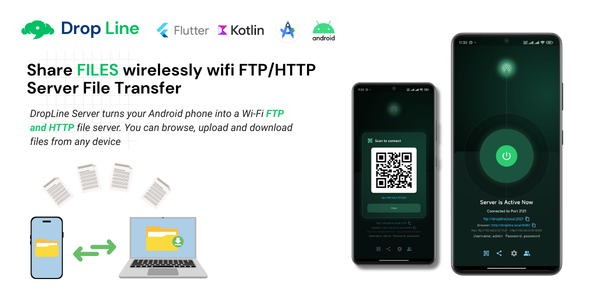
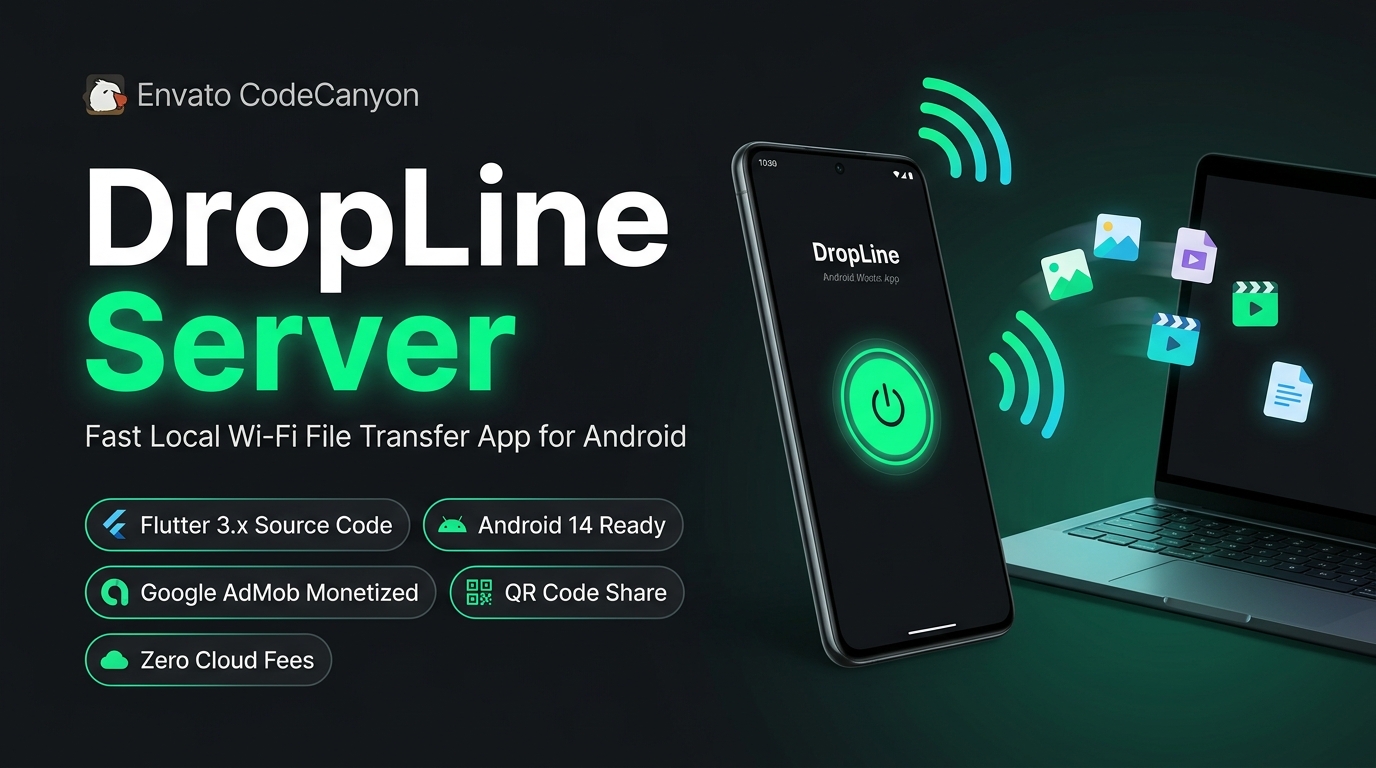
DropLine Server turns any Android device into a high-speed local Wi-Fi file server. Transfer files between Android phones, Windows PCs, macOS, Linux, and iOS devices using standard web browsers (HTTP) or dedicated FTP clients — with zero USB cables and $0 cloud hosting fees.
At a Glance:
• $0 / Month Server Cost: 100% peer-to-peer on local Wi-Fi. Zero cloud bills.
• Dual Protocol Engine: Simultaneous FTP Server (port 2121) and HTTP Web Server (port 8080).
• Google AdMob Monetization: Production-ready Banner and Interstitial ad placements.
• Instant QR Code Sharing: One-tap camera scanning for instant browser connection.
• Android 14+ Ready: Native Kotlin foreground service (dataSync) prevents transfer termination.
• 15-Minute Reskin: Clean GetX architecture with centralized configuration.
Overview
DropLine is an end-to-end commercial Flutter and Android template crafted for mobile developers, agencies, and entrepreneurs. Built on clean GetX state architecture and embedded native Kotlin server engines, the app operates 100% locally over Wi-Fi, meaning zero ongoing hosting or cloud database fees. It includes built-in Google AdMob monetization and scannable QR code sharing, allowing you to rebrand, configure, and publish directly to the Google Play Store.
Key Features
- Dual FTP and HTTP Server Engine: Runs an RFC 959 compliant Apache FTP server on port 2121 and an embedded NanoHTTPD web server on port 8080 simultaneously.
- Web Browser File Manager: Any device on the same local network can access, browse, upload, and download files using standard web browsers (Google Chrome, Safari, Microsoft Edge, Mozilla Firefox) without installing external apps.
- Google AdMob Monetization: Complete, policy-compliant integration of Google AdMob Banner and Interstitial advertisements with smart cooldown intervals and frequency caps.
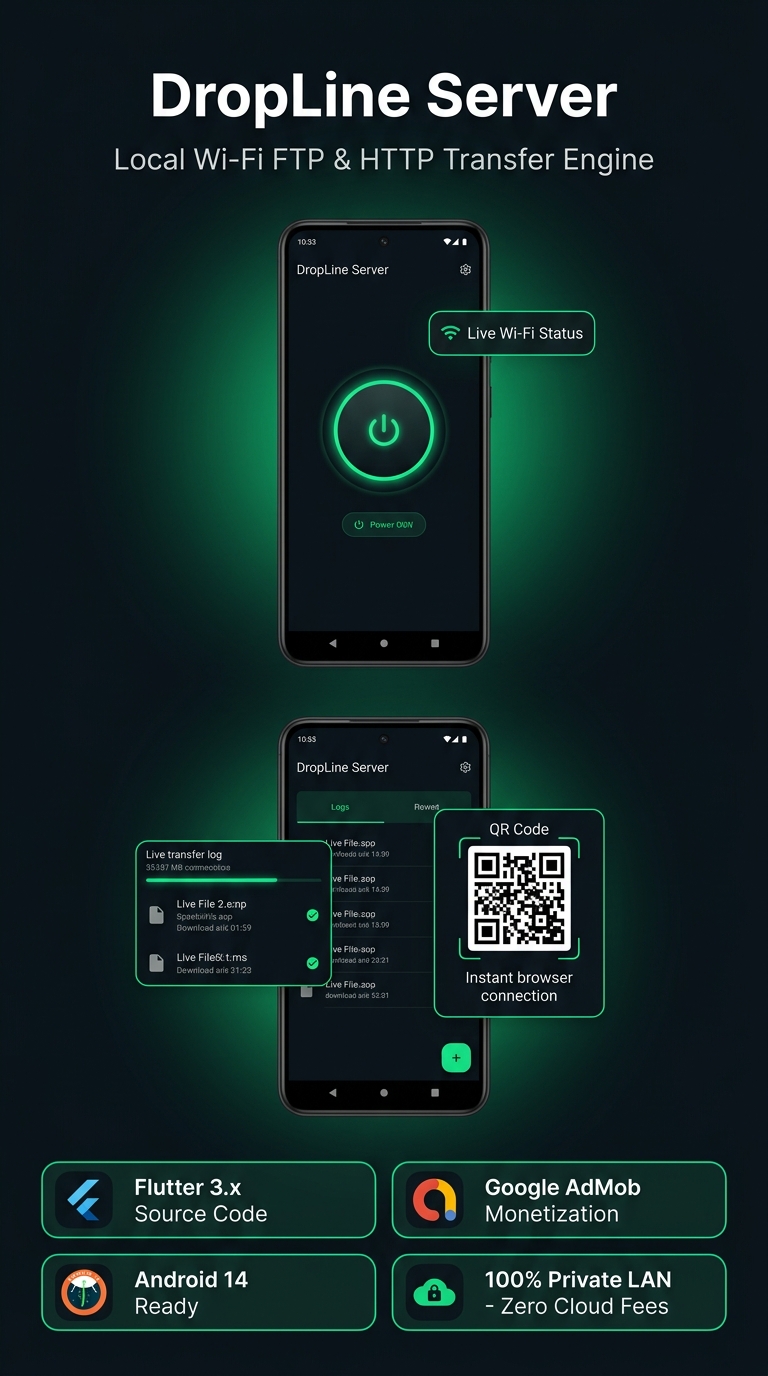
- Instant QR Code Sharing: One-tap QR code popup allows clients on the same Wi-Fi network to scan with their mobile camera and connect instantly without typing IP addresses.
- Native Android Share Sheet: Share server connection URLs directly via WhatsApp, Telegram, email, messaging, or any installed communication app.
- Android 14 Foreground Service: Utilizes an official Android foreground service (dataSync) with persistent status notification to ensure uninterrupted transfers when the screen is locked or the app is minimized.
- Configurable Credentials and Ports: Easily adjust FTP and HTTP port numbers, custom username and password authentication, or enable anonymous read-only access from the Settings screen.
- Transfer History and Statistics: Real-time session monitoring displaying client IP addresses, transferred byte sizes, timestamps, and upload/download filter tabs.
- Hardware Keystore Security: User credentials and authentication settings are cryptographically stored in Android Keystore for enterprise-level protection.
- Zero-Configuration mDNS Hostname: Automatic local domain resolution allowing devices to connect via friendly hostname (http://dropline.local:8080) instead of raw IP numbers.
- Wi-Fi Connection Guard: Automatically checks connection status and prompts the user to join a Wi-Fi network before starting server operations.
- Modern Dark Mode UI: Elegant, high-contrast dark theme designed to maximize session duration and Google Play Store ratings.
Google AdMob Monetization System
DropLine comes equipped with an out-of-the-box monetization framework designed to generate passive revenue without compromising user experience:
Ad Placements & Policy Compliance:
• Adaptive Banner Ads: Docked cleanly at the bottom of the home screen, styled seamlessly with the dark UI palette.
• Smart Interstitial Ads: Triggered only after the server is stopped — never interrupting an active file transfer.
• Frequency Capping & Cooldown Protection: Built-in cooldown timers prevent rapid ad displays and protect your AdMob account standing.
• Single-File Configuration: Simply paste your production AdMob Banner and Interstitial Ad Unit IDs intolib/app/config/app_config.dartand setuseTestAds = false.
QR Code & One-Tap Link Sharing
Typing local IP addresses and ports manually is slow and error-prone. DropLine solves this with integrated sharing capabilities:
- Scannable QR Code Dialog: Tapping the QR icon presents a clear QR code encoding the local HTTP server URL. Any smartphone camera can scan it to launch the web file browser immediately.
- Instant URL Sharing: Tap the Share button to invoke Android’s native sharing sheet and send the exact FTP and HTTP links to colleagues or other devices.
- Dynamic Refresh: The QR code and share URLs automatically adapt whenever network settings, IP addresses, or custom ports are modified.
Technical Specifications
| Component | Specification |
|---|---|
| Framework | Flutter 3.x (Dart with Sound Null-Safety) |
| State Architecture | GetX (Controllers, Bindings, Services) |
| Android Native Core | Kotlin |
| FTP Engine | Apache Mina FTP Server Core (RFC 959) |
| HTTP Engine | NanoHTTPD Embedded Server |
| Local Storage | GetStorage & Android Keystore |
| Supported Android Versions | Android 5.0 through Android 14+ (API 21 to 34+) |
| AdMob SDK | Google Mobile Ads Flutter Plugin (Banner + Interstitial) |
Required Android Permissions
DropLine requests only the standard permissions required to broadcast local network servers and access device files:
- Network State:
INTERNET,ACCESS_NETWORK_STATE,ACCESS_WIFI_STATE,CHANGE_WIFI_MULTICAST_STATE - Foreground Service:
FOREGROUND_SERVICE,FOREGROUND_SERVICE_DATA_SYNC,POST_NOTIFICATIONS - File & Media Access:
READ_EXTERNAL_STORAGE,WRITE_EXTERNAL_STORAGE,READ_MEDIA_IMAGES,READ_MEDIA_VIDEO,READ_MEDIA_AUDIO,MANAGE_EXTERNAL_STORAGE
What You Get Upon Purchase
Package Deliverables Checklist:
[x] Full Flutter 3.x source code (clean, sound null-safe Dart)
[x] Native Kotlin foreground service and server implementation
[x] Complete Google AdMob setup (Banner and Interstitial ads with test toggle)
[x] Comprehensive documentation in HTML format (setup, reskinning, AdMob, build steps)
[x] Free future product updates
[x] 6 months of dedicated author support via CodeCanyon
Requirements
- Flutter SDK 3.x (Stable)
- Android Studio (latest) or VS Code
- JDK 17 and Android SDK Platform 34
Support
Support is provided via CodeCanyon according to Envato Item Support policy. Please open a ticket through our author profile with your purchase code for prompt technical assistance.
$15 |
Download |
0 average based on 0 ratings.
%20(1152%20x%201152%20px).png)
| Last Update | 2026-03-19 |
| Created | 2026-03-19 |
| Sales | 2 |
| Discussion | Comments |
| Software Version | Flutter 3.x |
| Files Included | Dart .kotlin |
| Video Preview Resolution |


