SalePro – All-in-One POS, Inventory, ERP & eCommerce


SalePro: POS, Inventory, Accounting & eCommerce in One System
Sell in your shop and online. Manage stock, purchases and accounts in one system.
SalePro brings POS, inventory, purchasing, accounting and online selling together for shops, wholesalers, supermarkets and restaurants. Manage multiple warehouses, employees, manufacturing, repairs, projects and reports in the same system. Built with Laravel, SalePro runs on your own server.
Your online store, WooCommerce Connector and Restaurant POS with Kitchen Display System (KDS) are included. No separate purchase is needed for these modules.
Self-hosted. Full Laravel source code. No monthly SalePro subscription.
3,100+ CodeCanyon Sales • By LionCoders, an Envato Elite Author • SalePro Since 2018 • Full Laravel Source Code • Free Future Updates
Try the POS & Business Demo | See the Online Store Demo | Documentation | Support

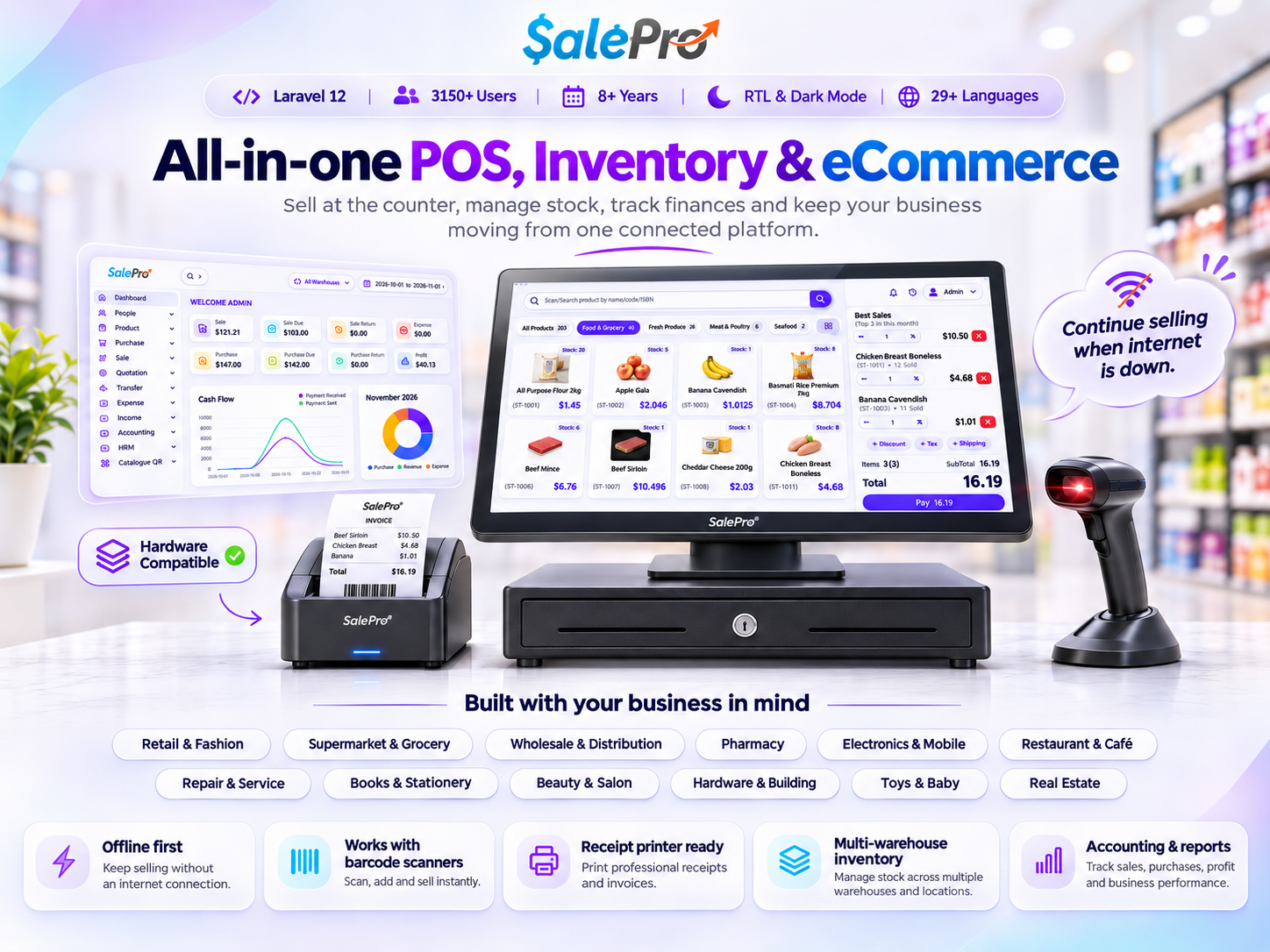
One System for Your Whole Business
- Choose your POS: Classic POS, Fast Retail POS (barcode or touch screen), or Restaurant POS.
- Know your stock: track stock movements, quantities in each warehouse, batch and expiry dates, and IMEI/serial numbers.
- Track sales, expenses and profit: use double-entry accounting, financial statements, import costs and profit reports.
- Sell online: use the SalePro online store (4 designs) or connect your WooCommerce store.
- Use your language: English plus 28 optional language packs, with Arabic and right-to-left support.
- Run it on your server: get the Laravel source code and customize your licensed installation.
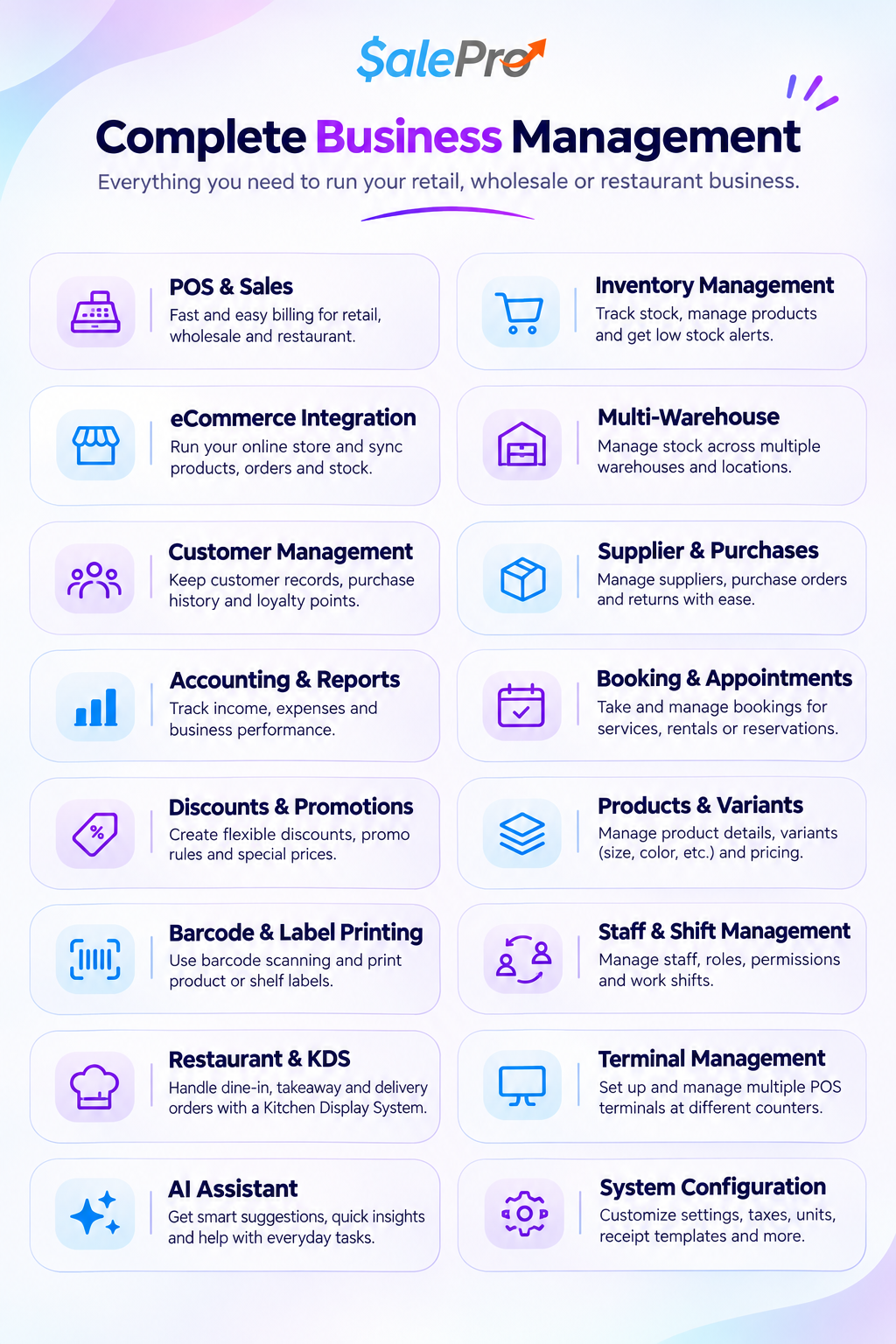
POS for the Way Your Team Works
Choose Classic POS or Fast Retail POS. Fast Retail has Barcode and Touch Grid views. Both share the same cart, so staff can switch between scanning products and selecting them on screen.
- Find products fast: scan a barcode, or search by name, code, variant code or IMEI/serial number.
- Flexible prices: retail and wholesale prices, discounts, coupons, taxes, gift cards and reward points.
- MRP pricing: show the printed MRP under the selling price. Receipts show the price, the discount and the total discount.
- Many ways to sell: pay now, split payment, credit sale, installment or draft.
- Many product types: variants, batches, expiry dates, serial numbers and weighed items.
- Finish the sale: customer display, invoices, thermal receipts and WhatsApp receipts.
- Track staff: assign a sales agent or service staff member to a sale.
Offline POS
Keep checkout moving during short internet interruptions. After products and customers are loaded while online, cashiers can record offline POS sales. SalePro sends pending sales to the server when the connection returns. Online payments, external services and other administration pages still need a connection.
Inventory & Multi-Warehouse Control
See what you have, where it is, and how it moves. Manage stock for grocery stores, mobile shops, fashion shops, wholesalers and businesses selling products with expiry dates.
- Stock by warehouse, stock transfers, stock counts and adjustments.
- Variants, batch numbers, expiry dates and IMEI/serial numbers.
- Standard, combo, digital and service products. Multiple units. Retail and wholesale prices.
- Internal-use products: keep stock for recipes, repairs or office use. Purchasing and recipes can use it, but POS and sales cannot sell it.
- Barcode and label printing. CSV import and export.
- Stock Ledger: review stock movements and open the related sales, purchases and transfers.
- Stock Exceptions: your dashboard shows low stock, negative stock and batches that will expire soon.
- Product Cost History: see old and new product costs, who changed them, and when.
Move between the Product Report and Stock Ledger without losing your filters. Product Cost History records new product cost changes; it does not rebuild older changes.
Know Your Full Product Cost & Profit (Landed Cost)
The supplier price is not your full cost. Shipping, duty, insurance and other import charges also count. Add them first, then check your real profit.
- Group purchases from the same warehouse into one import batch.
- Record import charges, their currencies and exchange rates.
- Share costs across products by value, by quantity, or by exact amounts you type.
- Check that the totals match before you finalize.
- Use first-in, first-out (FIFO) costing for stock in import batches.
- See quantity sold and left, revenue after returns, gross profit, margin and the value of remaining stock.
- Open the product, customer and invoice details behind each batch result.
Read how import and landed cost works
Accounting Connected to Your Sales
Keep sales, purchases, payments, returns and expenses connected to your double-entry accounts. Review the financial records behind your daily business activity, not just your sales totals.
- Chart of Accounts, General Ledger and Trial Balance.
- Balance Sheet, Profit & Loss and Cash Flow statements.
- Customer and supplier balances, cash and bank accounts, and transfers between accounts.
- Income, expenses, account statements and transaction history.
- Accounting Health: checks that help you find accounting problems.
- Periodic Inventory Close: a controlled way to close a stock period.
- End-of-day cash register checks and accounting permissions for your staff.
SalePro eCommerce (Included)
Turn your SalePro products into an online store. You do not need a second stock system. Products, stock, customers and orders stay connected to SalePro.
Four Store Designs
Choose Default, Electronics, Fashion or Grocery. All four use the same products and the same back office. Pick a design, edit your content, and publish.
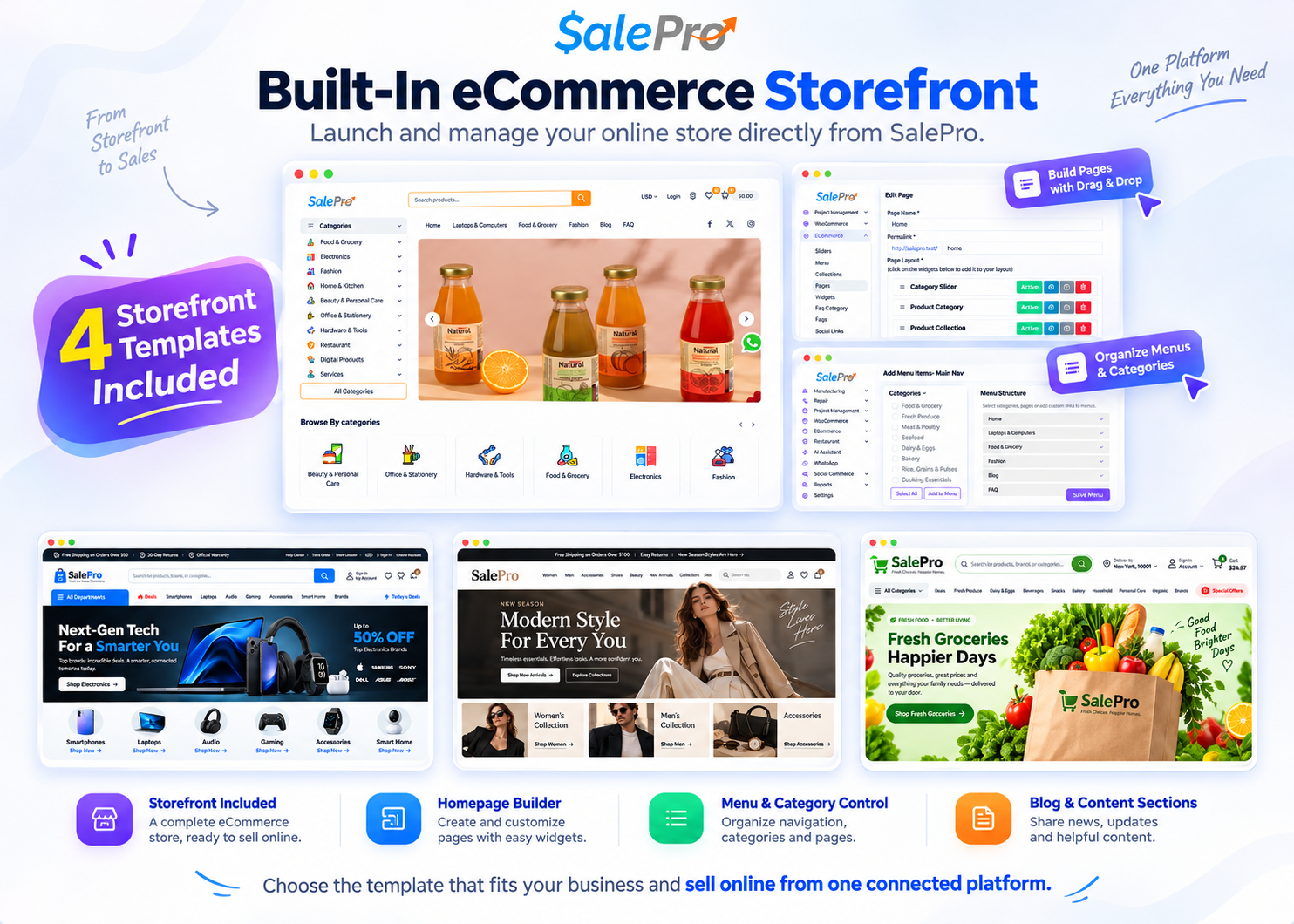
- Product catalog, customer accounts, addresses, wishlist, cart and checkout.
- Order tracking, delivery areas, shipping rules and online payments.
- Page Builder: build pages with products, categories, banners, sliders and videos.
- Menus, brands, blog, FAQs and SEO settings.
- Multiple languages, right-to-left layout and WhatsApp orders.
- Manual QR payment: the customer uploads a payment proof, and your staff checks and confirms it.
WooCommerce Connector (Included)
Keep your WooCommerce store. Connect it to SalePro. Run a manual sync or set up webhooks to receive orders automatically. If an order fails to import, use the logs and retry tools to resolve it.
- Sync categories, products and orders. Match taxes and payment methods.
- Secure webhooks and background order processing.
- Sync logs, failed-order review, replay and retry.
- Protection against duplicate orders.
Automatic order sync requires webhook and background-task setup. Payment details reported by WooCommerce are saved with the order; bank settlement must still be checked separately. Refunds and cancellations are not automatic.
Restaurant POS & KDS (Included)
Take the order, send it to the kitchen, and collect payment on the same ticket.
- Order types: dine-in, takeaway and delivery. Floors, tables, reservations and waiter assignment.
- Menu options: modifiers, add-ons and extras.
- Kitchen Display System (KDS): manage multiple kitchen stations and track orders from Pending to Preparing to Ready.
- Extra courses: add new items later without sending old items to the kitchen again.
- Move tables: move a ticket to a free table and keep the same order number.
- Serve and pay: mark as served, take payment, print receipts and kitchen tickets.
- QR menu ordering and WhatsApp ordering.
Restaurant payment options can differ from retail POS options.
Customer & Supplier Accounts
Find the transaction behind every balance. Each customer and supplier page shows balance, sales or purchases, payments, returns and ledger history.
- Search by reference number or date across all records you can access.
- Open any payment or return to see the original record.
- Customer groups, opening balances, deposits, credit limits and installments.
- Use your own payment methods when collecting dues.
Filtering the history does not change the account balance. CSV, PDF and print exports cover the currently displayed page.
Purchasing & Pricing
Manage suppliers, purchase orders, received stock, costs and payments. Choose whether a purchase import should update your selling prices or keep them unchanged.
- Supplier purchases, returns, balances, payments, documents and warehouse receiving.
- Fast product search in purchases, quotations and transfers.
- Purchase CSV price options: Increase Only, Keep Existing Prices, or Recalculate Prices.
- Sales Agent Report: see staff performance by date and by staff member.
- Collection approval: money collected in the field or on service jobs stays pending until a manager approves it.
Purchase imports follow staff permissions. Users without product-edit access keep existing selling prices.
AI Assistant: Ask Questions About Your Business
Pick a suggested question or type your own. Ask about sales, stock, purchases, expenses, customer and supplier dues, and cash and bank activity. The assistant only shows data from the warehouses and modules that the user can access.
Examples: “Which products are low in stock in my warehouses?”, “Show customer due for this period”, “Compare sales with the previous period.”
- Suggested questions and answers related to the page you are using.
- Summaries and comparisons.
- Follow-up questions.
- Optional voice and external AI chat (needs setup).
The built-in business questions do not need an external AI subscription. Optional external AI may need an account, keys and fees. The assistant gives information. It does not change sales or approve payments.
Reports: Track Sales, Costs & Profit
Compare profit by product, category, brand, customer, location and invoice. See revenue, cost, margin, stock value and unpaid balances.
- Sales, purchases, payments, expenses and Profit & Loss.
- Stock, warehouse, expiry, low-stock alerts and Stock Ledger.
- Customer and supplier transactions and dues.
- Import batch profit, remaining stock value and invoice details.
- Sales agent, user, cash register and activity reports.
Use Quick Search in the header to find products, customers, suppliers, invoices and purchases. Search General Settings to find the options you need.
HRM & Payroll
Manage employees, departments, attendance, leave, holidays and payroll. Print or download one payslip or a selected group of payslips directly from the Payroll list.
Payslips use saved payroll records and your business details. Staff access follows payroll permissions. Check PDF output in your chosen language, as some scripts need suitable fonts.
More Business Tools
- Manufacturing: recipes, production records, finished goods and ingredient use.
- Repair & service: manage repair jobs with customers, parts, sales and payments.
- Projects & bookings: manage project work and bookings.
- vCard & NFC: 20 digital business card designs, with QR code and VCF download.
- WhatsApp & social selling: share and sell through chat and social media.
- Roles & permissions: control who can see warehouses, sales, reports, accounting, prices and costs. Product cost is shown only to Admin, Owner and roles you allow. Staff with “own sales” access can open only their own sales.
English + 28 Optional Language Packs
Install only the languages you need. A new installation starts in English. Admins can install and turn on any of the 28 language packs, including Arabic.
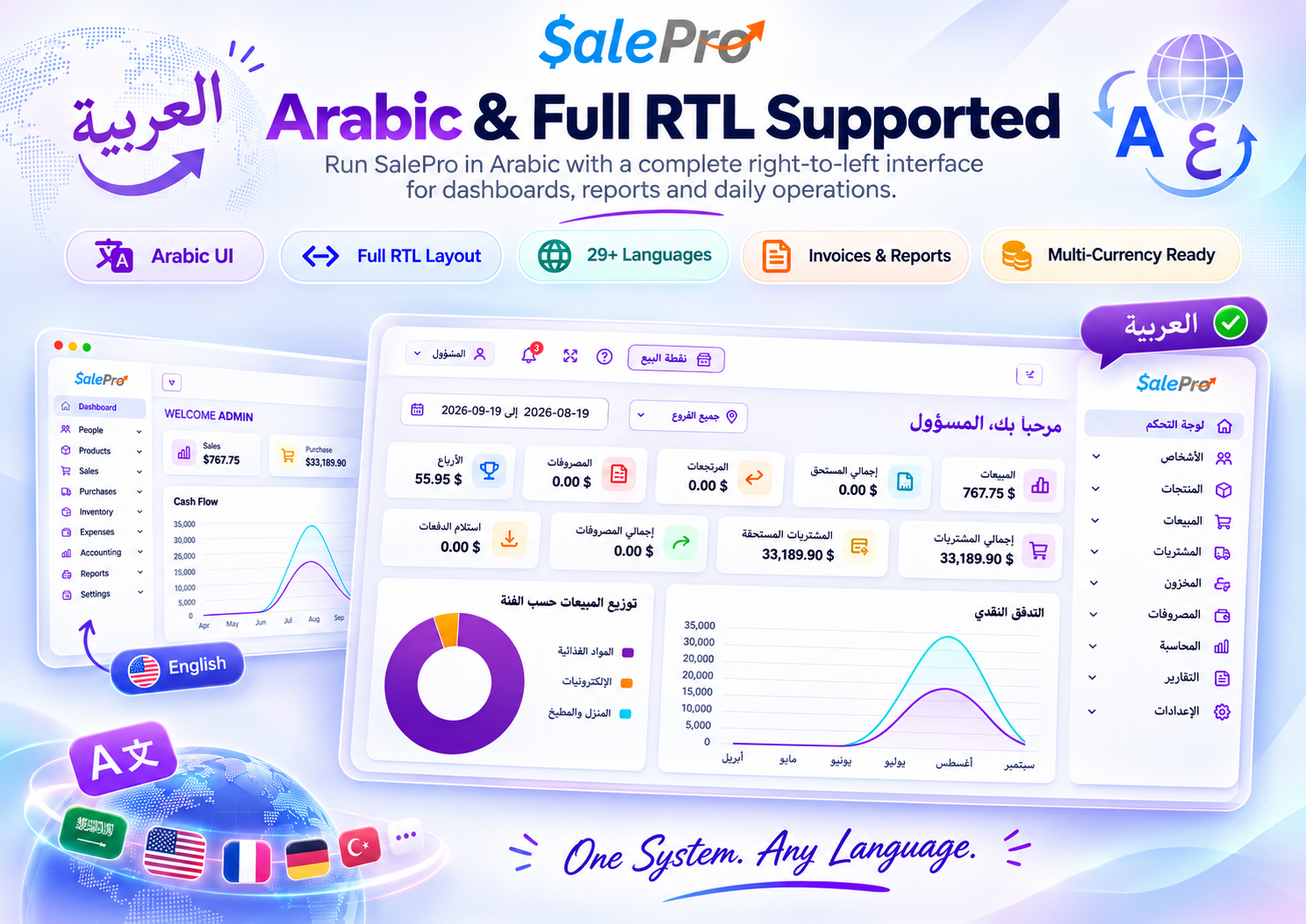
- Arabic and right-to-left layout.
- Choose a default language.
- Search, edit and reset translations. Your changes are kept when you update.
- Optional second-language names for products and categories.
- Multiple currencies, exchange rates and custom taxes.
Second-language names are available on selected screens, not every search or printed document.
Payment Gateways
SalePro supports Stripe, PayPal, Razorpay, Paystack, bKash, SSLCommerz, M-Pesa, Pesapal, MTN MoMo, PayHere, Mollie, Xendit and Moyasar, plus the options below.
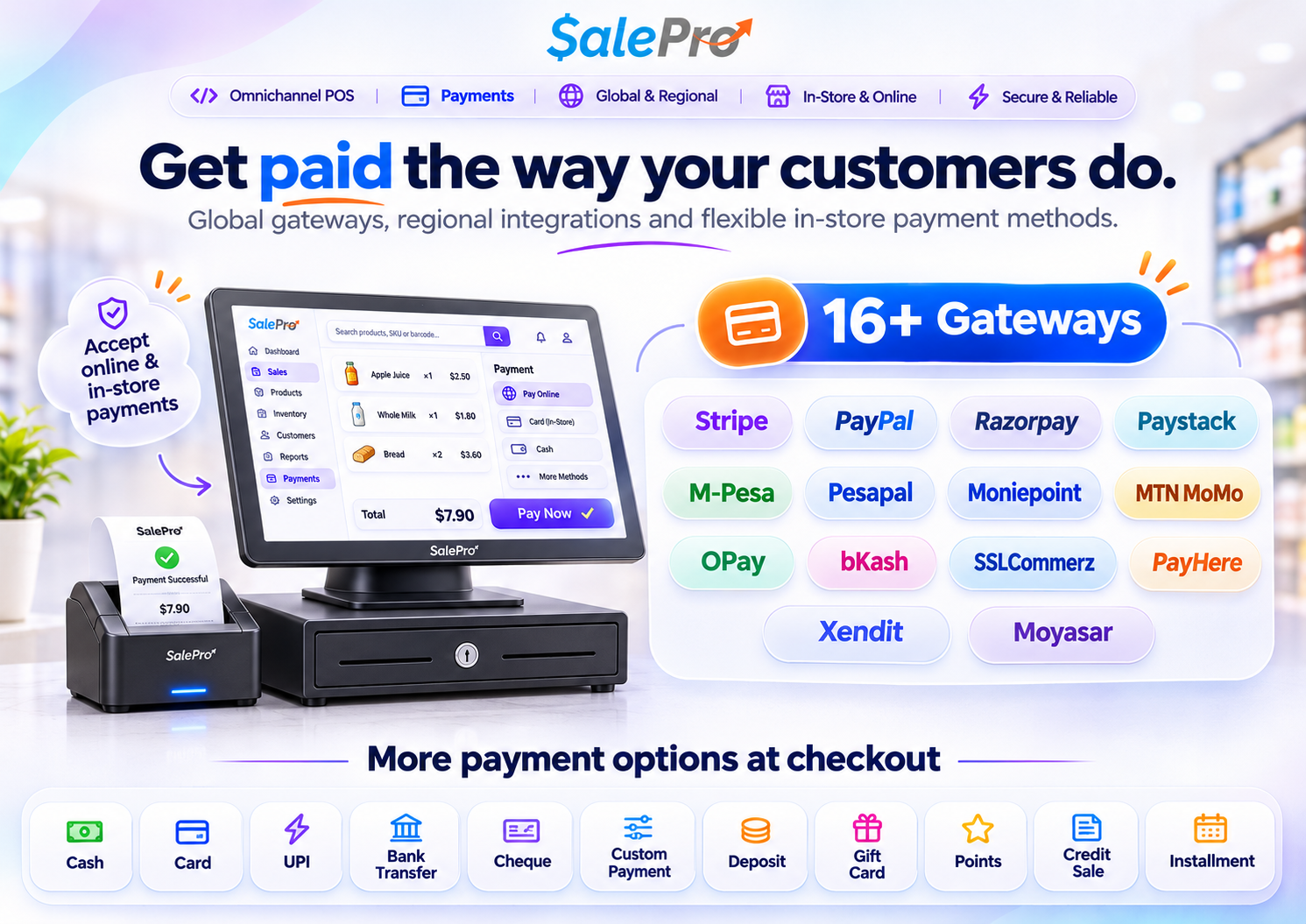
- OPay (online store): checkout in NGN.
- Paymob Oman (online store): checkout in OMR.
- M-Pesa: payment requests in the online store. It also works in POS for standard, fully paid, single-payment sales in KES.
- Manual QR payment: the customer uploads proof, and your staff confirms it.
Which gateways you can use depends on the provider, your country, your currency and the sales channel. Before you accept real payments, you need a merchant account, a public HTTPS address and testing with the provider. OPay and Paymob Oman are for the online store only, not for POS. Provider refunds and SaaS subscription billing are separate.
Invoices, Receipts & Hardware
Print invoices, thermal receipts, barcode labels, restaurant receipts and kitchen tickets. Print from the browser or print directly. Send documents by email or WhatsApp. Receipts show line discounts and total savings.
Use SalePro with barcode scanners, label printers, receipt printers, customer displays and weighing scales. Check compatibility with your exact device before buying hardware. Recording a card payment is not the same as connecting directly to a card terminal.
Tax & Regional Features
Custom taxes and India GST reports are included. There is also an optional ZATCA (Saudi Arabia) module with warehouse-level onboarding, document records and retry controls. It needs correct setup and your own testing. Passing Simulation tests does not mean ZATCA has approved you for production.
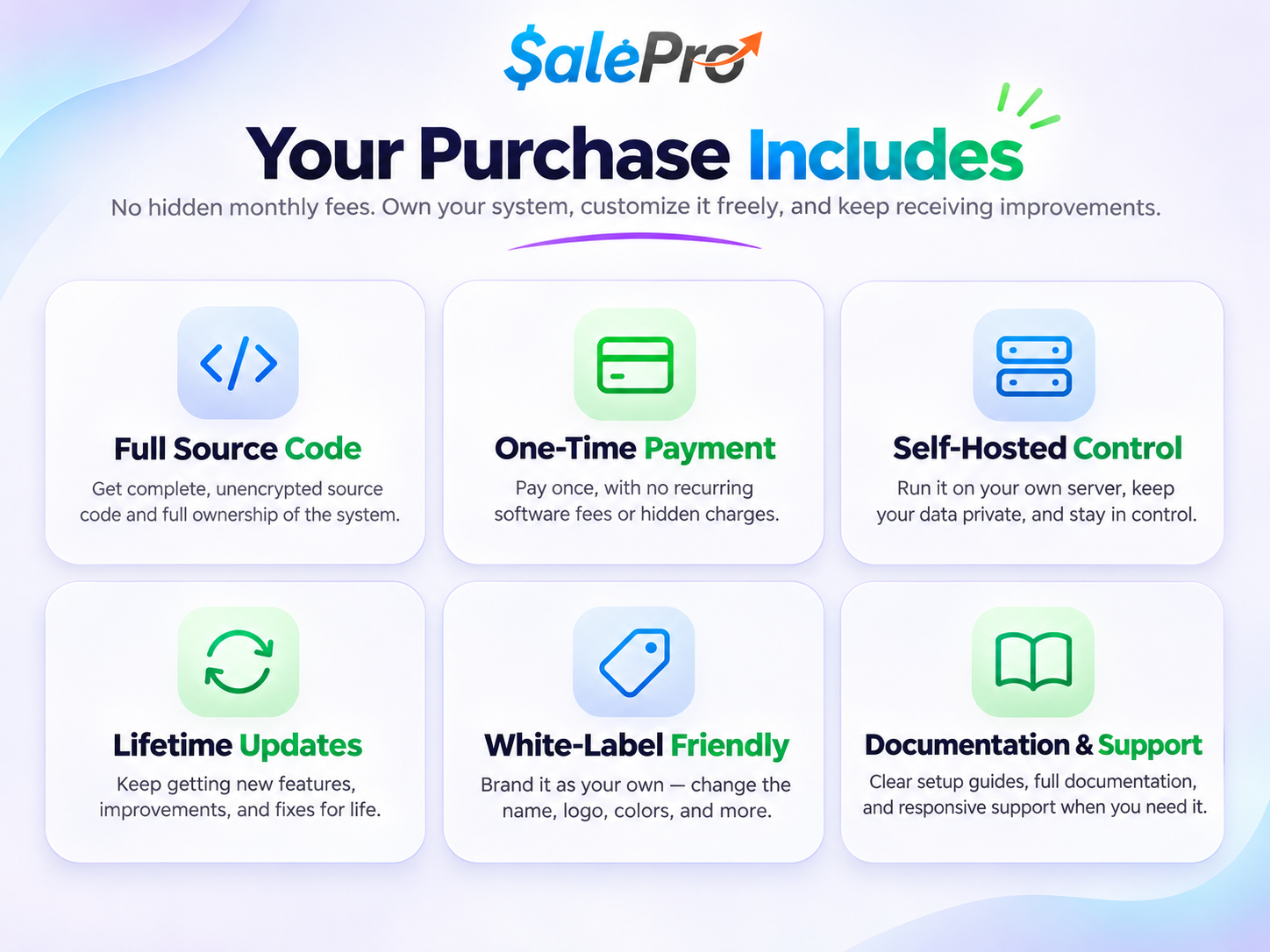
Self-Hosted. Full Source Code.
Install SalePro on your own server and customize it. The main application has no monthly fee. Hosting, optional services, payment provider fees and custom work cost extra.
SalePro is good for retail billing, supermarkets, mobile shops, warehouses, wholesale, restaurants and repair shops. Batch and expiry tracking also helps pharmacies and other shops with expiry dates. SalePro does not promise to meet every country’s industry rules.
Installation & Server Requirements
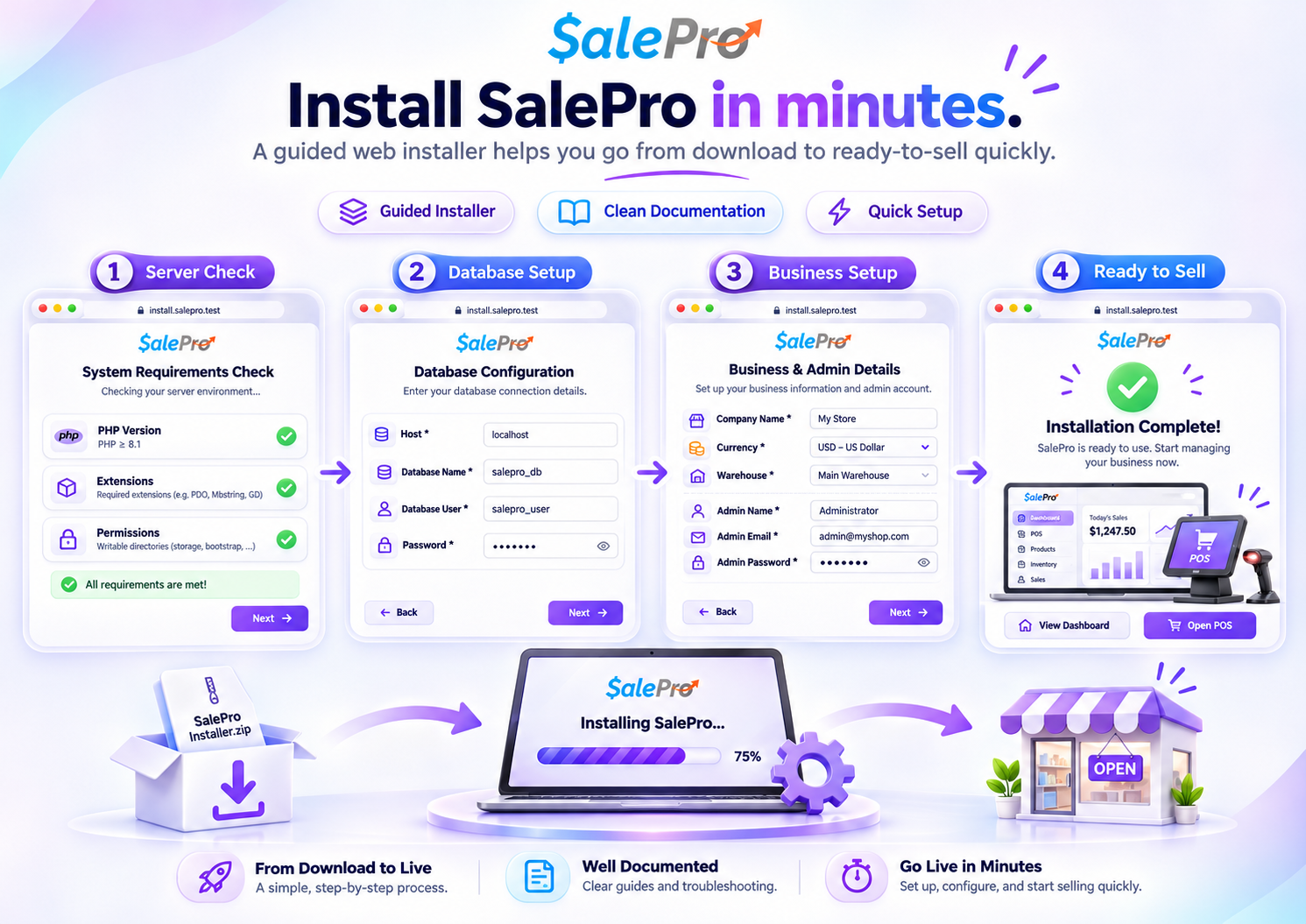
- PHP 8.3 and MySQL 8 are recommended. The installer will check your server.
- A web server set up for Laravel, with writable storage and cache folders.
- PHP extensions: BCMath, cURL, Fileinfo, Mbstring, OpenSSL, PDO, Tokenizer, XML and ZIP.
- HTTPS for live use and for payment callbacks. Cron jobs or workers for background tasks.
Shared hosting can work for small installations. Large catalogs, many registers and background integrations need a stronger server. See server requirements and the installation guide. You can also contact LionCoders for hosting and setup help.
Licenses & Separate Products
A Regular License is for one project where users do not pay to use the software. Selling products in your own shop is fine. Selling access to the software is different. If you charge users to access SalePro, you need an Extended License. An agency can charge one client for setup and services under a Regular License, but this does not allow use for many clients. Please read Envato’s license FAQ.
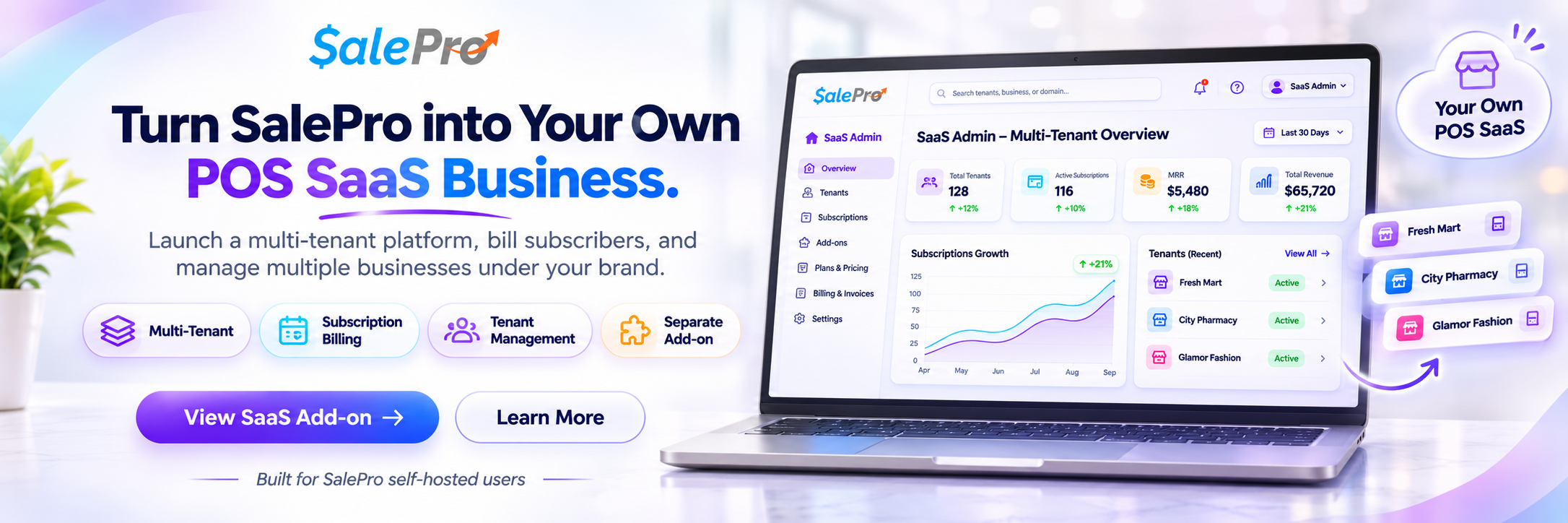
The SalePro SaaS Add-on is a separate purchase. It adds tenants, packages and subscriptions. The SalePro Mobile App is also separate. This page describes the regular SalePro only.
Frequently Asked Questions
What is included in regular SalePro?
POS, inventory, purchasing, warehouses, accounting, reports, online store, WooCommerce connector, Restaurant POS & KDS, HRM and more. The SaaS add-on and mobile app are separate.
Can I choose a different POS layout?
Yes. You can use Classic POS or Fast Retail POS. Fast Retail has Barcode and Touch Grid views that share one cart. Restaurant POS has its own workflow.
Does SalePro have General Ledger and Trial Balance?
Yes. It also has Chart of Accounts, Balance Sheet, Profit & Loss, Cash Flow, Accounting Health and Periodic Inventory Close.
Do I need to buy another add-on for the online store?
No. The online store (4 designs) and the WooCommerce Connector are included.
Does WooCommerce order sync run automatically?
Yes, after you set up the webhook and the cron/worker. Manual sync is always available. Logs and retry tools help when an order fails.
Do I need an external AI subscription?
No, not for the built-in business questions. Optional voice or external AI chat needs setup and may have fees.
Does SalePro support Arabic and other languages?
Yes. English is installed by default. You can add 28 language packs, including Arabic with right-to-left layout. You can edit translations, and your changes stay after updates.
Can I print or download payslips?
Yes. Open one payslip, or select several payroll records and print or download their payslips together.
Does everything work offline?
No. Offline POS is only for short internet breaks during checkout. Online payments, integrations and background tasks need internet.
Does SalePro support MRP?
Yes. Turn on MRP for a product and enter its MRP. POS shows the MRP under the selling price, and receipts show the price, the discount and the total discount.
Are updates and support included?
Yes. You get future updates and the item support period shown on CodeCanyon. Custom work, hosting and third-party fees are extra.
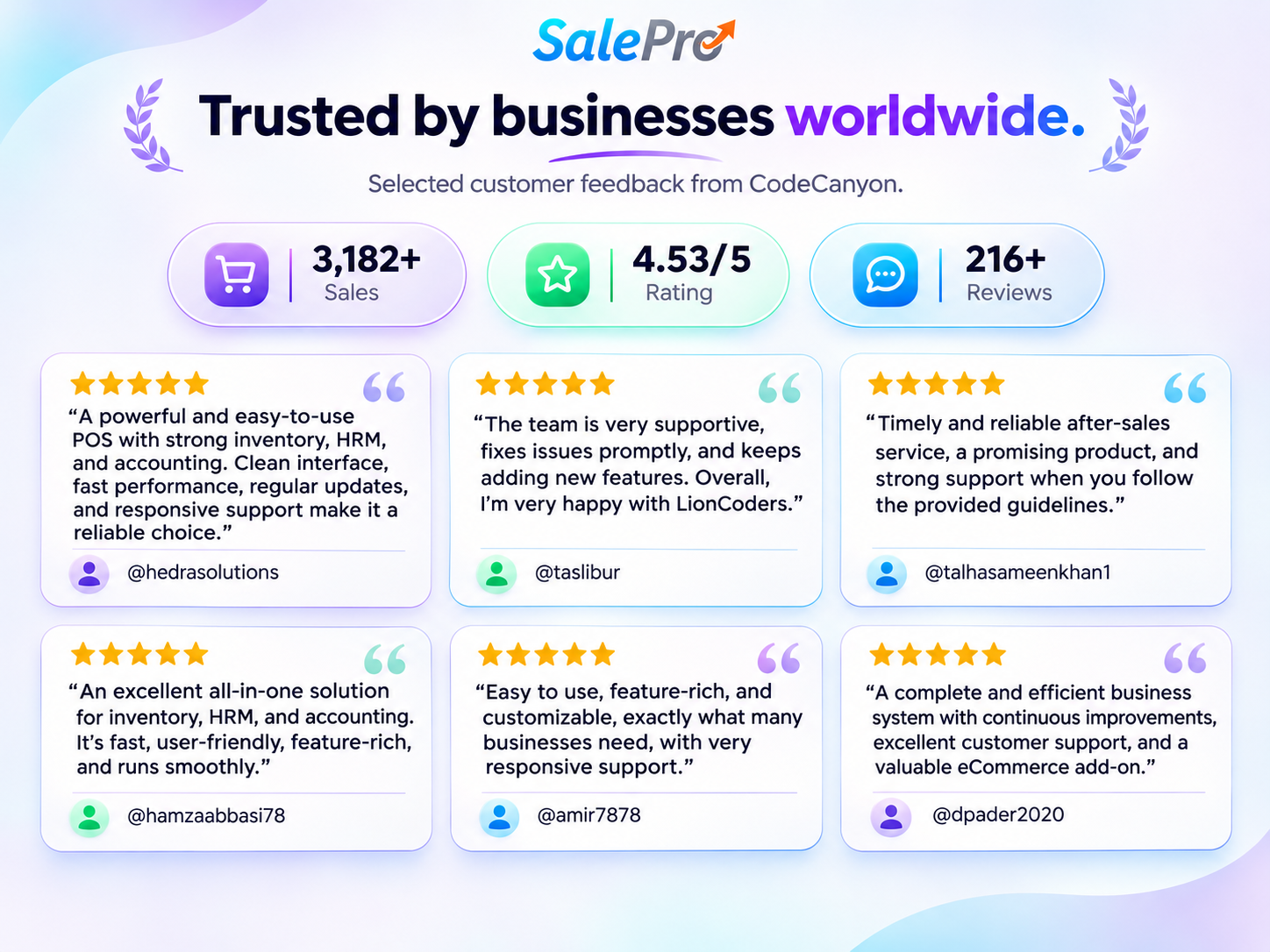
What SalePro Customers Say
Try It Before You Buy
Open the POS & Business Demo | Open the Online Store Demo
Demo admin: admin / admin. Demo staff: staff / staff.
Documentation | Support Tickets | Feature Requests & Roadmap
Recent Updates
Version 6.3.1 (20 November 2026)
New
- POS shows the MRP under the selling price. Receipts show Price, Discount and Total Discount.
- Internal-use products: stock you can use but not sell.
- Gift card receipts on 58 mm or 80 mm paper.
- New permissions for storefront management and for producing outside the recipe.
Fixed
- Sale returns are valued from the original sale, so a return can no longer be worth more than what was sold.
- Printing a receipt no longer clears offline POS sales waiting to sync.
- Document references no longer clash when two are created in the same second.
- Repair job totals can no longer go negative or below the amount paid.
- Installment dates no longer skip short months.
Security
- Staff with “own sales” access can no longer open other users’ sales from a link.
- Product cost is hidden from staff who are not allowed to see it, including in exports and the API.
- Permission checks no longer rely on a cache that could keep removed access.


