Kids Battle Flutter android and ios application


Kids Battle – Flutter & Firebase Game App
Kids Battle is more than just a game — it’s a tool to help children learn while having fun. In today’s digital world, kids are often distracted by non-productive content. Kids Battle provides a safe, educational, and entertaining alternative where they can focus, practice creativity, and improve memory through AI-powered mini-games and challenges.
Why This App is Helpful
- Problem it solves: Reduces screen-time wastage by replacing endless scrolling with focused, interactive activities.
- Skill development: Builds drawing, vocabulary, and memory skills in a playful way.
- Focus training: AI-based challenges encourage children to concentrate better.
- Safe environment: No harmful ads or distractions — designed with kids in mind.
Targeted Users
- Children (ages 5–12) who want to play & learn at the same time
- Parents looking for safe, fun, and educational mobile games
- Schools & teachers who want to introduce interactive learning apps
✨ Key Features
- One-to-one drawing challenges
- Word match & memory games
- AI-powered focus boosters
- Live perks, badges & rewards
- Safe & educational environment for kids
Tools & Requirements
- Flutter (latest stable)
- Firebase project (Auth, Firestore, Realtime DB, Storage)
- Android Studio / VS Code
- Google Play & Apple Developer accounts for publishing
Gemini API Setup
Generate your Gemini API key from Google AI Studio.
# local.properties GEMINI_API_KEY=your_api_key_here # .env (Flutter) GEMINI_API_KEY=your_api_key_here Firebase Setup
- Install Firebase CLI:
npm install -g firebase-tools
firebase login - Install FlutterFire CLI:
dart pub global activate flutterfire_cli - Configure project:
flutterfire configure
Generatesfirebase_options.dartand links Android/iOS/Web. - Initialize Firebase in
main.dart:await Firebase.initializeApp( options: DefaultFirebaseOptions.currentPlatform, ); - Add packages as needed:
flutter pub add firebase_auth cloud_firestore firebase_storage
Change App Name & Package
- App name: edit
res/values/strings.xml - Package ID: update
applicationIdinapp/build.gradle - MainActivity: refactor namespace and package line
✅ iOS Setup Checklist
- Update
Info.plistwithCFBundleDisplayName - Set your Bundle Identifier
- Register the ID in Apple Developer Portal
Publishing
- Prepare for Release (update version, add permissions, etc.)
- Archive & Upload via Xcode Organizer
- Create listing in App Store Connect / Play Console
- Upload screenshots, add description & keywords
- Submit for Review (Apple ~1–3 days)
What You Get
- Full Flutter source code
- Firebase integration (Auth, DB, Storage)
- Gemini API integration
- Step-by-step documentation

Logs Today
- [New] Added Gemini API setup instructions
- [New] Firebase CLI & FlutterFire integration steps
- [Update] Improved app description with problem-solution focus
- [Fix] Small corrections in iOS publishing guide
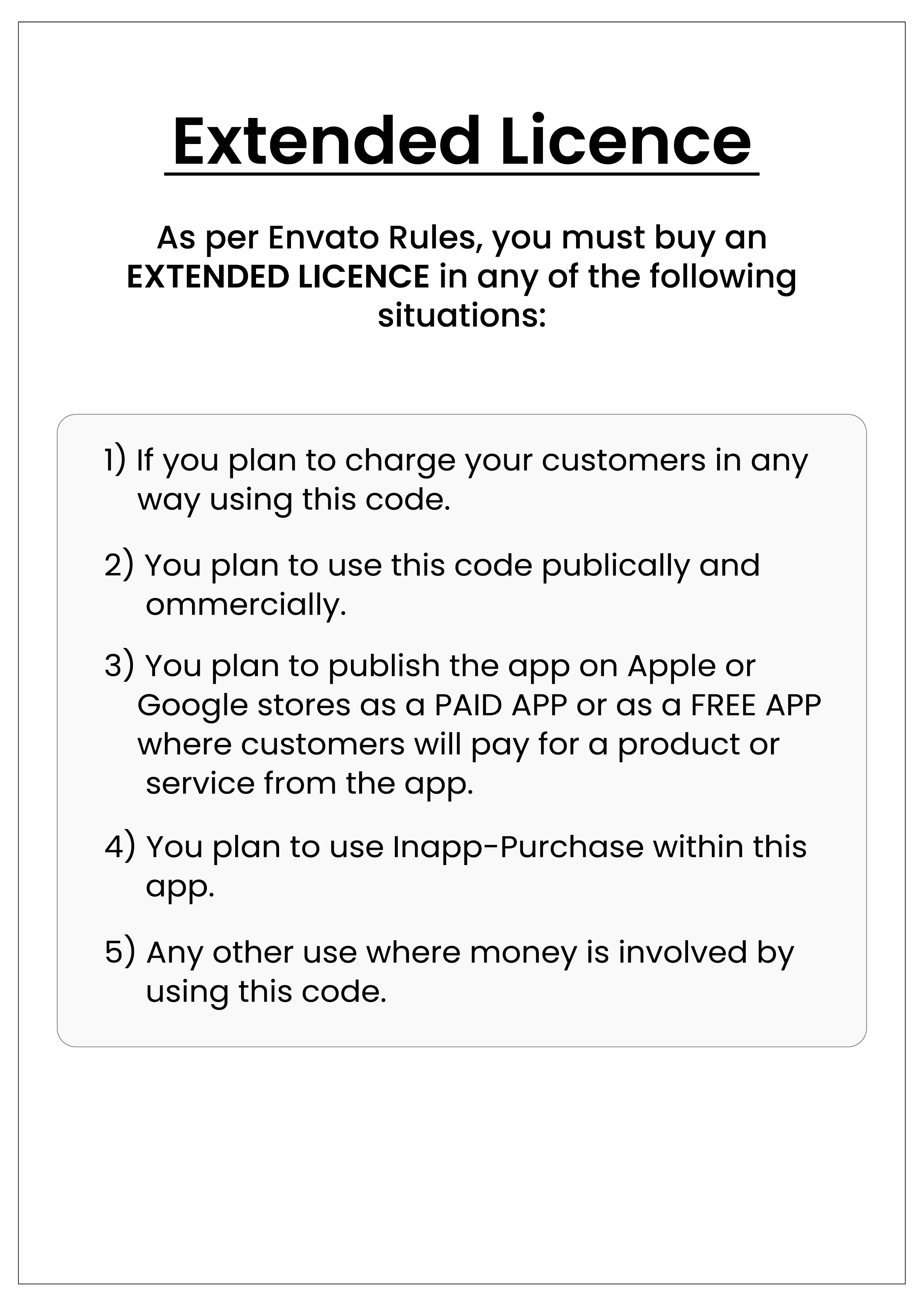
Extended Version & Policies

0 average based on 0 ratings.

| Last Update | 2025-09-24 |
| Created | 2025-09-24 |
| Sales | 1 |
| Discussion | Comments |
| Software Version | Flutter 3.x Flutter 2.x Flutter 1.x Other |
| Files Included | Dart YAML |
| Video Preview Resolution |
Search plugins
Browse Categories


