jQuery Password Generator
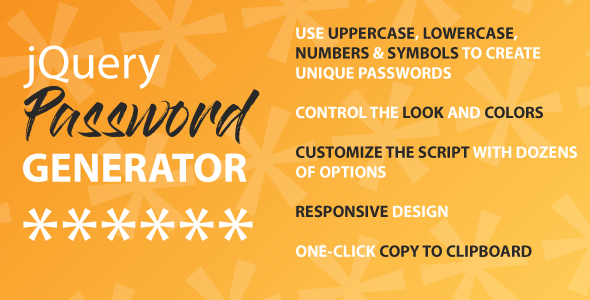

Add a password generator to your website to allow your visitors a way to create their own unique passwords. You can customize the colors and wording on the script.
Use UPPERCASE, lowercase, numbers, and symbols to create a unique password. Once you are done, you can one-click to copy to your clipboard and paste wherever you need to.
You can customize the script with dozens of options.
USING DEFAULTS

USING CUSTOM DESIGN

NEED HELP?
Online Documentation: View Online Documentation
SCRIPT FEATURES
- MIX & MATCH CHARACTERS Give your users the ability to select uppercase, lowercase, numbers, and symbols.
- CUSTOMIZABLE You can manually edit the defaults to customize the look and style of the password generator.
- NO CODE KNOWLEDGE Don’t worry about knowing code, you can easily call this script in jQuery using the simple examples or just add variables to customize it without editing the core script.
- EXAMPLES View our documentation for full examples on how to use the script on your website.
Have an idea that we can implement? Share it with us in the comments or message us on Code Canyon and your idea may get put into our next revision.
EDIT DEFAULTS

Change Log
Version 1.0.0
- Initial commit, script is now available
$10 |
Download |
0 average based on 0 ratings.

| Last Update | 2021-07-27 |
| Created | 2021-07-27 |
| Sales | 6 |
| Discussion | Comments |
| Compatible Browsers | |
| Software Version | jQuery |
| High Resolution | |
| Files Included | JavaScript JS CSS |
| Video Preview Resolution |
Search plugins
Browse Categories


