Iza | JavaScript 3D Product Designer overview

About Iza | JavaScript 3D Product Designer
Iza | JavaScript 3D Product Designer is a standalone JavaScript tool for building and personalizing products in the browser. Let customers combine interchangeable parts, edit artwork directly on a 3D model or its linked 2D canvas, and see the design and price update as they work.
Create a product builder, an artwork designer, or both in one interface. Use it for apparel, jewelry, watches, accessories, packaging and other customizable products. Explore the live JavaScript demos.
Main Features
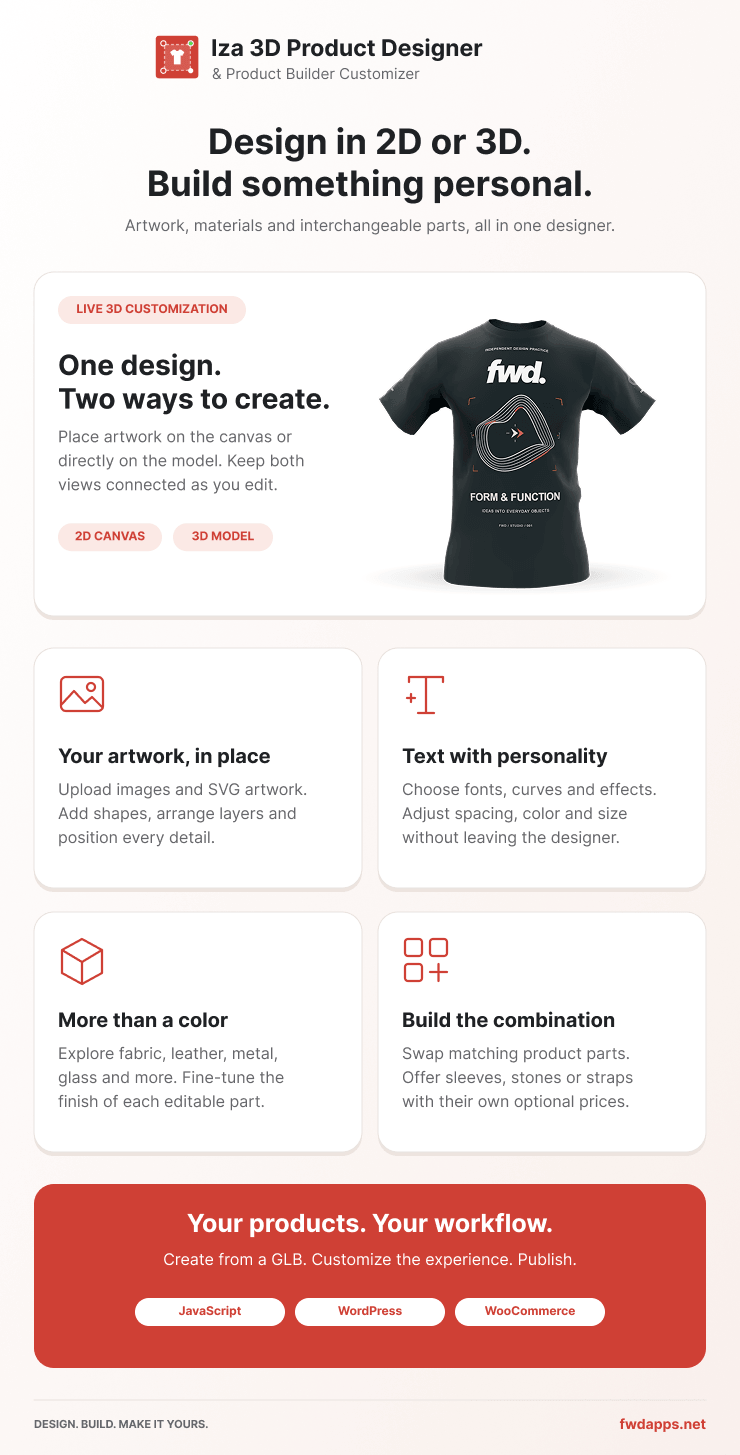
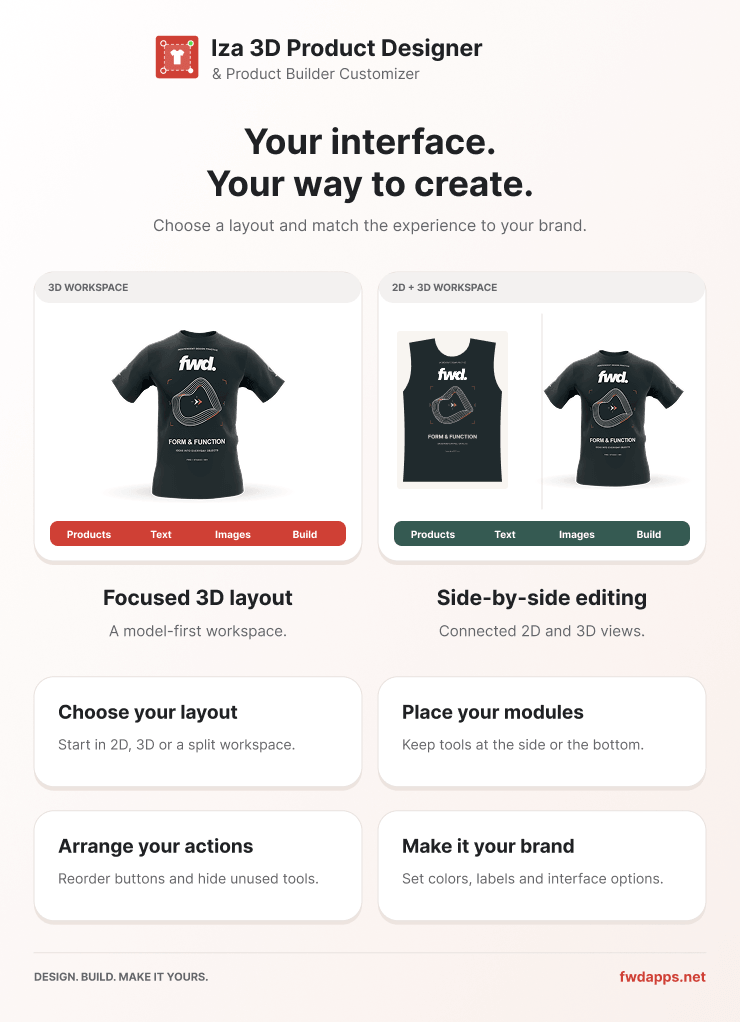
Connected 2D and 3D Editing – Add, move, rotate and resize artwork in either view. Both windows share the same design layers. Show the model, the flat canvas, or both side by side in either order.
Interchangeable Build Parts – Offer alternative components with grouped choices that switch matching parts together. Each option can have its own appearance, camera, artwork and additional price.
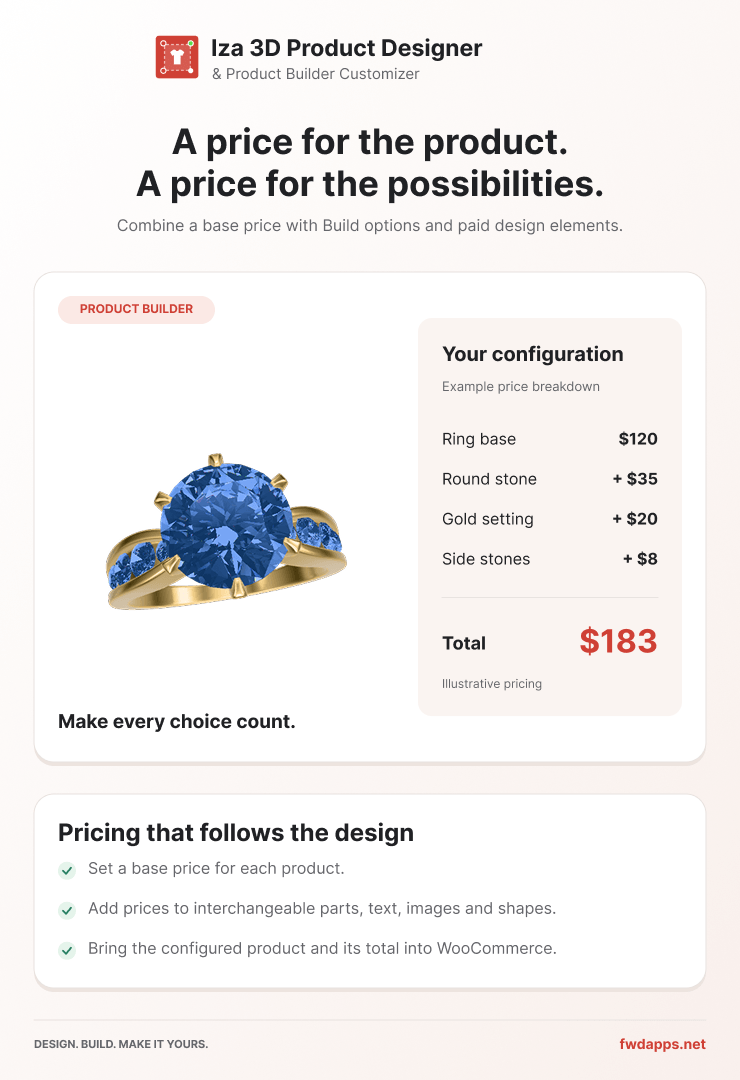
Dynamic Pricing – Combine the product base price, additional charges for active views or Build parts, and artwork prices. Inactive Build alternatives are not charged. Use the API to connect the configuration to your own checkout and validate prices on your server.
Create Products from GLB Models – Generate product JSON, views, UV silhouettes and preview thumbnails from a prepared GLB. Consistent mesh naming creates Build groups automatically. Editable parts need usable UVs. Appearance-only assemblies can be configured for color and material changes without artwork editing.
Text, Images, Shapes and Artwork – Provide text templates, customer image uploads, SVG graphics, shapes and categorized artwork libraries. Configure prices, editable colors and permissions for individual layers.
Colors and Materials – Preserve original model materials or offer presets such as fabric, leather, metal, glass and ceramic with adjustable properties. Keep colors independent or synchronize matching layers across all views or the active Build configuration.
Views and Camera Controls – Give each view its own model binding and saved camera. Configure lighting, exposure, zoom, selection outlines and optional cloth-motion effects for suitable models.
Print Areas, Rulers and Clipping – Set physical print dimensions, adjust the printing box, clip artwork to configured boundaries and use rulers and snapping for placement. Lock base layers while leaving customer artwork editable.
2D and 3D Previews – Choose flat artwork or rendered model views for previews, downloads and printing. Download PNG, JPG, SVG or PDF previews. A 3D SVG contains a rendered image, not vector model geometry.
Production Export – Export printable 2D artwork using each view’s print dimensions, DPI and bleed. Choose PNG, JPG or a combined multi-page PDF. Multiple image files are packaged in a ZIP. Export the current view or all eligible views and exclude non-printing layers.
Editable Product Export – Package the product JSON, GLB and referenced product assets in a ZIP for reuse. This is separate from production export, which contains the printable artwork.
Session Saved Designs – Save and reopen designs during the current page session. New saved designs are cleared on reload unless you integrate persistent storage through the API and events.
Flexible Interface – Configure action bars, modules, object controls, labels, icons and colors. Use responsive layouts, fullscreen or lightbox mode, and choose which tools customers can access.
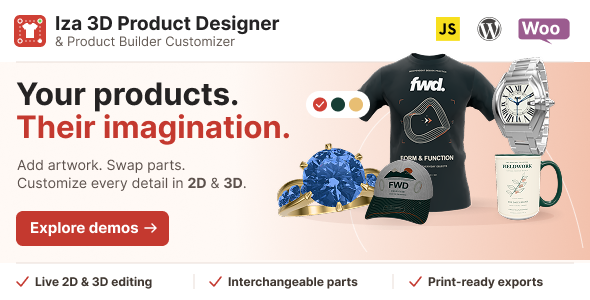
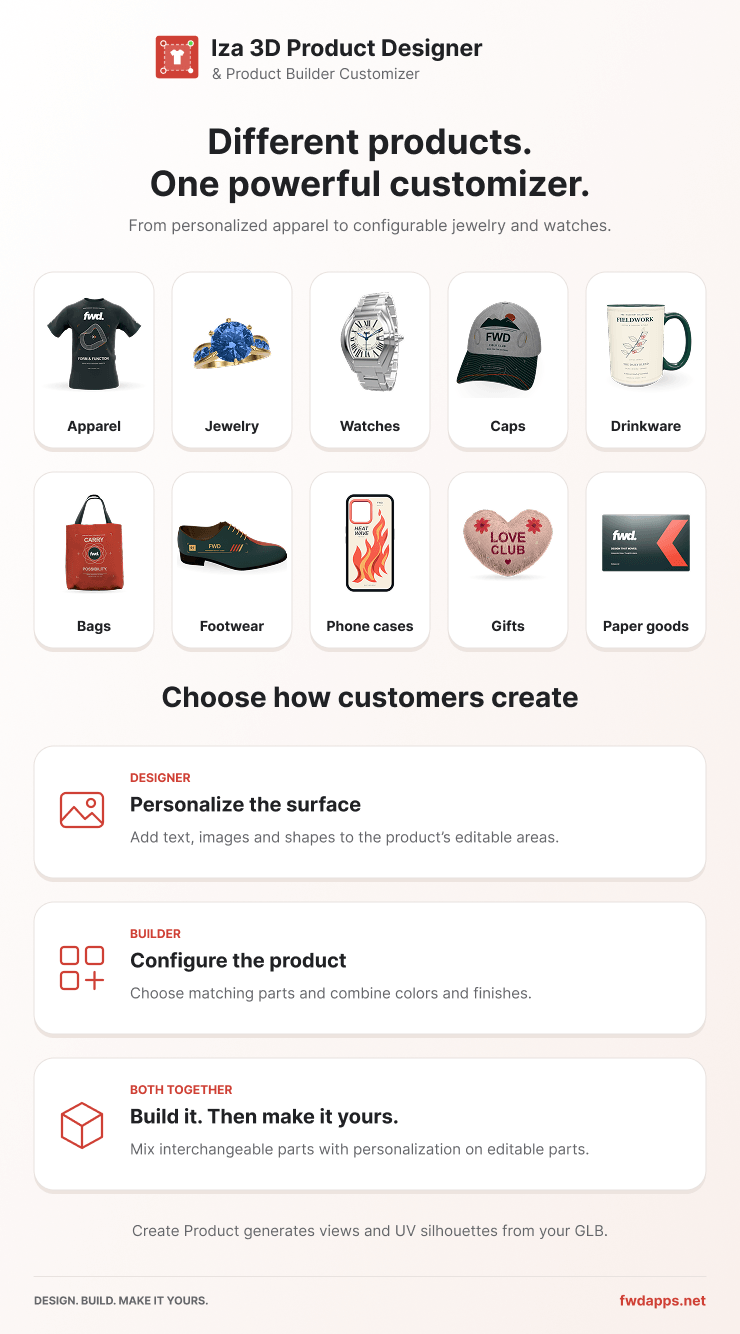
Included Product Examples – Explore the shirt, ring, cap, mug, bag, watch, shoe, phone case, heart pillow and business card examples. Adapt their JSON settings or create a product from your own model.
JavaScript API and Setup Guide – Includes editable source modules, a compiled browser script, a root README, demos and JavaScript documentation covering setup, model preparation, configuration and integration.
Direct Support – Contact the developer, Tibi @ FWD, for product support.
Technical Requirements
- Browsers: Modern Chrome, Edge, Firefox and Safari, including Android Chrome and iOS Safari, with JavaScript, HTML5 Canvas, WebGL2 and hardware acceleration available. Performance depends on the device and model complexity.
- Hosting and development: Requires HTTP/HTTPS hosting. The compiled version needs no Node.js or PHP on the server. Source development uses Node.js 22.x, npm, Vite and esbuild. The README explains setup, build, preview and watch commands.
- Libraries: Three.js, Fabric.js, Coloris and DOMPurify are bundled. Google Fonts require internet access when used.
- Models: Self-contained, uncompressed GLB files with usable UVs for editable surfaces. Prepare models at real-world size and apply rotation and scale before exporting.
Integration Notes
This is the standalone JavaScript edition, not the WordPress or WooCommerce plugin. A database, customer accounts, checkout and order management are not included. Connect these services through your own application when needed. No external rendering service or API key is required for the designer itself.
Local image uploads have configurable file-size, dimension and SVG-complexity limits. SVG content in the Shapes library and local SVG uploads is sanitized. Unsupported or overly complex uploads are rejected with an explanation. Custom server-side upload and storage integrations must also validate incoming files.


