OpenCart Image Manager
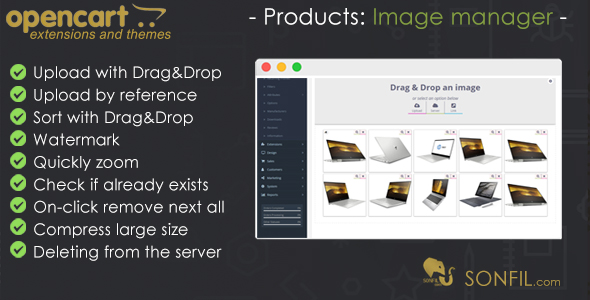

2. Deleting images from the server associated with the product, if they are not used anywhere, even if you delete the product or images separately when editing the product.
3. Watermark in an easy manner
4. You can sort images, by dragging them in the order you like.
5. On the product screen the first image in the list will automatically become your leading image.
6. You do not need to compress images large size, the extension before upload does it for you, that accelerates the unloading of new images and increases the space on the server.
7. Check an image if existing already in the folder before uploading.
Supported images (JPEG|PNG|GIF|JPG|BMP).


$20 |
Download |
5 average based on 9 ratings.

| Last Update | 2021-09-01 |
| Created | 2016-12-23 |
| Sales | 89 |
| Discussion | Comments |
| Compatible Browsers | IE10 IE11 Firefox Safari Opera Chrome Edge |
| Software Version | OpenCart 3.0.2.x OpenCart 3.0.1.x OpenCart 3.0.0.x OpenCart 2.3.0.x OpenCart 2.2.0.x OpenCart 2.1.x OpenCart 2.0.x |
| High Resolution | Yes |
| Files Included | JavaScript JS XML CSS |
| Video Preview Resolution |
Search plugins
Browse Categories


