HTML5 Video Player & FullScreen Video Background



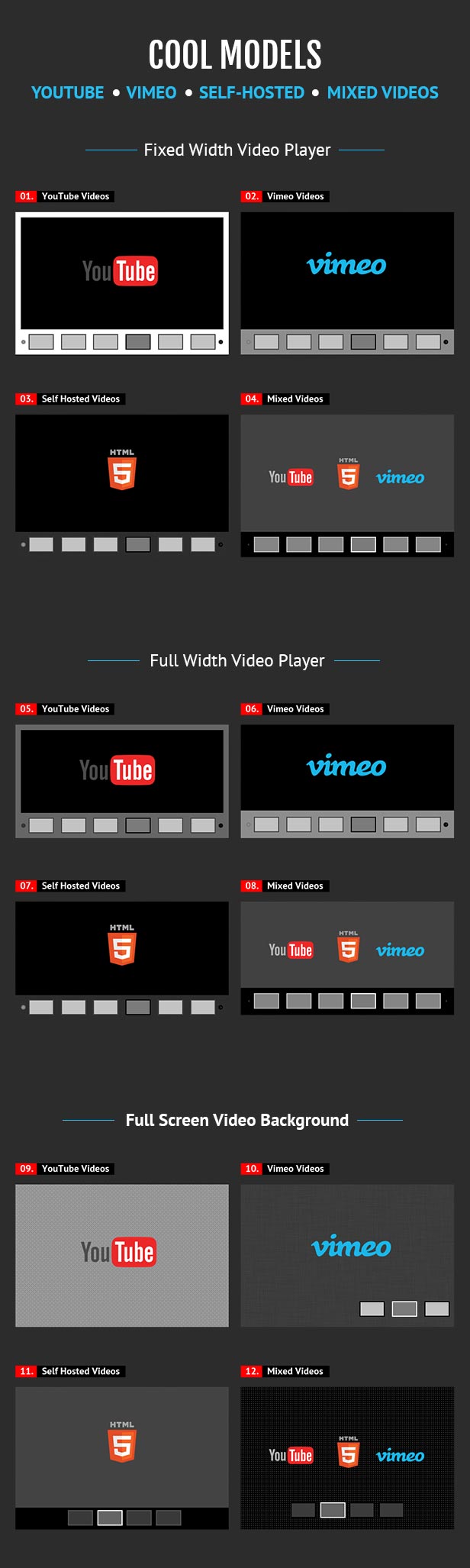
This HTML5 Video Player is ideal if you want a video player which will support YouTube, Vimeo and Self-Hosted videos.
Due to the fact that it has the option to be also used as a Full-Screen Video Background for your pages, it will allow you to create awesome websites.

IF YOU NEED THE WORDPRESS PLUGIN FOR THIS PRODUCT, YOU CAN DOWNLOAD IT FROM HERE : http://codecanyon.net/item/video-player-fullscreen-video-bgd-wp-plugin/9323381


FEATURES:
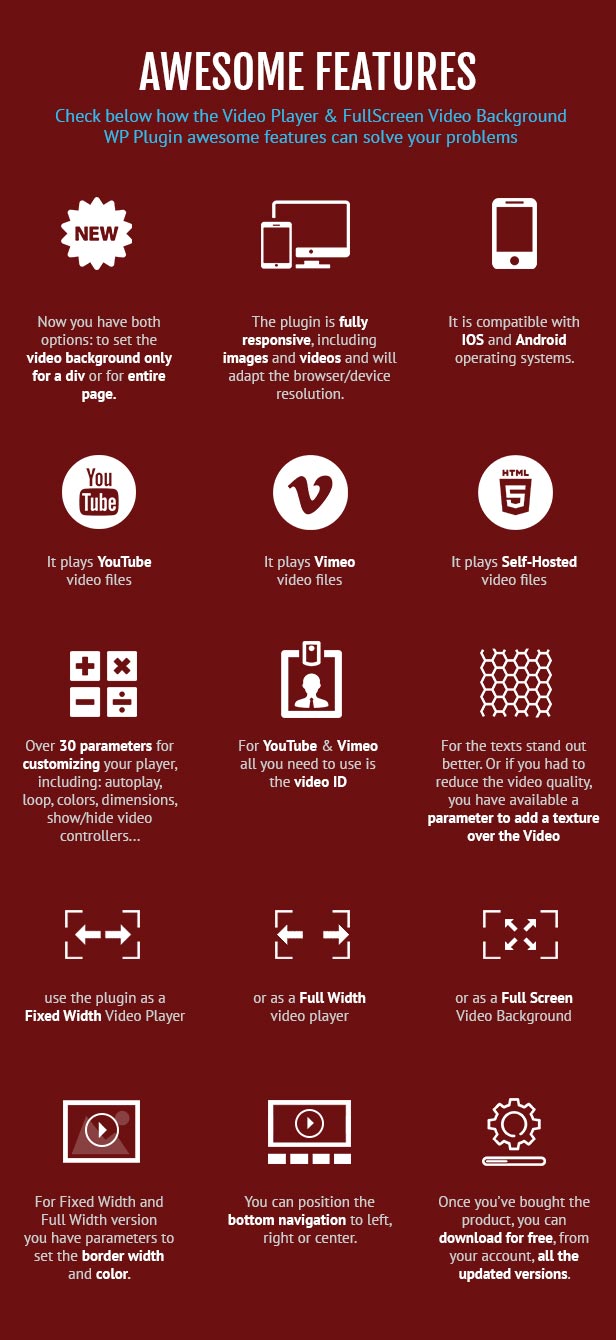
* * * NEW * * * : now you have both options: to set the video background only for a div or for entire page.
 YouTube, Vimeo and Self-Hosted support
It plays YouTube, Vimeo and Self-Hosted video files. For YouTube & Vimeo all you need to use is the video ID. The videos need to be public, not private or unlisted.
Responsive Design
The plugin is fully responsive, including images and videos and will adapt the browser/device resolution.
Mobile Compatible
It is compatible with IOS and Android operating systems.
Fixed Width/Full Width
You can use the plugin as a fixed width or as a full width video player
FullScreen video background
The plugin can be used as a full-screen video background for your website. The video will cover the entire screen without any black stripes. Optional fallback image for mobile devices.
Optional fallback image for mobile devices for FullScreen video background
You have the option to set a fallback image for mobile devices, if you don’t want the video to appear on the mobile devices.
Texture Over Video
Optional parameter to add a texture over the images. In this manner you’ll not have to modify each image to add the texture.
Multiple Parameters
Over 30 js options from where you can customize your player, including: autoplay, loop, colors, dimensions, show/hide video controllers, randomize videos…
Border
For Fixed Width and Full Width version you have parameters to set the border width and color.
Bottom Navigation Positioning
You can position the bottom navigation to left, right or center.
Lightweight
The JS file has around 22KB
Free Updates
Once you’ve bought the product, you can download for free, from your account, all the updated versions.
Note for IOS/Android (restrictions imposed by Apple/Google) and other browsers:
- it autoplays on IOS/Android only if the video is muted. When you set autoPlayOnMobile:true, the video will mute automatically for mobile devices.
- volume controls will not work on IOS/Android. You’ll have to adjust the volume with physical buttons of the mobile device.
Note for Safari, Chrome & Firefox (restrictions imposed by Apple & Google):
- Starting with Safari 11 and Chrome 66 the autoplay will not work because Apple & Google disabled autoplay feature and it can’t be controlled from JS. It autoplays only if the video is muted
- Starting with the version 66 of Firefox, autoplay was blocked, You can revert to the old behavior from browser settings, when autoplay was allowed.
Other Recommended Players

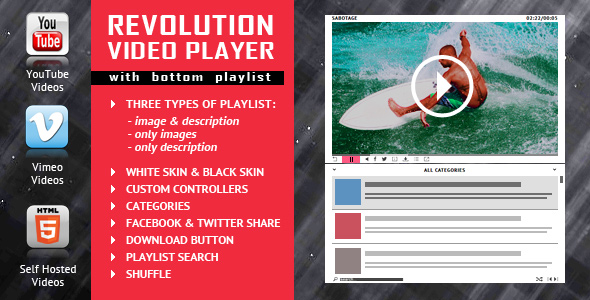
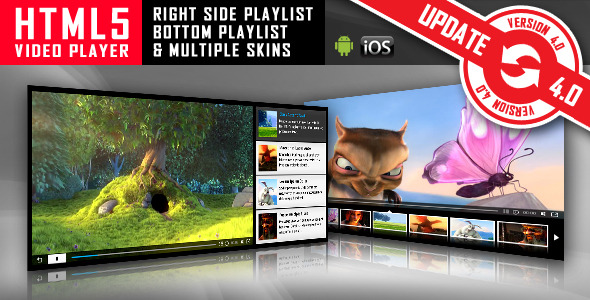
Keywords: html5, video, html5 video player, video player, autoplay, vimeo, ios, fullscreen, self-hosted, jquery, media, mobile, player, playlist, responsive, youtube
If you need additional information don’t hesitate to contact us at office@lambertgroup.ro. We’ll try to answer you as quickly as possible.
Enjoy!
UPDATES / RELEASE LOG
***Version 2.2.1 Release Date: January 31, 2025 - updates for 2025 ***Version 2.2.0 Release Date: May 11, 2023 - updates for 2023 ***Version 2.1 Release Date: February 25, 2022 - code improvements for mixed video content - bug fix for thumbs navigation on larger resolutions ***Version 2.0.1 Release Date: October 23, 2021 - css modifications for tooltip ***Version 2.0 Release Date: May 07, 2021 - "use strict" mode on - updates to be compatible with jQuery 3.5+ ***Version 1.9.3 Release Date: April 12, 2021 - added new parameter called 'advanceToNextVideo' which will allow you to set if the next movie plays after the current movie has finished ***Version 1.9.2 Release Date: February 24, 2021 - updates for 2021 ***Version 1.9.1 Release Date: July 29, 2020 - css modifications ***Version 1.9.0 Release Date: February 24, 2020 - updates for 2020 ***Version 1.9 Release Date: May 30, 2019 - added autoplay for YouTube videos on IOS/Android ***Version 1.8.8 Release Date: January 29, 2019 - 'centerPlugin' parameter was added. By setting it 'true' the player will center on the page ***Version 1.8.7 Release Date: November 17, 2018 - code improvements ***Version 1.8.6 Release Date: October 09, 2018 - bug fix for thumbs navigation on full width version ***Version 1.8.5.0 Release Date: August 22, 2018 - css improvements ***Version 1.8.5 Release Date: June 25, 2018 - updated the Vimeo API to the latest version ***Version 1.8.4 Release Date: April 25, 2018 - when initial volume is set to 0 the html5 video tag is also set to muted ***Version 1.8.3.1 Release Date: January 18, 2018 - code improvements ***Version 1.8.3 Release Date: August 25, 2017 - code improvements for auto-play option on IOS devices when self-hosted videos are used ***Version 1.8.2 Release Date: August 24, 2017 - auto-play option added for IOS devices when self-hosted videos are used ***Version 1.8.1 Release Date: February 24, 2017 - code improvements ***Version 1.8 Release Date: June 08, 2016 - feature: optional fallback image for mobile devices - feature: Vimeo videos can hide the controls, too ***Version 1.7 Release Date: February 05, 2016 - feature: new parameter to show/hide the playlist tooltip for each thumb ***Version 1.6 Release Date: January 05, 2016 - feature: smoother loop when there's only one video in the playlist ***Version 1.5 Release Date: October 15, 2015 - bug fix: For YouTube videos, with the new YouTube API, the preview image didn't appear. Problem fixed. ***Version 1.4 Release Date: August 10, 2015 - code improvement ***Version 1.3 Release Date: July 04, 2015 - bug fix: Vimeo videos will preserve the initial volume value while navigating the playlist ***Version 1.2 Release Date: February 05, 2015 - bug fix: fixed an issue with the initial volume value ***Version 1.1 Release Date: January 24, 2015 , 2015 - feature: added 'modestbranding' for YouTube player ***Version 1.0 Release Date: October 28, 2014


