Gregorian to Hijri Date Converter
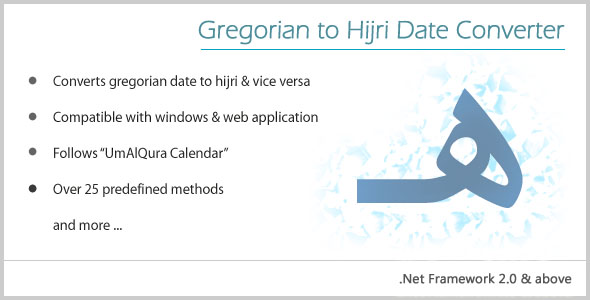

Gregorian to Hijri converter is basically a dynamic link library (.dll) which can be used in both windows and web applications to convert date from gregorian to hijri and vice versa. Along with that, there are many other methods which are very useful for the developers.
Installation Steps
1. In Solution Explorer, right-click on the root directory then click Add and then click Reference.. to open Reference Manager dialog box.2. Browse GregorianHijriDate.dll file 3. Use the following procedure to call the properties of your GregorianHijriDate.dll file in your application.
4. Add a namespace in the codebehind file (C# CodeBehind)
using GregorianHijriDate;5. Create an Object of the “GH” class, as in the following:
GH gh = new GH();Methods supported by GH
Customers Review
 by gemegeme for Code Quality
 by
by 0 average based on 1 ratings.

Search plugins
Browse Categories


