InvoiceFlow - The Invoice Management System
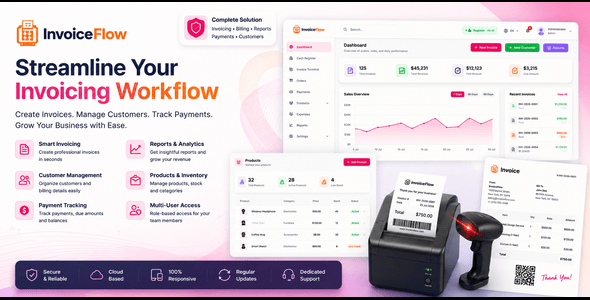

InvoiceFlow – The Invoice Management System | Laravel 12 + Livewire
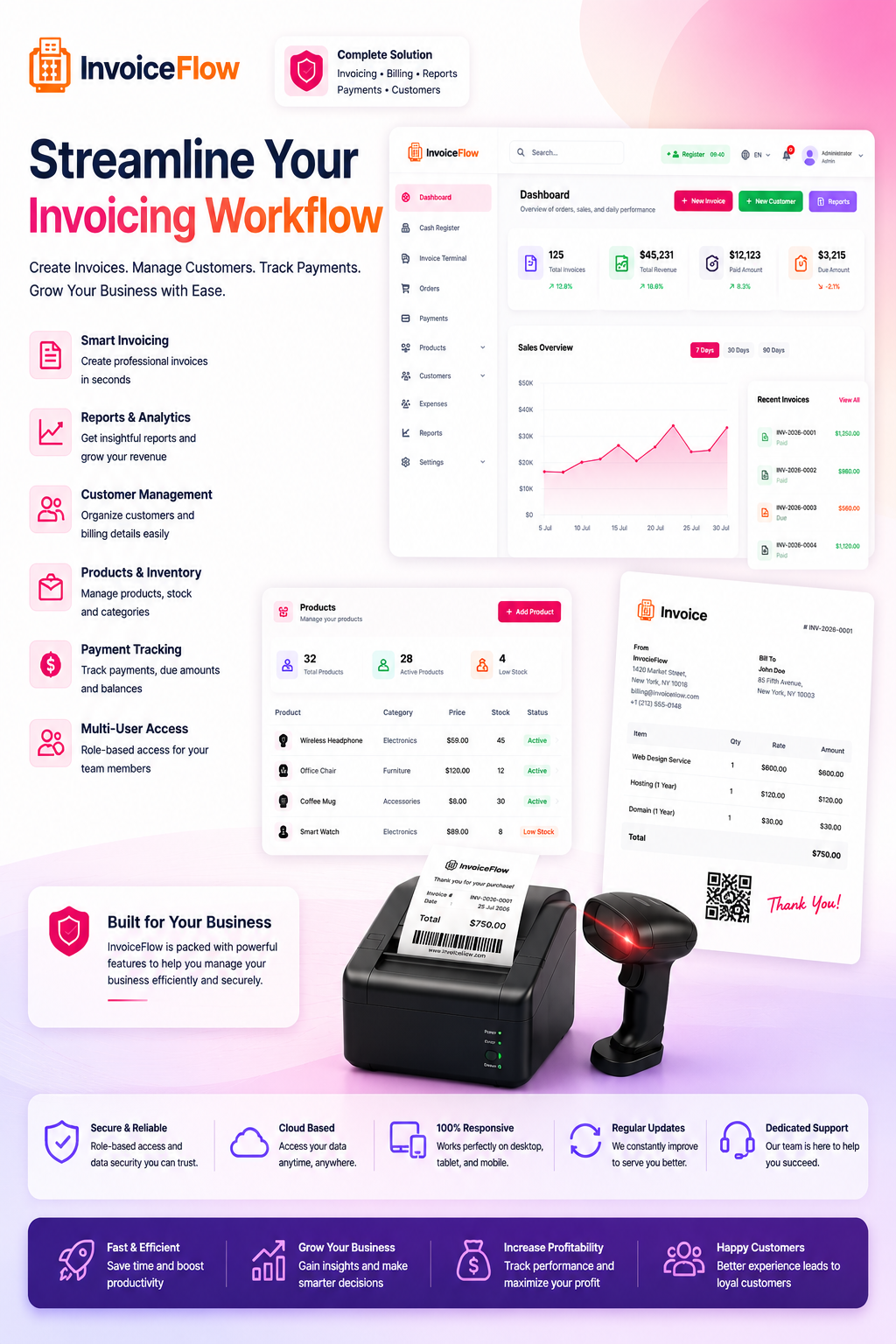
InvoiceFlow is a simple invoice management system built for small retail and service businesses. Every sale becomes an invoice you can print, download as a PDF, or settle later against a customer account. One Laravel application covers everything — a fast invoice terminal, product catalog, cash register shifts with Z-Reports, customer accounts with a credit/due ledger and loyalty points, expense tracking, and five exportable reports.
Built on Laravel 12 + Livewire + Tailwind CSS v4 — single deployment, no separate frontend server required. Upload, run the web installer, and you’re ready to invoice. Fully responsive, so it works just as well on a phone or tablet browser.
Whether you run a small café, boutique, or service business, InvoiceFlow gives you the tools to invoice quickly, track performance, and serve customers faster.
Please note: InvoiceFlow tracks products and prices, not stock quantities. Each product carries an availability flag rather than an on-hand count, so there is no warehouse, stock-level, purchase-order, supplier or reorder functionality. If you need full inventory control, this is not the right item for you.


Demo Credentials
Admin / Invoice Terminal
URL: https://invoiceflow.axifystudio.com
Email: admin@example.com
Password: Demo@#1234
Other roles — same password (Demo@#1234):
Manager: manager@example.com
Cashier: cashier@example.com
Staff: staff@example.com
Screenshots
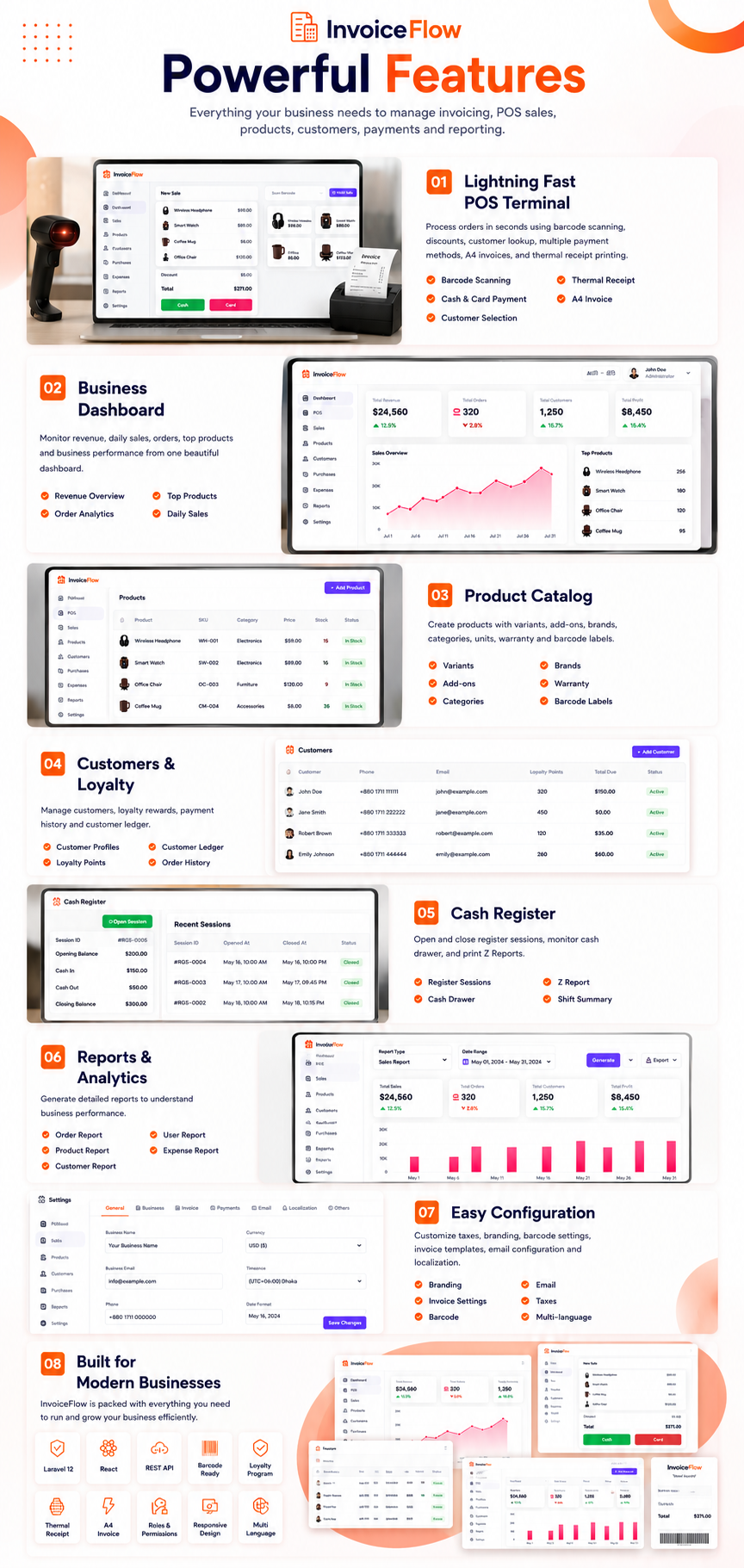
Key Features
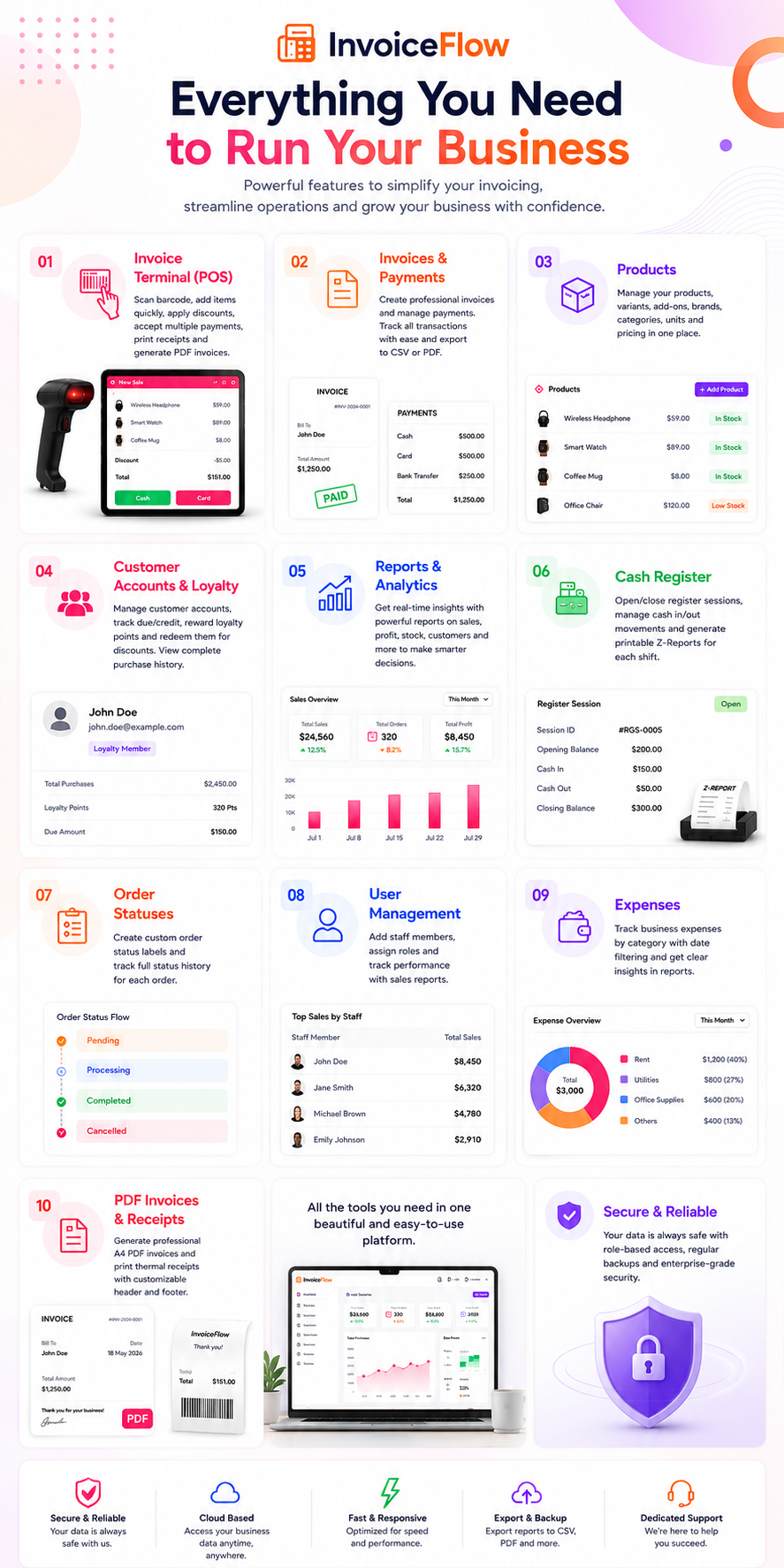
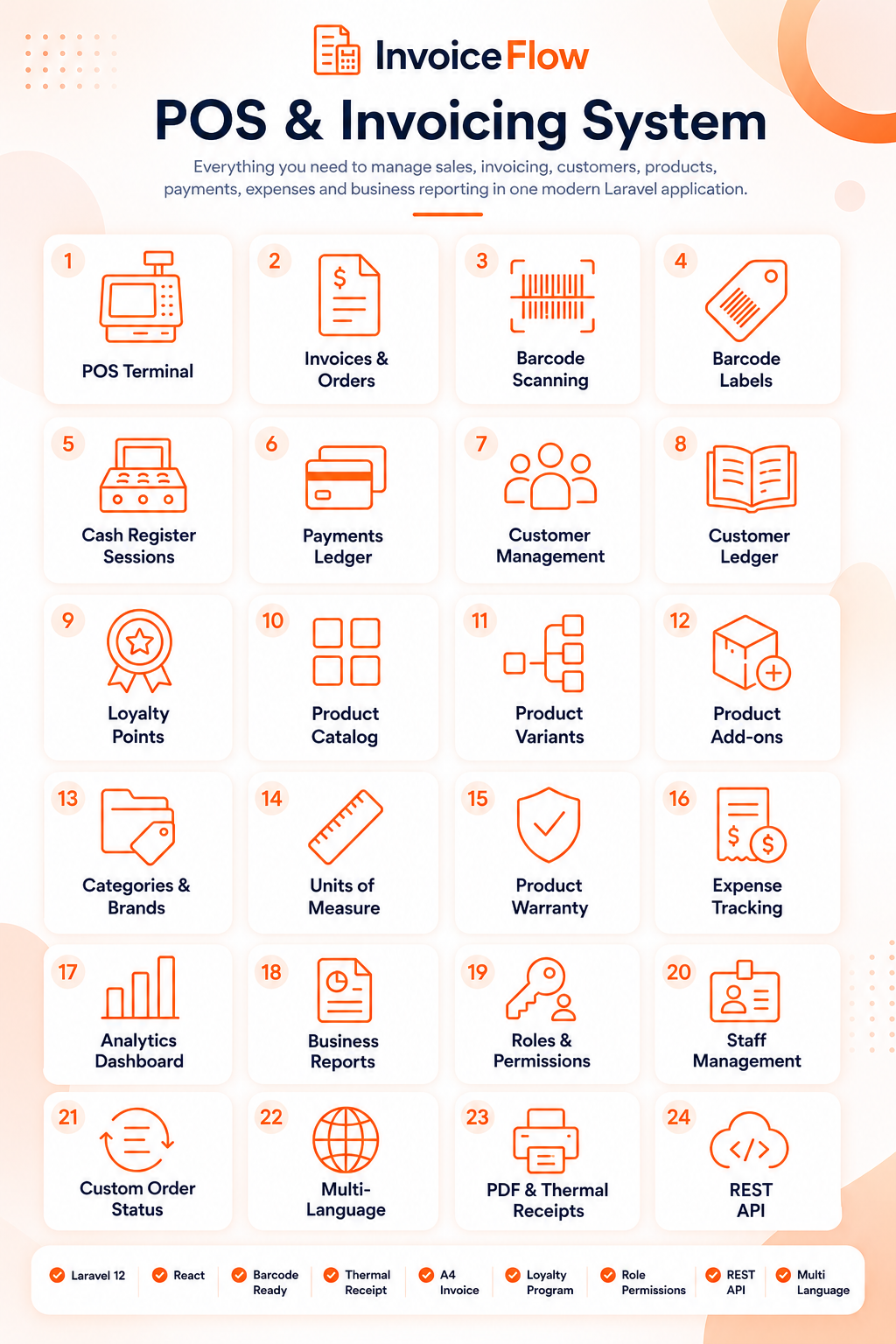
- Invoice Terminal — barcode scan-to-add products, cash and card tenders with change due, order-level discounts, per-line customization notes, and instant thermal receipt printing (80mm / 58mm) or A4 PDF invoice
- Invoicing — every order produces a printable A4 PDF invoice with a configurable header and footer, or a thermal receipt for walk-in customers
- Cash Register & Shifts — open / close sessions with opening cash, cash-in / cash-out movements during shift, printable Z-Report on close. Refunded and cancelled orders are excluded from expected drawer cash
- Product Catalog — products with variants, add-ons, images, warranty period, categories, brands, tags, and units of measure. Products carry a price and an availability flag, not a stock count
- Customer Accounts & Loyalty — per-customer credit / due ledger, record payments and add charges, configurable loyalty points (earn per sale, redeem against an invoice), and a full ledger view per customer
- Expense Management — expense categories and date-filtered expenses with payment methods
- 5 Reports (CSV & PDF Export) — Orders, Products, Customers, Users, and Expenses, each over a selectable date range and exportable to CSV or PDF. The product report includes revenue, COGS, profit and margin
- Payments Screen — every payment listed and filterable by payment date
- Barcode Labels — scan-to-search on the invoice terminal, plus printable barcode label sheet (server-side, picqer/php-barcode-generator)
- Web Installer — browser-based multi-step setup wizard (requirements check → purchase verification → database → admin account → finish) — no SSH required
- Roles & Permissions — unlimited custom roles (cashier, manager, admin) with per-permission toggles, user management, and full activity log. Staff and customer accounts are kept separate on both the web panel and the API
- Custom Order Statuses — create and manage your own order status labels, with status history per order
- FAQ Management — admin-managed help content with categories
- Multi-Language — six languages included (English, Bengali, German, Spanish, Hindi, Italian) with admin-editable translations, live sync, RTL support, and switchable per user session
- Database Backup & Restore — one-click SQL dump, download, and restore from the admin panel — no shell access required
- REST API — versioned, token-authenticated API (
/api/v1, Laravel Sanctum) for categories, products, orders, customers and settings, suitable for external integrations and your own mobile clients - Notifications — in-app notification centre
- Security — login enforces account status, tax and service fee are calculated server-side rather than trusted from the browser, password changes revoke other API tokens, and role escalation is blocked at every admin screen
⚙️ System Requirements
Ensure your server meets the following requirements before installation:
- PHP: 8.2 or higher
- Laravel: 12
- Database: MySQL 5.7+ or MariaDB
- Web Server: Nginx or Apache
- Composer: 2.x
- Required PHP Extensions: openssl, pdo, pdo_mysql, mbstring, tokenizer, xml, ctype, json, bcmath, fileinfo, zip
(These are exactly what the installer’s Requirements step checks — it will tell you if anything is missing.)
Installation
- Purchase and download the package from CodeCanyon, then extract the ZIP.
- Upload the project folder to your server and point the domain document root to the
public/subfolder. - Set PHP to version 8.2+ via cPanel MultiPHP Manager or your server config.
- Set permissions:
storage/andbootstrap/cache/→ 775 - Create a MySQL database and user with full privileges.
- Rename
.env.exampleto.envand setAPP_URLandDB_*values. - Run the web installer in your browser:
https://yourdomain.com/install - Follow the on-screen steps — requirements → database → admin account → finish.
Your invoicing system is ready!
Support & Customization
Need custom features, integrations, or modifications? We provide fast and professional support.
Email: axifystudioltd@gmail.com
Note: Clear requirements and mockups help avoid revision cycles and ensure faster delivery.
⭐ If InvoiceFlow is useful to you, please consider leaving a 5-star rating — it helps us keep improving!
$39 |
Download |
0 average based on 1 ratings.

| Last Update | 2026-07-19 |
| Created | 2020-10-12 |
| Sales | 27 |
| Discussion | Comments |
| Compatible Browsers | IE10 IE11 Firefox Safari Opera Chrome Edge |
| Software Version | PHP 8.x MySQL 8.x MySQL 5.x |
| High Resolution | Yes |
| Software Framework | Laravel |
| Files Included | JavaScript JS JavaScript JSON HTML CSS PHP SQL |
| Video Preview Resolution |


