Great Document and Ocr Scanner-Cam Scanner with Admob Ads

Great Cam Scanner with Admob
Just Try Demo Apk. You may like 100%. Don’t miss this opportunity
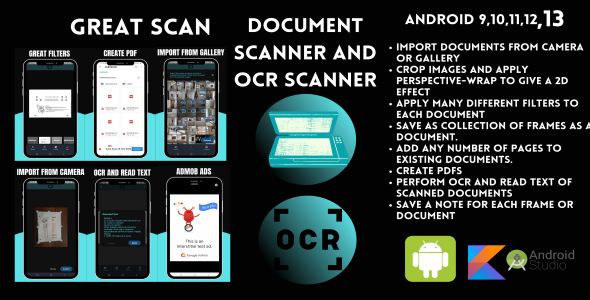
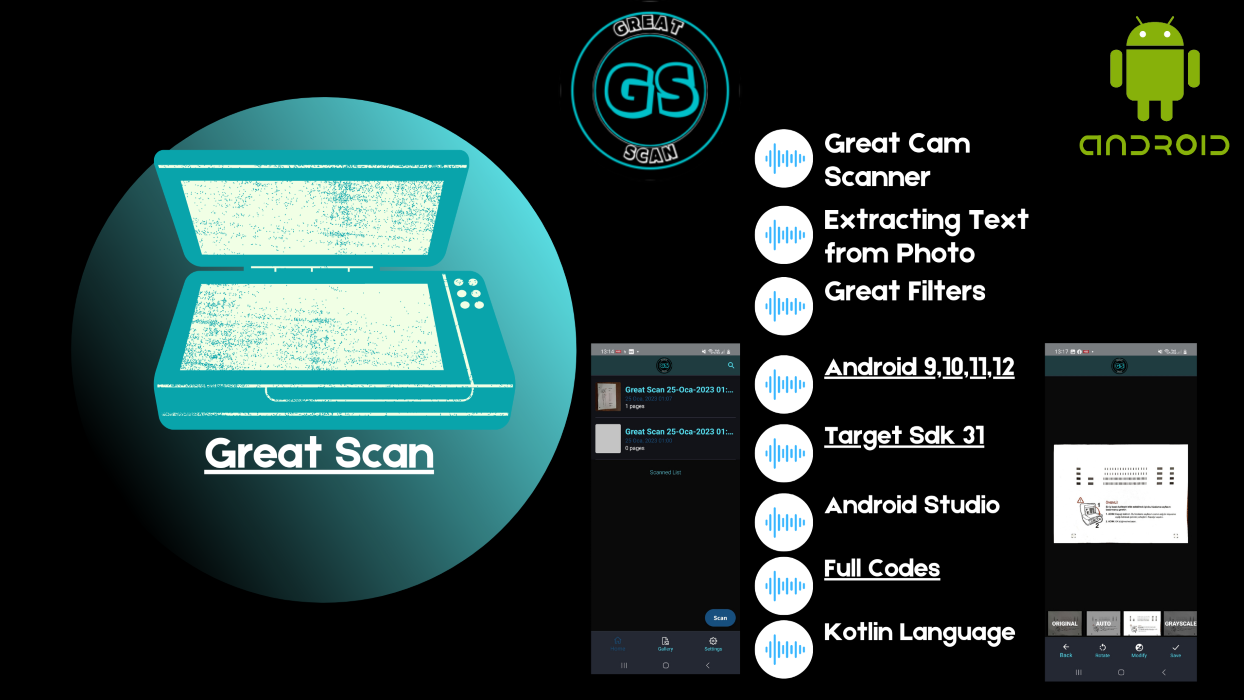
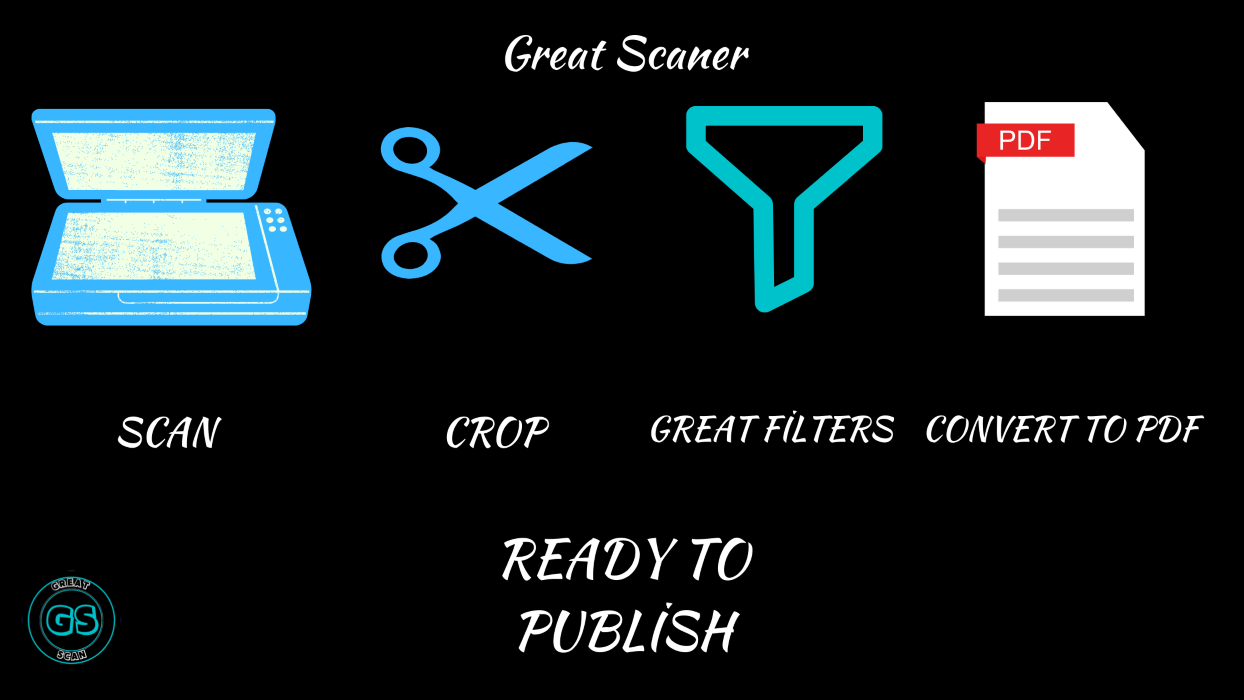
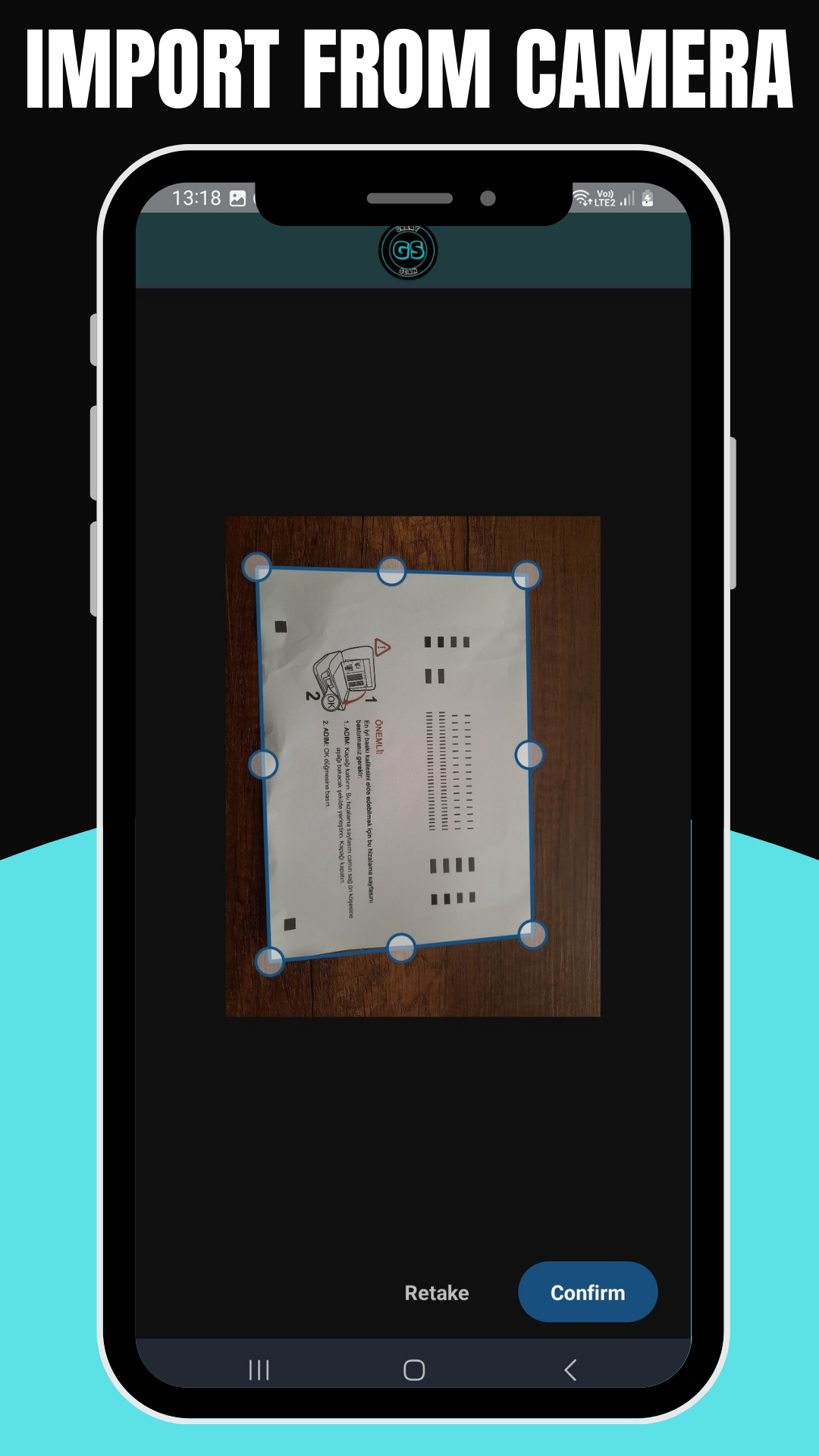
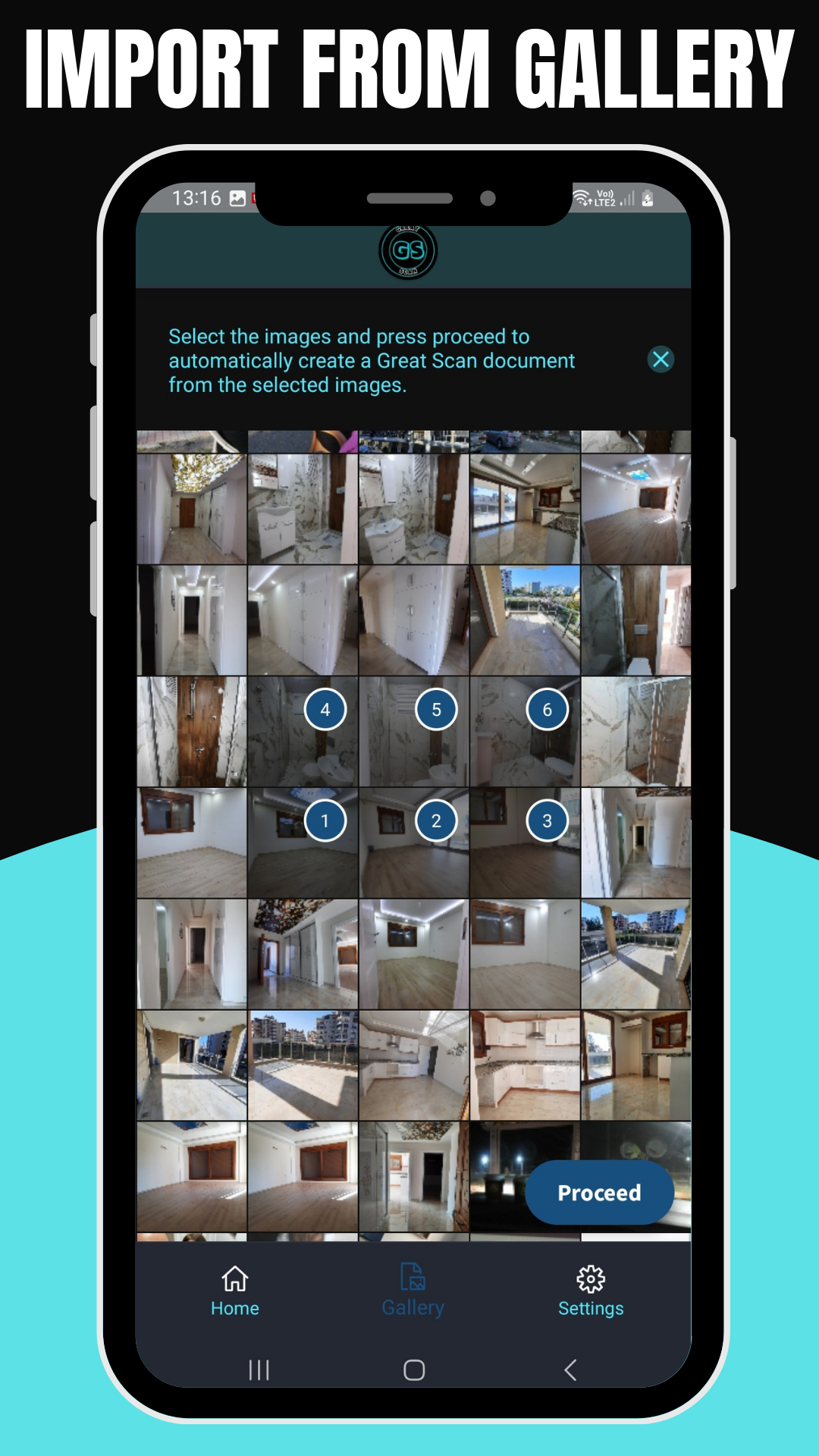
- Import Documents from camera or gallery
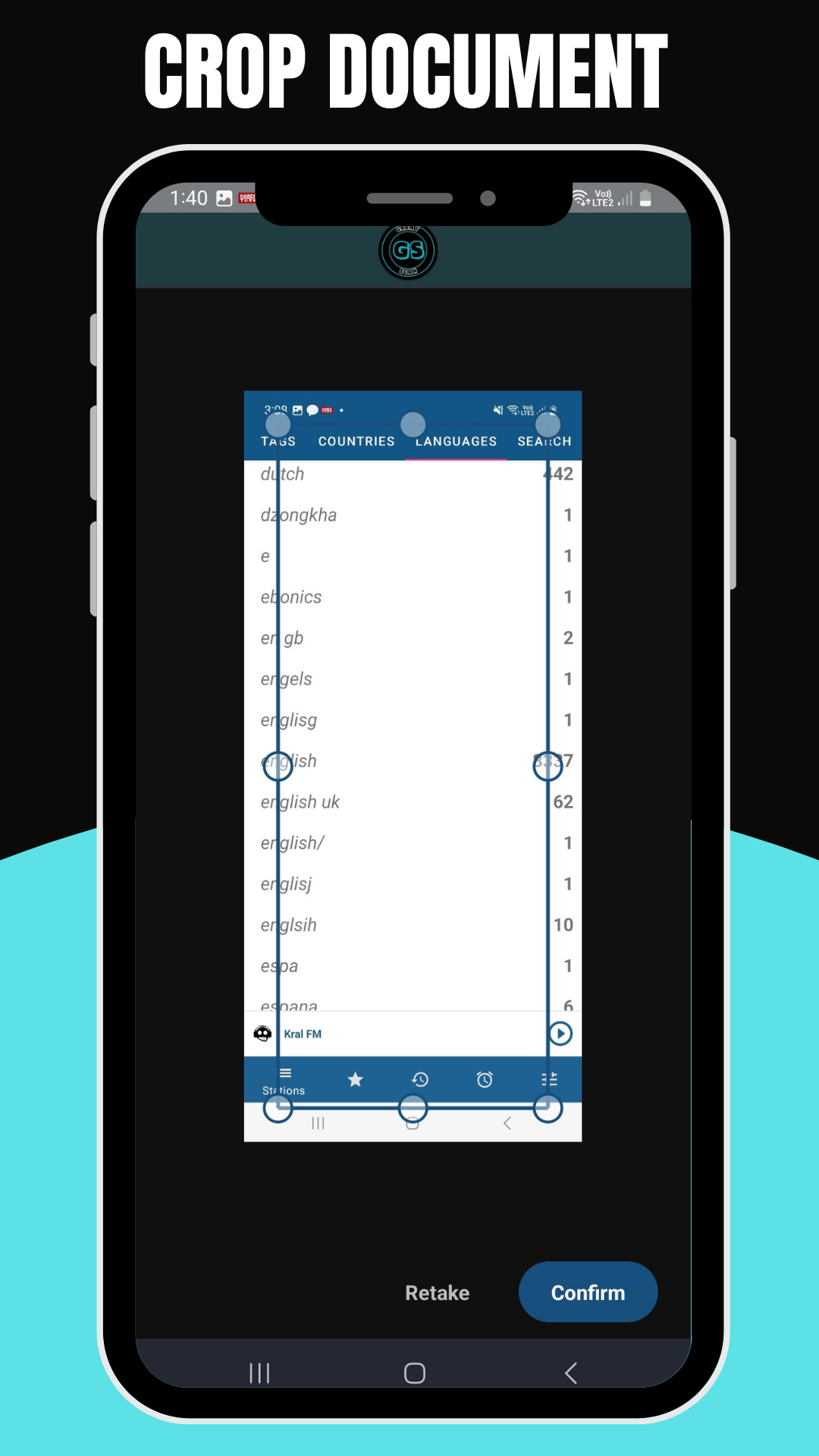
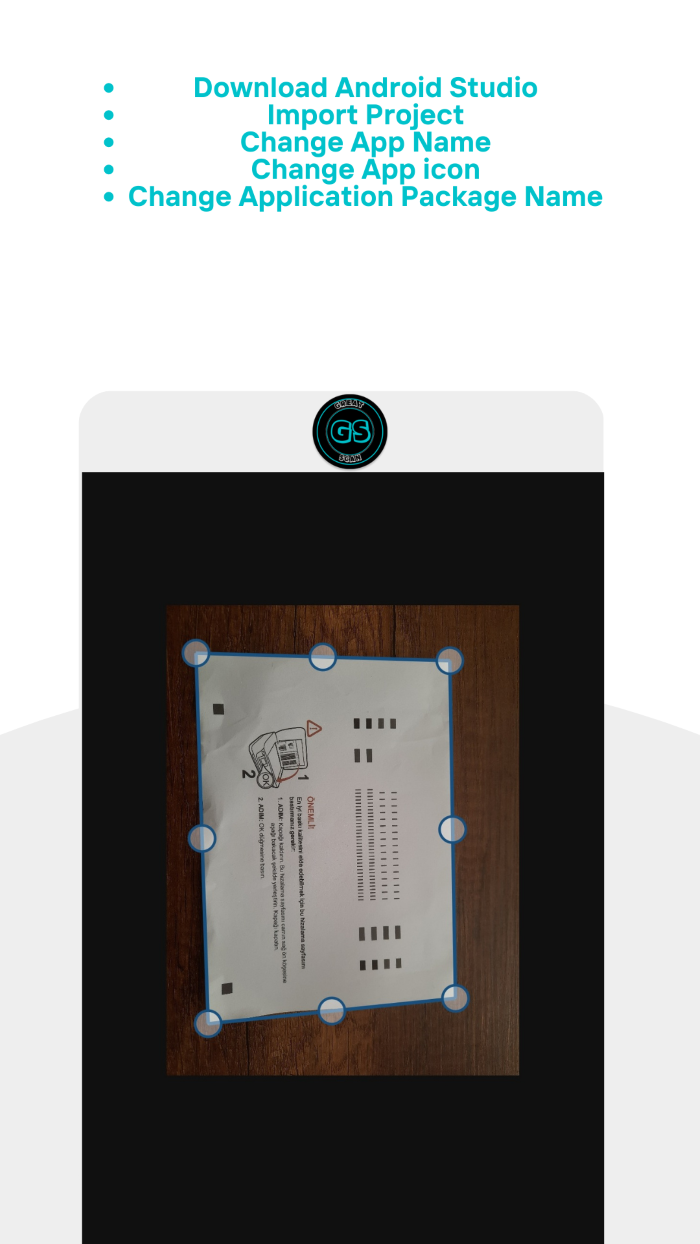
- Crop Images and apply perspective-wrap to give a 2D effect
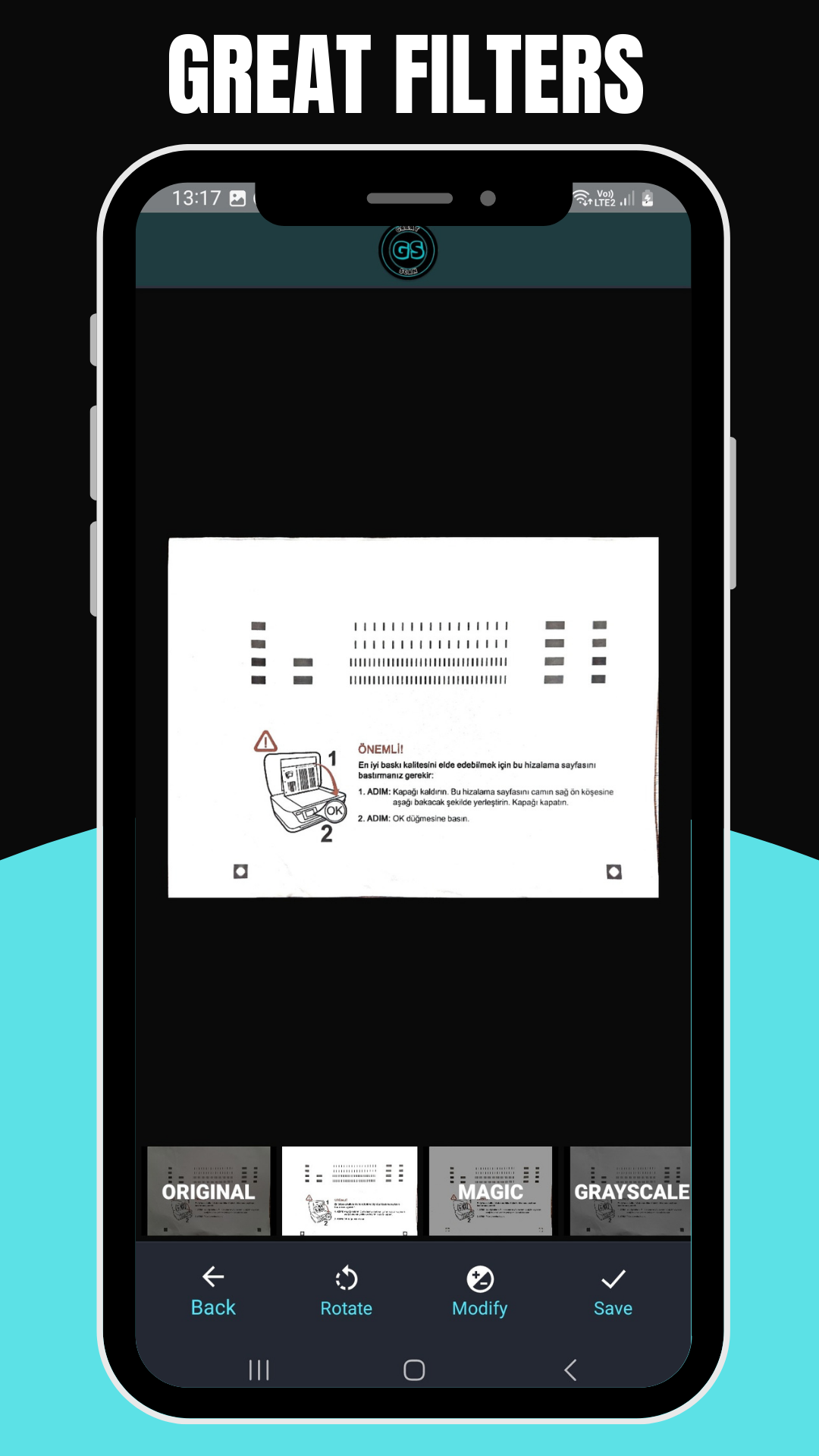
- Apply many different filters to each document
- Save as collection of frames as a document.
- Add any number of pages to existing documents.
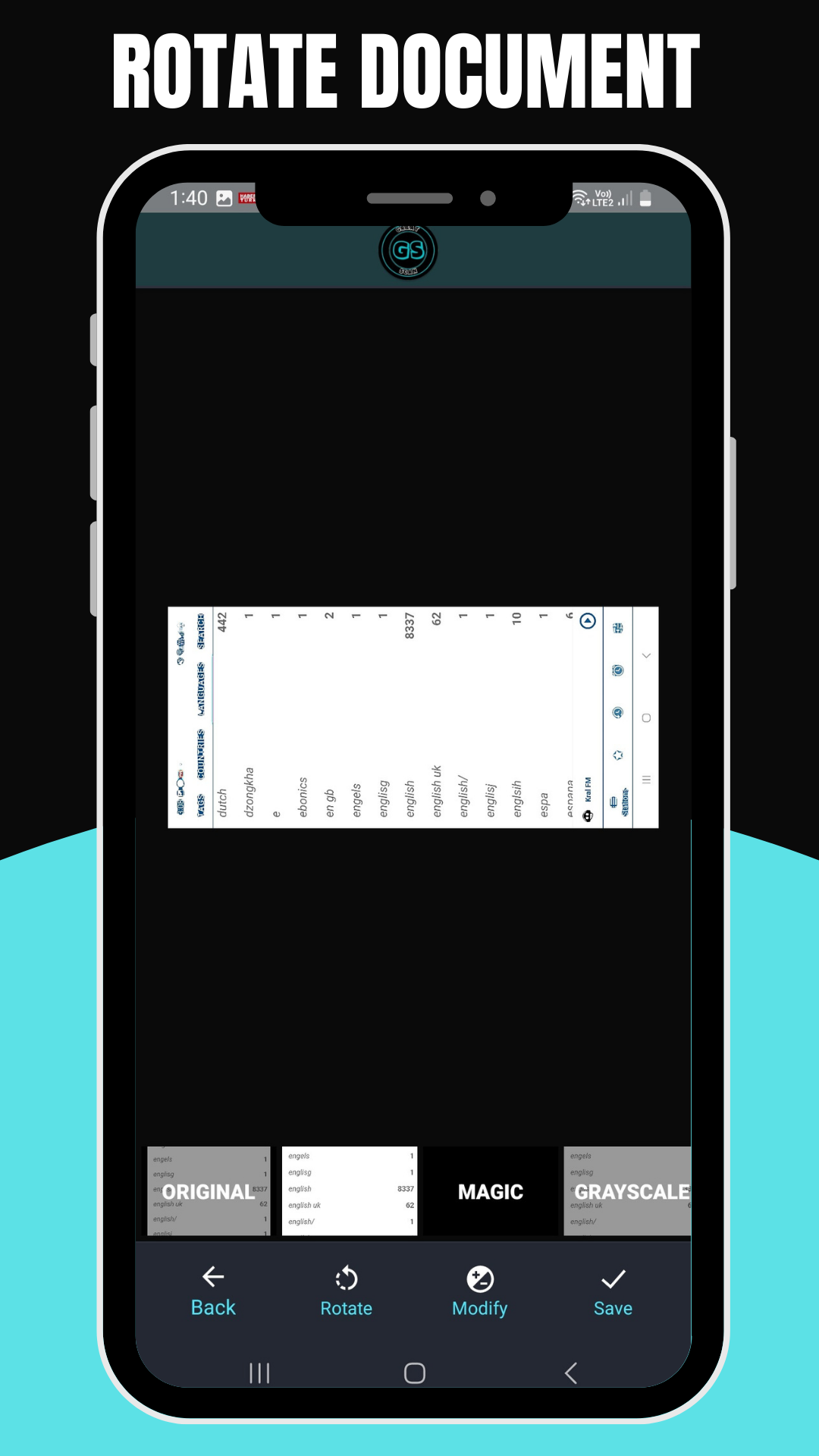
- Re-arrange pages of existing document.
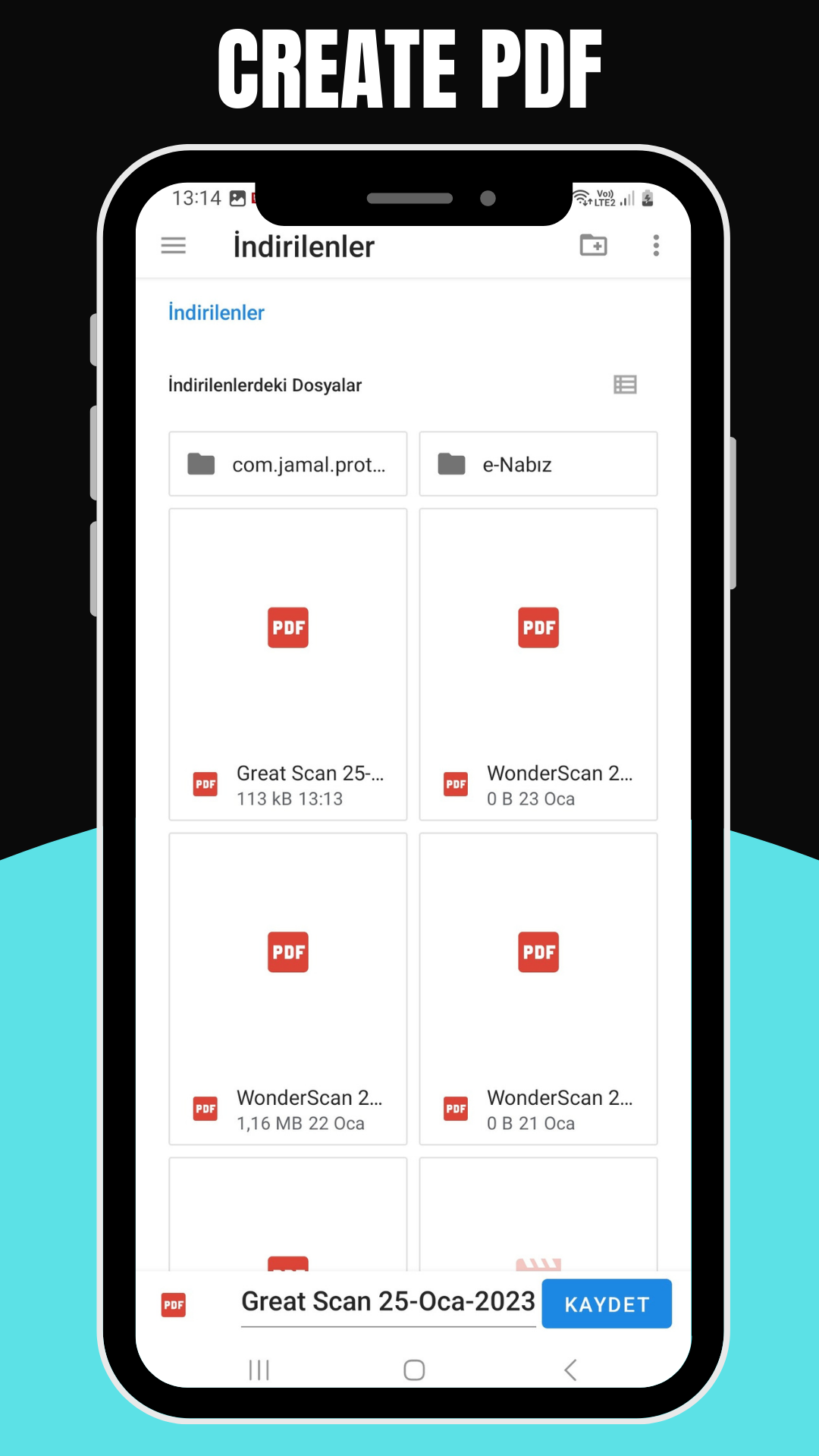
- Create PDFs
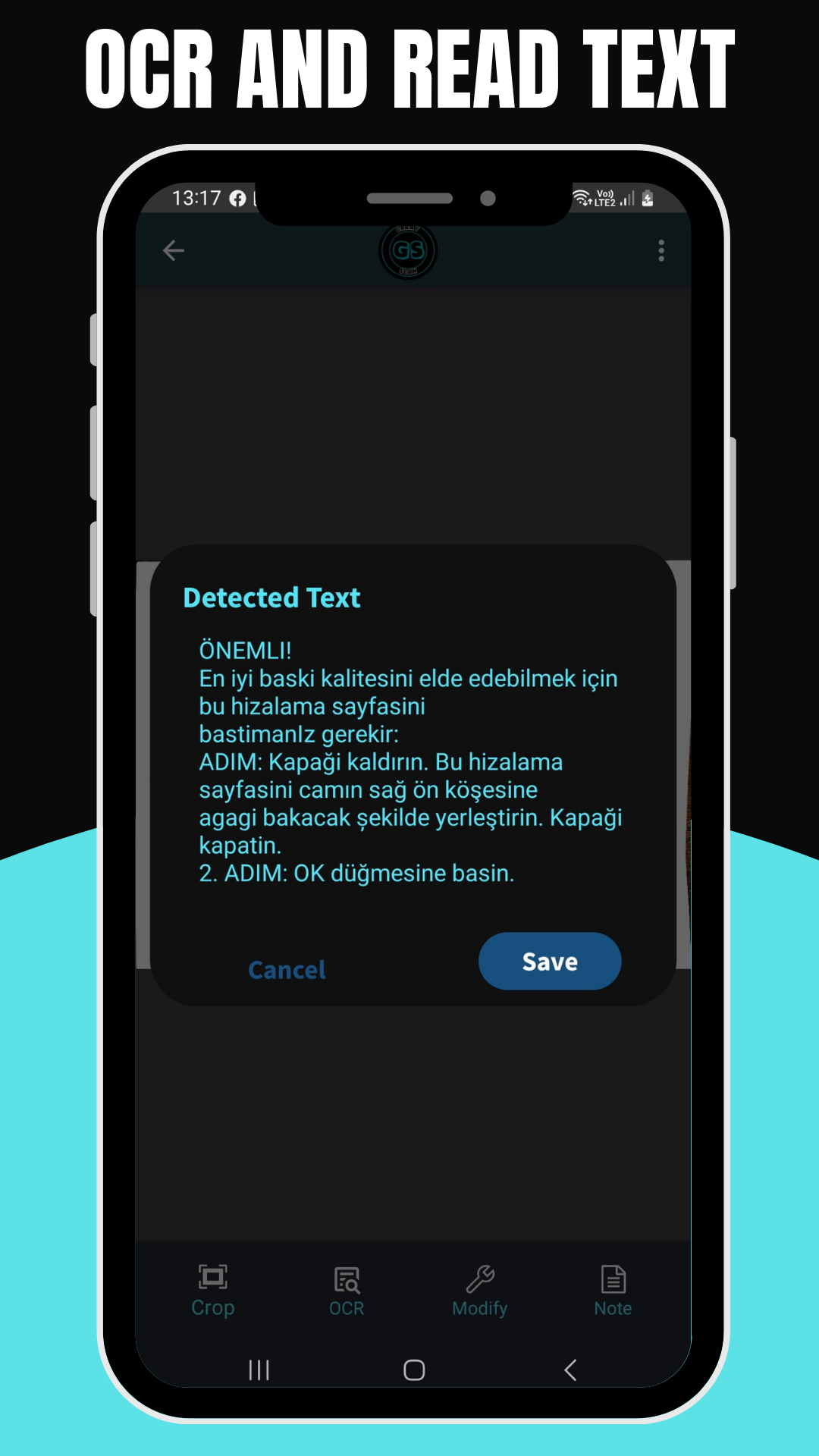
- perform OCR and read text of scanned documents
- Save a note for each frame or document
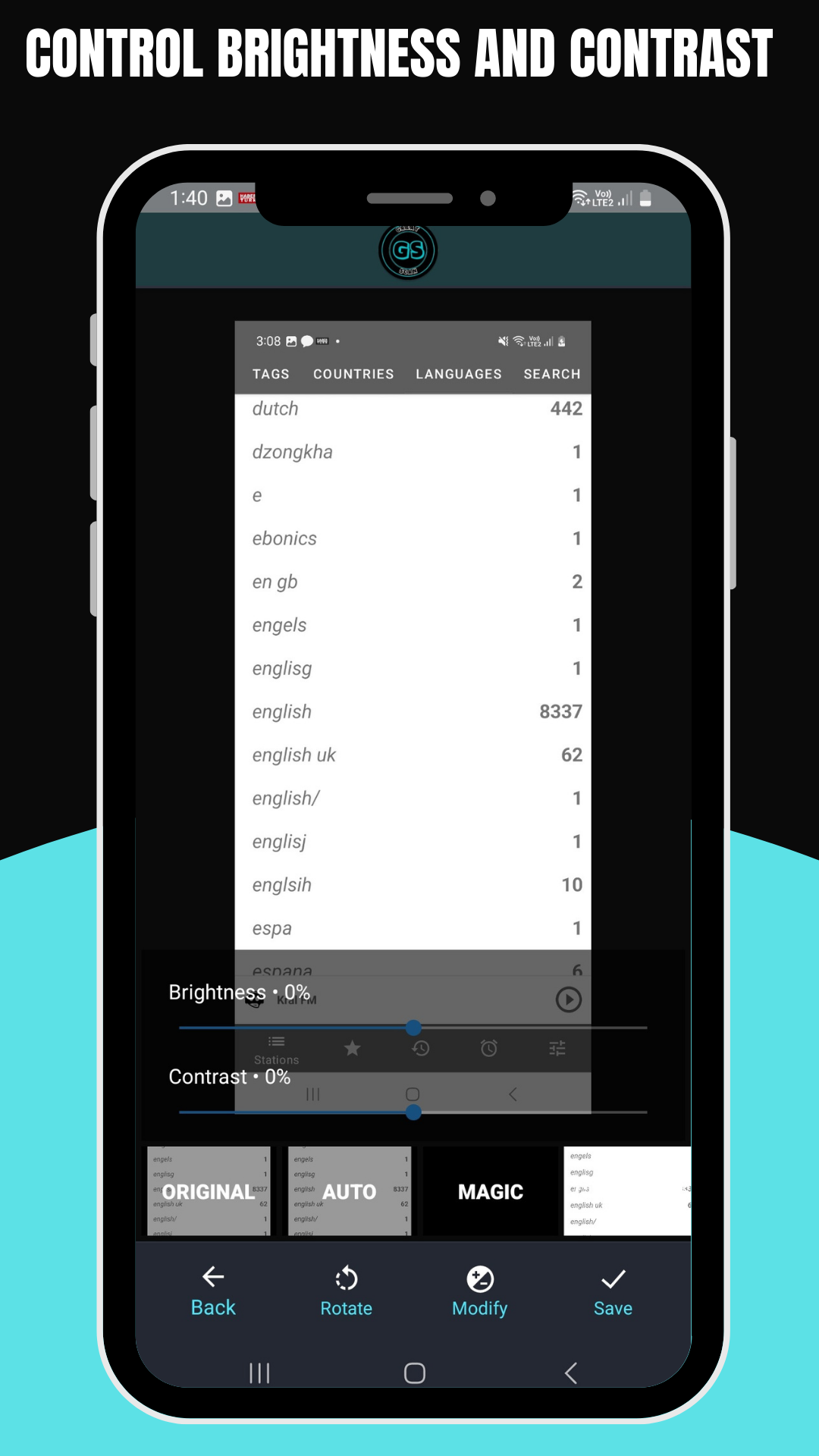
- Control brightness and contrast of each document
Template Features
- Kotlin Language: This project is developed in Kotlin language with Google latest guideline and material design.
- Theme Support: To change the theme you can select from our existing theme with gradient style color or single style color. You can also set the color code to get a match with your branding.
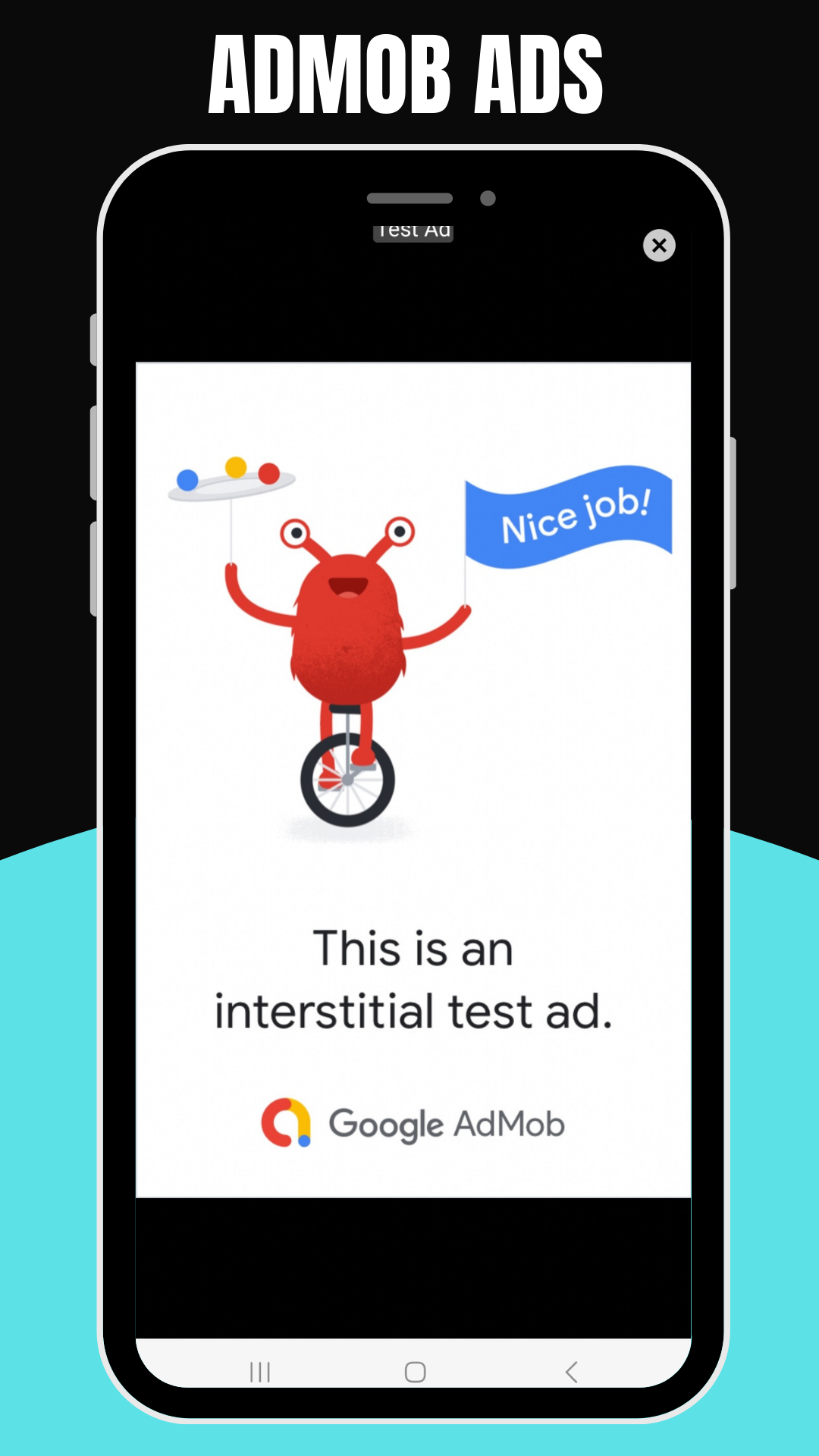
- Smart Ads Solution: Earn money from AdMob and you can also disable it whenever you want. Our designed ads will not disturb your clients too much.
- RTL support: The app is left to right layout supported.
-Release Ready
-Android 9,10,11,12,13
-Admob

- Open Project Into Android Studio.
- Change the package name
- How to Change Graphics.
- How to Change Audios.
- How to change the Admob, Interstitial
- How to change texts
If you require any further information, feel free to contact me.
You’ll need only android studio.
▪ Start
▪ Getting Started
▪ Importing code into Android Studio
▪ Adding Admob ads
▪ Integrating Google Play Leaderboards
▪ Removing Errors(If any)
▪ Changing App name
▪ Changing Package Name
▪ Changing Color for app backgrounds
$23 |
Download |
0 average based on 0 ratings.

| Last Update | 2023-03-04 |
| Created | 2023-02-08 |
| Sales | 9 |
| Discussion | Comments |
| Software Version | Android 12.0 Android 11.0 Android 10.0 Android 9.0 |
| Files Included | .apk .java .xml |
| Video Preview Resolution |
Search plugins
Browse Categories


