Global DNS - DNS Propagation Checker - WHOIS Lookup - WP
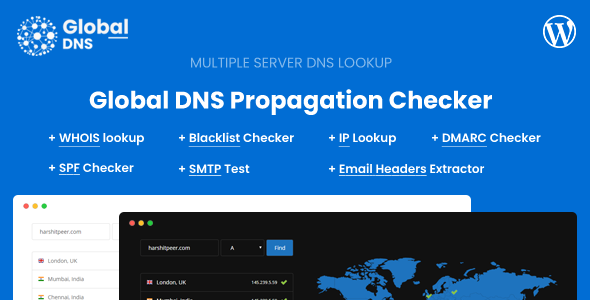












Global DNS allows you to instantly check the DNS records across multiple servers. It provides an insight to end users on which server website is pointing to. It is also helpful to check the current DNS entries incase the DNS records are changed.
Features
Multiple DNS Record Types
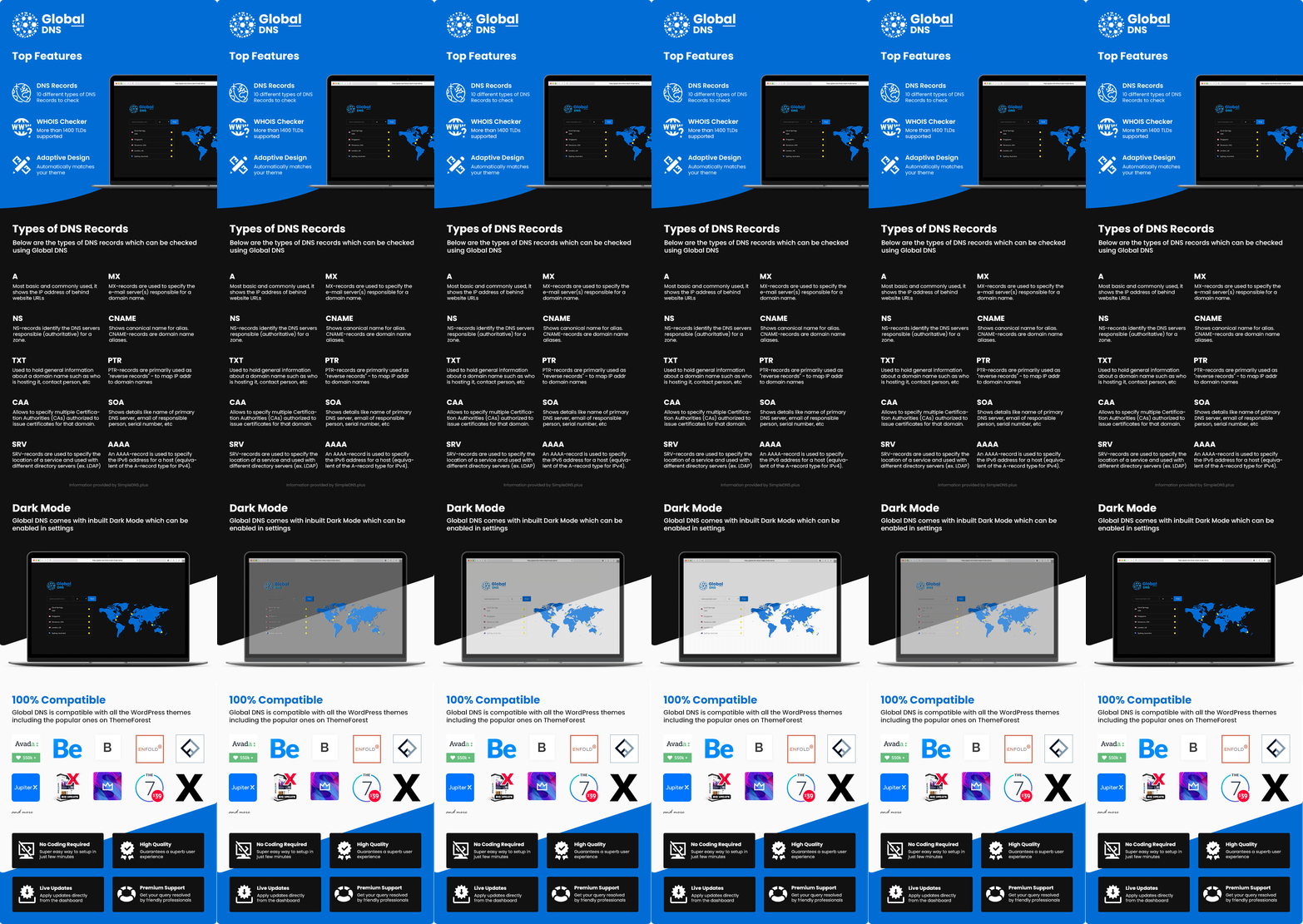
You and your end users can check multiple types of DNS records like A, MX, NS, CNAME, TXT and much more. There are a total of 10 types of DNS records to check.
Multiple Servers
There is no limit on how many servers you can add, more the severs better the stats.
Dark Mode
Following current trend, Global DNS also has a Dark Mode. You can enable this from the Admin Dashboard in Global DNS Settings page. Based on which WP Editor you’re using, you also need to set the background colours accordingly.
Requirements
For WHOIS Lookup, you will need PHP fsockopen and enable TCP Port 43 for Outgoing traffic
You will need a WordPress website to install this WordPress Plugin. You will also need multiple shared hosting account to act as a server for this plugin.You can also opt for Free Servers at this URL here
From v1.1.0 you can directly use DNS Server IP to fetch the DNS Records, but for that you will need shell_exec function.
If there is any confusion in the requirements, please contact us via the email option in the profile here
Change Log
v3.3.0 - 11 May 2026 - Added DKIM record checker with shortcodes [global_dns_dkim_input] and [global_dns_dkim] (lookup selector._domainkey.domain, raw TXT + parsed tags) - Added propagation export (CSV and JSON) and Copy share link from the server list when used with the DNS input on the same page (creates snapshot and copies URL) - Added read-only propagation snapshot links (TTL configurable, daily cleanup) and shortcode [global_dns_propagation_share_view] with ?global_dns_share= in the URL - Added admin options: verify TLS for DNS probe URLs, HTTP connect timeout, propagation share TTL, optional Propagation share button, DKIM checker shortcut on the toolbar - Improved remote DNS probe HTTP requests (timeouts, connect timeout, optional TLS verification) - Improved on-site IP lookup to use the same hardened HTTP client with TLS verification - Improved dig command handling (escaped arguments, prefers proc_open when available) - Added rate limiting for DNS propagation requests and for creating share links; added global_dns_throttle_contact() helper for optional contact-form integrations - Updated Instructions page with new shortcodes (DKIM, propagation share) and tips for DNS list export/share - Fixed DMARC input template issue in the plugin package - Fixed plugin deactivation (clears snapshot cron and removes the global_dns capability correctly) - Fixed propagation UI when the map shortcode is not on the page; clearer per-server errors; URL hash encoding for deep links - Fixed propagation REST failing on some setups (URL-encoded base64 for domain path segments; hostname normalization regex) v3.2.0 - 16 November 2025 - Added SMTP Test Tool v3.1.1 - 4 August 2025 - Fixed command injection vulnerability in DNS record lookup functionality - Added comprehensive input validation for all API endpoints - Fixed DNS injection vulnerabilities in DMARC, SPF, and WHOIS APIs - Resolved XSS vulnerabilities in shortcode template files - Fixed SSRF vulnerability in IP lookup API - Added validation for blacklist checker API v3.1.0 - 23 May 2025 - Added SPF Checker - Fixed Minor CSS v3.0.0 - 18 February 2025 - Added ability to enable/disable the Expected Button - Optimised & Cleaned DNS Results - Fixed PHP Warnings - Fixed Minor CSS Issues in the Settings Area - Fixed Broken External Links v2.9.1 - 2 October 2024 - Fixed Blacklist Server Delete - Fixed Alignment Issue for DNS Type Dropdown - Fixed Expected Value Button - Minor Design Changes v2.9.0 - 2 July 2024 - Added Email Headers Extractor - Fixed WHOIS and DMARC Issues - Updated instructions to include configuration for shortcodes v2.8.0 - 16 April 2024 - Added Management for Blacklist Servers (Add/Update/Delete Servers) - Fixed minor DMARC Issues - Added domain/ip for Blacklist Check and DMARC in URL for ease of sharing v2.7.0 - 21 January 2024 - Added DMARC Checker - Fixed URL for Blacklist Checker v2.6.0 - 10 October 2023 - Added Blacklist Checker - Improved Minor UI Flaws v2.5.0 - 3 July 2023 - Added IP Lookup Tool - Optimized CSS Files v2.4.0 - 5 April 2023 - Added User IP Shortcode - Fixed Minor CSS Issues - Optimized Shortcode View in Admin Panel v2.3.0 - 5 January 2023 - Added Timeout for DNS and WHOIS Request - Improved WHOIS Input Cleanup v2.2.0 - 6 October 2022 - Added ability to sort servers - Fixed placeholder for WHOIS Domain v2.1.0 - 19 July 2022 - Added Meta Detail for Server (You can use it for adding Provider, Sponsor, etc) - Fixed PHP 7.2 Error - Fixed Dark Mode Enabler v2.0.1 - 30 April 2022 - Fixed Minor Servers Update Bug v2.0.0 - 30 April 2022 - Redesigned Admin UI - Added WHOIS Lookup - Added Custom CSS for Advance Users - Fixed Minor UI Issues v1.5.0 - 5 November 2021 - Added Background and Text colour for Expected Icon - Fixed Minor Cosmetic Issues v1.4.0 - 20 May 2021 - Added Expected Feature - Fixed Minor Responsiveness Issue v1.3.1 - 26 April 2021 - Added inhouse flags v1.3.0 - 26 November 2020 - Added ability to change the "Find" button text - Added ability to change input field placeholder - Minor Bug Fixes v1.2.1 - 4 August 2020 - Optimized WordPress Files v1.2.0 - 10 July 2020 - Added ability to set default DNS Type - Added ability to re-arrange server list - Fixed PTR issues when using direct DNS Server IP - Fixed minor code and design issues v1.1.0 - 26 April 2020 - Added ability to add DNS Server IP for fetching records - Added ability to import the servers from CSV file - Added ability to export the servers to CSV file - Added ability to delete all the current servers in a single click - Fixed minor cross-site issue v1.0.3 - 20 March 2020 - Fresh URLs are auto-generated on each search - Minor enhancements and fixes v1.0.2 - 9 March 2020 - Ability to configure the Shortcode - Cleaned the API Part - Alignment Fixes v1.0.1 - 5 March 2020 - Added Tutorial Video in Dashboard - Added ability for the end-user to see that search is going on - Added ability for the system to understand the domain name when URL is provided by the end user
$24 |
Download |
5 average based on 7 ratings.

| Last Update | 2026-05-11 |
| Created | 2020-03-04 |
| Sales | 132 |
| Discussion | Comments |
| Compatible Browsers | IE9 IE10 IE11 Firefox Safari Opera Chrome Edge |
| Software Version | WordPress 5.3.x WordPress 5.2.x WordPress 5.1.x WordPress 5.0.x WordPress 4.9.x |
| Compatible With | |
| Gutenberg Optimized | |
| High Resolution | Yes |
| Files Included | JavaScript JS HTML CSS PHP |
| Video Preview Resolution |


