gGrowl Notification - Messages with Icons Plugin
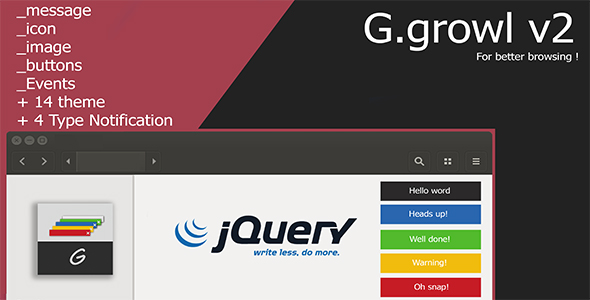

It is an easy way to include responsive text, with more flexible and responsive code. With the ability to add a bunch of icons to give a serious, With the possibility of temporary activation or response to Mobile Event .
Installation :
Js : <script type="text/javascript" src="js/growl.min.js"></script> CSS : <link href="../themes/css/blackboard.css" rel="stylesheet" type="text/css" media="screen"> ICON : <link rel="stylesheet" type="text/css" href="css/font-awesome.css">Basic Usage :
Ggrowl.show("hello world")Theming :
14 thmesNotification Types :
Success : $.Ggrowl.show('hello world',{'type':'Success'}) Warning : $.Ggrowl.show('hello world',{'type':'Warning'}) Error : $.Ggrowl.show('hello world',{'type':'Error'})API : show Function: $.Ggrowl.show(Text,Options)
Options Configuration Object :
message : undefined, // 'string' icon : undefined, // 'string' type : undefined, // 'string' theme : 'themeDefault', // 'string' speed : 500, // 'int' timeout : 3000, // 'int' iconColor : undefined, // 'string' mobileEvent : true, // 'bool' position : 'bottom-right', // 'string' possible options are: 'top right','bottom right','top left','bottom left'0 average based on 0 ratings.

Search plugins
Browse Categories


