Frontend Post Submission Manager
.png)


Check our Demos







See full features list below:
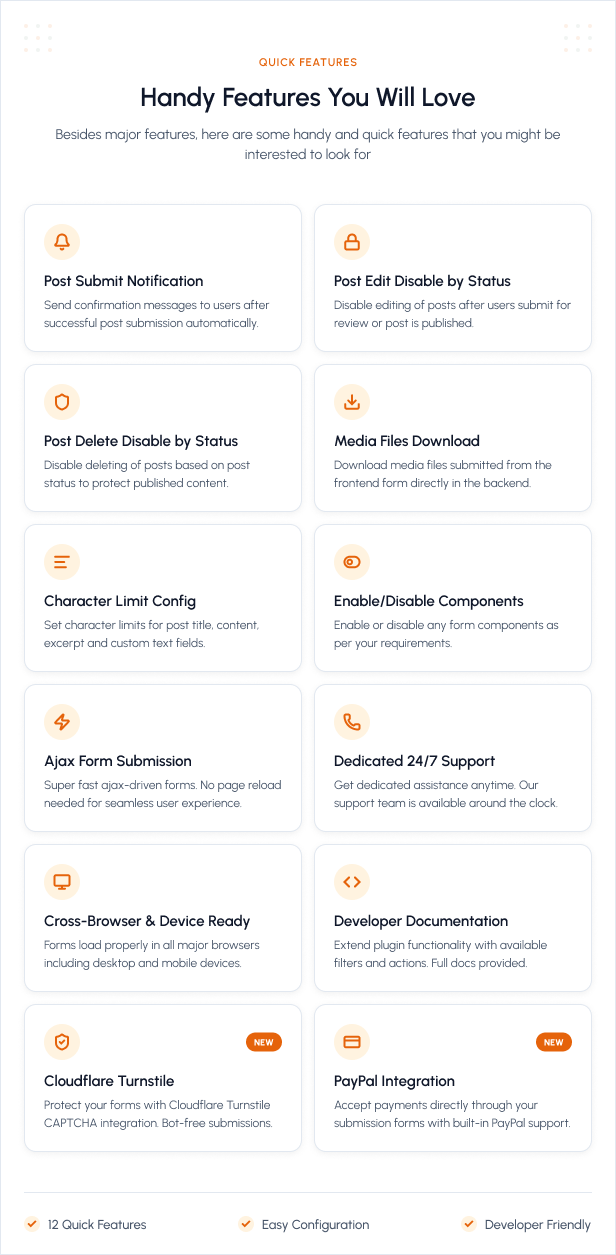
Frontend Post Submission Manager for WordPress
Let users submit, edit, and manage WordPress content directly from your website’s frontend.
Frontend Post Submission Manager is a complete frontend publishing solution for WordPress. It allows logged-in users and guests to submit posts, pages, and custom post types without accessing the WordPress admin dashboard.
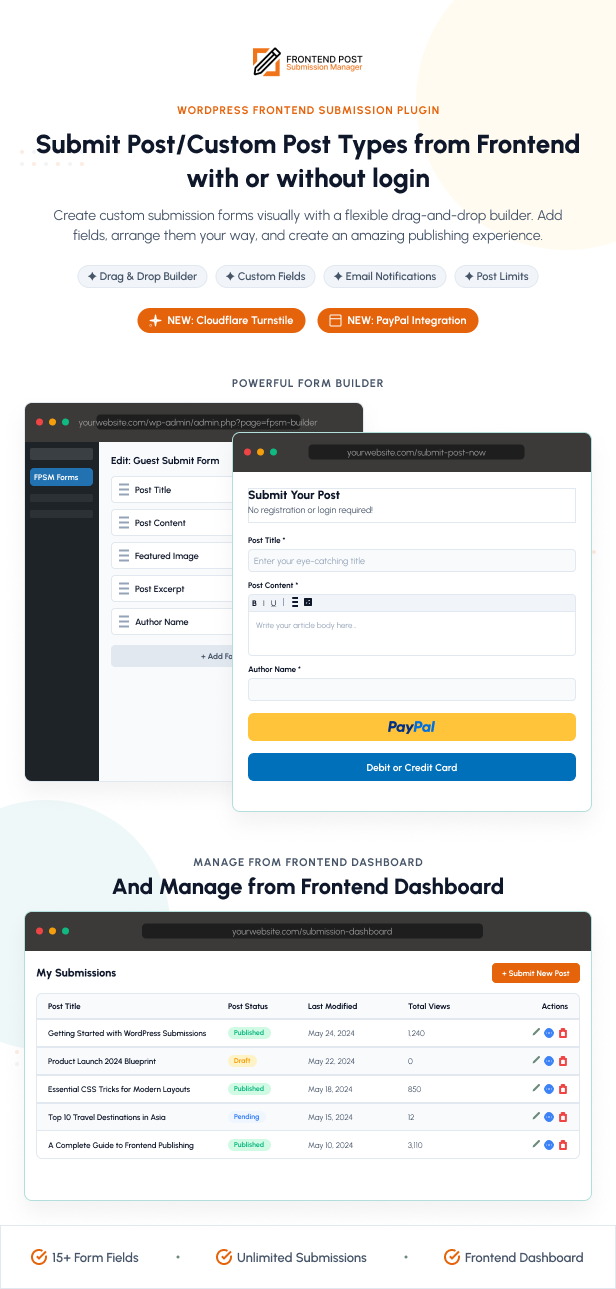
Create unlimited submission forms using the drag-and-drop form builder, add built-in WordPress fields, create unlimited custom fields, manage submissions through a configurable frontend dashboard, collect PayPal payments, send automated email notifications, and customize every form to match your website.
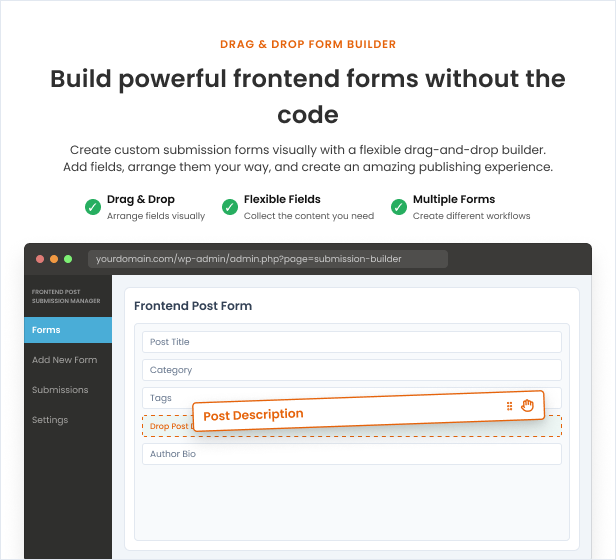
Powerful Drag-and-Drop Form Builder
- Create unlimited frontend submission forms
- Easy drag-and-drop field arrangement
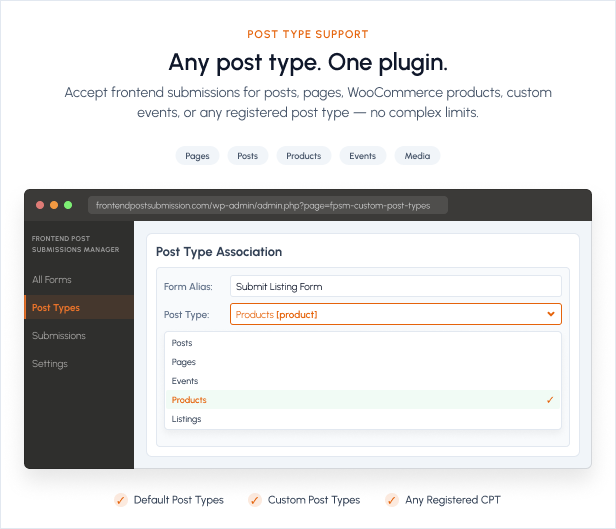
- Create separate forms for different post types and workflows
- Duplicate existing forms for faster setup
- Activate or deactivate individual forms
- Preview forms before publishing
- Embed forms anywhere using shortcodes
- AJAX-powered form submission
- Customizable validation and success messages
- Enable or disable individual form components
Logged-In and Guest Submission Forms
- Create forms for logged-in users
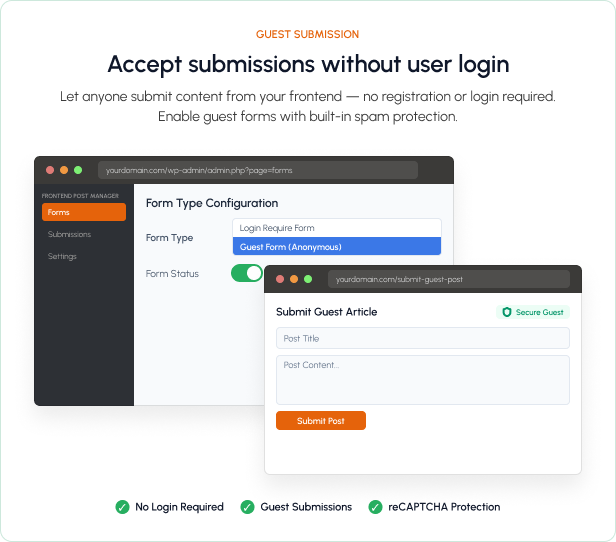
- Accept guest post submissions without requiring an account
- Collect guest author name and email address
- Display a customizable frontend login form
- Show a custom login-required message
- Redirect visitors to a selected login page
- Customize username, password, remember-me, button, note, and error labels
- Optionally protect the login form with CAPTCHA
WordPress Content Support
- Support for posts, pages, and registered custom post types
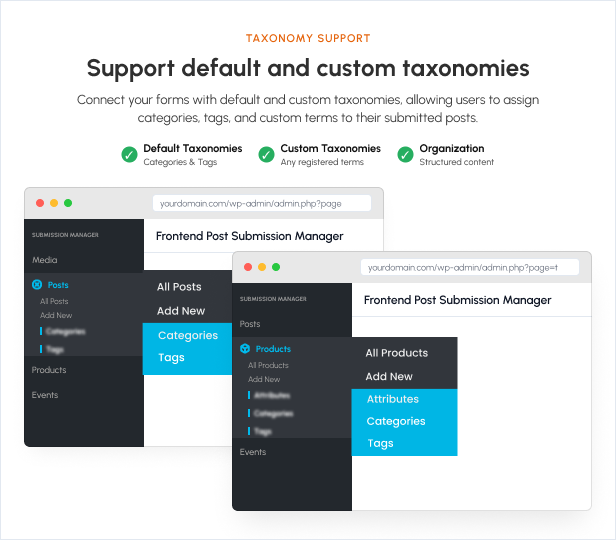
- Support for default and custom taxonomies
- Category, tag, and taxonomy selection fields
- Taxonomy fields can use dropdowns, checkboxes, text fields, multiple selection, or autocomplete
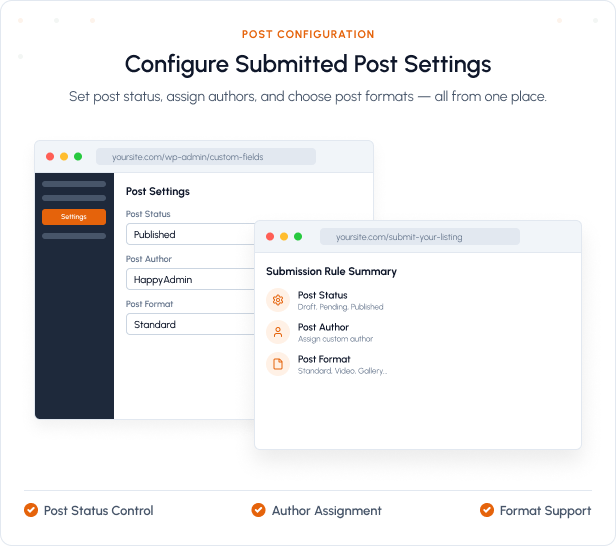
- Configure the default post status
- Configure the post author for guest submissions
- Support for post formats registered by the active theme
- Built-in fields for post title, content, excerpt, featured image, author name, and author email
Unlimited Custom Fields
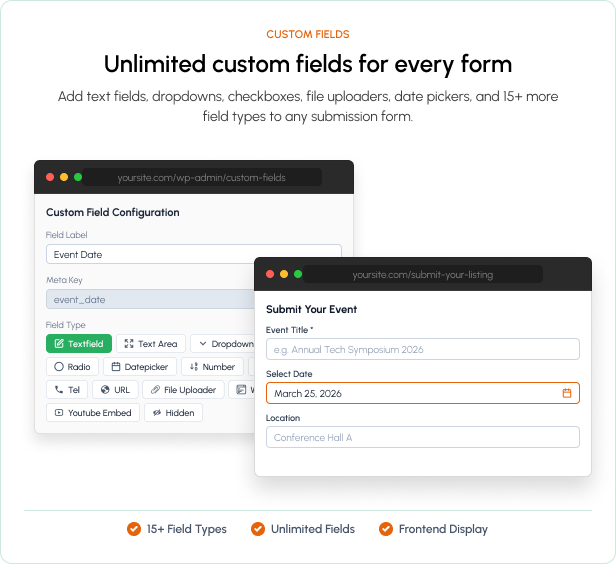
Add unlimited custom fields and save submitted values as WordPress post metadata. Available field types include:
- Text Field
- Textarea
- WordPress Editor
- Telephone
- Number
- Datepicker
- Dropdown Select
- Radio Buttons
- Checkboxes
- URL
- YouTube URL
- File Uploader
- Hidden Field
Advanced Field Configuration
- Required and optional fields
- Custom field labels and field notes
- Custom required-field error messages
- Minimum and maximum character limits
- Minimum and maximum numeric values
- Telephone number pattern validation
- Selectable date formats
- Inline or block display for checkbox and radio fields
- Rich text, visual, HTML, and textarea editor modes
- Configurable editor height
- Hidden fields supporting the current page URL, visitor IP address, request parameters, and predefined values
Frontend Custom Field Display
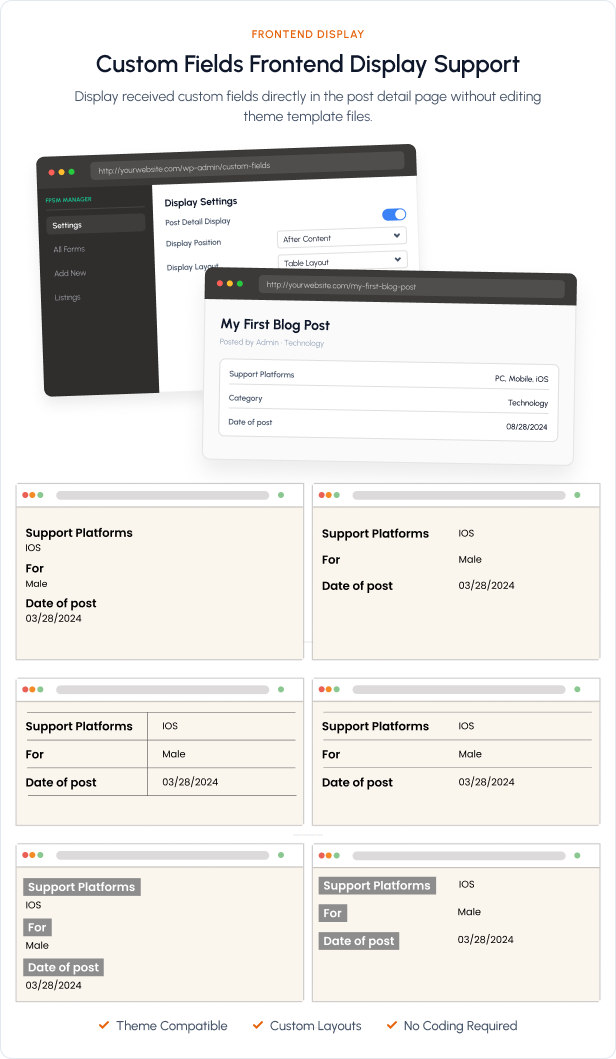
- Display submitted custom-field values on the frontend
- Show fields before or after the post content
- Configure custom display labels
- Choose from 6 custom-field display templates
- Display taxonomy terms as links
- Open supported links in a new browser tab
- Configure YouTube embed width and height
- Select image sizes for uploaded-image display
- View submitted custom-field values in the WordPress backend
File, Image, and Media Uploads
- Frontend featured-image upload
- Custom file-upload fields
- Single and multiple file uploads
- Configure allowed file extensions
- Configure maximum upload size
- Limit the number of uploaded files
- Custom file-extension, file-size, and upload-limit messages
- Attach uploaded files to the submitted post
- Insert images and other media directly into post content
- WordPress Media Library and custom uploader options
- Allow selected user roles to upload media without the standard upload capability
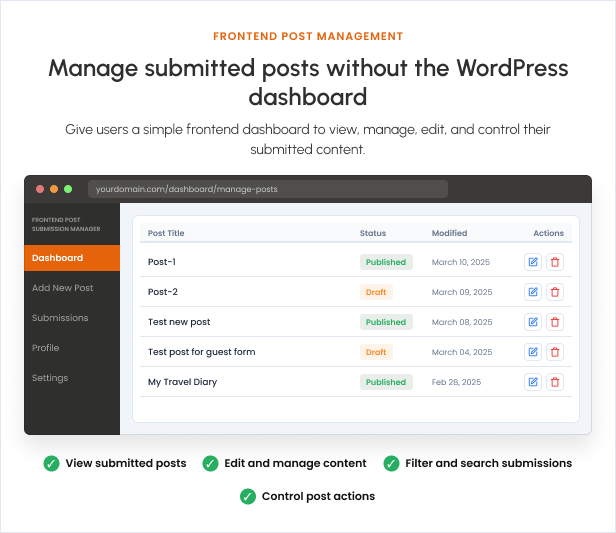
Frontend Post Management Dashboard
Give logged-in users a dedicated frontend dashboard where they can review and manage their submissions without entering the WordPress admin area.
- List submitted posts in a responsive dashboard
- Frontend post editing
- Frontend post deletion
- Customizable delete-confirmation message
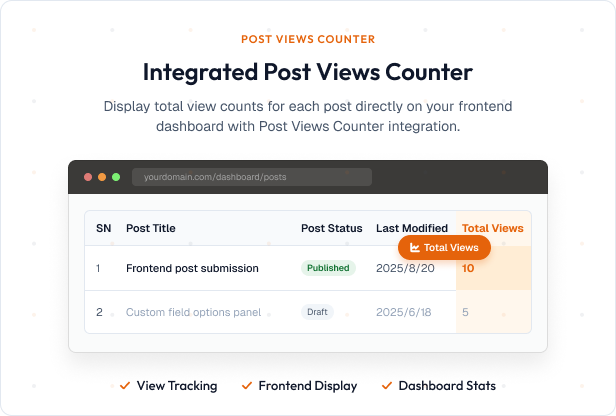
- Display post title, featured image, status, last-modified date, and available actions
- Optional serial-number column
- Optional post-view count when a compatible post-views plugin is available
- Configurable dashboard column labels
- Post-status filtering
- Post search
- Configurable posts per page
- Customizable previous and next pagination labels
- Disable editing for selected post statuses
- Disable deletion for selected post statuses
- Allow administrators to view submissions from all authors
- Optionally list all posts belonging to the logged-in author
- Add a direct frontend edit button below published post content
Flexible Submission Workflow
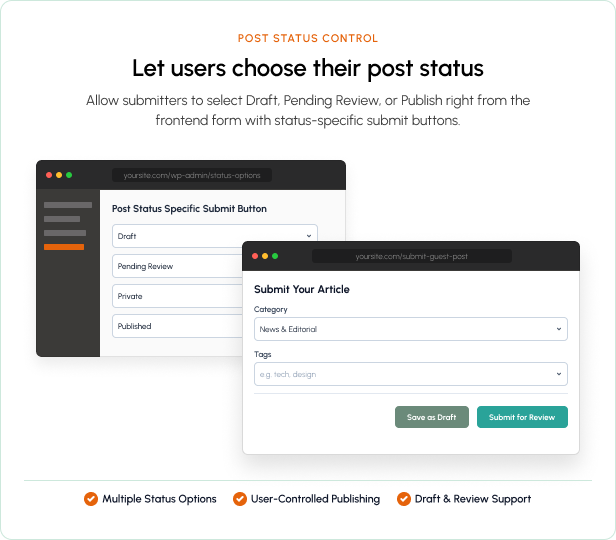
- Choose the status assigned to newly submitted posts
- Create multiple post-status-specific submit buttons
- Customize each button’s label, update label, and background color
- Display different success messages for different submission statuses
- Hide selected buttons from specific user roles
- Hide workflow buttons after a post is published
- Optionally skip required-field validation when saving drafts
- Disable selected email notifications for individual workflow buttons
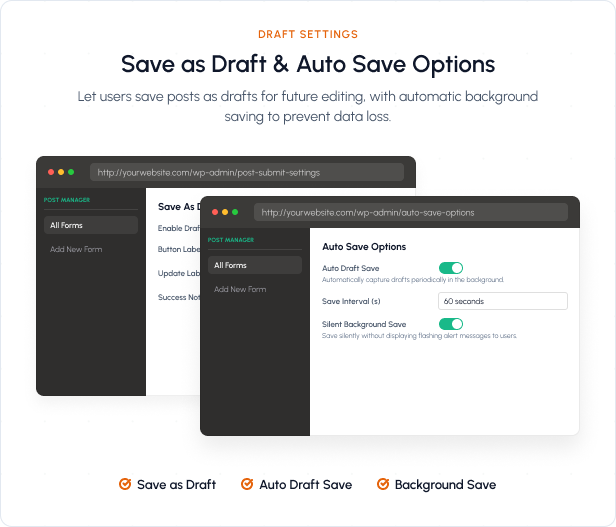
- Automatic draft saving at a configurable interval
- Optional background draft saving
Post Submission Limits
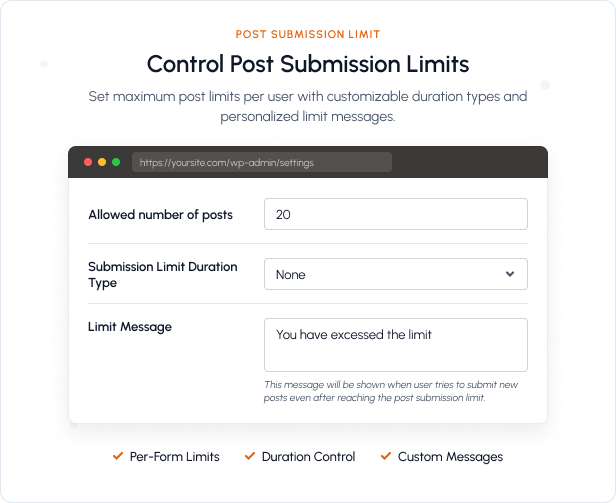
- Limit the number of posts each user can submit
- Configure the allowed number of submissions
- Apply hourly, daily, or unrestricted duration rules
- Display a custom message when the submission limit is reached
Redirection Options
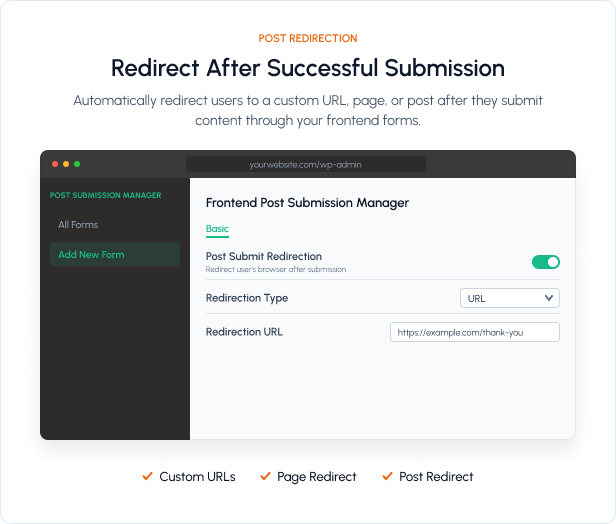
- Redirect users after successful post submission
- Redirect to a custom URL
- Redirect directly to the submitted post
- Configure a separate redirection after editing a post
- Display custom success and validation messages
Admin and User Email Notifications
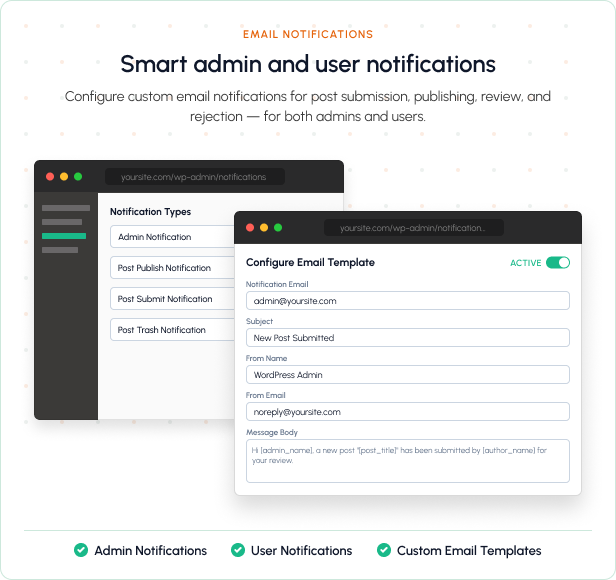
- Send submission notifications to the administrator
- Send notifications to multiple administrator email addresses
- Send confirmation emails when a post is submitted
- Send notification emails when a post is published
- Send notification emails when a post is moved to trash
- Customize email subjects, sender name, sender address, and message content
- Use dynamic placeholders for the author name, author email, post title, admin edit link, and frontend post link
- Enable or disable notification types independently
PayPal Pay-to-Post Support
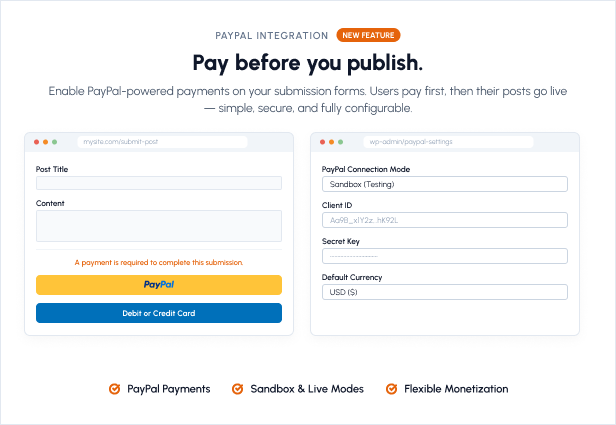
- Require a PayPal payment before completing a submission
- Set a payment amount for each form
- Configure the currency globally or per form
- PayPal Sandbox and Live modes
- Customizable payment notice displayed on the form
- Set the post status before payment
- Automatically change the post status after successful payment
- Track payment amount, currency, status, PayPal order ID, capture ID, payer email, and update date
- Dedicated payment-record management screen
Google reCAPTCHA and Cloudflare Turnstile
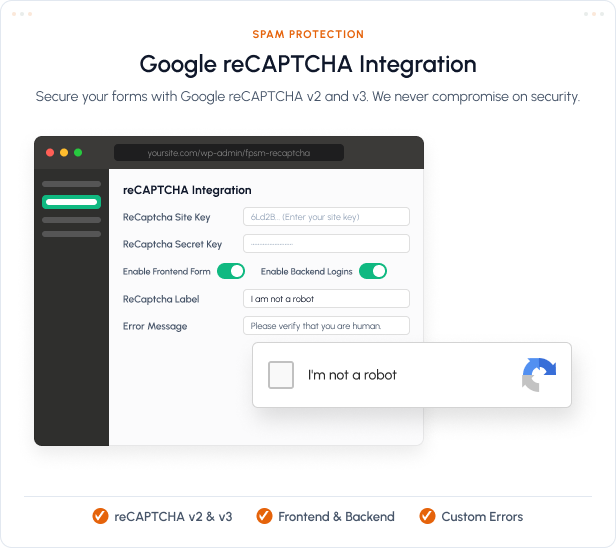
- Google reCAPTCHA integration
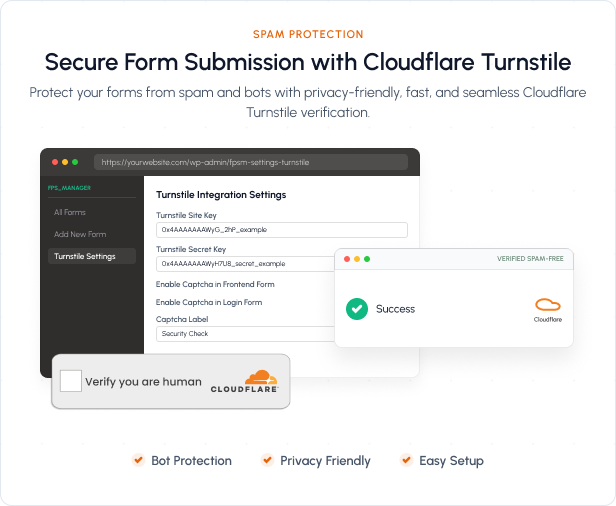
- Cloudflare Turnstile integration
- Protect frontend submission forms from spam
- Protect the frontend login form
- Configure separate site and secret keys
- Customizable CAPTCHA label and error message
- Nonce-protected AJAX requests for secure submissions
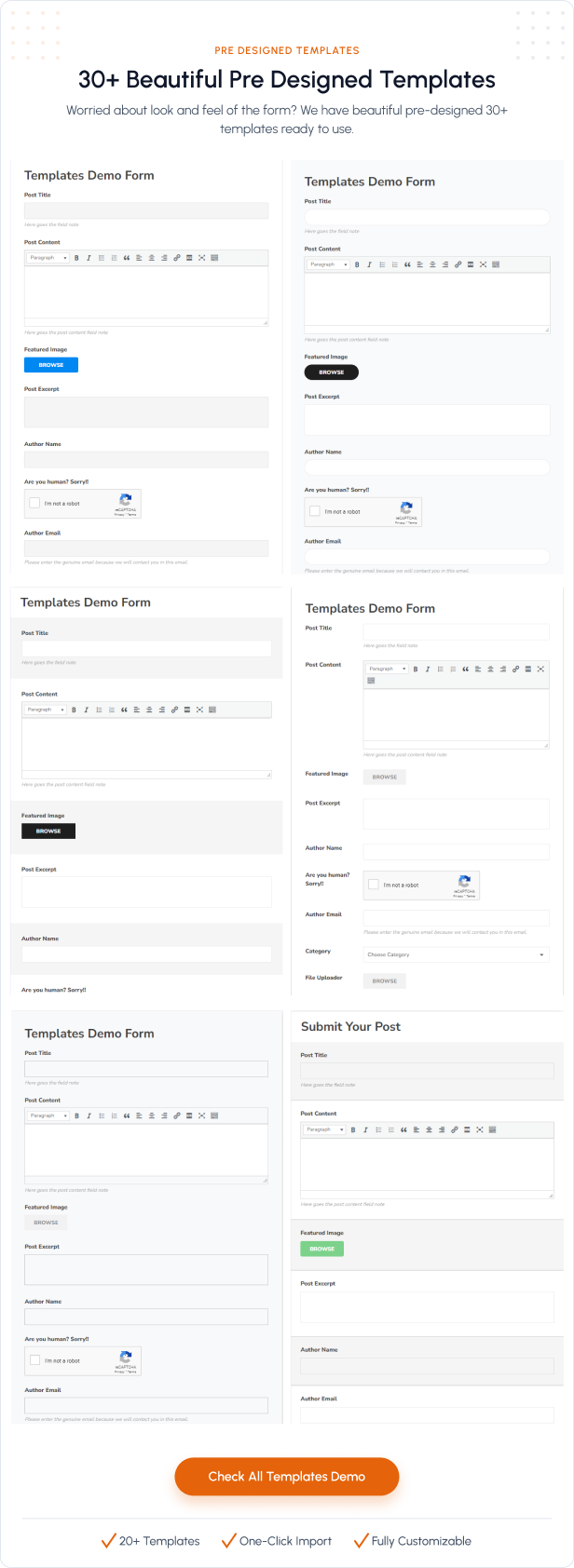
35 Pre-Designed Form Templates
- Choose from 35 ready-to-use frontend form templates
- Live frontend form preview
- Custom background-image support for selected templates
- Responsive layouts suitable for desktop, tablet, and mobile devices
Complete Design Customization
- Hide or display the form title
- Add custom CSS
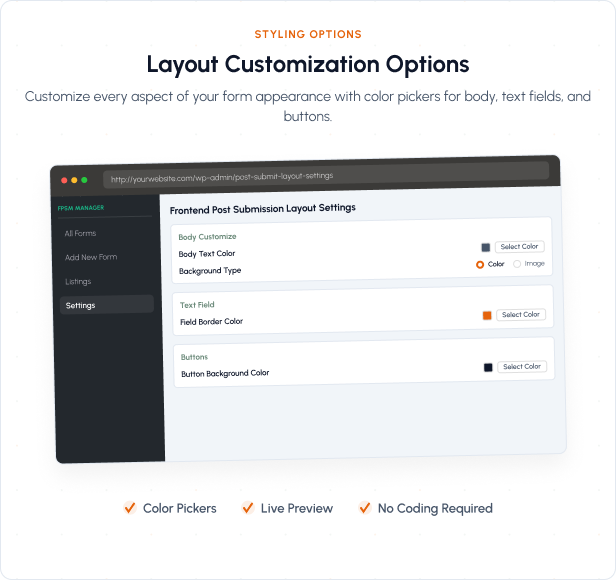
- Customize body title and text colors
- Use a background color or background image
- Configure background size and repeat behavior
- Customize field labels, text, borders, and backgrounds
- Customize button text, background, and hover colors
- Customize radio-button colors and checked states
- Customize checkbox colors and checked states
- Disable bundled Font Awesome or jQuery UI CSS when your theme already provides them
Developer-Friendly and Translation-Ready
- Developer hooks and filters for extending plugin behavior
- Developer documentation included
- Shortcode-based integration
- Translation-ready with a included POT file
- Compatible with modern WordPress themes
- Responsive and compatible with modern browsers
- Dedicated customer support
Perfect For
- Guest blogging websites
- Community publishing platforms
- Article and news submission websites
- Business directories
- Event and listing submission websites
- Job boards
- Paid content-submission websites
- User-generated content platforms
- Any WordPress website that needs frontend content publishing
Frontend Post Submission Manager gives you everything required to build a secure, flexible, and fully customizable frontend publishing workflow—without giving users access to the WordPress dashboard.
Support Resources


Change Log
1.5.2Fixed fields sorting issue1.5.1
Added PayPal payment support for frontend post submissions. - Added Cloudflare Turnstile CAPTCHA support for improved spam protection. - Added the fpsm_upload_filename filter for customizing uploaded filenames based on form, field, post, and upload sequence. - Added developer documentation and a filename customization example to the plugin Help section. - Improved payment and CAPTCHA compatibility across frontend form templates. - Fixed JavaScript and template issues introduced during the PayPal integration merge.
1.4.9
Added Cloudflare Turnstile Captcha1.4.8
Fixed few security issues Fixed current page url function issue1.4.7
Fixed login issue conflict with Profile Builder Plugin Fixed undefined variable warning in taxonomy field1.4.6
Fixed taxonomy loading issues Fixed multiple login form loading issueVersion 1.4.5
Fixed the text domain warning for WP Version 6.8 Fixed Youtube embed issue for short URLsVersion 1.4.4
* Fix: Admin UI conflict * Feature: Post Submission Time specific limit * Feature: Submit button hide after Post Publish
Version 1.4.3
* Added option to select specific terms to list * Added option to display post image in the frontend dashboard * Fixed responsive layout for the frontend dashboard
You can check our change log here too
https://wpshuffle.com/change-log/frontend-post-submission-manager/$25 |
Download |
4.9 average based on 55 ratings.

| Last Update | 2026-09-27 |
| Created | 2020-05-04 |
| Sales | 1305 |
| Discussion | Comments |
| Compatible Browsers | Firefox Safari Opera Chrome Edge |
| Software Version | WordPress 7.0.x WordPress 6.9.x WordPress 6.8.x WordPress 6.7.x |
| Compatible With | |
| Gutenberg Optimized | Yes |
| High Resolution | Yes |
| Files Included | JavaScript JS HTML CSS PHP |
| Video Preview Resolution |


