Follow The Path - Unity Mobile Game With AdMob (android & iOS)

Or download the test apk file and test it on your android device
To setup the AdMob ads follow these steps:
Go to Assets – > Google Mobile Ads -> Settings and put your app id (from your AdMob console) there. Open the script “Menus.cs” and put your rewarded ad id on line 60 and your interstitial ad id on line 72 for android and on line 74 for iOS.
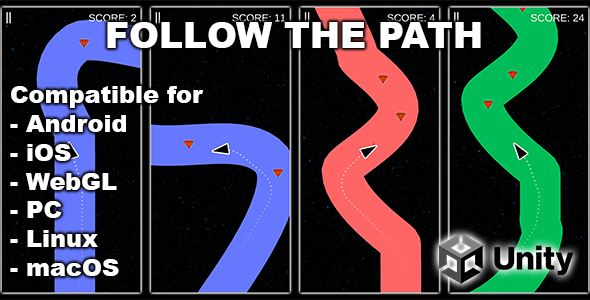
Touch the right and the left side of the screen to rotate the arrow. Follow the path without hitting the edge. As the game progresses the arrow begins to move faster and faster. Your goal is to score as much as you can. Collect the gems and use them to unlock new items in the shop menu
$19 |
Download |
0 average based on 0 ratings.

| Last Update | 2022-07-23 |
| Created | 2022-07-23 |
| Sales | 2 |
| Discussion | Comments |
| Software Version | Android 12.0 Android 11.0 Android 10.0 Android 9.0 Other |
| Files Included | Layered PNG |
| Video Preview Resolution | 526x1080 |
Search plugins
Browse Categories


