Flutter OSM Navigation Plugin
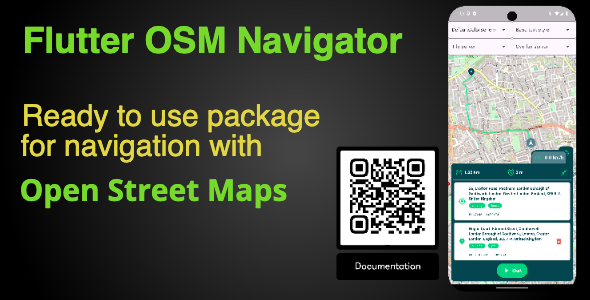

What’s included
- Flutter Osm Navigation Package (iOS, Android, Web);
Features
- Ready to use package for navigation with OpenStreetMap for Flutter apps;
- Easy for integration;
- Flexible settings;
- Code base;
- Demo app with example of integration;
- Clean and easy to read Dart code;
- Easy to extend and modify Clean Architecture;
- Responsive Design to any screen;
- Embedded free route services;
- Embedded free place service;
- High level of customisation;
- Well and structured documentation;
How to start?
By link below you can find all required information about how to setup environment, open and build the example project, how to integrate navigation in your own app.
Check our How To documentation. Follow

OSM Navigation Package
Mobile:


Web:


Description:
The package allows to integrate OpenStreetMap navigation widget into Flutter app.
You can use embedded route and places services, 3rd party services or your own. .
Here is the complete list of features:
Render OSM map using different tiles:
– you can set up package with any free or paid tiel service;
Supported additional OSM overlay:
– you can set up overlay tiles above the main card;
Embedded navigation component:
– ready to use navigation;
Supporting custom configuration for navigator:
– easy tu tune almoust any aspect of the navigation;
Supporting custom color and fonts schemes:
– use customization for following your app style;
Embedded routes providers:
– you would get a few route providers out of box;
Supporting custom route providers:
– easy to implement your own route provider;
Embedded Place service for reversal geocoding:
– place service out of the box;
Supporting custom Place services:
– smooth implementation your own Place service;
Easy integration:
– easy to integrate at your own app;
Comprehensive documentation:
– full coverage of all integration and customization issues, including a sample project;
0 average based on 0 ratings.
%20(1).png)


